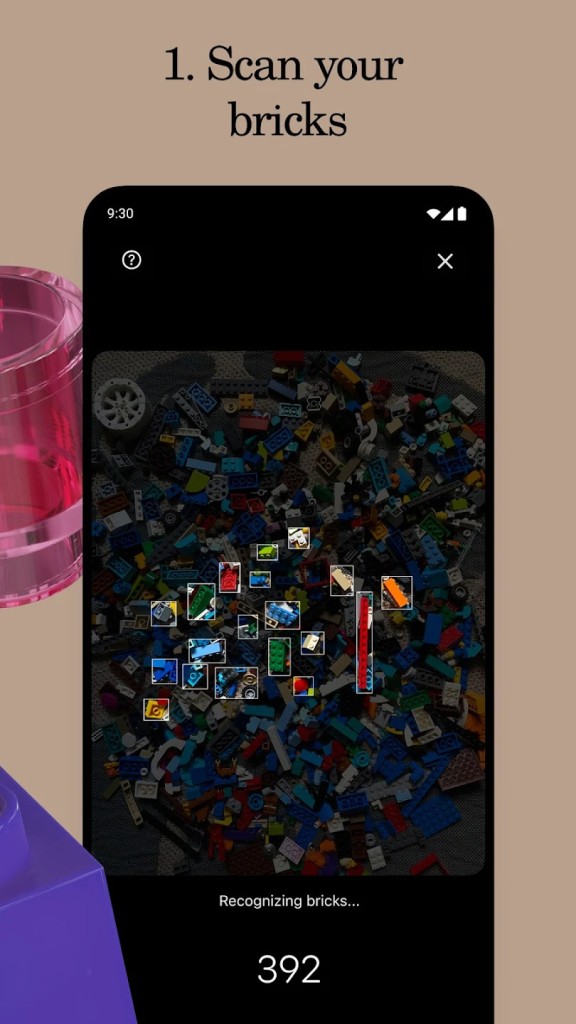
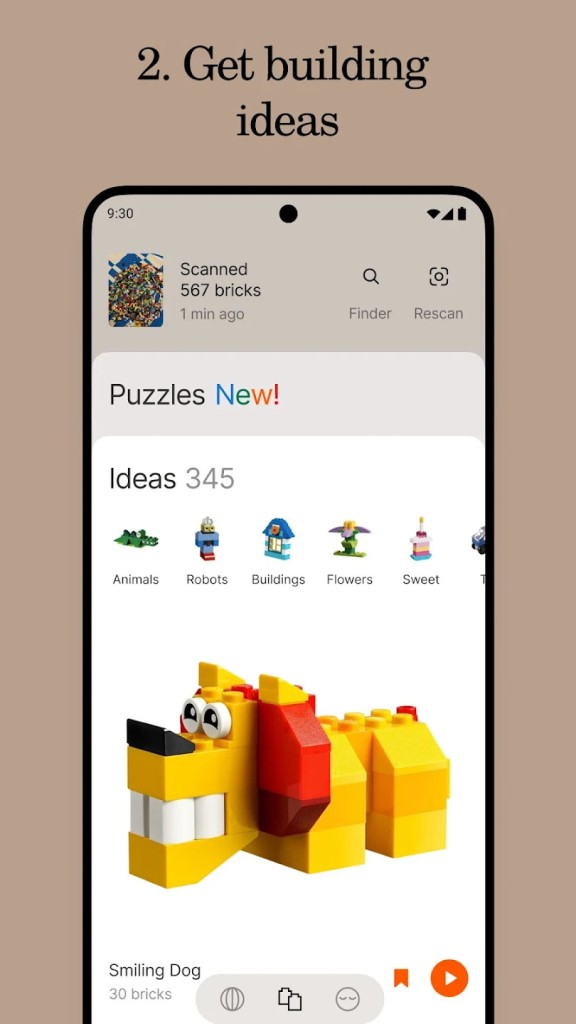
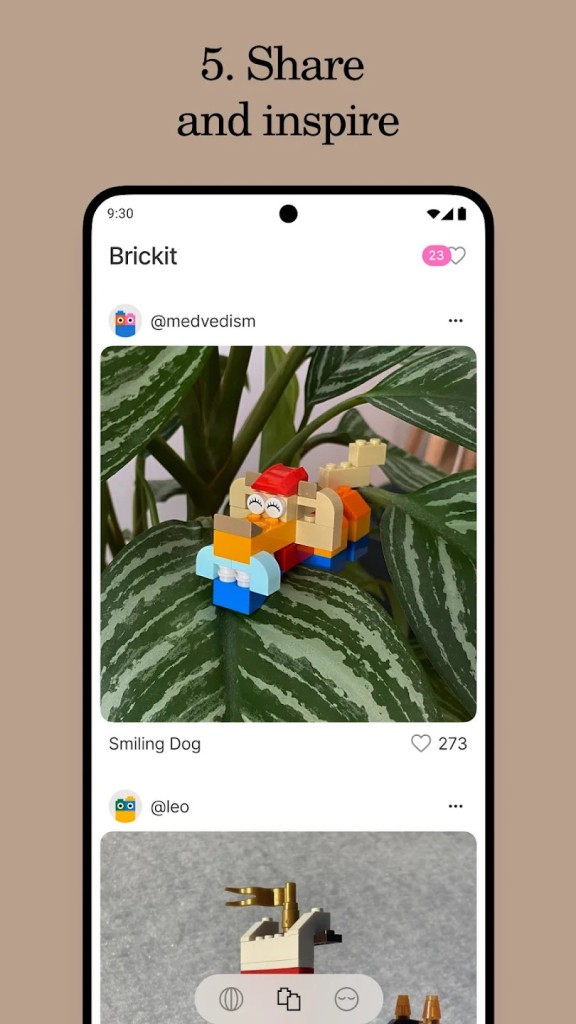
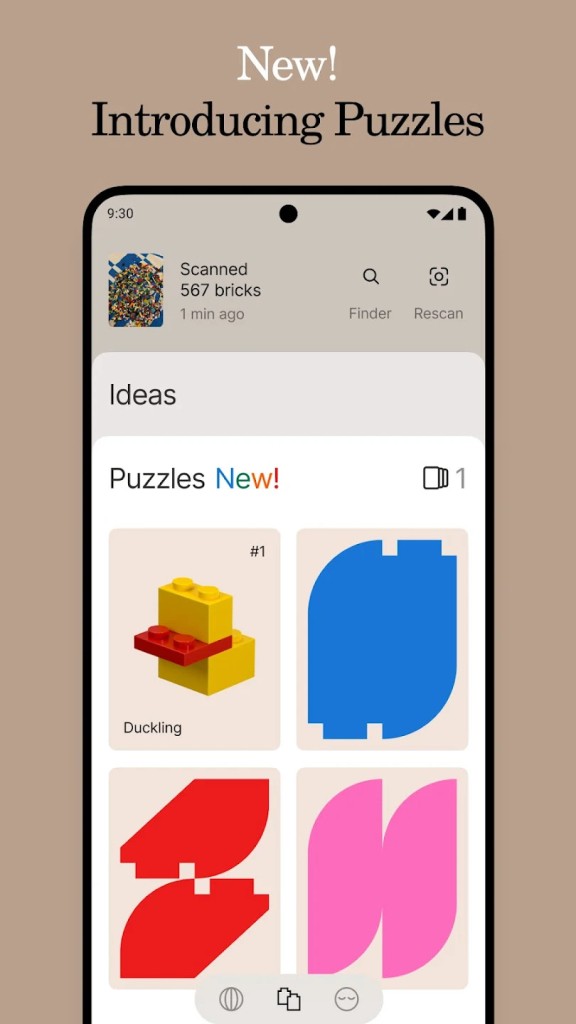
Brickit App is a tool designed to give new life to bricks that sit forgotten in boxes or drawers. You spread them out, take a photo, and the app uses machine learning to recognize pieces, count them, and catalog them. From there, it offers suggestions for what you can build, giving you choices that match the parts you already have. Robots, airplanes, animals, vehicles, or even unexpected things like a pineapple with sunglasses can appear as suggestions.
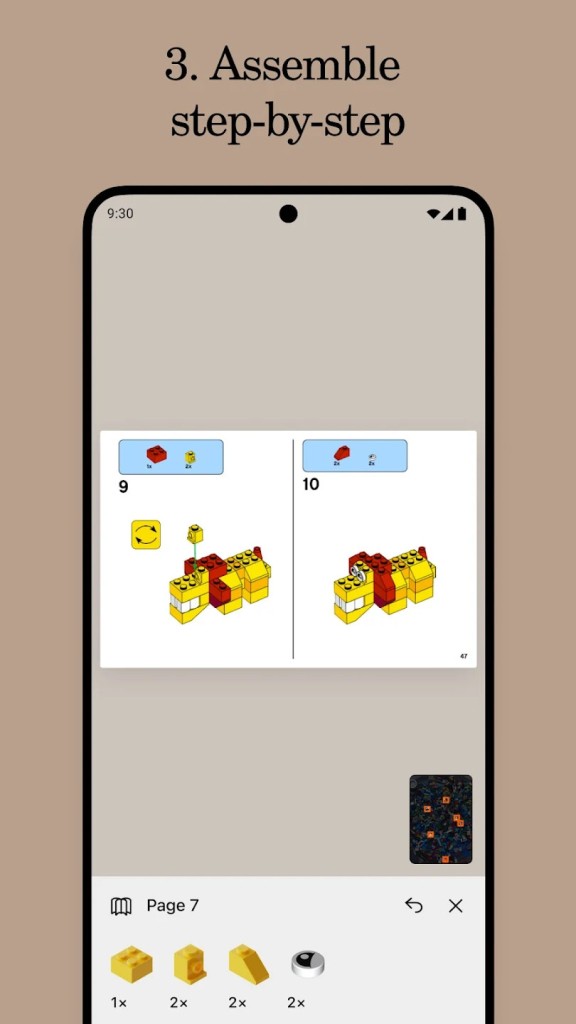
It is more than a scanner. It gives you ideas and then provides instructions to follow. These instructions are step-by-step and show you where each brick fits. You are not limited to those instructions, because the app encourages improvisation and creativity. You can treat it as a guide or simply a starting point, taking what it gives you and building off your own imagination.
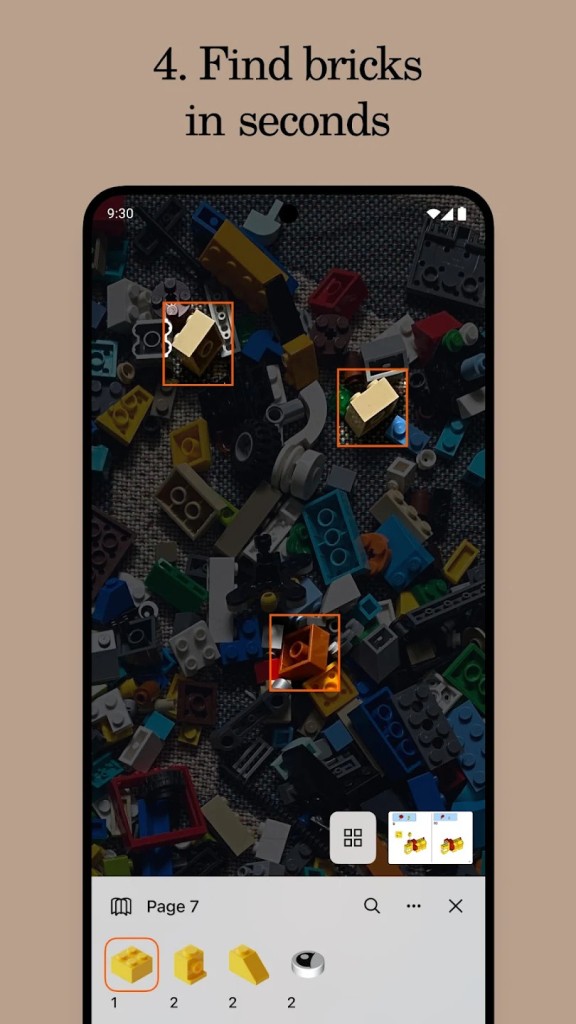
Another function inside the Brickit App is the ability to find specific bricks in a pile. If you are missing one brick that is essential to a build, you can search for it in the catalog and the app highlights where that piece is in your photo. This solves a common frustration for builders of all ages who otherwise spend too much time digging through piles.
Brickit App was created by enthusiasts who wanted to combine building with technology. It is not tied to any official brand and was never made as an official LEGO product. It is independent, born from a simple frustration of a parent and child searching through bricks and finding it too tedious. The team behind it has experience in large tech companies, and they applied those skills to create something lighthearted and creative for families and builders everywhere.
Why Should I Download Brickit App?
You should download Brickit App because it takes something you already own, your LEGO bricks, and gives them a new purpose. Many people have boxes of old bricks sitting untouched because the process of finding pieces or deciding what to build feels overwhelming. This app takes that pile and transforms it into a starting point for new projects.
It reduces the wasted time that comes with searching for parts. Instead of frustration and giving up halfway, you get suggestions right away. The app handles the identification of pieces, and you get to focus on building and enjoying the process. For parents, this means less time watching children get stuck and more time joining them in building. For hobbyists, this means projects that might never have been started become possible again.
Creativity is the main reason to download. Brickit App does not lock you into a rigid path. Instructions are provided, but they are optional. You can follow them strictly, or you can use them as inspiration and build something entirely different. It supports that sense of play where there is no wrong outcome, only different ways to enjoy the pieces you have.
Another reason is how Brickit App extends family activities. Children ages three to seven are at the core of the audience, but adults enjoy it as much as kids do. It becomes an activity that parents and children share, building together without the stress of constantly searching for missing bricks. It creates interaction and fun that goes beyond screens, because the phone guides the process while the real activity happens with hands and imagination.
Is Brickit App Free?
Brickit App is free to download and use. The core functions, such as scanning your bricks, identifying pieces, and suggesting builds, come without cost. You can open it, spread out your bricks, and start creating without paying anything upfront.
There is also a Pro subscription that adds additional features. Brickit Pro is an auto-renewing subscription handled through the app store of your device, whether that is Google Play on Android or iTunes on iOS. Payment is charged to your account after confirmation of purchase. Renewal takes place within twenty-four hours before the current period ends unless you turn it off in your account settings.
If there is a free trial period offered, it is forfeited once you decide to purchase a subscription. Users can manage subscriptions directly in their account settings. So, in short, Brickit App is free for everyone to start using. You can enjoy its main features without cost, and if you want to expand its potential, you can subscribe to Pro. It is a choice rather than a requirement, which makes the app accessible to anyone with a pile of bricks.
What Operating Systems Are Compatible with Brickit App?
Brickit App is compatible with iOS and Android. You can download it through Apple’s App Store for iPhones and iPads, or through Google Play for Android devices. The functions are available across both systems, including scanning piles, recognizing bricks, suggesting builds, showing instructions, and highlighting specific pieces.
Updates are provided regularly on both platforms to improve accuracy and add features. Since the app is based on machine learning, compatibility with iOS and Android allows it to learn from a wider user base, which helps refine recognition accuracy over time.
You can manage Pro subscriptions in the same way across both operating systems, directly in your device account settings. Whether you use an iPhone or an Android phone, you get the same chance to breathe life back into your old bricks with the same set of features.
What Are the Alternatives to Brickit App?
One of such alternatives is BrickLink Studio. It is a computer-based design program that allows you to make models with a great variety of virtual bricks. You are also able to create directly on your computer and sketch out intricate designs before embarking on them with your real collection. It is more of a digital design than scanning actual piles, and among advanced builders who prefer to have control, it is a solution to consider.
Another alternative is BrickSearch for LEGO Sets. This application is dedicated to the search of LEGO sets as well as collection tracking. It also helps the collectors who wish to organize sets and locate those pieces that are missing. Although it does not scan piles like the Brickit App, it allows users to worry about the organization of collections and filling of gaps.
LEGO Builder is an application of the LEGO Group. It contains step-by-step instructional building tips on how to build official sets, and lets you follow along digitally during the process. It can be highly recommended to individuals who purchase and construct official LEGO sets and seek to be directed in a structured manner. It does not involve improvising with unexpected piles, in the way that Brickit App does, but it is of great value to those who adhere to official set designs.