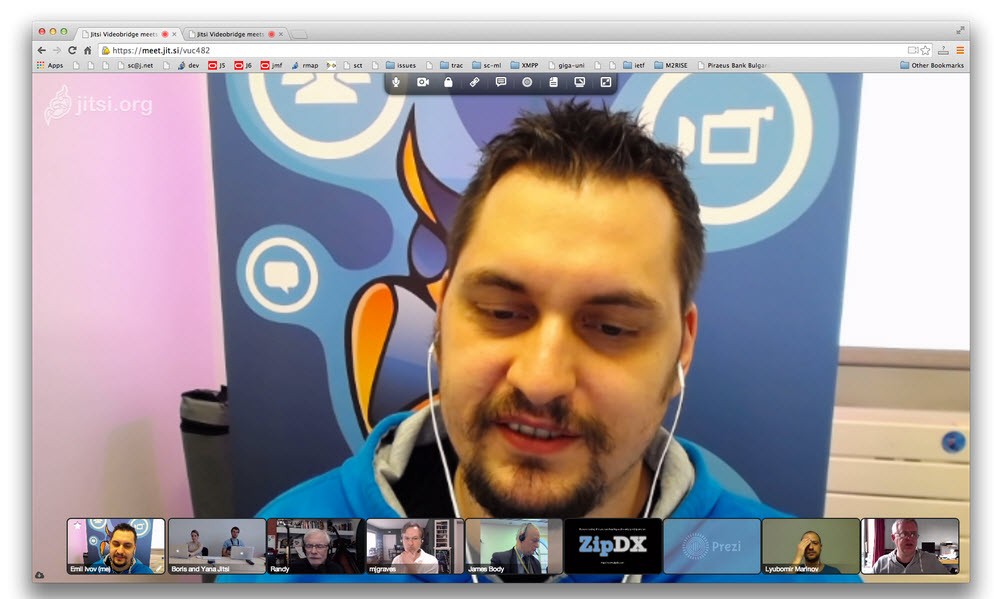
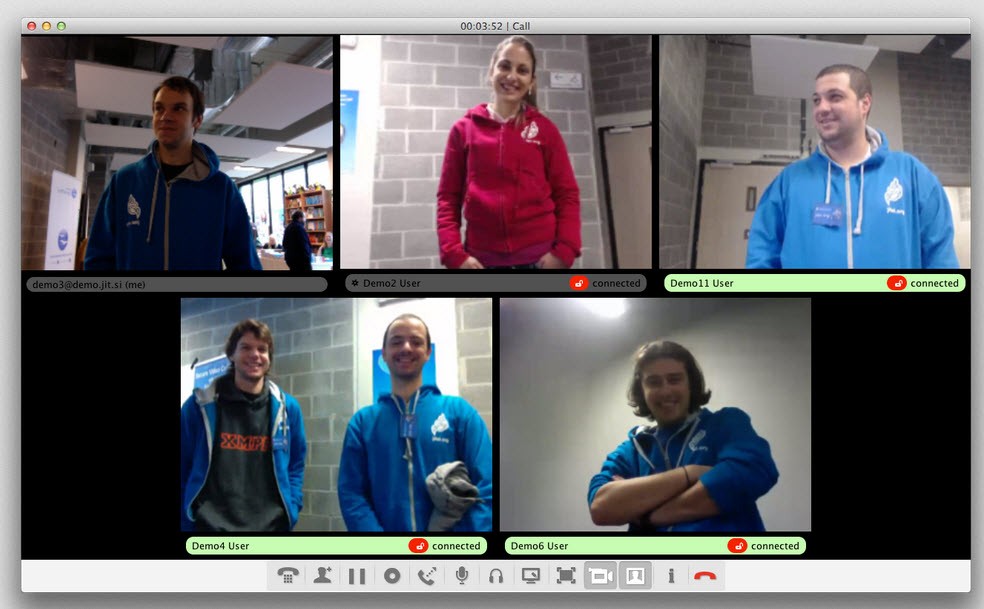
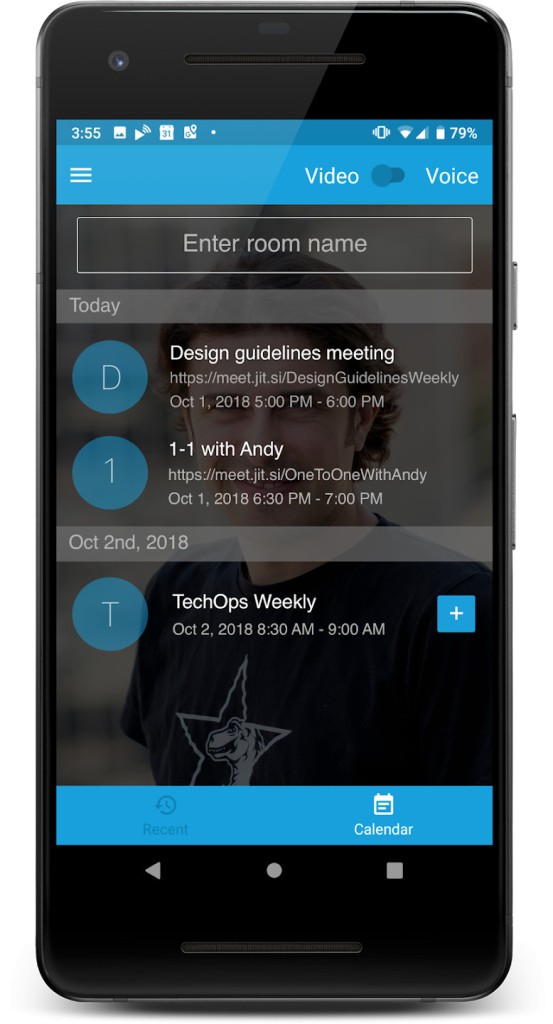
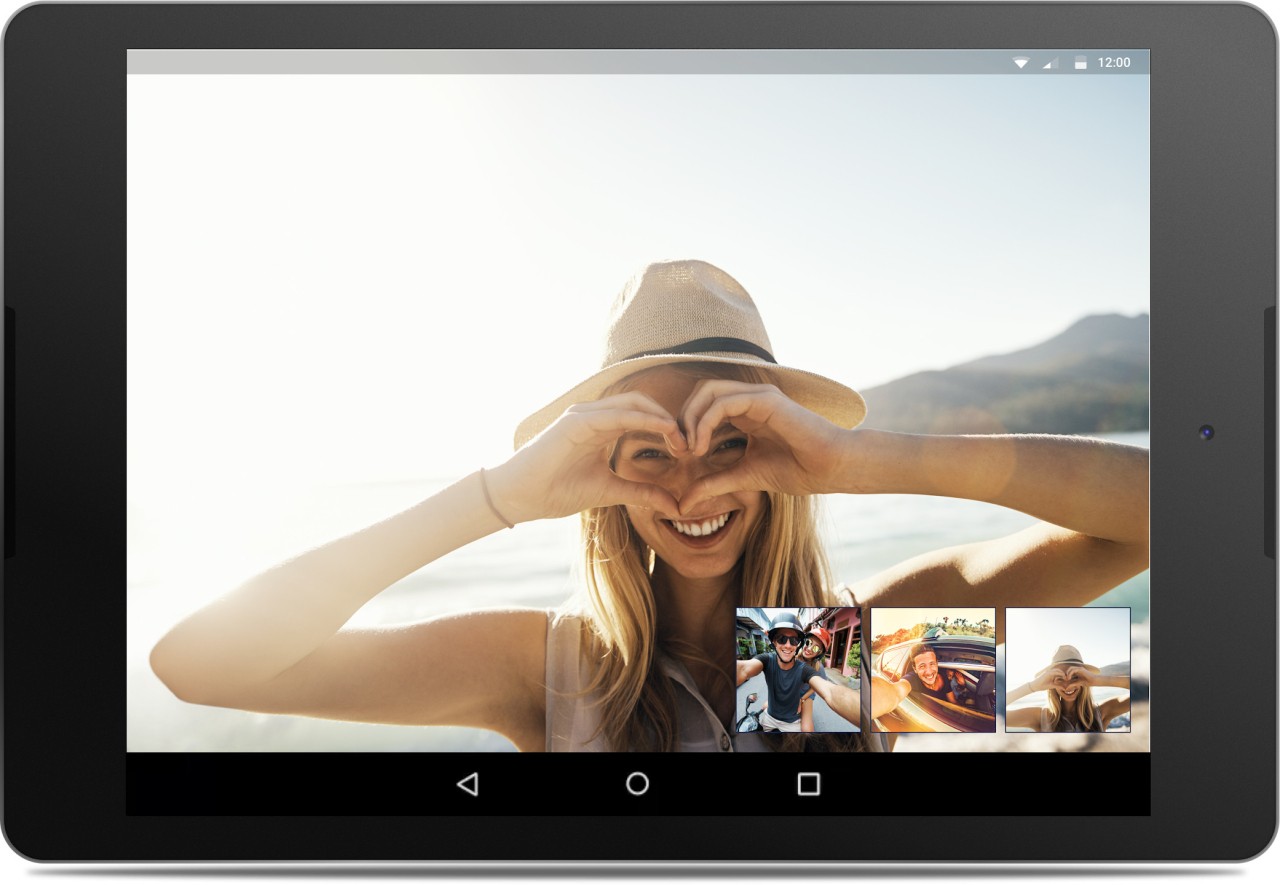
Users can utilize Jitsi Meet's open-source video conference application without requiring any accounts or needing to sign up because this application lets people host and join virtual meetings instantly. The Jitsi ecosystem provides Jitsi Meet as one of its secure, privacy-focused communication solutions. The developers of this tool implemented an approach that provides an easy and simple way to conduct virtual meetings. Through its smoothly operated platform, Jitsi Meet provides spectacular audio and video features for all types of group conversations, including official meetings. Its distinctive feature is its absence of time constraints when it comes to running meetings. People have complete flexibility to keep talking for an unlimited period of time, since Jitsi Meet does not restrict meeting durations.
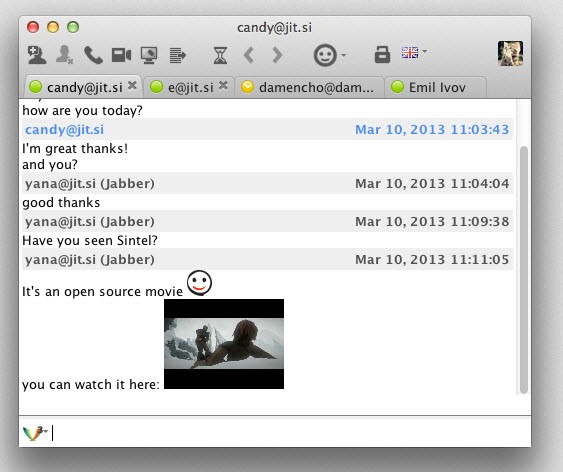
Those who access the tool through their browser can avoid installation requirements when using it via desktop or laptop. The software supports Android and iOS applications through which users can join meetings from diverse areas. Jitsi Meet offers three fundamental features, including screen sharing, session recording, and live chat capabilities that help people build more effective and interactive meetings. The tool provides strong security because Jitsi Meet implements end-to-end encryption to protect the privacy of all conversations.
The key benefit of Jitsi Meet arises from its capability to operate with other platforms, together with its implementation for self-hosting purposes. Through their own Jitsi Meet servers, organizations, along with businesses, gain total authority to manage their data collection and communication activities. The platform offers configuration options through which users can modify their network interface, together with operation components for particular workplace requirements. The broad usage spectrum of Jitsi Meet ensures comprehensive appeal, since users of every kind find value in the platform for work-related teamwork and personal social connections.
Why Should I Download Jitsi Meet?
Jitsi Meet stands out as an appropriate choice for secure video conferencing because it offers complete reliability without requiring users to accept any undisclosed terms. People select Jitsi Meet mainly because of the adaptable features it provides. Jitsi Meet stands apart from typical video communication tools because it maintains unlimited meeting lengths and basic functions free of charge through its standard platform. People gain complete independence by hosting Jitsi Meet on their own servers because they avoid both lengthy registration steps and third-party server storage of their data.
Jitsi Meet gives high-definition video and audio quality, which remains stable regardless of network conditions. The app provides exceptional features for meetings between users with various internet connections and diverse geographical locations. This platform functions effectively for both family gatherings and office reunions, so individuals can use it to meet their personal and professional needs. Screen sharing and session recording, combined with the built-in chat feature, enable this tool to serve various types of situations.
Online privacy constitutes a major factor that makes Jitsi Meet worth downloading. You can maintain meeting confidentiality because Jitsi Meet operates through open-source principles and employs robust encryption procedures. Jitsi Meet offers complete user control since it lacks the data collection practices of mainstream conferencing platforms, which store information externally. User-hosted server deployment enables full independence from third parties.
Jitsi Meet gives users full customization control to adjust its appearance and features to suit both branding needs and operational requirements. The platform connects to other collaboration tools, which lets them boost their work operations without hunting between different programs. The versatility of Jitsi Meet enables organizations to conduct remote team administration just as effectively as to host online workshops because its flexible features make it a dependable solution.
The application provides its video conferencing services free of charge as a unique feature in its category that delivers extensive advanced features. The platform serves as an excellent substitute when you want to replace pricey video conference plans that provide seamless meeting continuity. Jitsi Meet functions as an adaptable solution that delivers its features free of charge to meet any requirements your organization needs.
Is Jitsi Meet Free?
Jitsi Meet is completely free to use. All users have total access to Jitsi Meet's features because the application falls under the open-source model and does not require subscriptions or licensing payments.
When running both personal gatherings and business conferences through Jitsi Meet, you obtain its entire functionality free of cost. When you choose to self-host Jitsi Meet, you gain both control and customization ability through a completely free service.
What Operating Systems Are Compatible with Jitsi Meet?
Jitsi Meet functions on numerous operating systems, which means users find it very easy to access. They can access Jitsi Meet, functioning on desktop systems through Edge, Chrome, Firefox, or any other web browser, without requiring software installations.
You can also download the Jitsi Meet client on your computer with Windows, macOS, or Linux operating systems.
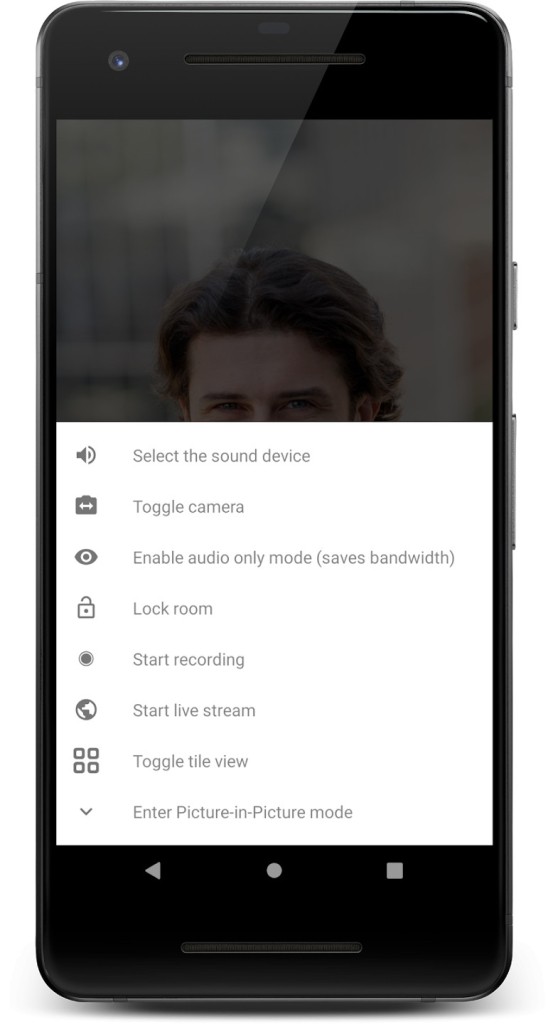
Jitsi Meet's mobile applications are compatible with both Android and iOS systems, allowing users to initiate or participate in meetings from their handheld devices. The system supports multiple platforms, allowing different devices to interact seamlessly without any technical difficulties.
What Are the Alternatives to Jitsi Meet?
The video conferencing service Jitsi Meet is great, but alternative solutions exist for video calls. Google Meet functions as one prominent replacement solution among other video conferencing alternatives that belong to Google Workspace. People use Google Meet both in their workplace and for personal meetings because it connects seamlessly to Google Calendar and Google Drive applications. Jitsi Meet delivers high-definition video combined with high-definition audio alongside its built-in capabilities for live transcription and screen presentation features. Time-limited free meetings exist along with subscription-based advanced features in the free version of this service. Jitsi Meet offers better customization abilities and self-hosting choices compared to Google Meet, which becomes convenient when used within the Google platform.
The business platform Microsoft Teams stands strongly against other video conferencing systems because it fulfills professional requirements for corporate meetings. Microsoft Teams functions as a Microsoft 365 application and matches seamlessly with Word, Excel, PowerPoint, or OneNote applications, which belong to the same suite. File sharing, together with persistent chat and calendar integration functions, allows Teams to promote collaboration between users. Businesses, together with educational organizations, strongly support the platform, while its unlimited version presents duration-based restrictions for those who require free solutions. Microsoft Teams requires you to create an account, which reduces the usefulness of spontaneous, impromptu meetings.
The video conferencing service Zoom has grown to become a well-known choice, which people mainly use for virtual meetings. This application stands out because it provides multiple essential functionalities, including virtual backgrounds and the ability to split rooms and record meetings. Zoom operates frequently as a solution for webinars and business conferences, yet its free edition restricts users to 40 minutes in group sessions. The platform is open to all users, but privacy concerns have arisen, particularly because people question its data encryption security measures. Zoom provides comprehensive meeting features; however, it is likely not the optimal platform for people who need maximum control over their data security.