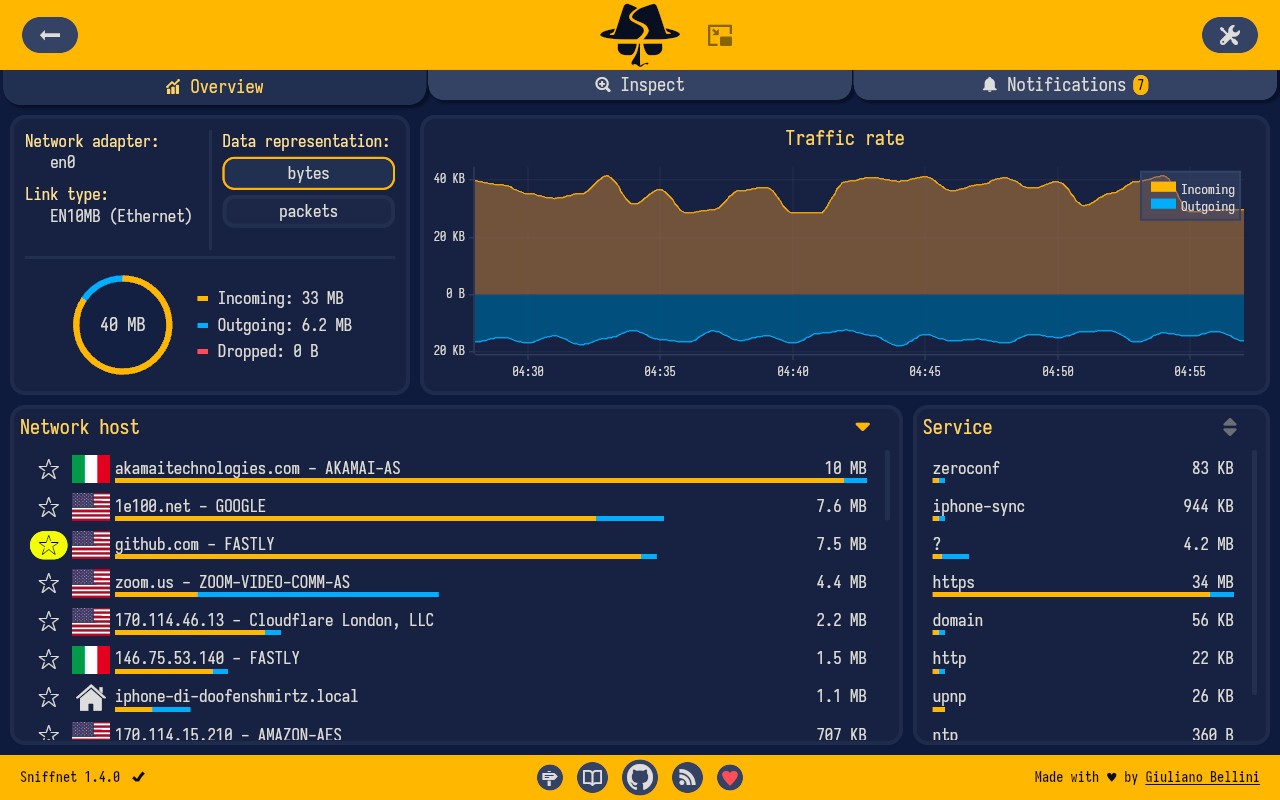
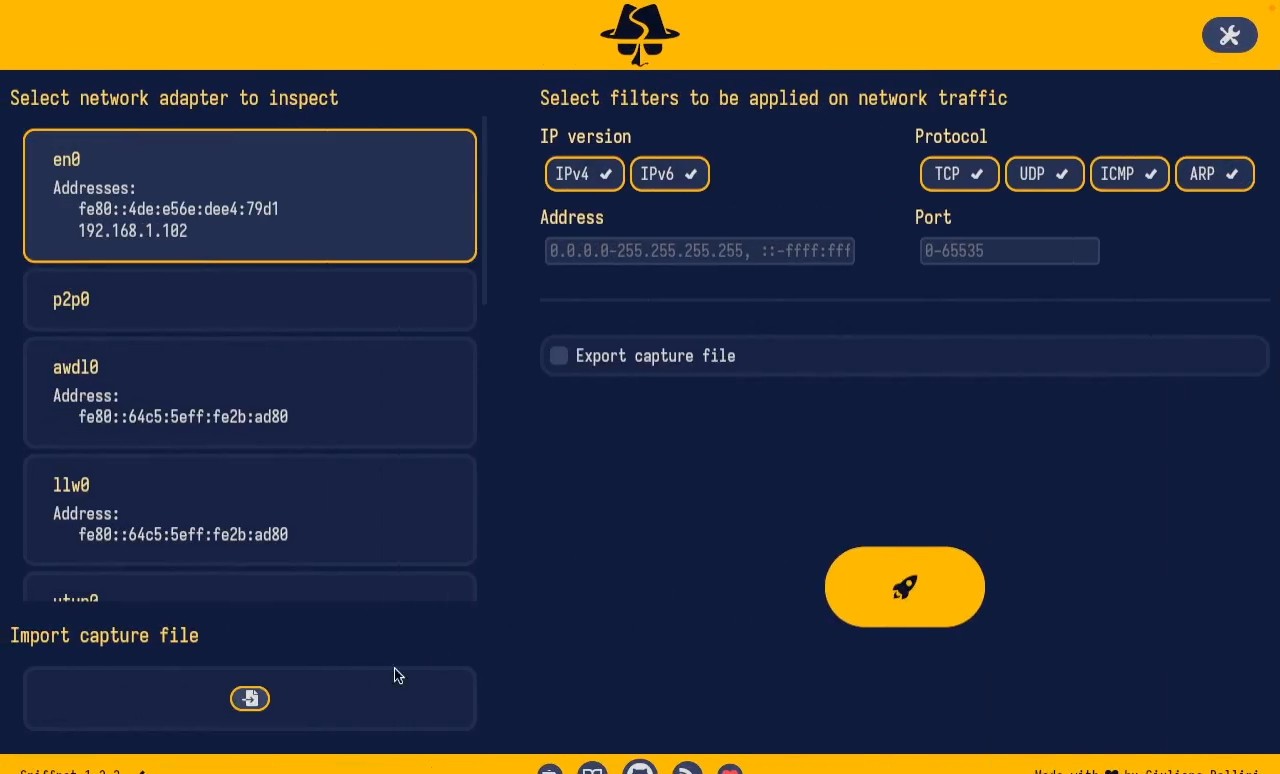
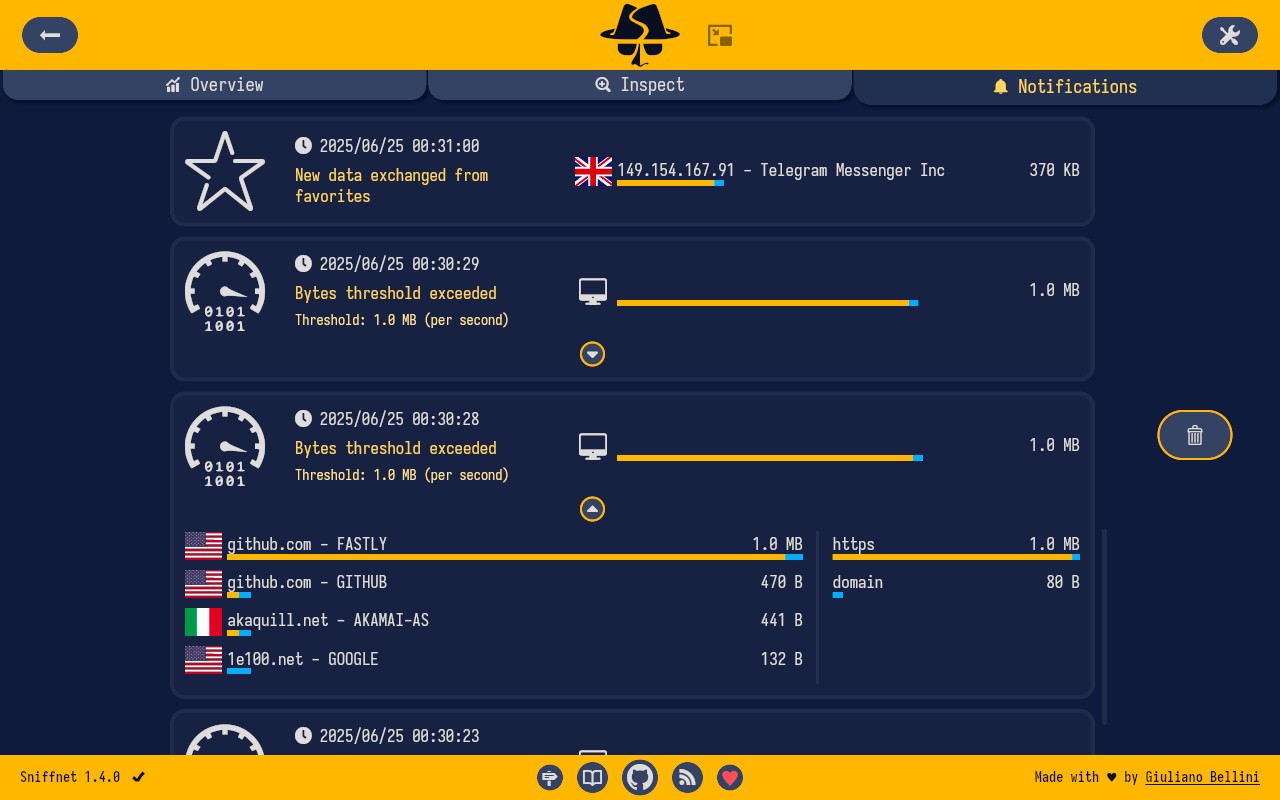
sniffnet is a small but powerful network monitoring tool that tracks your device’s live internet traffic. It's not bulky. It doesn’t come in volumes of tech jargon. Instead, it puts simplicity back into something that feels too complicated so often. You are installing it, you are opening it, and shortly after, you’re viewing where your network traffic is going, what your apps are using it and how that network traffic is behaving. Not in excessive or crushing terms, just tidy graphs that can update whilst you’re playing, and easy visuals that show you what you need to know.
It doesn't pretend to be a bigger thing. It’s not trying to be a security suite or a firewall with ten tabs and hundreds of switches. It’s just here to assist you in watching your network flow without stress. If you’re curious whether something is quietly hogging your bandwidth, or you want to see which app suddenly started flooding the network with connections, then sniffnet quietly lets you know. You don’t have to be an expert to do it. Normal users who want to see clearly are the people it’s made for. That’s it. A tiny little app that listens when you want it to.
Why Should I Download sniffnet?
Maybe you have been on your computer and seen it slow down, or you notice your data going faster. You can blame your browser, you can blame the background updates, or your internet provider. Unless you’ve got something like Sniffnet, you’re really just guessing. Sniffnet helps you to peek beneath the surface. It provides answers to small everyday questions. What’s eating my internet right now? Is this app hooking up to something weird? Why does my connection feel strange at this very moment?
That’s where sniffnet helps. It displays your network activity in real time, and you don’t have to look up ten menus or decode raw data to get what you’re seeing. The interface is built as something that is supposed to be opened by regular people. You decide what you will see, and there it is, right in front of you. You can, if you want to, see which app is active. If you wish to see a breakdown of traffic defined by location or protocol, there you have it. It saves your time by being to the point and easy to read. You needn’t learn it. You just look.
The other reason why individuals select sniffnet is the fact that it runs quietly. Takes little memory. It doesn’t hammer your CPU. You won’t feel it until you need it. That’s good design. It’s that it steps out of the way and lets you work, or game, or stream, and only interrupts when you want to dig. Others make it a form of early warning system. When your connection is starting to lag, you open up sniffnet and in seconds, you may see some process pulling ten times the data it should be. Sometimes it’s just an update. Other times, it’s something you didn’t know was even running. Just by knowing that you are in control.
There’s the peace of mind part too. You’re not using this to make you paranoid or hyper-vigilant. You’re using it to keep you informed. Because in a world where every app wants to remain constantly connected, sniffnet provides you the power to know what’s going on behind the stage without ever having to get a technical degree in the first place. You can be unconscious of the need to trust that nothing weird is going on. There it is for you to see.
It’s not a flashy app. It doesn’t try to be. But it is honest. And that honesty is the reason why it works. For you transparency buffs, for you if you ever wanted to know what your machine was doing when you weren’t looking at it, for you clarity-lovers, sniffnet is worth keeping.
Is sniffnet Free?
Yes, sniffnet is free. You don’t need to pay to use it. Nothing is locked behind any paywall; everything stays unlocked. It’s open source, community-supported, and developed for customers who simply need to see their network clearly without a subscription-based model behind it.
What Operating Systems Are Compatible with sniffnet?
sniffnet runs under Windows and Linux, and both versions are actively supported. The app works well on major modern systems and does not need a high-spec machine. It’s lightweight and doesn’t require much space or memory. The installation process is very easy, and the installation process does not contain unnecessary steps. If your device can support standard applications, and it has access to the internet, then sniffnet will run without a hitch. There’s no official support for macOS right now, so Mac users might have to find something else to use or run it via virtualization.
What Are the Alternatives to sniffnet?
If sniffnet seems to be of use, but you’d prefer something slightly different or more feature-rich – you have a couple of other tools to check out.
One of the most popular of all is Glasswire. It is wrapping network monitoring into a very visual interface. You end up with graphs, charts, alerts, and even firewall control-all of it right in there. It’s targeting style and substance-seeking users. You get a lot more detail on what’s going on in your network, with a little extra noise. For those who love a dashboard that includes everything, Glasswire is an attractive choice. However, it is for more advanced users or those who like to tweak and customize heavily.
Another alternative is checkmk. It’s very different in scope. Sniffnet is not so much a monitoring system on whole networks or infrastructures as checkmk is. While sniffnet looks at your local machine, checkmk is not something you just open up to find out why your laptop is lagging, but if you operate more than one system and need a scaled tool then checkmk is impressive. It is not a casual user product, but it is an extremely good tool in that market space.
Lastly, there’s Simplewall. It’s not a head-on competitor to sniffnet, but it is in the same arena. Simplewall is more like a traffic blocker and controller than a traffic watcher. You can use it to block all unwanted apps from getting on the internet, and instead choose to approve trusted apps only by hand. It’s perfect if you care more about controlling access rather than just spying. It’s also light and very efficient – although its interface is more technical, it requires a little patience at first.