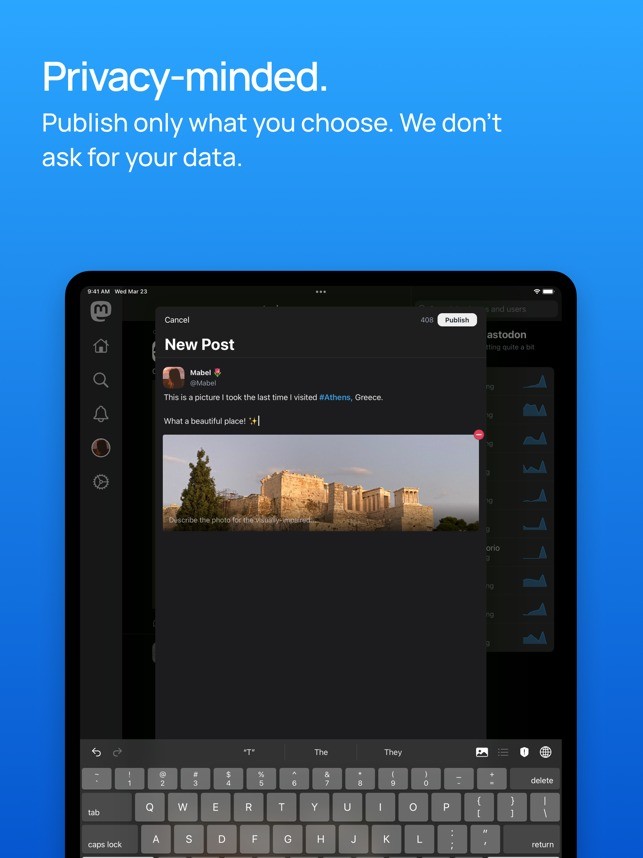
Mastodon offers you access to a free social media platform that runs on independent servers and creates its own interconnected network called Fediverse, which isn't owned by any corporation. On Mastodon, you can create posts up to 500 characters and add different images and media, reply to other users, and favorite their messages, so it supports all the features known from other platforms like X (Twitter).
You can create or join an instance, and each can have specific rules, language, and moderation style. Whatever server you choose, you still get access to messages from other instances and can freely interact with them. There are three different views: Home, where you can see content from users you follow; Local, which includes posts from your instance; and Federal, which shows messages across different instances.
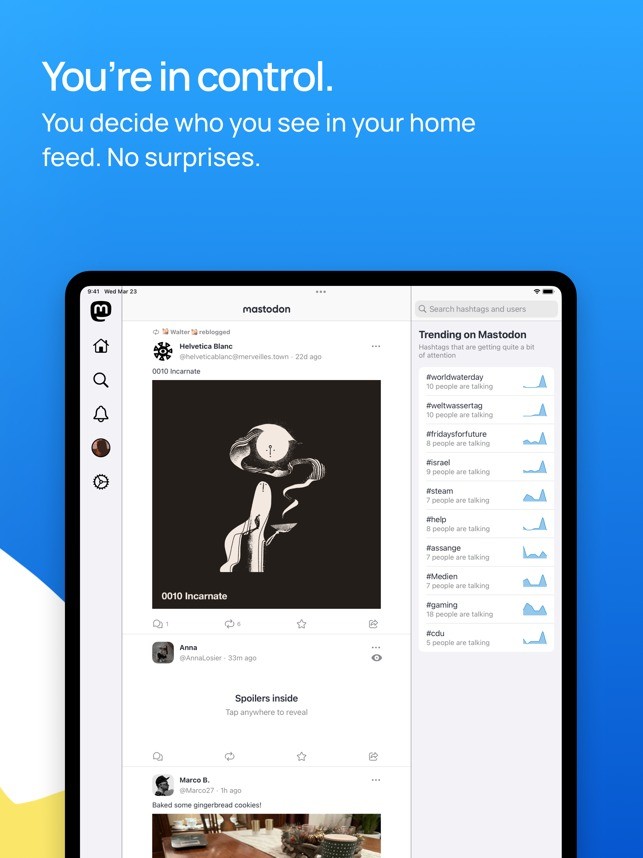
Since there are no ads or boosted posts, when you view posts on Mastodon, they are displayed in a chronological timeline that is not run by engagement algorithms or other methods. Mastodon also offers built-in content warnings, a robust filtering system, and the option to set flags for sensitive posts. You can download Mastodon on iOS and Android devices and use its web service through a browser.
Why should I download Mastodon?
You should be using Mastodon if you're a person who's concerned about security and wants to have control of your data. This platform focuses on user choice, decentralization, and privacy, and it's not controlled by a single company, unlike other popular social media. Mastodon is created by thousands of independent servers, called instances, where each of them has its own theme and moderation rules.
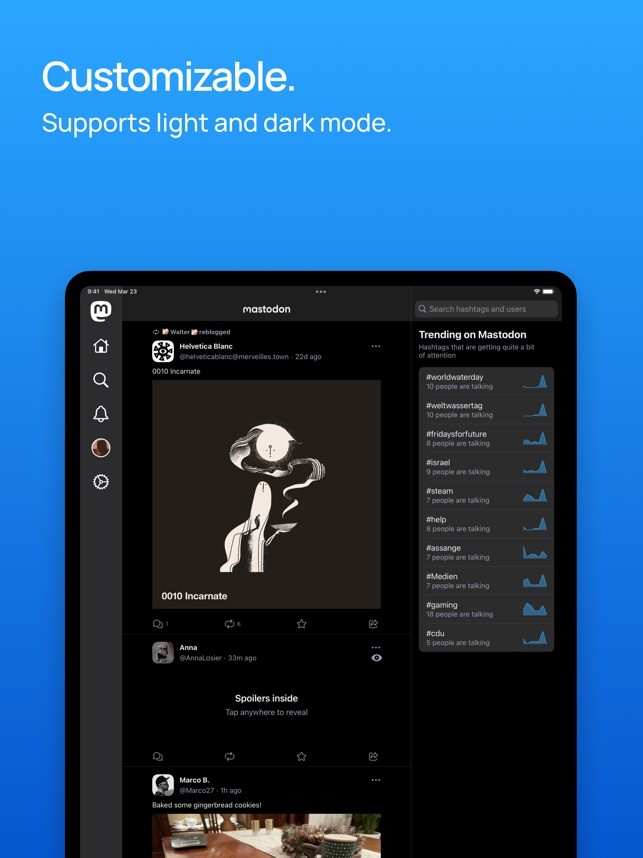
As you create your account, you can choose your instance based on the theme, which will become your primary community. You are not limited just to this one server; you can still freely interact with users outside your instance while maintaining local control. You have three timelines you can browse where: the Home one displays posts from people you follow, Local shows news from your instance, and Federated lists public posts across the network. They all follow a chronological timeline, and you see posts as they happen.
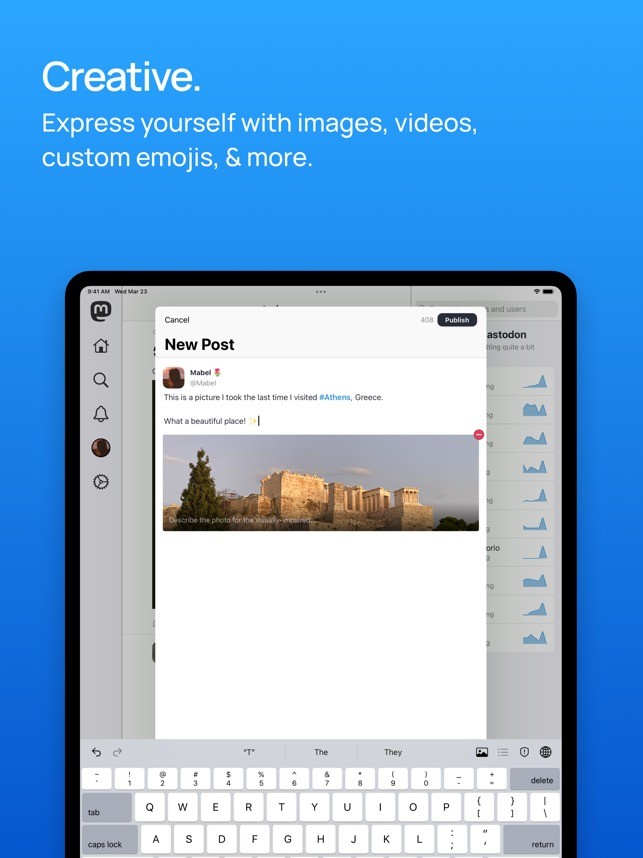
Posts on Mastodon are called toots, and they can have up to 500 characters by default (though certain instances can increase the limit). You can also add hashtags, images, videos, or even content warnings for sensitive topics. The content isn't curated by algorithms or fired by engagement metrics, so you get no ads, promoted posts, or shadowbans since Mastodon wants to highlight transparency and open-source guidelines.
There are also granular privacy settings you can use to make your posts unlisted, visible only to your followers, or create them as direct messages. If you include a content warning, users need to opt in to view it. You can block, mute, or filter through keywords for more control over what you see.
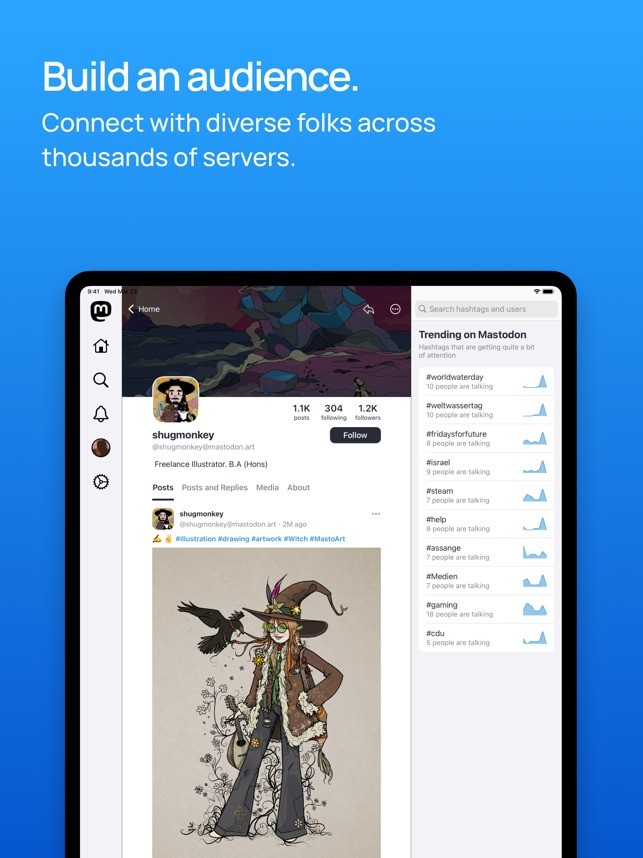
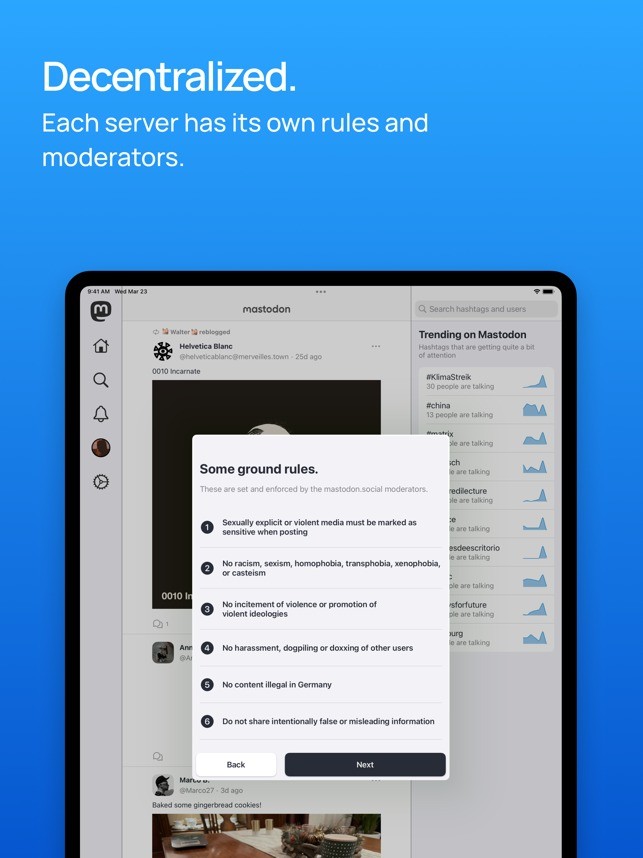
Mastodon also has a distributed moderation model where the instance administrator enforces local rules and can unlink from servers that don't meet their standards or are considered toxic and abusive. Each instance is usually dedicated to a community centered around a topic, so you can choose a server that focuses on art, science, activism, or local regions, to name a few. You still have access to the broader network, and different organizations or public figures can create their own instances to connect with fans.
You can download Mastodon mobile apps, and they support push notifications, views of your timelines, and tools for posting, which is standard for social media platforms. The content on Mastodon can be organized into Lists, but you can also pin important posts or create polls for your community.
Is Mastodon free?
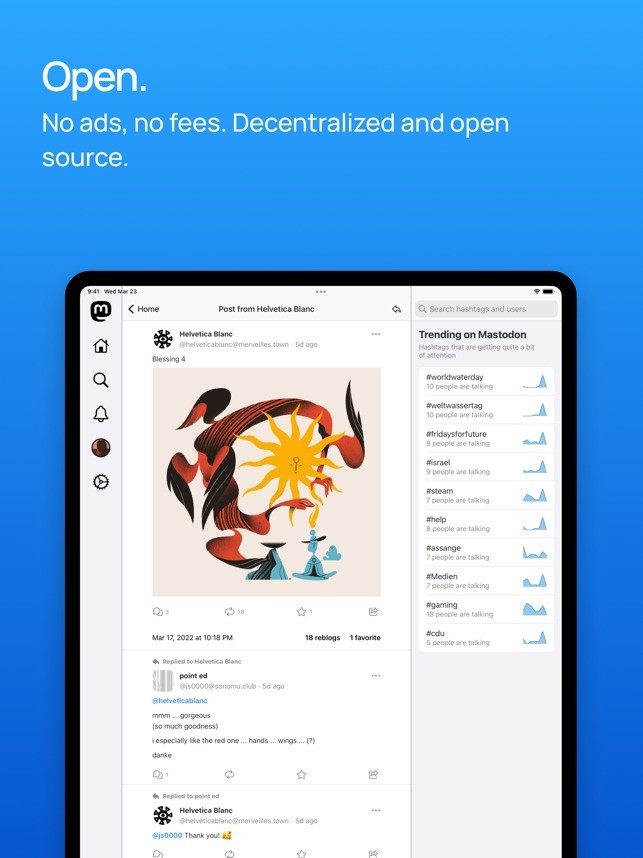
Yes, you can use Mastodon completely for free as it's an open-source project focusing on user agency and choice, so there's also no advertising or data tracking. Downloading Mastodon mobile apps also doesn't cost anything.
Donations or non-profit organizations can maintain instances, though it's not required to run a Mastodon server. Since the platform is distributed under AGPL, every user can download, modify, or host their own version without any cost.
What operating systems are compatible with Mastodon?
Since Mastodon is a web service, you can use it on any modern browser, such as Google Chrome, Mozilla Firefox, Microsoft Edge, Safari, and others, and on any operating system.
To download official Mastodon mobile apps, you need to have iOS 14.0 or later or Android starting from version 8.0.
There are also desktop clients called Toot!, Sengi, and Whalebird that you can download on Windows, macOS, and Linux computers.
What are the alternatives to Mastodon?
Developed by the creators of Twitter, Bluesky is a decentralized social platform where you can create posts up to 300 characters, create custom feeds, or even set up your own domain for your profile. It's still a fresh network with rather basic moderation tools, but it offers a similar level of user control as Mastodon and is completely free. Bluesky runs on the AT protocol, and you can either use its web service or download dedicated apps for iOS or Android devices.
X (formerly Twitter) is a popular app for sharing news and opinions and getting into conversations with different communities. You can upload audio files and create longer posts in different formats, but the service has a subscription model for verifying users. While the fundamentals of X are available for free, you get to see posts boosted by algorithms and ads displayed based on the data the service tracks about you.
Threads (by Instagram) is an alternative offered by the creators of Facebook, Meta, that allows you to create short-form posts and integrates smoothly with your Instagram followers. It's a simple network that makes it easy to engage in direct conversations, but it's still under development, and new features are constantly being released. You can download Threads on iOS and Android devices, and there's also a simple web service, but you need to have a Meta account to use all the features of this platform.