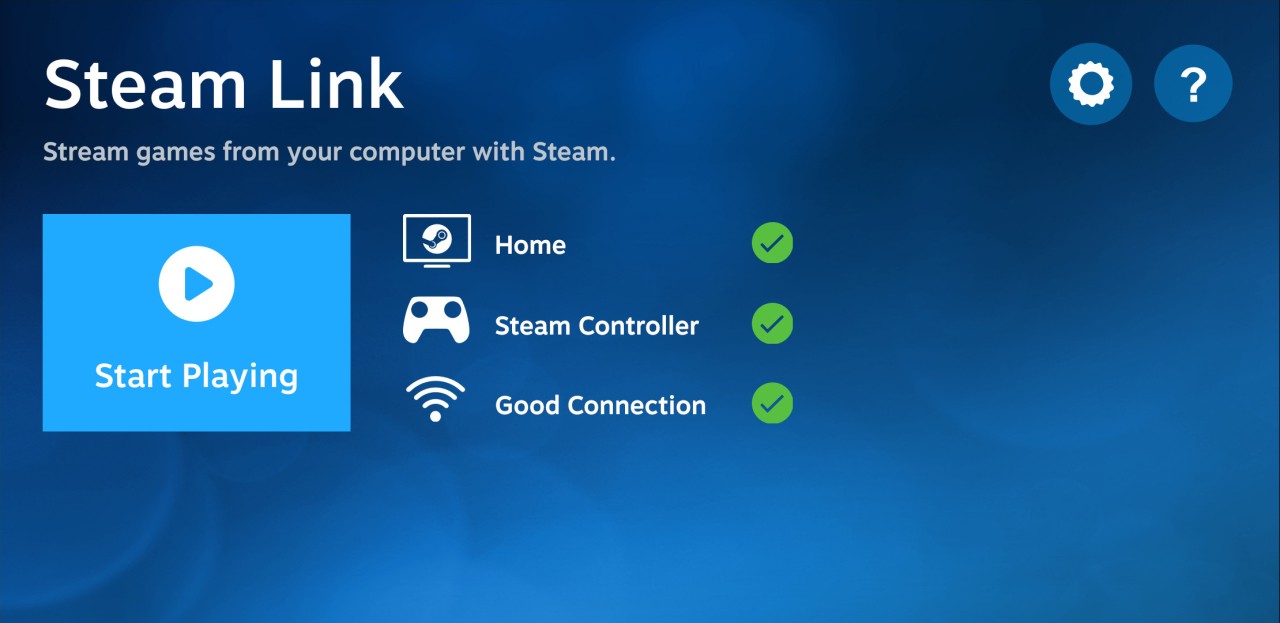
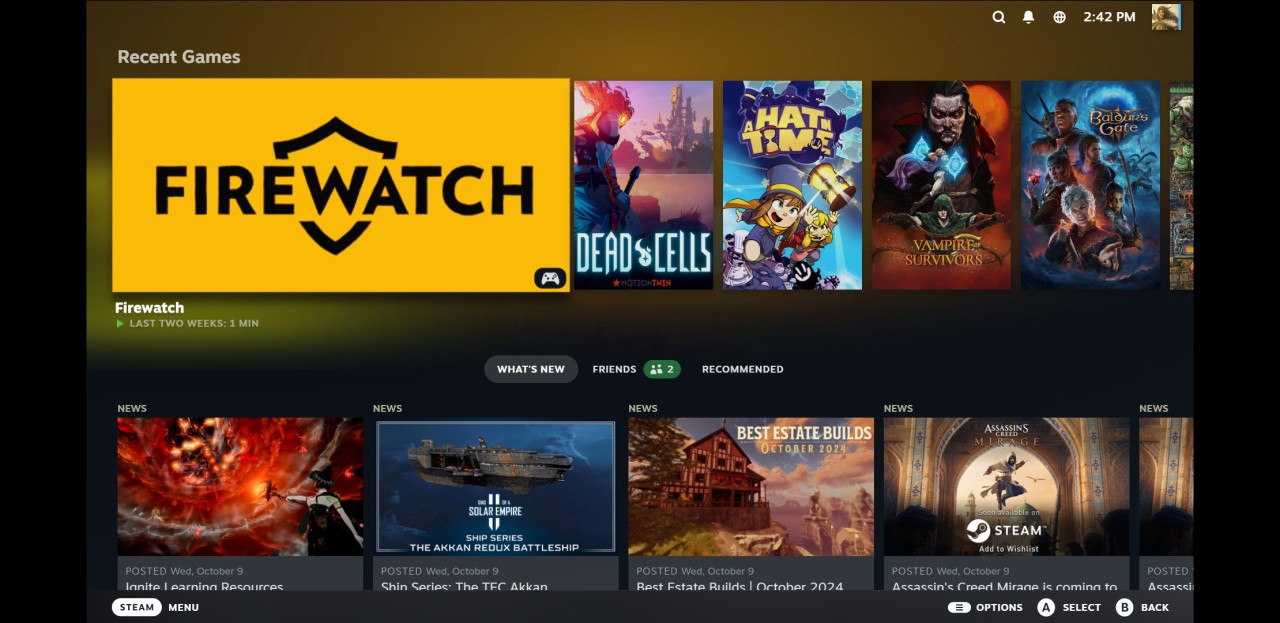
A Valve game-streaming application called Steam Link allows you to stream your Steam games to any other device by playing the game on one computer and then transmitting the output to the other computer. The game is executed on the primary computer, and its video and audio are transmitted on the network instead of running the game on the second computer. Real-time feedback is received, and the inputs of the players are sent to the main computer.
The app is primarily used by people who wish to enjoy PC games outside their workplace. Through Steam Link, one can play games on a phone, tablets and, television, a second PC, or supported VR headsets. Such an arrangement allows you to be able to play taxing games even on devices that would not traditionally run such games.
Steam Link is compatible with Steam Remote Play. The user downloads the Steam Link application on the targeted device and links it with the existing running computer with Steam. When linked, the Steam library can be used, and as local games, they can be launched too.
The application also has a feature that helps in playing games again where you left off and sharing local co-op games by use of Remote Play Together over the internet. It only streams the game desk rather than the entire desk. Steam Link is not a replacement for Steam and needs the presence of a Steam account and a host PC.
Why Should I Download Steam Link?
Consider downloading Steam Link if you have purchased PC games on Steam and wish to become more flexible in terms of location and way of playing them. Not all people like to play sitting at the desk, and Steam Link allows you to play your games from your couch, in bed, or somewhere where the internet connection is stable.
Flexibility of devices is one of the reasons why users download Steam Link. Games are played on the primary PC, meaning that even the low-end devices can play high-performance games. It can be applied to laptops, tablets, or phones, which, in most cases, are incapable of supporting demanding titles.
Local multiplayer games can be played via Steam Link via Remote Play Together. It is also possible to play with friends through a local co-op game now, despite the game not necessarily having an online multiplayer option. The players have the opportunity to use their controllers or not, by sharing access to the keyboard and the mouse.
The other advantage is continuity. Steam Link enables playing a game on one platform and resuming it on a different platform. This is beneficial when conducting lengthy gaming sessions that have to be put aside and continued in the future.
VR streaming to the appropriate headsets is also supported by the app. VR games can also be streamed wirelessly through the power of the main PC, but it is also dependent on specific hardware, as well as good network conditions.
The Steam Link is worth using in those cases when the user is already a regular Steam user and would like to continue enjoying the games he or she is playing using more gadgets without purchasing the same app again. It is not a cloud-gaming service; it is a local or remote streaming service that is connected to your own personal computer.
Is Steam Link Free?
Steam Link is not costly to download. The app itself is free to subscribe to. The only requirement for users is a Steam account and a computer with Steam and games that are already installed.
Since Steam Link has been used to broadcast games already in possession, there are no additional fees except for the purchase of games through Steam. Use of the internet can be charged according to your network. The Steam Link has every essential feature free of charge.
What Operating Systems Are Compatible with Steam Link?
Steam Link is compatible with numerous operating systems. It can be used on Linux, Windows, and macOS. It also supports Android phones and tablets, Android TV, iPhone, iPad, Apple TV, Amazon Fire TV, and Raspberry Pi gadgets.
Moreover, Steam Link has the capability of VR streaming with compatible headsets on the Meta Quest. The computer where the game is being hosted needs to have a supported version of Windows, macOS, or Linux installed with Steam.
Since we are dealing with network streaming, Steam Link is also dependent on hardware and the quality of the internet. The user must confirm system and network requirements and download to achieve smooth performance on the various devices.
What Are the Alternatives to Steam Link?
GameHub is a platform that specializes in playing and streaming games through devices. It can provide access to titles without a local PC, which might be region and game-dependent. GameHub is also more service-oriented than Steam link PC dependent. Some users download GameHub when they want to access games without relying on their own computer hardware.
GeForce Now is a cloud gaming platform that utilizes NVIDIA servers to stream games rather than a computer. The users are able to play supported games even without having powerful hardware. It does not need a host PC as Steam Increase does, but it can include subscriptions and time constraints.
Players often download GeForce Now to stream high-end games on lower-powered devices.
GameNative is a free project that aims to execute and administer games in a localized environment. It does not focus on cross-platform streaming but on game compatibility and performance. It is used by users having national preference in the local execution rather than the remote. Developers and gamers download GameNative when they prefer running games locally instead of streaming them.
Amazon Luna is a streaming game service that uses Amazon's servers. It does not need a gaming computer, and it runs on different platforms. Nevertheless, it is based on subscriptions and availability of games in its service rather than individual game libraries. Many users download Amazon Luna to access cloud-based games without owning a gaming PC.