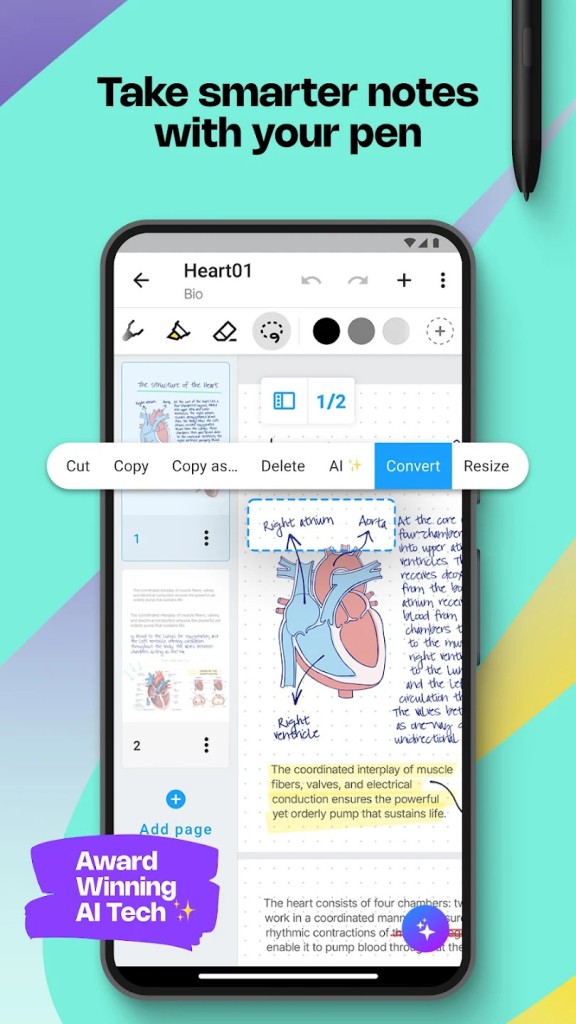
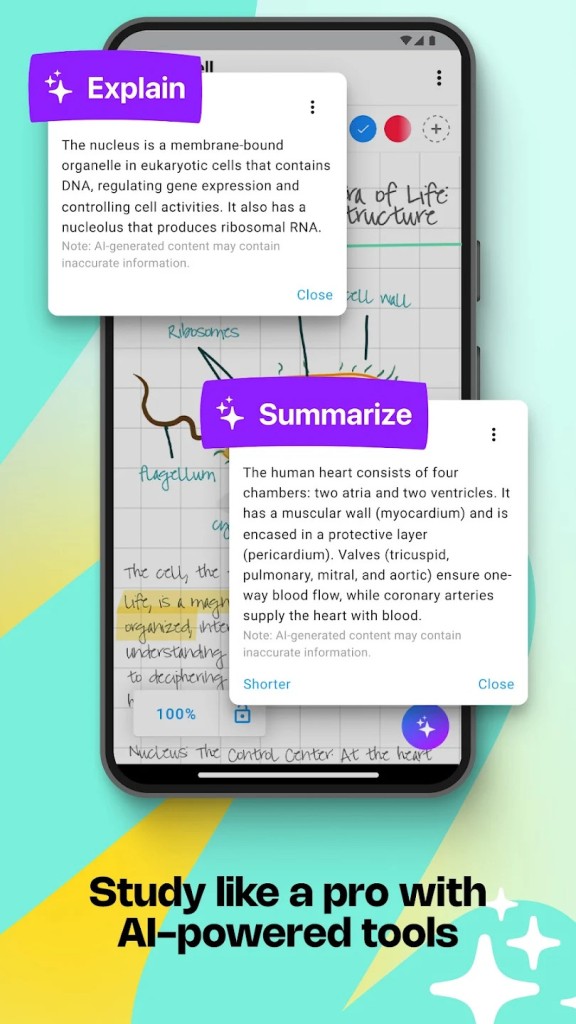
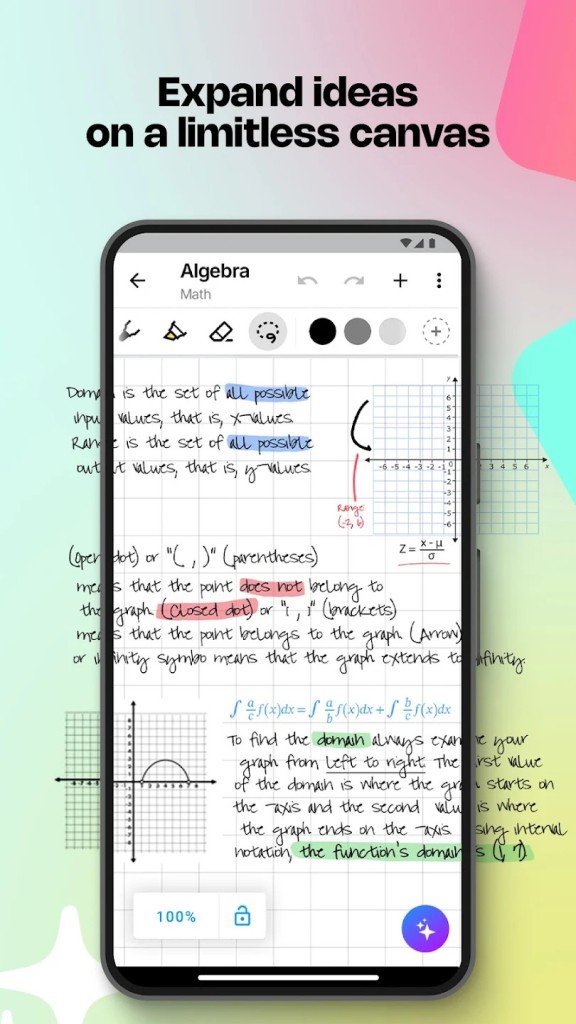
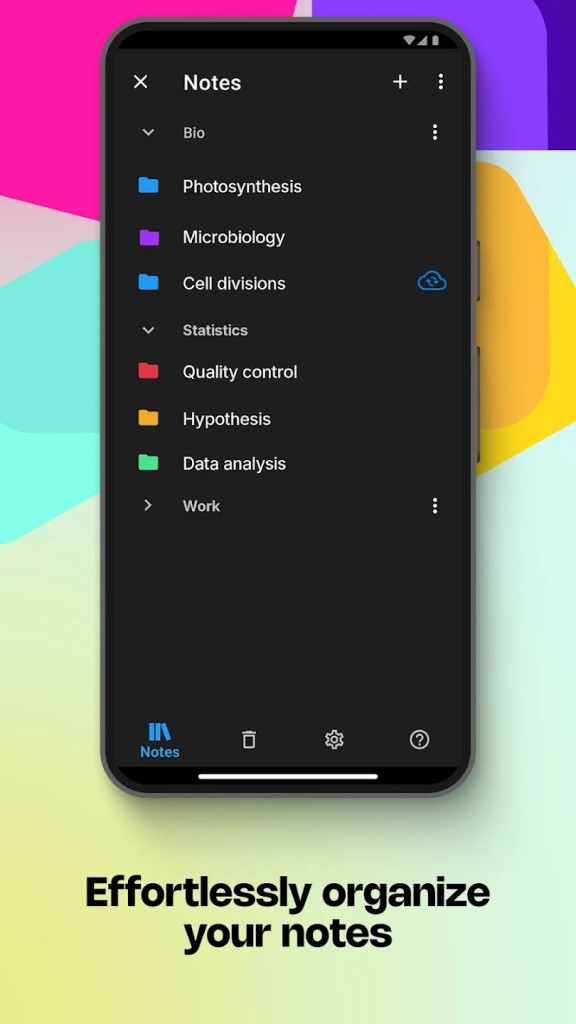
Nebo (or MyScript Notes) is an AI-powered application for writing handwritten notes that can then be converted into digital text and edited freely. With this tool, you can input your content with a stylus and enjoy a high level of accuracy and efficiency. It’s perfect if you’re a student, teacher, or just anyone else who takes a lot of notes that you then want to transform into searchable and editable documents.
With Nebo on Windows and MyScript Notes on mobile, you can write down text and mathematical equations and draw shapes, and the app will auto-recognize the words, symbols, or numbers. Because you’re writing with a stylus, the whole process feels natural, but you can then easily select, move, or resize your content to have a more precise format in your document.
It’s a very simple app where you just need to select the language you’re using, and most of its interface is the page canvas where you add your notes. Anyone who’s looking for a tool like this should download Nebo on their computer or MyScript Notes on their tablet or smartphone.
Why should I download Nebo - MyScript Notes?
When you use Nebo - MyScript Notes, you'll be able to use the canvas of the app as you like, and as you write with a stylus, all your words are converted in real-time into editable text. It’s not as much an OCR (Optical Character Recognition) tool as they usually process the documents in full after they are done; Nebo, on the other hand, recognizes what you’re writing live.
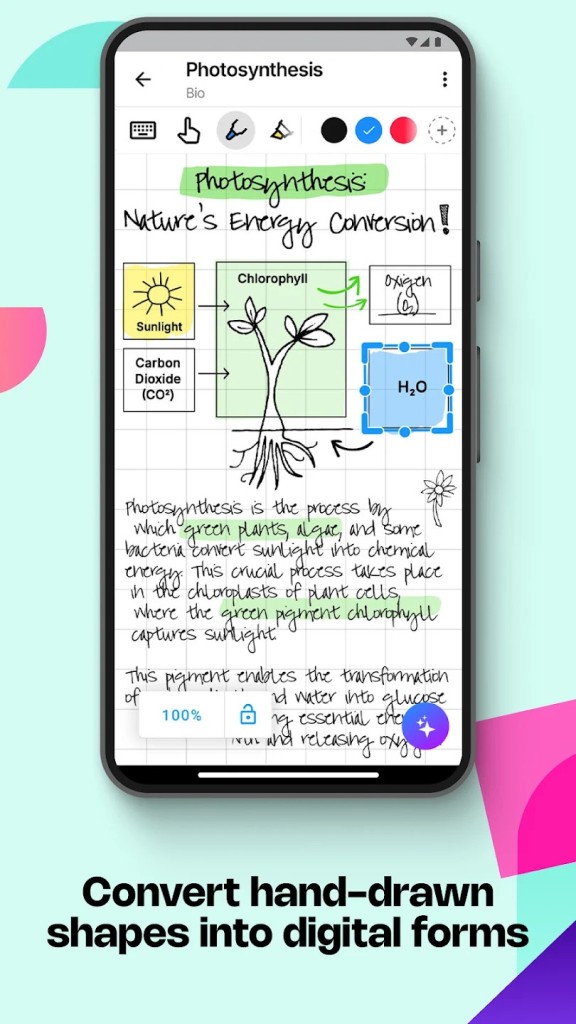
After you download Nebo - MyScript Notes, you’ll notice it also has a very interactive editing system where you get access to intuitive pen gestures, so it’s easier to resize, underline, or delete specific words. You can also draw rough shapes; the app will convert your sketches into proper diagrams. You can also add intelligent blocks to your canvas that support text, math, diagrams, and drawings. With them, you can write a paragraph of text, then draw a diagram, add a handwritten math formula, and edit each of those sections independently and fully.
When you write your text, you can select between 65 supported languages the app can detect and quickly switch to a different one if needed. It’s great when you’re working in a bilingual environment or want to translate your text later on. You can also type your text on a keyboard and handwrite it with a stylus, making Nebo - MyScript Notes an app that supports hybrid input. You can switch from one to another and include both types in your document. It is also possible to have both typed-out text and handwritten sketches or comments. You can also easily create diagrams, and Nebo Builder will intelligently recognize flowcharts, graphs, and visual connections.
When you add math formulas, you’ll notice that with Nebo - MyScript Notes, you can convert even the most complex equations into professional digital versions. You can also export them into the LaTeX format, which is used for academic, engineering, or scientific work.
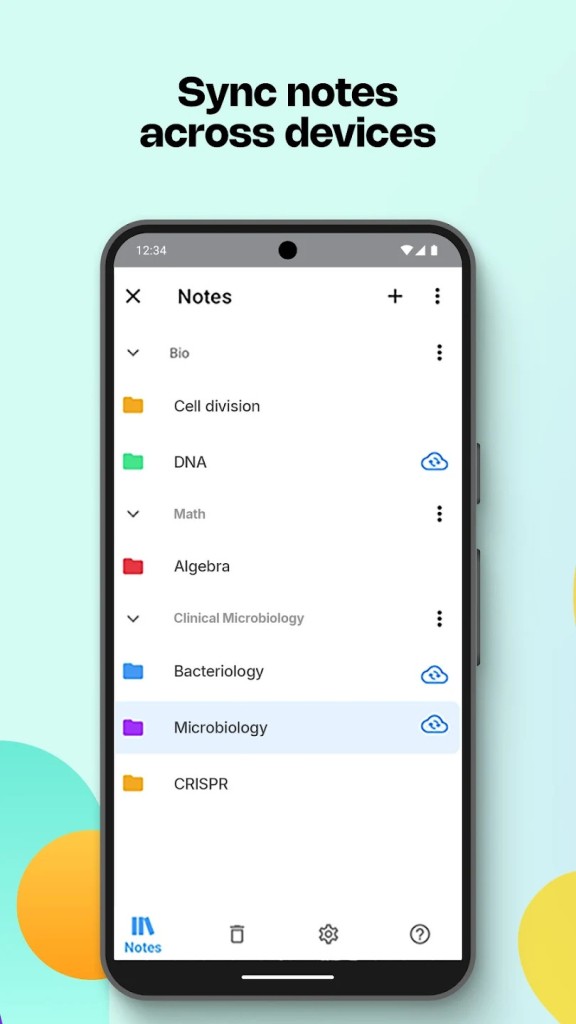
You don’t need to have a constant internet connection to use Nebo - MyScript Notes; you can just sync your notebooks when you’re back online. It is possible to quickly export your documents into multiple formats (Word, PDF, plain text, or even HTML) and share them with others through your preferred method. The app also integrates with cloud storage services so you can connect platforms like Google Drive, Dropbox, and iCloud.
Is Nebo - MyScript Notes free?
You can download Nebo - MyScript Notes and use its free version, but it is very limited in usage, so you can only create one notebook. You, of course, get access to all the basics like writing with a stylus, converting handwriting into digital text, and exporting into the basic formats, but the Pro paid version gives you access to all of its features.
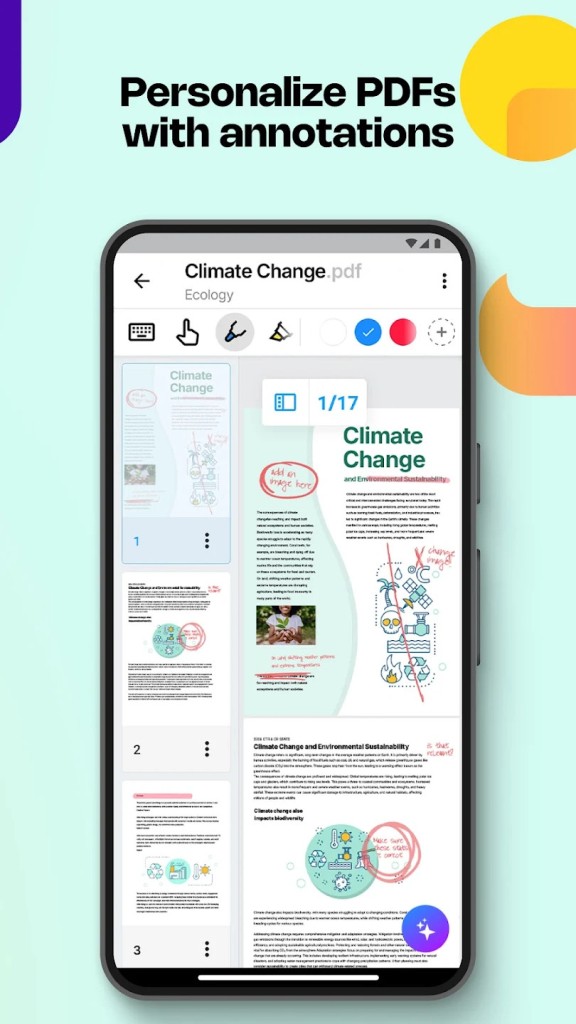
With the Pro version, you get access to unlimited notebooks, PDF imports, advanced exports into HTML, PDF, or LaTeX, better diagram and math recognition, as well as the option to sync your files to the cloud and share them between devices.
Another thing that’s worth mentioning is that you need a separate license for each platform you’re using Nebo - MyScript Notes on, which is an unusual licensing format.
What operating systems are compatible with Nebo - MyScript Notes?
Because MyScript Notes is optimized for writing with styluses, you can download it on iPhones or iPads with iOS version 13 or later, and the app works great with Apple Pencil. If you have an Android smartphone or tablet, you need at least Android 8.0. The app permits the use of the Samsung S Pen, Huawei M-Pen, and other active styluses with it.
You can also download Nebo on Windows 10 or 11, but it’s best to use it on Microsoft Surface devices. At the moment, there’s no version for macOS computers.
What are the alternatives to Nebo - MyScript Notes?
Concepts is an app for Android, iOS, and Windows that gives you an infinite canvas you can use not only for taking notes but also for drawing various designs. It’s not an app that is geared toward structured note-taking, but you can also use it for this purpose. It comes in both free and paid versions, where the latter gives you access to unlimited layers, custom brushes, and professional-grade export formats.
If you’re looking for something else geared towards notes, then Notewise is a great app. You can write down notes with styluses, annotate PDF files, or use them for a variety of purposes. You can create and edit your notes by using tools such as lasso selection, highlighter, and different pen types, but you can also link elements with each other or even add audio notes. Notewise is available as a free and paid app on Android tablets and iPads.
In the same spirit as Notewise, Kilonotes offers the possibility to create multiple custom notebooks. You can handwrite and draw, add pictures (and edit them to some extent), manage PDFs like in a viewer, with annotation tools, and more. The app is available for Android and iOS devices. You can download it for free and test multiple features. There are in-app purchases.