Note that, on March 25, 2026, OpenAI announced the end of Sora. The Sora application will be discontinued on April 26, 2026. Users can export their data through the settings menu.
If you need an AI tool that can generate images from text, then you should definitely check out Sora. It's a groundbreaking artificial intelligence model from OpenAI. Basically, Sora is a text-to-video tool, which means you can write a description of a scene, and the AI will create a high-definition video clip based on your prompt. It's like having a director, cinematographer, and an entire visual effects team all in one, ready to create pretty much any video content you can imagine.
What really makes Sora stand out from other AI video tools is its ability to create longer and more cohesive scenes. It can generate complex videos with multiple characters, specific types of motion, and a consistent artistic style that actually matches what you asked for in your prompt. The AI has a surprisingly good grasp of how objects and people should exist and interact in a physical space, so the videos it creates have a sense of logical consistency that makes them feel way more real.
OpenAI actually calls Sora a "world simulator" because it's not just making a moving picture, it's learning to understand and replicate the world in motion. You can access it as a premium feature through OpenAI's other platforms, like ChatGPT. This makes Sora a powerful tool that's built right into a bigger ecosystem so that you can use it for anything from filmmaking to design.
Why should I download Sora AI?
One of the best things about Sora is that it lets you generate amazing, high-definition video clips that can be up to one minute long. This is a huge deal because most other AI video tools can only create super short clips that have just a few seconds. With Sora, you can actually create whole narrative scenes, detailed product showcases, or complex animations. It moves the tech from being just a cool novelty to a practical tool that you can actually use for storytelling and content creation.
Sora also has a deep understanding of complex and detailed prompts. The AI is really good at understanding nuanced instructions, so you can give it a prompt with multiple subjects, specific actions, detailed descriptions of the environment, and even tell it what kind of camera motion you want. You can ask for things like "a sweeping drone shot" or "a handheld shaky cam view," and Sora will do its best to create a video that has all those elements, all while keeping the objects in the scene consistent and not having them randomly morph into other things.
With Sora AI, you can get videos with a consistent and logical sense of physics, which is why OpenAI calls it a "world simulator". It's learned some basic rules of how things move and interact in the real world, so you get more realistic motion and believable character actions. For example, if a character runs through a puddle, you'll see splashes, and if an object is dropped, it will fall in a way that looks natural. This makes the videos it creates way more immersive and believable.
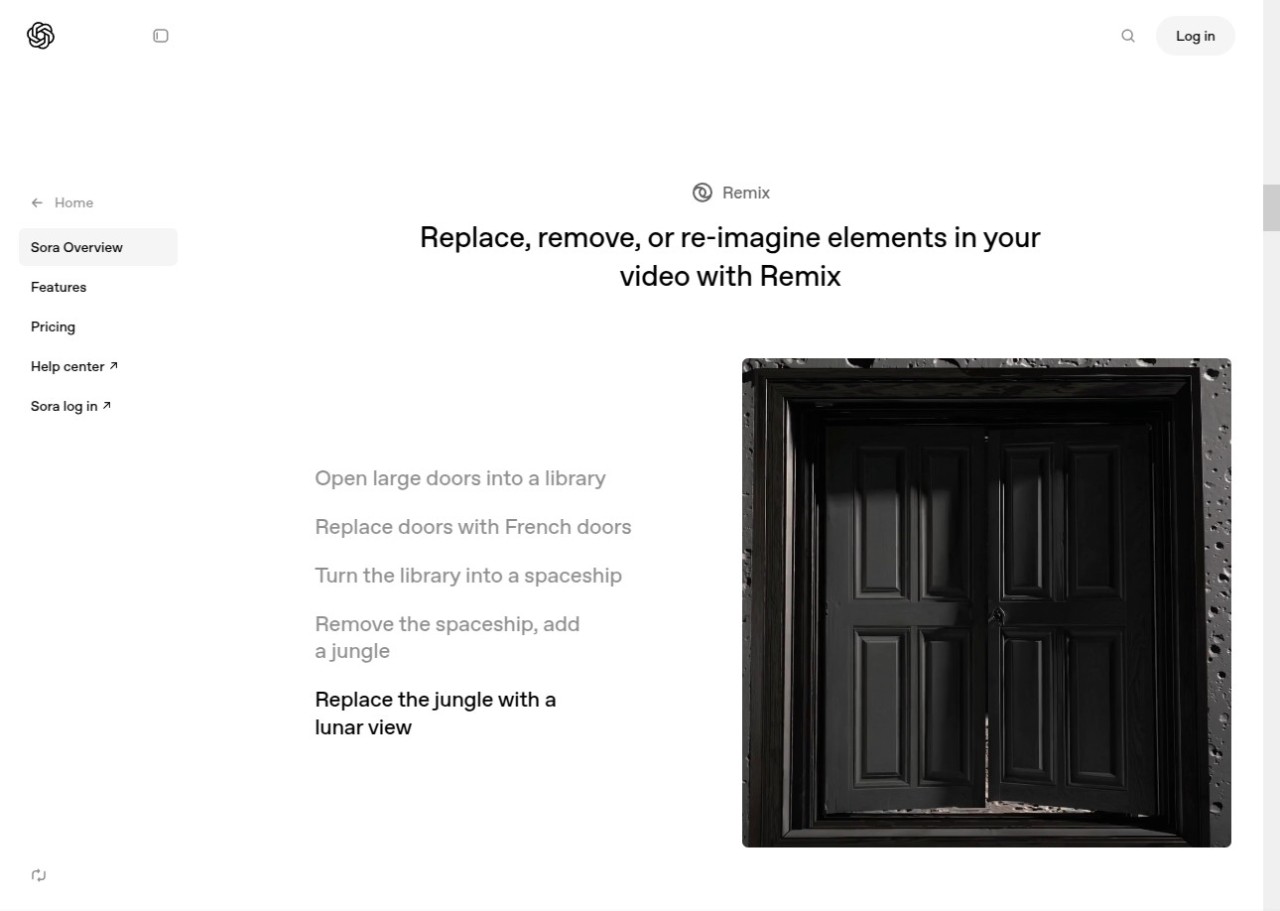
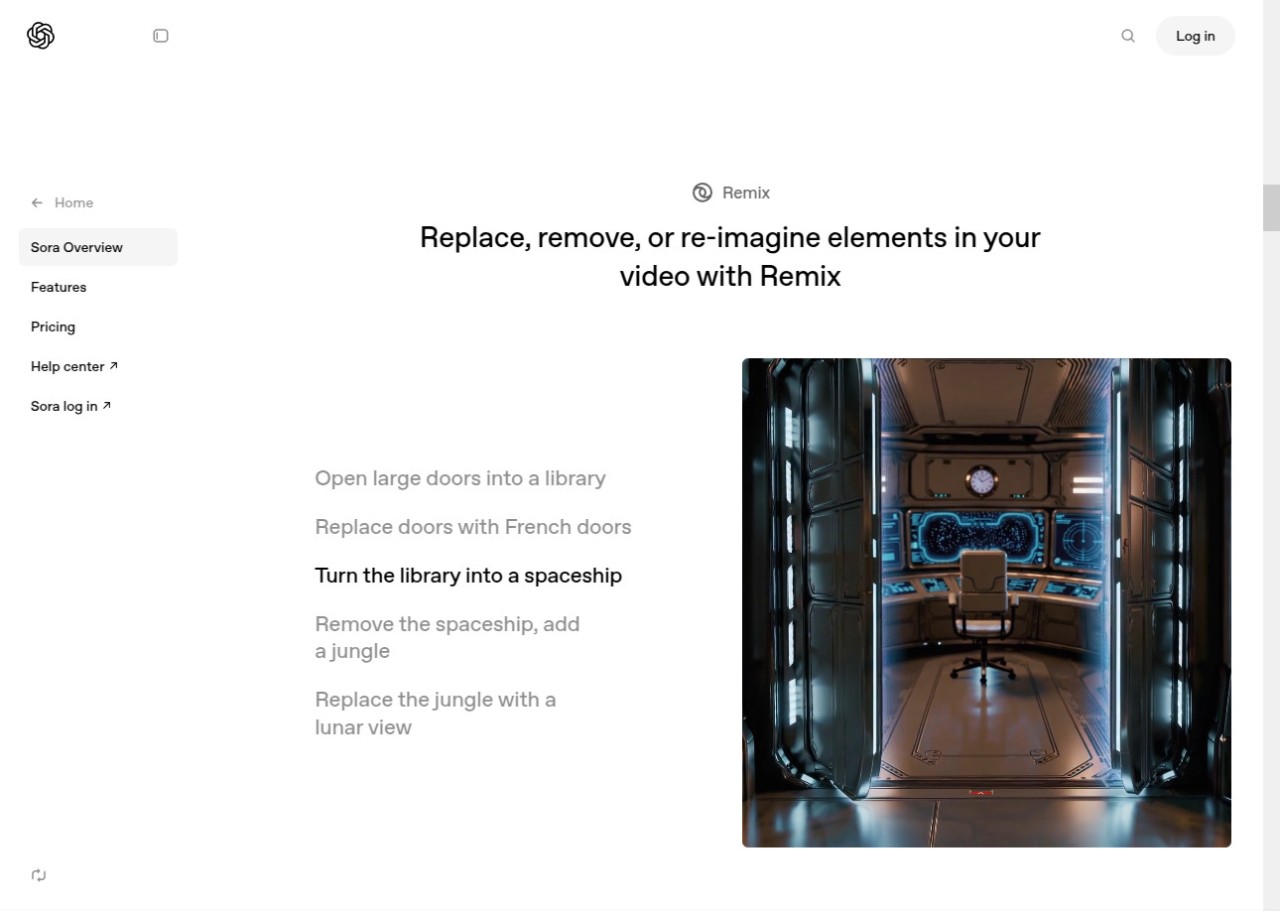
When you use Sora AI, you can also bring still images to life and extend existing videos. The model isn't limited to just text prompts. You can give it a still image, and it will animate it for you, creating a video that logically continues from that single frame. You can also give it an existing video clip, and it will extend it by either generating what might have happened before the clip started or what could happen next, and it will do it all while perfectly matching the style and content of the original video.
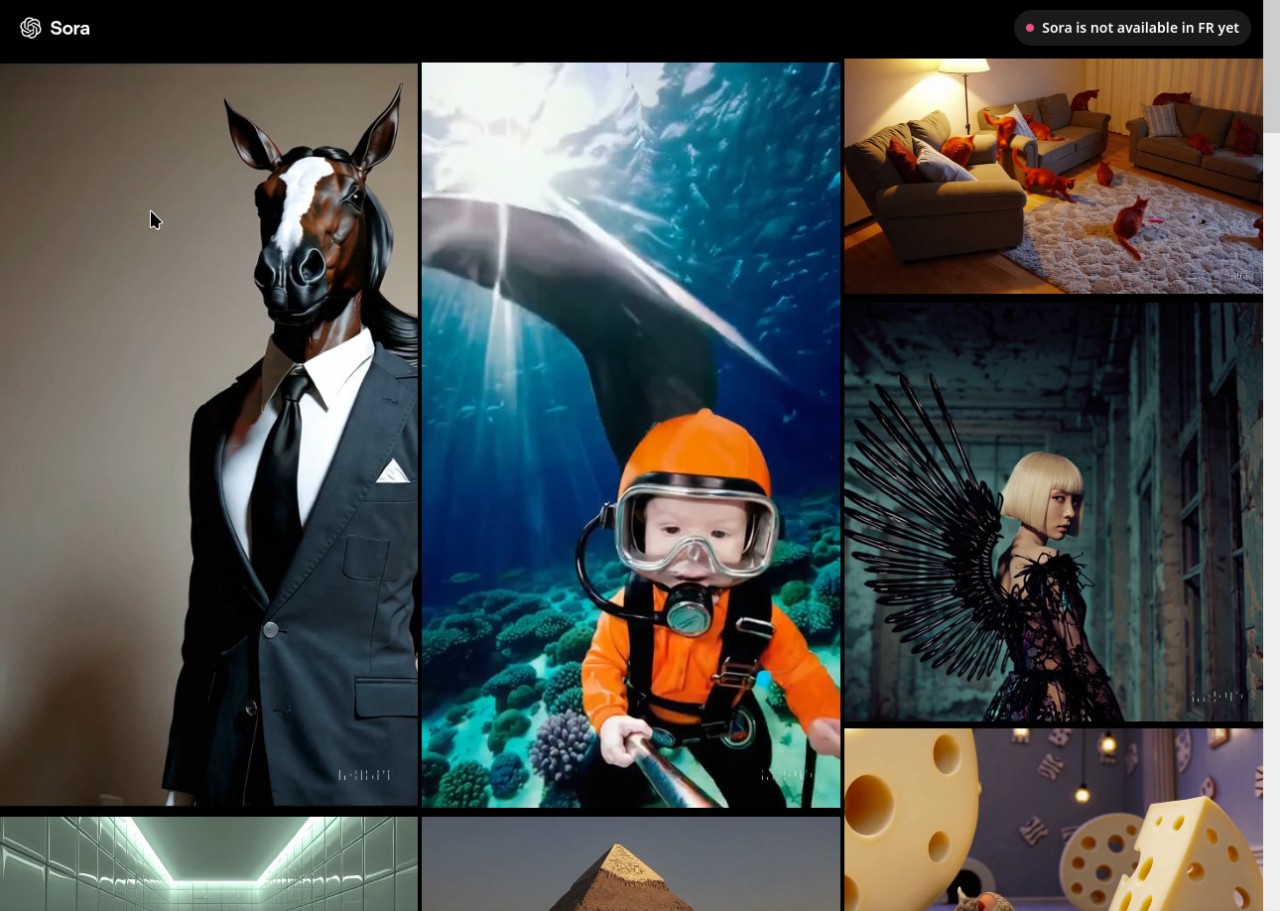
Another cool thing is that you can produce video in a vast range of artistic and cinematic styles. Just like with DALL-E, you can ask for pretty much any visual style you can think of. You can ask for a "hyperrealistic nature documentary of a mythical creature," "an animated cartoon from the 1990s," "a black and white film noir scene," or "a sweeping drone shot of a fantasy city." This makes it a super versatile tool for almost any visual project you can imagine.
Is Sora AI free?
Sora is a premium AI service, so you can't use it for free. You can access Sora through one of OpenAI's paid subscription plans, like ChatGPT Plus or a higher-tier plan for teams and businesses. These subscriptions usually give you a certain number of video generations per month, or you might have to buy credits to create new content.
What operating systems are compatible with Sora AI?
Sora AI is a cloud-based service that you access through a website or a ChatGPT app for Windows or macOS computers or mobile devices with Android 7.0 or up or iOS 17.0 or later. It can also work on any modern web browser on Windows, macOS, and Linux, and there's also a Google Chrome extension.
In the United States and Canada, Sorai AI is also available through the Apple Store for iOS. The app is compatible with iPhones only. OpenAI didn't communicate on a possible release in the rest of the world, so only North America can enjoy creating videos on their iPhone. Due to the near end of Sora, OpenAi closed its mobile apps, so they are not available anymore.
What are the alternatives to Sora AI?
Hailuo AI is powered by the "Kling" model from the Chinese tech company Kuaishou. and it can generate high-quality, 1080p video clips that can be up to two minutes long, which is a big deal in the AI video world. The Kling model seems to understand physics and complex motion well, so it can create realistic and coherent scenes. You can access Hailuo AI through a website, and it works based on paid subscriptions
RunwayML is a complete AI creative suite and is one of the most established and feature-rich platforms for video generation. It's not just a text-to-video generator; rather, it's a full set of AI "Magic Tools" for filmmakers and video editors. Its main features include "Gen-2," which is a powerful text-to-video and image-to-video model, and "Gen-1," which does video-to-video style transfer. It also has tools for AI-powered rotoscoping, motion tracking, and inpainting, which lets you remove objects from video. Runway offers a free plan as well as paid subscriptions. The free plan gives you some credits to try out the tools, while paid tiers give you more credits and advanced features. It's a web-based service that you can access from any modern browser.
Invideo AI is an AI-powered video editor, not a text-to-video generator that creates footage from scratch. Its whole purpose is to automate the video creation process. You give it a text script or a simple prompt, and the AI will put together a complete video for you by picking out relevant clips from a huge library of premium stock footage, adding text overlays, generating a realistic AI voiceover, and syncing background music. It's a really powerful tool for creating marketing videos, social media content, and explainer videos quickly and easily. InVideo AI uses a freemium subscription model, and it's a web service. With the free plan, you can create videos with a watermark, while paid plans remove the watermark and give you access to more stock media and premium features.