
Austria’s two biggest broadcasters put almost everything online for free, from the evening news to Formula 1 races. ORF and ServusTV only license that programming for viewers in Austria, though, so ORF ON and ServusTV On show a geo-restriction message the moment they detect a foreign IP address.
That applies whether you’re on vacation in Spain or living in the US. To watch Austrian TV abroad, the streaming sites have to see an Austrian IP address. The open question is which VPN offers one reliably on the screen you use.
Watch ORF and ServusTV Abroad in 5 Steps
- Sign up for NordVPN and install its app on your phone, computer, or TV.
- Connect to a server in Vienna to receive an Austrian IP address.
- Disable ad blockers, including the VPN’s own, before you load ServusTV On.
- Go to ORF ON, ServusTV On, or Joyn, and create a free Joyn account for Puls 4 and ATV.
- Choose a live channel or a show and start the stream.
Austrian Streaming Services Compared
| Service | What it streams | Cost | Account | Result on our VPNs |
|---|---|---|---|---|
| ORF ON | ORF 1, ORF 2, ORF III, catch-up | Free | None | Unblocked |
| ServusTV On | ServusTV live, MotoGP, Formula 1 | Free | None | Unblocked with ad blockers off |
| Joyn (Puls 4) | Puls 4 live and on demand | Free | Free account | Unblocked |
| Joyn (ATV) | ATV live | Free | Free account | Live stream didn’t start |
| Netflix Austria | Austrian Netflix catalog | Paid | Subscription | Unblocked |
How to Watch Austrian TV Abroad With a VPN
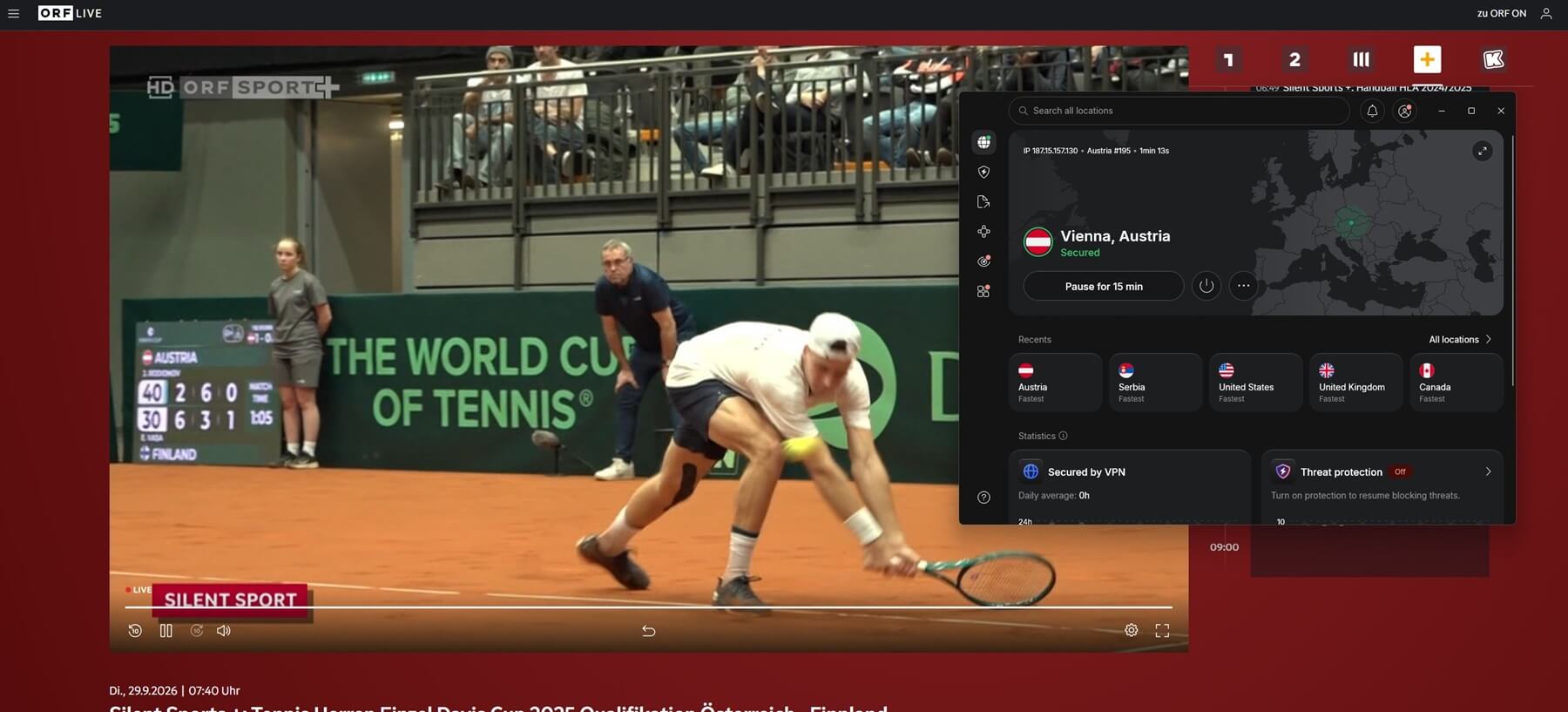
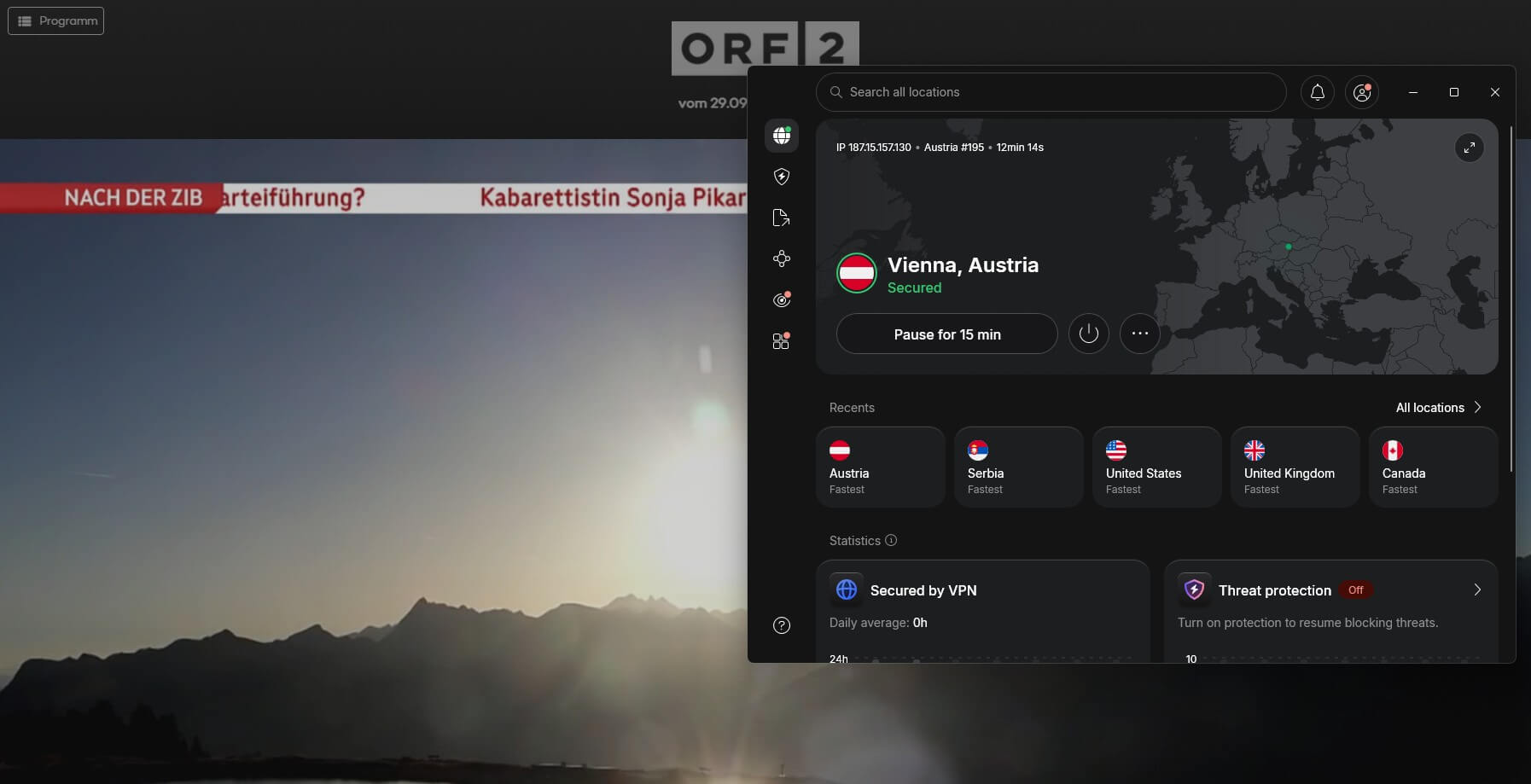
Connect to a Vienna server, then load the streaming site or app. ORF ON and ServusTV On check only your IP address, so a VPN server in Austria is enough for viewers in the US, the UK, or anywhere else. Neither service requires an account.
Joyn is different: it streams some channels without signing in, but Puls 4 and ATV require a free account. We signed up with a Google account, and Joyn required only a full name and a date of birth. In our November tests, live channels and on-demand shows started quickly and streamed without buffering on NordVPN, Proton VPN, and ExpressVPN.
An Austrian IP address also helps beyond TV, since Austrian banking and shopping sites treat it as local, and our guide to getting an Austrian IP address covers those uses.
Unblock Austrian TV With NordVPN
If a Stream Won’t Play
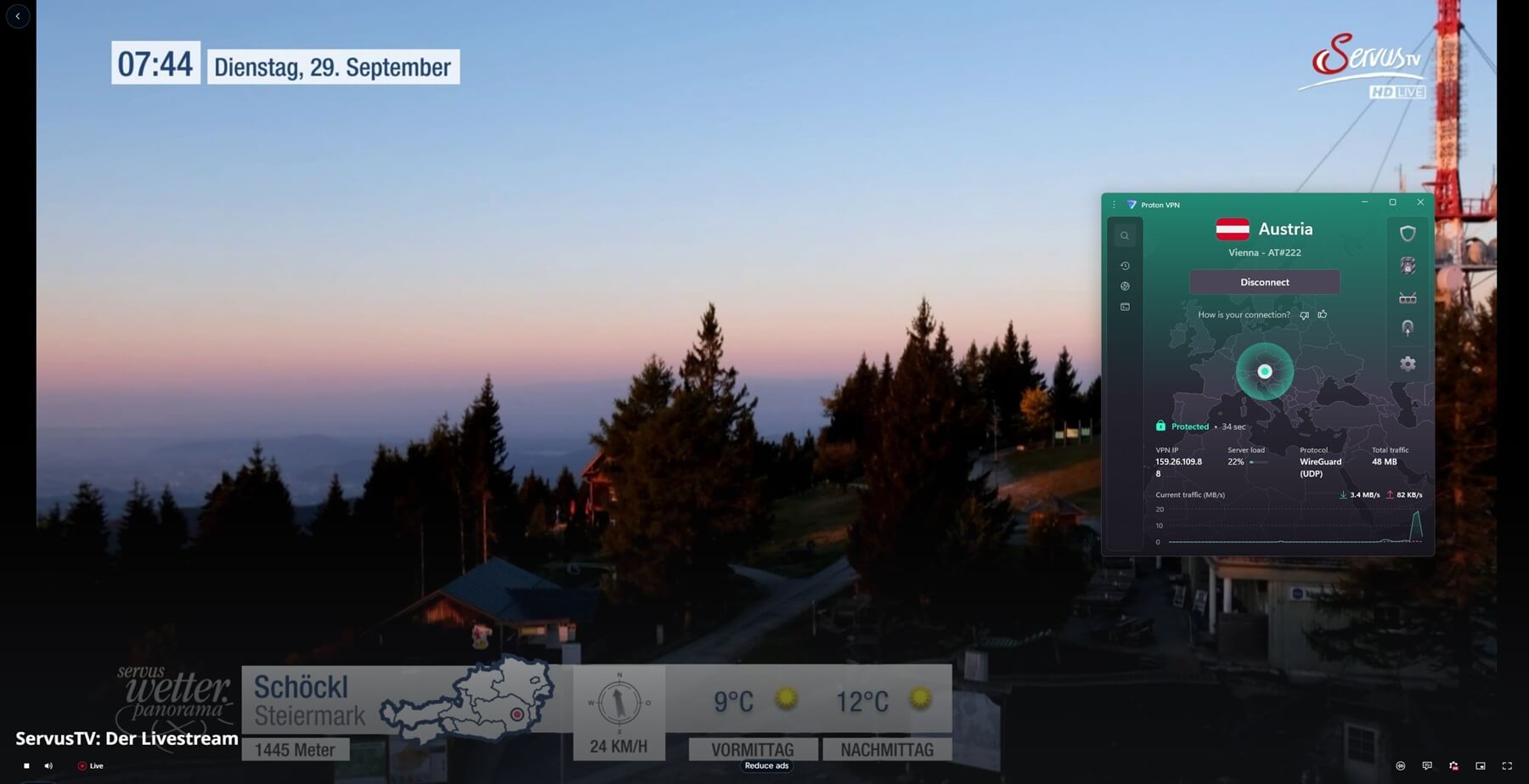
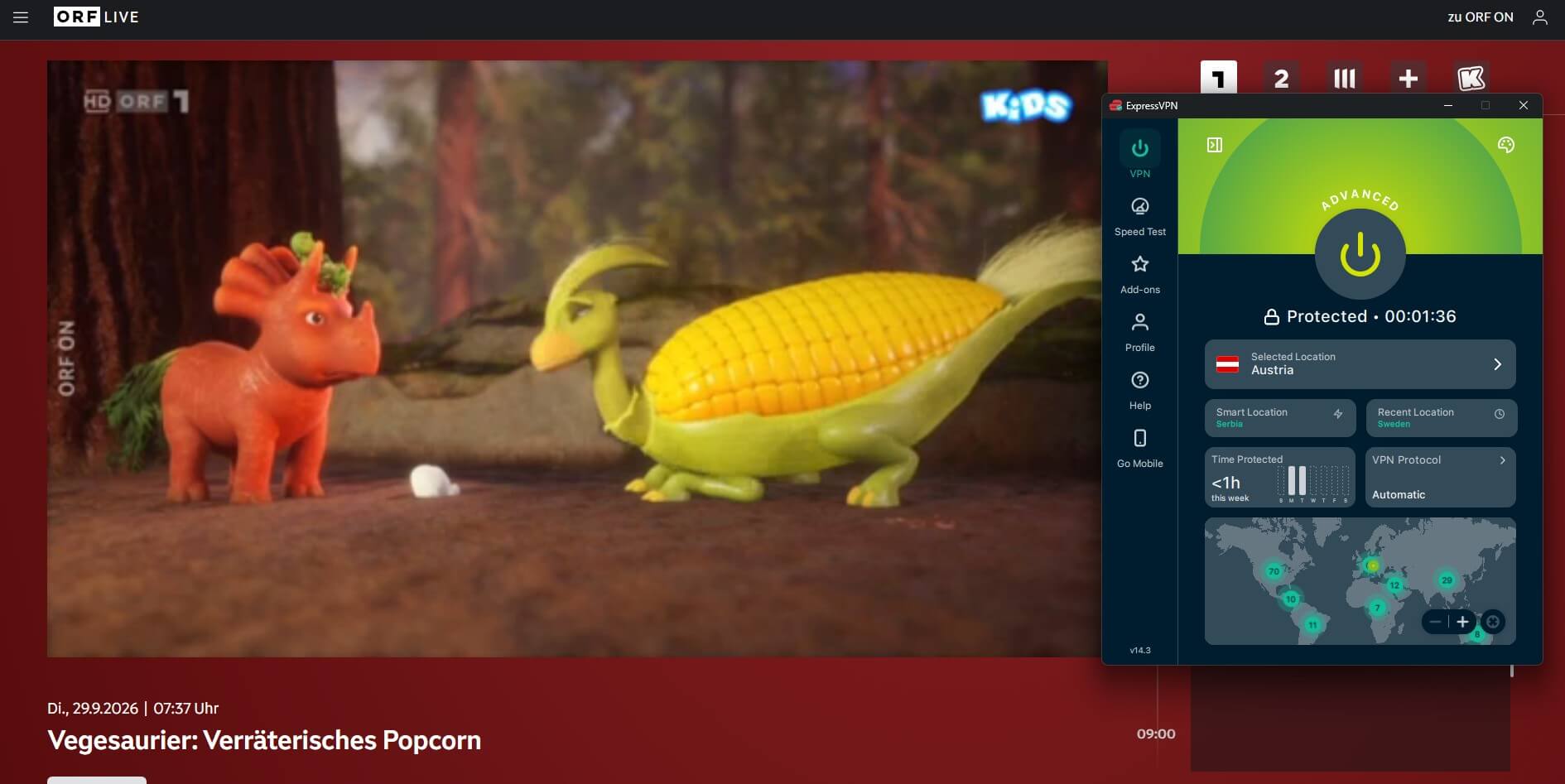
- ServusTV On: disable ad blockers, browser extensions, and the blocker built into your VPN, such as NordVPN’s next-gen antivirus, Proton VPN’s NetShield, or ExpressVPN’s Advanced Protection. The player didn’t start for us until they were off.
- ATV on Joyn: the live stream showed a black screen on every VPN we tested, while Puls 4 worked on the same account. Use another browser or the Joyn app.
- Location errors: clear your cookies or use a private window after connecting, then reload the page.
How to Watch F1, MotoGP, and Ski Racing on ServusTV and ORF
ORF and ServusTV share major sports rights, and the biggest events stream at no cost:
- Formula 1: ServusTV has the license and passes half the races to ORF, so the Formula 1 live stream alternates between ServusTV On and ORF ON from one weekend to the next.
- MotoGP: ServusTV shows every qualifying session, sprint, and race for free, and our guide explains how to watch MotoGP live in other countries too.
- Alpine skiing: ORF covers the Alpine Ski World Cup through the winter, live on ORF ON.
For each event, check which broadcaster has it before the session starts, then connect to Vienna and open that service. Commentary is in German on both services.
Best VPNs for Austrian TV
1. NordVPN: Best for Watching on a TV
Pros
- Smart DNS for smart TVs
- Android TV and Fire TV apps
- Chrome extension
- Independently audited no-logs policy
Cons
- Higher price after the first term
- App takes some learning
NordVPN lost 6.5% of our speed on its Vienna server, so ORF ON and ServusTV On streamed in full quality. On a television, its strength is SmartDNS.
You enter two DNS addresses in a Samsung or LG TV’s network settings, and the set reports an Austrian location without a VPN app installed. For streaming sticks and Android TV, NordVPN has a native app instead. That flexibility makes it the easiest of the three for watching on a living room screen.
Over 27 months, NordVPN’s Basic plan averages less than $3.50 a month, and every plan has a 30-day money-back guarantee.
2. Proton VPN: Best for Low Vienna Ping
Pros
- Low ping on Vienna servers
- Yearly no-logs audits
- Swiss privacy laws
- Fast connection times
Cons
- No Smart DNS option
- TVs require the app
Proton VPN recorded 21 ms of ping on its Vienna server, so live channels started as fast as on a local connection, and its download speed matched NordVPN’s closely.
In practice, that low ping shows most when you switch between live channels on ORF ON. On a television, Proton VPN works through its app, which supports Android TV sets and Fire TV Sticks running Fire OS 7 or newer. Two years of the VPN Plus plan averages close to $3 a month.
3. ExpressVPN: Best for Speed on Vienna Servers
Pros
- Connects in seconds
- Apple TV app
- Router with the VPN built in
- Fast in-house protocol
Cons
- Few advanced settings
- Costly month-to-month plan
ExpressVPN lost only 4.6% of our speed on its Vienna server, the smallest loss of the three, and its 24 ms ping was close to Proton VPN’s. That speed comes from Lightway, ExpressVPN’s own protocol, which the app selects on its own.
For a TV without a VPN app, ExpressVPN sells Fortify, a router built with GL.iNet that arrives with the VPN set up. It covers every device on your home network, so a smart TV receives an Austrian IP address through the router. With 28 months paid upfront, the Basic plan is under $3 a month.
Final Thoughts
Austrian TV is among the simpler European services to unblock, and since ORF ON and ServusTV On are free, the VPN is the only cost. So the decision comes from your screen. On a smart TV without app support, NordVPN’s SmartDNS is the simplest setup, while on a computer or phone, any of the three VPNs works.
Free VPNs aren’t an option for this. Reputable free VPNs don’t include Austrian servers, and the free VPNs that do, such as Hola and Urban VPN, are weak on privacy.
FAQ
Can I watch ORF abroad?
Yes, ORF ON streams ORF's channels live and on demand, but only to Austrian IP addresses. A VPN server in Austria unblocks it, and no account is required.
Is ORF ON free?
Yes, ORF ON is free, and its live TV and catch-up programs play without an account. Outside Austria, it requires an Austrian IP address, which a VPN provides.
How can I watch ServusTV outside Austria?
ServusTV On works outside Austria through a VPN server in Austria. It requires no account, but ad blockers, including those built into VPN apps, must be disabled before streams start.
Does Joyn require an account?
Yes, for Puls 4 and ATV. Joyn's free account can be created with Google or an email address and requires a name and birth date, while other channels play without one.
Which Austrian TV channels stream live online?
ORF 1, ORF 2, and ORF III stream live on ORF ON, ServusTV streams on ServusTV On, and Puls 4 and ATV stream on Joyn. Each requires an Austrian IP address.
Do free VPNs work for Austrian TV?
No, reputable free VPNs such as Proton VPN, Windscribe, and PrivadoVPN don't offer Austrian servers. Hola and Urban VPN list Austria, but both have weak privacy protections.
Can I use Smart DNS instead of a VPN?
Yes, NordVPN's SmartDNS and ExpressVPN's MediaStreamer work on smart TVs without VPN apps. Smart DNS doesn't encrypt traffic, and Proton VPN has no Smart DNS feature.