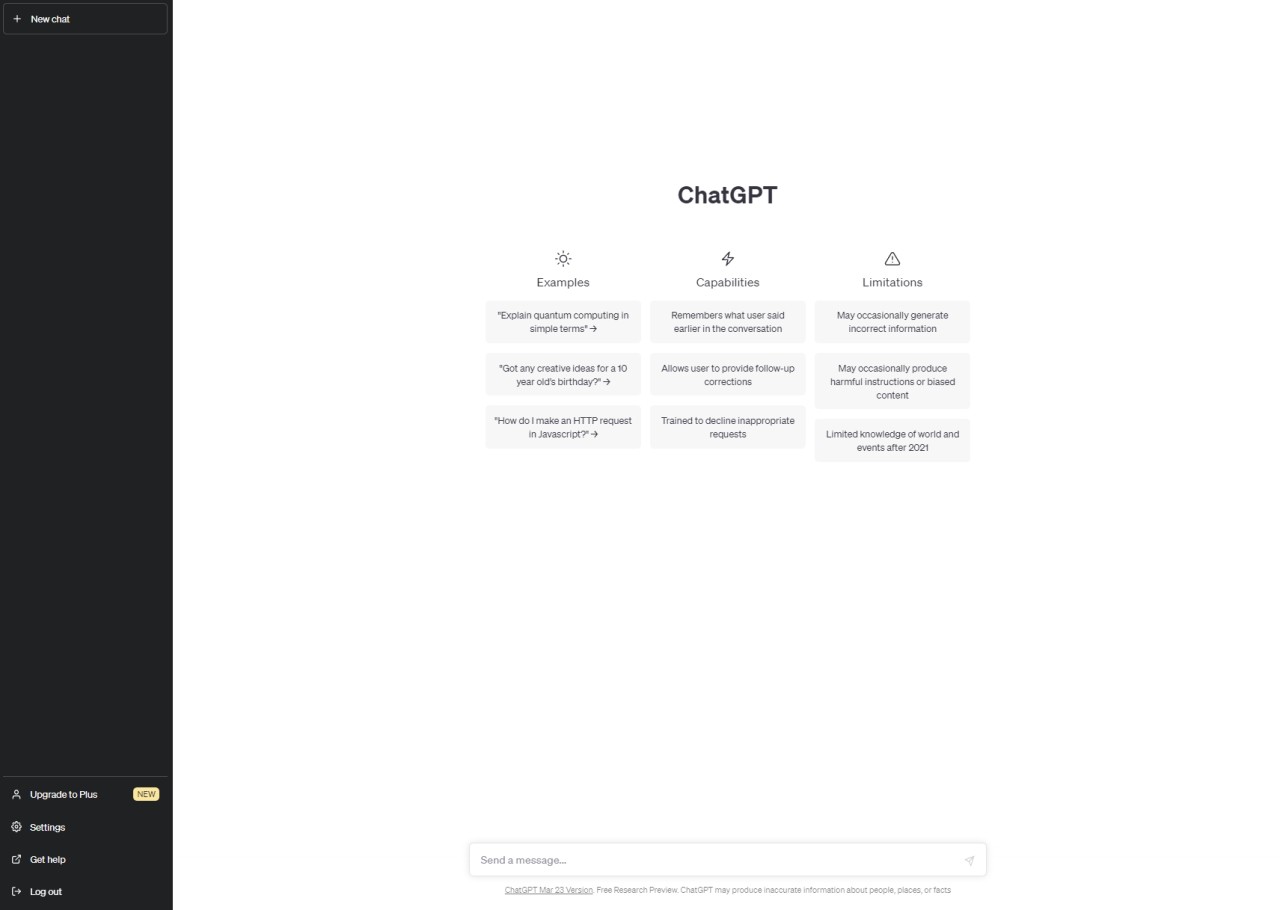
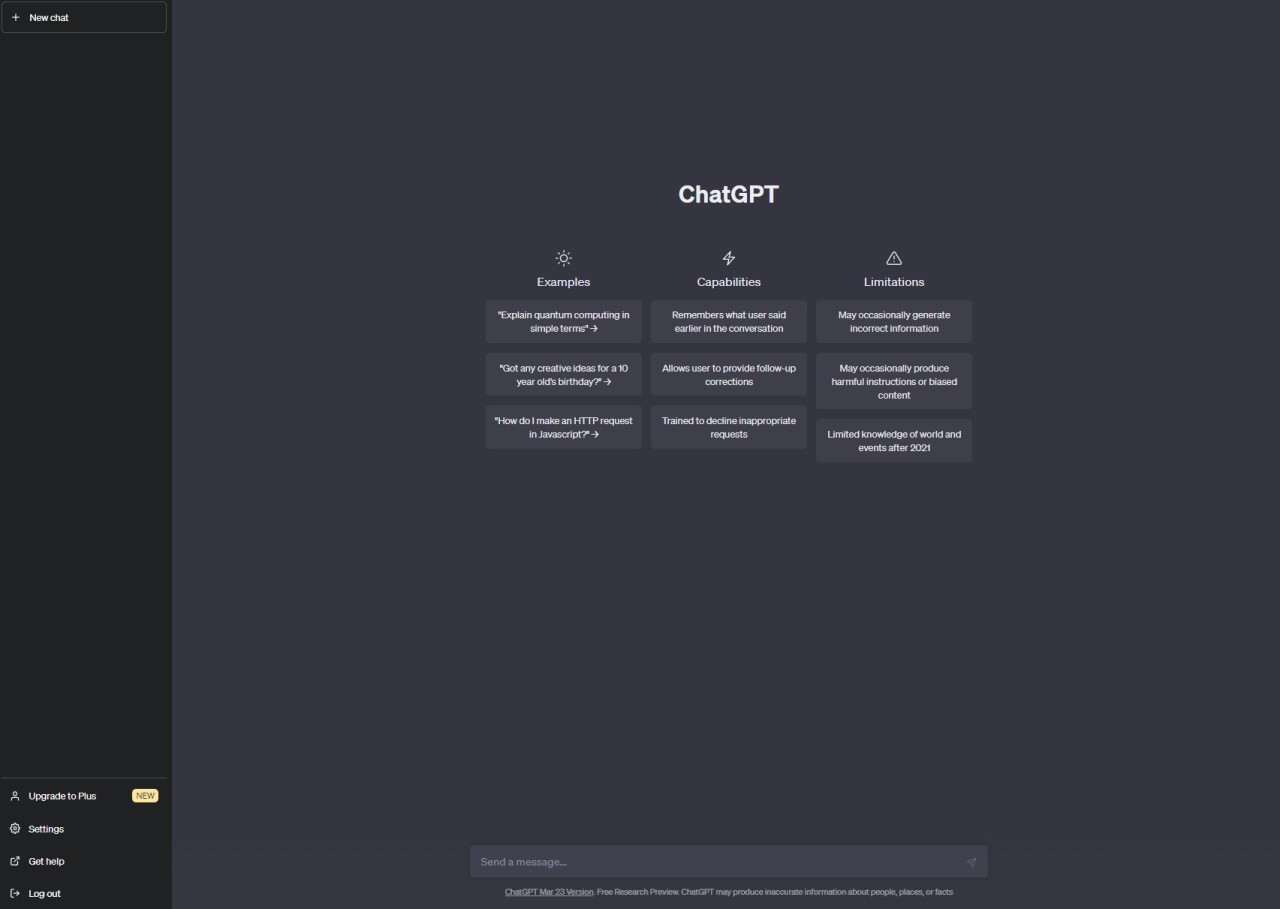
ChatGPT is a conversational AI built by OpenAI that generates natural-sounding text based on the prompts it receives. It works as a virtual assistant, chatbot, and writing tool, capable of answering questions, helping with content creation, producing summaries, and solving coding problems. The system is powered by deep learning and natural language processing, which allows it to understand context and shape its responses to keep a conversation flowing naturally.
Unlike older rule-based chatbots, ChatGPT has been trained on massive datasets and refined through user feedback, which is what makes its responses feel more human and more useful than what earlier AI tools could manage. People use it across every level, from individuals drafting emails and brainstorming ideas to professionals writing code and businesses automating customer interactions. Each new generation of the model has produced more accurate, helpful, and natural-sounding output.
What sets ChatGPT apart from basic chatbots is its ability to adapt. It adjusts its tone and depth based on what you ask, creating interactions that feel personalized rather than scripted. Beyond simple text conversations, the technology has practical applications in automation, research, education, and creative work.
OpenAI has also built other AI tools that complement ChatGPT. DALL-E generates images from text descriptions, and Sora handles video generation, though Sora is not currently accessible through ChatGPT. These tools highlight the growing range of AI capabilities available from OpenAI.
ChatGPT Atlas is a browser-integrated feature that gives the AI access to real-time web information. By retrieving current data and verifying facts online, Atlas helps ChatGPT move beyond the limits of its training data. This makes it significantly more useful for research, fact-checking, and creating content that needs to reflect the latest information.
Why Should I Download ChatGPT?
If you want an AI assistant available around the clock for writing, research, and creative work, ChatGPT is one of the most versatile options on the market. The core appeal is speed: you can get structured, detailed responses on a huge range of topics in seconds. Whether you need help drafting an email, working through a math problem, brainstorming content ideas, or debugging code, ChatGPT can handle it.
For professionals, ChatGPT saves real time. Writers use it to push past blocks, refine drafts, and develop ideas. Developers turn to it for coding help and troubleshooting. Business users rely on it for reports, proposals, and presentations. Researchers, students, and content creators all benefit from a tool that processes information quickly and delivers clear, usable answers.
The conversational format is one of ChatGPT's biggest advantages. Instead of returning a list of links the way a search engine does, it gives you direct, tailored explanations. You can ask follow-up questions, request simpler or more detailed answers, and get summaries of complex topics without leaving the conversation.
ChatGPT's flexibility across industries is another strong reason to download it. Businesses can use it to generate standardized responses to common customer questions. Students can get contextual explanations and worked examples for difficult concepts. Writers and creatives can use it for script development, storytelling, and poetry. The range of use cases keeps expanding as more people find ways to fit AI into their workflows.
Integration with other tools adds even more value. Note-taking apps, customer service platforms, and workflow automation software can all connect with ChatGPT or similar AI to improve efficiency. For businesses, this kind of integration reduces manual work and speeds up response times across departments.
ChatGPT can also function as a personal organizer. It helps you schedule tasks, track commitments, and structure your thoughts. The more you interact with it, the better it becomes at understanding your preferences and providing relevant assistance.
All of this adds up to something that goes well beyond a basic chatbot. ChatGPT works as a multipurpose AI assistant for learning, problem-solving, content creation, and everyday tasks, making it a practical tool for both personal and professional use.
What does ChatGPT offer to protect teens?
First, let's remember that to create a ChatGPT account, you must be at least 13 years old. Users between 13 and 18 also need parental consent. OpenAI uses a series of features to make sure of the user's age and detect underage users.
Since August 2026, a teen experience is automatically offered to users between 13 and 18. This feature, called ChatGPT for Teens, adds extra safety measures to conversations between the young user and the AI. When a person under 18 creates a ChatGPT account, the teen experience is automatically applied to the chatbot. The feature adds guardrails to the question-and-answer between the young user and the AI. The goal is simple: to allow teens to use AI as a learning tool.
With ChatGPT for Teens, users can continue asking questions to the chatbot, but it is set to avoid answers on sensitive content like self-harm, sexual content, or other high-risk areas for teens. The final goal is to avoid children thinking that the chatbot is a conscious entity and protect their mental health. The Teen mode also allows users to get help while doing homework but does not just give the answer: you can get a whole explanation. It's the already existing Study Mode feature.
With the arrival of ChatGPT for Teens, OpenAI also introduced the possibility of linking accounts. The teenager’s account can then be linked to a parent account. By doing so, parents gain access to parental control features that are added to the basic teen features.
Is ChatGPT Free?
Anyone can use ChatGPT's basic features for free. OpenAI also offers a premium tier called ChatGPT Plus, which provides faster response times, priority access during high-traffic periods, and access to the latest AI models.
The free version covers general usage well. The paid subscription is geared toward users who need consistent access to the most advanced capabilities or who rely on ChatGPT heavily enough that speed and availability matter during peak hours.
What Operating Systems Are Compatible with ChatGPT?
ChatGPT is accessible on virtually any device with a web browser. You can use it on Windows, macOS, Linux, or ChromeOS simply by visiting the OpenAI website. Official mobile apps are available to download for both iOS and Android, which let you access ChatGPT from your phone or tablet wherever you have an internet connection.
On desktop, the browser-based version is the primary way to use ChatGPT, though OpenAI has been developing native desktop applications as well. Because the tool runs in the cloud, it does not require powerful hardware on your end. Businesses can also integrate ChatGPT into their own applications through the API, which opens up deeper customization options for customer-facing tools and internal workflows.
What Are the Alternatives to ChatGPT?
ChatGPT is the most widely known conversational AI tool, but several alternatives offer comparable features with their own particular strengths.
Google Gemini is Google's AI language model and a direct competitor to ChatGPT. It is woven into Google Search, Google Assistant, and other Google products, which gives it strong access to real-time information and Google's vast data resources. Gemini is a solid choice for factual research and verification, though it generally does not match ChatGPT's creative range or conversational flexibility.
Microsoft Copilot works best as an integrated assistant within the Microsoft Office ecosystem. It can automate tasks, summarize content, and generate reports directly inside Word, Excel, and Outlook. For anyone who works in Microsoft Office daily, Copilot adds real value by keeping AI assistance within the same tools you are already using. Its approach is more structured and productivity-focused than ChatGPT's open-ended conversational style.
Perplexity AI specializes in retrieving and summarizing current web-based information. Where ChatGPT relies primarily on pre-trained knowledge, Perplexity pulls in recent data and provides sourced answers, making it particularly useful for academic research and fact verification. It is a strong tool for finding reliable, up-to-date information, though it trades some of the creative and conversational depth that ChatGPT is known for.