
Using a VPN for Valorant is essential for a Valorant region change. It changes your IP and makes you appear elsewhere, while simultaneously shielding you from DDoS/Doxxing and ISP throttling, offering a lag-free experience. To change Valorant region in October 2026, a VPN alone isn’t enough.
You have to make a new account in the desired region. This tutorial explains all you need to know about how to change region on Valorant and play the game without lag. We also list a few excellent Valorant VPN options with the fastest speeds and most servers to keep your gameplay smooth.
Valorant Region Change Tutorial: Use a VPN
Let’s start with the most efficient solution with a minor downside. To perform this Valorant region change, you must make a new account tied to the region you want to use. This is a downside for older players who don’t want to throw away their old account. If you don’t care about that, you’ll learn how to change servers in Valorant (regions) with NordVPN.
It’s the best and most impressive VPN with servers in 211 locations, unlimited data, and many advanced features. It differentiates itself from free VPNs in many aspects and is miles ahead of them all. NordVPN has a 30-day money-back guarantee and lets you get a refund if you no longer need it.
Change Valorant Regions With NordVPN
Here’s the Valorant region change guide that works in 2026.
- Get NordVPN. To save the most money, opt for its 2-year plans. The Basic plan at 73% off costs around $3 per month, making it the top choice.
- Install NordVPN on the computer where you play Valorant.
- Open NordVPN’s client and log in with your credentials.
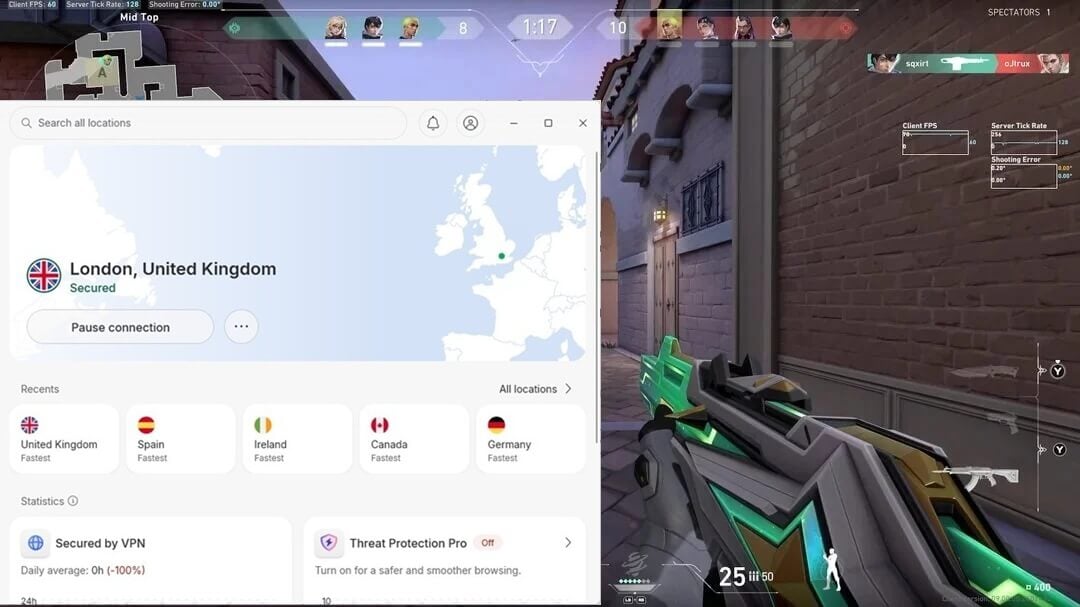
- Connect to a server in the country whose Valorant region you want.
- Go to Riot Games and make a new account, making sure the VPN is turned ON. The account will now be tied to the country you picked in NordVPN.
- Download and install Valorant.
- Launch Valorant, sign in to the newly created account, and play.
How to Change Valorant Regions Without a VPN?
If you avoid using VPNs for whatever reason, you can still do this. Riot Games doesn’t let you change regions on Valorant on your own. If you travel abroad and play the game elsewhere, the region you first created will still be valid. But you can try to contact its customer support to come to your aid.
Go to Riot Games and find its Support page. From there, request a Valorant region change and explain the reason behind it. You can say you moved to another country, for example. After the request is sent, you’ll have to wait for a few days for support to review and tackle the request.
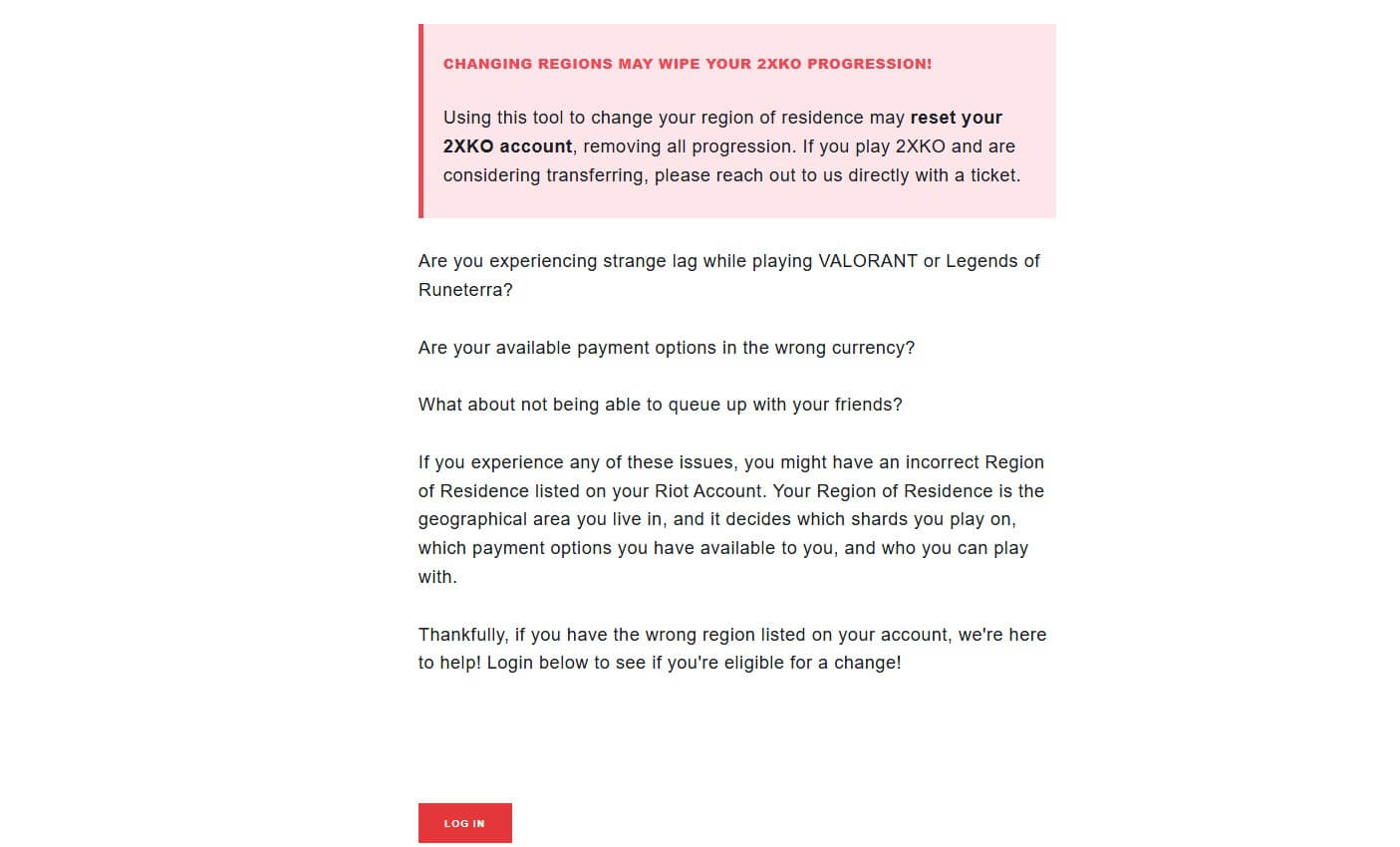
Riot Games can say no to your request, but if the region-changing request is accepted, you’re all set without a VPN. The downside is that you can’t change Valorant regions that often. If you try, the support team may suspect you’re trying to wiggle your way to different regions, which isn’t allowed.
VPNs offer better flexibility for changing your identity whenever, at the cost of making a new account. Albeit, you won’t need Riot Games’ permission, as you can do this indefinitely. This works similarly to changing your Steam country. Steam can change your region if you send a request.
On the other hand, you can use a VPN to immediately alter it and enjoy cheaper games and the content that was restricted in your original location.
Why Should You Use a Valorant VPN?
VPNs are bastions of security and privacy, which can also impact gaming positively. Gamers around the world actively use these services, and when playing Valorant, you can reap even more benefits, such as:
🌎 Changing Valorant Regions
Switching regions in Valorant brings with it a couple of benefits. You can play with friends outside of your region. If you have friends in Asia and you’re in the USA, you can play with them by changing your location. Another benefit is that you can align your in-game country to your real-life location if you move abroad. Your Valorant account is tied to the country you selected.
This isn’t great if you spend years in another one. If you plan on playing the game further, a Valorant region change will be sufficient. Some people have reported that certain locations have more game-related issues. These include long matchmaking times and server issues. Using this trick, you can bypass them by changing your account region to locations without annoyances.
🐌 Avoiding ISP Throttling
Connecting to a VPN rids you of performance issues. ISPs are known for throttling when you’re doing something bandwidth-heavy. Streaming and torrenting are fair examples, but gaming is frequently impacted. ISP throttling is when your Internet Provider deliberately slows down your connection to prevent network abuse or enforce some of its policies.
VPNs work by encrypting your traffic so that no one can impose restrictions on your connection. With a VPN, you can kick your ISP out of the game (no pun intended) and prevent it from throttling your bandwidth. This will also let you enjoy your VPN for Valorant and perform well in the game (if you’re skilled), without lag and often game-breaking slowdowns.
💢 Preventing DDoS and Doxxing
DDoS attacks are typical for multiplayer gaming sessions. Tech-savvy players can execute a DDoS attack and disrupt your network to kick you out of the game. Similarly, doxxing may also compromise your privacy, as another player can publicly display your home address or IP address to other players, revealing your true whereabouts. How does a Valorant VPN stop this?
A VPN prevents this through the same mechanism. Its encryption hides your IP so that the DDoS attack is redirected to an IP address from the VPN server. A VPN server will handle the attack unfazed, making you, by extension, untouched by the behind-the-scenes attack. It makes doxxing impossible, as it hides your whereabouts, making you a different person on the internet.
Best VPN for Valorant Region Change: Top 3 Picks
You won’t get far if you rely on just about any VPN. Most promise you much but deliver merely 50%. If you want a VPN to accompany your gaming adventures and not ruin them, these three are your best options in 2026:



 9200 servers
 128 covered countries
 30 days money-back guarantee
 10 simultaneous connections
9.4 /10

20396 servers
148 covered countries
30 days money-back guarantee
10 simultaneous connections
9.2 /10

3000 servers
105 covered countries
30 days money-back guarantee
10 simultaneous connections
9.1 /10
1. NordVPN: Best VPN for Valorant Overall
Pros
- Superb security
- Unlimited bandwidth
- Servers in 137 countries
- Cheap 2-year plan
- Malware protection
- Low-latency connections
Con
- Higher cost on renewal
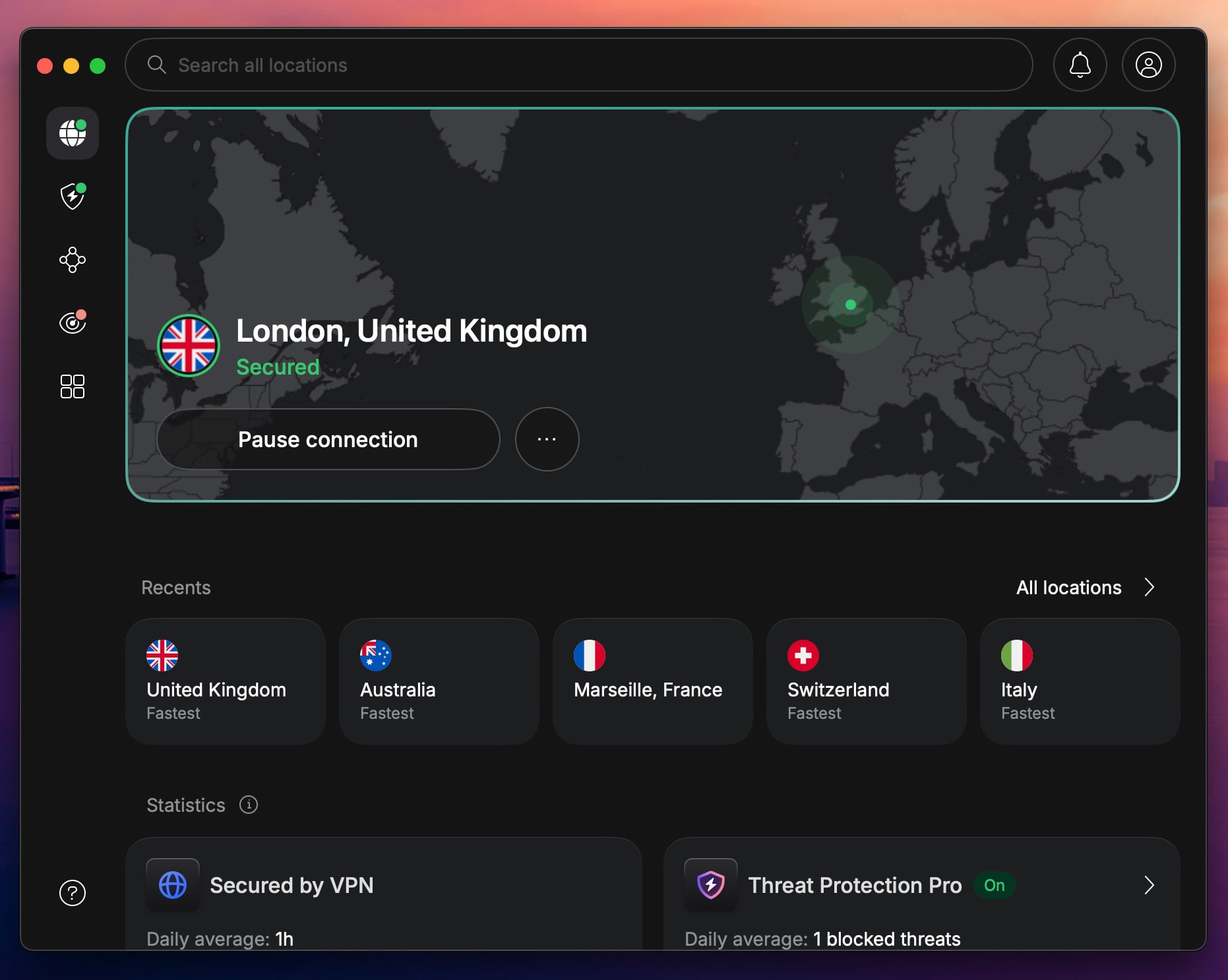
NordVPN is the number-one VPN for gaming. It’s because it has over 9,300 servers in 137 countries. Moreover, its servers have 10 Gbps ports for unrestricted performance. On top of that, NordVPN has an in-house protocol (NordLynx) built for speed and security for online gaming. NordVPN’s 256-bit AES encryption keeps DDoS attacks away for much-needed privacy.
On the other hand, Threat Protection Pro blocks malware, ads, and trackers. NordVPN also uses Meshnet, a unique and FREE feature for hosting secure LAN parties for gaming, transferring files, and controlling other devices remotely. NordVPN has a Windows client that lets you change Valorant regions in seconds.
The VPN supports all major platforms, with 10 simultaneous connections and extensive support for gaming consoles and routers. A no-log policy guarantees privacy, while Onion over VPN servers make each visit to the dark web private. The best Valorant VPN doesn’t cost much. It starts at $3.09 or less for 2 years.
We advise the cheapest Basic plan, although the Plus plan is also great if you want to block ads, trackers, and malware. This is the #1 pick for a Valorant region change that also offers many gaming perks and makes gameplay smooth.
2. ExpressVPN: Fastest Valorant VPN

Pros
- Beginner-friendly app
- 10 Gbps servers
- Doesn’t store logs
- Dedicated IP addresses
Cons
- No MultiHop
- Higher renewal cost
Consider ExpressVPN when switching Valorant regions. It offers servers in 105 countries and easy-to-use clients with one-click connections. Above all, ExpressVPN is fast and known for its Lightway Turbo protocol that blends speed and security. Its simplicity doesn’t mean you’ll lack many features.
Gamers can still enjoy a kill switch, tracker protection, diskless servers, and 10 Gbps server throughput. Due to its router support, it’s one of the best VPNs for Xbox or PS5, two of the most popular gaming consoles. If you want privacy, ExpressVPN is perfect due to its audited no-logging policy.
With up to 14 simultaneous connections, you can protect all devices fuss-free. And if you’re into hosting game servers, you can pick a dedicated IP address for peanuts. Price-wise, it’s affordable for the 2-year Basic plan, at around $2.79 per month. At this price, it’s one of the top Valorant VPN choices.
3. Private Internet Access: Best Cheap Valorant VPN
Pros
- DDoS protection
- Unlimited devices
- Affordable Valorant VPN
- No-log policy
Cons
- Confusing app UI
- Occasional speed drop
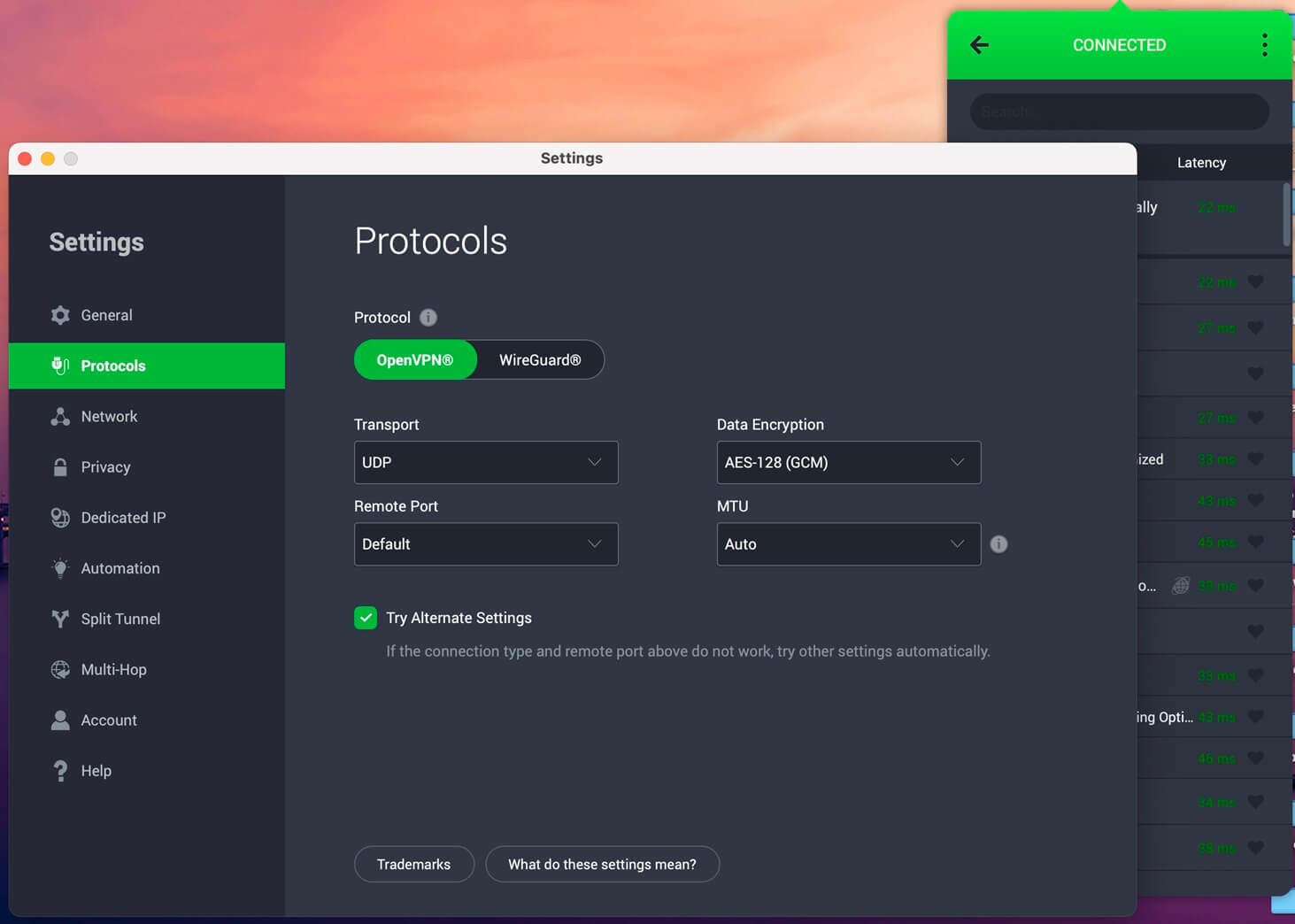
PIA offers over 30,000 servers with 10 Gbps throughput, WireGuard, and some of the top speeds. However, it’s more about privacy and security for gamers who appreciate DDoS protection, GCM encryption, and MultiHop routing. PIA secures you top-to-bottom and has a no-log policy for privacy.
We tested PIA for changing Valorant regions and enjoyed MACE, which blocks trackers and ads. Meanwhile, there’s Shadowsocks obfuscation that hides your VPN use. Best of all, PIA offers unlimited simultaneous connections, making it easy to protect all devices and not spend more money.
Its Windows app can be clunky, making the VPNs above a bit better for Windows. On the brighter side, this is an affordable Valorant VPN, starting at around $1.75 per month for the 2-year plan with up to 4 free months. Try it risk-free for a Valorant region change and many gaming-related benefits.
Check out Private Internet Access
Is It Safe to Change Valorant Regions?
Yes, it’s perfectly safe, no matter the method. Going the non-VPN route leaves you at the mercy of Riot Games. However, even if they don’t want to change your country, your account won’t be banned. You’ll be locked to the original location. Using a VPN is also safe and yields no risk to your privacy.
You have to make a new account before connecting to a VPN. You’re not doing anything with your old account, and as a result, you can’t get banned. When it comes to banning, there’s always a possibility if you insult other players, harass people online, or do anything inappropriate.
If you get banned for the reasons we mentioned, a VPN can help by assigning you a new IP address, allowing you to pretend you’re another person online.
Which Valorant Regions Can I Choose?
Riot Games has many servers specifically designed for this game. Some of the best locations, at least according to long-time players, are Western Europe, Southeast Asia, and North America. However, the entire roster of server locations is:
| US West | US East | US Central | Latin America | Brazil |
| France | Stockholm | Sweden | Istanbul | London |
| Madrid | Bahrain | Seoul | Tokyo | Warsaw |
| Sydney | Mumbai | Hong Kong | Japan | Germany |
Conclusion
Your gaming enjoyment depends on your location. Server issues, long matchmaking, or the will to join your friends in virtual battles across the globe may call for a VPN for Valorant region change. With NordVPN’s 137 countries, you can perform a swift Valorant Region change anywhere.
Any other high-quality VPN will also work, so don’t rule out ExpressVPN and Private Internet Access. Their security, privacy, and speed will provide plenty of enjoyment. Besides, our ranking of the top VPNs contains all three, which tells you volumes about their quality for gaming and all other purposes.
Frequently Asked Questions
🏛️ How to make an EU Valorant account?
To make an EU Valorant account, connect to a server in the EU with the VPN and make a new account as you would regularly. If you're in the EU, you don't need the VPN. Make an account by selecting your country.
🌍 How to change region in Valorant?
To change region Valorant, use a VPN and make a new account. You can also request a Valorant region change from Riot Games support, but if you do it often, the trick won't work, and your access to the game can be restricted.
🎮 Can you play Valorant with a VPN?
Yes, you can, and it offers many benefits, such as DDoS protection, improved speed without bandwidth throttling, and privacy. There's no Valorant VPN ban, so you can use the service you like without restrictions.