You want Spotify to keep playing where it won’t: in a country that doesn’t offer it, on a campus or office network that blocks it, or abroad after the 14 days a free account is allowed outside its home country. A VPN changes the location Spotify sees.
Your phone or computer connects through one of the VPN’s servers abroad, so Spotify reads that country’s IP address instead of yours, and the encrypted connection hides what you stream from the network you’re on. That’s enough to keep your own account going on a trip.
A VPN on its own won’t hand you another country’s music catalog, though, and that detail decides how you set it up. The five VPNs we’d use are in the box just below.
Best Spotify VPNs for 2026 Ranked
- NordVPN: Best overall, with obfuscated servers for networks that block Spotify
- Proton VPN: Best for privacy, with its Stealth protocol on every plan, including the free one
- ExpressVPN: Best for restrictive countries, with obfuscation that works automatically
- Private Internet Access: Best for Premium Family plans, with no cap on connected devices
- Surfshark: Best budget pick, with Camouflage Mode and a fast WireGuard connection
How the Five Spotify VPNs Compare
Music uses little bandwidth. Spotify’s Very High setting takes about 144 MB an hour, and lossless audio up to about 1 GB, so any of these VPNs keeps up. The table compares what changes the experience instead: speed with obfuscation enabled, server coverage, and device limits.
| NordVPN | Proton VPN | ExpressVPN | PIA | Surfshark | |
| Average speed loss (UK, US, Japan) | 7.8% (NordLynx) | 10.2% (WireGuard) | 7.8% (Lightway) | 12.7% (WireGuard) | 9.6% (WireGuard) |
| Speed loss with obfuscation (Hong Kong server) | 38.9% (obfuscated server) | 68.1% (Stealth) | 29.8% (Automatic) | Not tested (Shadowsocks proxy) | Not tested (Camouflage Mode) |
| Countries | 152 | 149 | 113 | 113 | 100 |
| Devices at once | 10 | 10 | 10-14 | Unlimited | Unlimited |
| Free version | No | Yes, no data limit | No | No | No |
| Start price (two-year plan) | $3.49/mo | $2.99/mo | $2.99/mo | About $2/mo | $2.49/mo |
| Refunds | 30 days | 30 days | 30 days | 30 days | 30 days |
The Best VPNs for Spotify in 2026
Spotify plays smoothly on almost any paid VPN, so we ranked these five on the jobs a music listener hires one for: keeping a home account working abroad, getting past networks that block Spotify, and privacy.
1. NordVPN: Best VPN for Spotify Overall
Pros
- Fast NordLynx protocol
- Obfuscated servers for blocked networks
- Very wide country coverage
- Native apps for Apple TV and Fire TV
- Ten devices per subscription
Cons
- Obfuscation costs noticeable speed
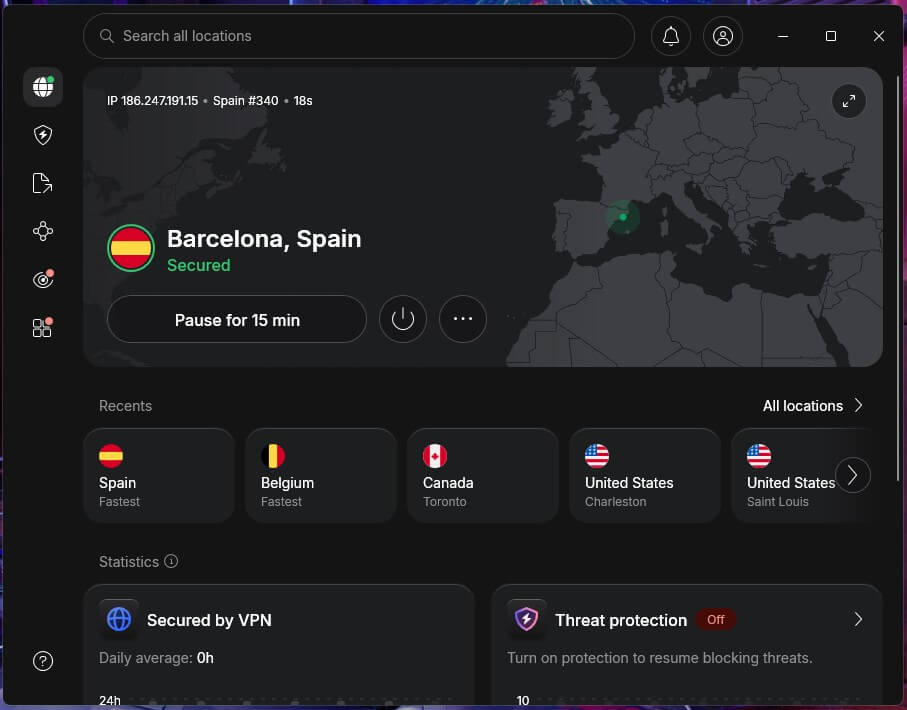
NordVPN lost 7.8% of our speed on average with NordLynx, its own protocol, which leaves far more than lossless Spotify requires. It has servers in more countries than Proton VPN or ExpressVPN, so the country your account is registered in is almost always on the list, and one subscription covers 10 devices.
School, office, and hotel networks often block Spotify, VPNs, or both. NordVPN’s obfuscated servers disguise the VPN connection as ordinary web traffic, using NordWhisper, NordVPN’s own stealth protocol, and you pick one from the Obfuscated Servers category in the app.
They’re slower than standard servers, so connect to one only when a normal server won’t connect. It also has native apps for Apple TV and Fire TV, handy for Spotify on the living room screen, and the Complete plan adds next-gen antivirus against malicious sites.
On a two-year subscription, NordVPN’s Basic plan stays under $3.50 a month. Our NordVPN review has the full test results, and the 30-day money-back guarantee gives you time to check it with your own Spotify account.
2. Proton VPN: Best for Private Listening
Pros
- Stealth obfuscation on all plans
- Free version with no data limit
- VPN Accelerator for distant servers
- Swiss jurisdiction
- Open-source apps
Cons
- Stealth slows long-distance connections
- No Smart DNS option
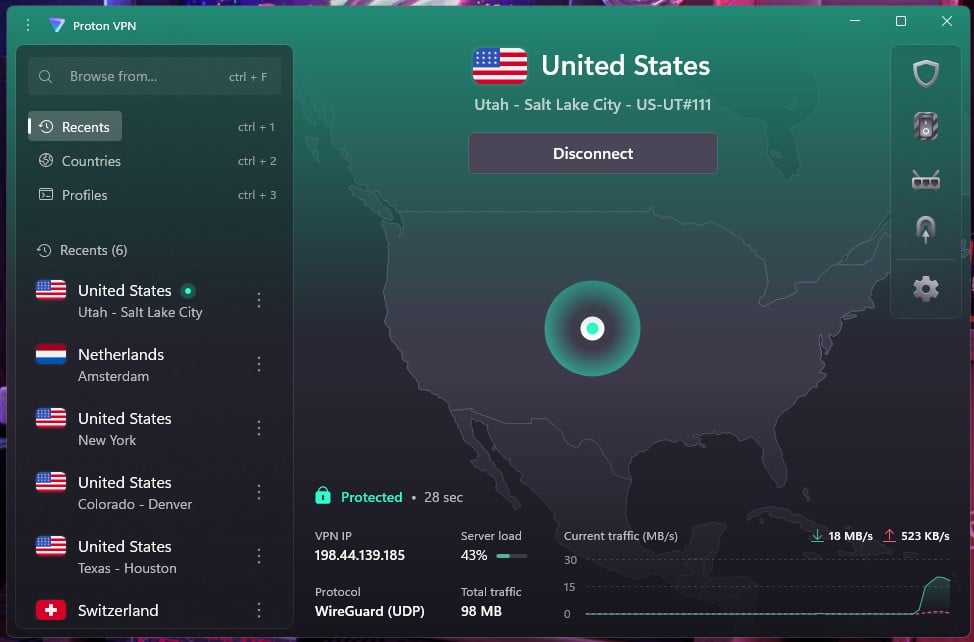
Swiss law covers Proton VPN, outside auditors have checked its no-logs claim, and the app code is public on GitHub. For extra protection, Secure Core passes your connection through a second Proton server in a privacy-friendly country before it goes out to the internet.
VPN Accelerator, a Proton tool for long-distance connections, keeps speeds up across continents. Stealth, Proton’s obfuscation protocol, disguises VPN traffic as regular web traffic, and it’s available on every plan, including the free one. On a Hong Kong server, Stealth caused a 68% speed loss in our tests, the biggest loss in this test.
That still left many times the speed lossless audio requires, so music on a restricted campus network won’t stutter, but switch Stealth off on networks that don’t block VPNs. The free version is a rare one with no data cap, which makes it a reasonable way to test Spotify on a VPN before paying.
The VPN Plus plan comes to roughly $3 a month over two years, adds full server choice, and unblocks Netflix US for the evenings you switch from music to TV.
3. ExpressVPN: Best for Restrictive Countries
Pros
- Obfuscation with nothing to configure
- Same app design on every platform
- Post-quantum encryption
- Up to 14 devices on the top plan
- Fast Lightway protocol
Cons
- Weaker ad and tracker blocking
- Few advanced settings
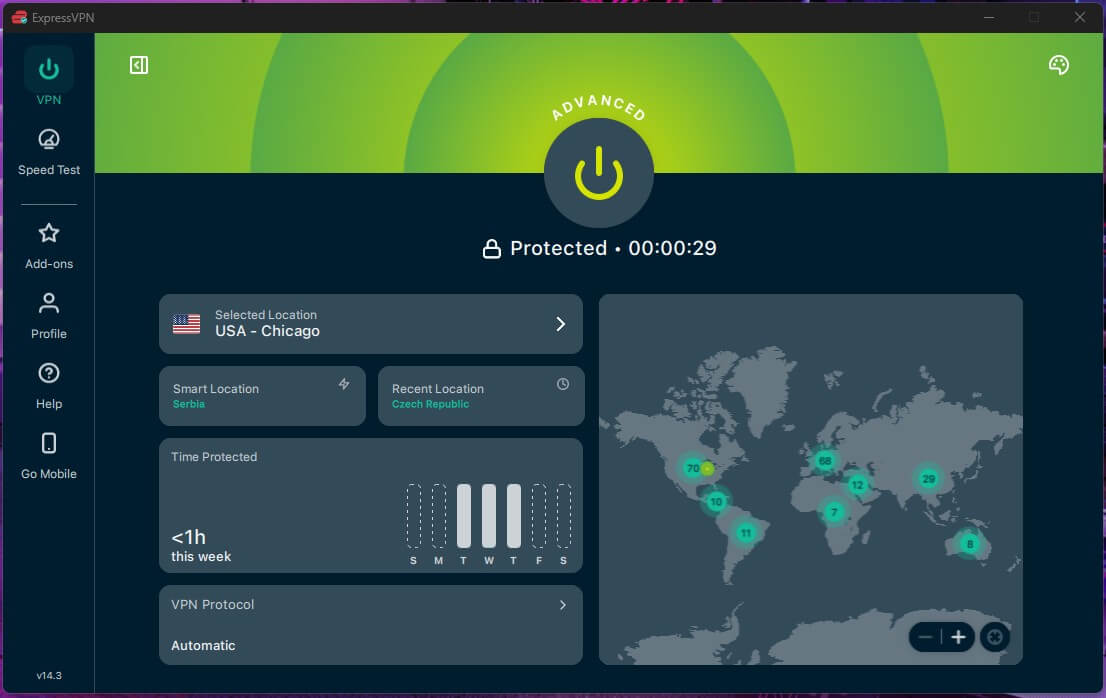
ExpressVPN obfuscates automatically, great for beginners. On a Hong Kong server with obfuscation working, it lost about 30% of our speed, a smaller loss than NordVPN’s obfuscated servers or Proton VPN’s Stealth. That’s useful in countries like China, where Spotify isn’t offered, and standard VPN connections are blocked.
Its iPhone app shares one layout with the Windows, Mac, and Android versions, so a family switching between devices finds the Connect button in the same place. The top plan covers more devices than NordVPN or Proton VPN, enough for a household sharing a Spotify Premium Family plan.
Advanced Protection, its ad and tracker blocker, caught fewer ads in our tests than NordVPN’s or Proton VPN’s, so keep a browser ad blocker if that matters to you. Its Basic plan is roughly $3 a month over two years.
Android and iPhone users can start with a three-day trial, which takes card details upfront, so cancel within the three days if it isn’t for you.
4. Private Internet Access: Best for Premium Family Plans
Pros
- No cap on connected devices
- Servers in every US state
- Detailed connection settings
- Court-tested no-logs record
- Low long-term price
Cons
- Shadowsocks requires OpenVPN
- Bigger slowdown on far-away servers
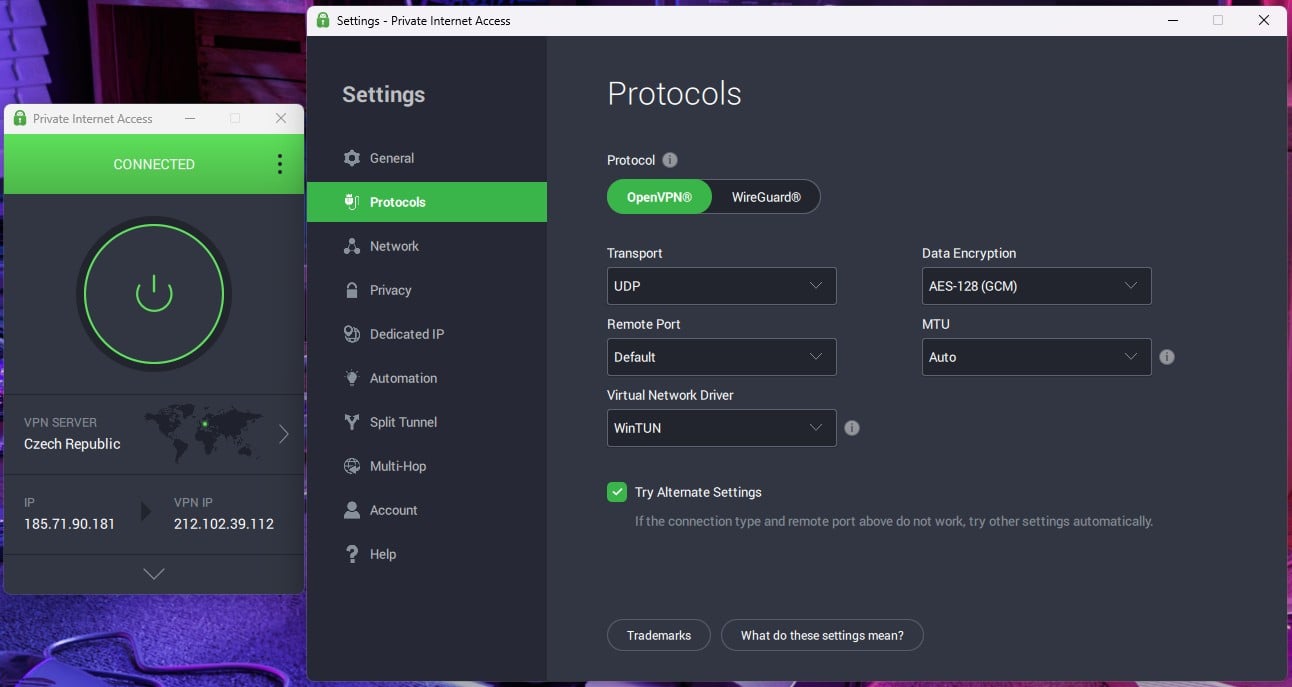
Private Internet Access sets no limit on devices, so every phone, laptop, and smart speaker on a Spotify Premium Family plan can share one subscription. The settings menu lets you choose the protocol, encryption level, and port, handy when a network blocks the default connection.
Across our UK, US, and Japan tests, it lost 12.7% of our speed on average with WireGuard, still far more than Spotify’s lossless audio requires. The loss grew on the Japan server, so connect to the closest server in your account’s country for steady playback.
For networks that block VPNs, PIA routes traffic through a Shadowsocks proxy, but only on the OpenVPN protocol, so switch from WireGuard in Settings first. Our PIA review covers its no-logs record, and a two-year plan costs around $2 a month.
5. Surfshark: Best Budget VPN for Spotify
Pros
- Camouflage Mode turns on by itself
- Unlimited devices per account
- Static IP servers in several countries
- Masked email addresses with Alternative ID
- Low starting price
Cons
- Connections sometimes take longer
- Higher price at renewal
Surfshark lost 9.6% of our speed on average with WireGuard across our UK, US, and Japan tests, a small enough loss that skipping tracks feels instant. It also puts no limit on devices, so a whole household can stay connected on one plan.
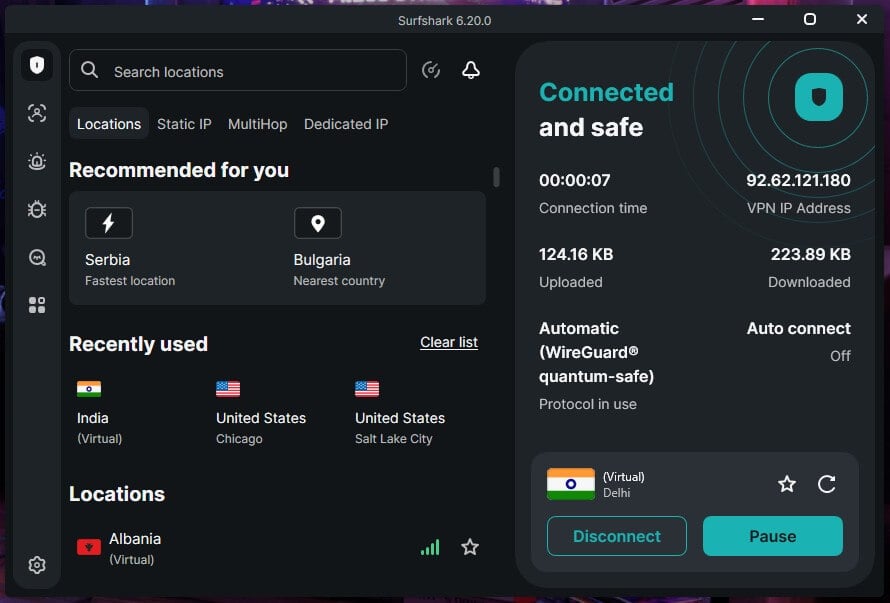
Camouflage Mode hides VPN traffic on restricted networks and switches on automatically with OpenVPN, so there’s no setting to hunt for on a campus or office network. Our Surfshark review has the full results, including its static IP servers.
Some connections took a few extra seconds in our tests, so give the app a moment before switching servers. The Starter plan costs about $2.50 a month over two years and renews at a higher rate, so check the renewal price before the first term ends.
Our Surfshark vs. NordVPN comparison shows where it trails our top pick.
How to Unblock Spotify With a VPN
Connect to a server in the country your Spotify account belongs to, then open the app. The steps:
- Subscribe to a VPN. We’d go with NordVPN, but the other four VPNs on this list work the same way.
- Install the VPN app on your phone or computer, and sign in.
- Connect to a server in your account’s country. Abroad, pick your home country. On a school or office network that blocks Spotify, any server works, or an obfuscated one if a standard server won’t connect.
- Open Spotify and sign in. Your music plays as it does at home.
Spotify Not Working With a VPN? Try These Fixes
When Spotify stops playing on a VPN, the cause is usually the server’s country, the app’s cache, or a network that blocks VPN traffic. Try these fixes in order:
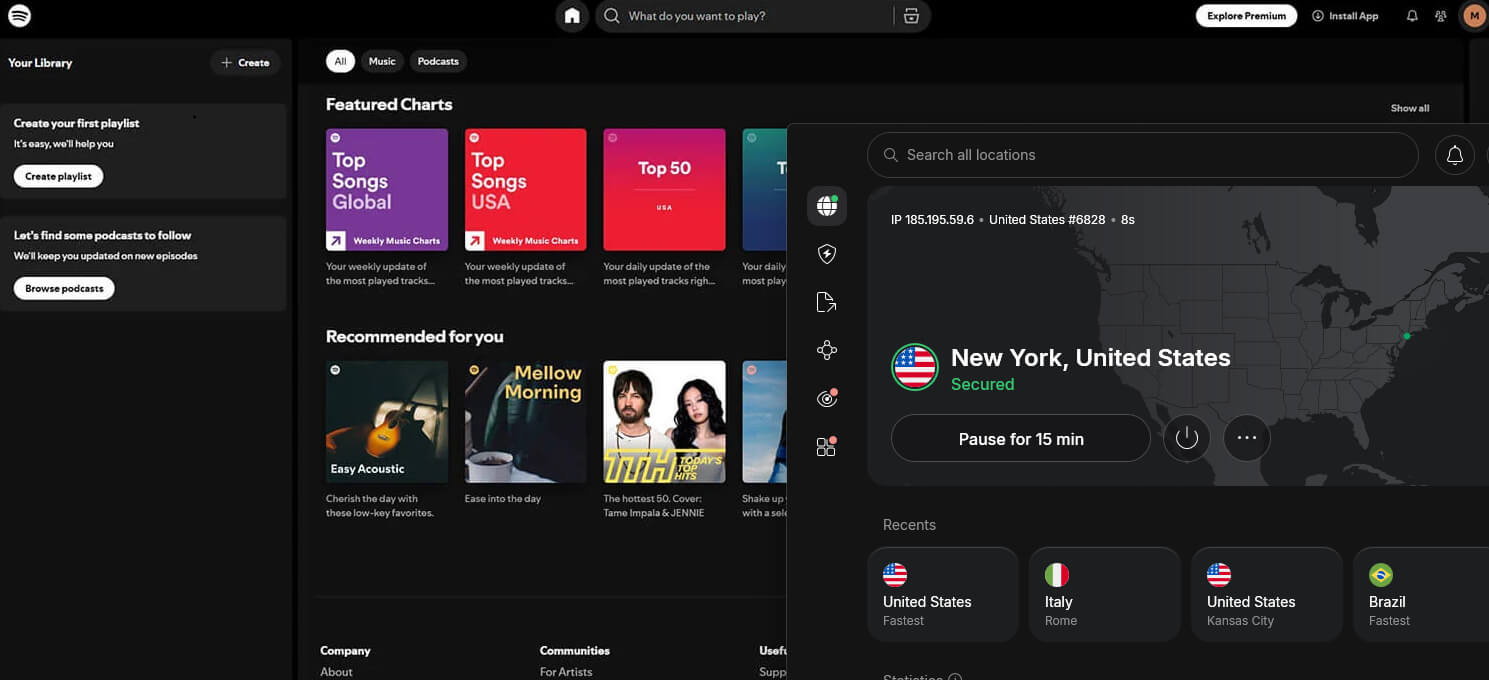
- Connect to your account’s country. A server elsewhere can trigger a region message on a free account or gray out songs licensed only at home.
- Close and reopen Spotify after switching servers, so the app picks up the new IP address.
- Clear the cache. On a phone, go to Settings, then Storage, tap Clear cache, and sign in again.
- Switch on obfuscation if Spotify won’t load on a school, office, or hotel network. Pick an obfuscated server in NordVPN, or turn on Stealth in Proton VPN.
- Check split tunneling. If you set Spotify to bypass the VPN, the app still uses your real IP address.
How to Change Your Spotify Country
Spotify ties your catalog and price to the country on your account, set when you signed up. A VPN helps with the first step of a country change, because Spotify only lists a new country when your IP address is there. The rest works differently on Premium and Free.
Changing Country on a Premium Account
Say you connect to a VPN server in Italy. Under Profile on your Spotify account page, Italy now appears as a country option.
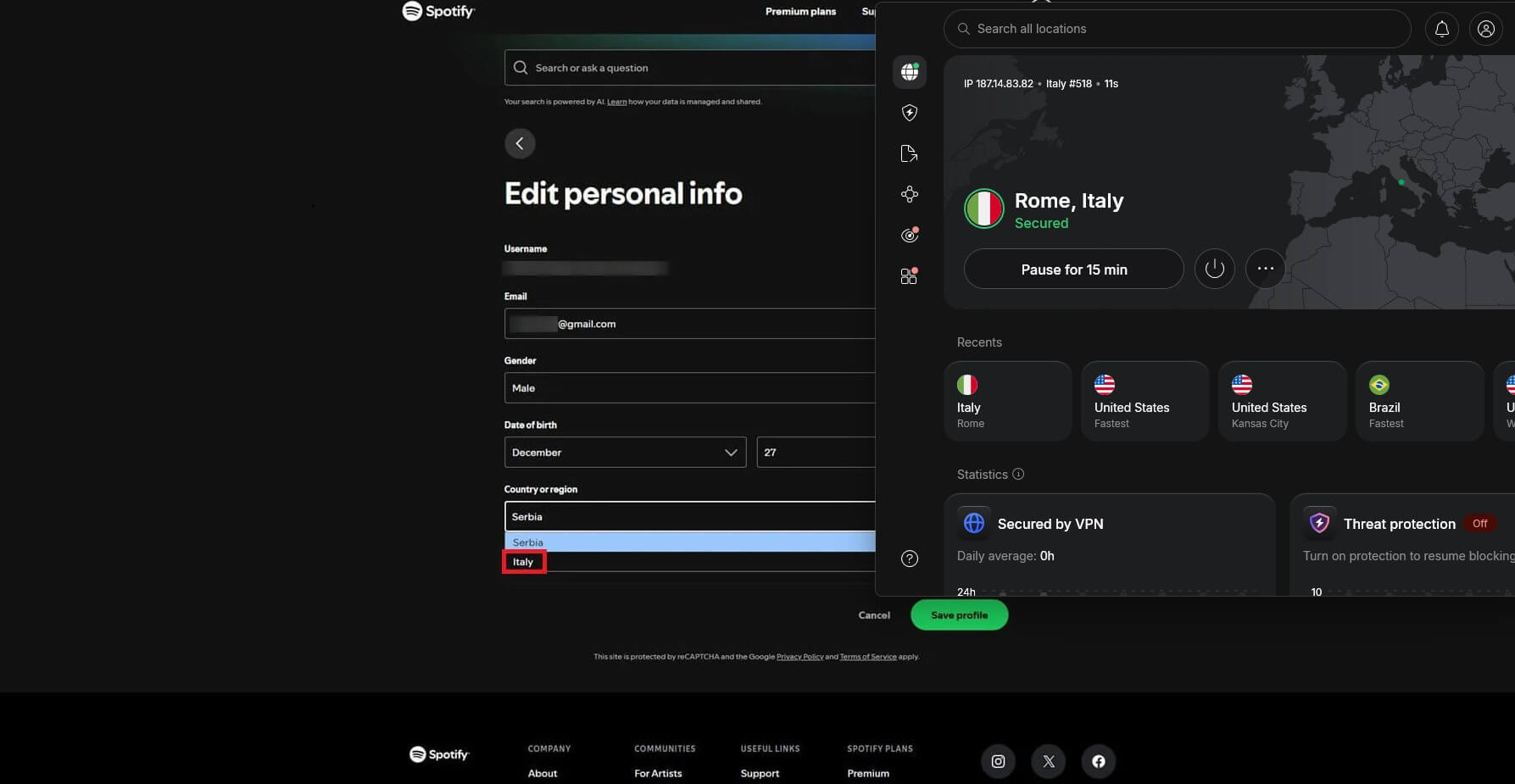
Premium also requires a payment method issued in that country, and the change takes effect from your next billing date. Without a local card or PayPal account, the switch won’t go through, and a VPN can’t help with that part.
Prices differ by country, and the so-called Spotify Premium VPN trick tries to exploit that. Spotify’s user guidelines prohibit getting around its territorial restrictions, so signing up in a cheaper region puts the account at risk.
Changing Country on a Free Account
Spotify lets a free account play in another country for up to 14 days. After that, playback stops until you update the country in your profile, and the new country only shows up when you’re actually there.
A VPN keeps a free account playing past the 14 days: connect to a server in your home country, and Spotify sees you at home. The same logic works in reverse. Listen on a foreign server for weeks, and Spotify will eventually ask you to switch your account to that country.
Spotify in China and Countries Without It
Spotify operates in 184 countries and territories, but not in China, Russia, Iran, or North Korea. In those countries, connect to a server in the country where your account is registered, and the app works as it does at home. China also blocks most VPN connections, so you require obfuscation there.
NordVPN’s obfuscated servers, Proton VPN’s Stealth, or ExpressVPN’s automatic mode. Install the VPN and Spotify before you travel, since Chinese app stores don’t list VPN apps, and a VPN doesn’t change the region of your App Store or Google Play account.
Premium listeners have one more safeguard. Download your playlists for offline listening before the trip, and the music plays on days when no VPN connects.
Best Free VPN for Spotify: 2 Options That Work
Music is one of the few jobs where a free VPN makes sense, because a free plan’s limits on streaming services and speed matter little at 320 kbps. Two free VPNs keep no logs and set no data cap.
Proton VPN Free: No Data Limit
Pros
- No data limit
- Works on networks that block VPNs
- Audited no-logs policy
Cons
- Can’t choose a server
- One device at a time
- Long wait after repeated server switches
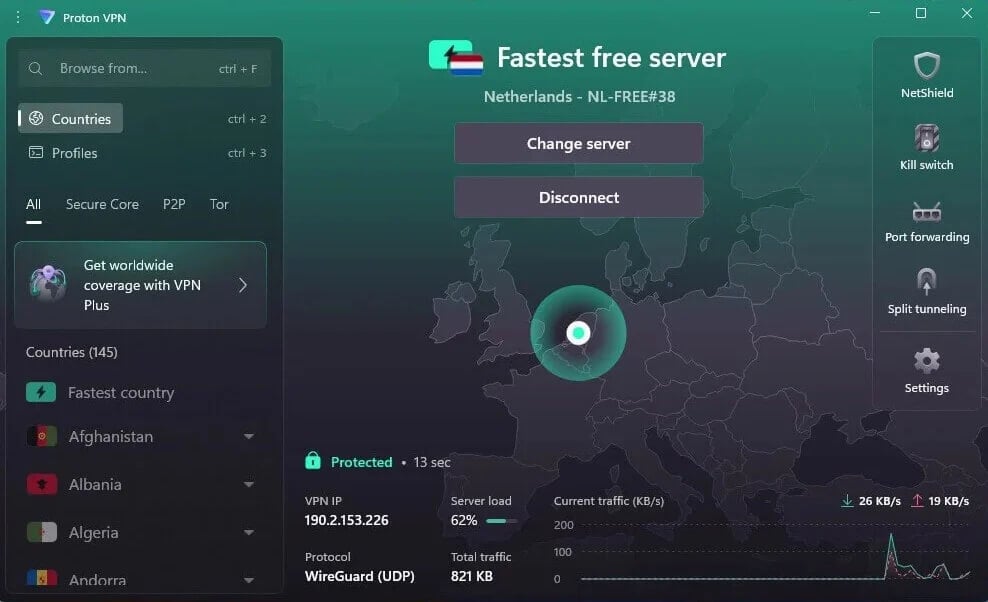
Proton VPN’s free version has no data cap, so a full day of music costs nothing extra, and Stealth works on it for networks that block VPNs. It uses the same encryption and no-logs policy as the paid version, which is rare for a free VPN. The catch is control, or better said, the sheer lack of it.
Proton picks the server country from a short list, so it helps with Spotify only when that country matches your account, and switching servers several times in a row locks the button for a while.
It covers one device, blocks torrenting, and doesn’t unblock video services such as Netflix. It’s still our favorite free VPN for Mac and Windows.
Hide.me Free: Choose From Seven Countries
Pros
- Unlimited data
- Server choice on the free version
- No-logs policy
Cons
- Slow speeds
- No torrenting
- Covers only one device
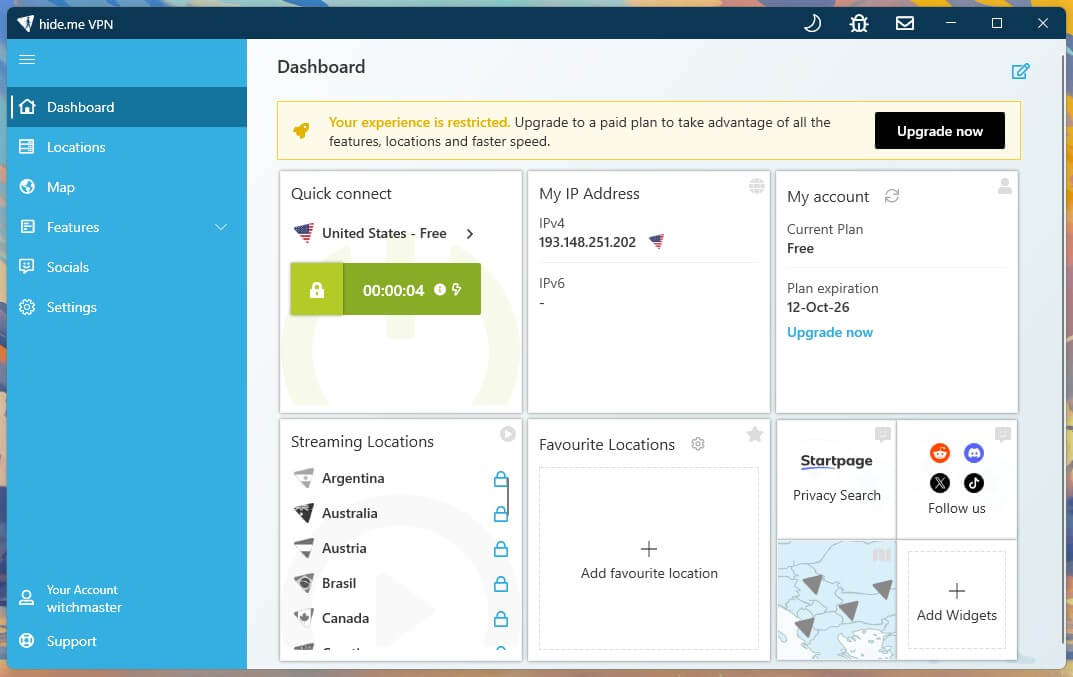
Hide.me’s free version also has no data cap, and it lets you pick the country: the US, the UK, France, Germany, the Netherlands, Switzerland, or Finland. For a Spotify account registered in one of those, that’s the free VPN to try.
It’s among the slowest free VPNs we’ve used. Music at 320 kbps still plays without interruptions, but Hide.me blocks torrenting and video streaming services, and it covers one device at a time. For more countries and speed, a cheap VPN costs around $2 a month.
Summary
Premium listeners on a short trip to a country where Spotify works don’t require a VPN for music. A VPN helps in three situations: a free account abroad for more than 14 days, a country without Spotify, and a network that blocks it. For all three, NordVPN is the one we’d install.
It has servers in the most countries, so your account’s home country is on the list, and its obfuscated servers get past networks that block Spotify. Proton VPN is the private choice and the best free one, and ExpressVPN keeps the most speed with obfuscation.
For a Premium Family plan shared across many phones, PIA and Surfshark put no limit on devices and cost less. If your free account already stopped working after 14 days abroad, connect to a server in your home country and sign in again before you change the country in your profile.
Frequently Asked Questions
Does Spotify work with a VPN?
Yes. Spotify plays normally over a VPN connection, and music uses little bandwidth, so speed is rarely an issue. The VPN server's country should match the country registered on the account.
Is it legal to use Spotify with a VPN?
Yes, in most countries. VPNs are legal across Europe and North America, but Spotify's user guidelines prohibit getting around territorial restrictions, which can lead to action against the account.
Why are some songs grayed out on Spotify?
Grayed-out songs aren't licensed in the account's country. Rights holders license music country by country, so the same track can be available in one market and missing in another.
Can you use Spotify Free abroad?
Yes, for up to 14 days. After that, Spotify stops playback until the account's country is updated, unless the listener connects through a server in the home country.
Does a VPN slow down Spotify?
Barely. Even lossless audio requires only a few megabits per second, so a fast VPN with WireGuard-based protocols such as NordLynx or Lightway leaves far more speed than music requires.
Can a VPN get cheaper Spotify Premium?
Not reliably. Spotify prices Premium by account country and requires a payment method issued there, and its guidelines prohibit getting around territorial restrictions, which can lead to account action.