
When the evening news starts in New York, it’s already the next morning in Seoul. For Americans living in South Korea, the time difference is the smaller problem. The bigger one appears when CBS News, NBC, or the American Netflix catalog won’t load. US channels serve viewers with a US IP address and block most connections from Korea.
A VPN fixes the block by connecting you through a server in an American city. From Korea, the city you choose makes a difference. If you want to watch US TV in South Korea, here’s the setup and the channels to start with.
US TV From South Korea: Steps for 2026
- Sign up with NordVPN and install its app on your phone, computer, or TV.
- Connect to Los Angeles or another West Coast server.
- Open the channel’s website or app, such as CBS News or NBC.
- Start a live stream or a free episode.
How to Watch US TV in South Korea
Connect to a US server on the West Coast, then open the channel’s app or website. Los Angeles and Seattle are the nearest US server locations to Korea, so your traffic doesn’t also cross the country to New York. NordVPN, Proton VPN, and ExpressVPN have servers in both cities.
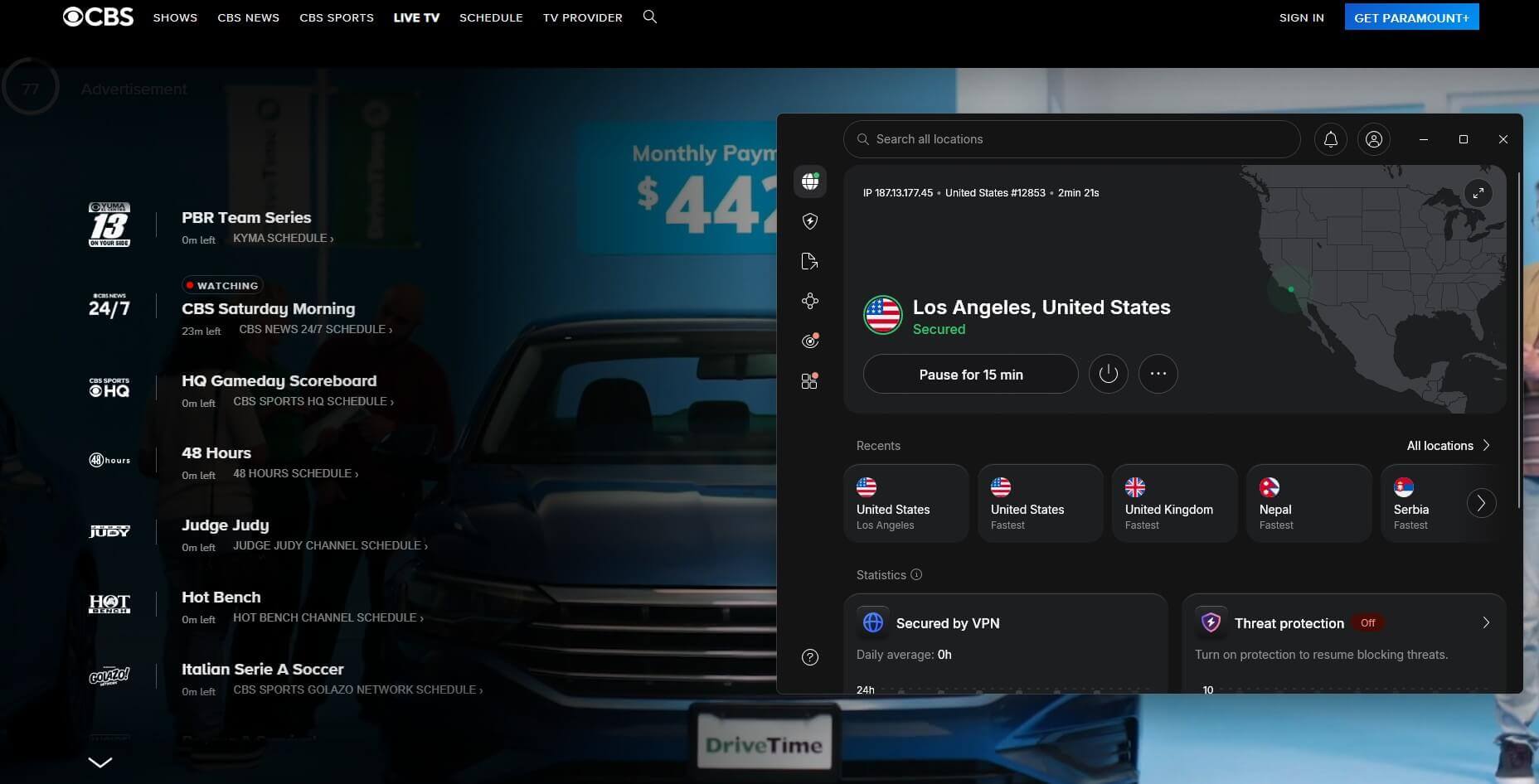
Connect before you open the channel, because its app or website reads your location when it loads. So if a channel still shows a region error after you connect, close the app or clear the site’s cookies, then open it again.
Free US TV Channels You Can Watch in South Korea
These five networks stream for free without an account, and none of them detected a VPN on our Los Angeles connections:
- CBS News 24/7: CBS’s live news channel
- ABC News Live: ABC’s streaming news channel
- NBC: shows and clips on NBC.com
- PBS: free shows on pbs.org
- Fox: the LiveNOW from FOX stream
ABC’s main broadcast channel works differently, since watching ABC live from abroad requires a US pay-TV login.
If you only watch now and then, two free VPNs, Windscribe and PrivadoVPN, unblocked ABC and CBS in our tests. However, each allows 10 GB a month, which lasts a few hours in HD, so a paid VPN fits daily viewing better.
Can You Watch Netflix US in South Korea?
Yes. Netflix shows each country its own library and sets yours by your IP address. So on a US server, a Korean Netflix account switches to the American catalog. NordVPN, Proton VPN, and ExpressVPN unblocked Netflix US in our tests.
Other paid US services are harder to sign up for from Korea. Hulu, Peacock, and YouTube TV require a US payment card, so a Korean card won’t complete the sign-up.
For Americans who already pay for them at home, NordVPN and ExpressVPN unblocked Hulu, HBO Max, and Peacock in our streaming tests. Proton VPN unblocked HBO Max and Peacock but couldn’t unblock Hulu.
Best VPNs for Watching US TV in South Korea
1. NordVPN: Best for American TV in Korea
Pros
- Unblocked Hulu, HBO Max, and Peacock
- Smart TV setup without an app
- Covers 10 devices at once
Cons
- Higher renewal price
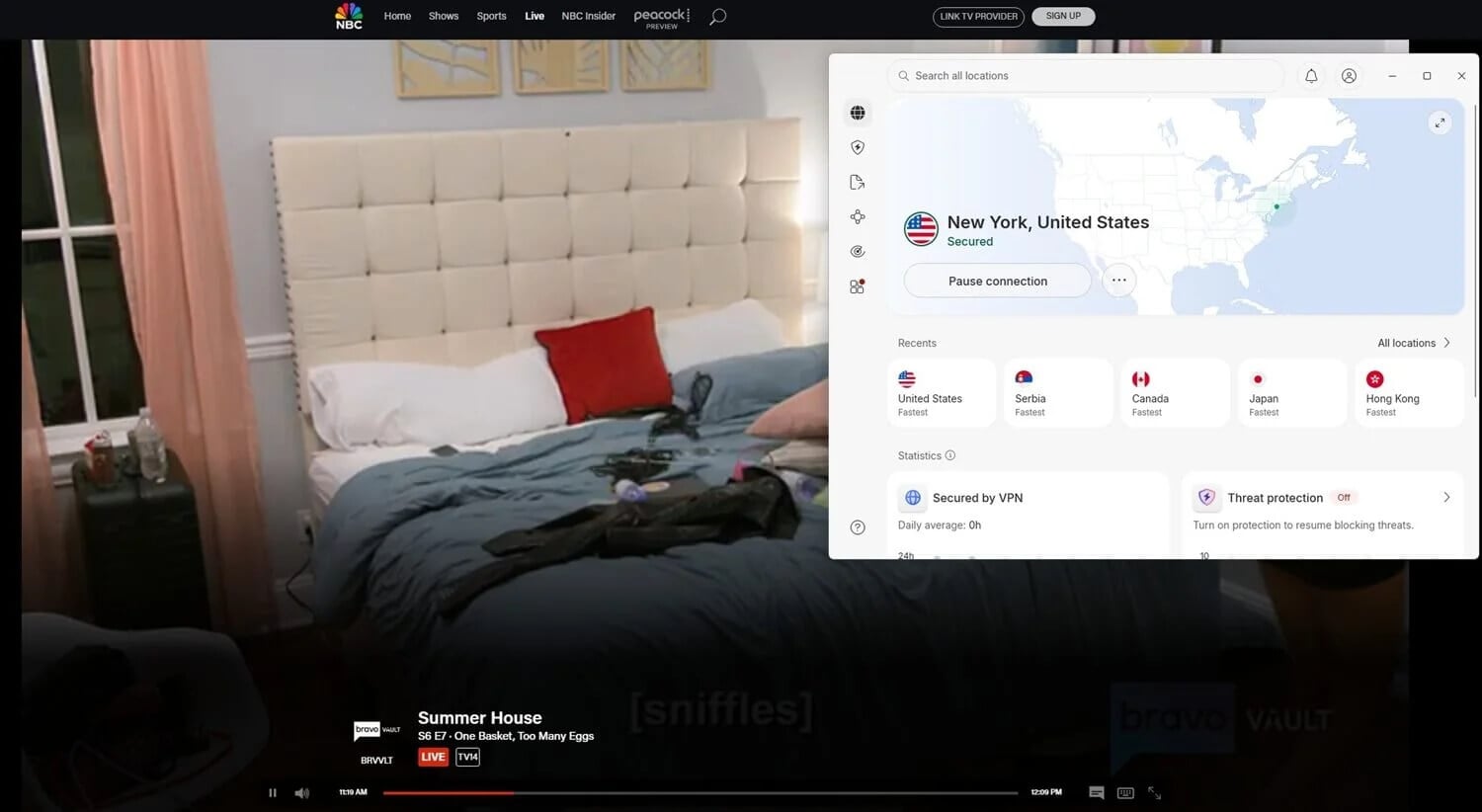
NordVPN is the VPN we’d install if you keep a Hulu account from home, since it unblocked every US service in our tests. It has apps for phones, computers, and Android TV, so those devices connect to Los Angeles directly. Samsung and LG smart TVs are the exception, because neither has a NordVPN app.
For those, NordVPN offers SmartDNS. You activate it in your Nord Account, which registers your home IP address. Then you enter NordVPN’s DNS servers in the TV’s network settings. US streaming apps then treat the TV as American. SmartDNS doesn’t encrypt your traffic, so use it for streaming only, and activate it again if your ISP changes your IP address.
2. Proton VPN: Best Budget VPN for HBO Max and Peacock
Pros
- Unblocked HBO Max and Peacock
- Lower long-term price
Cons
- No Smart DNS for TVs
- Couldn’t unblock Hulu
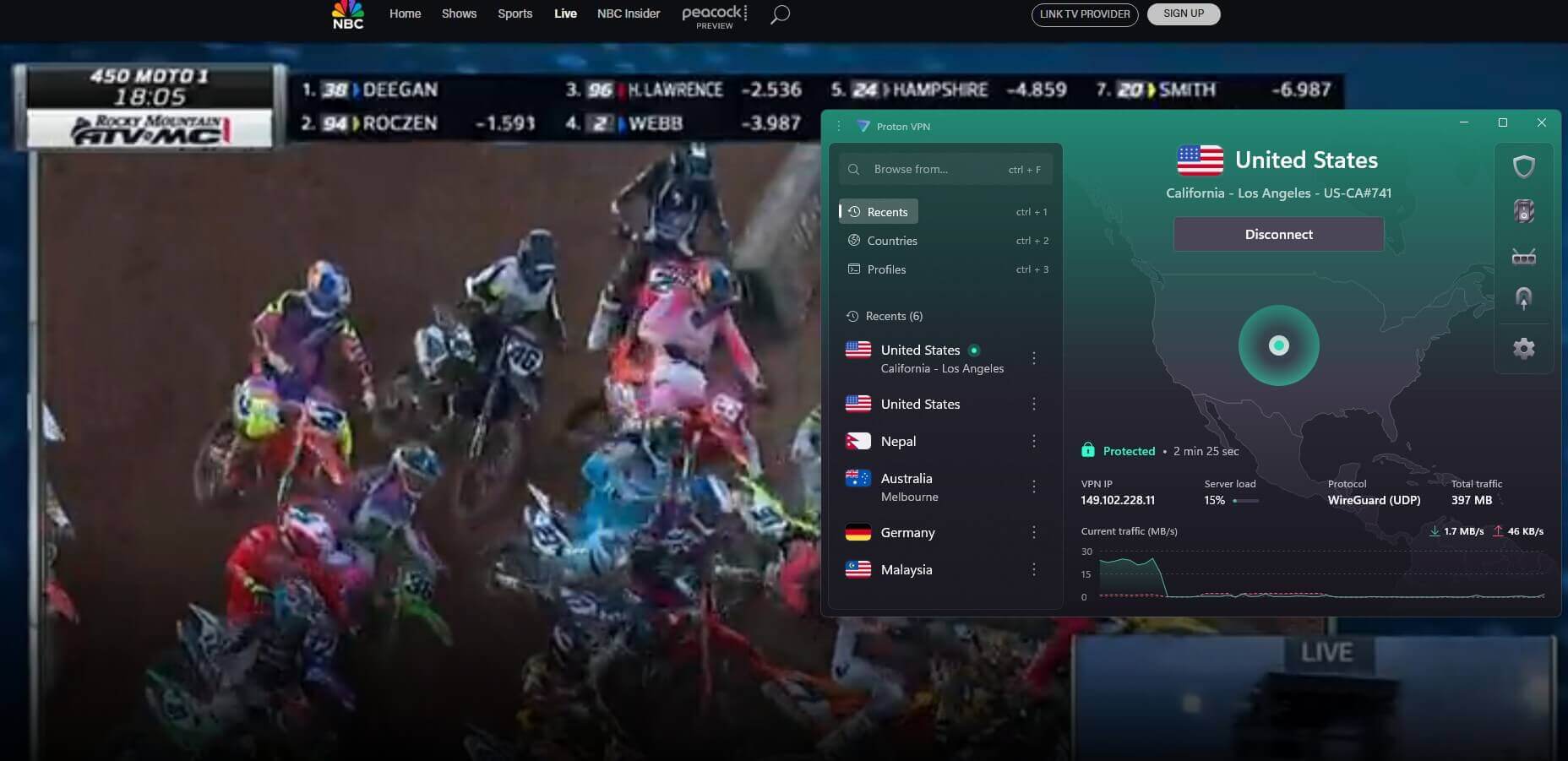
Proton VPN is the VPN for viewers who skip Hulu and want a lower bill each year. One subscription covers 10 devices, so a household can connect its phones, a laptop, and a TV box at the same time. On a TV, Proton VPN has apps for Android TV and Apple TV.
With the app installed, an Apple TV box connects to a US server the same way a phone does. The US versions of streaming apps then work on the big screen.
3. ExpressVPN: Best for First-Time VPN Users
Pros
- Simple apps for first-time users
- Smart TV and console setup without an app
- Browser extension with location spoofing
Cons
- Little customization
- No split tunneling on iOS
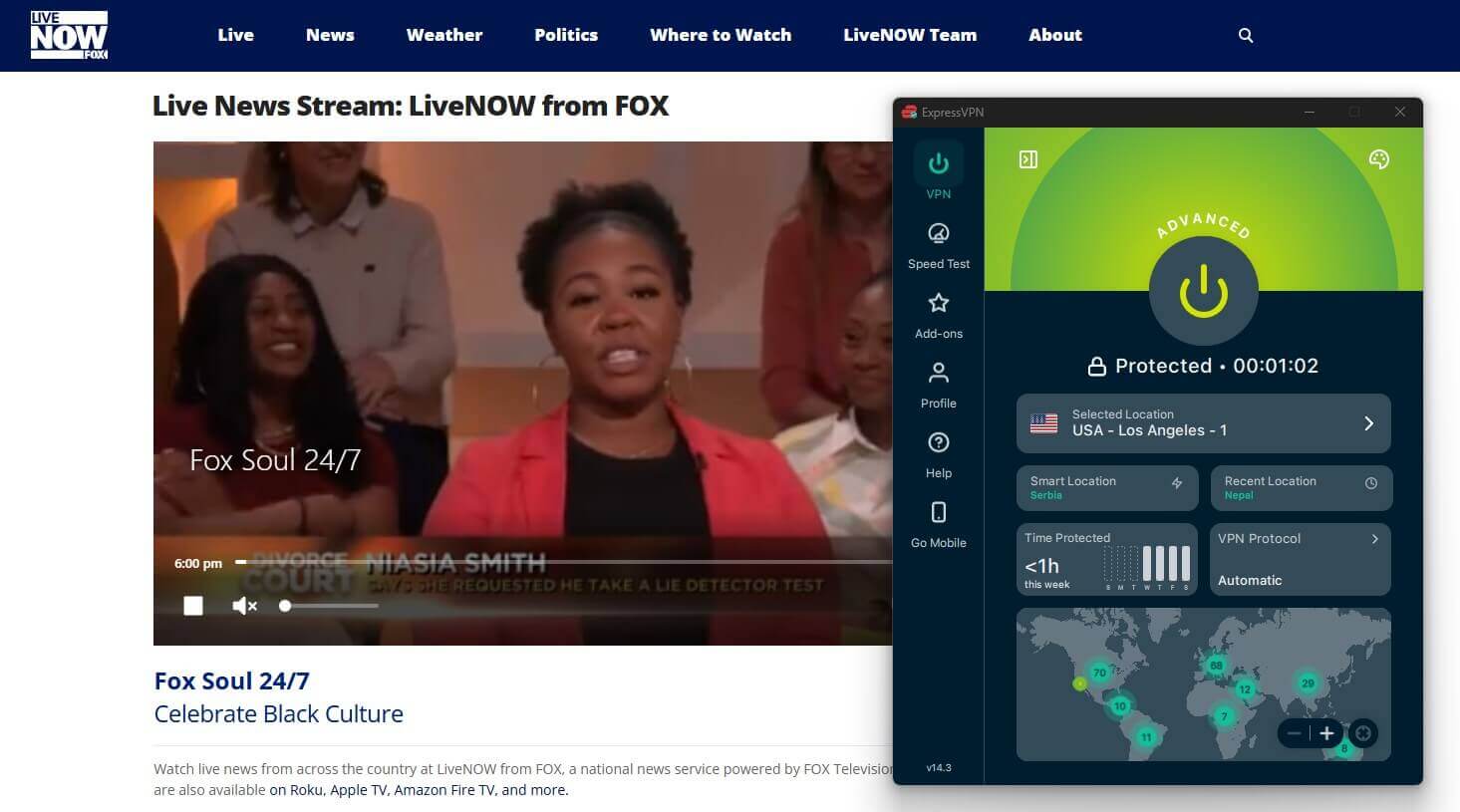
ExpressVPN has the simplest apps of the three. You choose Los Angeles from the location list and connect, with nothing else to configure, which helps if this is your first VPN.
For a TV or game console with no app, ExpressVPN’s version of Smart DNS is called MediaStreamer, and it works like NordVPN’s SmartDNS. Its browser extension also spoofs your browser’s location. As a result, a site that checks the browser alongside your IP address still sees the US.
Conclusion
With a West Coast server connected, the time difference is the only thing left to plan around, and it rarely interferes. CBS News 24/7 and ABC News Live stream around the clock. So only scheduled events, such as a live game or a debate, require setting an alarm.
For the connection itself, we’d use NordVPN, mainly because it also unblocks the paid services Americans tend to keep from home.
US TV in South Korea FAQ
Is it legal to use a VPN in South Korea?
Yes. South Korea doesn't ban VPN use, although streaming services can still block VPN connections under their own terms, and content that's illegal in Korea remains illegal over a VPN.
Does Netflix work in South Korea without a VPN?
Yes. Netflix operates in South Korea with its own local catalog and a Korean-language interface, and subscribers there pay in won through Netflix's Korean site.
Can you watch US TV on a smart TV in South Korea?
Yes. Android TV and Apple TV boxes can install VPN apps, while Samsung and LG sets require Smart DNS, a router with VPN support, or casting from a phone.
Do US streaming apps appear in Korean app stores?
Often not. Many US-only streaming apps aren't listed in the Korean App Store or Google Play, so viewers in Korea use the channel's website or an app store account set to the US.