
You arrive in Shanghai, open Google Maps to find the hotel, and the map never loads. Gmail won’t refresh, and the search bar times out. Nothing is wrong with your phone. Google is banned in China, and the block covers nearly every service the company offers.
Locals use Baidu, WeChat, and Amap instead, but that doesn’t help a visitor whose email, files, and calendar live in a Google account. There’s still a way to use Google from the mainland, as long as you prepare for it before the flight.
Unblock Google in China: Step by Step
- Subscribe to NordVPN before you travel, since VPN websites are blocked in China.
- Install the app on every device you’re taking, and sign in at home.
- Choose an obfuscated server in Hong Kong or Japan, and connect.
- Open Google, and Search, Gmail, Maps, and Drive work normally.
Is Google Banned in China?
Yes. Google has been blocked on the mainland since 2014, and the ban covers almost everything the company makes. The Great Firewall, China’s national filtering system, enforces it by cutting connections to banned domains on every network, from hotel Wi-Fi to Chinese SIM cards.
These are the services you lose:
- Google Search and Google Translate’s website
- Gmail, Calendar, Drive, Docs, and Meet
- Google Maps, which Apple Maps and Amap replace locally
- YouTube, along with YouTube Music
- The Play Store, so Android phones can’t download or update apps through Google
- Google sign-in and sync in Chrome, even though the browser itself still opens
Google works normally in Hong Kong and Macau, which have their own internet rules. Even so, a short train ride from Hong Kong to Shenzhen is enough to lose it again. Google is also on the same blocklist as Meta’s apps, so the same VPN setup also helps you unblock Facebook in China.
Why Is Google Blocked in China?
For a few years, Google followed Chinese censorship rules. Its google.cn search engine launched in 2006 and filtered results the way the law required. That ended in January 2010, after a cyberattack on Google that targeted the Gmail accounts of Chinese human rights activists.
In response, Google stopped censoring results and moved its Chinese search to Hong Kong. Beijing put up with the Hong Kong version for several years, with frequent outages. Then, in mid-2014, it blocked virtually every Google service, including Gmail, Maps, and Google Scholar.
Google later worked on a censored search app code-named Dragonfly, but the company dropped it after protests from its own employees and US lawmakers. The block has remained in place since then, because foreign platforms in China have to censor content under Chinese rules, and Google no longer offers a version that does.
How to Use Google in China With a VPN
Prepare everything at home. Chinese app stores don’t list foreign VPNs, VPN company websites are blocked, and an Android phone can’t connect to the Play Store once you arrive.
Before the flight, buy the subscription, install the app on each phone and laptop you’re bringing, and sign in to the VPN and your Google account.
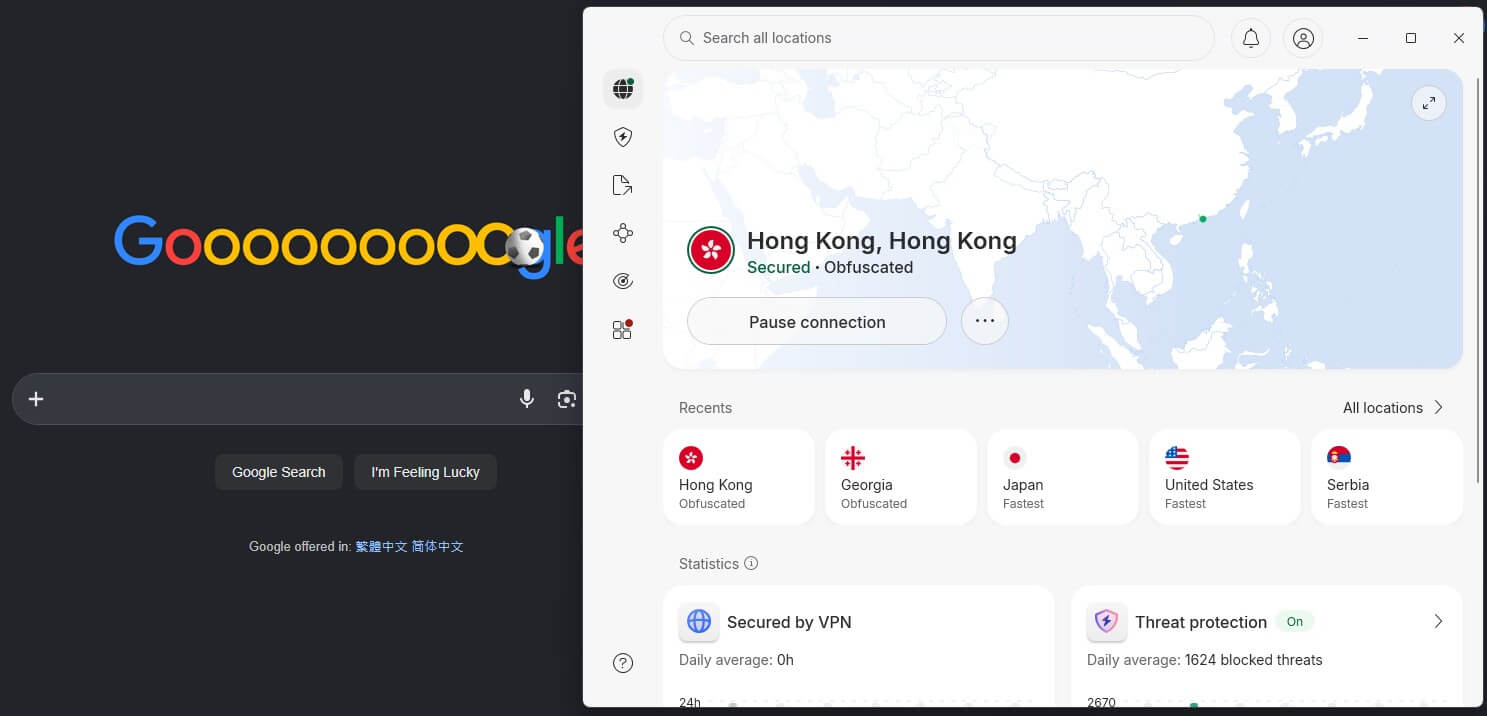
The feature that decides whether a VPN connects in China is obfuscation. It makes VPN traffic look like an ordinary visit to a secure website. The firewall scans traffic for VPN patterns and cuts off the connections it spots, so a standard VPN connection rarely lasts.
In NordVPN’s app, choose a server from the Obfuscated Servers list. We went with Hong Kong, the closest location outside the firewall, and Google worked without problems on it. Two details help once you’re connected.
- First, Google may treat the new location as unusual and ask you to confirm the sign-in, so print or download your backup codes before you leave.
- Second, Google may switch to the local site for your server’s country, such as google.com.hk in Chinese. The language link under the search bar switches it back to English.
Google Still Not Loading? Try These Fixes
When Google stops loading mid-trip, the VPN server is usually the cause. Try these, starting at the top:
- Change servers: one blocked server doesn’t mean they all are. Try another obfuscated location, such as Japan, Taiwan, or Singapore.
- Confirm the disguise is on: on NordVPN, the server should come from the Obfuscated Servers category. On Proton VPN, the protocol should be set to Stealth.
- Reload in a private window: it clears cached data from the failed attempt, which can prevent Google from loading after you reconnect.
- Keep a second VPN installed: if one VPN stops connecting for a few days, the other one serves as a fallback.
- Expect slower periods: blocking tightens around sensitive dates, such as the March parliamentary sessions and October 1.
Other Ways to Access Google in China
A VPN isn’t the only option, but each alternative has a drawback:
- Roaming on a foreign SIM or travel eSIM: your home carrier usually sends that data through a network outside China, so Google works without a VPN. The cost adds up on long trips.
- Tor Browser: it requires bridges to connect in China, and Chinese authorities target it heavily, so pages load slowly when it works.
- Proxies and DNS changes: a proxy has no encryption and is soon detected, and a new DNS server doesn’t help, since the firewall also blocks Google’s IP addresses.
On a short trip, a free VPN can also work, since Proton VPN’s free plan includes its Stealth protocol. The others that disguise their traffic are in our free VPNs for China.
Best VPNs for Google in China
The Great Firewall detects most standard VPN connections, so finding a VPN that works in China starts with obfuscation. These three disguise their traffic and offer servers near the mainland.
1. NordVPN: Best Overall VPN for Google in China
Pros
- Disguised servers near China
- Alerts if your logins leak online
- No activity logs, confirmed by audits
- Next-gen antivirus on the Complete plan
Cons
- Interface takes some learning
- Higher price after the first term
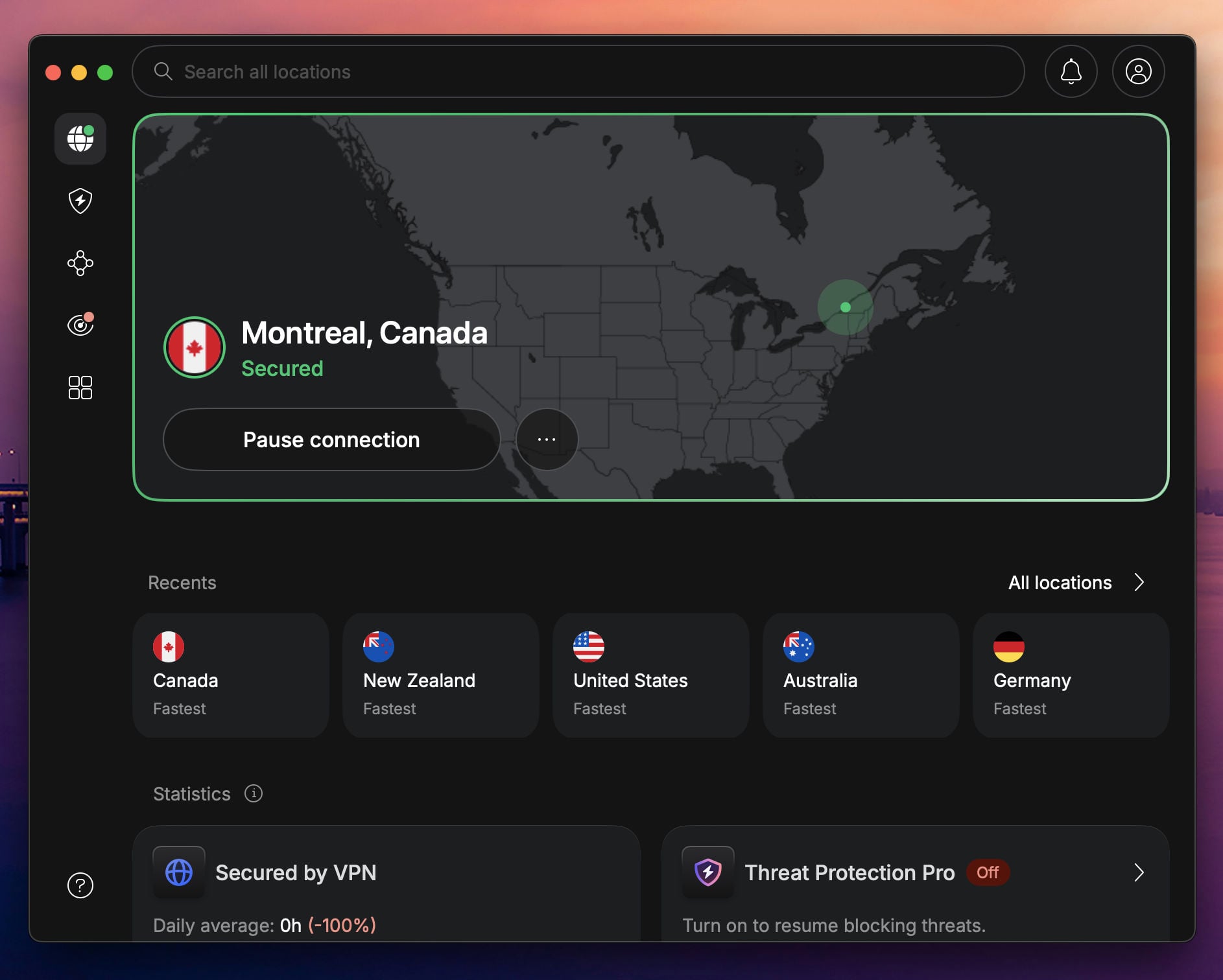
NordVPN comes first because its obfuscated servers require no setup beyond choosing one. They’re powered by NordWhisper, a protocol NordVPN designed for networks that restrict VPNs. Its obfuscated Hong Kong server had a 38.9% speed loss in our tests.
This still leaves room for Google Meet calls, Drive uploads, and HD video on YouTube. Beyond China, independent auditors have confirmed its no-logs policy, so there’s no record of the accounts you sign in to through it.
On the Complete plan, next-gen antivirus also blocks malicious downloads and sites. Two years of NordVPN’s Basic plan come to about $3.50 a month, with 30 days to request a refund.
2. Proton VPN: Best for Stealth Protocol in China
Pros
- Stealth protocol on every plan
- Alternative routing when its servers are blocked
- Open-source apps
- Swiss privacy laws
Cons
- Larger speed loss with Stealth enabled
- Stealth must be selected manually
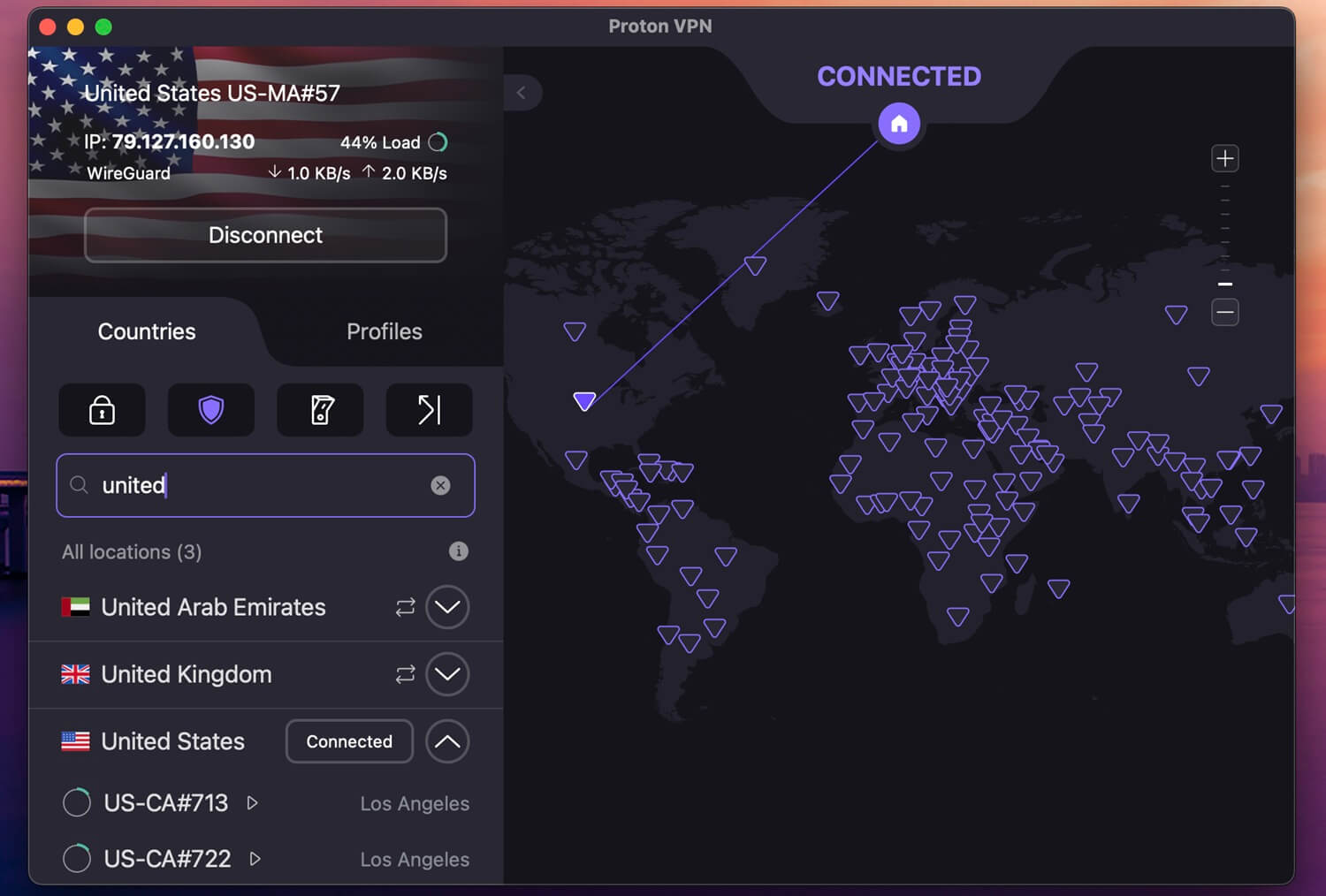
Proton VPN answers censorship with Stealth, a protocol that hides the VPN connection inside traffic that resembles a normal secure website. You choose it in the protocol settings, and Proton VPN recommends it for China, since standard WireGuard connections are detected.
Its alternative routing also helps the app connect to Proton when the usual servers are blocked. Proton VPN says it can’t guarantee access from China, which is true of every VPN there. The disguise slows things down.
With Stealth on its Hong Kong server, Proton VPN had a 68.1% speed loss, enough for Search, Gmail, and Docs, while YouTube may lower its quality. In return, Proton VPN operates under Swiss privacy law, and its apps are open source. The VPN Plus plan is priced under $3 a month when you pay for two years.
3. ExpressVPN: Best for No-Setup Connections
Pros
- Disguises traffic on every server
- Servers in Hong Kong and Japan
- Lightway protocol for fast reconnects
- Network Lock kill switch
Cons
- Lacks customization
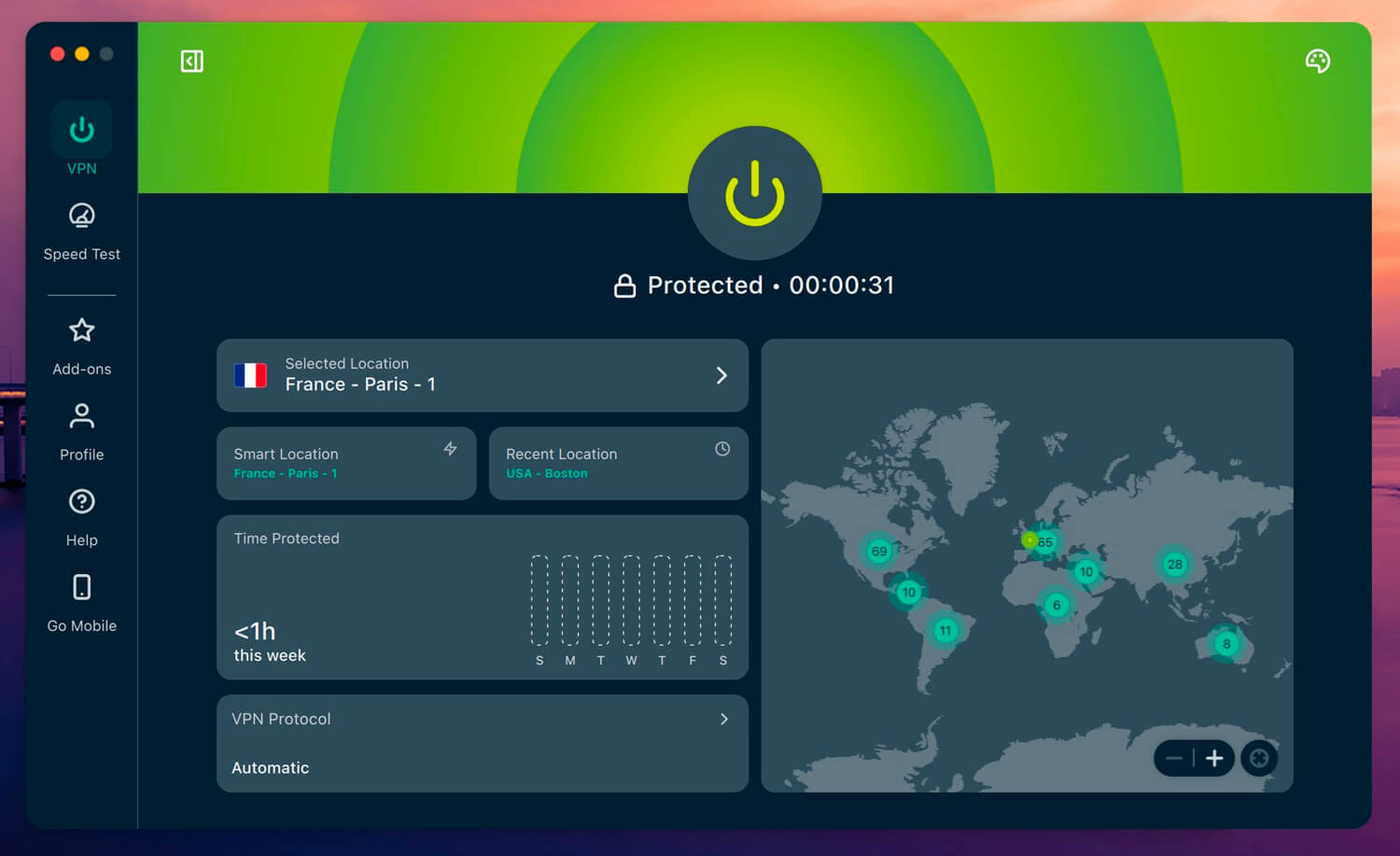
With ExpressVPN, there’s nothing to configure. It disguises its connections by default, so there’s no menu to find: open the app, choose Hong Kong, and connect. Its Hong Kong server had a 29.8% speed loss in our tests, and Gmail, Drive, and YouTube loaded without delays over Lightway, its own protocol.
Its Network Lock kill switch also cuts your internet whenever the VPN connection fails, so no request leaves your device outside the encrypted connection. Expect to pay about $3 a month for ExpressVPN’s Basic plan over two years, with 10 devices covered.
Conclusion
Using Google in China works when the VPN is installed before you leave, obfuscation is enabled, and the server is in Hong Kong or Japan. With that in place, Search, Gmail, and Maps behave normally.
Before the flight, connect through the VPN at home and open each Google app you rely on. Any sign-in checks then happen while your home SIM still receives texts.
Frequently Asked Questions
Is it illegal to use Google in China?
No, not directly. Using Google itself isn't an offense, but reaching it requires a VPN, and only government-approved VPNs are legal in China. Enforcement has mostly focused on VPN sellers.
Can you use Chrome in China?
Yes, the Chrome browser opens and loads Chinese websites. Google Search, account sign-in, and sync inside Chrome don't work without a VPN, so many users switch its default search engine to Baidu.
Does Google work in Hong Kong?
Yes. Hong Kong is outside the Great Firewall, so Google Search, Gmail, Maps, and YouTube work there on any network without a VPN. The block applies only on the mainland.
What do people in China use instead of Google?
Baidu is the main search engine, WeChat covers messaging and payments, and Amap or Baidu Maps replace Google Maps. Bing also operates a Chinese version with filtered search results.
Can you receive Gmail emails in China?
No, not through the Gmail app or website without a VPN. However, messages sent from Gmail addresses still arrive at Chinese email services such as QQ Mail.