
A Foxtel subscription doesn’t pause when you leave Australia, but most of Foxtel’s apps behave as if it did. Foxtel Go, Kayo, and Binge read your IP address, and from overseas each one reacts differently, from a login page that works normally to a sign-up page that won’t load.
An Australian VPN server fixes that location check for existing subscribers. New customers face a different obstacle, and it’s one no VPN can remove.
Watch Foxtel Go Overseas in Four Steps
- Subscribe to NordVPN and install it on your phone, tablet, or computer.
- Connect to an Australian server, such as Perth or Sydney.
- Sign in to Foxtel Go at watch.foxtel.com.au or in the app with your existing Foxtel account.
- Keep the same server for Kayo or Binge (Binge also blocks viewers outside Australia).
What Foxtel Blocks Outside Australia
We opened each Foxtel Group service from Europe without a VPN, then again on each VPN’s Australian server.
| Page | From Europe, no VPN | On an Australian VPN server |
|---|---|---|
| Foxtel Go login | Loads | Loads |
| Foxtel sign-up | Blocked | Unblocked on all five VPNs |
| Kayo | Blank screen | Unblocked on all five VPNs |
| Binge | Blank screen | Unblocked on all five VPNs |
Kayo and Binge show no error message abroad, only a dark, empty page, so the block is easy to mistake for a broken site. Our guide to watching Kayo Sports abroad covers the sports service in more detail. Free-to-air catch-up works the same way.
9Now applies the same kind of Australian IP address check, so one Australian server covers your Foxtel apps and catch-up TV. The Foxtel Go login page is a different case. It loaded from Europe with no VPN, so the location check comes after you sign in. Connect to the VPN before you open the app.
The app itself is the other obstacle: Foxtel Go wasn’t available to download from Europe, and a VPN doesn’t change your app store’s country. So install it before you leave Australia.
Foxtel Sign-Up Requires an Australian Number
On every Australian server, the sign-up page loaded normally. The Foxtel Now form, however, requires:
- An Australian mobile number, which receives the SMS code that starts the 10-day free trial.
- An Australian postcode, along with a name and password.
Without an Australian phone, we couldn’t finish the sign-up. The Sports + Movies bundle offered to us costs A$58 a month for the first 12 months and A$84 after that, with nothing to pay during the trial. In practice, a VPN serves Australians who already subscribe and travel, and it can’t replace an Australian number for a new account.
Foxtel Go VPNs Compared
Each VPN’s fastest Australian server gave these speeds:
| VPN | Server | Download | Speed loss |
|---|---|---|---|
| NordVPN | Perth | 135.60 Mbps | 28.8% |
| Proton VPN | Perth | 79.97 Mbps | 58.0% |
| ExpressVPN | Sydney | 125.26 Mbps | 34.2% |
| Surfshark | Brisbane | 100.30 Mbps | 47.3% |
| Private Internet Access | Perth | 126.01 Mbps | 33.8% |
Best VPNs for Foxtel Go
1. NordVPN: Best for Fast Australian Servers
Pros
- Quickest Australian result
- Smart DNS for smart TVs
- Obfuscated Australian servers
Cons
- Price increases at renewal
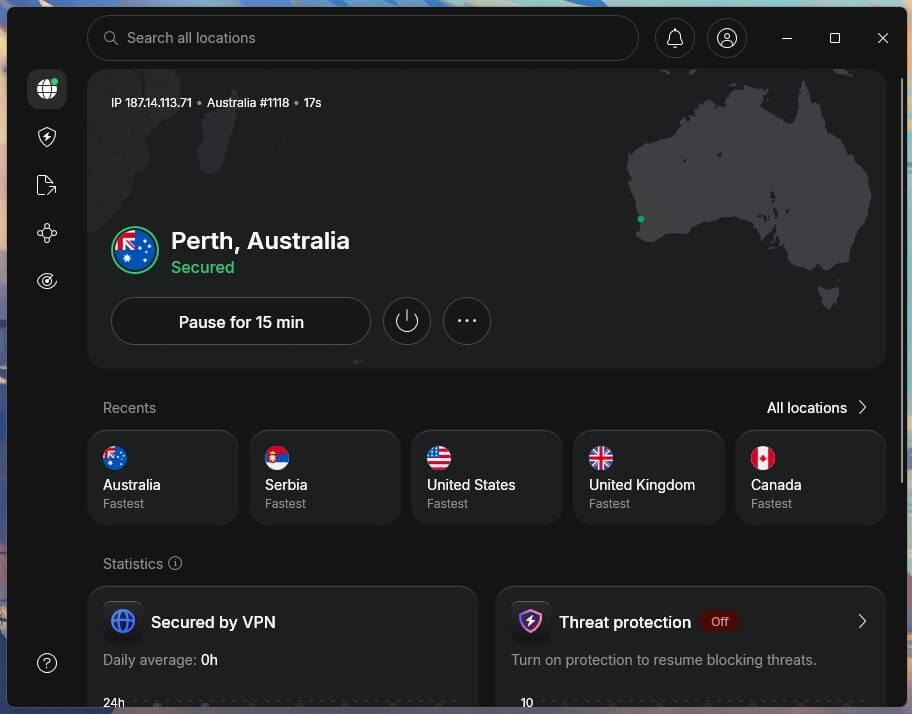
NordVPN was the fastest VPN on Australian servers in our tests, and it’s one of the fastest VPNs overall. Its Perth server had a 28.8% speed loss, the smallest we recorded on an Australian server. The app covers Adelaide, Brisbane, Melbourne, Perth, and Sydney, so you can choose a city near your home in Australia.
It also has obfuscated Australian servers, which disguise VPN traffic on hotel or office networks that block VPNs. Away from Foxtel, NordVPN unblocks streaming services in many other countries, so it’s a safe choice if you watch more than Australian TV.
The Basic plan costs about $3.50 a month on a two-year plan, with a 30-day money-back guarantee, and the Android app adds a three-day free trial.
2. Proton VPN: Best for Australian Server Choice
Pros
- Largest Australian network
- Independently audited no-logs policy
- Ad and tracker blocking
Cons
- Bigger speed loss on Australian servers
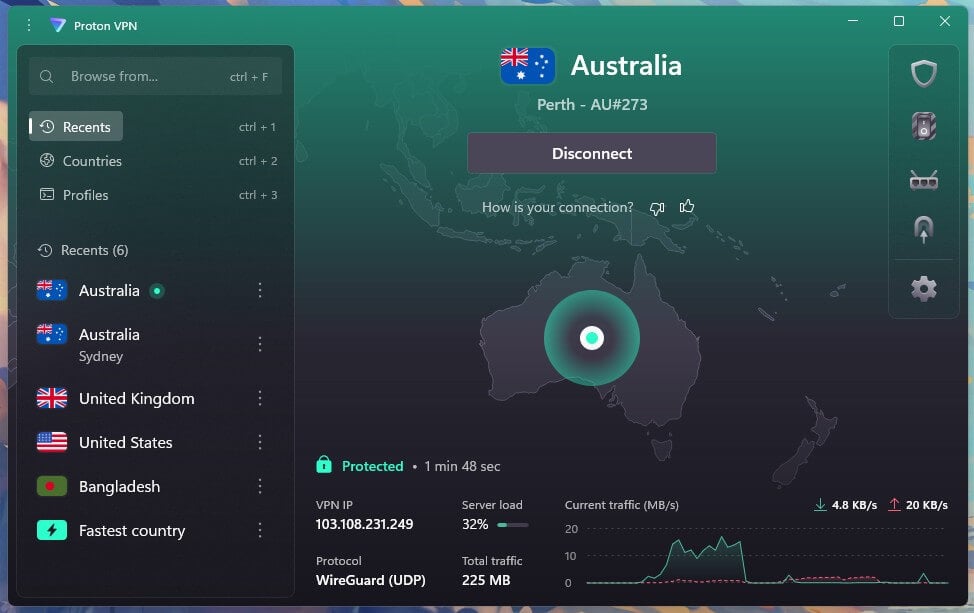
Proton VPN lists more than 280 servers in five Australian cities on its website, the largest Australian network we’ve seen. That depth helps when a busy server slows down, since another one in the same city is a tap away.
Its Perth server had a 58.0% speed loss, but that still left enough for HD streams of Foxtel shows and Kayo matches. As for value, Proton VPN charges about $3 a month on the two-year VPN Plus plan, which adds NetShield to block ads and trackers on every device.
3. ExpressVPN: Best for Sydney Servers
Pros
- Three Sydney locations
- Fast Sydney server
- Beginner-friendly apps
Cons
- Few advanced settings
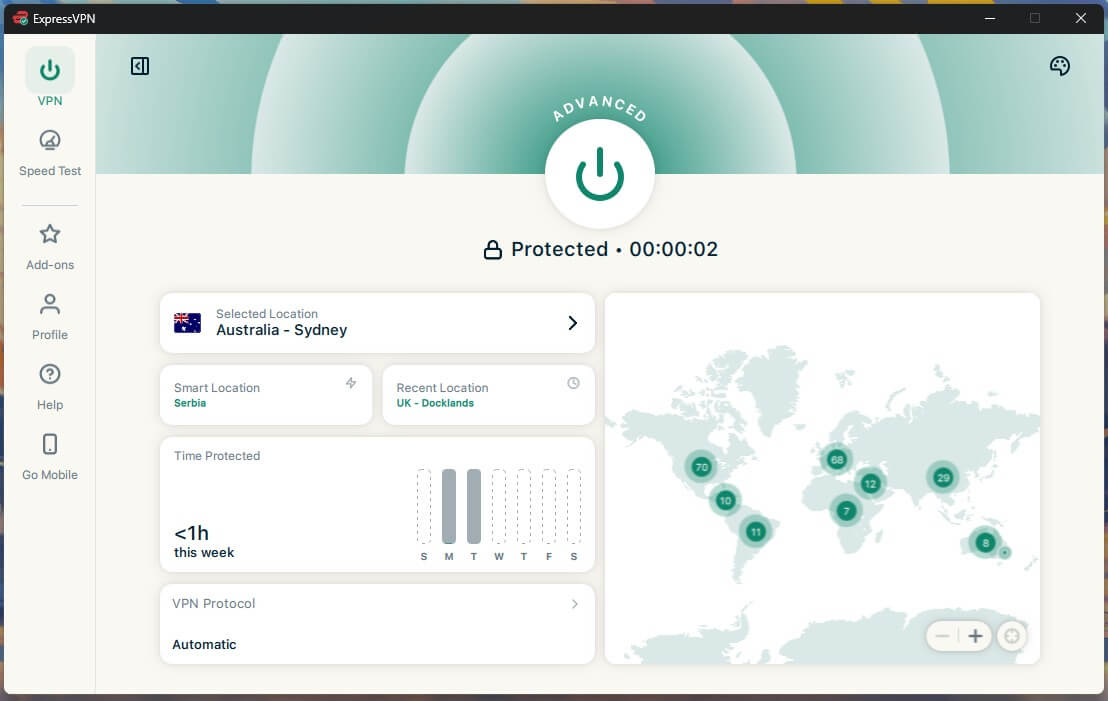
ExpressVPN has seven Australian locations in five cities, and three of them are in Sydney. That’s useful for Foxtel subscribers from Sydney who want an IP address in their own city. Its Sydney server had a 34.2% speed loss, comfortably enough for HD and 4K streams.
The apps are among the simplest to use: choose Australia, connect, and open Foxtel Go. ExpressVPN costs about $3 a month on the two-year Basic plan, which covers ten devices.
4. Surfshark: Best for Streaming on a Budget
Pros
- Five Australian cities
- Blocks ads and trackers
- Unlimited devices
Cons
- Connections sometimes slow to start
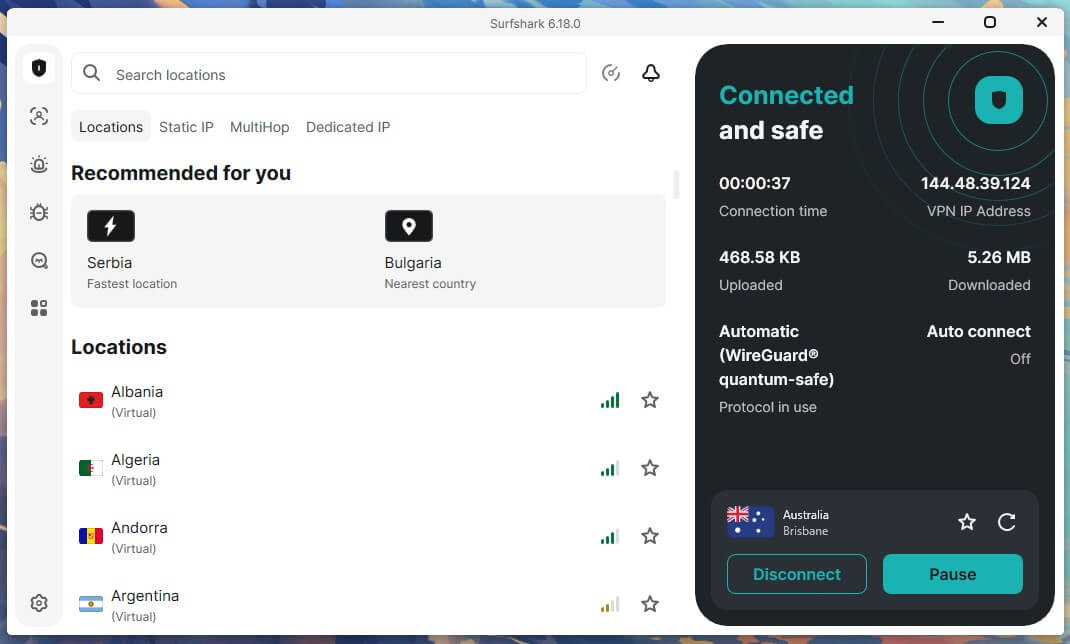
Surfshark has 40 Australian servers across five cities, according to its website. Its Brisbane server had a 47.3% speed loss, enough for smooth HD streaming.
CleanWeb blocks ads and trackers in the app, and there’s no device limit, so one subscription covers every screen a household uses with a shared Foxtel login. Surfshark is also cheap, at about $2.50 a month on the two-year Starter plan.
5. Private Internet Access: Best for Low Prices
Pros
- Australian streaming server
- Any number of devices
- Low long-term price
Cons
- Dated interface
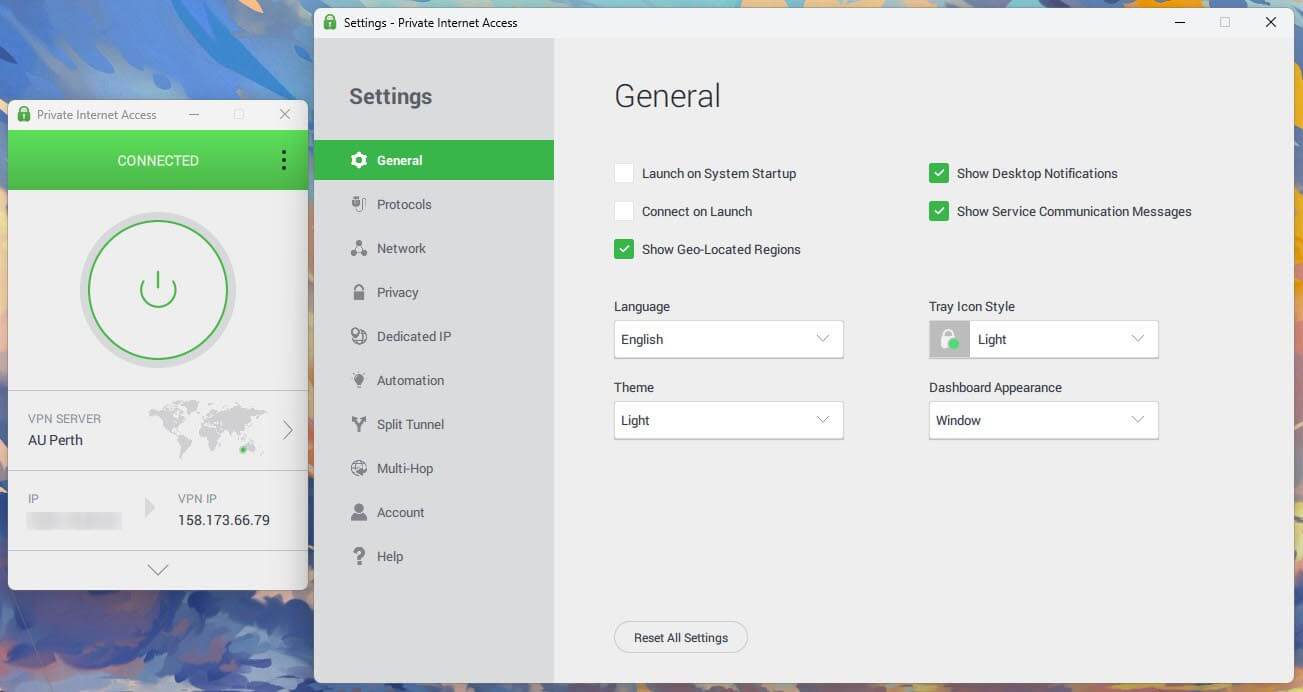
Private Internet Access had a 33.8% speed loss on its Perth server. PIA lists five Australian cities in its app, plus an Australian server optimized for streaming. As for price, PIA costs about $2 a month on its long-term plan, which places it on our cheap VPN list.
It also allows any number of devices, so a household can share one subscription. For a short trip, however, its 7-day free trial on mobile may cover your whole time abroad.
Summary
Watching Foxtel Go overseas is mostly about timing. Install the app in Australia, then connect to an Australian server before you open Foxtel Go, Kayo, or Binge abroad. The same server works for all three, and your existing login does the rest.
New accounts are the exception, since Foxtel’s sign-up requires an Australian mobile number. If you plan to subscribe for a trip, do it before you fly. Abroad, keep the VPN connected for the whole session, because Foxtel checks your location after you sign in.
Foxtel Overseas FAQs
Can I watch Foxtel Go overseas?
Yes, with an existing Foxtel subscription and an Australian IP address. The login page works abroad, and a VPN server in Australia provides the location Foxtel checks before streaming.
Can I use Foxtel Go in the UK?
Yes, through a VPN server in Australia. Viewers in the UK also require a Foxtel account opened in Australia, since sign-up requires an Australian mobile number and postcode.
Can I sign up for Foxtel from overseas?
Not easily. The free trial requires an Australian mobile number to receive the SMS code and an Australian postcode, so a VPN alone can’t complete the sign-up.
What is the best VPN for Foxtel Go?
NordVPN is the best VPN for Foxtel Go, with fast servers in five Australian cities. Proton VPN is a strong alternative, with a large Australian network and ad blocking.
Why do Kayo and Binge show a blank screen abroad?
Kayo and Binge block IP addresses outside Australia without showing an error message. Connecting to an Australian VPN server removes the block, but an existing account is still required.
Can I download the Foxtel Go app overseas?
No, not from most overseas app stores. A VPN doesn’t change an app store’s country, so the Foxtel Go app is best installed on each device before leaving Australia.