You pay for Discovery+ at home, then open the app on a work trip or during a few months overseas. Instead of your shows, a message says the service isn’t available where you are. Nothing is wrong with your account. Discovery+ licenses its shows country by country, and it checks your location before every stream. There’s a second catch.
Each Discovery+ account belongs to the country where it was created. A US subscription only ever shows the US library, and starting a new one in another country requires a local payment method. To watch Discovery+ abroad, you have to appear to be in your account’s country, which is exactly what a VPN does. Here’s how to set it up.
Watch Discovery+ Abroad: Quick Steps
- Subscribe to NordVPN and install it on the phone, computer, or TV you watch on.
- Connect to a server in the country where you created your Discovery+ account, usually the US or the UK.
- Clear your browser’s cookies or restart the Discovery+ app to load the new location.
- Sign in to Discovery+ and play a show.
Why Discovery+ Doesn’t Work Abroad
Discovery+ reads your IP address and only plays in countries where it has the rights to its shows. From a country without the service, the website shows a geo-restriction message, and that’s what we saw from Europe without a VPN. Netflix at least swaps to a local library when you travel, and you can change your Netflix region to see more. In most countries, Discovery+ has no local version and shows only the region message.

The account lock adds a second layer. Your subscription works only on the version of Discovery+ from the country where you signed up. In the UK, where Discovery+ also operates, a US account still won’t play from a UK connection. Signing in to another country’s version fails with a sign-in error, and the password isn’t the problem.
The same geo-blocking check also points to the fix: your home library returns once Discovery+ sees an IP address from your home country.
Setting Up a VPN for Discovery+
Connect to a server in your account’s country, then sign in to Discovery+ as usual. The VPN changes your IP address to one from that country, so Discovery+ treats you as a viewer at home. For a US account, connect to a US server. For a UK account, choose a UK server.
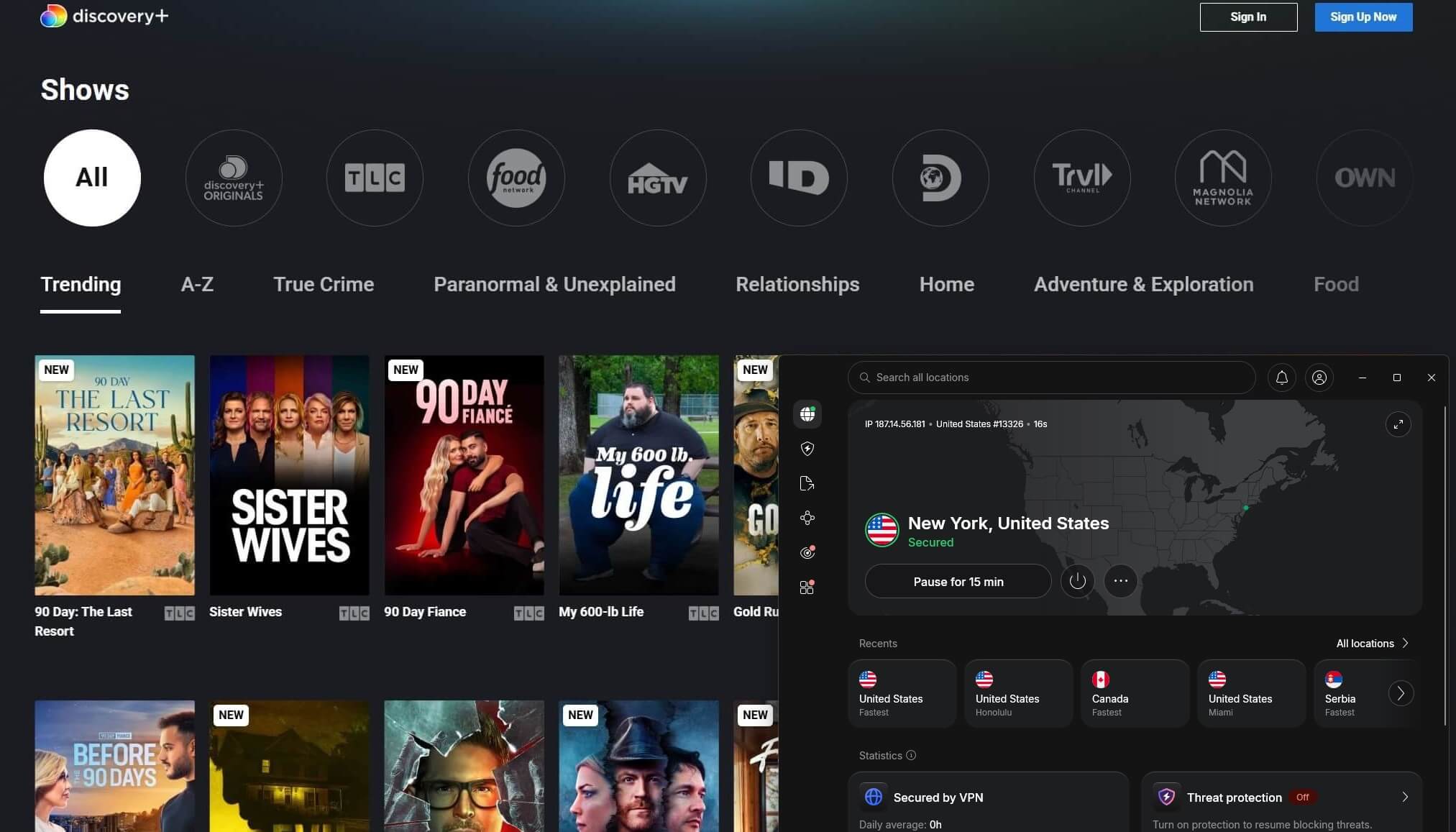
If Discovery+ was already open in your browser, clear its cookies first, because the site can remember your earlier location. In the app, close it fully and reopen it once the VPN is connected. On phones, also disable location access for Discovery+. Otherwise, the phone’s GPS location can contradict your IP address.
NordVPN, Proton VPN, and ExpressVPN unblocked the US version of Discovery+ on their US servers in our tests.
Where Discovery+ Is Available
Discovery+ is sold in fewer countries now than a few years ago. Several markets closed or moved their shows to HBO Max. Check the table before you count on a local version:
| Country | Status |
| United States | Available, with and without ads |
| United Kingdom | Available, also included in some Sky packages |
| Ireland, Germany, Austria | Available |
| Italy | Available alongside HBO Max |
| Sweden | Available |
| Canada | Separate service operated by Rogers since February 2026 |
| India | No new sign-ups; the app and website close on November 3, 2026 |
| Norway | Existing subscribers only |
| United Arab Emirates | Through OSN+ only |
| Denmark, Finland, Netherlands, Spain | Closed in December 2024, with shows moved to HBO Max |
| Brazil, Turkey, Philippines | Closed |
How to Pay for Discovery+ Outside the US
A US Discovery+ subscription requires a US payment method. A card issued in Europe won’t start a US subscription, even with a US server connected. The easiest way is to subscribe while you’re in the US. The subscription keeps renewing while you travel, and signing in only requires a US server.
In the US, Discovery+ is also sold through Apple’s App Store, Google Play, Amazon Prime Video Channels, and Roku. These bill through a store account set to the US, which usually requires a US payment method of its own. Apple, for example, may require a payment method from the new country when you change an account’s region.
The UK and Canada work the same way: a UK card for the UK version, a Canadian one for Canada. If paying from abroad isn’t possible, our guide to watching Pluto TV abroad covers a free service with live channels and on-demand shows.
Discovery+ in Canada With a VPN
Canadians abroad can connect to a Canadian server and sign in to discoveryplus.ca as they would at home. In our test, the site loaded its Canadian plans on NordVPN, Proton VPN, and ExpressVPN. That site now belongs to Rogers. Warner Bros. Discovery closed its Canadian service on February 17, 2026. Older accounts didn’t transfer, and subscribers had to sign up again with Rogers.
From October 27, 2026, the plan with ads is CA$7.99 a month and the ad-free plan is CA$9.99, both paid with a Canadian payment method. The Rogers app doesn’t support Roku, LG TVs, Chromecast, or Xbox. Viewers with those devices can watch on a phone or computer instead.
A Canadian account can’t play the US library, and a US account doesn’t work on the Canadian one. The US version in Canada requires a US account and a US server.
The UK Version of Discovery+ Abroad
UK subscribers abroad should connect to a UK server before signing in. The same UK connection also unblocked BBC iPlayer, ITVX, and Channel 4 in our tests, and our guide on how to watch UK TV abroad covers each one. The UK version costs £3.99 a month on the Entertainment plan, and some Sky packages include it.
Live sports are no longer part of it. TNT Sports moved from Discovery+ to HBO Max on March 26, 2026, where it’s a £30.99-a-month add-on, taking its soccer and cycling coverage with it. Cycling fans can watch the Vuelta a España for free, and our guide to the best VPNs for streaming sports covers the rest.
Best VPNs for Discovery+
All three passed our Discovery+ US test. The speeds come from their New York servers, tested against our 190.36 Mbps baseline.
1. NordVPN: Best Overall for Discovery+ Abroad
Pros
- US servers in dozens of cities
- Smart DNS for TVs without a VPN app
- No-logs policy verified by Deloitte
- Location spoofing in the browser extension
Cons
- Renewal costs much more than the first term
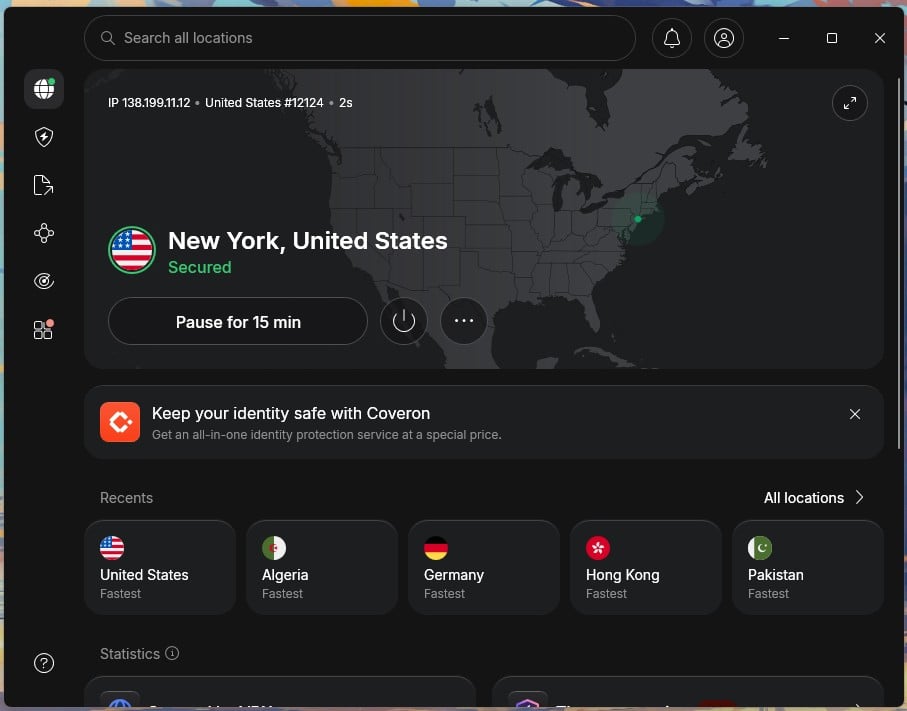
NordVPN unblocked Discovery+ US and kept 179.88 Mbps in New York, a 5.5% speed loss. That’s several times what an HD stream uses. Its 152-country network includes the UK and Canada, the other two versions travelers use most.
Smart DNS changes a TV’s apparent location without encrypting the traffic, which makes it useful on TVs that can’t install a VPN app. One subscription covers 10 devices. The Basic plan is about $3.50 a month for the first 27 months. It renews at $139.08 a year, so the first term is where NordVPN offers the best value.
2. Proton VPN: Best for Privacy-Focused Viewers
Pros
- Unblocked Discovery+ US in our tests
- Secure Core servers for extra privacy
- Swiss privacy jurisdiction
Cons
- No Smart DNS for smart TVs
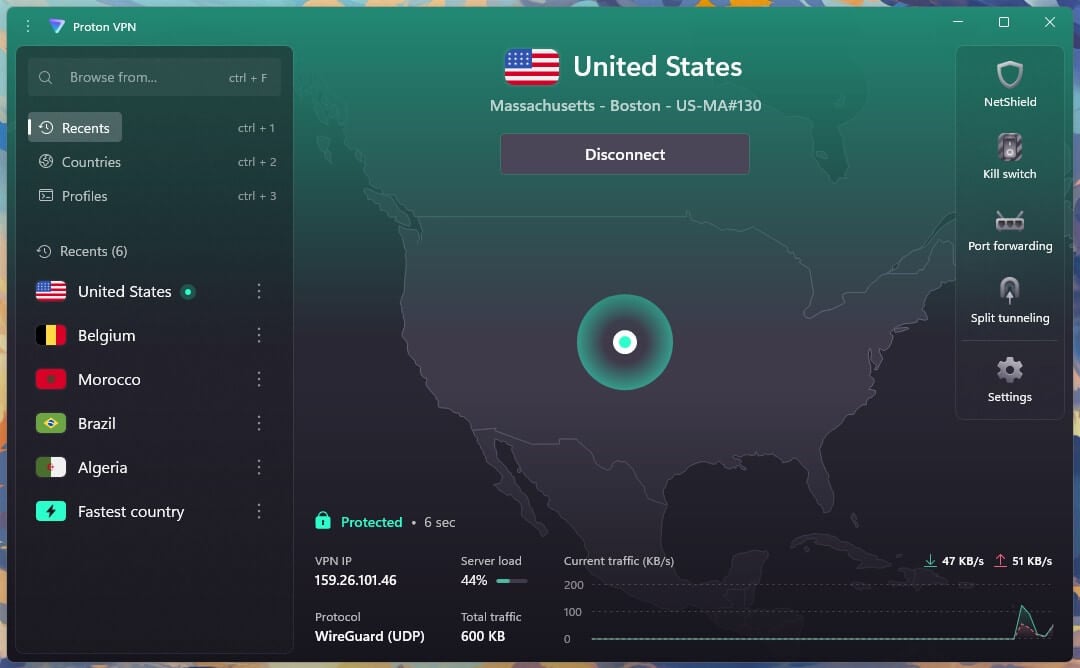
Proton VPN unblocked Discovery+ US and came in at 145.61 Mbps on its New York server, a 23.5% speed loss. That’s the slowest result of these three, though still well above what HD or 4K requires. Proton VPN offers 20,000+ servers in 149 countries, and the Swiss company has its no-logs policy audited every year.
It has no Smart DNS, which is a drawback on Samsung and LG TVs. Use its Fire TV, Android TV, or Apple TV app instead, or install it on a router. The VPN Plus plan costs under $3 a month on a two-year term. Our Proton VPN review covers its other features.
3. ExpressVPN: Best for Watching on a Smart TV
Pros
- Includes MediaStreamer Smart DNS
- Router app and native Apple TV app
- Connects almost instantly
- Easy to use for beginners
Cons
- Few customization settings
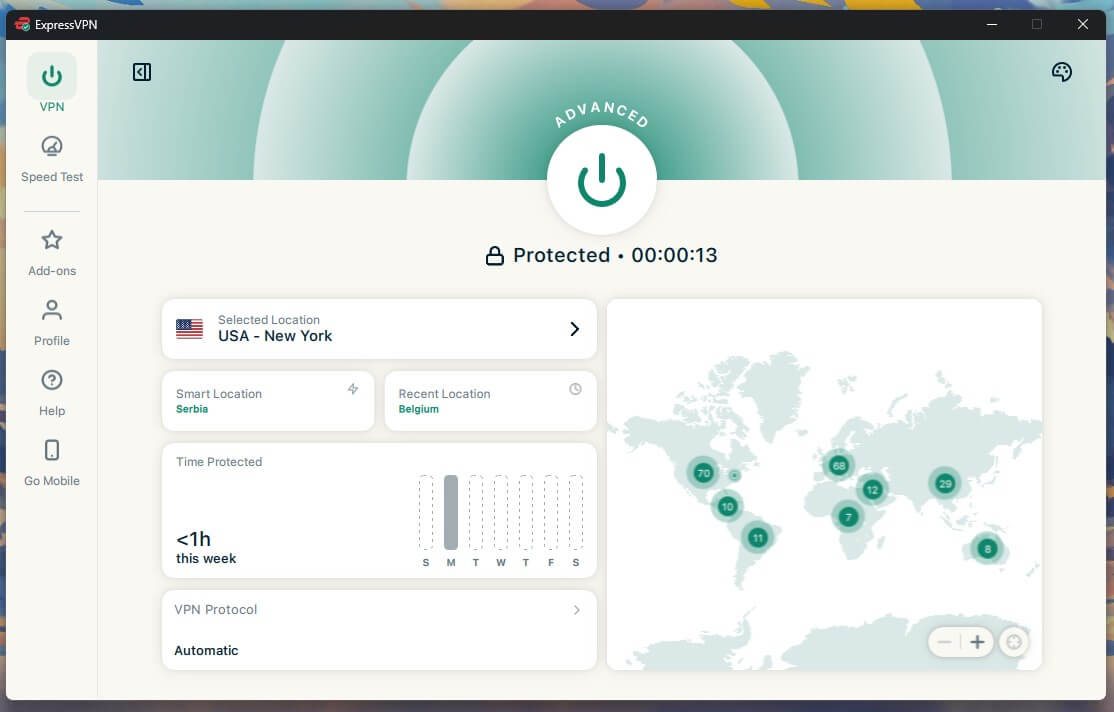
ExpressVPN recorded 163.66 Mbps in New York, a 14.0% speed loss, with Discovery+ US unblocked. It’s built for TV viewing. MediaStreamer, its Smart DNS feature, works on TVs that can’t install a VPN. The app keeps settings to a minimum, with few options to adjust when a connection is unstable.
For Discovery+, that’s rarely a problem, since a US server connection is enough. ExpressVPN lists servers in 113 countries. ExpressVPN’s Basic plan stays under $3 a month for the first 28 months, then renews at $99.95 a year. For a plan-by-plan breakdown, see our ExpressVPN review.
When Discovery+ Still Won’t Play
Most problems come from a location mismatch, and each has a quick fix:
- Sign-in error: Your account belongs to another country’s version of Discovery+. Connect to a server in the country where you signed up.
- Region message with the VPN connected: Clear cookies and cache, restart the app, or switch to another server in the same country.
- The app isn’t in your app store: Store listings follow your store account’s region. Install Discovery+ before you travel, or use the website.
- TV without a VPN app: Use NordVPN’s Smart DNS or ExpressVPN’s MediaStreamer, or install the VPN on your router.
Summary
Can you still watch Discovery+ abroad? Yes, as long as you already have an account. With a server in your account’s country connected, your library returns as soon as you sign in. In our tests, the US version worked on NordVPN, Proton VPN, and ExpressVPN, and Canada’s Rogers version loaded too. Starting a subscription from abroad is the hard part.
Every account requires a payment method from its own country. If you’re heading overseas, subscribe before you leave. NordVPN kept the most speed on US servers, and its Smart DNS works on smart TVs. Privacy-minded viewers should consider Proton VPN, which also unblocked Discovery+ US and passes an independent no-logs audit each year.
Our guides also cover other US services, such as HBO Max and out-of-market NFL games.
Frequently Asked Questions
Does Discovery+ work with a VPN?
Yes. Discovery+ plays normally on a VPN server in the country where the account was created. NordVPN and Proton VPN unblock the US version without extra setup.
Does Discovery+ work outside the US?
Yes, with an existing account and a VPN server in the account's home country. Discovery+ blocks viewing from countries without the service and plays only the library from the sign-up country.
How do you pay for Discovery+ outside the US?
A card or app store account from the US is required. Payment methods from other countries don't work for the US service, so subscribing before leaving the US is the simplest approach.
Does Discovery+ work in Canada with a VPN?
Yes. Canadian subscribers abroad can use discoveryplus.ca, which Rogers operates, through a Canadian server. In Canada, the US library plays on a US server with a US-registered account.
Is Discovery+ part of HBO Max?
No, not in the US, where Discovery+ remains a separate subscription. In Denmark, Finland, the Netherlands, and Spain, Discovery+ closed, and its shows moved to HBO Max.
Is it legal to watch Discovery+ with a VPN?
Yes, using a VPN is legal in most countries. Watching from abroad can break Discovery+'s terms of service, though, and the usual result is a blocked stream.