
Geo-blocking restricts what a website will serve you based on where it thinks you are. The guess starts with your IP address, and on a phone it often ends with GPS. The result is the same whether the barrier comes from a licensing contract, a retailer’s pricing plan, or a government: a page that loads 50 miles away refuses to load for you. We cover how the detection works, why the restriction exists, the legal position on getting around it, and what to do when a site tells you to switch your VPN off.
What Is Geo-Blocking?
Geo-blocking is a restriction applied to online content according to the visitor’s presumed location. It operates at two levels. Network-level blocking discards the traffic before an app ever sees it, so the connection times out or fails without a message. System-level blocking lets the request arrive and has the application refuse it, producing the familiar “not available in your region” message.
Neither knows your location. Both infer it, and a VPN answers the inference. Geo-blocking also belongs to a wider family of location-aware behavior. The same detection decides which language a site opens in, which currency a checkout quotes, and in corporate systems, which authentication a login demands. Blocking is the strictest version of a mechanism operating on most large sites.
Bypass Geo-Blocks with NordVPN
How Geo-Blocking Detects Your Location
Most explanations stop at the IP address. Detection goes further, and knowing the layers explains why one VPN opens a platform that another doesn’t.
- IP address lookup: Address ranges are mapped to regions in commercial databases. Accurate for most consumer connections, unreliable for data centers, so streaming platforms keep separate lists of VPN address ranges.
- Routing and timing checks: The number of router hops, latency, and jitter all imply a physical distance. Where that distance contradicts the country the IP address claims, the connection gets flagged.
- Device geolocation: Phones and many laptops report GPS coordinates. A mobile app asking for location permission can compare that reading against the IP address, and a mismatch is the most common reason a VPN works in a browser and fails in the app.
- DNS queries: If your device resolves domain names through your own ISP while the traffic runs through a VPN, the DNS request gives the country away.
- Account and payment data: The billing country on a subscription is checked independently of the connection, so a VPN alone won’t create an account on a service that sells in one market.
Older media used the same idea offline. DVD and Blu-ray region coding tied a disc to a player sold in the same zone, decades before streaming licenses did it over the internet.
Why Geo-Blocking Exists
Licensing and Content Rights
Broadcast rights are sold country by country, so the same show has different owners in different markets. Netflix and Prime Video build separate catalogs for that reason, and YouTube produces the video not available in your country message on the same basis. Copyright law does more than permit this. A platform without distribution rights in a territory is required to withhold the content there, so blocking is often an obligation instead of a commercial choice.
Pricing, Stock and Regulation
Retailers use location to set prices, restrict delivery and comply with import rules. Software and game storefronts do the same, and changing a Steam region is a common request as a result. Gambling, financial services and age-verification rules add a legal layer on top.
Government Filtering
States apply geo-blocking in the opposite direction, restricting what people inside the country can open. China’s national firewall blocks Google, Facebook, and X, and Gulf states filter VoIP calling, which is why UAE residents look for a VPN.
Best Geo-Blocking VPNs Compared
| VPN | Best for | Countries | Obfuscation | Smart DNS |
|---|---|---|---|---|
| NordVPN | Overall | 149 | NordWhisper | Yes |
| Proton VPN | Privacy | 148 | Stealth | No |
| ExpressVPN | Consistency | 113 | Automatic | MediaStreamer |
| Private Internet Access | Value | 91 | Shadowsocks | Yes |
1. NordVPN: Best VPN for Geo-Blocked Content
Pros
- SmartPlay handles streaming
- Broad country coverage
- NordWhisper for filtered networks
- Dedicated IP available
- Repeatedly audited
- Fast on distant servers
Cons
- Costlier on renewal
- No free plan
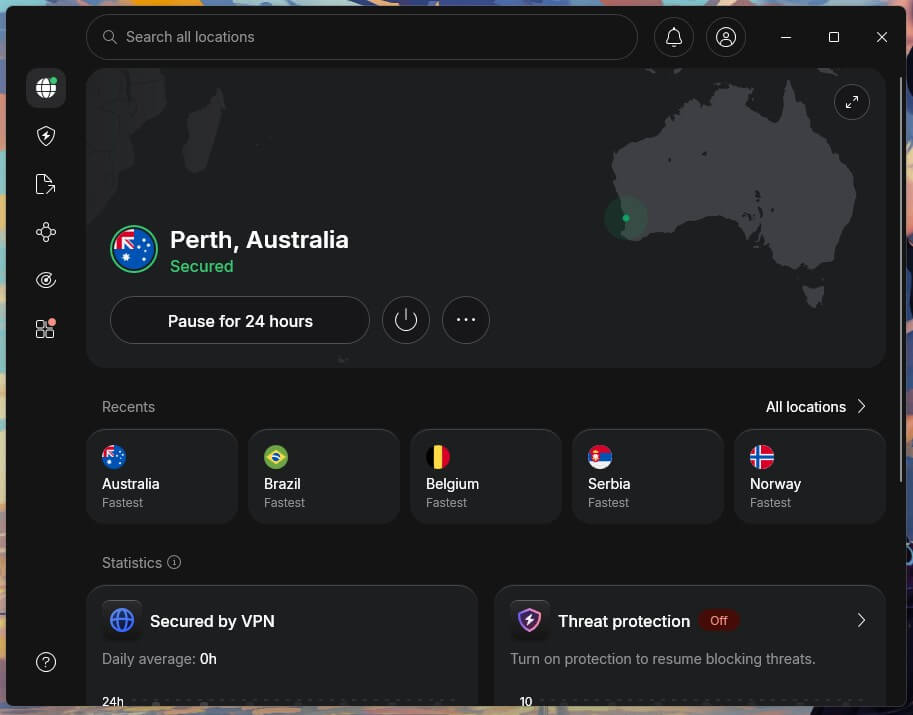
NordVPN opened more geo-blocked platforms than the other three, across 9,500+ servers in 149 countries. Streaming DNS runs alongside the encrypted tunnel, switched on from the start, so there’s no separate mode to find. Speed stayed high over distance. NordLynx kept roughly 90% of our baseline rate on servers thousands of miles away, enough for 4K without buffering. For government filtering, NordWhisper disguises the tunnel as ordinary web traffic.
A dedicated IP address can be bought separately, useful where a platform keeps blocking shared ones. The company answers to Panamanian law, runs RAM-only servers, and its no-logs policy has been through 6 independent audits. Our NordVPN review covers the apps. The Basic plan starts at $3.49 a month and covers 10 devices, refundable within 30 days.
2. Proton VPN: Best for Government Filtering
Pros
- Stealth on all plans
- Secure Core double routing
- Auditable client code
- Free plan available
- Accelerator for long distances
Cons
- Smart DNS not offered
- Free plan blocks streaming
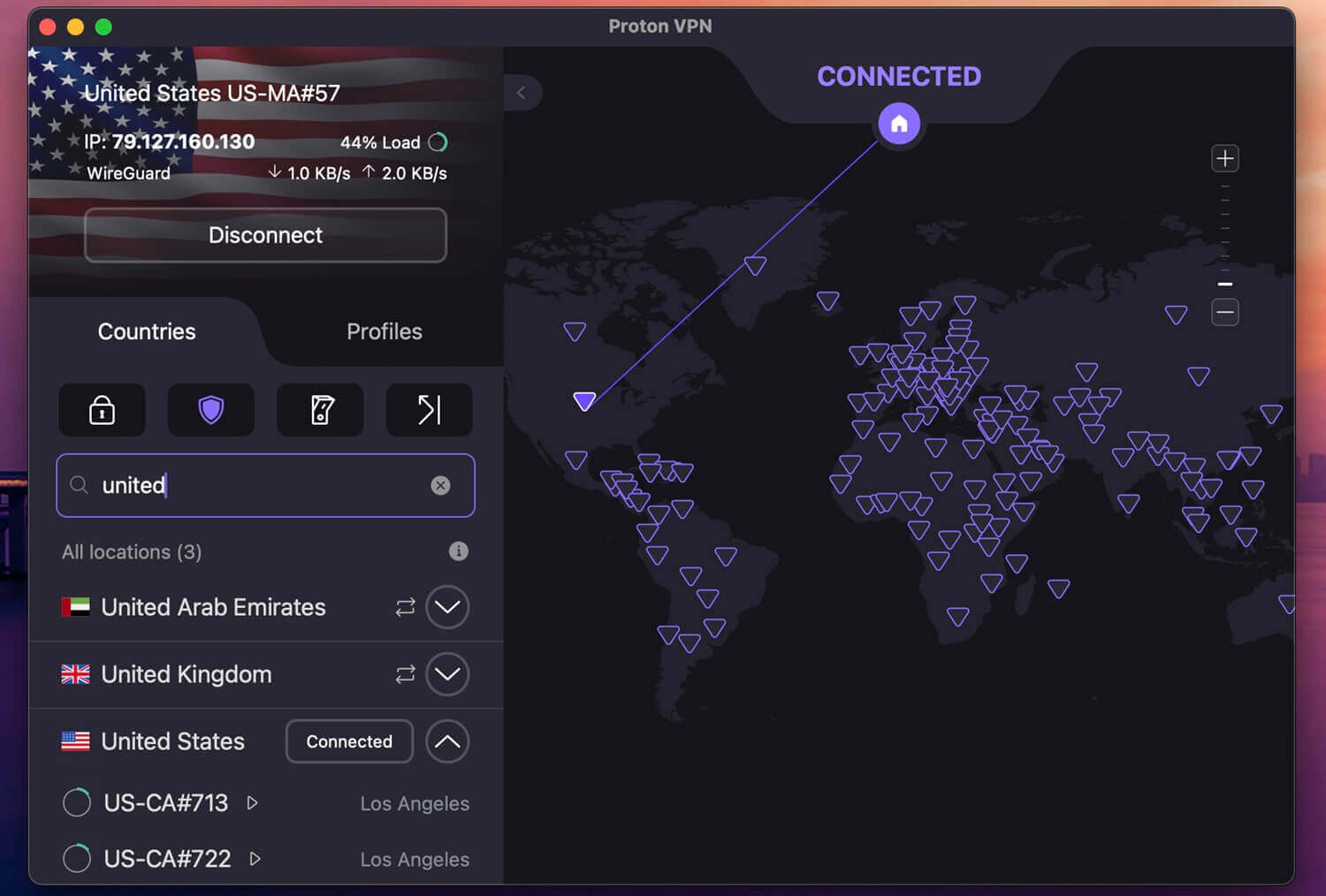
Where the block comes from a government, Proton VPN is the stronger tool. Stealth, its obfuscation protocol, is included on every plan, and it disguises the tunnel as an ordinary encrypted web session on networks that filter VPN traffic. The paid network spans 20,000+ servers in 148 countries, with Secure Core routing traffic through Switzerland, Iceland, or Sweden before it exits. VPN Accelerator lifted our speeds noticeably on connections crossing continents.
Switzerland is the company’s base, the clients are open source, and independent auditors have verified the no-logs policy 4 times, most recently in August 2025. Our Proton VPN review has the details. A free plan exists, covering 10 countries with unlimited data and an assigned server. It won’t open streaming platforms, though it handles the government-filtering case at no cost. The Plus plan is $2.99 a month on a 2-year term, covering 10 devices.
3. ExpressVPN: Most Consistent Unblocking
Pros
- Obfuscation always on
- Smart DNS for consoles
- Lightway with post-quantum
- All 50 US states
- Automatic kill switch
Cons
- Priced above rivals
- Limited configuration
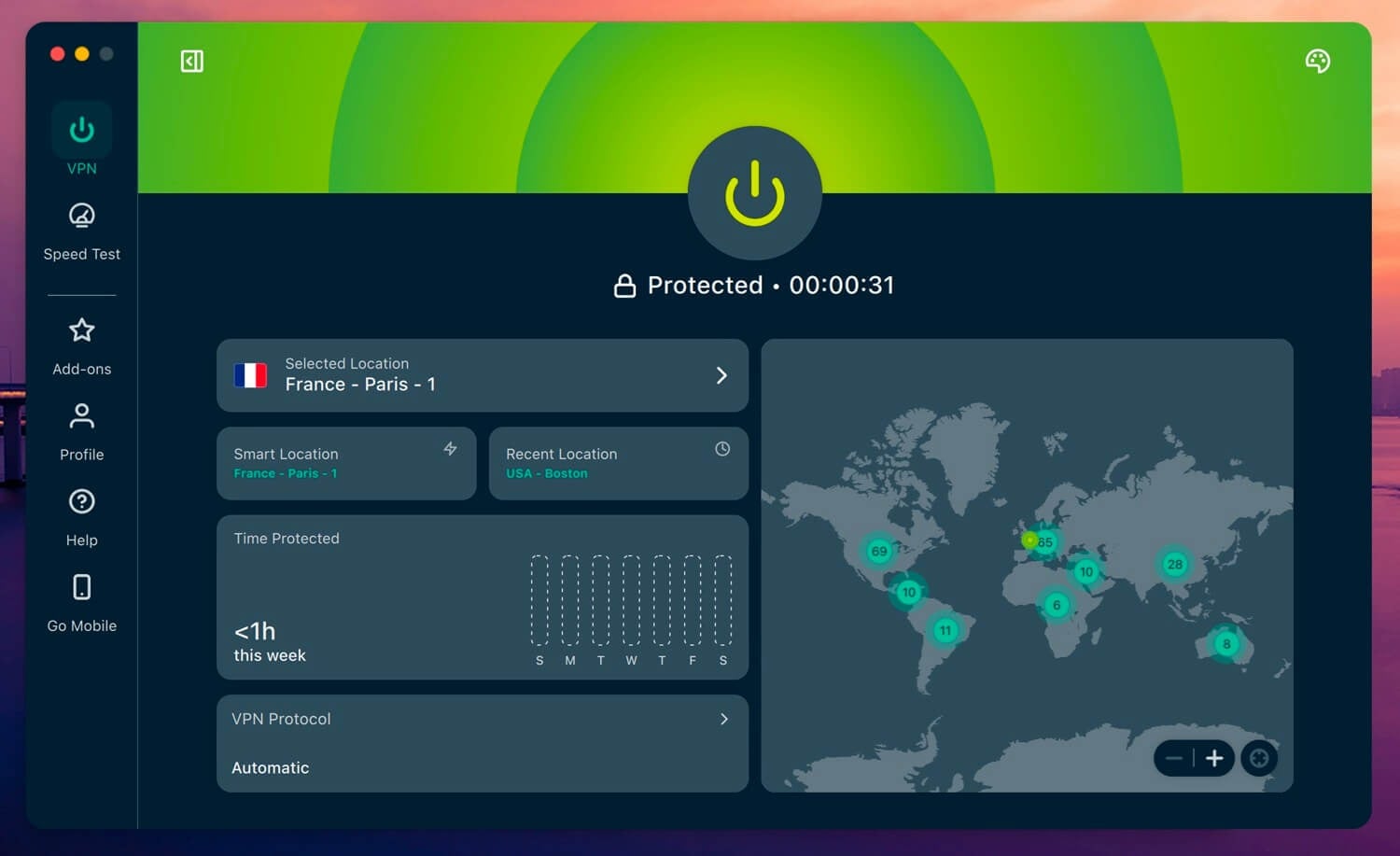
ExpressVPN obfuscates every connection automatically. A July 2026 expansion brought it to 214 locations across 113 countries, 62 of them American, with at least one per state. That granularity matters against platforms that vary content by region within a country, including ESPN+ outside the US. Lightway is the best protocol, with post-quantum encryption, and Network Lock cuts the connection if the tunnel drops, so the real address never leaks.
MediaStreamer handles consoles and televisions that run no VPN software. The British Virgin Islands is the company’s legal home, and outside firms have examined the no-logs policy repeatedly, as our ExpressVPN review sets out. The Basic plan totals $83.72 across 28 months, for 10 devices.
4. Private Internet Access: Cheapest Way Around Geo-Blocks
Pros
- No cap on devices
- Tunable encryption
- Shadowsocks proxy
- MACE domain blocking
- State-level US servers
Cons
- Five Eyes jurisdiction
- Variable peak speeds
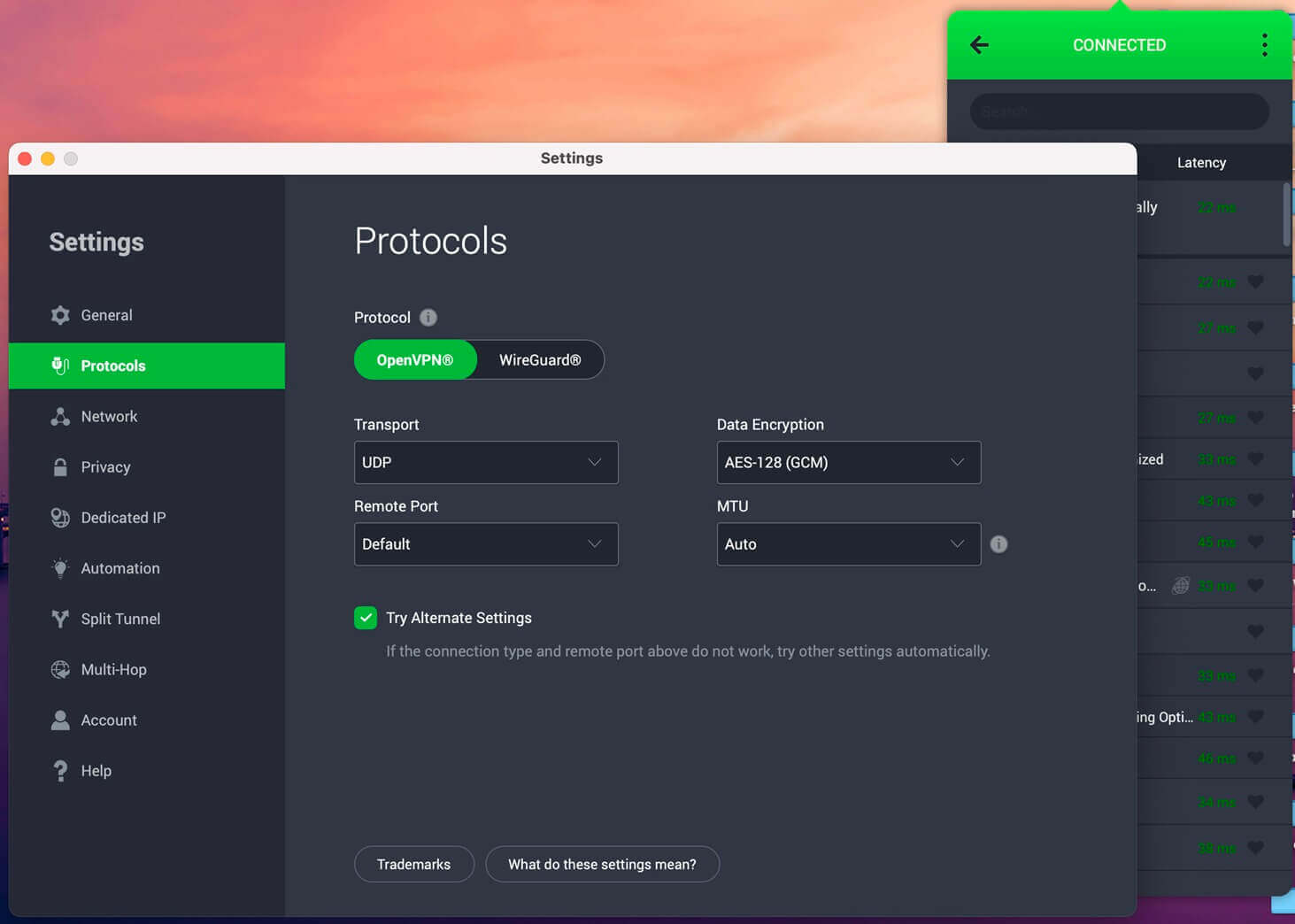
PIA opened Hulu, Netflix, and Prime Video on its streaming-optimized servers during our tests, from a network of 26,000+ servers across 91 countries and all US states. Switching servers mid-session caused no drop in playback quality. Its distinguishing feature is control. Encryption strength, protocol, port, and DNS are adjustable, so a connection can be tuned for speed on streaming or hardened for a filtered network. Shadowsocks layers a proxy over the tunnel.
MACE blocks ad and tracker domains, a visible difference on ad-heavy regional sites. Our PIA review goes through the settings. PIA is registered in the United States, a Five Eyes member, and its no-logs policy has withstood both an independent audit and a court request that produced no records. PIA charges $2.19 a month on its 2-year plan, with no device limit and a month to change your mind.
How to Get Around Geo-Blocking
- VPN: encrypts the traffic and replaces the IP address the site sees, so both the address lookup and the routing checks return the server’s location. The only method that also hides activity from your ISP. Our guide to changing an IP address walks through it.
- Smart DNS: redirects only the DNS queries that reveal location, leaving the rest of the traffic untouched. Faster than a VPN because nothing is encrypted, and weaker for the same reason. It changes no packet addresses, so a site checking the IP address still sees the real country.
- Proxy server: passes browser traffic through an intermediary and changes the visible address without encrypting the traffic. Free proxies are the first addresses streaming platforms blacklist.
- Tor: routes through volunteer relays and hides the origin well, at speeds unsuitable for video. Exit-node addresses are also widely blocked.
Browser extensions belong to the proxy category. Most cover the browser alone, enough for a news site and not enough for an app that reads GPS.
Why a Site Says “Please Disable Your VPN”
This message means detection worked. The platform matched your address against a list of ranges it associates with data centers, and it’s asking you to remove the thing it identified. Turning the VPN off restores access and hands back your real location, so switching off defeats the purpose.
- Move to another city: address ranges get blacklisted in batches, and a server elsewhere usually falls outside the batch.
- Delete the site’s cookies: many platforms cache the country from a previous visit and trust it over the current connection.
- Revoke location access: a mobile app comparing GPS against the address will always spot the contradiction.
- Force IPv4: an IPv6 leak reveals the country regardless of the address the VPN reports.
- Point DNS at the VPN: a router resolving domains on its own hands the platform an ISP-owned country.
Video players produce their own version. An error PLAYER_ERR_GEO_RESTRICTED comes from the player instead of the website around it, which is why the page loads normally and only the video fails. The fix is identical: change server, clear the site’s stored data, reload.
Is It Legal to Bypass Geo-Blocking?
Geo-blocking itself is lawful in most countries. The European Union is the notable exception, where a 2018 regulation bans unjustified geo-blocking for goods and services across member states, though audiovisual content falls outside it and streaming catalogs still differ by country. Getting around a geo-block is a separate issue, and in most countries there’s no law against it.
It breaches the terms of service of the platform you’re opening. The realistic consequence is account action instead of prosecution. Two situations change it. Where a country restricts VPN use, as the UAE and China do, the rules apply to the tool itself. And using a VPN to commit an offense remains an offense in every jurisdiction, the ground most national cybercrime laws cover.
Final Thoughts
Geo-blocking rests on inference, and every layer of that inference can be answered. A VPN replaces the address and the routing evidence at once, which is why it works where a proxy or Smart DNS gives up. NordVPN is our pick for the job, on unblocking record, speed over distance, and SmartPlay running without configuration. Proton VPN suits government filtering, ExpressVPN removes the setup step, and PIA costs the least while covering every device in a household.
Frequently Asked Questions
❌ What does PLAYER_ERR_GEO_RESTRICTED mean?
The video player checked the connection's location and refused playback. It comes from the player instead of the site, so the page loads while the video fails. Changing server usually fixes it.
🚫 Why does a website ask me to disable my VPN?
The site matched the connection's IP address against a list of data-center ranges. Switching servers, clearing stored site data, and revoking location permissions resolve it more often than disconnecting.
⚠️ Is bypassing geo-blocking illegal?
No, in most countries. It breaches a platform's terms of service, which risks account action instead of prosecution. The UAE and China regulate VPN use directly, which changes the position there.
🟢 Can a website tell that I'm using a VPN?
Yes, often. Commercial databases flag IP ranges belonging to data centers, and routing latency that contradicts the claimed country gives the connection away independently.
🎯 Does a free VPN get around geo-blocking?
No, rarely. Free services concentrate many users on few addresses, which streaming platforms identify and block quickly. Proton VPN's free plan handles government filtering but not streaming.