You’re excited to watch a video, but instead, you’re greeted with the Video Unavailable message that goes something like this: “This video is not available in your country.” It’s a frustrating block that doesn’t just show up on YouTube but on other streaming platforms and social media (like X, where you get: “This video is not available in your location”).
This issue, known as geo-blocking, is a common practice in which access to online content is restricted based on the user’s geographical location. Whether it’s a Netflix movie, a live sports event, or a YouTube video, geo-blocking limits what you can watch depending on where you are in the world. Fortunately, there are ways to get around this issue. The most effective method is using a VPN, which we’ll explain in detail.
Video Unavailable in Your Country: Here’s the Best Solution for 2026
- Get a trusted VPN. We suggest NordVPN at 73% off with servers in 137 countries to easily fix Video Unavailable errors online.
- Set up a VPN on the device you use.
- Boot up the VPN app and sign in.
- Connect to a server abroad. Pick the server location where the video you want to access is available. Try a few servers until you get there.
- The Video Unavailable error should now disappear, and you should be able to watch that video unrestricted, anywhere.
The solution works on any platform with a video unavailable in your country. While YouTube is the most common, this trick unblocks videos on Vimeo, Reddit, X, and other sites that host this type of content.
Why Are Videos Geo-Blocked? Video Unavailable Explained
Before explaining how to remove the error “The uploader has not made this video available in your country,” it’s important to explain why it appears in the first place. The answer is geo-blocking, a practice where content providers restrict access to their videos based on the viewer’s location due to:
🤝 Content Licensing Agreements
One of the primary reasons for geo-blocking is content licensing. Content creators and distributors sign licensing agreements that specify where their content can be legally shown. For instance, a TV show might have streaming rights in the US.
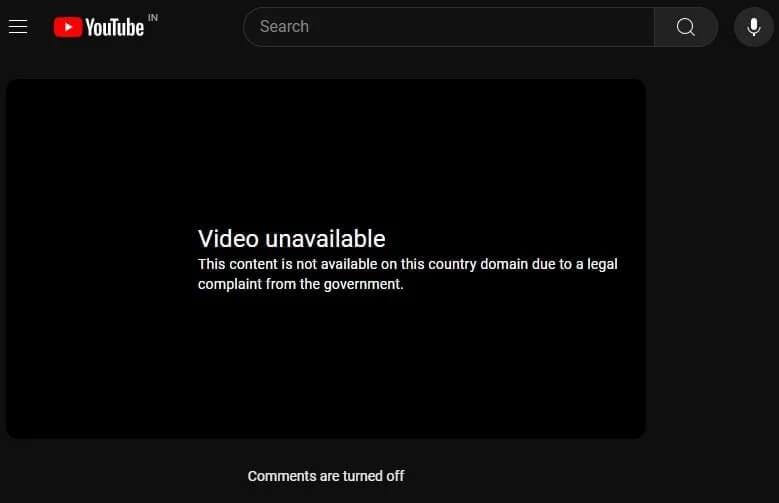
This means viewers abroad won’t be able to access it, even if the platform hosting it is available in their country. This can happen when you try to watch YouTube TV from abroad, but it’s common even for Netflix and BBC iPlayer.
🗾 Regional Content Regulations
Some countries have regulations about what can be shown online due to political, cultural, or social reasons. Certain films or documentaries might be blocked in a country because the local government finds them sensitive or inappropriate. This leads to YouTube (or other sites) restricting access to comply with local laws.
🛑 Preventing Unauthorized Access
You might also encounter the Video Unavailable message if the publisher is preventing unauthorized access to content. It is common in sports streaming, where copyright holders sell rights to broadcasters in different regions.
The platform blocks access to its stream in countries where another company holds the rights, so that viewers can only watch through the authorized provider. This is one of the reasons why more and more people are looking for a VPN that works with ESPN Select and other famous streaming sites.
Common Ways to Fix “This Video is Unavailable in Your Country” Message
Encountering the “This video is not available in your region” message can be frustrating, but there are several ways to bypass this restriction and access the content. The most effective method is using a VPN, but there are also other options.
🛡️ Use a VPN (Virtual Private Network)
A VPN is a tool, like any other app you’d install on your phone, computer, or even a router. It masks your actual location by routing your internet traffic through a server in another country. When you connect to a VPN server in a different location, it assigns you an IP address from that region. This makes it appear as if you’re browsing from that country, allowing you to access content that might be restricted in your actual location.
For instance, if you’re in the US and trying to watch a UK-only streaming service like BBC iPlayer, you can use a VPN to connect to a server in the United Kingdom. The service will then recognize your IP address as being from the UK, unlocking the content for you. Our #1 recommendation is NordVPN, as it offers fast connections, powerful security, and extensive server networks, making it highly effective at bypassing geo-restrictions on any website.
🔗 Use Smart DNS Services
Smart DNS services work differently from VPNs. Instead of routing all your internet traffic, they only reroute the data that reveals your location. This can be faster than a VPN since it doesn’t involve encryption. However, Smart DNS doesn’t provide the same level of security as a VPN, crucial if that matters to you.
🌐 Try Proxy Servers
Proxy servers are another method to bypass geo-blocking. Like a VPN, a proxy server can mask your IP address by routing your connection through a server in another location. However, proxies are generally less secure and can be slower than VPNs. They’re often used for lighter tasks like bypassing simple website blocks, but aren’t recommended for streaming or activities that require high security. We compared VPNs to proxies and found VPNs to be better in all aspects.
💻 Browser Extensions
Certain browser extensions can also help you bypass geo-blocks. They allow you to access content from different regions from your browser. While convenient, they often need more security and reliability than VPNs and might not always work. While there are multiple methods to get around geo-blocks, VPNs stand out as the most reliable and secure. They allow you to bypass restrictions and protect your online privacy; your browsing activities remain private.
Fix “This Video is Not Available in Your Country” on YouTube With a VPN
If you’re trying to watch a YouTube video only to be met with the frustrating “This video is not available in your country” message, there’s a simple fix using a VPN. Here’s a quick step-by-step guide using NordVPN.
Install and Log in to the VPN App
Visit the NordVPN website and sign up. After purchasing your plan, download and install the NordVPN app on your device. NordVPN is available on a wide range of platforms, including Windows, macOS, iOS, Android, and more. It’s also a top VPN for Apple TV. Now, open the NordVPN app and log in.
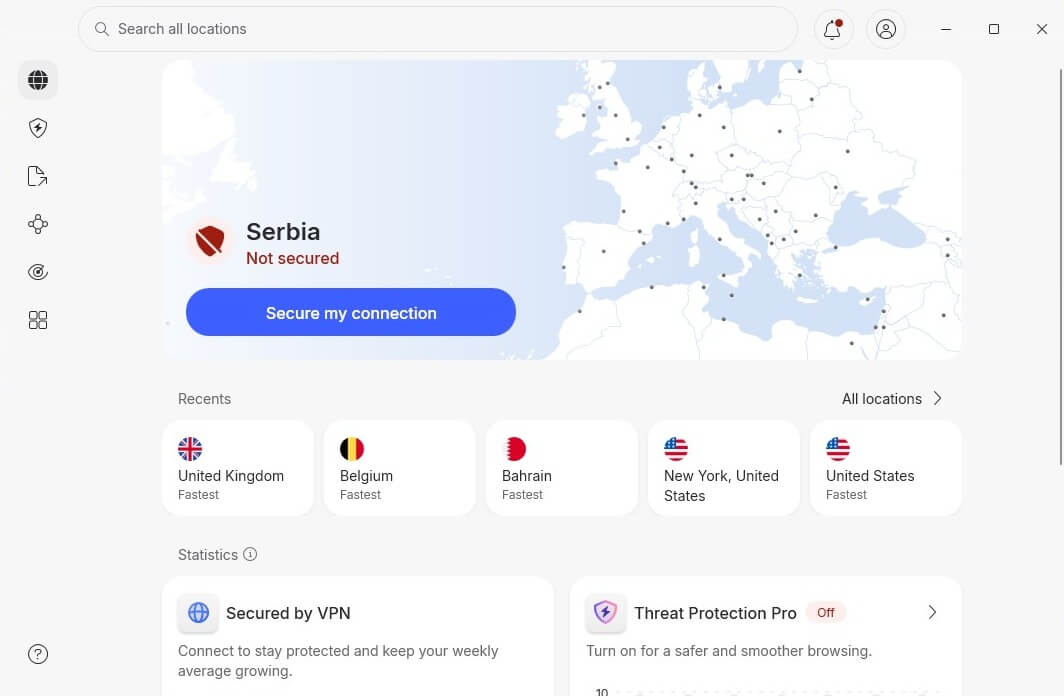
Connect to a Server in the Allowed Region
To access the YouTube video, you’ll need to connect to a server in a country where the content is available. For example, if the video is accessible in the US but blocked in your country, connect to a US-based server. Open the NordVPN app, select the US from the list of available regions, and click to connect.
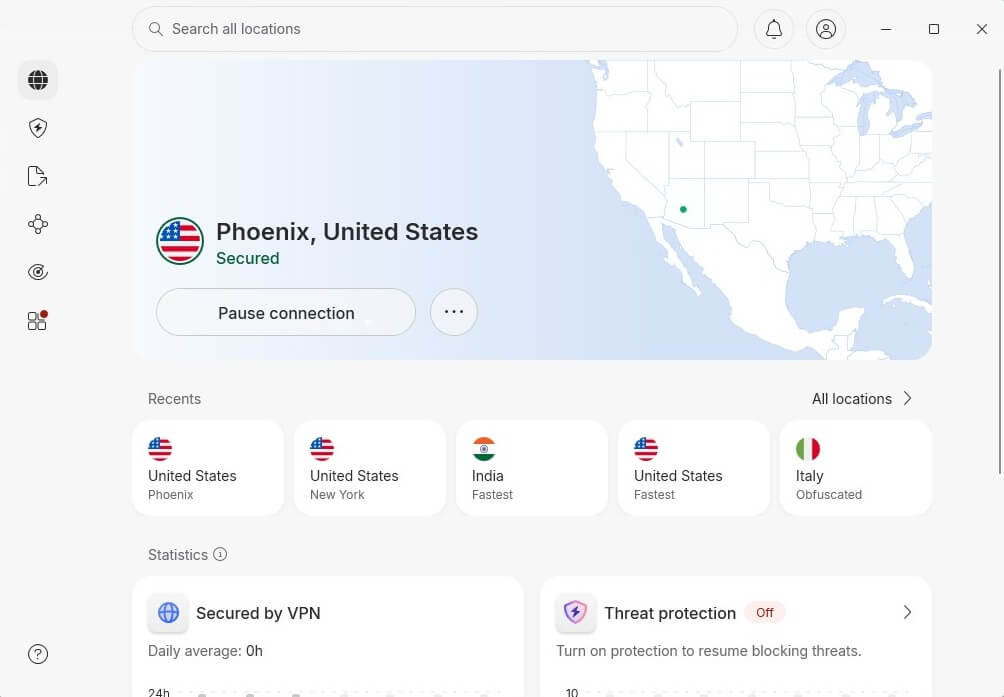
Fix This Content is Not Available in Your Region
Once connected, open YouTube in your browser or app and search for the video again. You should now be able to watch it without any issues. This is how the Video Unavailable error disappears, and all of the content you want is accessible.
Best VPN to Fix “This Video is Not Available in Your Country” Message in 2026
When it comes to bypassing geo-blocks and fixing the “This video is not available in your location” error, not all VPNs can get the job done. Here are the top three VPNs that excel at getting around these restrictions. They’re ideal for unblocking and accessing any video unavailable in your location.
1. NordVPN: Best VPN Overall
Pros
- VPN obfuscation
- Malware protection
- Good for streaming
- Fastest VPN service
- Cheap 2-year plans
- Works on all systems
Cons
- Not beginner-friendly
- No free plan
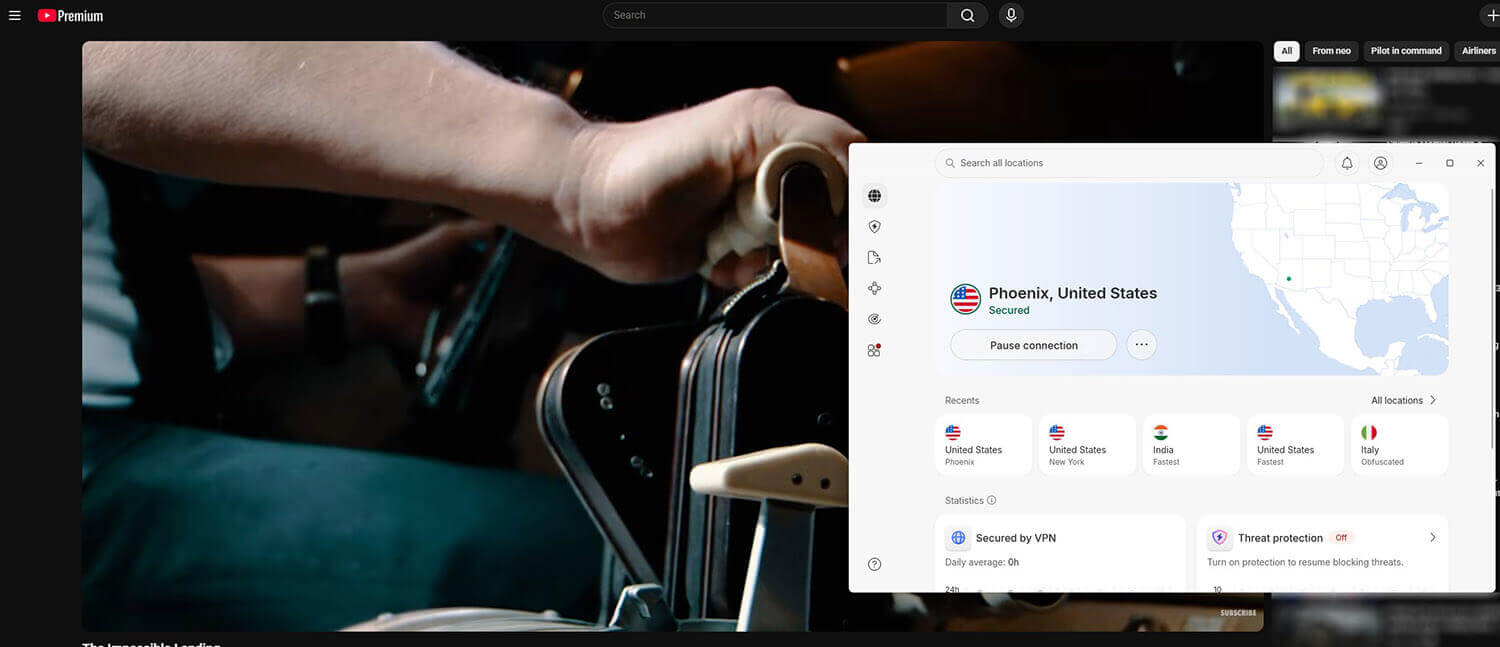
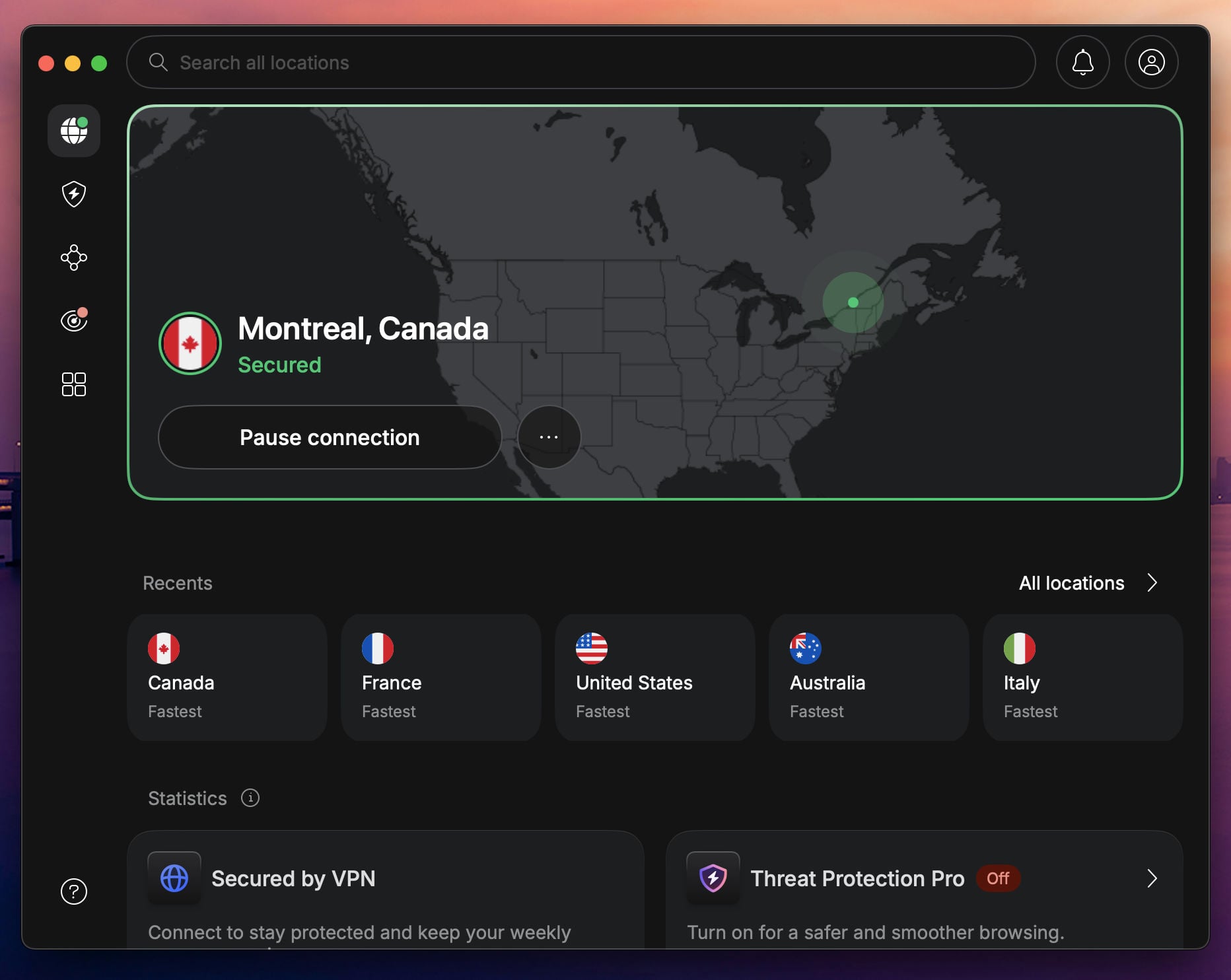
NordVPN is a top contender for bypassing geo-restrictions, with a combination of speed, security, and global reach. With over 9,400 servers in 137 countries, NordVPN has many options to connect to a region where your content is accessible. During our test with NordVPN, we were impressed by its obfuscated servers, which disguise your VPN traffic as regular traffic, making it harder for streaming sites like Netflix and BBC iPlayer to detect and block connections.
While testing NordVPN with US Netflix from abroad, we found that it bypassed its streaming tough geo-restrictions, allowing streaming in HD with no buffering. The SmartPlay feature, integrated into all NordVPN servers, automatically adjusts your settings for streaming, so the experience is hassle-free. Additionally, NordVPN’s NordLynx protocol (built around speed-first WireGuard) offers fast speeds without compromising on security and privacy.
Pricing starts at around $3.40 per month for long-term plans, and there is a 30-day money-back guarantee, making NordVPN the most secure and trustworthy VPN for unblocking content anywhere in the world.
2. ExpressVPN: Best VPN for Speed

Pros
- Reliable performance
- Comprehensive security
- Widely compatible VPN
- Unlimited bandwidth
Cons
- No MultiHop servers
- Higher cost on renewal
When it comes to bypassing error messages like “This video is unavailable in your country”, ExpressVPN is a top choice. Its vast network of over 3,000 servers in 105 countries allows users to access content from anywhere, whether it’s the US, UK, or smaller regions with more limited access. One feature that sets ExpressVPN apart is MediaStreamer, which allows you to access geo-blocked content on devices that don’t natively support VPNs (smart TVs, gaming consoles, etc.).
This is useful for users who want to stream on a big screen without a complex setup. In our testing, ExpressVPN unblocked streaming services like Hulu, BBC iPlayer, Disney+, and Netflix, all of which are known for their strong geo-blocking efforts. Even platforms that are notoriously difficult to access, such as Hulu, streamed flawlessly, delivering HD quality with no buffering. What makes ExpressVPN one of the best VPNs for streaming is its Lightway Turbo protocol.
It boosts speeds while maintaining strong security. At circa $2.49 per month, ExpressVPN is a cheap fix to the “This video is not available” error that you can apply within seconds, and it’s risk-free for 30 days.
3. Private Internet Access: Best Cheap VPN
Pros
- No device cap
- Robust server fleet
- Advanced obfuscation
- Audited no-log policy
Cons
- Not the fastest VPN
- Complex app UI
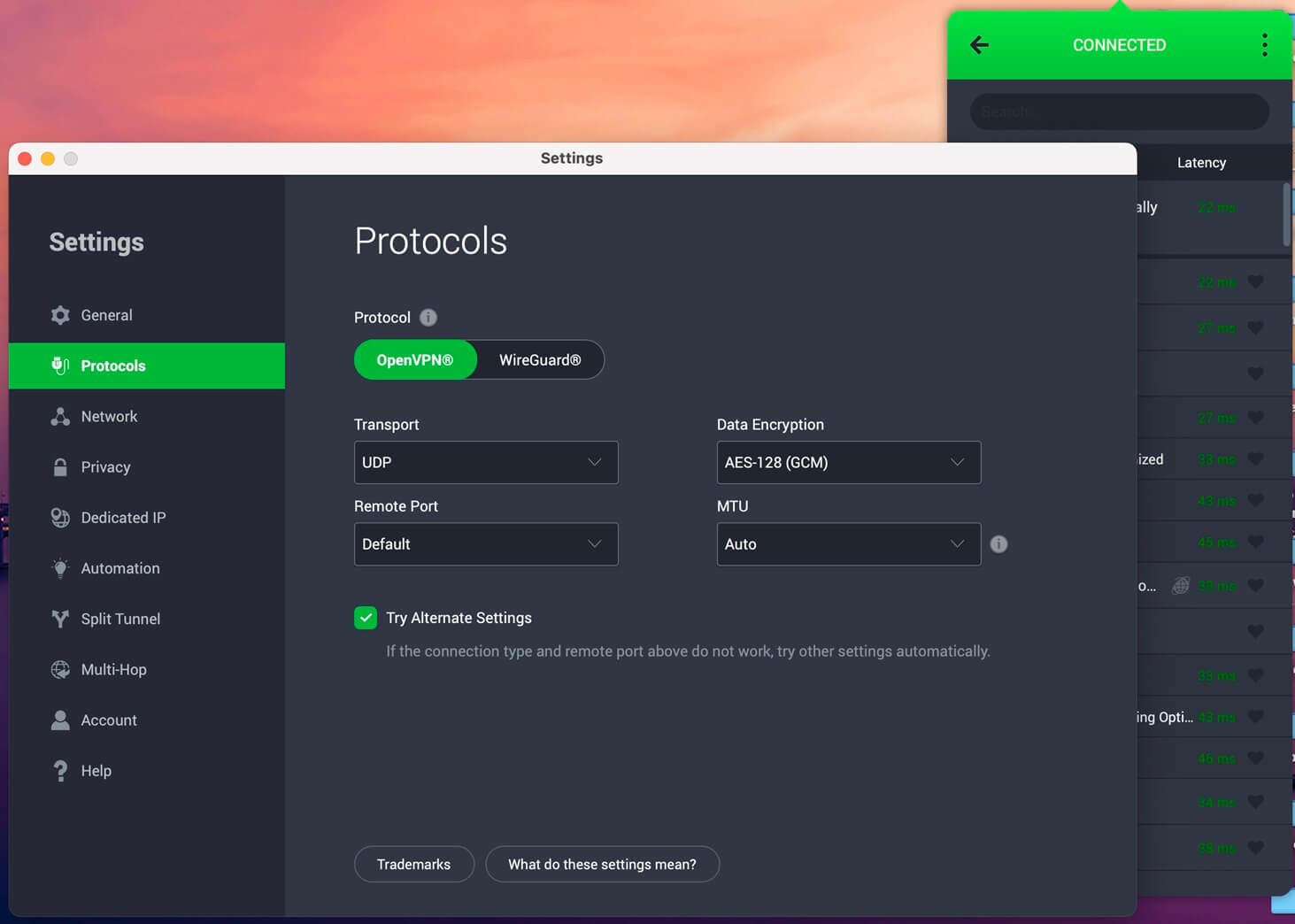
Private Internet Access offers a vast network of over 30,000 servers in 91 countries, so it’s excellent for unblocking content worldwide. We particularly used the Shadowsocks proxy, built especially for bypassing geo-restrictions. This proxy disguises your VPN traffic, making it appear as regular internet traffic. This is essential for accessing content on platforms that aggressively block VPNs. In our tests, Private Internet Access proved its worth by unblocking Netflix US.
With that setup, we could stream movies and shows without any interruptions. Priced at just around $2 per month for the 2-year plan, PIA is one of the most affordable VPN services with robust unblocking capabilities. It’s great for users looking to fix geo-restriction errors without breaking the bank, particularly the Video Unavailable error on YouTube and other platforms.
Try Private Internet Access Now
Conclusion
Getting past the “This video is not available in your country” error is no longer a challenge. While there are various methods to bypass these geo-restrictions, using a reliable VPN stands out as the safest and most effective. During our tests, NordVPN consistently bypassed geo-restrictions on YouTube, offering fast, secure connections and making all videos accessible. ExpressVPN and Private Internet Access also work for bypassing geo-restrictions, but they serve different needs.
While there are other tools and methods available, such as proxy servers or DNS tricks, they offer only partial security, reliability, and ease of use that a premium VPN does. We tried them all, and VPNs were, without a doubt, the best option.
FAQ About Video Unavailable Error
How to fix the "The uploader has not made this video available in your country" error?
The "The uploader has not made this video available in your country" error is shown when the YouTube uploader has geo-restricted their video. You can bypass this error by connecting to a VPN server in the allowed location. If the video is allowed in Spain, you must get a Spanish IP with a VPN, and so on.
Why does YouTube block some videos in my country?
YouTube blocks videos due to licensing agreements, government regulations, or content restrictions imposed by the uploader. These restrictions limit where the video can be viewed based on the viewer's IP address.
How to download geo-blocked Twitter video?
To view or download a geo-restricted video on Twitter, connect to a VPN server in a location where that video is available. Now, you can go to Twitter (X), find the video, and watch it or download it to your device.
Can I unblock streaming services with a VPN?
Yes, VPNs like NordVPN can unblock a variety of streaming services beyond YouTube, including Netflix, Hulu, BBC iPlayer, and more, allowing you to access content from different regions. NordVPN is also the most popular VPN for watching Kayo Sports outside of Australia, with ExpressVPN and PIA second in line.
How to fix the Video Unavailable error on Twitter (X)?
The easiest way to fix the Video Unavailable error on X is with a VPN. Twitter restricts some of its content based on your location. However, when you swap your IP address and change your online location, you can unblock it. The best option is NordVPN with servers in 130+ countries and 200+ locations.
Can I fix Content Not Viewable in Your Region?
Yes, you can, with a VPN. You simply need to connect to a VPN server abroad, in a region where the previously unavailable content works. After that, you just need to go back to the page, and it'll work normally.