
A Norwegian subscription doesn’t travel with you. NRK, TV 2 Play, and Viaplay restrict their catalogs by country, so an address in Stockholm gets the same refusal as one in Tokyo. Licensing is the reason. Norwegian broadcasters buy rights for Norway, and their platforms enforce that boundary by address.
How to Watch Norwegian TV Abroad: Update for September 2026
- Subscribe to a VPN with Norwegian servers. NordVPN is our top pick.
- Install the app on your device.
- Search for Norway in the server list and connect.
- Open NRK TV, TV 2 Play, or Viaplay and press play.
Why You Can’t Watch Norwegian TV Outside Norway
Every major Norwegian platform geo-locks its catalog. NRK’s Dagsrevyen, Pørni on TV 2 Play, Kielergata on Viaplay: all read your IP address before anything plays. Paying a subscription changes nothing, and neither does holding a Norwegian passport. Location decides access. The cause is licensing and regional distribution rights.
NRK and TV 2 often lack permission to stream internationally, so they restrict by country and check each viewer’s address. A VPN encrypts your traffic and presents a Norwegian IP instead of your own. We tested this on NRK TV, TV 2 Play, and Netflix Norway, and NordVPN opened all 3 without proxy errors.
How to Watch Norwegian TV Live Abroad
The setup takes about 5 minutes.
Step 1: Get NordVPN
Pick a plan on NordVPN’s site. Longer terms cost the least per month, and a 30-day money-back guarantee applies to every one.
Watch Norwegian TV with NordVPN
Step 2: Download the App
Native apps cover Windows, macOS, Android, iOS, Linux, and smart TVs. Installation takes under 2 minutes, and it topped our testing on desktop and mobile alike, including as the strongest option for Mac.
Step 3: Connect to a Norwegian Server
Open the app, type Norway into the search bar, and connect. Every Norwegian server we tried worked with NRK TV, TV 2 Play, and Viaplay.
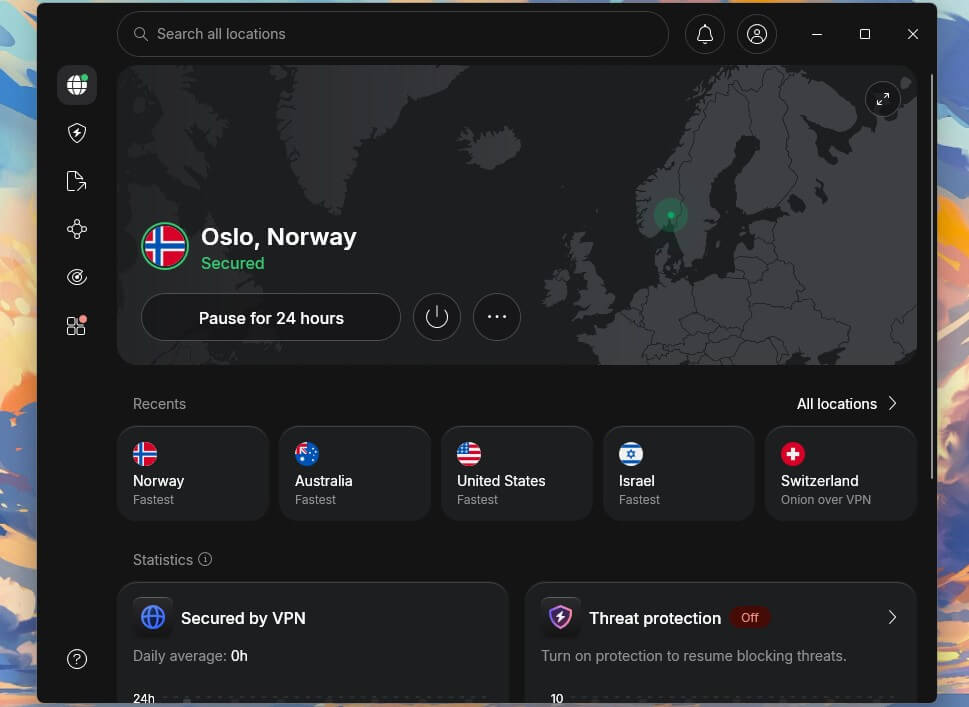
Step 4: Open NRK TV or Stream Any Other Channel
Head to tv.nrk.no. The catalog loads as it does in Norway.
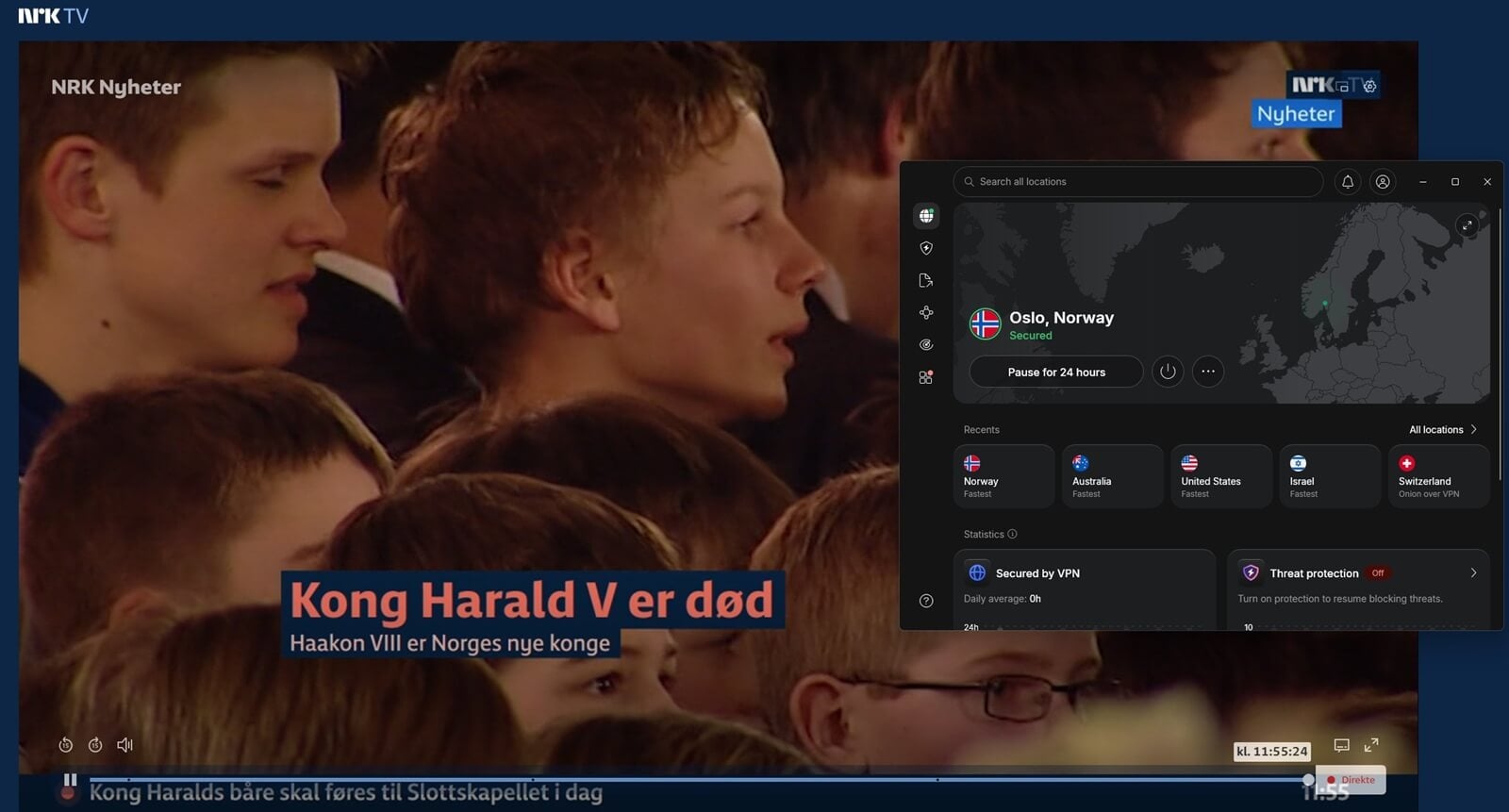
Best VPN for Unblocking Norwegian TV Channels Abroad
Plenty of providers claim streaming access and stall once a stream actually starts. These 3 were tested against Norwegian platforms directly.



 9200 servers
 128 covered countries
 30 days money-back guarantee
 10 simultaneous connections
9.4 /10

20396 servers
148 covered countries
30 days money-back guarantee
10 simultaneous connections
9.2 /10

3000 servers
105 covered countries
30 days money-back guarantee
10 simultaneous connections
9.1 /10
1. NordVPN: Top Pick Overall
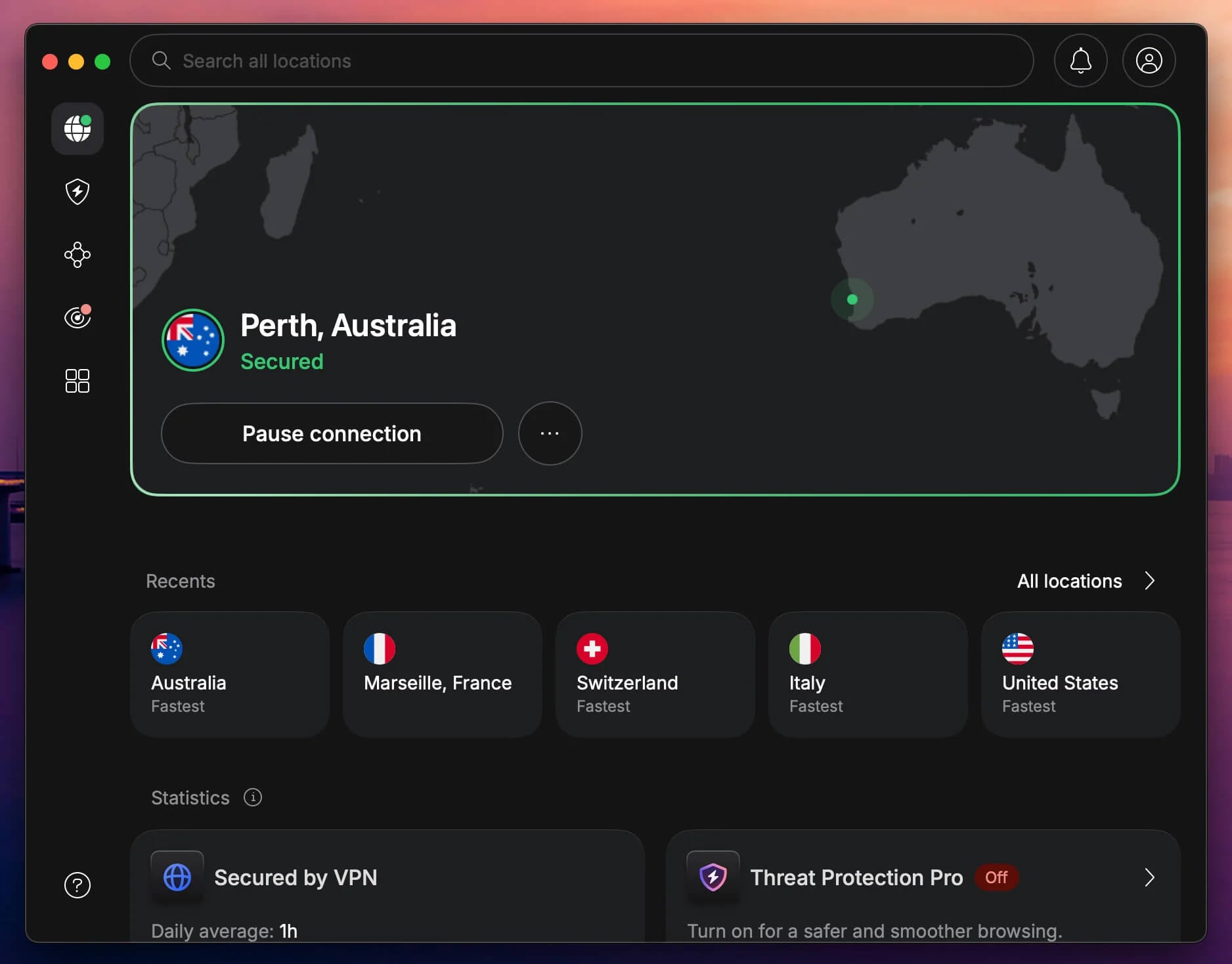
Pros
- Norwegian servers plus 9,500+ worldwide
- Unblocked NRK, TV 2, and Viaplay
- SmartPlay works on smart TVs
- Obfuscated servers for filtered networks
Cons
- No permanently free version
- Price rises after the first term
Streaming: NRK TV, TV 2 Play, and Viaplay played without a proxy error, including during evening peak and live sport. Netflix Norway opened on the same connection, and SmartPlay handled platforms that screen for VPN traffic. It still heads our Norway rankings after a 2026 revision.
Speed: NordLynx retained over 90% of our baseline on Norwegian servers, enough for Ragnarok in 4K on desktop, mobile, and a smart TV.
Coverage and price: 9,500+ servers across 149 countries, apps for every platform including routers, and post-quantum encryption on NordLynx. The 2-year plan works out to $3.49 a month, $94.23 up front, with 30 days to claim a refund.
2. Proton VPN: Top Pick for Streaming and Privacy
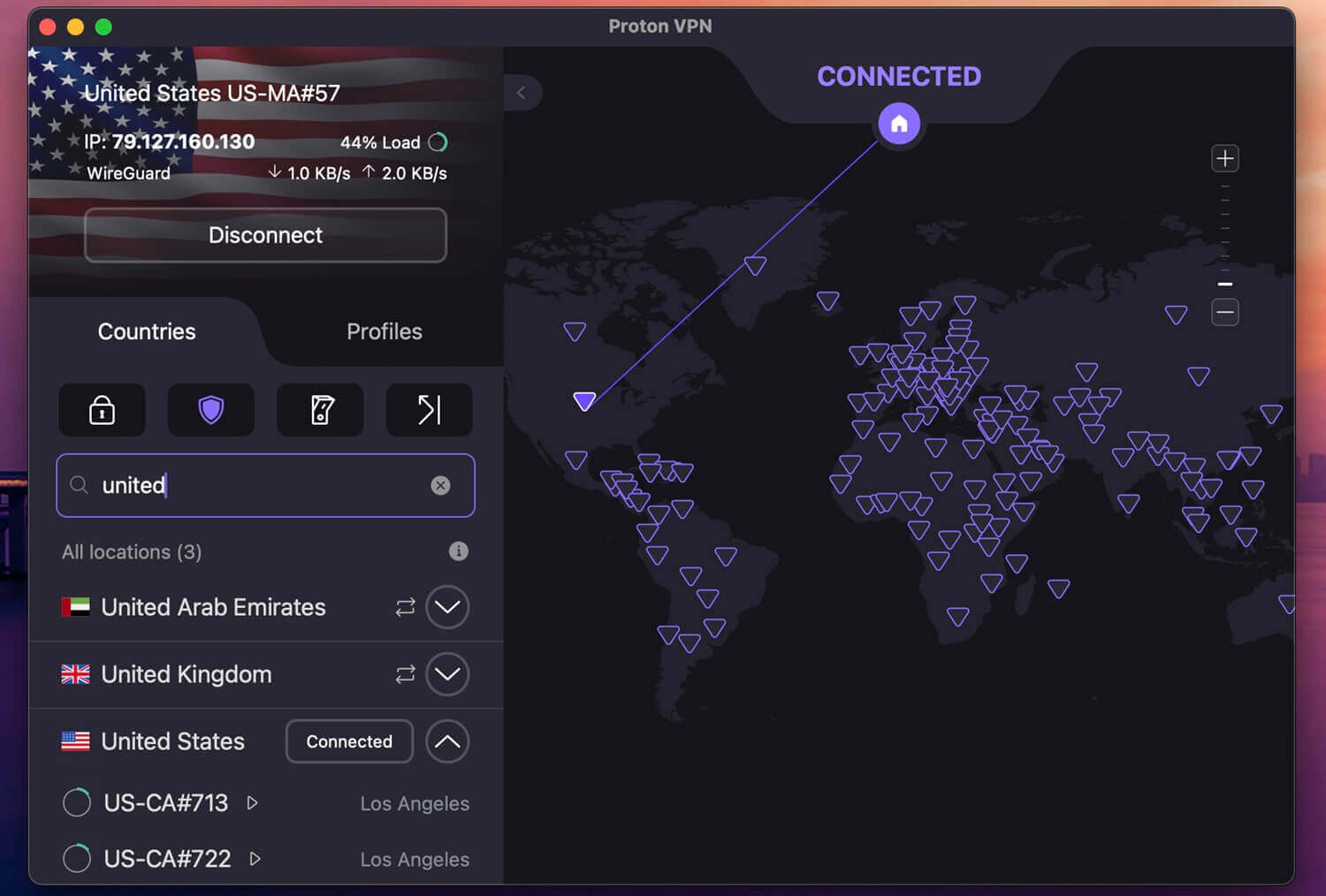
Pros
- Norway included on the free plan
- Source code published for review
- Secure Core adds a Swiss hop
- No data cap on any tier
Cons
- Free plan assigns the country for you
- Smart TVs need manual configuration
Proton VPN is the unusual case, because Norway is one of the 10 countries on its free plan. The catch is control: the free tier picks a server automatically, so landing in Norway is a matter of chance. Paid plans let you select it directly.
Streaming: Norwegian servers opened NRK TV and TV 2 Play in testing. Viaplay took a second attempt on a different address, but it still worked.
Privacy: Switzerland places no retention obligation on VPN companies, the apps are open source and independently audited, and Secure Core passes traffic through a hardened Swiss server first.
Price: the 2-year plan is $71.76 for the term, $2.99 a month, covering 10 devices. There’s no free trial, but the free plan makes up for it.
3. ExpressVPN: Top Pick for Speed and Simplicity
Pros
- Quick and easy setup
- MediaStreamer covers Apple TV
- Fast and stable VPN
- Audited no-logs policy
Cons
- Price hikes after renewal
- Few advanced features
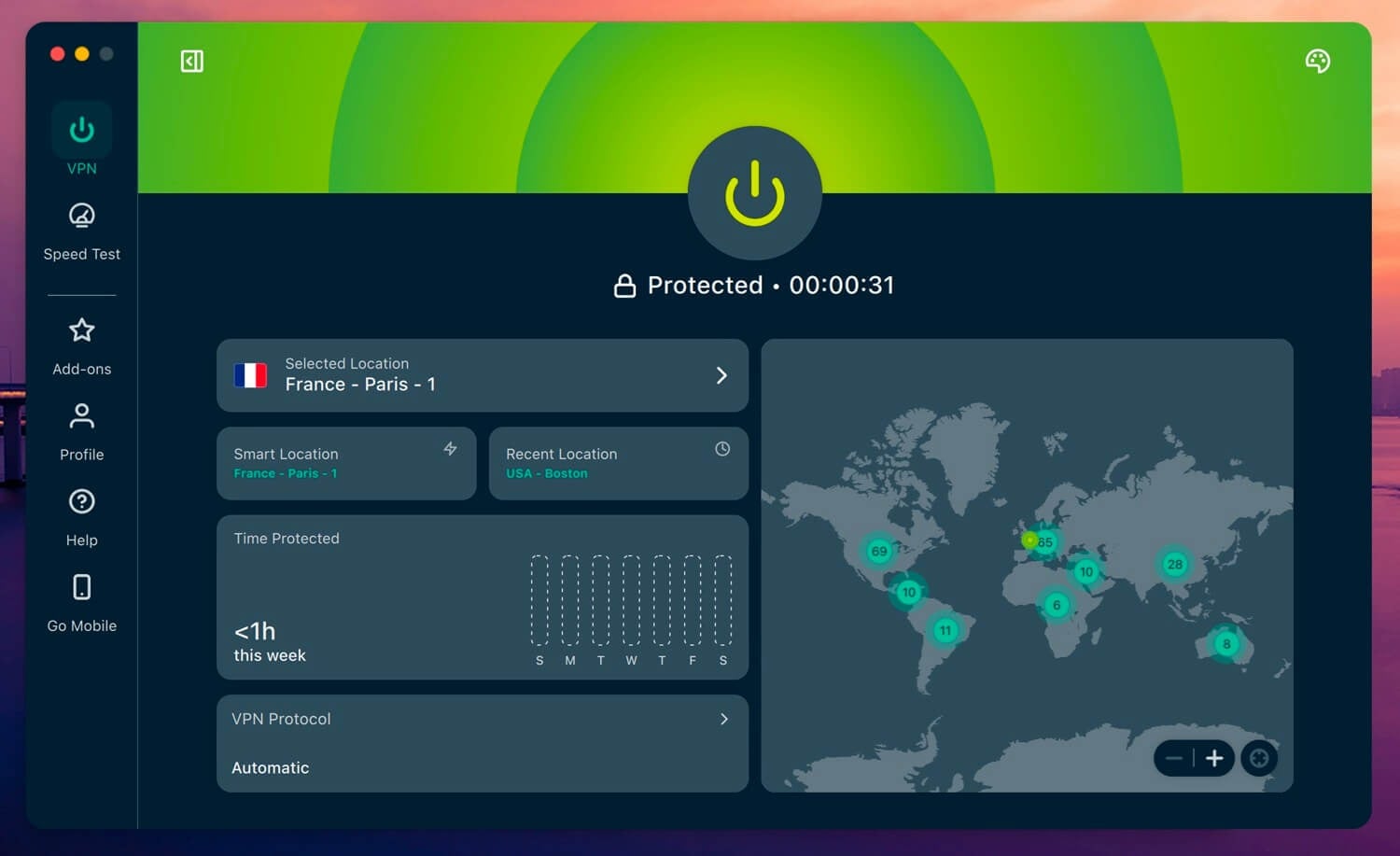
Streaming: connecting from Berlin, NRK TV loaded Kongen Befaler in HD within seconds. Viaplay, TV 2 Play, and Netflix Norway behaved the same way. MediaStreamer handled a smart TV and an Apple TV with no configuration.
Speed: Lightway cost roughly 10 to 15 percent of our baseline, which is almost on par with NordVPN and Proton VPN, our two leading options.
Apps: We tested Windows, macOS, Android, iOS, and Fire TV Stick, and it also offers a native Apple TV app. Finding Norway takes one search.
Price: The Basic tier costs $2.99 a month across 28 months, $83.72 in total, though it renews at $99.95 a year. A 30-day guarantee applies.
Why Other Methods Don’t Work
- Proxies. Free web proxies fool basic filters briefly. NRK and TV 2 Play identify proxy traffic, and nothing is encrypted, so your ISP sees everything.
- Tor. Tor protects identity well and streams badly. Traffic passes through 3 volunteer relays, so expect constant buffering.
- Free VPN. Proton VPN’s free tier includes Norway among its 10 countries, and it assigns servers automatically, so you can’t request Norway when you want it. Other free services concentrate on the US and UK. For dependable access, a Norwegian IP address from a paid VPN is the workable answer.
Conclusion
Norwegian broadcasters enforce their licensing by country, which is why NRK refuses a foreign connection. We tested the leading VPNs on NRK, TV 2 Play, and Viaplay. NordVPN came out ahead, giving a Norwegian address in seconds and opening every platform we tried. Proton VPN is the pick if privacy matters as much as access, and it’s the only one with Norway on a free plan.
ExpressVPN suits anyone who wants the least configuration, with MediaStreamer (Smart DNS) covering Apple TV. Each offers a refund within 30 days, long enough to test Exit or a round of Eliteserien before deciding.
Frequently Asked Questions
❄️ Can NRK TV be watched outside Norway?
Yes, with a Norwegian IP address. NRK checks the viewer's location and blocks foreign connections, so a VPN server inside Norway restores access to the full catalog, including live channels.
📺 Is a Norwegian TV licence needed for NRK?
No. Norway abolished the broadcasting licence fee in 2020 and funds NRK through general taxation, so no licence check applies to viewers.
🆓 Does a free VPN work with Norwegian TV?
Rarely. Most free services offer no Norwegian servers. Proton VPN's free plan includes Norway among 10 countries but assigns them automatically, so the country cannot be chosen on demand.
🚫 Why does ViaPlay still block a VPN connection?
Individual server addresses get added to blocklists over time. Disconnecting and picking another Norwegian server resolves it.