Your VPN drops mid-Zoom call. The Netflix proxy error appears. The app quits on its own, and you don’t notice until the connection has been unprotected for 10 minutes. Crashing and disconnecting look similar and have different causes. A crash is the app closing, usually because your phone killed it to save battery.
A disconnect is the tunnel failing while the app keeps running, and that points to your network, the server, or the protocol. Both are fixable. Here’s how to tell which one you have and what to change.
VPN Not Working? Start Here
- Switch protocols to WireGuard, NordLynx, or Lightway. This alone solves most repeat disconnects.
- Change server to one closer to you and less busy.
- Turn off battery optimization for the VPN app, which is the usual cause on phones.
- Whitelist the VPN in your antivirus and firewall.
- Enable auto-reconnect and the kill switch so a brief drop doesn’t expose your IP address.
Common Reasons Your VPN Keeps Disconnecting
Something always triggers a drop. These are the causes we see most:
- Weak or unstable internet. A patchy Wi-Fi signal or congested mobile data takes the tunnel down with it. The VPN can’t be steadier than the connection underneath it.
- Overloaded or distant servers. A server with thousands of users on it, or one on the far side of the planet, produces timeouts and repeated reconnects.
- Protocol conflicts. OpenVPN TCP stalls on busy networks. WireGuard, NordLynx, and Lightway hold up better under the same conditions.
- Network restrictions. Hotels, universities, and some ISPs use deep packet inspection to interrupt VPN traffic, which reads as random disconnects.
- Device power settings. Battery savers and task managers close background apps, and VPN clients are a frequent casualty.
- Software conflicts. Two tools managing your network traffic, such as an antivirus firewall and a VPN, fight each other until one gives way.
Why Does a VPN Keep Crashing Instead of Disconnecting?
A crash means the app closed. Check whether the VPN icon has vanished from your status bar or system tray, since a disconnect leaves the app open and showing a failed connection. Crashes usually trace to 3 things. Aggressive battery management on Android and iOS closes apps judged inactive.
Outdated app versions conflict with a new OS release. And a corrupted install often misbehaves until you remove and reinstall it. The fix order is different from a disconnect: exempt the app from battery optimization first, update it second, reinstall third. Changing servers or protocols won’t help with a crash.
Quick Fixes for VPN Disconnects
Work through these in order. The first 2 resolve most cases.
1. Switch VPN Protocols
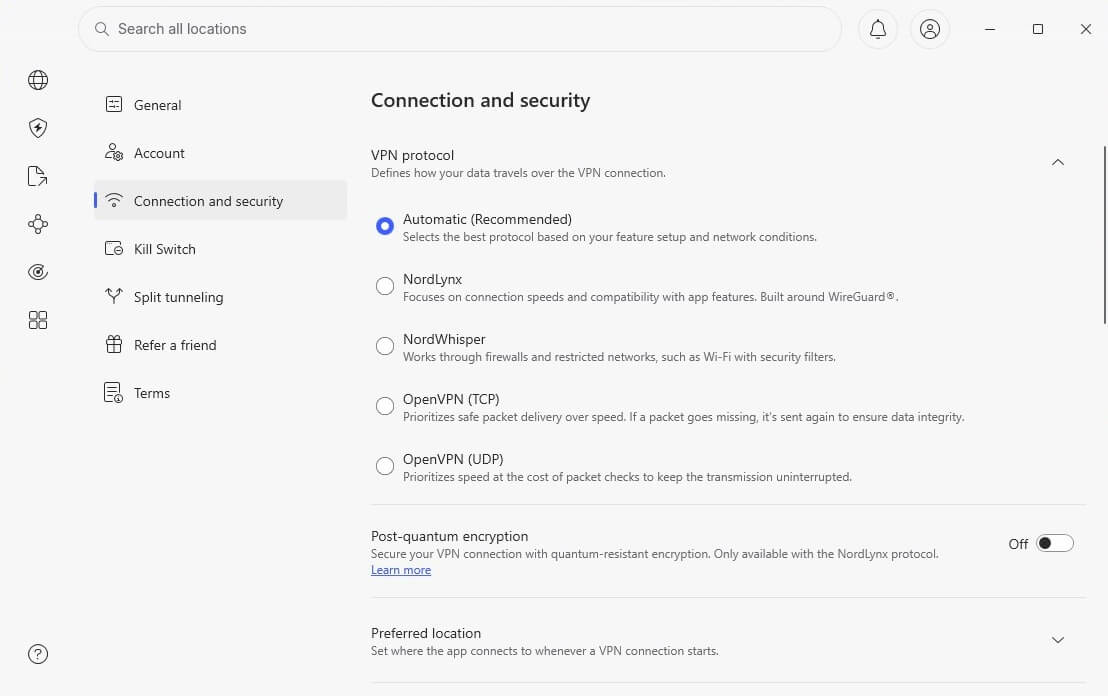
OpenVPN TCP is dependable and slow, and it stalls when networks get busy. Moving to WireGuard, NordLynx (NordVPN’s build), or Lightway (ExpressVPN’s protocol) often steadies things immediately. Every app keeps this in its settings menu.
2. Change Server Location
Distance and load both cause drops. Connect somewhere nearer, and if your provider shows server load percentages, pick one under 50%. The stronger providers, Private Internet Access among them, offer city-level and state-level choices that spread users more thinly.
3. Strengthen Your Internet Connection
Sometimes the base connection is the weak point. Move closer to the router, switch to the 5 GHz band, or plug in over Ethernet. Rebooting the router and updating its firmware clears a surprising number of these. On mobile, toggling between LTE and 5G shows which band is steadier.

4. Adjust Device Settings
On Android, open the app’s battery settings and set it to Unrestricted. On iOS, turn off Offload Unused Apps and disable Low Power Mode while connected. And on laptops, sleep mode suspends the network adapter, so change the power plan if drops happen after idle periods.
5. Check for Security Software Conflicts
Antivirus suites, firewalls, and browser extensions all touch network traffic. Whitelist the VPN in your security software, and avoid stacking a free proxy extension on top of a paid VPN. Running 2 VPN clients at once guarantees trouble.
6. Enable Auto-Reconnect and Kill Switch
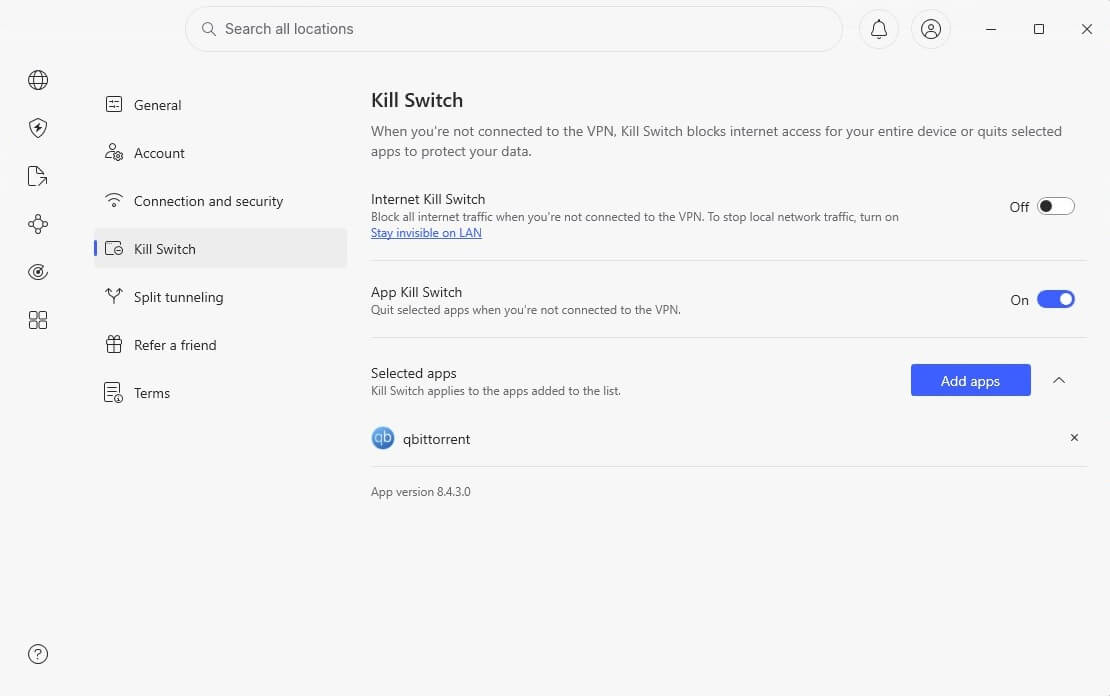
Auto-reconnect restores the tunnel without you noticing. A kill switch blocks traffic while it’s down, so nothing leaks in the meantime. NordVPN, Proton VPN, and ExpressVPN include both, though they aren’t always on by default.
7. Configure the VPN on Your Router
Moving the VPN to your router protects every device at once and removes the per-app instability. Phones, laptops, TVs, and consoles all inherit the connection. Setup takes longer, and after that, nothing needs reconnecting by hand.
8. Use Split Tunneling
One bandwidth-hungry app can destabilize everything else. Split tunneling lets you send torrents or cloud syncs outside the tunnel while your browser and email stay protected.
9. Try Stealth or Obfuscated Servers
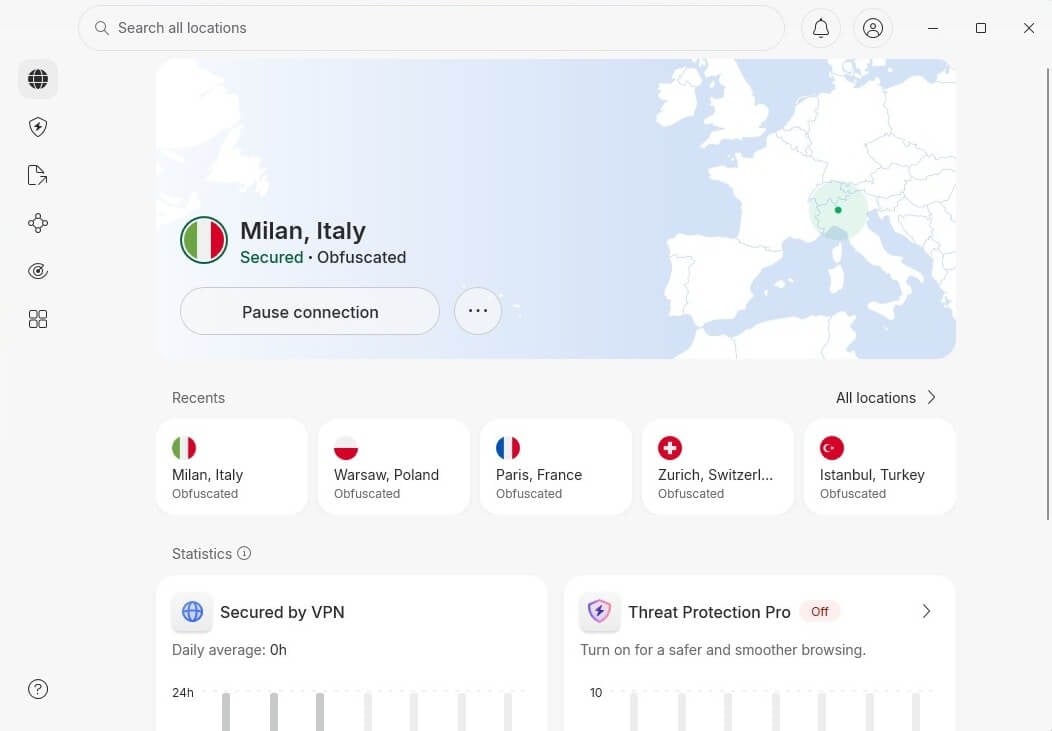
Hotels, airports, and campus networks often block VPN traffic altogether. Obfuscated servers (NordVPN), Proton VPN’s Stealth protocol, and the equivalent modes from PIA and Surfshark disguise the connection as ordinary HTTPS browsing.
10. Contact VPN Support
Server-side problems exist, and support can see them. NordVPN, Proton VPN, ExpressVPN, and Private Internet Access offer 24/7 live chat, and an agent can name a server that performs better on your network.
VPN Keeps Disconnecting on iPhone: What’s Wrong
iOS causes drops that no server change will fix, because the OS manages VPN connections more tightly than Android or Windows. The usual culprits:
- Low Power Mode suspends background networking. Turn it off while connected.
- Offload Unused Apps removes the VPN binary and leaves the profile behind, producing silent failures. Disable it in Settings, then in iPhone Storage.
- Stale VPN profiles accumulate under Settings, General, VPN & Device Management. Delete every profile except the current one.
- Wi-Fi Assist switches between Wi-Fi and cellular mid-session, which breaks the tunnel. Turn it off under Cellular Settings.
- Always-On VPN is unavailable on standard iPhones, so enable the provider’s own auto-connect and kill switch instead.
Reinstalling the app is a reasonable last step on iOS, since it clears both the binary and the stored profile.
Why a VPN Disconnects During Betting
Betting sites screen for VPN traffic harder than most platforms, since licensing obliges them to confirm which country a customer is in. Detection triggers a session drop that looks like a VPN fault.
Two things reduce it. Use a dedicated IP address, available as an add-on from NordVPN and Proton VPN, because shared addresses get flagged once other users trip the same checks. And keep one server for the whole session, since an address change mid-session reads as account sharing.
Bear in mind that using a VPN to reach a betting site from outside its licensed area breaks the operator’s terms, and account closures happen. Our guide to VPNs and betting sites covers the ground properly.
VPNs We Found Most Stable in Testing
Some VPNs reconnect before you notice. Others leave you staring at a spinner. Infrastructure and protocol choice explain most of the difference.



 9200 servers
 128 covered countries
 30 days money-back guarantee
 10 simultaneous connections
9.4 /10

20396 servers
148 covered countries
30 days money-back guarantee
10 simultaneous connections
9.2 /10

3000 servers
105 covered countries
30 days money-back guarantee
10 simultaneous connections
9.1 /10
1. NordVPN: Best Overall
Pros
- Fastest reconnects we measured
- NordWhisper handles packet inspection
- Obfuscated servers for filtered Wi-Fi
- A nearby server is always free
Cons
- Protocol options buried in settings
- Renewal costs more
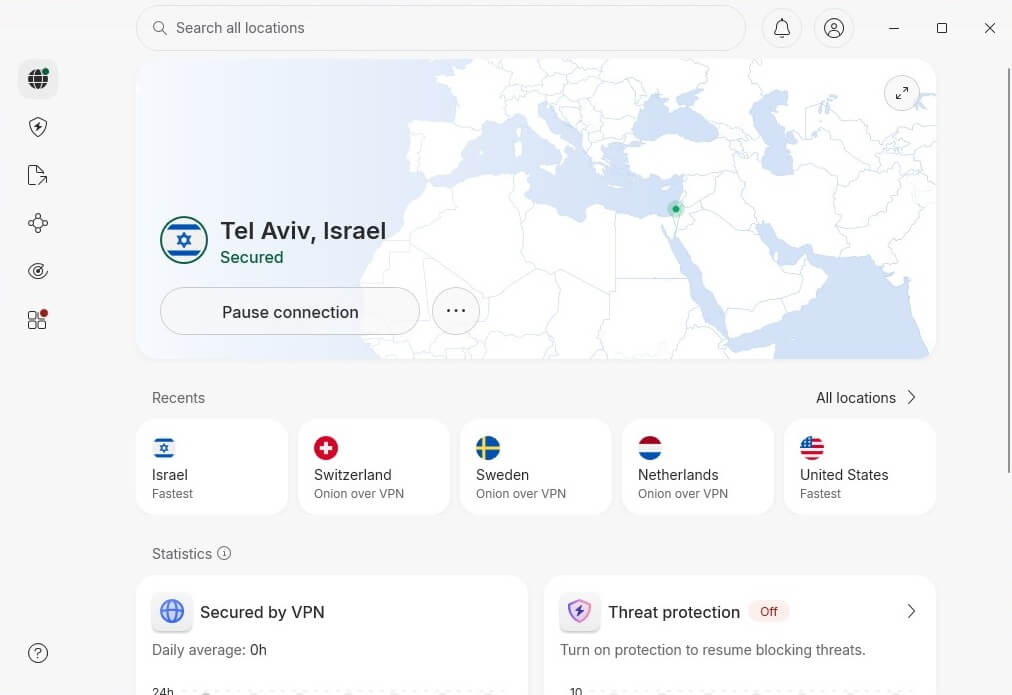
NordVPN held up best across our testing. Its NordLynx protocol stayed connected on café Wi-Fi and weak LTE alike, and when we forced drops, it restored the tunnel faster than anything else we measured. Threat Protection Pro keeps blocking ads and malicious domains while the tunnel is down. Obfuscated servers handle networks that filter VPN traffic.
NordWhisper goes further on networks running deep packet inspection. Its network spans 9,500+ servers in 149 countries on RAM-only hardware, and the no-logs policy has been independently audited. Coverage that broad means a lightly loaded server is usually nearby, which is half of what stability depends on.
2. Proton VPN: Best Privacy-First VPN
Pros
- Stealth protocol beats strict firewalls
- Permanent kill switch
- Free tier tests stability first
- 148 countries to fall back on
Cons
- Long-distance hops lose speed
- No short trial period
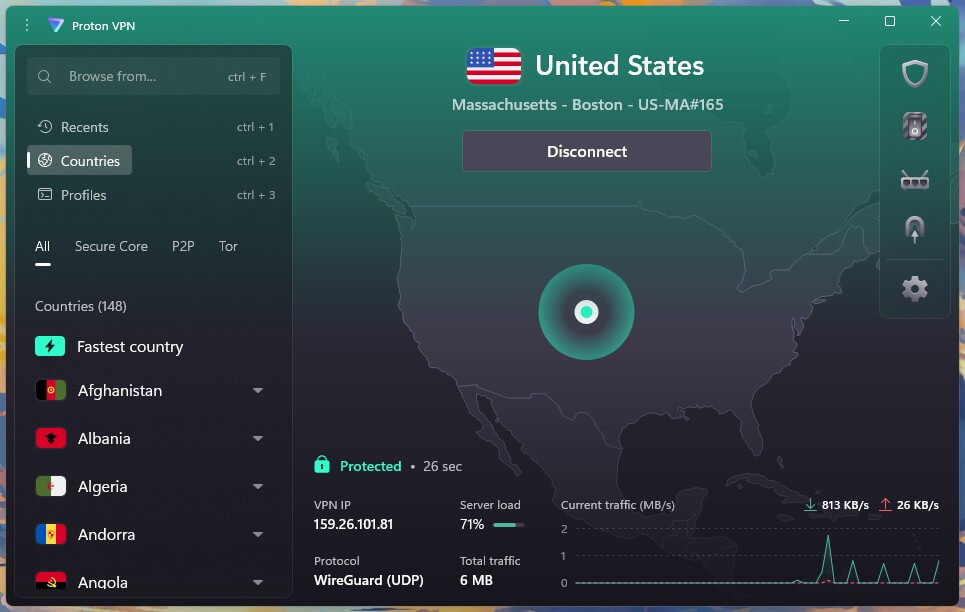
Proton VPN’s answer to unstable networks is Stealth, an obfuscation protocol built on WireGuard and TLS that disguises the connection where firewalls interfere. On restrictive Wi-Fi, it succeeded where standard protocols kept dropping. Its 20,000+ servers in 148 countries mean a nearby option is almost always free when the closest server is congested.
The kill switch holds firmly, and a permanent version keeps traffic blocked even through a reboot. Swiss jurisdiction, open-source apps, and independent audits back the privacy side. It costs $2.99/mo on the 2-year plan, and the free tier lets you test stability before paying anything.
3. ExpressVPN: Best Stable VPN for Beginners
Pros
- Survives Wi-Fi to cellular switches
- Network Lock caught every drop
- Lightway recovers in the background
- Same client on every device
Cons
- Fewer tuning options than rivals
- Costs more over 2 years
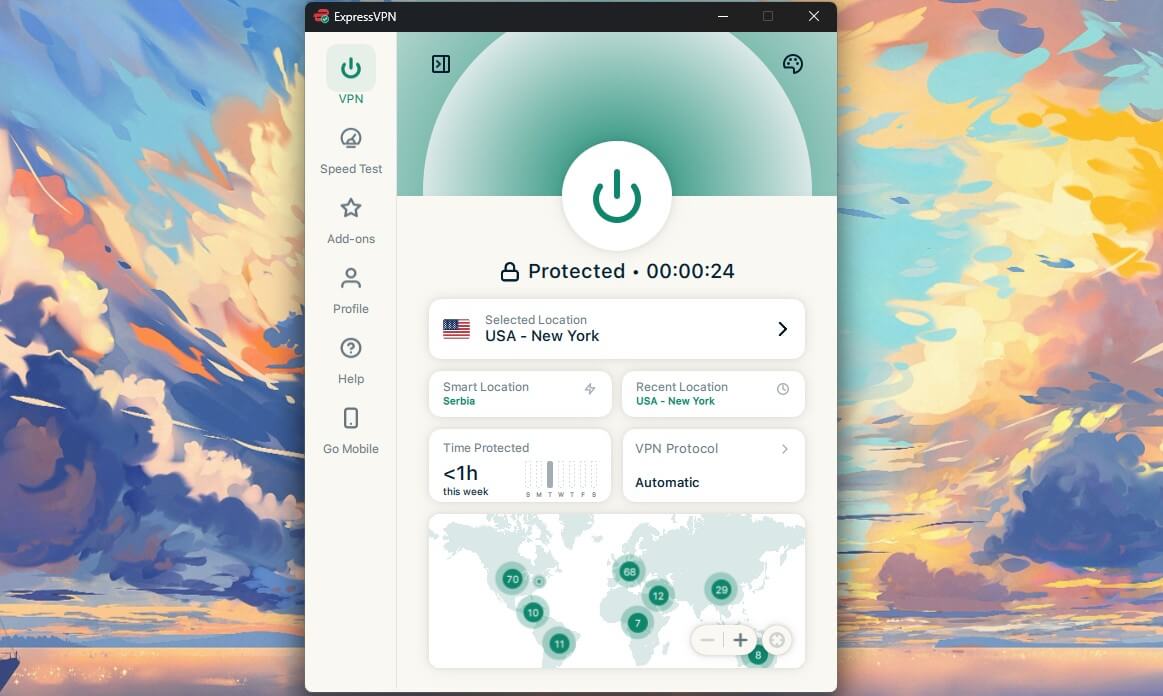
ExpressVPN handled network changes better than either rival. Switching from Wi-Fi to mobile data mid-stream, Lightway reconnected in the background without interrupting playback, which is where most protocols stumble. Its Network Lock kill switch caught every drop we produced with no leaked traffic.
Customization runs shallower than NordVPN’s, as our ExpressVPN and NordVPN comparison sets out, and for anyone who wants a client that stays connected without configuration, that’s an acceptable trade.
Final Thoughts
Most VPN failures come down to a shaky network, a crowded server, the wrong protocol, or a phone closing the app to save battery. Work through those, and the connection stops demanding attention. If the app closes, it’s a crash, and battery settings are the place to start. If the app stays open and the tunnel fails, it’s a disconnect, and the protocol menu comes first.
NordVPN proved the most stable VPN in our testing, with NordLynx holding steady on connections where others faltered. Proton VPN’s Stealth protocol is the better answer on networks that actively filter VPN traffic. Neither can compensate for a failing router or an overloaded home connection.
Frequently Asked Questions
⛓️💥 Why does my VPN keep disconnecting?
Most drops trace to an unstable internet connection, an overloaded server, or a protocol that stalls under load. Switching to WireGuard, NordLynx, or Lightway and choosing a closer server resolves the majority of cases.
⛔ Why does my VPN keep crashing?
A crash closes the app instead of dropping the tunnel, and battery optimization is the usual cause on phones. Setting the app to run unrestricted, updating it, or reinstalling it addresses nearly all crashes.
🚫 Why does my VPN keep turning off by itself?
Automatic shutdowns point to the operating system. Battery savers, task managers, and app-offloading features close background processes, and VPN clients qualify because they seem idle while connected.
🔓 Why does my VPN disconnect more often on mobile than on desktop?
Phones manage background processes aggressively to preserve battery life, and both Android and iOS close apps they judge inactive. Desktop operating systems apply no equivalent restriction.
📴 Can an ISP tell when a VPN disconnects?
Yes. Traffic reverts to its normal pattern the moment the tunnel fails, and that change is visible even though the content of the earlier session is not.
🛜 Does public Wi-Fi make disconnects more likely?
Yes. Public hotspots often use basic hardware and add captive portals or filters that interfere with VPN tunnels, which makes café and airport connections among the least stable.
🔄 Will switching VPNs stop disconnects completely?
No. But a better provider like NordVPN reduces them through stronger infrastructure and modern protocols.