Private Internet Access and Surfshark sit at the cheap end of the market, and both hand you unlimited connections, which makes them awkward to separate. PIA takes it on points, winning three rounds to Surfshark’s two, with three ties. It is also now the cheaper of the two, which was not true a few months ago.
Short Version
- Pick PIA for: lower price, speed, and server count
- Pick Surfshark for: easier apps, streaming, and China
- Same on both: unlimited devices, WireGuard, audited no-logs
- Cost: PIA $2.19/mo and ~$57/yr on renewal, Surfshark $2.49 and ~$79/year on renewal
Private Internet Access vs Surfshark: Overview
If you’d rather stick to our Surfshark vs PIA recap, we’ll divulge the winner right away – that’s Private Internet Access. The provider is better overall, costing slightly less while being faster and possessing more servers. Here’s a table that highlights both VPNs’ important features to aid your decision-making.
| Private Internet Access🏆 | Surfshark VPN | |
| 📋 Our Current Ranking | #4 | #5 |
| 🔖 Prices | Starts at $2.19 monthly | Starts at $2.49 monthly |
| 💸 Money-Back Guarantee | 30 days for all plans | 30 days for all plans |
| 🆓 Free Version/Free Trial | No/7 days | No/7 days |
| 📓 Logging/Jurisdiction | No logging/USA | No logging/Netherlands |
| 🔐 Protocols | OpenVPN, WireGuard | WireGuard, IKEv2, OpenVPN, Dausos (macOS) |
| 🌐 Servers | 30,000+ in 91 countries | 4,500+ in 100 countries |
| 🔝 Specialty Servers | Dedicated IP, Streaming, Multi-hop | Dedicated IP, Static IP, Multi-hop |
| ⛔ Ad Blocking | Yes | Yes |
| 💾 RAM-Only Servers | Yes | Yes |
| 📺 Working With Netflix | Yes (5-10 catalogs) | Yes (30 catalogs) |
| 🔽 P2P Allowance | Yes | Yes |
| 📱 Concurrent Connections | Unlimited | Unlimited |
Applications and Ease of Use
Both cover Windows, macOS, Linux, iOS, and Android, and Surfshark’s Linux client has a GUI where many rivals ship command-line only. Both now also have native Fire TV apps, which closes a gap PIA carried for years and removes the last meaningful platform difference between them.
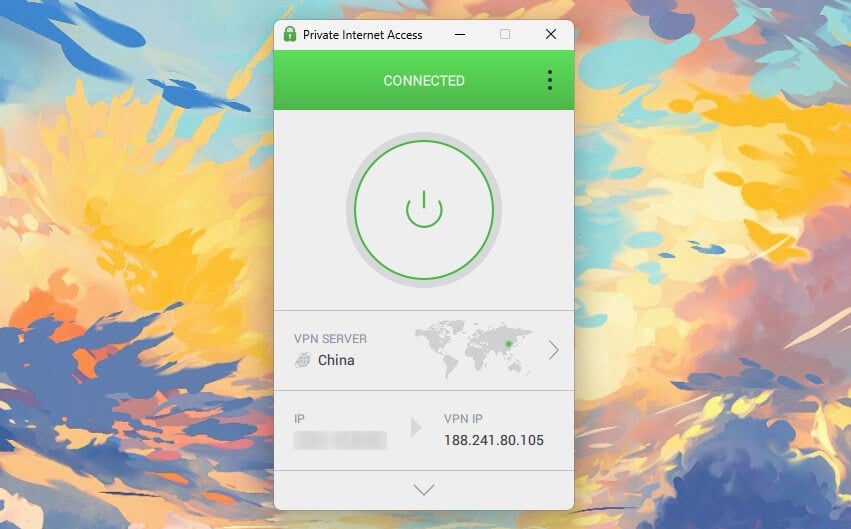
PIA’s mobile apps are excellent, quick and dense with options. Its Windows client is the weak point: functional, but slower than Surfshark’s and spread across multiple windows that make simple tasks feel like a hunt.
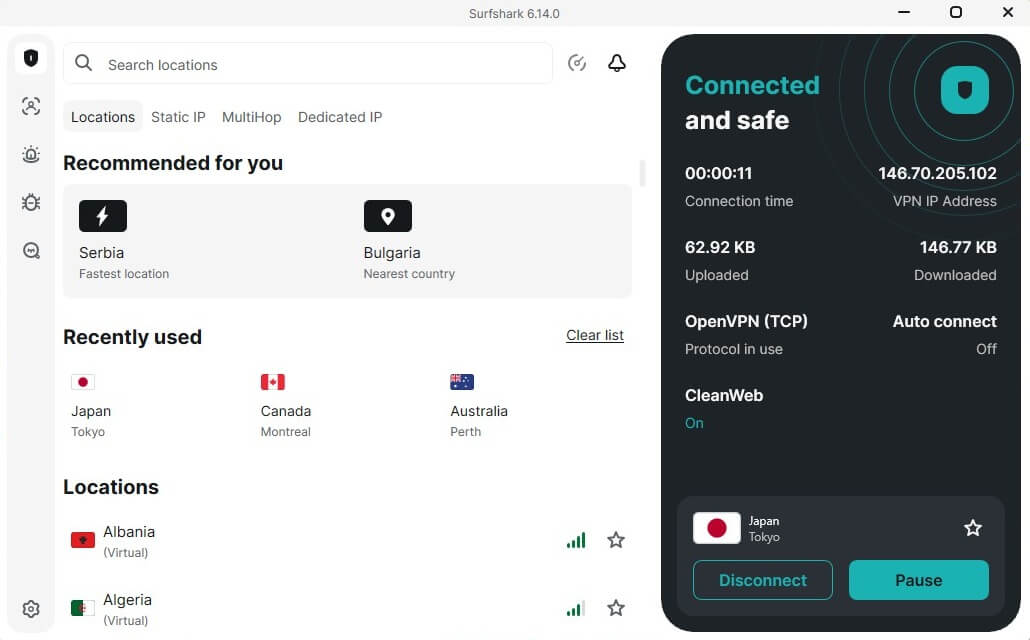
Surfshark’s apps are faster and simpler across every platform, with near-identical layouts on desktop and mobile. Both offer unlimited connections on every plan, monthly included, so neither can win on that.
Winner: Surfshark 🏆
Now that platform coverage is level, this comes down to the software itself, and Surfshark’s is quicker and easier to navigate. Closer than it used to be.
PIA VPN is Cheaper than Surfshark: Cost Comparison
Neither will dent your budget, and until recently Surfshark was the cheaper entry point. That has changed. Surfshark runs three plan lengths. The 2-year Starter is its cheapest at $2.49 a month with 3 free months, up from the $1.99 it held for most of last year. The One plan adds antivirus, breach alerts, and private search, and One+ adds data removal across the US, UK, EU, and Canada.
| Cheapest 2-Year Plan | Cheapest 1-Year Plan | Cheapest Monthly Plan | Minimal Renewal Price | |
| PIA VPN | $56.94 for the first 26 months | / | $11.99/mo | $56.94 annually |
| Surfshark | $67.23 for the first 27 months | $50.85 for the first 15 months | $16.45/mo | $79 annually |
Monthly plans are steep, above $16. PIA keeps it to three plans, with the 2-year deal at $2.19 a month and every feature included. That undercuts Surfshark Starter by 30 cents a month while giving you the full feature set rather than the entry tier, so PIA is ahead before renewal even enters the argument. PIA holds at roughly $57 a year, while Surfshark Starter climbs to about $79.
That is a $22 gap every year after the first, and it grows against the pricier One and One+ tiers. Add-ons follow the same pattern. A PIA dedicated IP is $2.50 a month against Surfshark’s near-$4, though Surfshark’s antivirus covers all devices while PIA’s runs on PC only.
Winner: Private Internet Access 🏆
PIA is cheaper on day one and cheaper every year after. Surfshark’s price rise turned this from a close call into a clear one.
Surfshark and Private Internet Access Are Equally Secure
Let’s address one of the most essential things: security.
Shared Features
- AES-256 encryption, with PIA also allowing a drop to 128-bit to favour speed. It protects the tunnel, not your identity.
- WireGuard on both, faster than OpenVPN or IKEv2. Surfshark has since added a protocol of its own on top, covered below.
- Split tunneling to route chosen apps outside the VPN.
- Multi-hop through two servers, with entry and exit selectable on each. PIA VPN adds Shadowsocks for obfuscation.
- Kill switch, which held on both when we pulled the Ethernet cable mid-session.
- Ad blocking: PIA MACE and Surfshark CleanWeb. Neither blocks malware the way NordVPN’s Threat Protection Pro does.
- Obfuscation: Shadowsocks on PIA and NoBorders on Surfshark.
Where PIA Pulls Ahead: Customization
PIA exposes settings Surfshark hides. You can pick transport method, UDP for speed or TCP for stability, set packet size for your connection quality, and cycle remote ports like 53, 853, and 8080 when one is blocked.
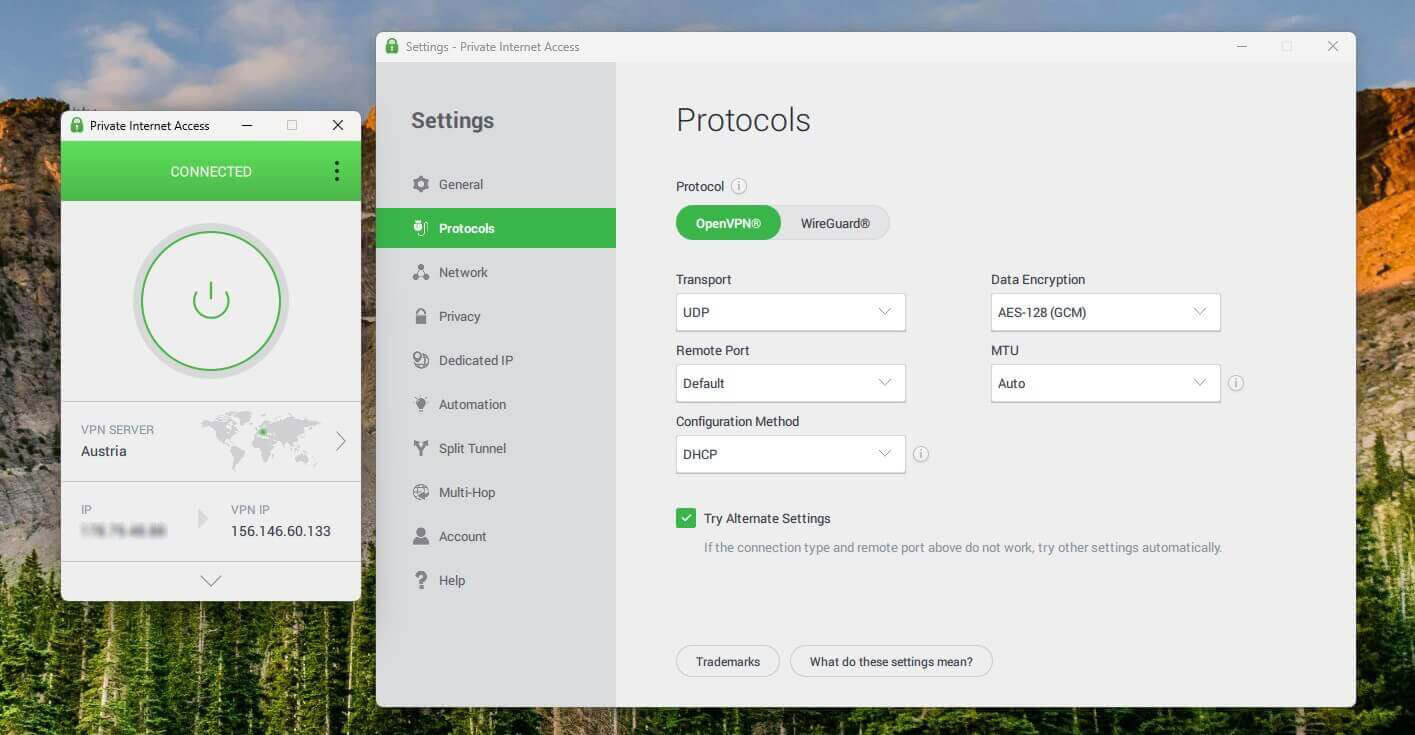
It also offers Shadowsocks and SOCKS5 proxy, plus Port Forwarding for faster downloads and lower gaming latency. Surfshark keeps its protocol options minimal, friendlier for beginners and thinner for tinkerers.
Where Surfshark Pulls Ahead: Protocols and Extras
Dausos is the headline addition, and it’s the one thing here PIA has no answer to. Surfshark built it from scratch in April 2026 rather than adapting an existing protocol, and it does two things differently. Each user gets a dedicated tunnel instead of sharing one, and it runs AEGIS-256X2 encryption, which no other commercial VPN uses and which is post-quantum resilient.
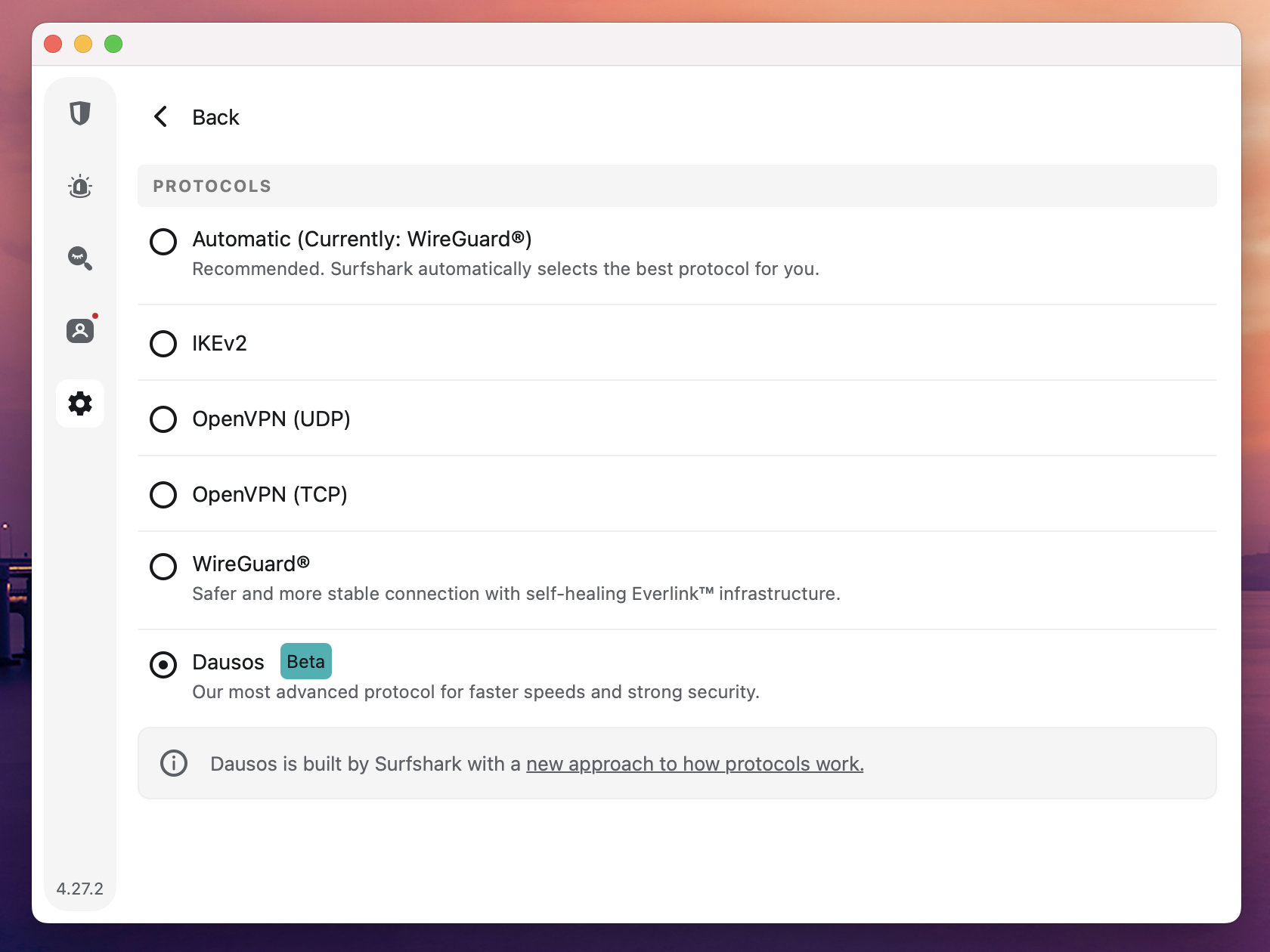
Cure53 audited it. Surfshark claims up to 30% faster speeds than standard protocols, which we haven’t verified independently. The catch is availability: Dausos is macOS-only for now, with other platforms promised but undated. Surfshark’s antivirus is built into the app on the One plan, scans on all devices including mobile, and schedules quick or full scans.
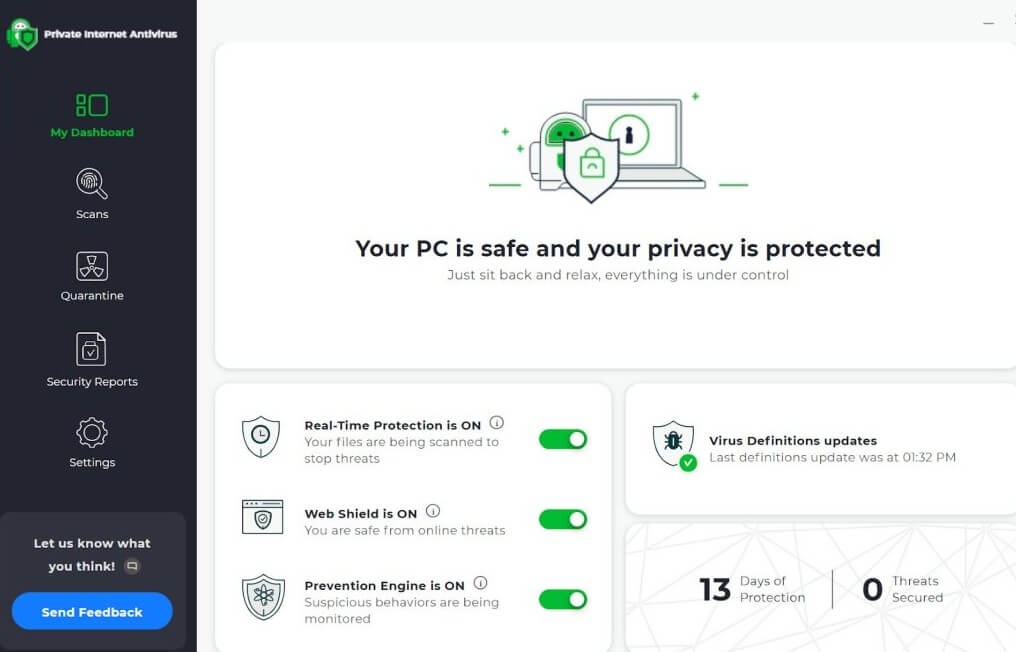
PIA’s antivirus is a separate $1.45 add-on that only runs on PC. Surfshark has Rotating IP, which changes your address every few minutes without dropping the connection or moving your apparent location. PIA has no equivalent. Two more sit on Surfshark’s side. The web content blocker filters categories- adult, gambling, drugs, weapons, and scam sites- across Windows, macOS, iOS, and Android.
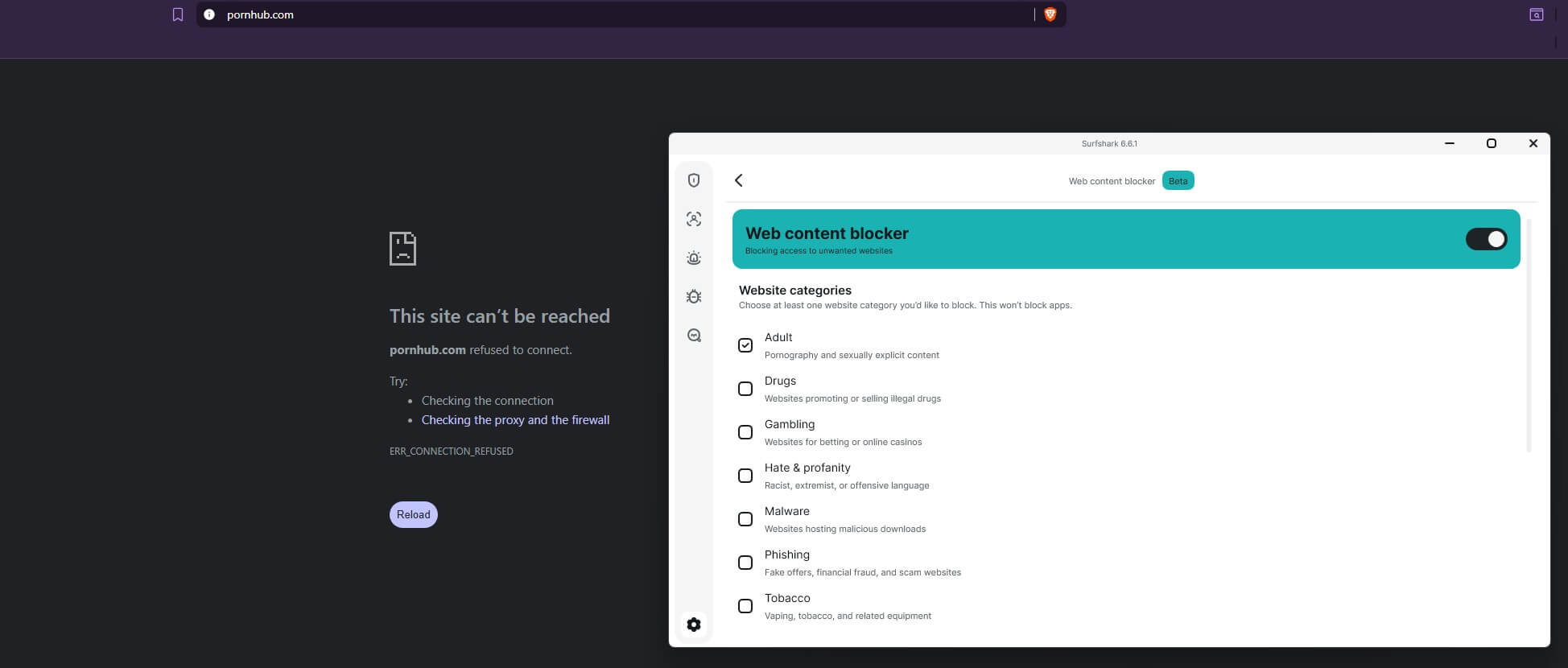
You can lock the settings behind 2FA so nobody can switch them off. It’s a household tool, and it needs the One plan. FastTrack is the other, a macOS route optimizer that picks faster paths in real time and covers most of Surfshark’s network.
Winner: Tie 🟰
Surfshark has the longer list, and Dausos is the most interesting thing. Dausos and FastTrack are macOS-only, while antivirus and the web content blocker need the One tier. PIA’s toolkit is thinner but arrives whole, on every platform, with the base plan. On a Mac, Surfshark takes this round. On Windows or Android with a Starter plan, PIA does. That evens out.
Surfshark and PIA VPN Don’t Keep Logs
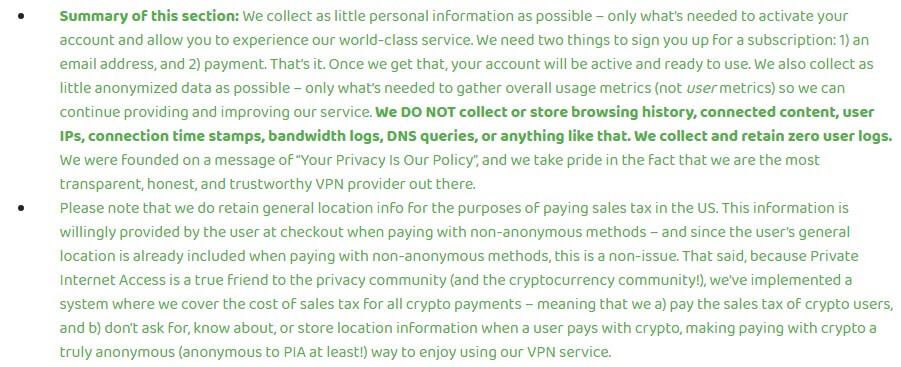
Neither logs, and the jurisdictions look worse than they are. PIA is US-based, Surfshark Dutch, so 5 Eyes and 9 Eyes respectively. Jurisdiction matters far less than what a provider actually retains, and both retain nothing that identifies you. Surfshark’s policy excludes your IP, visited sites, DNS requests, and location, keeping only load and troubleshooting data.
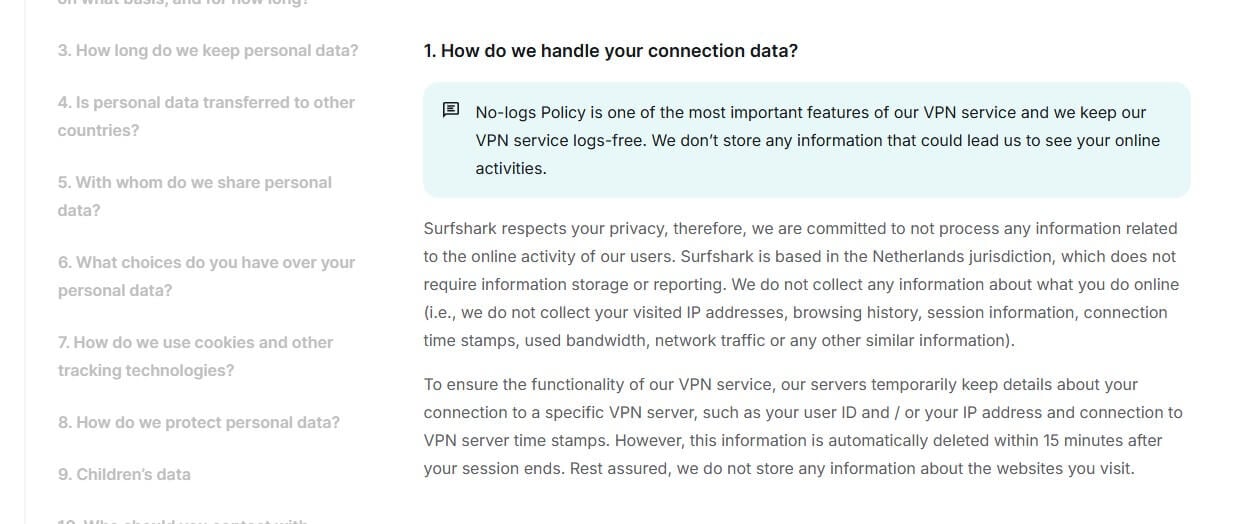
PIA matches that. The difference-maker is proof: PIA has had its no-logs claim tested in actual court cases, where authorities subpoenaed data, and there was none to hand over. That’s stronger than any audit. Both also run RAM-only servers that wipe on reboot, and both are independently audited: Surfshark by Cure53 and Deloitte, PIA by Deloitte (several times).
Winner: Tie 🟰
As no-log VPNs go, these are two of the safer choices.
Private Internet Access is Faster than Surfshark
We tested from Southeastern Europe on a Windows 11 PC, three times a day for three days, across UK, US, and Japan servers with protocol set to Auto.
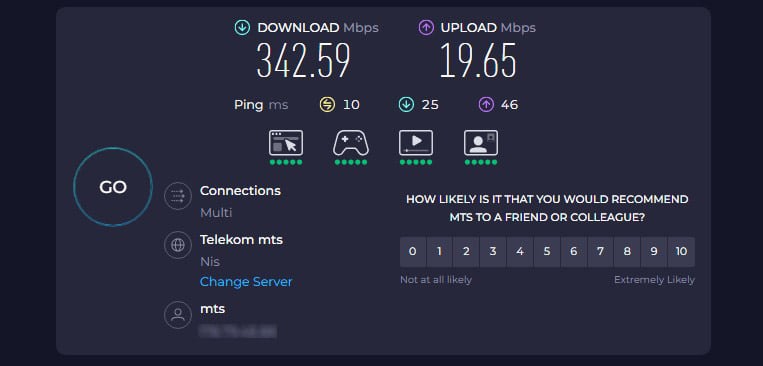
Downloads were near-identical, one point apart. Uploads separated them: PIA lost 24% against Surfshark’s 32%, and it was quicker to the US and Japan. Surfshark took the UK download by a nose. In use, PIA held its connection more steadily between runs. One caveat on those numbers.
| Download Speed Loss 🔼 | Upload Speed Loss 🔽 | |
| Surfshark | 27% | 32% |
| Private Internet Access | 26% | 24% |
We tested VPNs on Windows 11 with protocol selection left on Auto, so Surfshark’s Dausos protocol was not part of this, since it currently runs on macOS. Surfshark rates it up to 30% quicker than standard protocols. If that holds up on a Mac, the download gap here, which is a single percentage point, could go the other way. We’ll retest when Dausos reaches more platforms.
| UK (Download/Upload) | US (Download/Upload) | Japan (Download/Upload) | |
| Surfshark | 306.48/16.97 Mbps | 253.79/12.47 Mbps | 191.07/10.90 Mbps |
| Private Internet Access | 298.69/17.42 Mbps | 261.93/12.84 Mbps | 197.89/14.31 Mbps |
Winner: Private Internet Access 🏆
Streaming and Torrenting With PIA and Surfshark
Years ago, I could comfortably say Surfshark is way better than PIA for both torrenting and streaming. Nowadays, it’s far from that.
Streaming: Surfshark for Unblocking, PIA for Stream Quality
Surfshark takes streaming on library count: 30-plus Netflix regions against PIA’s handful. Both handle BBC iPlayer, HBO, and Sling without complaint. PIA is the steadier streamer once connected, with less buffering on 4K, but Surfshark’s catalog reach is the bigger factor for most people.
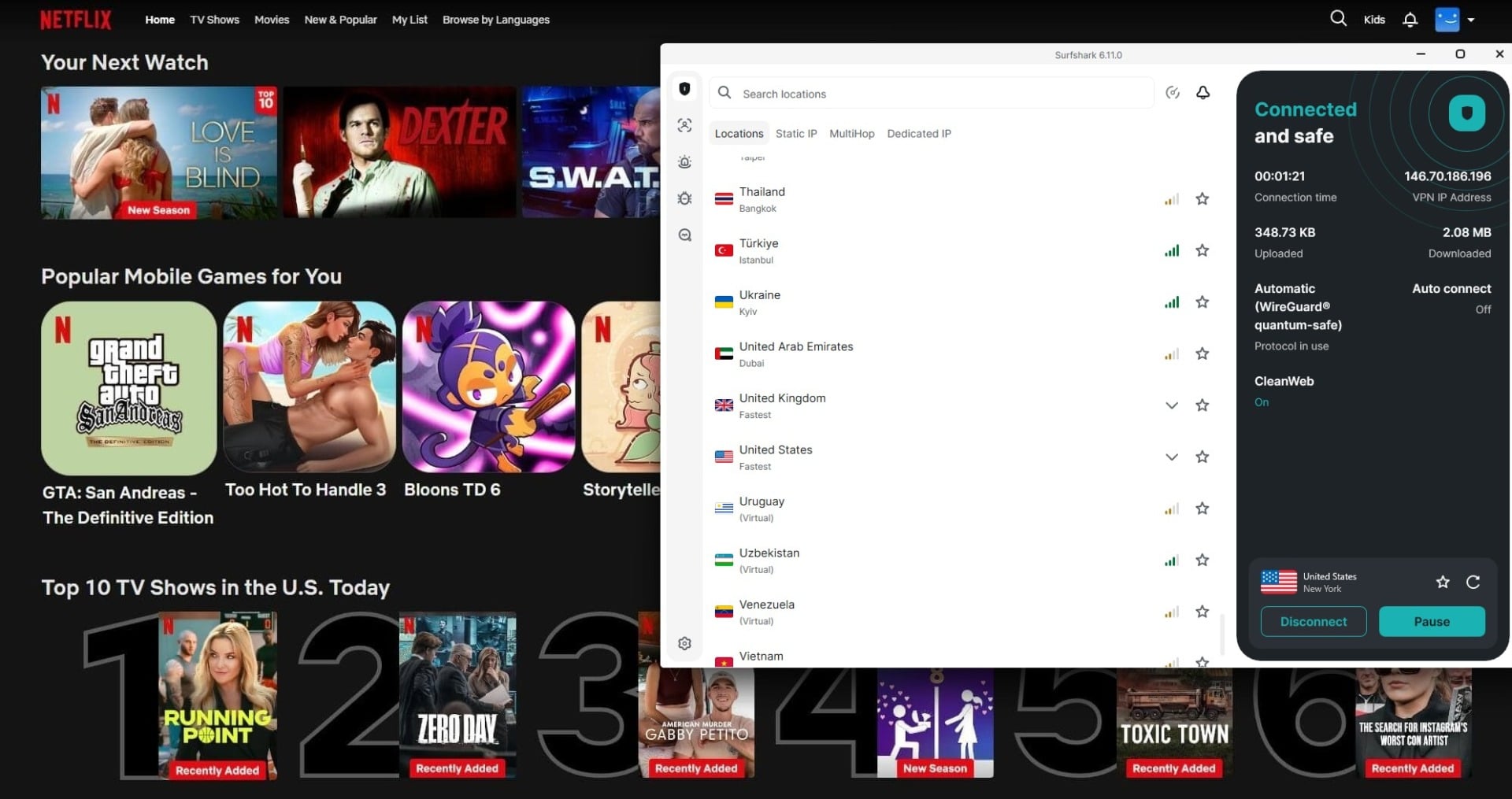
One caveat matters if you stream on a television. Surfshark retired its Smart DNS, and it was the only way to get it onto a Samsung Tizen or LG webOS set, neither of which accepts a VPN app.
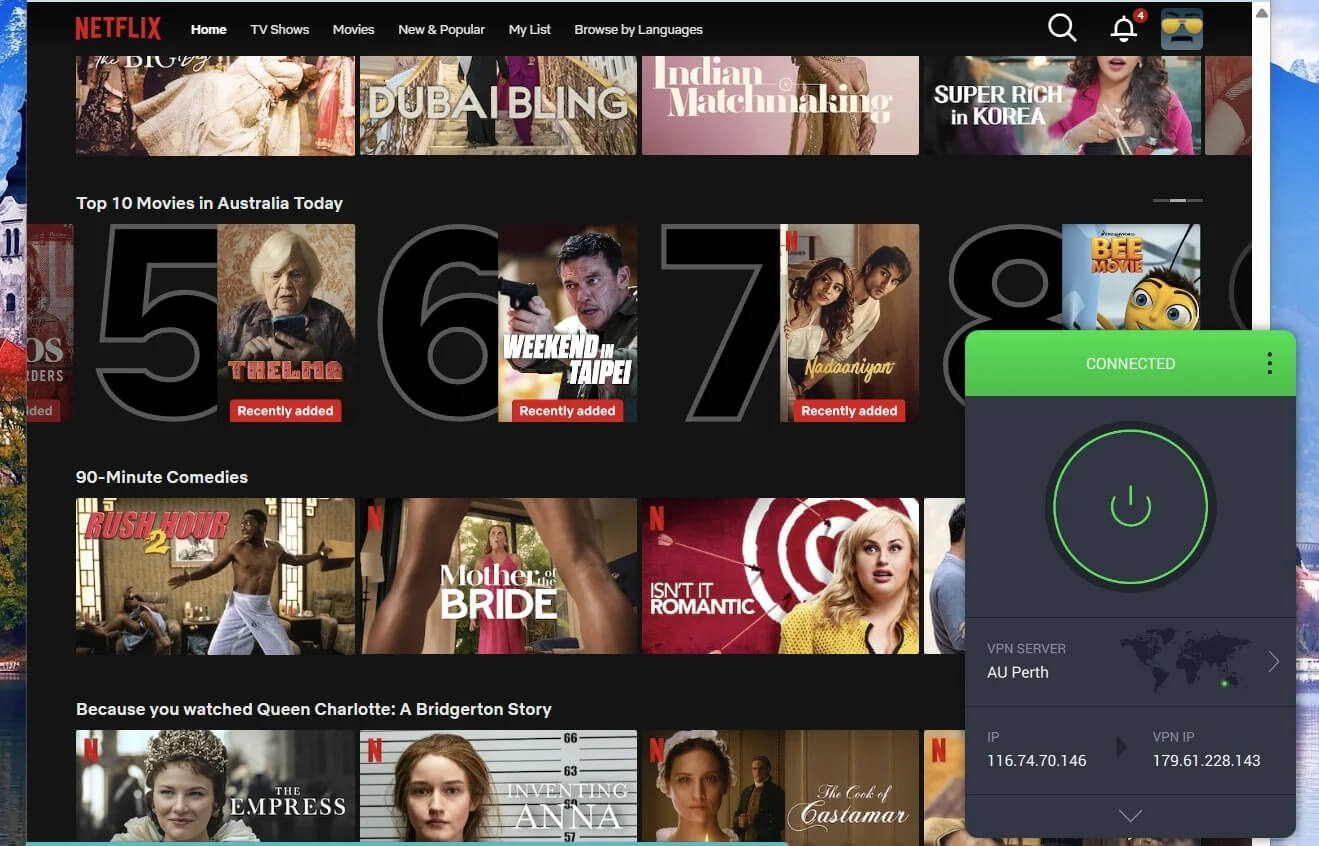
Surfshark now points you at a router setup or a VPN-shared hotspot from your PC instead. PIA still offers Smart DNS, so if an older smart TV is where you watch, that gap decides this for you regardless of library counts.
| Surfshark | PIA VPN | |
| Netflix USA | ✅ Works | ✅ Works |
| Other Netflix Catalogs | Australia, Japan, Canada, UK, Iceland, Turkey, Singapore, and others | Australia, Canada, UK, Germany, Netherlands, etc. |
| BBC iPlayer | ✅ Works | ✅ Works |
| Prime Video USA | ✅ Works | 🚫 Detected |
| CBS | 🚫 Detected | 🚫 Detected |
| ESPN Select | ✅ Works | 🚫 Detected |
| Disney+ | ✅ Works | ✅ Works |
| JioHotstar | ✅ Works | ✅ Works |
| HBO Max | ✅ Works | ✅ Works |
| Sling TV | ✅ Works | ✅ Works |
Stream on Netflix With Surfshark
Torrenting: Surfshark for Simplicity, PIA for Customization
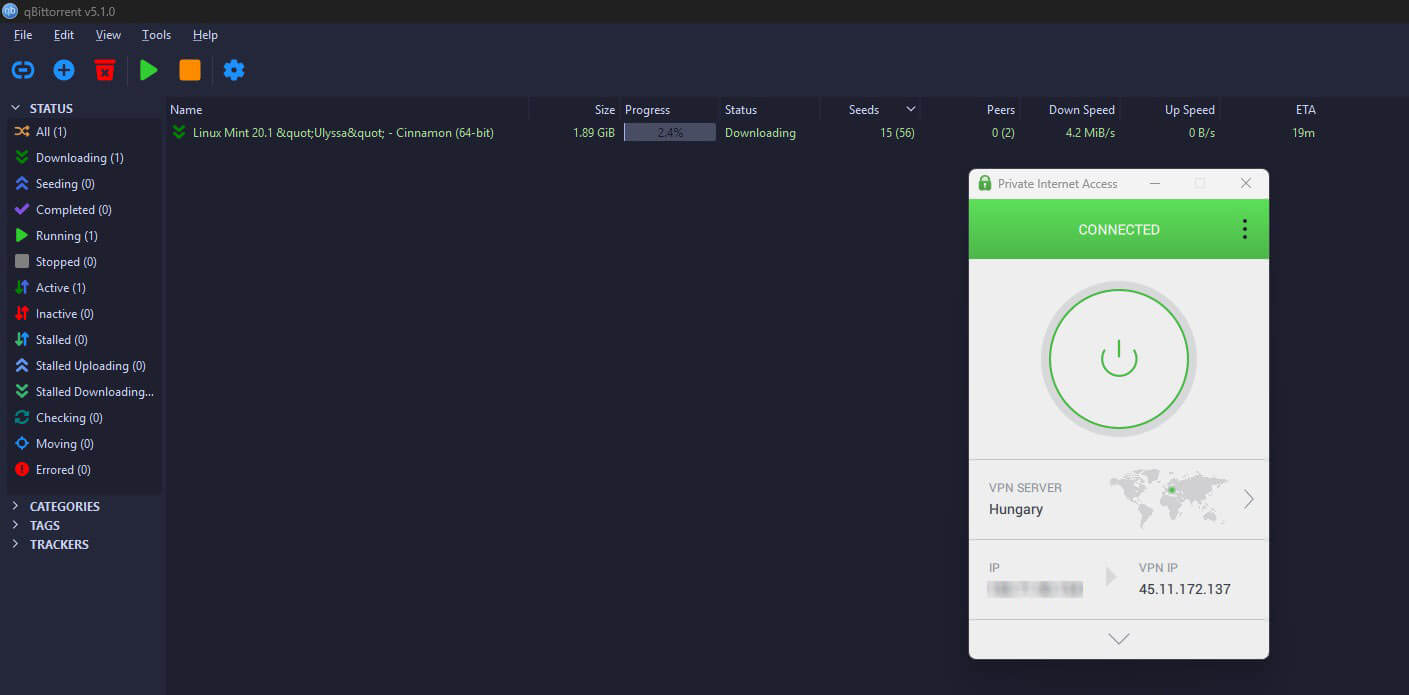
Both allow P2P on every server, so there’s no server-picking to learn. PIA edged the speed in our tests, seeded faster, and adds SOCKS5 and Port Forwarding, both genuinely useful for torrenting.
Winner: Tie 🟰
Surfshark unblocks far more libraries. PIA torrents better and still reaches TVs that Surfshark can no longer touch. One each.
Server Locations of Surfshark and PIA
- PIA VPN: Around 30,000 servers in 91 countries
- Surfshark: 4,500 servers in 100 countries
Surfshark reaches nine more countries, but PIA runs roughly 6 times the servers, which spreads load and cuts congestion at peak hours. PIA also covers all 50 US states, where Surfshark lists about 10 US locations, so PIA is the stronger pick for American users abroad. Both offer dedicated and static IPs, and both support Onion Over VPN connections, though.
Winner: Private Internet Access 🏆
Surfshark has 9 more countries, but PIA VPN’s server fleet is multiple times larger, with a similar server variety that includes static and dedicated IP servers in both VPNs and streaming servers on PIA VPN’s side.
Surfshark is More Reliable in China than PIA VPN
Both carry obfuscation, and both clear light censorship without issue. China is the real test, and it splits them. Surfshark’s Camouflage Mode got us through roughly 6 times in 10. PIA’s Shadowsocks was inconsistent, working occasionally and failing more often than not across the combinations we tried. Outside China, the two are level, so this only matters if you travel somewhere heavily filtered. If you do, Surfshark is the safer bet.
Winner: Surfshark 🏆
Summary: PIA Beats Surfshark in 2026
PIA takes it: three rounds (price, speed, servers) to Surfshark’s two (apps, censorship), with features, logs, and streaming-plus-torrenting tied. The price round used to be arguable. At $2.19 against $2.49, it no longer is, and that swings the verdict further PIA’s way. Take PIA for the lower price, faster uploads, more servers, and torrenting.
Take Surfshark if you want simpler apps, wider Netflix access, or China unblocking, and accept paying more for them. Both refund within 30 days, so either can be tested on your own connection first.