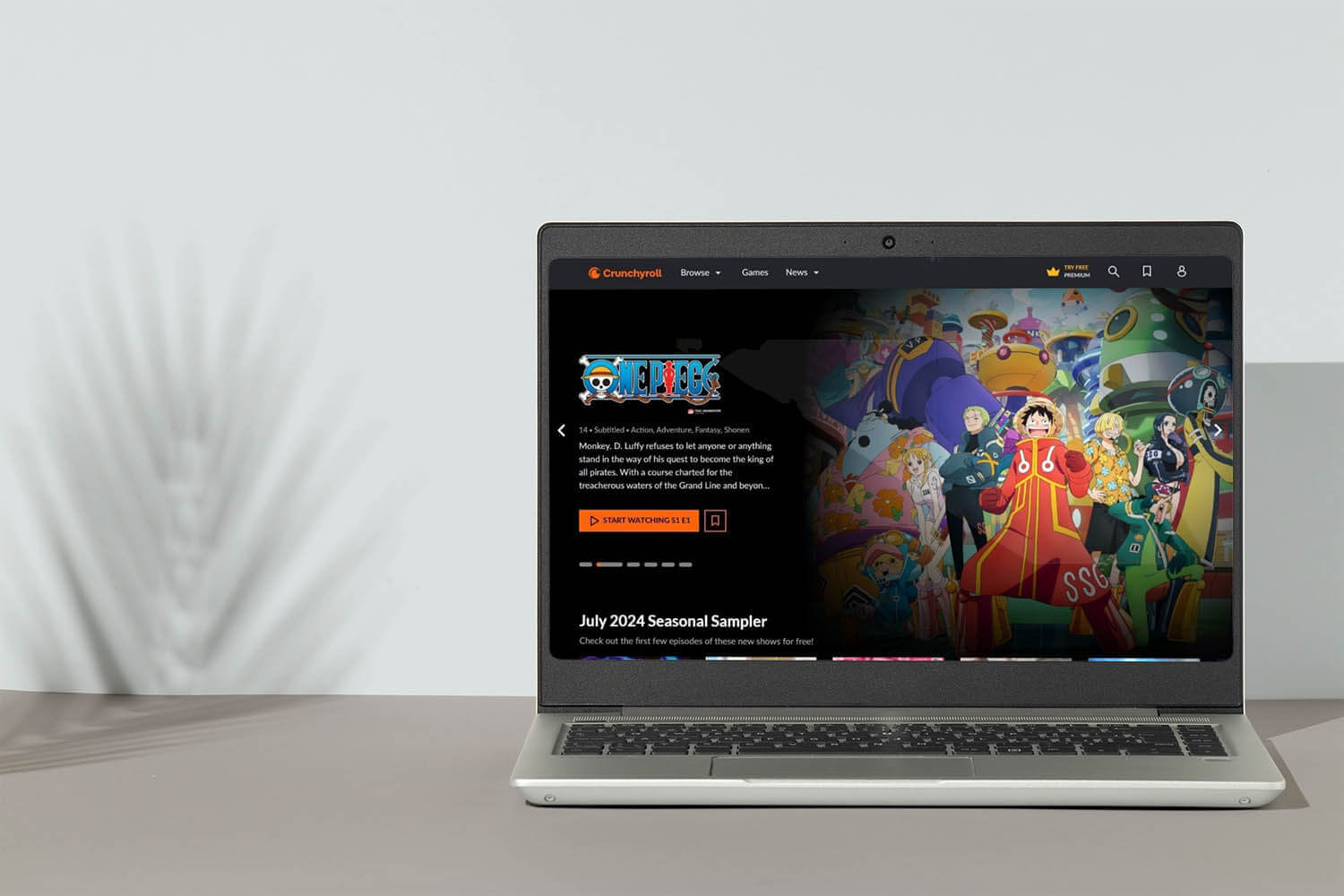
A trusted Crunchyroll VPN enables full access to the world’s largest anime website. To get Crunchyroll unblocked, you need a fast VPN renowned for streaming and unblocking, which works in all countries, even the most censored ones. I tested 20 Crunchyroll VPNs in October from New York, trying to unblock different libraries. Most worked, but with many caveats.
Slow speeds, inconsistent unblocking, and spinning circles indicate buffering. I separated the wheat from the chaff and only ended up with three VPNs for Crunchyroll that really worked without issues: NordVPN, ExpressVPN, and Private Internet Access. Today, I’ll explain why I chose them specifically and how to use them to get Crunchyroll unblocked globally.
Get Crunchyroll Unblocked With VPN: Access All Anime, Games, and Manga
- Get a VPN. We recommend NordVPN for the best speeds, unblocking abilities, and a 30-day money-back guarantee on all plans.
- Install the VPN on your device.
- Open the VPN and log in.
- Connect to a server in a country whose Crunchyroll library you want to access. In my experience, the USA is the best location.
- Go to the website, sign in to your account, and watch anime, play games, or read manga without restrictions.
Best VPN for Crunchyroll: These 3 Still Work in 2026
As said, we tested 20 VPNs on Crunchyroll from New York, but these 3 absolutely stood out for their speed, unblocking capabilities, compatibility with all devices, and even obfuscation, which we prioritized for users in censored countries where Crunchyroll doesn’t work at all.
| NordVPN | ExpressVPN | Private Internet Access | |
| Servers and Countries | 9,400+ servers in 137 countries | 3,000+ servers in 105 countries | 30,000+ servers in 91 countries |
| Fastest Protocol | NordLynx | Lightway Turbo | WireGuard |
| SmartDNS Function | Yes ✅ | Yes ✅ | Yes ✅ |
| Obfuscation | Obfuscated servers | Automatic | Shadowsocks |
| Simultaneous Connections | 10 | 10-14 | Unlimited |
| Starting Price | $3.49/mo | $2.49/mo | $2.19/mo |
| Refunds | 30 days | 30 days | 30 days |
| Streaming Devices Support | Firestick, Apple TV, Smart TV | Firestick, Apple TV, Smart TV | Firestick, Apple TV, Smart TV |
| Free Version Available | No ❌ | No ❌ | No ❌ |
1. NordVPN: Best VPN for Crunchyroll in October 2026
Pros
- 3,300+ fast US servers
- SmartDNS unblocks Crunchyroll
- No limit on data allowance
- Obfuscated servers
- Bypasses network filtering
- Apps for all streaming devices
Cons
- Higher price on renewal
- Complicated interface
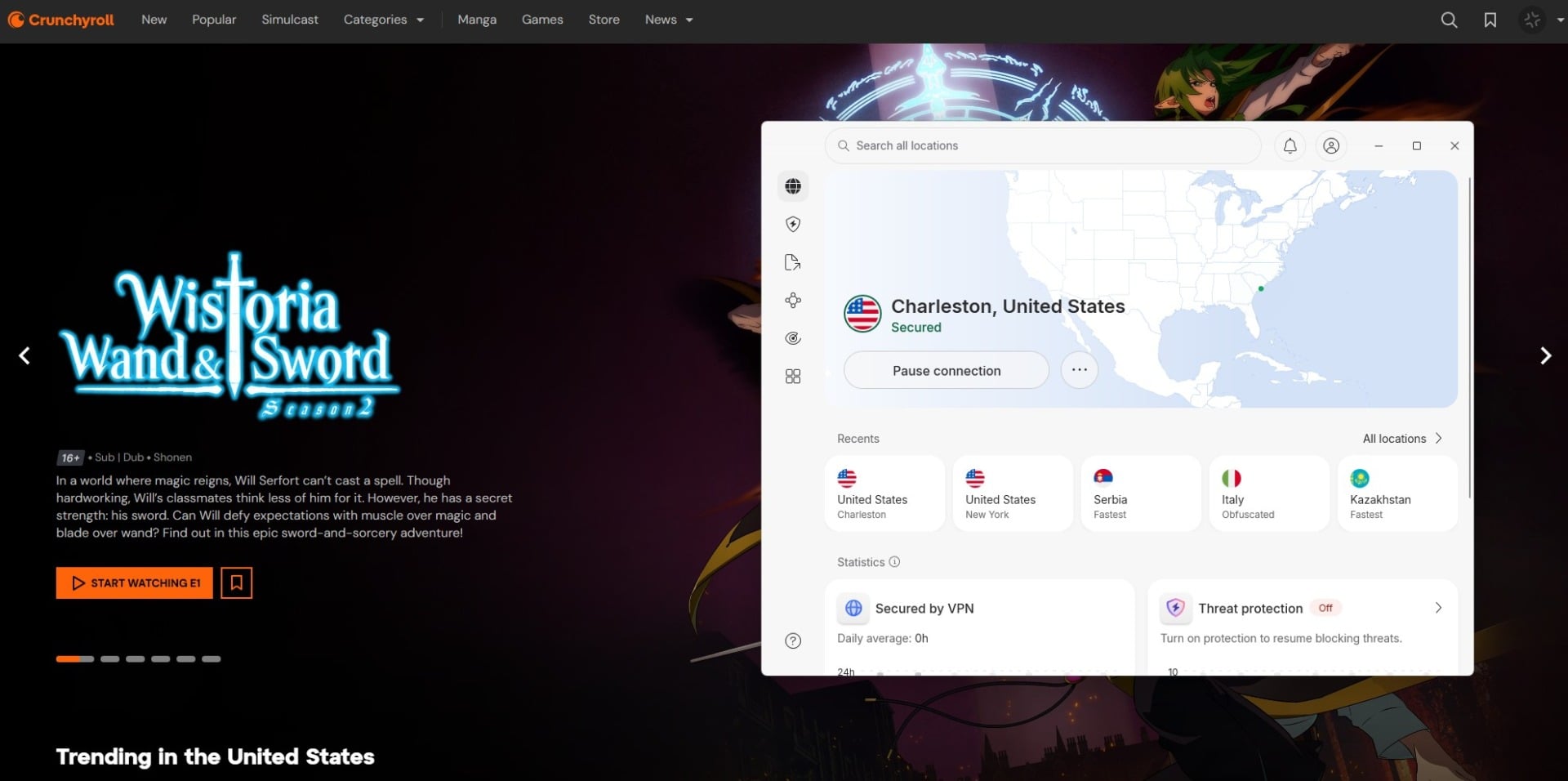
NordVPN works with Crunchyroll and offers fast US servers to unblock the full library with some of the best anime around (One Piece, Attack on Titan, Naruto Shippuden, etc.). The main thing is the speed, which makes NordVPN the #1 Crunchyroll VPN. Using NordLynx, its in-house protocol, NordVPN barely loses 10% of the initial speed on distant servers. In my tests, I cranked the quality to Highest Available, without a speck of buffering.
I also tested NordVPN’s SmartDNS, which unblocks US streaming services primarily, and this time, Crunchyroll was no exception. NordVPN’s obfuscated servers work in China, and its NordWhisper protocol helps to sidestep network filtering. As the best Crunchyroll VPN, it’s totally unrestricted in terms of bandwidth and data. Plus, it supports all devices, even Fire TV Stick, Apple TV, and certain Smart TV models (primarily Android Smart TVs).
NordVPN shields 10 devices at a time, ideal for getting Crunchyroll unblocked in the entire house. It starts at $3.49 per month with 3 free months for 2-year plans. With a 30-day money-back guarantee, you can test the waters and see where you land. Or simply use its 3-day trial on Android.
2. ExpressVPN: Fastest Crunchyroll VPN for 4K Streaming
Pros
- Reliable US servers for streaming
- SmartDNS works with Crunchyroll
- Native app for Fire TV Stick
- No buffering when streaming
- Automatic obfuscation
Cons
- Light on advanced features
- Expensive renewals
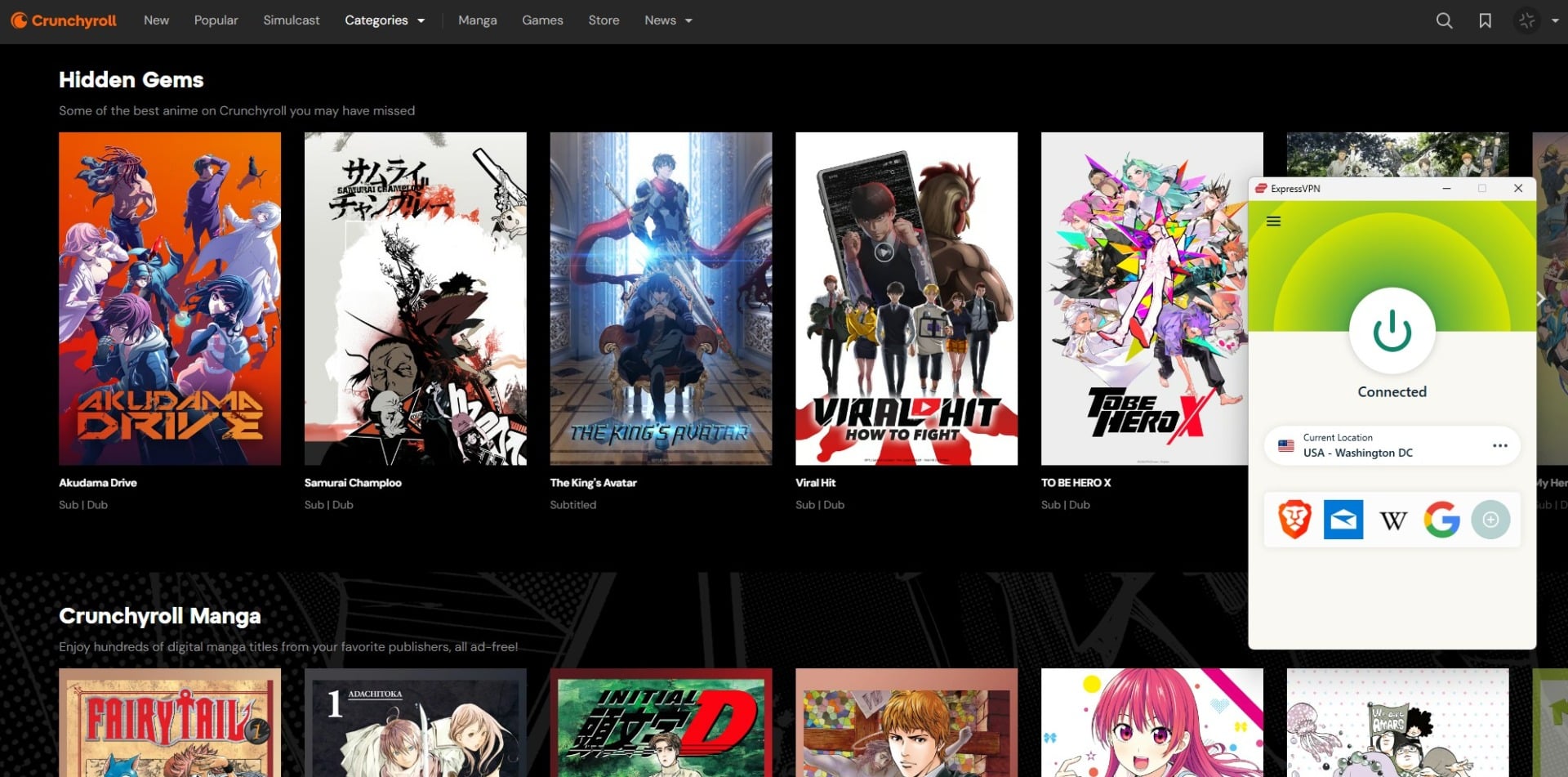
ExpressVPN has one-click apps to enjoy unblocked Crunchyroll content in seconds. I tested it with the Lightway Turbo protocol, and I only lost 11% of the initial speed on distant servers, which was on par with NordVPN. I booted up Crunchyroll, fired up Attack on Titan, and set the quality to Highest Possible again. No buffering, no endless loading. ExpressVPN covers a slew of US locations, and I counted 62 in the app, directly on the server list.
Generally, ExpressVPN is popular for streaming; some use it to stream Formula 1 live, while others watch movies and series. SmartDNS, available in all plans, also works for Crunchyroll, though speeds can be iffy. Its Crunchyroll VPN works on all devices, with extended support for Apple TV and Fire TV Stick. Depending on the plan, you can protect 10 to 14 devices on a subscription, more than enough even for large anime-loving families and friend circles.
ExpressVPN is pretty affordable to start with: It starts at $2.49/mo for 2 years with 4 months for free. A 30-day refund policy is a stamp of quality and confidence, while the ExpressVPN 3-day trial lets you test it and see if it’s really for you.
3. Private Internet Access: Best Cheap VPN for Unblocked Crunchyroll
Pros
- Unlimited devices
- US streaming servers
- Shadowsocks obfuscation
- Very affordable ($2/mo)
Cons
- Not always very fast
- Outdated app UI
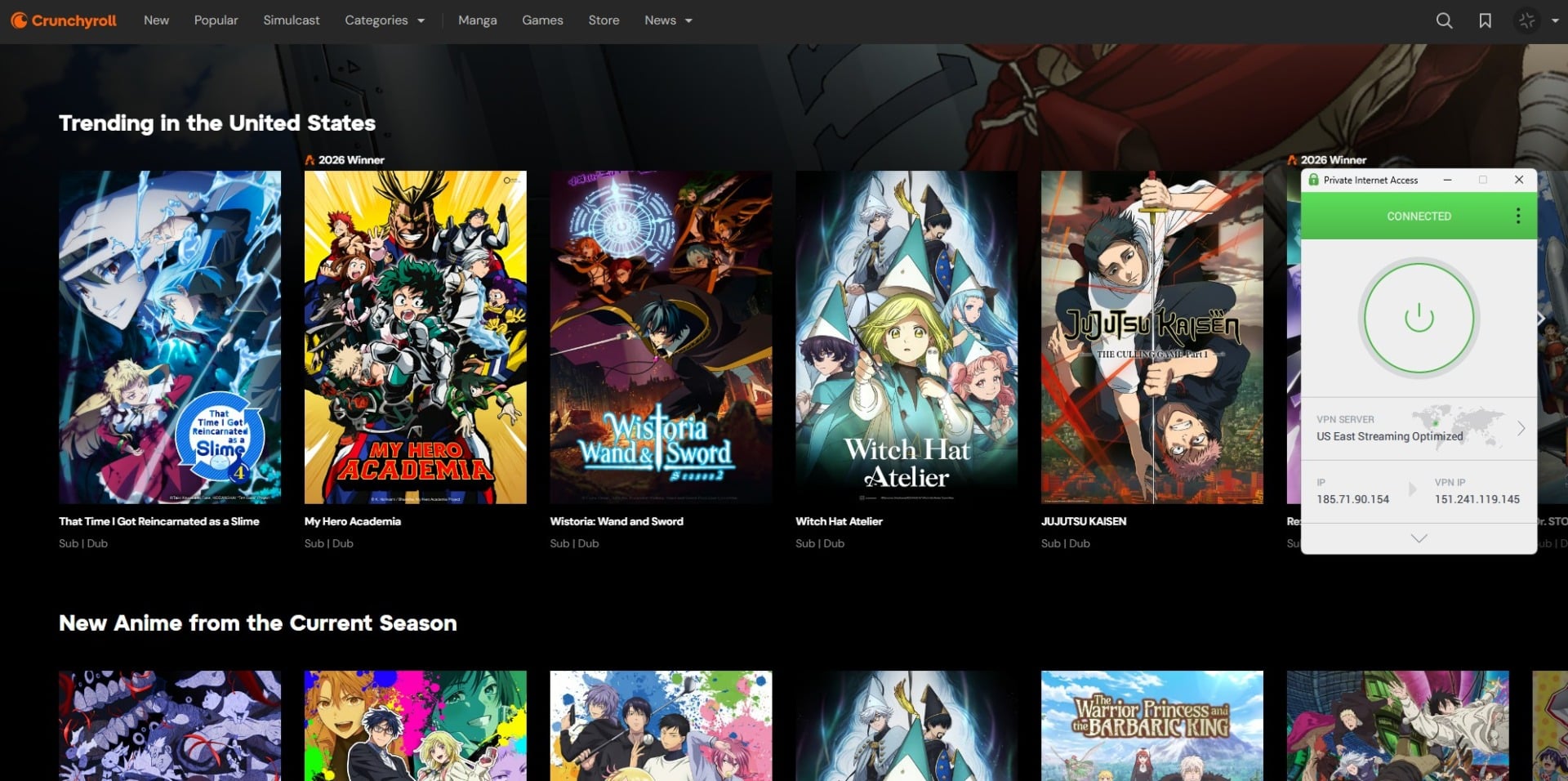
PIA VPN gets Crunchyroll unblocked easily with its dedicated streaming servers in the US East and West. We tested both from New York with minor speed losses. But on very distant servers, PIA reduces the speed by up to 25%, so it’s not the fastest. Still, WireGuard means connections are stable, and streaming in the Highest Possible quality is smooth. PIA includes SmartDNS, which I tested, but with lukewarm results in terms of sheer unblocking.
What I really like is compatibility. PIA works across all platforms, but protects an unlimited number of devices, unlike 10-14 with NordVPN and ExpressVPN. I also tested its VPN on Android to stream Crunchyroll, and it worked smoothly. Regardless of the platform, PIA VPN offers Shadowsocks for obfuscation, MACE to block ads, and advanced customization if you really need to dial in privacy. PIA starts at only about $2/mo, often less than that.
A 30-day money-back guarantee still stands, making it entirely risk-free. Even better, PIA has a longer free trial, 7 days, so you can test the Crunchyroll VPN more thoroughly. As said, we only dislike its inconsistent speeds and perhaps a slightly dated UI, which hasn’t changed in years.
How to Watch Crunchyroll With VPN?
If you know what a VPN is, you know why it gets Crunchyroll unblocked so effortlessly. But it all applies to top-of-the-range VPNs. Change your IP, appear in the USA, and unblock all the best anime, manga, and games here. If you pick the right VPN that doesn’t get detected, it’s just like that. Here’s how to get Crunchyroll unblocked with a VPN and access all content:
- Subscribe to a VPN. Pick NordVPN, ExpressVPN, or PIA.
- Download and install the VPN on your device. Any device will work, but I recommend a PC first, then other devices later.
- Open the VPN and log in with your email and password.
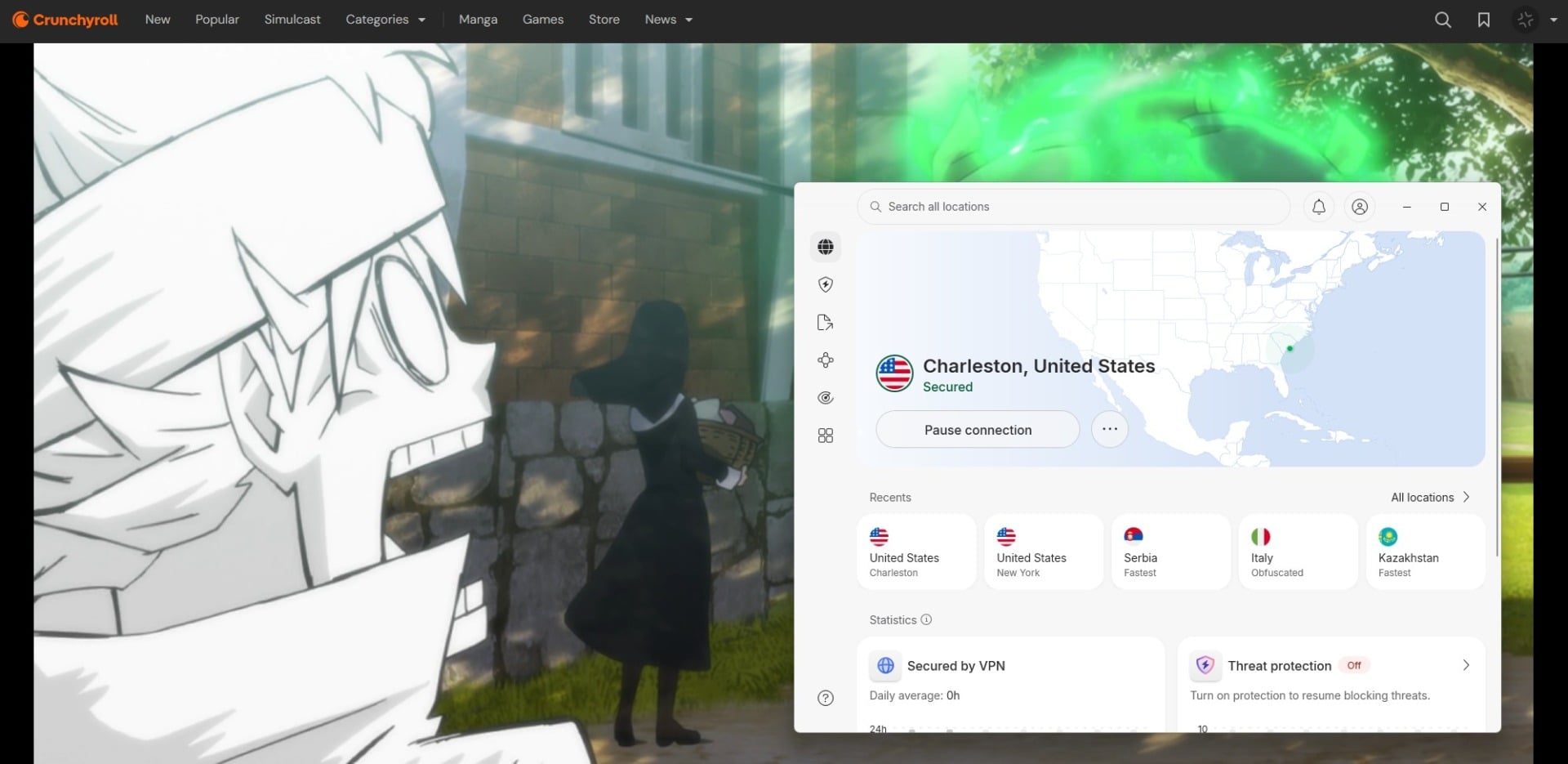
- Connect to a server in the USA. I recommend that one because Crunchyroll is from the USA, and offers the most extensive library there.
- Visit Crunchyroll and sign in or sign up for a new account. I used a credit card from another country (Serbia), and it worked with a US IP.
- Watch Crunchyroll and enjoy all the anime and manga you’ve missed out on. Here’s proof that it truly worked for me.
Can I Use a Free Crunchyroll VPN: Honest Truth
No, you can’t, and we say this after testing at least a dozen popular VPNs on this service. Did you know that Crunchyroll actively detects and blocks VPN connections to enforce its regional restrictions? Free VPNs are always blocked because they’re not designed to unblock and access streaming services. I even tried Proton VPN, which is really the best free VPN for me, but I couldn’t get Crunchyroll unblocked; all I got was a persistent playback error.
Free VPNs generally don’t go well with streaming. They’re slow, data-restricted (examples are Windscribe, TunnelBear, PrivadoVPN, Speedify, etc.), and without enough servers to actually unblock streaming sites. The worst examples are Hola VPN and Urban VPN, which may work with Crunchyroll, but store a ton of PII in the background and infringe on your privacy. As much as it pains me to say it, free VPNs are a bad idea for streaming Crunchyroll.
Conclusion: What is the Best VPN for Crunchyroll?
You need a VPN to get Crunchyroll unblocked and enjoy all the best anime you’ve wanted. NordVPN, ExpressVPN, and PIA check the right boxes. Speedy, secure, and available across all streaming devices, they’re pretty much ideal. I still side mostly with NordVPN, as it’s just a tad faster than the rest, and offers security and privacy perks I enjoy when using it daily.
All three VPNs ultimately work, and that’s what matters when trying to watch Golden Kamuy, Fire Force, MF Ghost, Solo Leveling, and other popular anime. Keep in mind you have 30 days to test each Crunchyroll VPN before committing. That’s ample time to see if you’ve really hit the jackpot.
Frequently Asked Questions
⛩️ Is Bleach on Crunchyroll?
No, Bleach is not available on Crunchyroll, and it was removed a few years ago. Disney now holds the Bleach license, so it's available on Disney+.
🏷️ How much is Crunchyroll a month?
Crunchyroll is at least $9.99 a month for the Fan plan if you pay monthly. If you pay yearly, the same plan is $8.33 a month or $99.99 a year.
🌍 What is the best VPN location for Crunchyroll?
The best VPN location for Crunchyroll is the USA. It's a US-based platform, so it offers the best selection of anime, games, and manga there. Connect to any state, and you'll get all the best content available.
🌸 Is One Punch Man on Crunchyroll?
Yes, it is, but it's not available in every catalog. For instance, it's available in Europe, while in the USA and Canada, its availability shifts. Currently, One Punch Man is only available in the Middle East and Europe.
⛔ Why is Crunchyroll not working in Japan?
Crunchyroll isn't working in Japan due to international licensing agreements. In simple terms, the platform has no legal permission to broadcast in Japan. If you're there, you have to use a Crunchyroll VPN or rely on alternatives, like Netflix Japan, Prime Video Japan, or D Anime Store.