
In Iran, getting onto Instagram, Telegram, or YouTube usually means connecting to a VPN first. The trouble starts when the VPN that worked last month stops connecting, because the national filters have learned to recognize its traffic. Travelers face the same problem on arrival, and by then most VPN websites and app store pages are blocked too.
The best VPN for Iran is one that makes its traffic look like ordinary web browsing, so the filters let it pass. Even then, there are periods when the government cuts the country off from the global internet, and no VPN works.
So which VPNs still connect in Iran, and what can you do when they stop? Our quick picks are below, followed by a closer look at each VPN, a free option, and the setup steps.
Top Iran VPNs for November 2026
- NordVPN: Best for Iran overall. Obfuscated servers built on NordWhisper, with very little speed loss.
- Proton VPN: Best for privacy under heavy filtering. Its Stealth protocol comes with every plan, including the free one.
- ExpressVPN: Best for beginners. Its stealth mode works automatically on every server.
- Private Internet Access: Best for custom setups. A built-in Shadowsocks proxy hides the connection at a low price.
Iran VPNs Compared
| VPN | Stealth method | Average speed loss | Nearby servers | No-log record | Free option |
| NordVPN | Obfuscated servers on NordWhisper | 7.8% (NordLynx) | Turkey, UAE, Georgia | Independently audited | Android free trial |
| Proton VPN | Stealth protocol | 10.2% (WireGuard) | Turkey, UAE, Pakistan | Independently audited | Free plan with Stealth |
| ExpressVPN | Automatic obfuscation | 7.8% (Lightway) | Turkey, UAE, Pakistan | Audited, no data on a seized server | Mobile free trial |
| PIA | Shadowsocks proxy | 12.7% (WireGuard) | Turkey, UAE | Proven in court | Mobile free trial |
Iran bans VPNs that the government hasn’t approved, and none of these four are on that list. Enforcement varies, but police have arrested people for selling VPN access, so using one is at your own risk.
Which VPNs Work in Iran Right Now
1. NordVPN: Best VPN for Iran Overall
Pros
- Obfuscated servers on NordWhisper
- Fast NordLynx connections
- Servers in Turkey, the UAE, and Georgia
- Double VPN
- Audited no-log policy
Cons
- Many settings for beginners
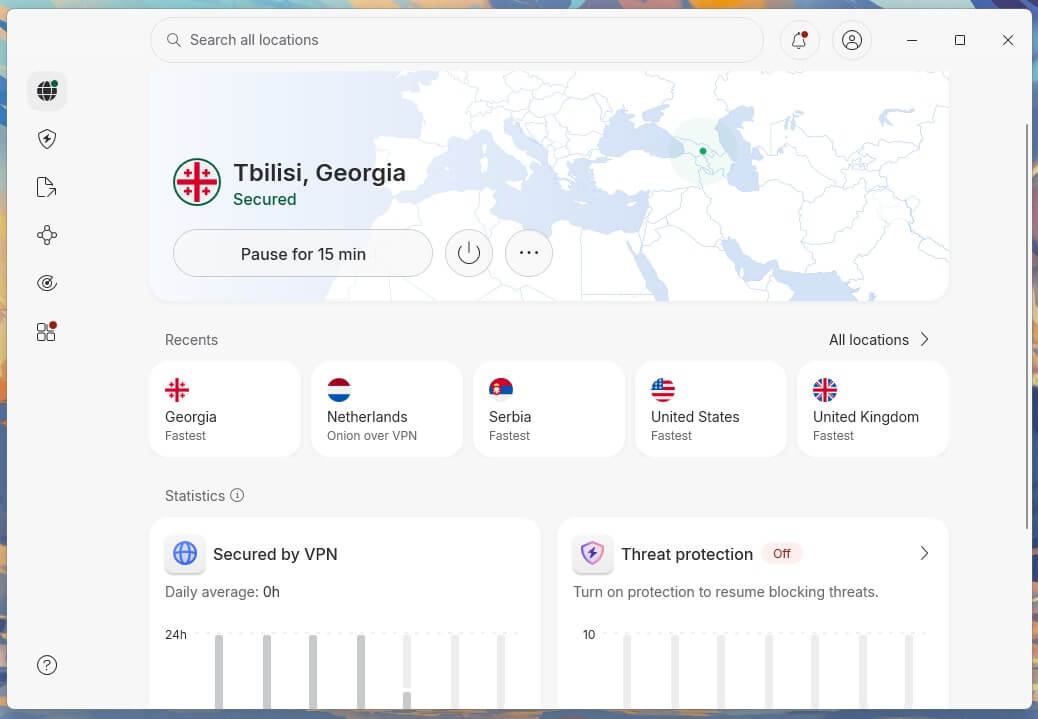
NordVPN is our top pick for Iran because its obfuscated servers now run on NordWhisper, its own protocol built for networks that block VPNs. NordWhisper disguises VPN traffic as regular web traffic, so filters that scan for VPN patterns see nothing unusual.
If a normal connection gets blocked, switching to an obfuscated server takes a couple of clicks, with nothing to change in the settings. Speed is the other strong point. On NordLynx, its default protocol, NordVPN had a 7.8% average speed loss in our tests, which you won’t notice on video calls or while streaming.
On privacy, NordVPN’s servers use RAM only, which wipes them on every restart, and its no-log policy has been independently audited several times. Double VPN sends your traffic through two servers for a second layer of encryption, which puts NordVPN among the most secure VPNs we’ve tested.
The app has more settings than a beginner requires, but Quick Connect works without touching any of them.
2. Proton VPN: Best for Privacy Under Heavy Filtering
Pros
- Stealth protocol
- Stealth on the free plan
- Alternative Routing for blocked sign-ins
- Secure Core servers
- Open-source apps
- Audited no-log policy
Cons
- Default kill switch requires the advanced mode
- Free plan picks the server for you
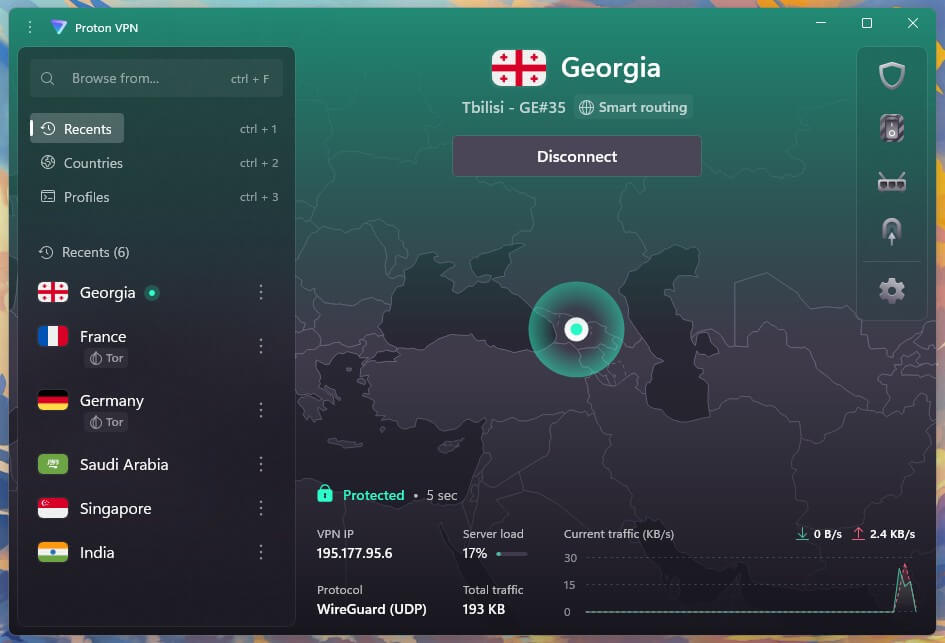
Proton VPN’s answer to Iran’s filters is Stealth, a protocol that disguises VPN traffic as a normal secure website connection. Proton built it with countries like Iran in mind, and it comes with every plan, including the free one. Alternative Routing also helps: when Proton’s website is blocked, the app signs in through third-party servers instead.
In our tests, Proton VPN had a 10.2% average speed loss, which is still fast enough for HD streaming and video calls. With a paid plan, Proton VPN also unlocks Secure Core, which sends your traffic through Switzerland, Iceland, or Sweden first.
That makes a connection much harder to trace back to you, a sensible extra in a country with heavy surveillance. Change one setting before you rely on it. The default kill switch, which cuts your internet if the VPN drops, let traffic through when we restarted our PC, while the advanced kill switch fixed that.
Even if you pay for another VPN, we’d keep the free plan installed as a backup, since it has no data cap and includes Stealth.
3. ExpressVPN: Best for Beginners in Iran
Pros
- Automatic obfuscation
- Lightway protocol
- Very simple apps
- RAM-only servers
- No user data found on a seized server
Cons
- No Double VPN
- Few connection settings
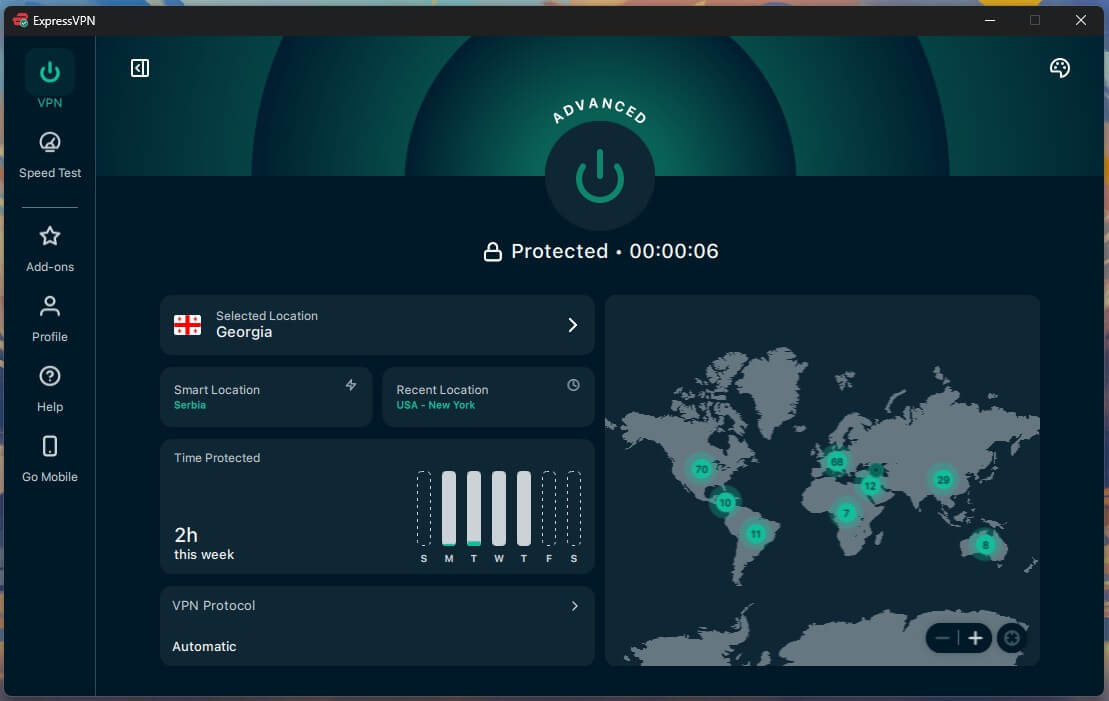
For a less technical family member, ExpressVPN is the easiest choice because obfuscation works automatically on every server. Obfuscation hides the fact that you’re using a VPN, and with ExpressVPN, there’s no special server list or setting to find. You pick a location, press connect, and the app takes care of the rest.
Its Lightway protocol also reconnects quickly on unstable networks. ExpressVPN matched NordVPN with a 7.8% average speed loss, so browsing and calls feel the same as without a VPN. Servers in Turkey, the UAE, and Pakistan keep ping low from Iran. Once connected, it can unblock websites and apps that Iran filters, from news sites to messaging apps.
Every ExpressVPN server uses RAM only, and when Turkish authorities seized one of them, they found no user data. The catch is a shorter list of extras, with no Double VPN and few settings to adjust. If a location won’t connect, switching to another nearby country usually fixes it.
The two VPNs are close, and our ExpressVPN vs NordVPN comparison shows where each one pulls ahead.
4. Private Internet Access: Best for Custom Setups
Pros
- Shadowsocks proxy
- Deep customization
- Unlimited devices
- MACE ad blocker
- No-log policy proven in court
Cons
- Shadowsocks works only on OpenVPN
- Windows app starts on a slower protocol
- Dated interface
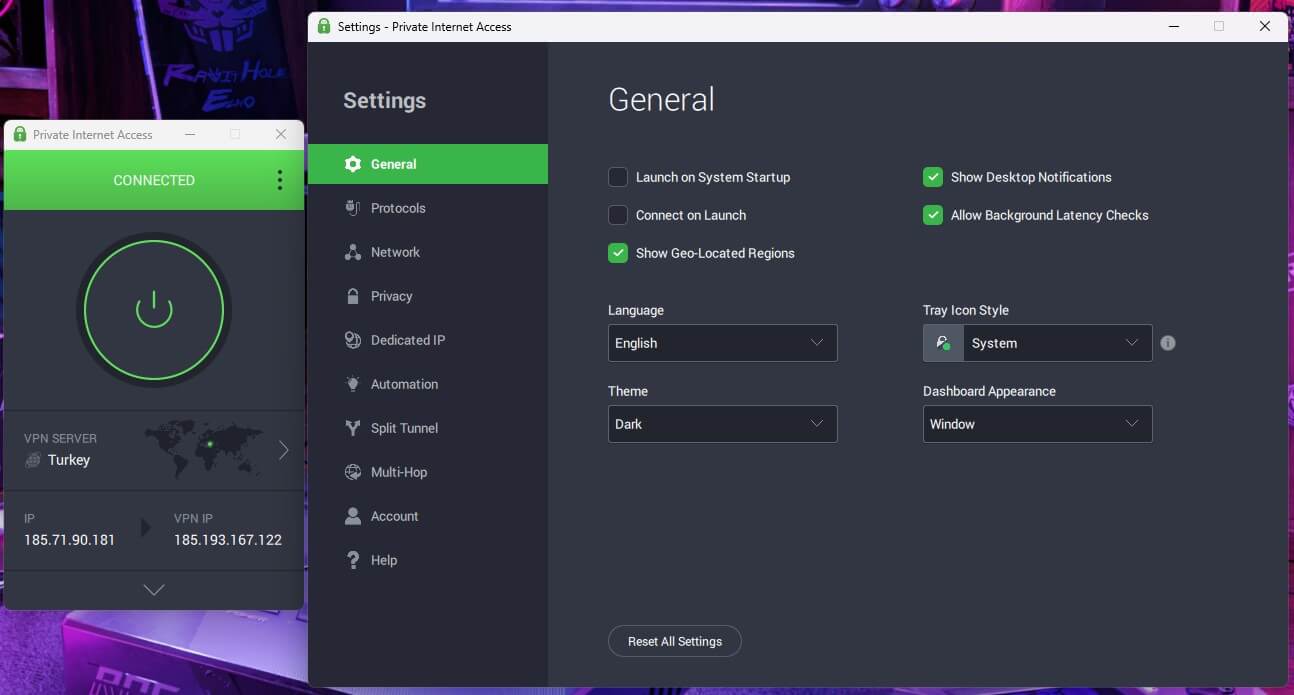
Private Internet Access is for users who like adjusting their own settings. Its main tool for Iran is a built-in Shadowsocks proxy, an encrypted proxy that makes VPN traffic harder to detect. To use it, switch the protocol to OpenVPN, since Shadowsocks doesn’t work on WireGuard, then enable Multi-Hop and pick a Shadowsocks location, such as the US, Canada, or Japan, as the first server.
PIA had a 12.7% average speed loss on WireGuard, still fast enough for HD streaming and video calls. However, its Windows app starts on a slower protocol, so on networks where you don’t require Shadowsocks, switch to WireGuard for better speed. MACE, its ad blocker, also stops trackers and malicious sites. PIA’s privacy record is its strongest point.
Its no-log policy has been tested in US courts, where it had no user data to hand over, and one plan covers unlimited devices. At around $2 a month on a long plan, it’s one of the best cheap VPNs for Iran. The interface looks dated, but once PIA is set up, you rarely have to open it.
Try Private Internet Access Now
How Iran Blocks VPNs
Iran filters most global social media and messaging apps, including Instagram, Telegram, YouTube, and X. Its filters go further than a list of banned sites: they scan traffic for the patterns standard VPN protocols leave, then block those connections, very often within minutes.
So a VPN for Iran requires a stealth method, such as obfuscated servers, Stealth, or Shadowsocks. In early 2026, the measures became much harsher. During protests in January, the government cut most of the country off from the global internet.
A second, near-total blackout followed the US and Israeli strikes at the end of February and continued until late May. When the international connection is cut like that, no VPN can connect, no matter which stealth tools it has. Access has since returned, but with more restrictions than before.
Authorities have moved toward a whitelist, where only approved services work, and mobile operators sell a paid tier called Internet Pro with access to a small set of foreign platforms. Connection quality also changes between ISPs and regions, so a VPN that fails on mobile data may still connect on home internet.
Be careful with Iranian VPN apps and the VPN sellers that advertise on local channels. Some are linked to state bodies, and others hand out unsafe connection files. A well-known VPN downloaded from its official website is the safer choice.
Is There a Free VPN That Works in Iran?
Yes, with limits.
- Proton VPN’s free plan is the free VPN we’d trust in Iran, since it includes the Stealth protocol, has no data cap, and shows no ads. In return, it covers one device, and the app chooses the server for you.
- Psiphon is another free tool that many Iranians use. It was built for censorship and keeps switching connection methods until one works, which helps when VPNs keep dropping. Still, Psiphon is designed for access, and it doesn’t promise the privacy of a no-log VPN.
Most other free VPNs are a poor choice in Iran. Many lack any stealth method, and some make money from user data, which is a serious risk under heavy surveillance. If you can pay, a VPN with a 30-day money-back guarantee lets you check that it connects on your network before you commit.
How to Set Up a VPN for Iran
If you can, set up your VPN before you travel to Iran, because VPN websites and app store pages are usually blocked there. We used NordVPN for the steps below, and the other VPNs work in much the same way.
Subscribe and Install the App
Choose a plan on NordVPN’s website, or start with NordVPN’s free trial on Android. Iranian bank cards don’t work on foreign websites, so if you’re paying from Iran, cryptocurrency is the practical option. NordVPN, Proton VPN, ExpressVPN, and PIA accept it.
Next, download the app for Windows, macOS, Android, or iOS and sign in with your account. While you still have unrestricted access, install a second VPN with a different stealth method as a backup.
Connect to an Obfuscated Server
Start with a normal server on NordLynx, since it sometimes connects without any extra steps. If it doesn’t, open the Obfuscated Servers category in the server list and pick the closest country to keep ping low. These servers run on NordWhisper, so there’s no protocol to change first.
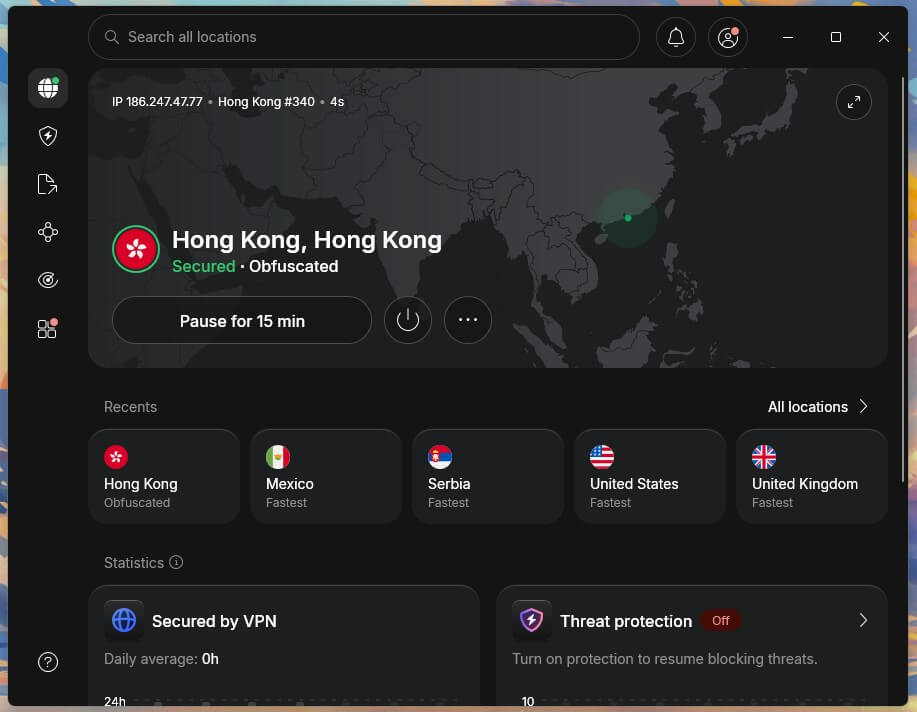
Enable the Kill Switch and Next-Gen Antivirus
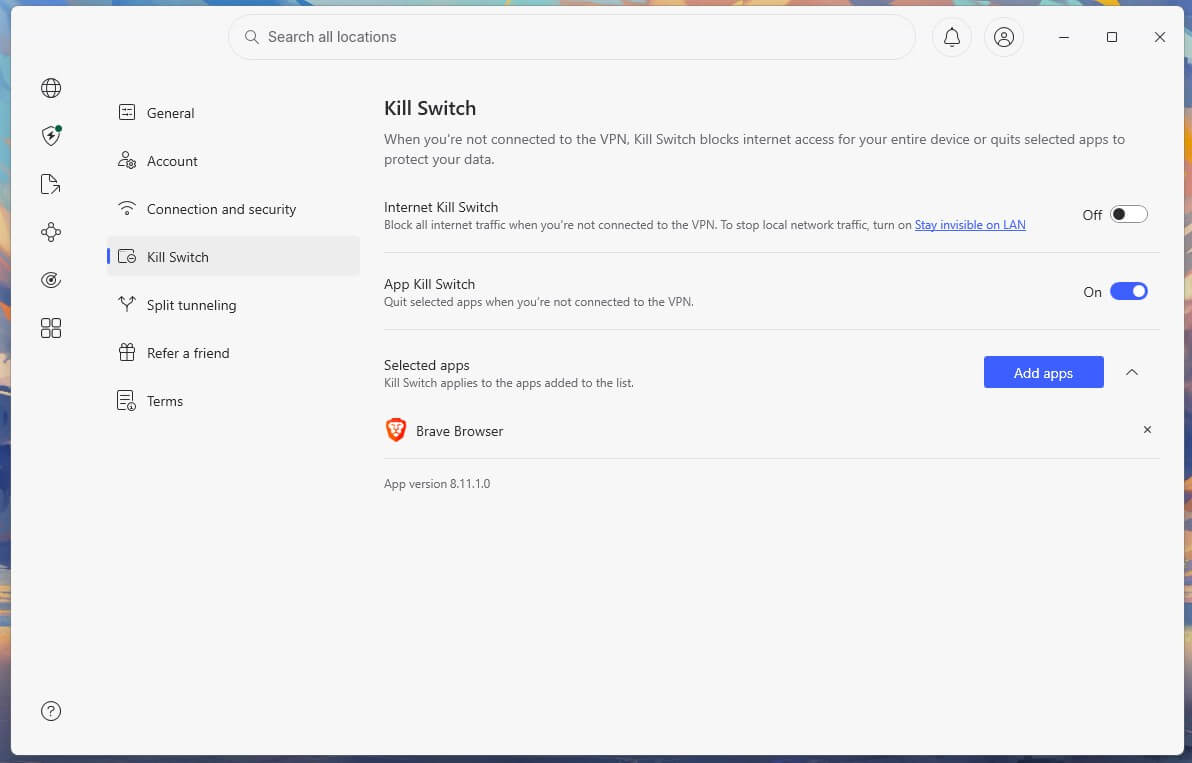
A kill switch cuts your internet the moment the VPN drops, so your real IP address isn’t exposed while the app reconnects. In NordVPN, enable it under Kill Switch in the settings.
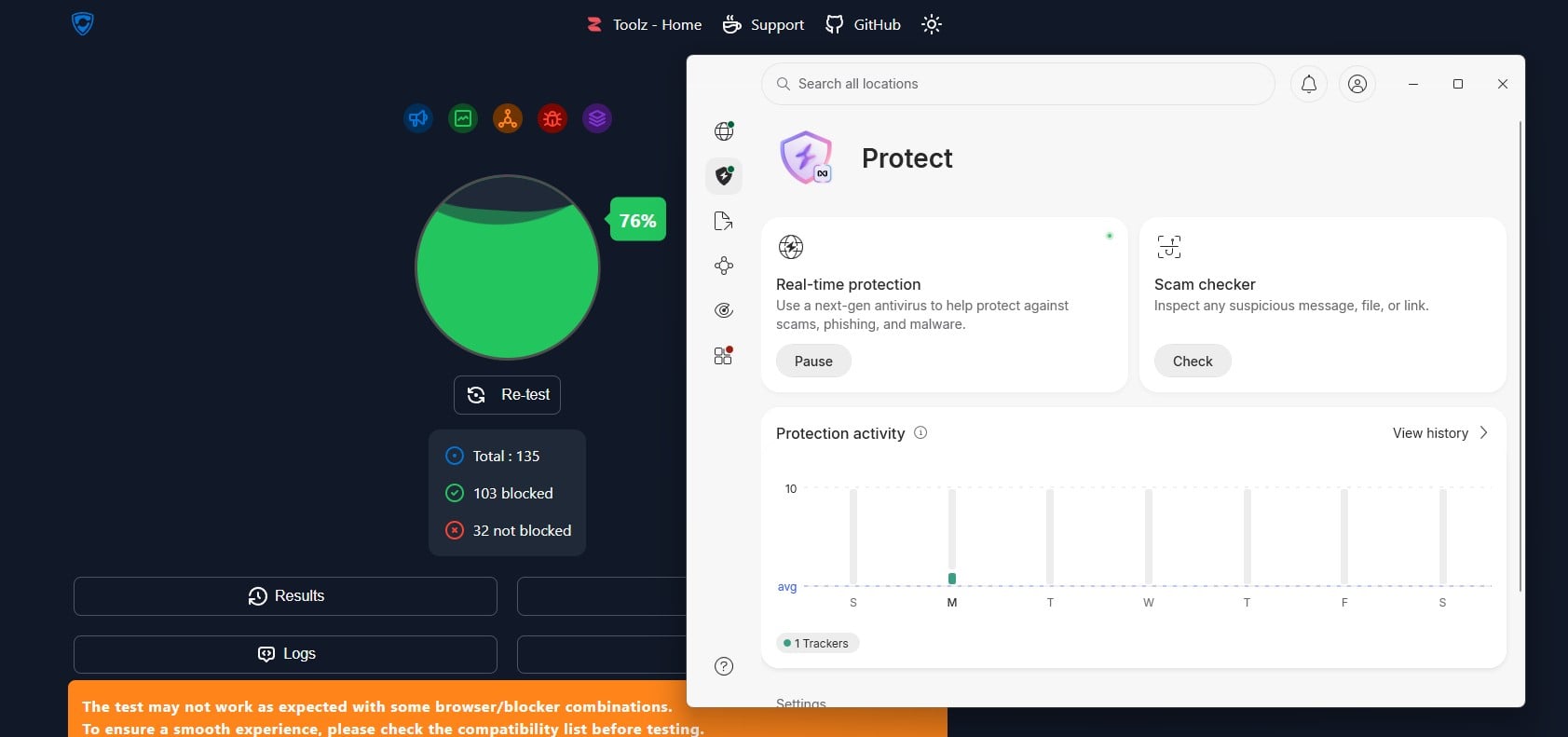
Next, enable NordVPN’s next-gen antivirus, listed as real-time protection in the Windows and macOS apps. It removes infected files before they download and blocks phishing sites, ads, and trackers, a useful layer when apps often come from unofficial download sites.
On the other VPNs, the settings differ slightly:
- Proton VPN: choose Stealth as the protocol and enable the advanced kill switch.
- ExpressVPN: enable Advanced Protection to block ads, trackers, and malicious sites.
- PIA: switch the protocol to OpenVPN, enable Shadowsocks through Multi-Hop, then enable MACE.
Use Blocked Apps and Sites
With the VPN connected, Instagram, Telegram, YouTube, and other filtered apps work as they would outside Iran. Streaming services work too.

Netflix doesn’t operate in Iran, for example, but NordVPN can unblock Netflix libraries from other countries, as well as services like BBC iPlayer. If an app still won’t load, close it fully, clear its cache, and reconnect to a different server.
Final Thoughts
A VPN still works in Iran, as long as it can hide what it is. Standard VPN connections are blocked quickly, so obfuscated servers, Stealth, or Shadowsocks make the difference between a VPN that connects and one that doesn’t. For most people in Iran, we’d go with NordVPN and its NordWhisper protocol that hides your VPN usage.
On a tight budget, Proton VPN’s free plan is the safest free choice. Iranians abroad who want local banking or government sites should look at a VPN with an Iranian location, such as CyberGhost, since none of these four offers one.
Keep your VPN apps updated, too. VPN companies adjust their stealth methods whenever Iran changes its filters, and an outdated app is often the first to stop connecting.
Frequently Asked Questions
Does NordVPN work in Iran?
Yes. NordVPN works in Iran through its obfuscated servers, which use the NordWhisper protocol to disguise VPN traffic. No VPN, NordVPN included, can connect during a full national internet shutdown.
Does Proton VPN work in Iran?
Yes. Proton VPN's Stealth protocol disguises VPN traffic as regular secure web traffic, and it comes with the free plan too. Alternative Routing lets the app sign in when Proton's website is blocked.
Does ExpressVPN work in Iran?
Yes. ExpressVPN applies obfuscation automatically on every server, so it hides VPN use without special settings. Like any VPN, it can't connect when Iran cuts off international internet access.
Is it legal to use a VPN in Iran?
No. Iran only permits government-approved VPNs, which offer little privacy from the authorities. Using an unapproved VPN is banned, although enforcement varies and the penalties for users aren't clearly defined.
Which VPN has servers in Iran?
CyberGhost is one of the few well-known VPNs with an Iranian location. NordVPN, Proton VPN, ExpressVPN, and Private Internet Access don't host servers there, since Iran requires VPN companies to allow monitoring.
Why does a VPN stop working in Iran?
Iran's filters scan traffic for VPN patterns and block the servers they detect. Switching to an obfuscated server or a stealth protocol, or choosing another server location, usually restores the connection.