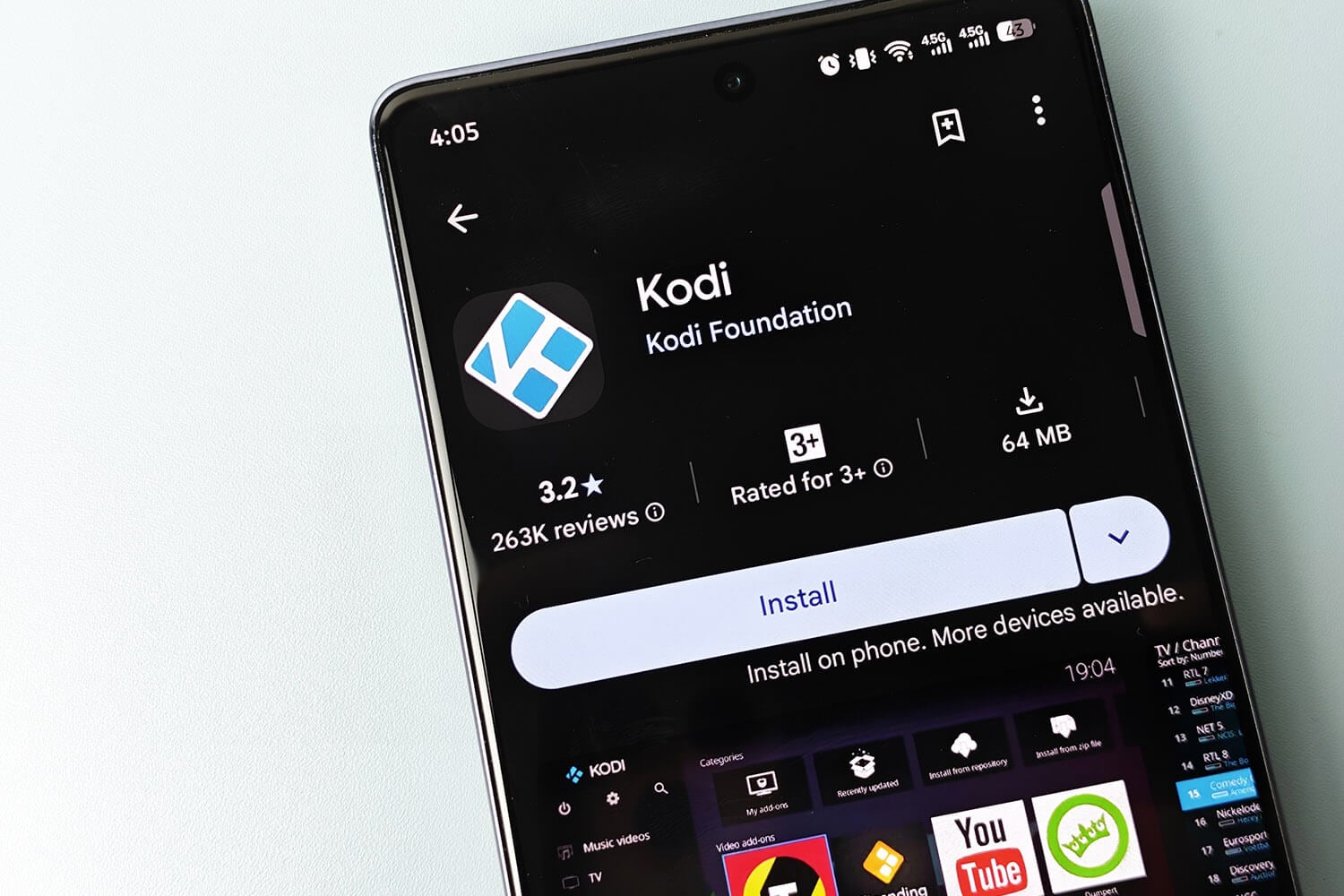
Kodi has no VPN setting of its own, so the best VPN for Kodi works alongside it on the same device. On Windows, split tunneling can send only Kodi through the VPN, and it worked as set on every VPN I tested, with no leaks. Location checks are the harder part. Pluto TV’s official Kodi add-on played on NordVPN, ExpressVPN, and Surfshark, but showed a region error on Proton VPN and PIA.
We’ve put 40+ VPNs through our tests, and the best VPN for Kodi in my view is NordVPN, with the snappiest streams and the quickest Fire TV Stick results. ExpressVPN and Surfshark were close behind, which I expected after my other streaming tests. For a free option on Android, Kodi streams played smoothly on Windscribe and PrivadoVPN, though their 10 GB monthly limit doesn’t last long in HD.
Top Kodi VPNs Ranked
- NordVPN: Best overall, with the fastest Fire TV Stick speeds we recorded
- Proton VPN: Best for privacy-first Kodi setups, with Swiss jurisdiction and Secure Core
- ExpressVPN: Best for simple setup, with connections in one to two seconds
- Surfshark: Best for several Kodi devices, with unlimited connections
- Private Internet Access: Best low-cost Kodi VPN, with Smart DNS for devices without VPN apps
Kodi VPNs Compared
| VPN | Pluto TV in Kodi | Fire TV Stick speed loss | Windows speed loss | Smart DNS | Two-year price |
| NordVPN | Unblocked | 3.0% | 7.8% | Yes | Under $3.50/month |
| Proton VPN | Region error | 5.3% | 10.2% | No | Under $3/month |
| ExpressVPN | Unblocked | 4.6% | 7.8% | Yes | Under $3/month |
| Surfshark | Unblocked | 5.8% | 9.6% | No | Under $2.50/month |
| Private Internet Access | Region error | 7.9% | 12.7% | Yes | Under $2.25/month |
Our October tests used Kodi 21 (Omega) on a Windows 11 PC in Europe, on a 190.36 Mbps connection, playing live channels in the Pluto TV add-on from Kodi’s official repository on each VPN’s US servers. With split tunneling set to Kodi alone, Kodi used the VPN’s IP address while the browser kept our own, and the reverse setting worked too.
A leak test on ipleak.net found no leaks on any of the five. Both speed columns average UK, US, and Japanese servers, and the Fire TV figures come from a Fire TV Stick 4K Plus.
Best VPNs for Kodi in Detail
1. NordVPN: Best Overall for Kodi
Pros
- Unblocked Pluto TV’s Kodi add-on
- Apps for Fire TV and Android TV
- Smart DNS for consoles and older TVs
- Kill switch passed the restart test in blocking mode
- Threat Protection Pro on the Complete plan
Cons
- Conflicts with other VPNs on Windows
- Price increases after the first term
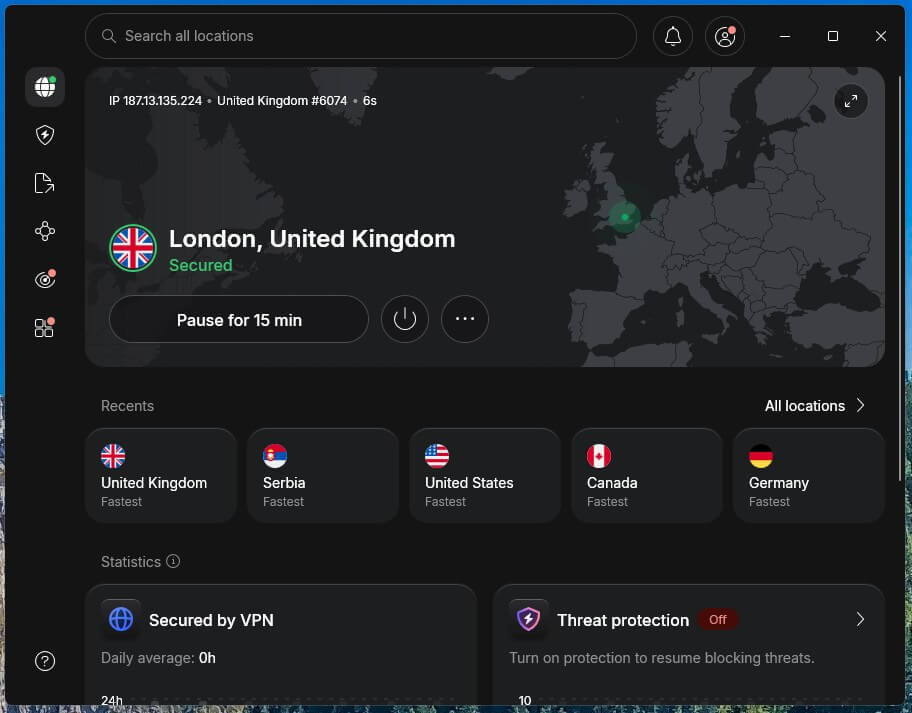
NordVPN unblocked Pluto TV in Kodi on its US server, and live channels started in two to three seconds. It felt a little snappier than ExpressVPN and Surfshark, which matches its speed results: a 3.0% speed loss on the Fire TV Stick, the lowest of the five, and 7.8% on Windows. That speed also places it near the top of our fastest VPN rankings.
On Windows, though, NordVPN sometimes couldn’t connect with ExpressVPN also open on the same PC, so close other VPNs before starting Kodi. The Basic plan costs less than $3.50 a month on NordVPN’s two-year term, and Threat Protection Pro starts at the Complete plan.
2. Proton VPN: Best for Privacy-First Kodi Setups
Pros
- Based in Switzerland
- Secure Core servers
- Advanced kill switch blocked restart leaks
- NetShield blocks ads and trackers
- Free plan with no data limit
Cons
- Pluto TV add-on showed a region error
- No Smart DNS
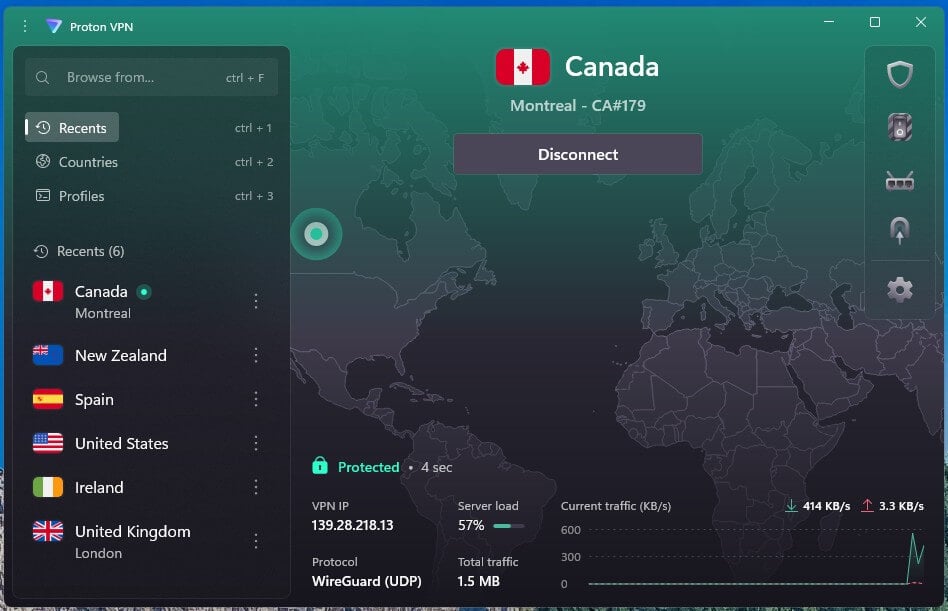
Proton VPN was one of two VPNs that couldn’t unblock Pluto TV in Kodi: the add-on reported that it wasn’t available in our region on Proton VPN’s US servers. Pluto TV had also detected it in a browser in earlier tests, so add-ons that check location aren’t its strength. Proton VPN does better on privacy.
NetShield blocked 93% of the ads and trackers on our ad-block test, Secure Core sends traffic through a privacy-friendly country first, and the advanced kill switch passed our restart test with no leaks. On speed, it trailed NordVPN, losing 10.2% on Windows and 5.3% on a Fire TV Stick. The VPN Plus plan stays under $3 a month across a 24-month term.
3. ExpressVPN: Best for Simple Setup
Pros
- Pluto TV live channels in Kodi
- Quickest connections in our tests
- Simple Fire TV and Android TV apps
- RAM-only servers
Cons
- Lightway Turbo disables split tunneling
- Little customization
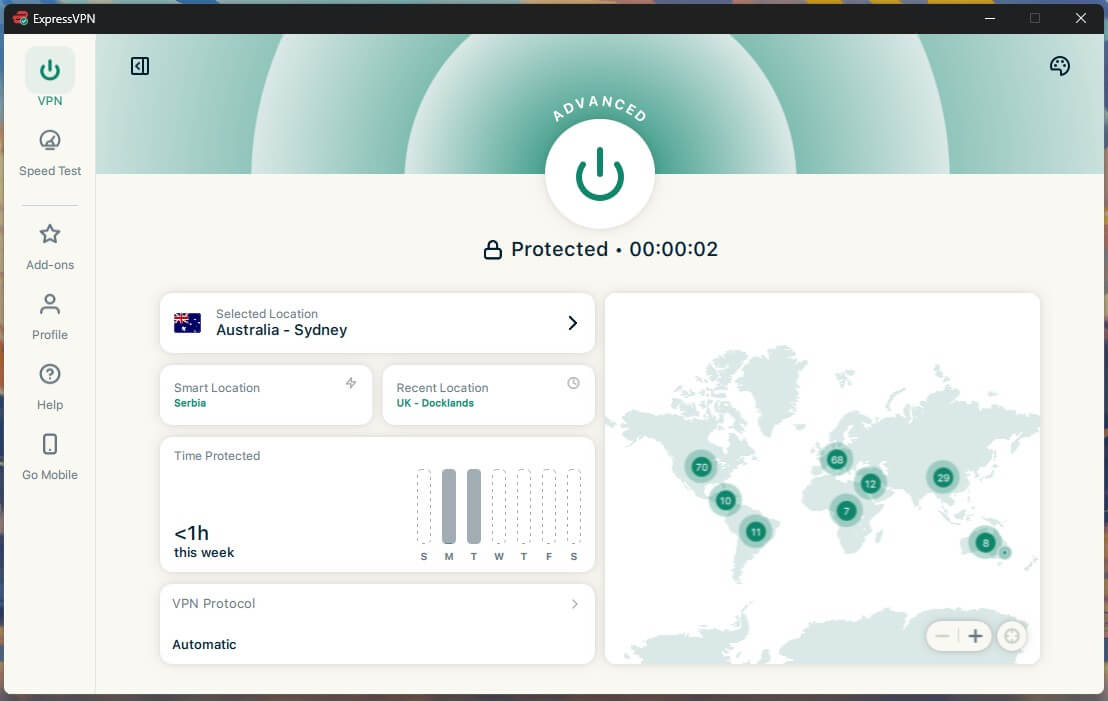
ExpressVPN connected in one to two seconds and unblocked Pluto TV in Kodi, with live channels starting as quickly as on NordVPN. Speed loss was 4.6% on the Fire TV Stick and 7.8% on Windows, the same as NordVPN on the desktop.
Check one setting before sending only Kodi through ExpressVPN: with Lightway Turbo enabled, the split tunneling toggle is greyed out, so switch to plain Lightway first. ExpressVPN’s Basic plan drops below $3 a month when you pay for two years.
4. Surfshark: Best for Several Kodi Devices
Pros
- Unlimited devices on one subscription
- Pluto TV worked in Kodi
- No leaks on restart in Strict mode
- CleanWeb ad blocker
Cons
- No Smart DNS
- Occasionally slow to connect
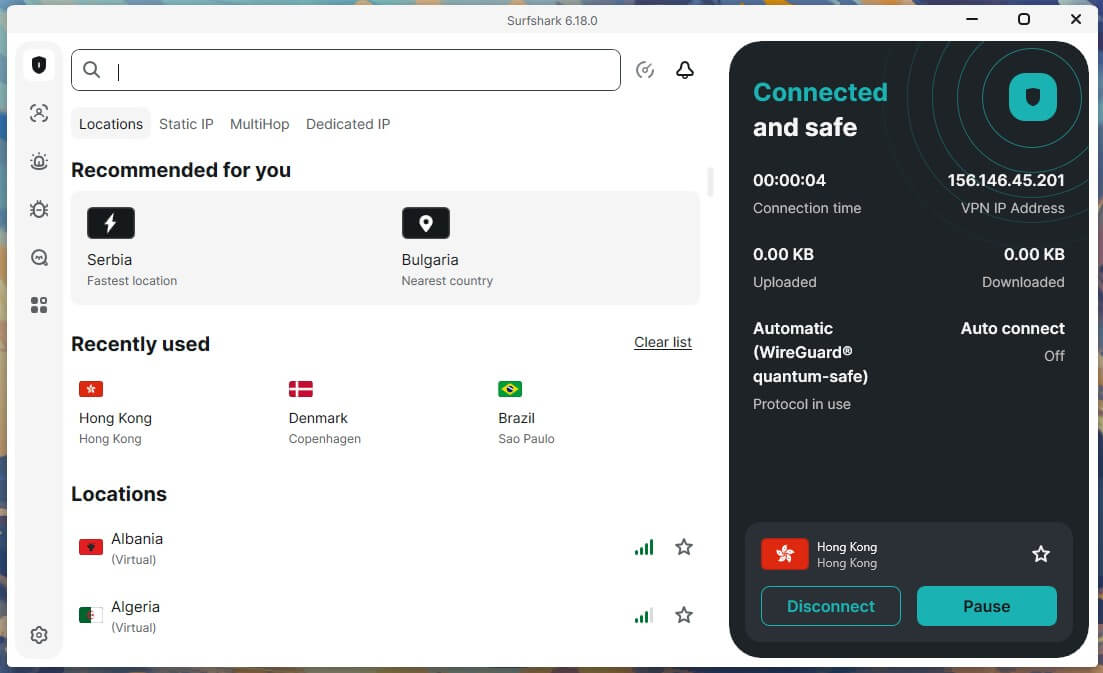
One Surfshark subscription covers every Kodi box, stick, and PC at home. Surfshark unblocked Pluto TV in Kodi too, with streams starting in two to three seconds. On the Fire TV Stick it lost 5.8% of its speed, against 9.6% on Windows.
In Strict mode, its kill switch blocked all traffic through a PC restart, though Surfshark has no Smart DNS option. Our Surfshark review covers its other features. Surfshark’s Starter plan is under $2.50 a month if you commit for two years.
5. Private Internet Access: Best Low-Cost Kodi VPN
Pros
- Smart DNS set up from the account page
- Unlimited devices
- MACE blocks ads, trackers, and malware
- Detailed connection settings
Cons
- Pluto TV add-on reported a region error
- Kill switch leaked during a PC restart
- Dated Windows app
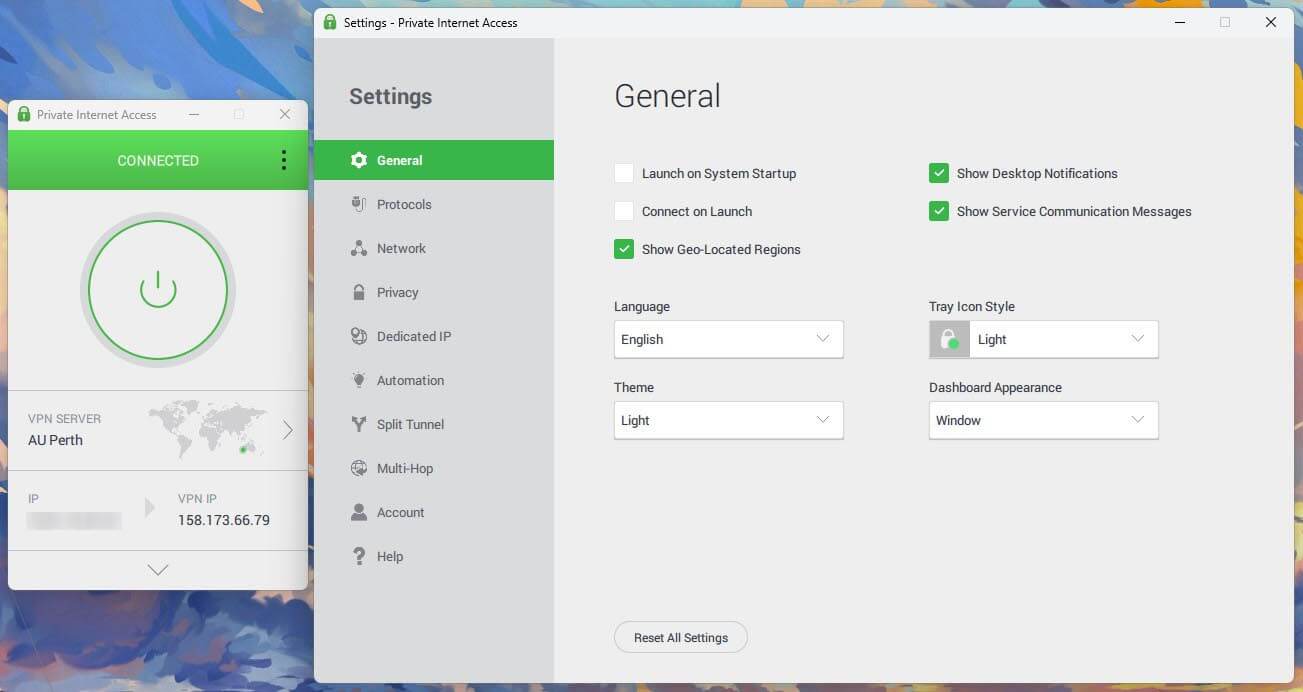
Private Internet Access is the cheapest of the five, at about $2.20 a month when paid for 26 months, and it allows unlimited devices. Our multi-device VPN guide compares it with other VPNs that do. Its Smart DNS covers Kodi devices that don’t support VPN apps, and MACE stopped 96% of test ads and trackers.
However, PIA triggered the same Pluto TV region error as Proton VPN, and its kill switch let our own IP address through while the test PC restarted. Its speed losses were the highest of the five, with Windows down 12.7% and the Fire TV Stick down 7.9%.
Free VPNs for Kodi on Android
Windscribe and PrivadoVPN worked well as free VPNs for Kodi. In our tests, Crackle played in HD on their free US servers with no stuttering, and they have Android apps. The limit is data. A 10 GB monthly allowance lasted about five hours of HD streaming in Kodi, and less at higher bitrates. When it ends, PrivadoVPN keeps working at 1 Mbps, while Windscribe stops connecting until the next month.
Windscribe also allows unlimited devices on its free plan, and PrivadoVPN requires you to renew the allowance by hand each month. Proton VPN’s free plan has no data limit, but it assigns a random server from ten countries, allows one device, and streaming isn’t its strength. Our ranking of the best free VPNs and our guide to the best free VPN for Windows cover each free plan in more detail.
What a VPN Does for Kodi, and What It Doesn’t
A VPN encrypts everything Kodi sends and receives, so your internet provider can’t see which add-ons or streams you use. It also helps with these:
- Throttling: an internet provider can’t single out Kodi streams it can’t see, so a VPN can help stop ISP throttling.
- Region-locked add-ons: add-ons for US services such as Pluto TV and Crackle play on a US server, the same way a VPN can unblock US TV abroad or foreign TV channels in a browser.
- Public Wi-Fi: streams on hotel or campus networks stay encrypted.
Kodi itself is free, open-source, and legal, and so are the add-ons in its official repository. Third-party add-ons that stream content without a license are illegal in most countries, and using a VPN doesn’t make them legal. We used only legal, free add-ons in our tests.
How to Use a VPN With Kodi
The VPN works as a separate app on the device where Kodi is installed. Connect first, then open Kodi.
Windows and Mac
Install the VPN, sign in, and connect to a server. On Windows, open the split tunneling settings and choose the option that sends only selected apps through the VPN, then add Kodi. Mac support for split tunneling varies between VPNs, so the whole connection usually goes through the VPN there.
Android Phones and Android TV
Install the VPN from the Google Play Store, connect, then open Kodi. Split tunneling on Android works the same way as on Windows, by choosing apps. For Android TV boxes, see our separate list of the best VPNs for Android TV.
Fire TV Stick
Search for the VPN in the Amazon Appstore, install it, sign in, and connect before opening Kodi. NordVPN, Proton VPN, ExpressVPN, Surfshark, and PIA have Fire TV apps, though Proton VPN’s requires Fire OS 7 or newer. Our Fire TV Stick VPN guide lists the models each one supports.
Raspberry Pi and LibreELEC
LibreELEC has no VPN apps, so connect the Raspberry Pi to a router with the VPN installed. Smart DNS from NordVPN, ExpressVPN, or PIA changes the region add-ons see, but it doesn’t encrypt traffic. After connecting on any device, load ipleak.net in a browser on the same connection to check that the IP address and DNS servers belong to the VPN.
Summary
NordVPN posted the smallest speed drop of the five on a Fire TV Stick, played Pluto TV’s live channels without delay, and is my first choice for Kodi. ExpressVPN is the simplest to set up, and Surfshark covers every Kodi device in a home.
Proton VPN leads on privacy, though location-checking add-ons such as Pluto TV detected it, the same as Private Internet Access. For free streaming on Android, Windscribe and PrivadoVPN work, as long as 10 GB a month is enough.
Frequently Asked Questions
What is the best VPN for Kodi?
NordVPN is the best VPN for Kodi, with native apps for Fire TV, Android TV, and Windows. Proton VPN ranks second, with Swiss privacy laws and Secure Core servers.
What is the best free VPN for Kodi on Android?
The best free VPNs for Kodi on Android are Windscribe and PrivadoVPN. HD video plays smoothly on their free US servers, but a 10 GB monthly data limit covers only a few hours.
Do you need a VPN for Kodi?
No, Kodi works without one. Still, a VPN hides Kodi streams from the internet provider, helps prevent throttling, and lets region-locked add-ons play, three common reasons to use a VPN.
Does Kodi have a built-in VPN?
No, Kodi has no VPN setting. A VPN app on the same device covers it, and split tunneling on Windows or Android can limit the VPN to Kodi alone.
Is Kodi legal?
Yes, Kodi is legal open-source software, and the official Kodi repository offers only legal add-ons. Unofficial add-ons streaming pirated content are illegal in most countries, with or without a VPN.
Does a VPN slow down Kodi?
A good VPN reduces speed only slightly on a fast connection, usually not enough to cause buffering in HD. Distant servers and older streaming sticks lose more speed.
Which VPN works best with Kodi on a Fire Stick?
NordVPN works best with Kodi on a Fire Stick, with a native Fire TV app and low speed loss. Proton VPN offers a Fire TV app for Fire OS 7 and newer.