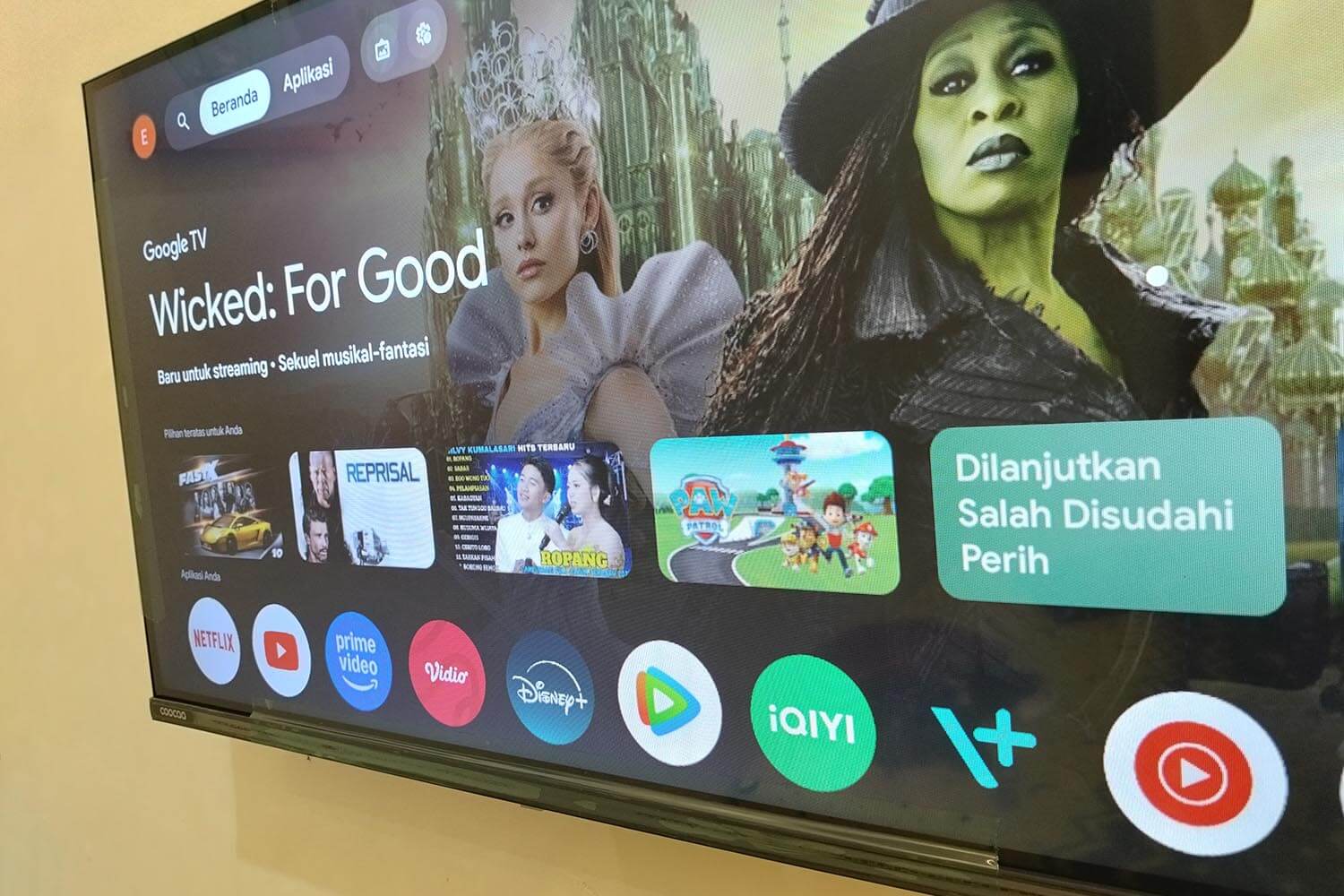
Most VPNs have no Android TV app. They have an Android app, a different thing. Google Play on a television only lists software the developer has flagged as TV-compatible, so a phone app usually won’t appear in the search results. Google TV changes none of that. It’s an interface layer on top of Android TV.
Any app built for one runs on the other, whether that’s a Sony Bravia, an Nvidia Shield, or a Google TV Streamer. We installed and used every VPN below on the big screen, judging them on the app itself, on streaming access, and on speed once the television’s limited memory is in play.
5 Best VPN Services for Android TV: Quick Recap
- NordVPN: Best overall, with Smart DNS and split tunneling in the TV app
- Proton VPN: Privacy pick, and the only one with a TV app on its free plan
- ExpressVPN: Easiest app to drive with a remote, with QR code sign-in
- Private Internet Access: Cheapest, with no limit on connected devices
- Surfshark: NoBorders mode and unlimited devices on a budget plan
Android TV VPNs Compared
| Android TV app | Smart DNS | Devices | Starting price | |
|---|---|---|---|---|
| NordVPN | Native, on Google Play | Yes ✅️ | 10 | $3.49/month |
| Proton VPN | Native, free plan included | No ❌ | 10 | $2.99/month |
| ExpressVPN | Native, on Google Play | MediaStreamer ✅️ | 10 | $2.99/month |
| Private Internet Access | Native, on Google Play | Yes ✅️ | Unlimited | $2.19/month |
| Surfshark | Native, on Google Play | No ❌ | Unlimited | $2.49/month |
Best VPNs for Android TV in 2026
1. NordVPN: Best Android TV VPN Overall
Pros
- Purpose-built TV app
- Smart DNS built in
- Split tunneling on TV
- Meshnet file transfers
- Very wide server network
- Independently audited
Cons
- Code login, no QR
- Higher renewal price
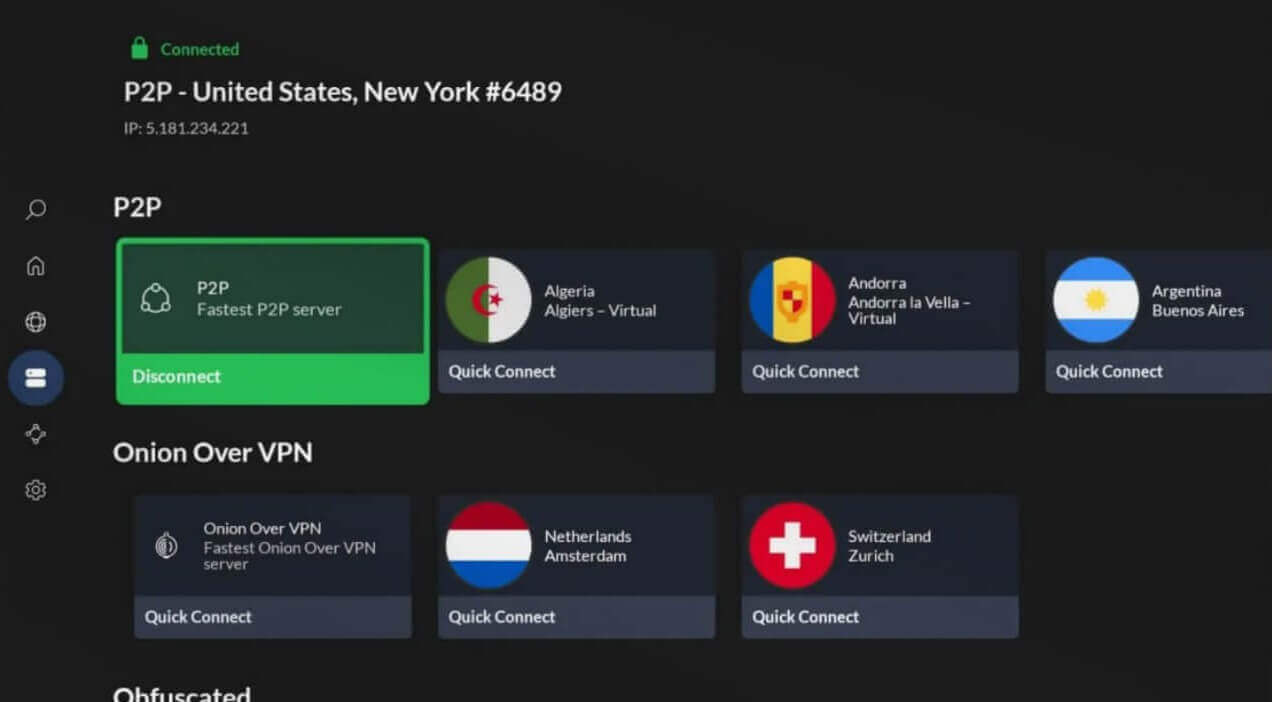
NordVPN’s Android TV app keeps more of the desktop feature set than any rival’s. Split tunneling and custom DNS are present, rare on a television, and the server list is navigable with a directional pad instead of demanding a scroll through 149 countries. Streaming earned it the top spot. We connected to a UK server from thousands of miles away and measured a 5% drop on a 1 Gbps connection, with no buffering on HD content. Prime Video, Netflix and Disney+ opened.
NordVPN also includes Smart DNS, which covers Chromecast and older sets where no VPN app exists. Threat Protection Pro strips ads and known malware hosts, and Meshnet moves files between your own devices across the internet. Signing in is the weak point. Instead of a QR code, the app shows a numeric code that has to be typed into a validation page on a phone. The company operates from Panama, outside the intelligence-sharing alliances.
Its no-logs policy has passed 6 independent audits. It’s also our first choice among router VPNs. Basic subscriptions are $3.49 a month and cover 10 devices, refundable within a month (30 days).
2. Proton VPN: Best Android TV VPN for Privacy
Pros
- Free-plan TV app
- Switzerland-based
- Publicly readable code
- Multi-hop routing
- No-logs policy verified
Cons
- Limited free countries
- Smart DNS missing
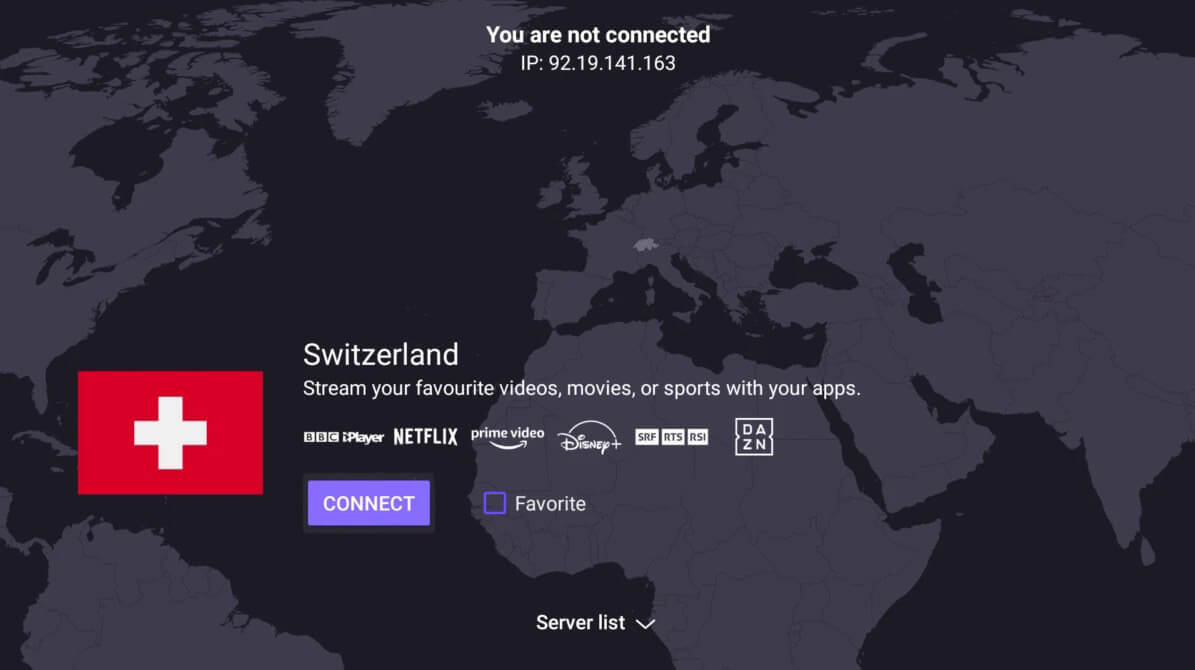
The Plus plan opens 20,000+ servers across 148 countries, permits P2P, and adds NetShield ad filtering, Secure Core multi-hop routing, and VPN Accelerator, which lifted our speeds on long connections. Streaming access is guaranteed on it and excluded from the free plan. Swiss jurisdiction, open-source clients, and an August 2025 audit by Securitum, its 4th, back the privacy claim. Our Proton VPN review goes deeper on the desktop side. The free plan earns it second place.
Proton VPN is one of the very few services publishing an Android TV app that free accounts can use, with unlimited data and no card. The restrictions are 10 countries, an assigned server instead of a chosen one, one device at a time, and no streaming. Smart DNS is absent, so a Chromecast or an older set takes the connection from the router. Plus subscriptions run to $71.76 for 2 years and cover 10 devices.
3. ExpressVPN: Best Android TV App to Use With a Remote
Pros
- QR code sign-in
- Streaming app shortcuts
- Large on-screen buttons
- MediaStreamer for other screens
- Fast Lightway protocol
Cons
- Kill switch off initially
- Fewer advanced settings
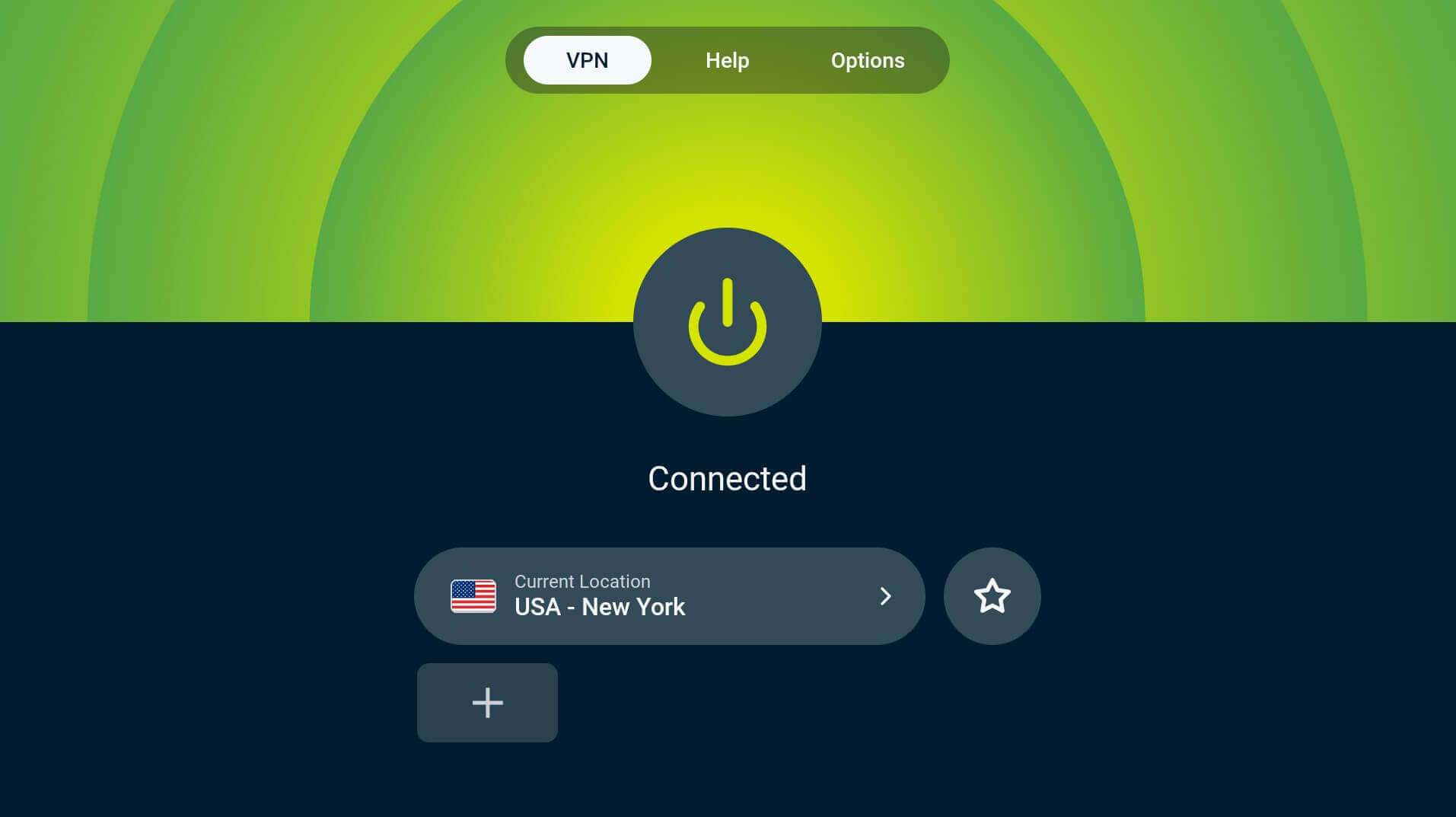
ExpressVPN designed its Android TV app for viewing distance. Buttons and text are sized to read from a sofa, sign-in is a QR code scanned with a phone, and the home screen pins shortcuts to streaming apps, so changing servers and reopening Netflix takes one action instead of a trip back to the launcher. The network covers 214 locations in 113 countries, including every US state. Post-quantum encryption runs over Lightway, and a Windows-only Turbo toggle adds more speed.
Our testing put it among the quickest on nearby servers. One setting needs attention on first run: Network Protection, the kill switch, starts turned OFF in the Android TV app. Turn it on before streaming. MediaStreamer covers screens with no VPN app, and the same plan runs on Windows, macOS, iOS, and Android phones. It’s registered in the British Virgin Islands, and outside auditors have checked the no-logs policy. A 28-month Basic plan totals $83.72 and covers 10 devices.
4. Private Internet Access: Best Cheap Android TV VPN
Pros
- No device cap
- Low long-term price
- MACE tracker blocking
- Configurable protocols
- Smart DNS available
Cons
- American company
- Slower on distant servers
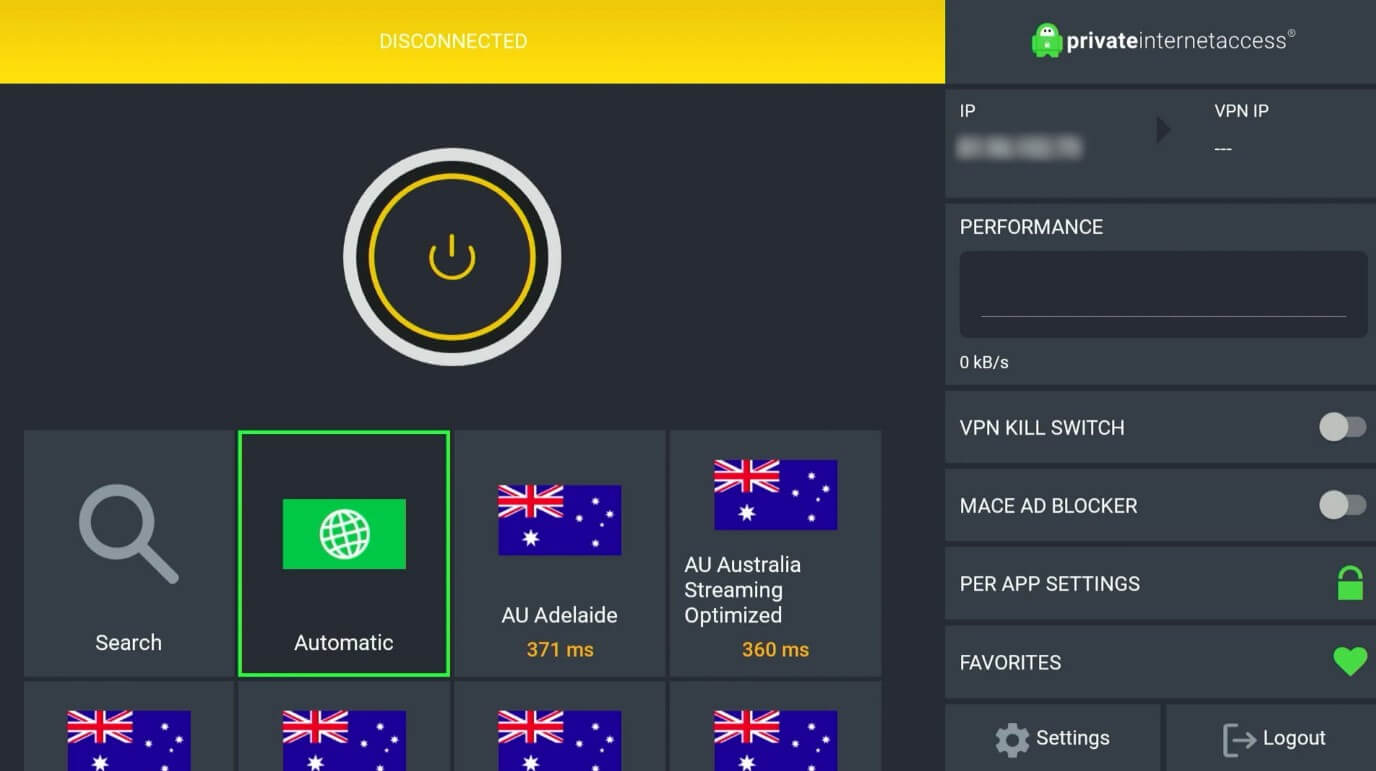
PIA is the cheapest VPN with a proper Android TV app, and it removes the device limit. The network spans 26,000+ servers in 91 countries, including all 50 US states, and 10 Gbps ports keep 4K streaming free of stalls. It also handles the job of opening blocked websites on a network that geo-restricts by default. The app provides more control than most TV software: WireGuard or OpenVPN, adjustable encryption, custom DNS, and a per-app split tunnel.
MACE strips ads and trackers at the DNS layer, useful on ad-supported TV apps. United States jurisdiction puts PIA in the Five Eyes group. Independent audits and a court case that produced no records support the no-logs claim. Smart DNS is included for screens the app can’t cover. At $2.19 a month on the 2-year term, PIA is the cheapest of the five, also fully refundable for 30 days.
5. Surfshark: Best for Covering Every Screen
Pros
- Covers every device
- NoBorders mode
- CleanWeb ad filtering
- Dynamic MultiHop
- Split-screen TV layout
Cons
- No Smart DNS
- Netherlands jurisdiction
- Middling speeds
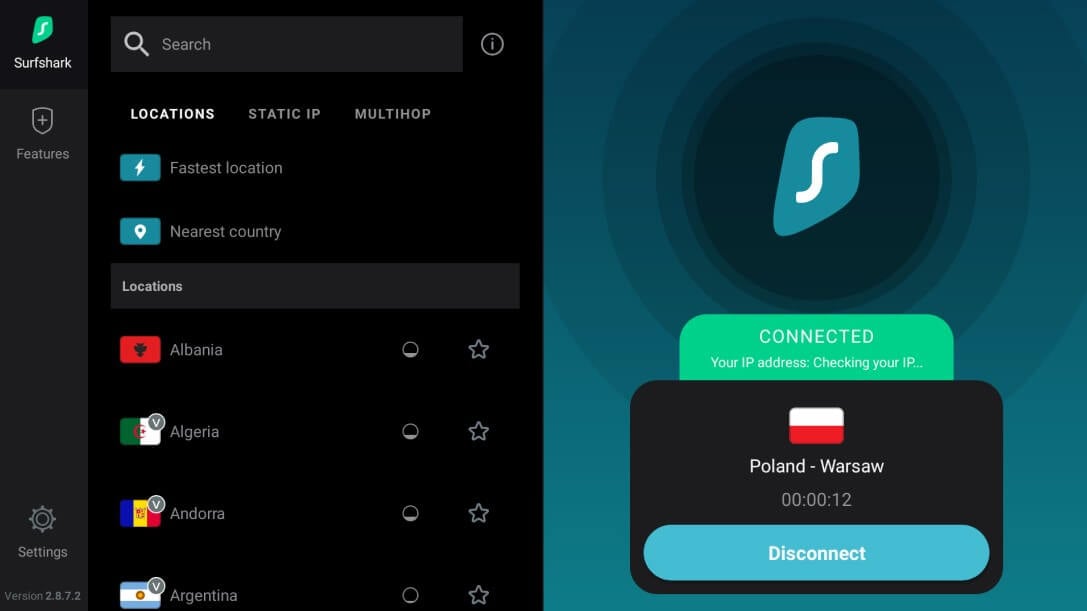
Surfshark places no cap on simultaneous connections and sells its long plans cheaply. QR sign-in gets past the remote-typing problem, and the TV layout puts the server list and the connection status on one screen. NoBorders detects a restrictive network and switches to servers that work through it, useful on hotel and rental Wi-Fi, which our guide to travel VPNs covers in more depth. CleanWeb blocks ads and trackers, and Dynamic MultiHop lets you build a 2-server route from any location pair.
The network reaches 100 countries on 10 Gbps ports, enough for 4K on Netflix, Prime Video, and Hulu. Speeds sat behind NordVPN and Proton VPN in our tests without dropping below what HD needs. Surfshark discontinued Smart DNS, so a Chromecast or an unsupported set needs a router install. Long plans start at $2.49 a month with a 30-day refund window. It also covers Fire TV and browsers.
Which VPNs Have a Native Android TV App
A VPN without a TV app has to be sideloaded or run from a router, which narrows the field sharply. These VPNs publish a dedicated Android TV build:
- CyberGhost, ExpressVPN, Hide.me, Hotspot Shield
- IPVanish, NordVPN, Norton VPN, PrivadoVPN
- Private Internet Access, PrivateVPN, Proton VPN, PureVPN
- Surfshark, VyprVPN, Windscribe, X-VPN
Everything outside needs the APK sideloaded, and a phone layout on a 55-inch screen is awkward with a directional pad. Buttons fall outside the visible area, text boxes open a keyboard designed for a thumb, and settings menus scroll past what the remote can select. A TV also has far less memory than a phone. Many sets have about 1 GB of RAM against 6 GB or more on a mid-range phone, so the same VPN measures slower on a TV, and heavier apps get closed by the system.
How to Install a VPN on Android TV
The whole process takes about 5 minutes on a set with Google Play.
- Subscribe from a phone or computer: NordVPN, and the others are far easier to sign up for with a keyboard.
- Search Google Play on the TV: the Assistant button on the remote is quicker than typing. If Play is hidden, open the browser and download the APK from the VPN’s own site.
- Sign in: scan the QR code where the app offers one. NordVPN shows a numeric code to enter on its validation page from a phone.
- Turn on the kill switch: ExpressVPN and Surfshark both leave it off on Android TV, unlike their desktop apps.
- Connect and open the streaming app: pick a country, or use quick connect for the nearest server.
What a VPN Adds on Android TV
Regional app downloads are the benefit specific to this platform. Connect to another country, and Google Play on the TV starts listing that country’s apps, so a UK VPN server produces BBC iPlayer and an Indian server produces JioHotstar. Those apps stay in the library after the VPN is switched off, which is not how Fire TV behaves. Streaming libraries are the familiar reason.

A show missing from one country’s Netflix is often present in another’s, and the same applies to Prime Video. We searched for Grantchester on Prime Video from India and found nothing, then connected to a US server, and it appeared– the same method behind changing region on Prime Video.
Privacy is the remaining use. Television apps report viewing habits to advertisers, and some sets run automatic content recognition on the picture itself. An encrypted tunnel hides that traffic from the ISP, though it doesn’t stop an app you’re signed into from recording what you watch.
Android TV Boxes and Preloaded Malware
Cheap Android TV boxes on marketplace listings, usually under $50 and from unfamiliar brands, are a genuine security problem. Security researchers found the BadBox botnet preinstalled on hundreds of thousands of such boxes, active before the buyer opened the packaging. A VPN doesn’t fix that. It encrypts traffic leaving the box, but malware already resident on the device stays inside the tunnel, and no amount of encryption removes software that arrived in the firmware.
Buy from a manufacturer with a name to protect. Sony, Nvidia, Google, Philips, TCL, and Walmart’s Onn range run certified Android TV builds with Play Protect, with security updates. A certified box plus a VPN is a workable setup, while an uncertified box with a VPN is an encrypted connection to a compromised device.
Free VPNs on Android TV
Six free VPNs publish an Android TV app: Proton VPN, PrivadoVPN, Windscribe, Hide.me, Hotspot Shield, and X-VPN. Everything else free requires sideloading a phone app. Proton VPN’s is the strongest of the six. It has no data limit, applies the same audited no-logs policy to free accounts, and requires nothing but an email address. It covers 10 countries, assigns a server, allows 1 device, and blocks streaming.
PrivadoVPN and Windscribe cap data at 10 GB a month. That suits an occasional film and rules out regular use. The ones to avoid are the free VPNs with no paid product behind them. Several log personally identifiable data, and X-VPN’s own policy is more permissive than the rest. A free plan funded by subscribers is a different proposition from one funded by the users.
Best VPN for Android TV: The Verdict
NordVPN takes it. Its Android TV app keeps split tunneling and custom DNS; Smart DNS covers the screens no app reaches, and a 5% speed loss on a long-distance connection left 4K untouched. Proton VPN covers privacy, and it’s the only free VPN with a TV app. ExpressVPN has the app that’s easiest to drive with a remote, thanks to QR sign-in and pinned streaming shortcuts. PIA costs the least and covers unlimited devices, and Surfshark does the same with NoBorders for restrictive networks.
Frequently Asked Questions
📺 Does a VPN work on Google TV as well as Android TV?
Yes. Google TV is a UI built on Android TV, so the same apps install and behave identically. A VPN listed as Android TV compatible runs on Google TV devices.
📱 Can a mobile VPN app be used on an Android TV?
Yes, through sideloading. Google Play on television only lists apps flagged as TV-compatible, so the APK has to be installed manually, and phone layouts are awkward with a remote.
🆓 Which free VPNs have an Android TV app?
Just a few, but Proton VPN is the strongest because it sets no data limit and applies an audited no-logs policy to free accounts.
⏳ Why is a VPN slower on a television than a phone?
Memory and processing power. A television allocates a fraction of what a phone does, and encryption is demanding work, so the same server measures slower on the big screen.
📡 Do VPNs work on Android TV boxes?
Yes, on certified boxes from established brands. Uncertified budget boxes have arrived with preinstalled malware, which an encrypted tunnel does nothing to remove.