
Your Prime membership costs the same in Berlin as it does in Boston, but the catalog doesn’t. Amazon licenses films and series country by country, so a title that streams in the US can show up as unavailable in Germany or as a paid rental in Mexico.
Travel with your account, and Prime Video switches to the catalog of whichever country you connect from. A Prime Video VPN changes that country. Connect to a server in the US, and Prime Video shows the American catalog, including the shows you’d see at home.
However, Amazon also blocks the IP addresses of VPN servers it recognizes, so many VPNs that unblock other services end up on a region error instead. After testing 40+ VPNs, we found 5 that consistently got past those checks.
Prime Video VPNs That Passed Our Tests in 2026
- NordVPN: Best overall Prime Video VPN, with a browser extension that hides your real location
- Proton VPN: Best for private streaming, with open-source apps and a Swiss base
- ExpressVPN: Best for easy setup, with native apps for Fire TV and Apple TV
- Surfshark: Best value, with ad blocking on every plan and no device limit
- CyberGhost: Best for beginners, with servers labeled for streaming services
Why Use a VPN for Amazon Prime Video in 2026?
Prime Video works in most countries, but the catalogs aren’t equal. The US and Canadian libraries are noticeably deeper than the ones in Germany or the Netherlands, and some originals arrive in other countries months later.
In the US, Prime Video also streams Thursday Night Football and NBA games, which aren’t part of most other countries’ catalogs. That’s why so many people abroad switch to a US IP address before they sign in. A VPN solves the location part.
When you connect to a server, you receive an IP address from that server’s country, and Prime Video reads it as your location. For that reason, the same account shows a different catalog when you switch servers. Keep in mind that a VPN changes what you can stream, not your account’s country.
Rentals, purchases, and Prime Video Channels add-ons still follow the country and payment method on your Amazon account. The hard part is Amazon’s VPN detection. In our tests, Prime Video was one of the two toughest services, blocking or occasionally detecting most of the VPNs we tested.
So a VPN for Amazon Prime has to be ready for demanding streaming services, with servers Amazon hasn’t flagged yet. The five VPNs ranked next unblocked Prime Video’s US catalog in our tests.
Best VPN for Amazon Prime 2026 Compared
NordVPN leads, but each of the five has its own strength. Here’s how they compare on the factors that decide whether Prime Video works on your devices:
| NordVPN | Proton VPN | ExpressVPN | Surfshark | CyberGhost | |
| Prime Video in Our Tests | Unblocked, rare detections | Unblocked | Unblocked, rare detections | Unblocked | Unblocked |
| Average Speed Loss | 7.8% | 10.2% | 7.8% | 9.6% | 13.3% |
| SmartDNS | Yes | No | Yes | No | No |
| Browser Extension | Yes, with timezone spoofing | Yes | Yes, with location spoofing | Yes, with location spoofing | Yes, free proxy |
| US Server Presence | 55 cities | 6,000+ in 22 cities | All 50 states | 24 cities in 19 states | 1,300+ in 11 cities |
| Fire TV Apps | Yes + Vega OS | Yes | Yes | Yes + Vega OS | Yes |
| Simultaneous Devices | 10 | 10 | 10-14 | Unlimited | 7 |
| Free Tier | No | Yes | No | No | No |
| Lowest Price | About $3.50/mo | About $3/mo | About $3/mo | About $2.50/mo | About $2/mo |
The 5 Best VPNs for Prime Video Reviewed
Prime Video worked on every VPN in our top five, so the reviews focus on what separates them. For each one, you’ll find how often Amazon detected it in our tests, what it offers for TVs and streaming sticks, and what it costs on a long plan. The order also reflects how easy each VPN made it to fix a detection when one appeared.
1. NordVPN: Best Overall VPN for Prime Video
Pros
- Unblocked Prime Video’s US catalog
- Browser extension hides your real location
- Tied for the fastest speeds we tested
- Smart DNS for TVs without a VPN app
- Independently audited no-logs policy
- Fire TV app, including Vega OS
Cons
- Prime Video detected it now and then
- Higher renewal price
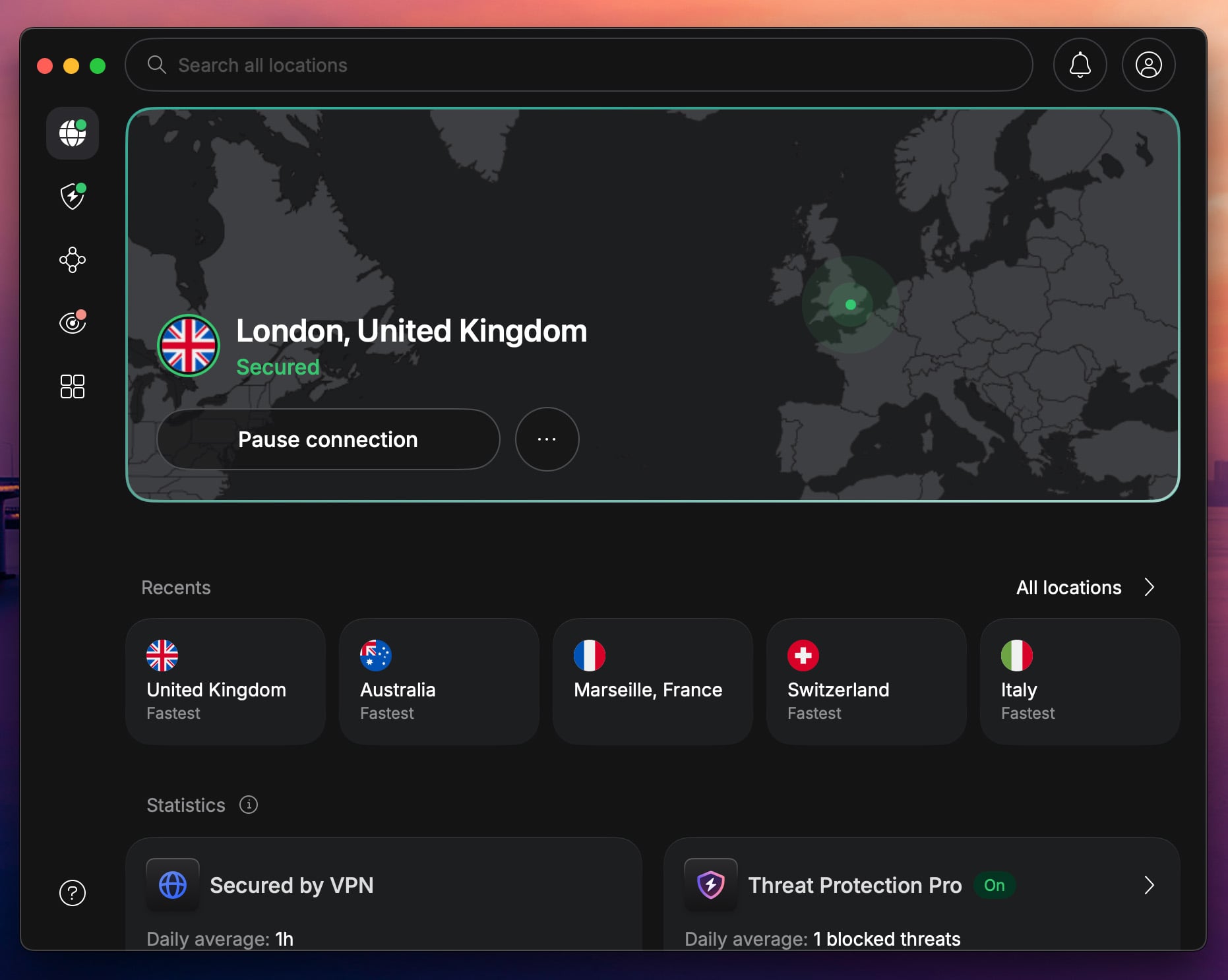
NordVPN unblocked the American Prime Video catalog in our tests, with only an occasional detection. When one appeared, its browser extension solved it. The extension makes your browser report the same location as the VPN server, and its Timezone Spoofing setting matches your browser’s clock to the server’s time zone, so Prime Video has fewer clues that you’re abroad.
In fact, the extension unblocked every service we tested, and the same trick unblocks HBO Max from abroad in Chrome, Firefox, Edge, Brave, or Safari. So if you watch in a browser, keep it installed. Speed was just as strong.
NordVPN tied with ExpressVPN for the fastest result in our tests, with a 7.8% average speed loss, thanks to NordLynx, NordVPN’s own protocol built on WireGuard. That’s enough headroom for 4K. On a smart TV or game console without a VPN app, its Smart DNS changes the location Prime Video sees.
Though it doesn’t encrypt your traffic the way the full VPN does. As for price, the Basic plan costs about $3.50 a month on the two-year plan and covers 10 devices. Every plan comes with a 30-day money-back guarantee, and Android users also receive a 3-day trial.
2. Proton VPN: Best for Private Prime Video Streaming
Pros
- Unblocked Prime Video and Netflix US
- Based in privacy-friendly Switzerland
- Open-source apps
- Blocks ads, trackers, and malware
- Speed boost for distant servers
Cons
- No Smart DNS for TVs and consoles
- No post-quantum encryption yet
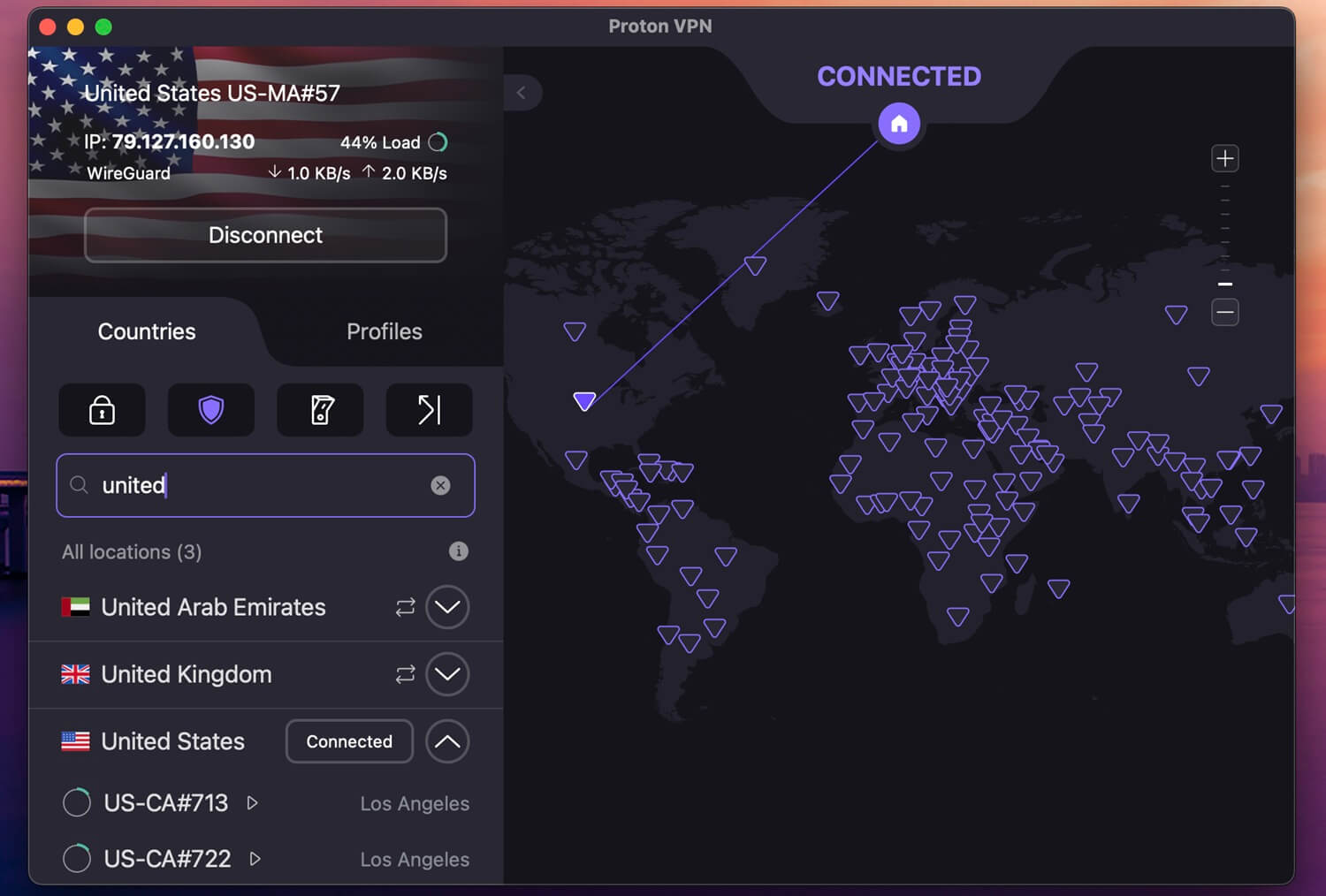
A privacy-first VPN can look like an odd choice for streaming, but Proton VPN unblocked Prime Video in our tests, along with Netflix US and BBC iPlayer. Its average speed loss was 10.2%, which still left enough headroom for Ultra HD.
VPN Accelerator, a setting that speeds up connections to faraway servers, deserves part of the credit: enabled, it made our US connection about 5% faster. Proton VPN is a little slower than NordVPN, as our Proton VPN vs NordVPN comparison shows, but you won’t see the difference in a stream.
Beyond streaming, Proton VPN goes further on privacy than the other four VPNs. It’s based in Switzerland, its apps are open source, and its no-logs policy has passed independent audits. NetShield, its blocker, also removes ads, trackers, and malware on sites you visit between episodes.
The weak spot is TV support. Proton VPN has no Smart DNS, so a smart TV without its app requires a router setup instead. If you watch on a Fire TV Stick or Android TV, install its app there, and the problem goes away. The VPN Plus plan costs about $3 a month with a two-year subscription, and a 30-day money-back guarantee.
3. ExpressVPN: Best for Easy Prime Video Setup
Pros
- Unblocked every streaming service we tested
- Fast Lightway protocol
- Native apps for Fire TV Stick and Apple TV
- Browser extension with location spoofing
- Up to 14 devices on the top plan
Cons
- Few advanced settings
- Occasional Prime Video detections
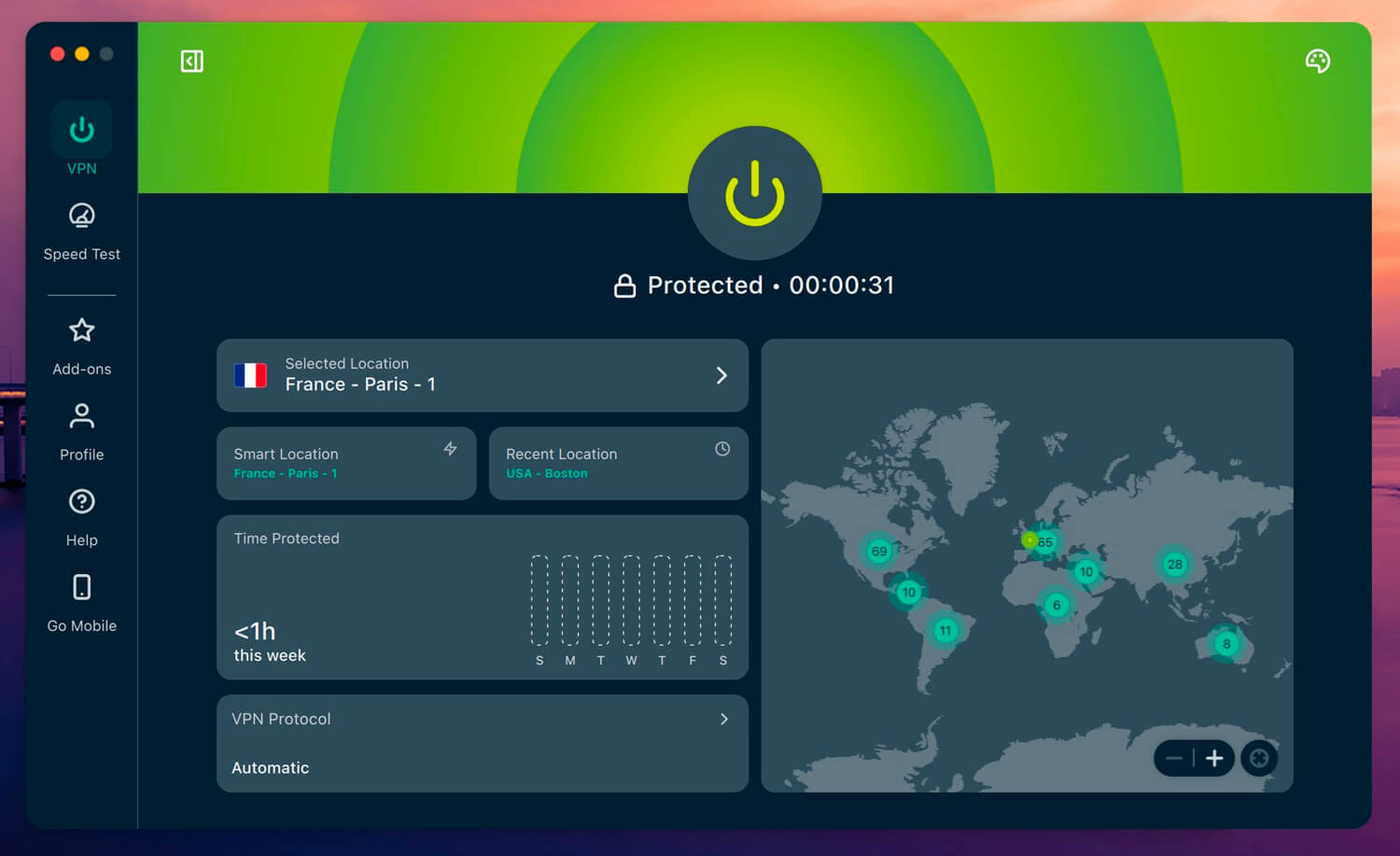
ExpressVPN is the VPN we’d set up for a parent who just wants Prime Video to work. Its apps connect with a click, and it unblocked Amazon’s service in our tests, although Amazon detected it a few times.
On those occasions, switching to its browser extension, which also spoofs your location, unblocked the stream. It also matched NordVPN’s 7.8% speed loss, thanks to Lightway, ExpressVPN’s own protocol, and its full set of test results put it near the top of the field. TV support is where it shines.
ExpressVPN has native apps for the Fire TV Stick, Apple TV, and Android TV, plus Smart DNS for older smart TVs. Depending on your plan, it covers 10 to 14 devices. Advanced Protection blocks ads and trackers, and its parental control filters adult sites on a shared TV, the opposite of what people use a VPN for adult sites to do.
On the other hand, you won’t find many settings to tweak. For Prime Video, you won’t miss them, since the default Automatic protocol is the one you’ll use. ExpressVPN’s Basic plan is about $3 a month for two years, backed by a 30-day money-back guarantee and a 3-day trial on mobile.
4. Surfshark: Best Value VPN for Amazon Prime Video
Pros
- Unblocked Prime Video in its desktop app
- Ad and malware blocking on every plan
- No limit on connected devices
- Supports Amazon’s new Vega OS sticks
- Low long-term price
Cons
- Connections sometimes slow to start
- No Smart DNS
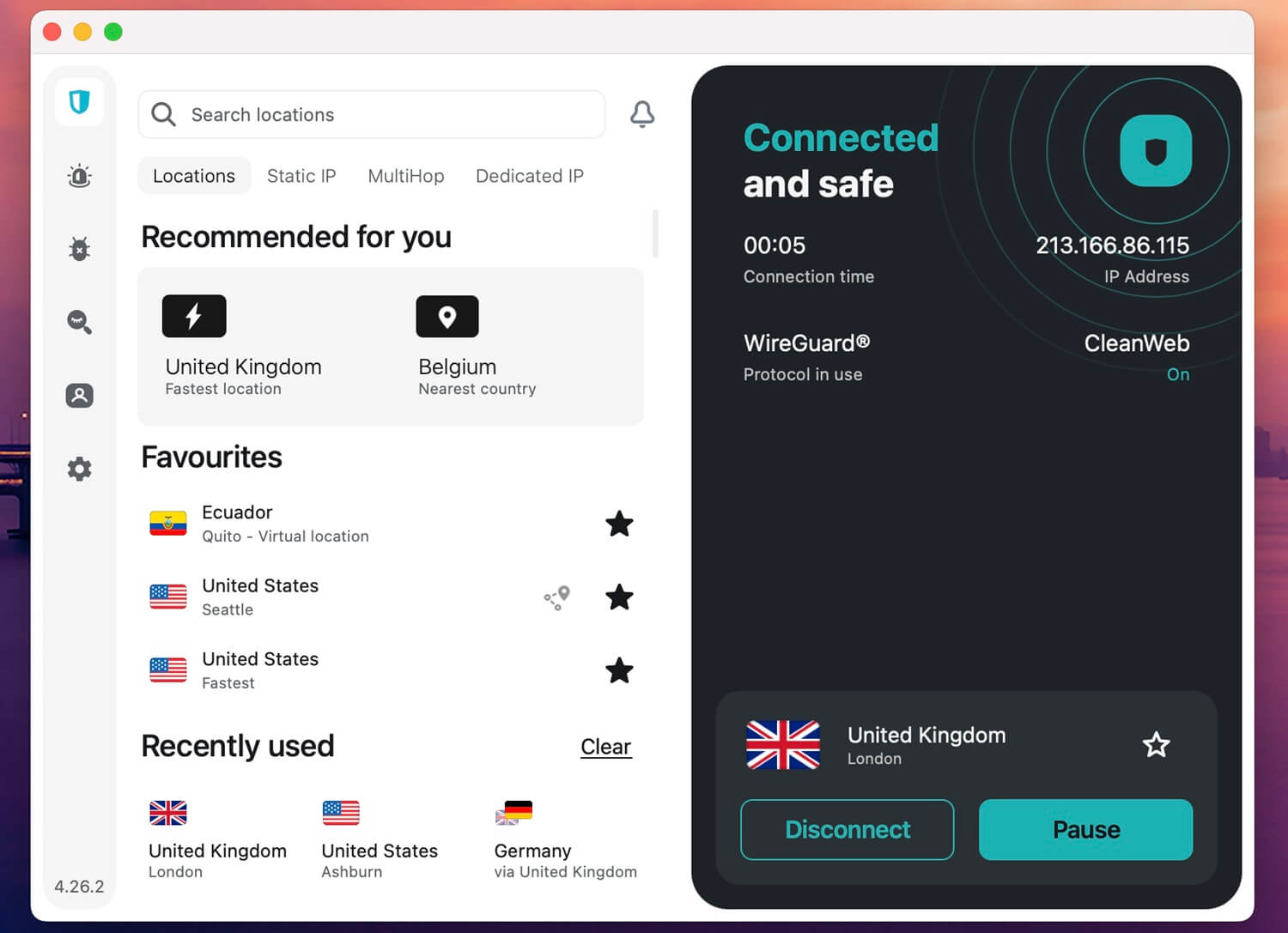
Surfshark proved one of the strongest streamers we’ve tested. It unblocked Prime Video straight from its desktop app, and across the 14 streaming services in our tests, it couldn’t unblock only ITVX. Because its speeds were fast too, HD and 4K streams started without buffering.
If a title ever won’t load, its browser extension also has location spoofing. Beyond Prime Video, Surfshark offers more for the money than most VPNs. CleanWeb blocks ads, trackers, and malicious sites on every plan, so free streaming sites are less of a minefield, and it puts Surfshark among the best VPNs with ad blockers.
There’s also no device limit, which means the TV, phones, and laptops in a home can share one subscription. Connections sometimes took several seconds to start in our tests, so wait a moment before you click again.
Surfshark also dropped Smart DNS. On a TV without a Surfshark app, you’d set it up on your router instead. As for price, the Starter plan costs about $2.50 a month on a two-year term, while the monthly plan costs far more.
5. CyberGhost: Best Prime Video VPN for Beginners
Pros
- Unblocked Prime Video in our tests
- Servers labeled for streaming services
- Simple apps for first-time users
- 45-day money-back guarantee on long plans
- Low long-term price
Cons
- Couldn’t unblock Netflix Japan
- Only 14-day refund on the monthly plan
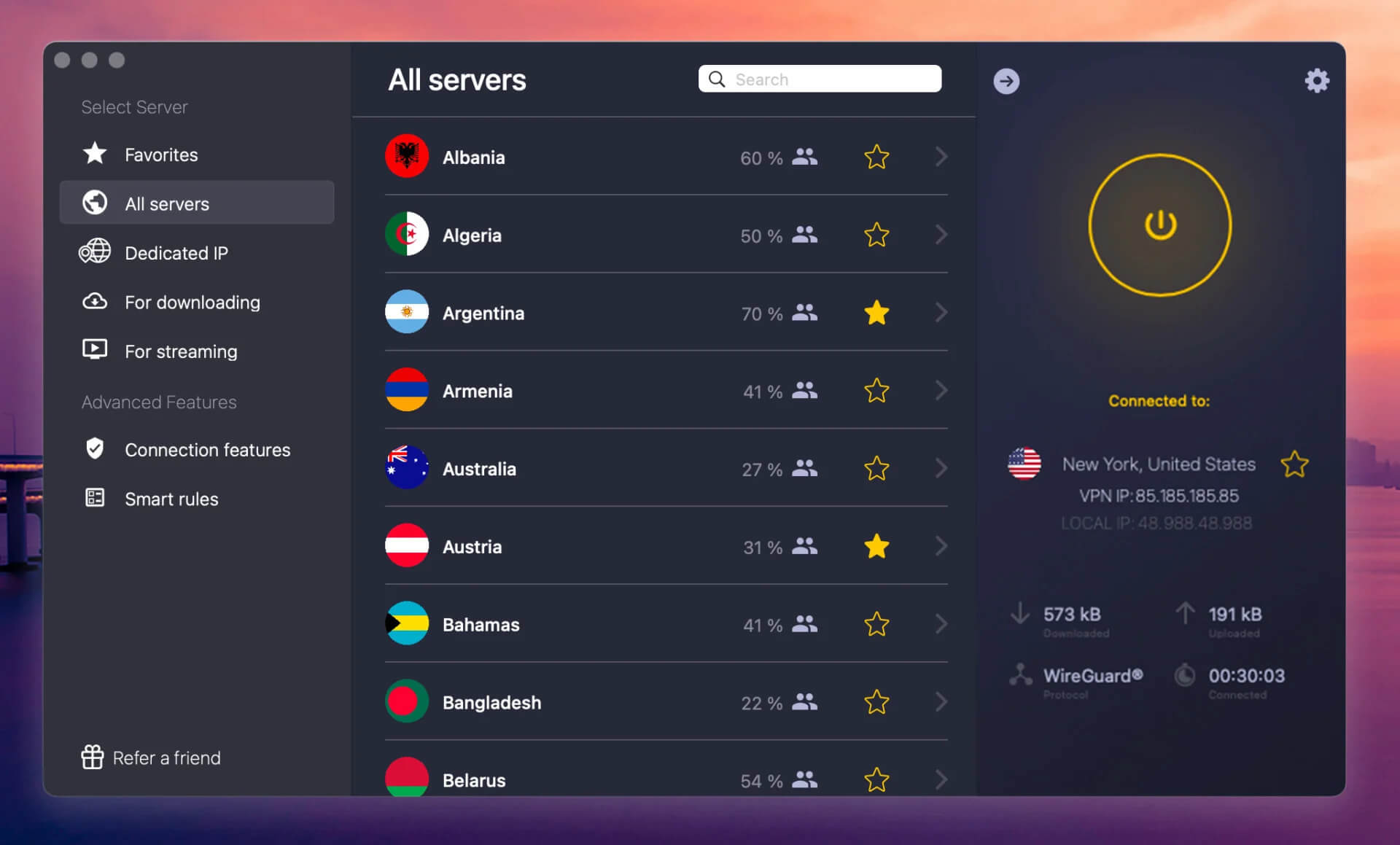
CyberGhost got past Prime Video’s checks in our tests, and it takes the guesswork out of choosing a server. Its app lists streaming servers labeled for Prime Video in several countries, including the US, so you select the label and connect. For a first-time VPN user who doesn’t want to wonder which US city works, that’s the simplest setup among the five.
Speed was its weakest point. With a 13.3% average speed loss, it was the slowest of the five, but that still left enough for HD and 4K on a fast home connection. On top of that, CyberGhost has a Fire TV app in the Amazon Appstore and covers seven devices, enough for a TV, a phone, and a laptop.
It couldn’t unblock Netflix Japan in our tests, so if Japanese Netflix is on your list too, NordVPN or ExpressVPN is the safer choice. As for price, the longest plan costs about $2 a month. Its 45-day money-back guarantee allows more time than most to test Prime Video, although the monthly plan’s refund window is only 14 days.
How to Get Prime Video Unblocked With a VPN
The method is the same for each of the five VPNs, and it takes a few minutes. We used NordVPN for this walkthrough because its browser extension fixes the occasional detection, and it has fast speeds and apps for Fire TV, Android, iOS, macOS, and other systems.
Step 1: Set Up the VPN
Start by subscribing. The button below opens NordVPN’s site, where the two-year plans come with the deepest discounts. Choose a plan and pay.
Next, download NordVPN on the device you watch on, install it, and sign in with your email and password. The same account covers phones, tablets, computers, and Fire TV Sticks. Then decide which catalog you want.
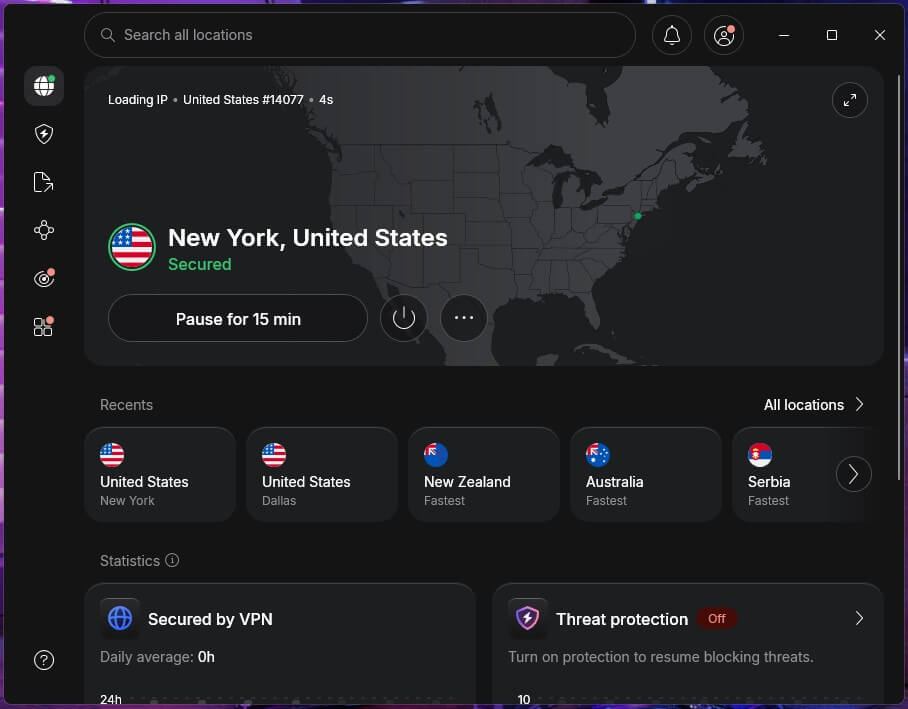
For the American one, click the United States in NordVPN’s country list. Once the app shows it’s connected, you have a US IP address, as in the screenshot below.
Step 2: Watch Prime Video Abroad
With the VPN connected, go to Prime Video, sign in or create an account, and choose a title. We unblocked the US catalog this way, and other countries work the same: connect to a UK server for the British catalog, a Japanese server for the Japanese one, and so on.
How to Fix the Amazon Prime VPN Ban
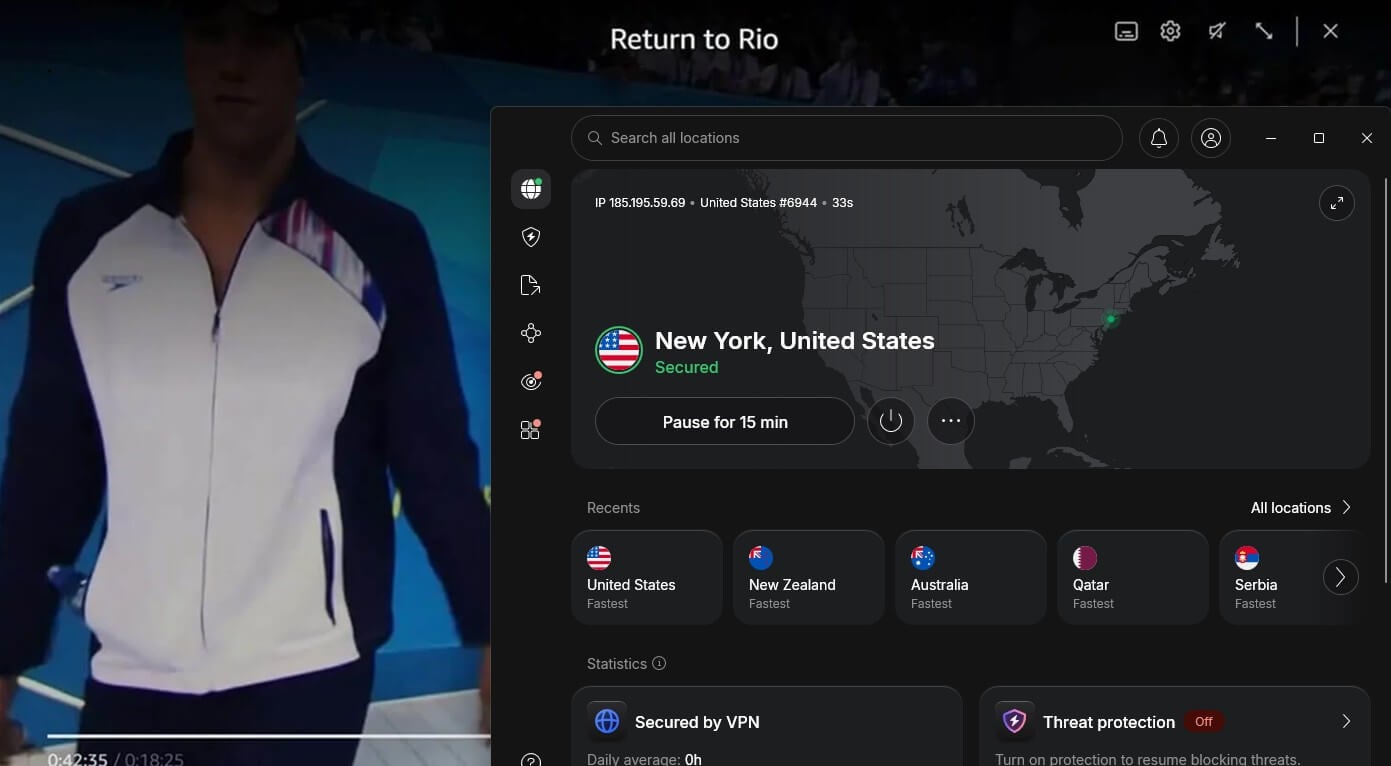
Like ESPN+ or Hulu, Prime Video looks for VPN connections. When it finds one, you’ll see a VPN or proxy error, sometimes with an error code such as 1042 or 1044, or titles show as unavailable in your location.
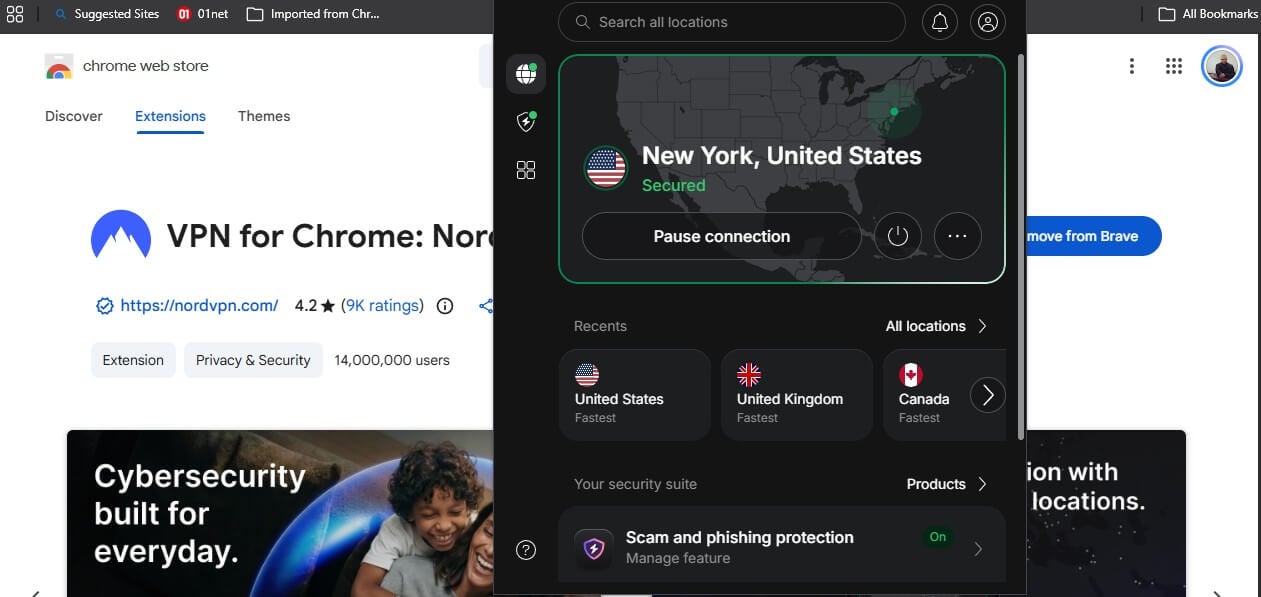
The quickest fix is NordVPN’s browser extension, which unblocked every streaming service in our tests and is free for NordVPN subscribers. Location spoofing is built into it, so there’s no separate switch for that:
- Install NordVPN’s browser extension and sign in.
- Open the profile menu in the top bar and enable Timezone Spoofing. While you’re there, confirm that WebRTC blocking is still on, since it’s enabled by default.
- Connect to a US server and reload Prime Video.
If you use a different VPN, or the error comes back, these fixes usually help:
- Clear your browser data. Old cookies and cache can reveal your original location to the site.
- Connect to another server. Amazon blocks servers one by one, and a different US server often works.
- Change the protocol. If WireGuard doesn’t work, OpenVPN TCP is often better at getting past blocks on restricted sites. NordLynx and Lightway usually work too.
- Use another device. If your PC shows the error, the app on your Fire TV Stick, smart TV, or phone may not.
- Disable IPv6 and location access. Some devices send an IPv6 address or a GPS location that doesn’t match the VPN server, so disable IPv6 in your network settings and deny Prime Video location access on your phone.
- Change browsers. Some browsers leak location details through settings or add-ons, and another browser can solve that.
- Contact customer support. Each of the five offers live chat, and its agents can point you to servers that currently work.
Can I Get Amazon Prime Unblocked With a Free VPN?
Not reliably. No free VPN unblocked Prime Video in our tests. Windscribe and PrivadoVPN, the two strongest free plans we tested for streaming, couldn’t unblock it, and Prime Video detects VPN traffic well enough to block some paid VPNs too. For example, it blocked VyprVPN in our tests.
Proton VPN’s free plan has unlimited data and US servers, but it doesn’t let you choose your server or country, so you can’t connect to the US on purpose. Prime Video also detected it almost every time. It’s still one of the best free VPNs for Windows for everyday browsing.
If you want free privacy for browsing, stick to companies with a clean record: Proton VPN, Hide.me, PrivadoVPN, and Windscribe are safe choices, and there’s a good free VPN for Mac among them too.
Hola, Betternet, and peer-to-peer VPNs, on the other hand, have a history of logging, and trading your privacy defeats the purpose of a VPN.
Conclusion
On Prime Video, speed is the easy part. All five VPNs we ranked were fast enough for 4K, so the deciding question is whether Amazon spots the VPN, and how easily you can fix it when it does. That’s why NordVPN leads.
Prime Video rarely detected it, and when it did, the browser extension got the stream working again, and a detection never became a dead end. Proton VPN is the choice if privacy comes first, while ExpressVPN is the simplest to set up on a TV.
Anyway, connect before you open Prime Video, since the app reads your location when it starts. The same VPNs also work for other region-locked streams, such as free MotoGP streams. In other words, one subscription covers your other streaming services too.
Frequently Asked Questions
Can you use a VPN with Prime Video?
Yes, but not every VPN works. Prime Video blocks the IP addresses of VPN servers it recognizes, so only VPNs that refresh their servers often, such as NordVPN and Proton VPN, connect reliably.
Which VPN works best with Amazon Prime Video?
NordVPN works best with Amazon Prime Video. Its fast NordLynx protocol suits 4K streams, and its browser extension can hide the device's real location when Prime Video detects the desktop app.
Why does Prime Video say a VPN or proxy is being used?
Prime Video shows that error when the server's IP address appears on its list of known VPN servers. Switching to another server, clearing cookies, or using a browser extension usually fixes it.
Is there a free VPN that works with Prime Video?
No reliable one. Free VPNs share a small number of servers that Amazon identifies quickly, and Proton VPN's free plan doesn't let users choose a country, which rules out connecting to the US.
Can Amazon ban an account for using a VPN?
Amazon's terms prohibit hiding a location and allow it to revoke access. In practice, Prime Video blocks the stream and leaves the account active. Rentals follow the account's country.
Does a VPN change the Amazon account's country?
No. A VPN changes the catalog Prime Video shows, but the account's country, payment method, and address still decide where purchases, rentals, and Prime Video Channels subscriptions are available.
Do these VPNs work with Prime Video on a Fire TV Stick?
Yes. NordVPN, Proton VPN, ExpressVPN, Surfshark, and CyberGhost have Fire TV apps in the Amazon Appstore, and NordVPN, ExpressVPN, and Surfshark also support Amazon's newer Vega OS devices.