
A video call depends on upload speed and ping, so we measured those two figures first. In our October 2026 round, every VPN we tested stayed within about a point of our 19.37 Mbps upload, which means encryption costs a video chat almost nothing. They separate on ping, the wait before a server replies: 44 ms on ExpressVPN’s UK servers against 60 ms on NordVPN’s, the longest of the 10 we timed. A call at 44 ms feels immediate, and at 60 ms it trails slightly.
A VPN does three specific things for an OmeTV session. It hides your IP address from the stranger on the other end, opens the site on networks and in countries that block it, and keeps the session away from your ISP. It does not settle a ban you earned.
OmeTV With a VPN: Setup for October 2026
- Subscribe to a VPN. NordVPN came first in our speed testing and covers 149 countries.
- Install the app on the device you video chat from, downloading it from the VPN’s own website or your device’s official store.
- Sign in, then switch on the kill switch so your connection cuts if the VPN drops.
- Connect to a server in a country where OmeTV operates normally, choosing a nearby one for the lowest ping.
- Open OmeTV and sign in with your account, then allow the camera and microphone.
Why OmeTV Is Restricted or Not Working
- Country-level blocks. Several governments filter random video chat along with other social platforms, so the site refuses to load on a domestic connection. A server in another country restores it.
- Network blocks. Workplaces and public Wi-Fi filter the domain at the router, and the site never gets a request. Gizmodo doesn’t encourage breaking a network’s own policy, and a VPN cannot make that policy disappear.
- IP bans. The most common complaint. OmeTV moderates automatically and by hand, and a ban attaches to your IP address alongside browser, device, and account signals. Nudity, harassment, spam, and underage use are the documented reasons, and automated flagging also misfires: users report bans for standing up, hand movements, or a television visible behind them.
- The app itself, which caught most people out in 2026.

OmeTV Is Off the App Stores
Apple and Google removed the OmeTV app in October 2025. Australia’s eSafety Commissioner had warned its parent company, Bad Kitty’s Dad LDA in Portugal, that the platform was being used to groom and exploit children. The company never responded to the warning, and the regulator then wrote to both stores. Removal followed, with fines of up to A$49.5 million still on the table.
Apple went further in 2026. A ban on random and anonymous chat apps went into its App Review Guidelines, which closes the door on a return to iOS. Two consequences. If you cannot find the app on your phone, that is why, and the browser version still works. OmeTV is 18+ under its own terms, and minors are prohibited even with a parent present. The platform asks users to report children appearing on camera.
How to Use a VPN With OmeTV
Setup is the same on Windows, macOS, Android, and iOS, and takes 5 minutes. Subscribe first, then install the app from the VPN’s own website or an official store, and sign in. Distance costs you download speed and raises ping, so pick a country close to you where OmeTV works normally.
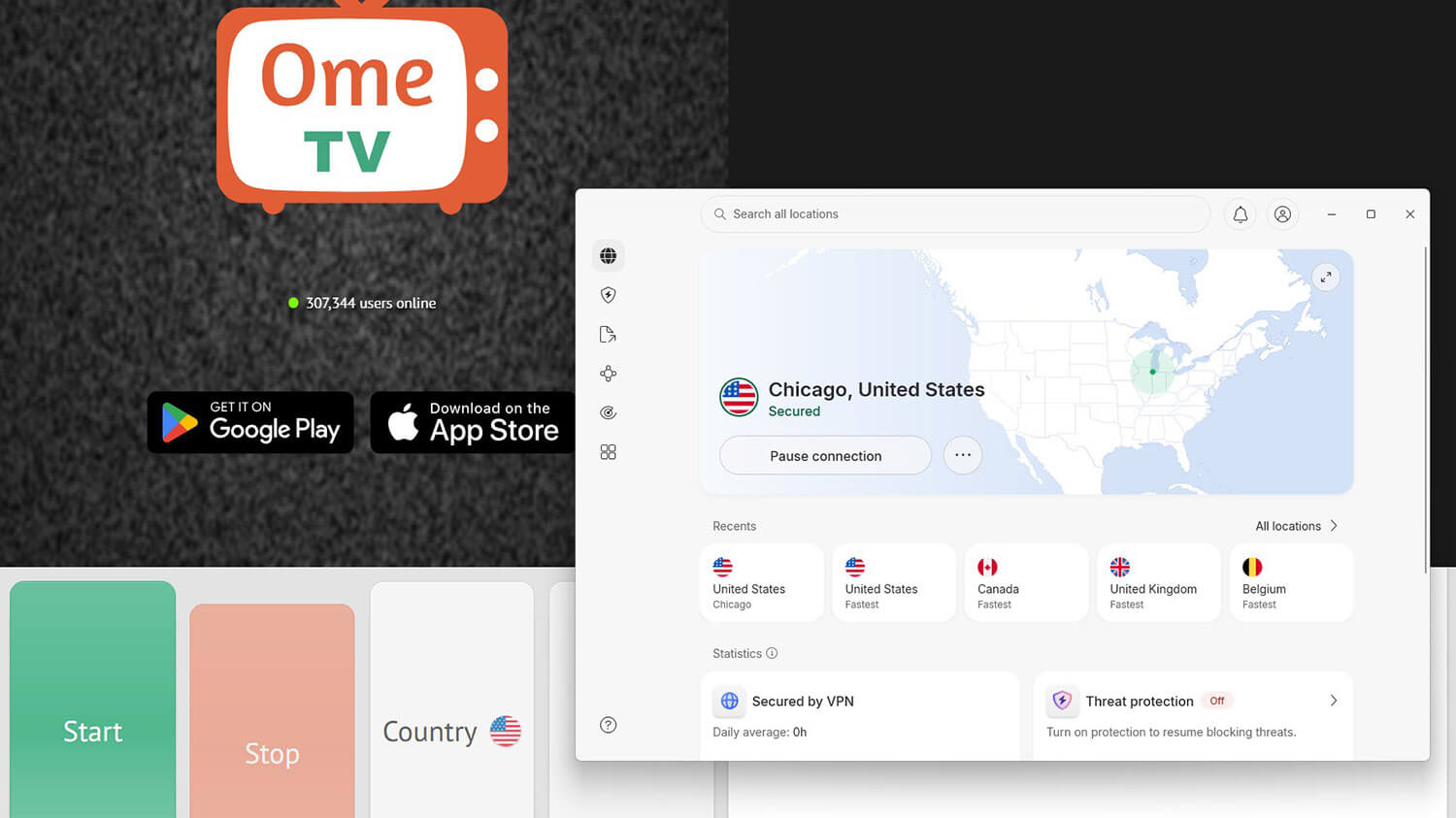
Switch the kill switch on before you connect. If the VPN drops mid-call, your home IP address is exposed to whoever you’re talking to, and the kill switch cuts the connection first. Leave split tunneling off unless you know you want it.
Does Changing Your IP Address Get You Banned on OmeTV?
No. OmeTV doesn’t ban accounts for connecting through a VPN, and using one is legal in most countries. It does flag IP addresses that behave oddly, and one VPN address is shared by thousands of people, so it sometimes comes with a ban somebody else earned. That is why a VPN connection occasionally gets a blocked address. Switching to another server in the same country fixes that. A ban tied to your account or your device persists through a new IP address.
OmeTV reads browser, device, cookie, and account signals with it. Temporary bans expire on their own, most within days, and OmeTV takes appeals through support. Where a ban follows a genuine rules violation, an appeal is the way back, and we don’t cover ways around moderation on a platform with OmeTV’s child-safety record.
OmeTV VPN Not Working: What to Check
- Switch servers within the same country. The address you were given may be flagged, and a second or third server usually resolves it on its own.
- Clear the site data in your browser. A new IP address with an old cookie set still identifies the same session.
- Turn on obfuscation when the block comes from your network. ExpressVPN applies it automatically on every connection, NordVPN has the NordWhisper protocol in its protocol list, and Proton VPN has Stealth. Each one disguises VPN traffic as ordinary web traffic, which gets you past a filter that recognizes VPN traffic on sight.
- Check the camera permission. A failure that looks like a block is often the browser refusing camera access after a fresh install.
- Try the browser version. With the app gone from both stores, the web client is the maintained way in on a phone.
OmeTV VPNs Compared: Best VPNs for OmeTV in 2026
| NordVPN | Proton VPN | ExpressVPN | PIA | |
| UK ping, our round trip | 60 ms | 49 ms | 44 ms | 54 ms |
| US download | 181.50 Mbps | 173.68 Mbps | 177.03 Mbps | 175.68 Mbps |
| Obfuscation | NordWhisper, manual | Stealth, manual | Automatic, every connection | Shadowsocks, manual |
| Devices at once | 10 | 10 | 10-14 | Unlimited |
| Phone battery, 20 minutes | 5% | 4% | 3% | 5% |
We measured 10 VPNs on a 190.36 Mbps connection in Southeastern Europe, testing UK, US, and Japanese servers on Windows 11 and a Galaxy S26 Ultra. Each one also got a DNS leak check and a timed support query. None of them leaked. These four suit video chat best.
- NordVPN: Best overall, at 181.50 Mbps on US servers with 149 countries to choose from.
- Proton VPN: Best for anonymous signup, and its free tier opened OmeTV too.
- ExpressVPN: Quickest to answer, at 44 ms, and the lightest on phone battery.
- PIA: The budget pick, with 26,000+ servers to switch between.
1. NordVPN: Best OmeTV VPN for Speed and Link Filtering
Pros
- Quickest US servers
- Malicious-link blocking
- NordWhisper protocol
- RAM-only servers
- Human support in seconds
- 149 countries
Cons
- Highest UK ping
- Windows connection conflicts
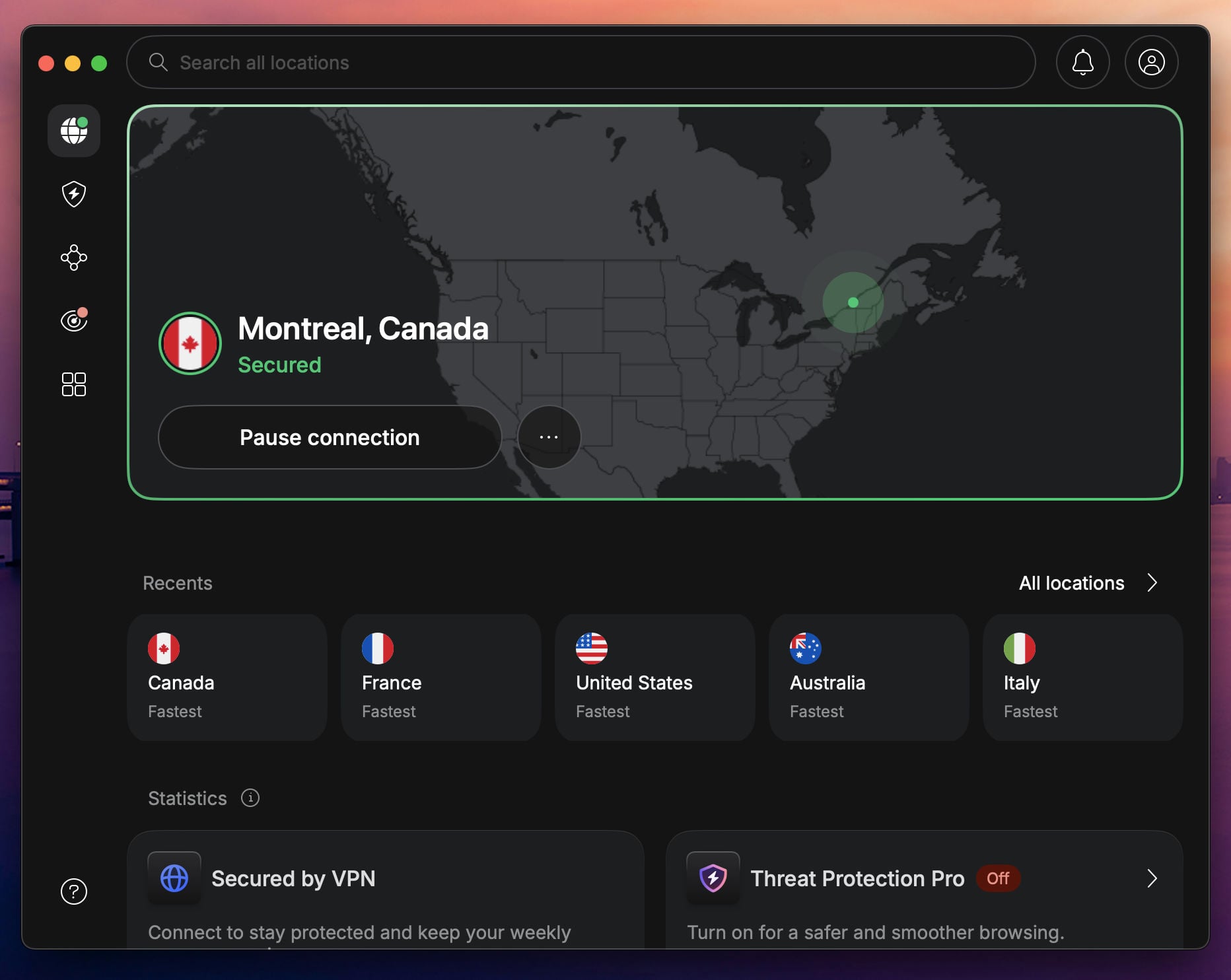
NordVPN gives a video chat the most spare speed. Its US servers came in at 181.50 Mbps against our 190.36 Mbps baseline, the highest figure in the round. With 9,500+ servers across 149 countries, a nearby country is almost always available. Threat Protection Pro blocks malicious domains, useful in a chat window where strangers paste links constantly. NordWhisper appears in the protocol list alongside NordLynx, and it disguises VPN traffic for networks that filter by signature.
Connection times on Android came in at 1 to 3 seconds. London came back at 60 ms, and a video call shows that. A Windows 11 defect turned up: with a second VPN app installed but not even connected, NordVPN sometimes won’t connect. The app restart that cures it logs you out. Look past it if a low ping is your priority. NordVPN’s Basic plan is $3.49 a month on the long term, and refunds stay open for 30 days. The current NordVPN promo codes are worth a look.
3. Proton VPN: Best for Keeping the Session Private
Pros
- Swiss jurisdiction
- Open-source apps
- Stealth obfuscation
- Secure Core servers
- NetShield filtering
- 20,000+ servers
Cons
- Slower support replies
- Complicated apps
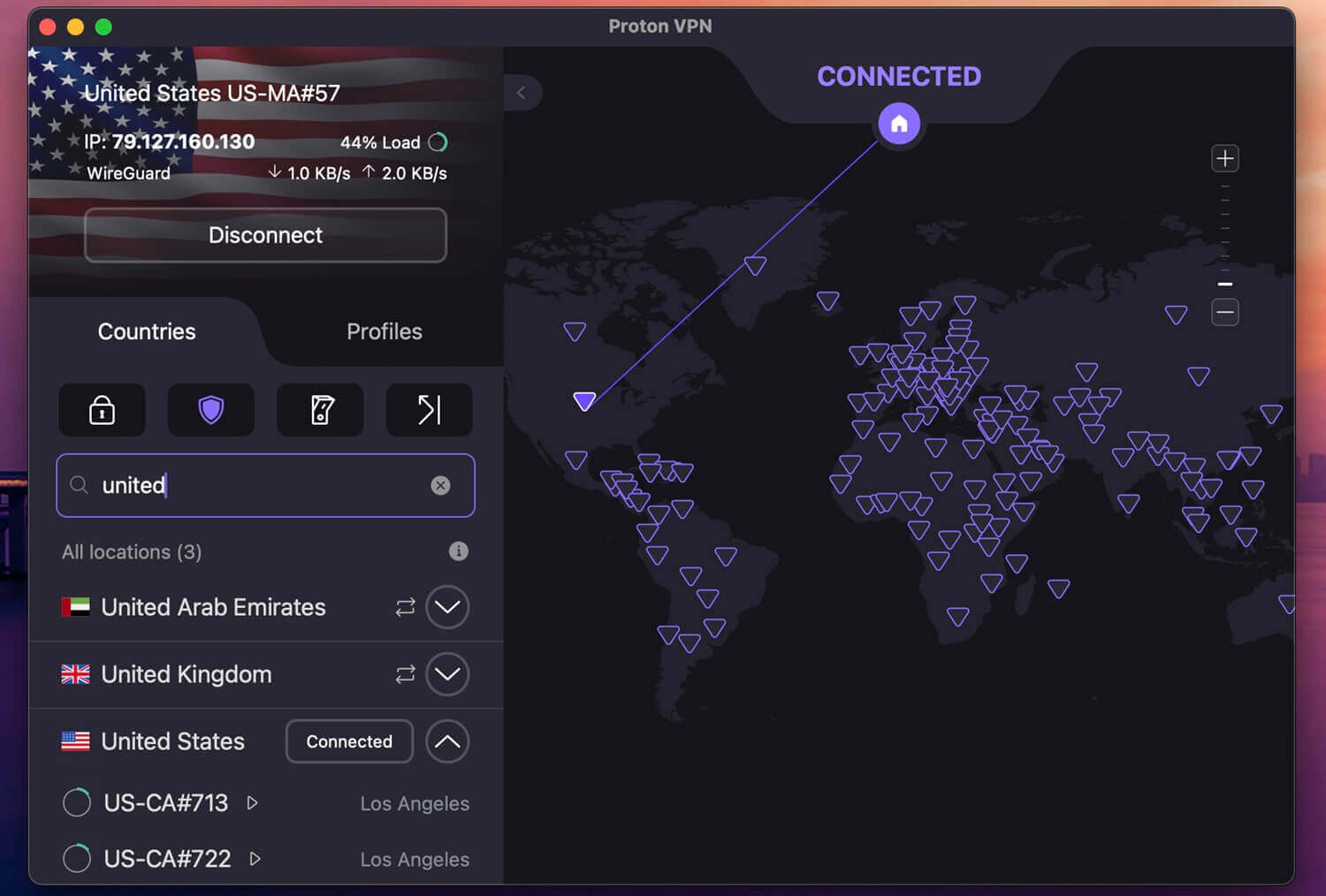
Take Proton VPN when privacy is your reason for connecting. Switzerland falls outside the 5, 9, and 14 Eyes; every app is open source and open to inspection, and sign-up accepts cash without a name. Its 49 ms UK ping came second in our round, with 178.89 Mbps on the same servers, so the privacy costs you very little. NetShield blocks ads, trackers, and malware domains, and Stealth covers networks that filter VPN traffic. Coverage spans 149 countries.
Support lagged. The chatbot took about a minute to hand us off to a person, and an email sat unanswered for a day, which we did not expect from a company of this standing. Proton VPN costs $71.76 for the 2-year term, or $2.99 a month, and a 30-day money-back guarantee covers it.
3. ExpressVPN: Lowest Ping for Live Video Chat

Pros
- Automatic obfuscation
- Lightway Turbo protocol
- Lowest phone battery drain
- 214 locations
- Tracker blocking
Cons
- No MultiHop option
- Thin advanced settings
ExpressVPN answered fastest of everything we tested: 44 ms on UK servers, the lowest of the 10, with 185.74 Mbps alongside it. A random video chat needs that combination, since the call is live and nothing buffers. ExpressVPN applies obfuscation to every connection, so a filtered network sees ordinary web traffic without any setup from you. On the phone, it also costs the least battery: 3% across a 20-minute video at 1440p, the same figure we recorded with no VPN on.
Control is the trade-off. MultiHop still hasn’t arrived; the settings list is short, and our Windows 11 machine needed a restart on a few occasions when ExpressVPN refused to connect. The full comparison with NordVPN goes through the rest. ExpressVPN comes to $2.99 a month across 28 months on the Basic plan and renews at $99.95 a year, with 10 devices connected. Refunds are available for 30 days.
4. Private Internet Access: Best for Unlimited Devices
Pros
- Unlimited simultaneous connections
- MACE ad and tracker blocking
- 26,000+ servers
- Adjustable encryption strength
- Human support in seconds
Cons
- Slowest distant servers
- Cluttered desktop app
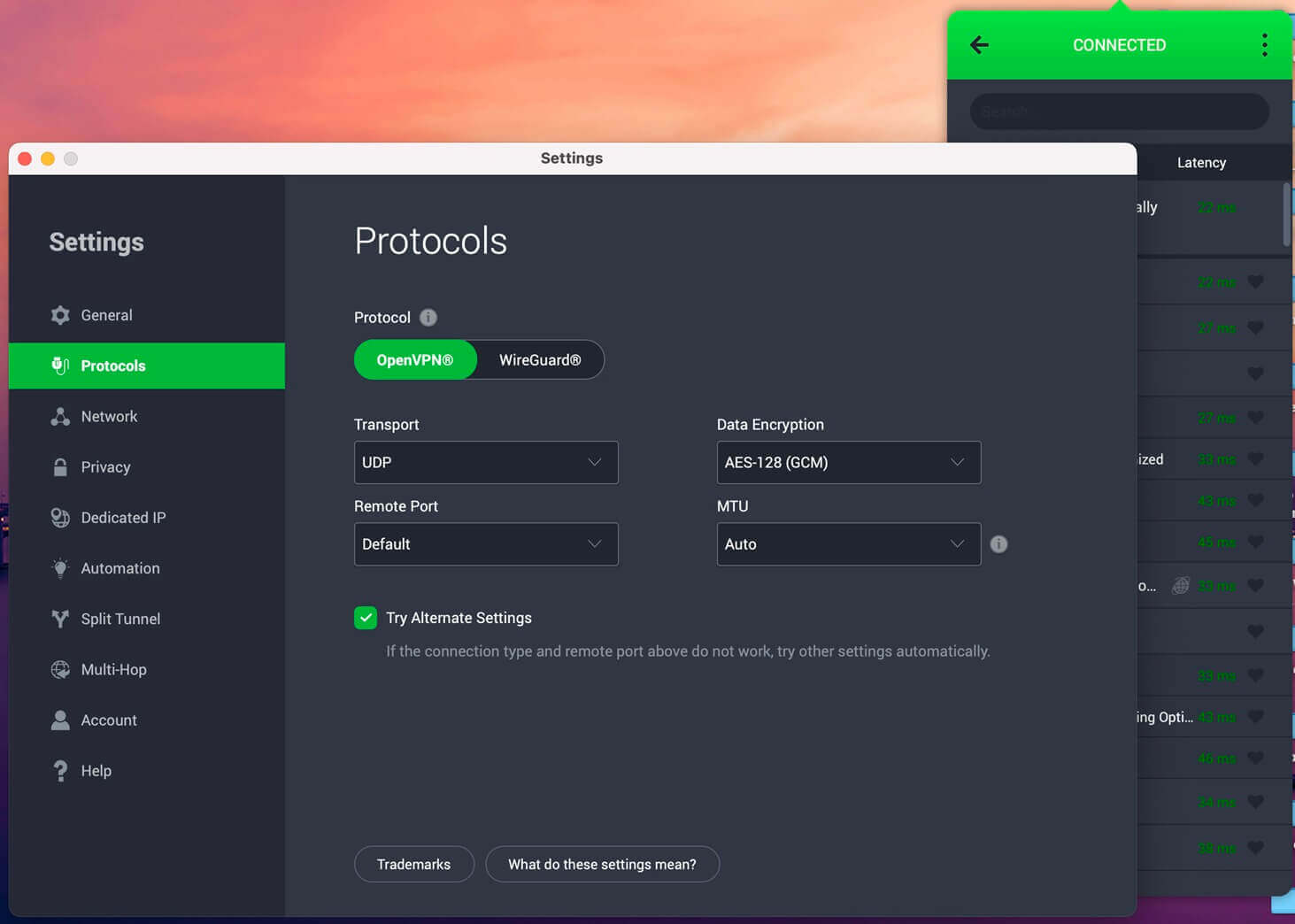
PIA is the cheapest VPN and the only one with no device limit, so a household video chatting from several phones at once pays once. Its American servers came in at 175.68 Mbps with a 54 ms UK ping, close enough to the top of the table for a call. Its 26,000+ servers across 91 countries also give you a long list of addresses to switch between when one is flagged. MACE blocks ads and tracker domains, and the encryption level is adjustable, which is unusual.
You can drop to a lighter encryption setting on a weak phone connection. The Japanese servers are where it falls behind, at 141.61 Mbps against NordVPN’s 160.47, and its support replied within 20 seconds every time we asked. The app is our least favorite of the set, cluttered and dated on both Windows and macOS. Avoid it if a clean interface is part of what you’re paying for. PIA costs $2.19 a month on its 2-year plan, and refunds are open for the first 30 days.
Best Free VPN for OmeTV
We’d take Proton VPN’s free tier, since it has no data cap, keeps the same no-logs policy as the paid plan, and opened OmeTV in our testing. It heads our free VPN ranking and our Telegram page for the same reasons. The compromises show on a live call. Free accounts are assigned 1 of 10 countries with no way to choose, so the draw decides your ping. Our free American server answered in 253 ms against 109 ms on the paid plan.
Speed dropped to 131.00 Mbps on that same server, and only 1 device connects at a time. Free tiers elsewhere are worse for this. Data caps of 2 GB or 10 GB a month disappear on video, and several free apps log activity or sell it on.
Is OmeTV Safe?
Not especially, and the regulators agree. The app pairs strangers at random with an age checkbox as the only gate. That is why Australia’s eSafety Commissioner moved against it, and why Apple now bars this category of app. Three risks stand out for an adult using the browser version. Your IP address is visible to the platform and can leak through the video connection the browser opens for the call, and a VPN covers that.
Links pasted into chat are a standard delivery method for phishing and malware, which the filtering in NordVPN, Proton VPN, and PIA blocks. Recordings are trivial for the other side to make, which nothing on your end prevents. Staying anonymous online is about what you show and say, and a VPN covers the network layer of it.
Conclusion
Two reasons to use a VPN on OmeTV have nothing to do with moderation. Your IP address stays out of the match, and the site opens on connections that filter it. Our figures say the call quality barely suffers for it, with upload speed within a point of our 19.37 Mbps baseline on every VPN tested. NordVPN wins on download speed and malicious-link blocking; Proton VPN collects the least about you. ExpressVPN was one of the fastest, and PIA puts no limit on connected devices.
Frequently Asked Questions
Why is OmeTV restricted?
Networks and some governments filter random video chat, and OmeTV also blocks IP addresses tied to rule violations. Apple and Google removed its app over child-safety findings.
Is OmeTV banned in the US?
No. The website operates normally in the US, though Apple and Google pulled the mobile app from their stores worldwide after a child-safety warning from Australia's regulator.
Does changing an IP address get you banned on OmeTV?
No. VPN use is not a bannable offense on OmeTV, and the platform takes no action over it. A blocked connection usually means the shared address arrived with somebody else's penalty.
What is the best VPN for OmeTV?
NordVPN, for the quickest download speeds measured and its malicious-link blocking. Proton VPN is the alternative when minimal signup data and Swiss jurisdiction come first.
Why is a VPN not working with OmeTV?
The IP address is usually the cause. OmeTV blocks individual IP addresses; VPN addresses are shared between many people, and one connection can inherit a block that a second attempt avoids.
Is OmeTV safe?
No, it's not that safe. Australia's regulator had the app removed from both app stores over grooming risks, and a session shows a stranger's live camera with no identity check behind it.