
Telegram is where a lot of everyday life happens: family group chats, news channels, study groups, and free calls to friends abroad. So it’s a shock when the app keeps trying to connect, and your messages won’t send. That happens in countries that block Telegram, and on school or hotel Wi-Fi networks that do the same.
A good VPN for Telegram fixes the block by connecting you through a server in a country where the app works. It also keeps your chats more private, which is easy to overlook. Regular Telegram chats aren’t end-to-end encrypted, and Telegram can share a user’s IP address with authorities on a valid legal request.
Still, not every VPN unblocks Telegram on networks that filter VPN traffic too. Here are the ones we’d use in 2026.
Top Telegram VPNs for 2026
- NordVPN: Best overall. Obfuscated servers work where both Telegram and VPNs are blocked.
- Proton VPN: Best for private chats. Swiss privacy laws and a Stealth protocol on every plan.
- ExpressVPN: Best for no-setup unblocking. Obfuscation works automatically on every server.
- Private Internet Access: Best on a budget. One low-cost subscription covers all your devices.
- Surfshark: Best for nearby servers. Calls and large files barely slow down on close locations.
Telegram VPNs Compared
Obfuscation decides whether a VPN unblocks Telegram on strict networks, while speed decides how quickly channel videos and files download. Here’s how the five compare on both, plus the kill switch, the setting that cuts your internet if the VPN drops.
| VPN | Average speed loss | Obfuscation | Server countries | Devices | Kill switch test |
|---|---|---|---|---|---|
| NordVPN | 7.8% (NordLynx) | Obfuscated servers, NordWhisper | 152 | 10 | Passed |
| Proton VPN | 10.2% (WireGuard) | Stealth | 149 | 10 | Passed |
| ExpressVPN | 7.8% (Lightway) | Automatic on every server | 113 | 10 to 14 | Passed |
| Private Internet Access | 12.7% (WireGuard) | Shadowsocks (OpenVPN only) | 113 | Unlimited | Leaked after a PC restart |
| Surfshark | 9.6% (WireGuard) | NoBorders (automatic) | 100 | Unlimited | Passed |
Speed loss is the average across UK, US, and Japanese servers. None of these VPNs leaked our IP address or DNS requests, so privacy remains a strong point for each.
The Best VPNs for Telegram in October 2026
1. NordVPN: Best VPN for Telegram in October 2026
Pros
- Obfuscated servers and NordWhisper
- App-level kill switch
- Double VPN with little speed loss
- Audited no-logs policy
- Next-gen antivirus on the Complete plan
- Wide country coverage
Cons
- Higher renewal price
- App takes time to learn
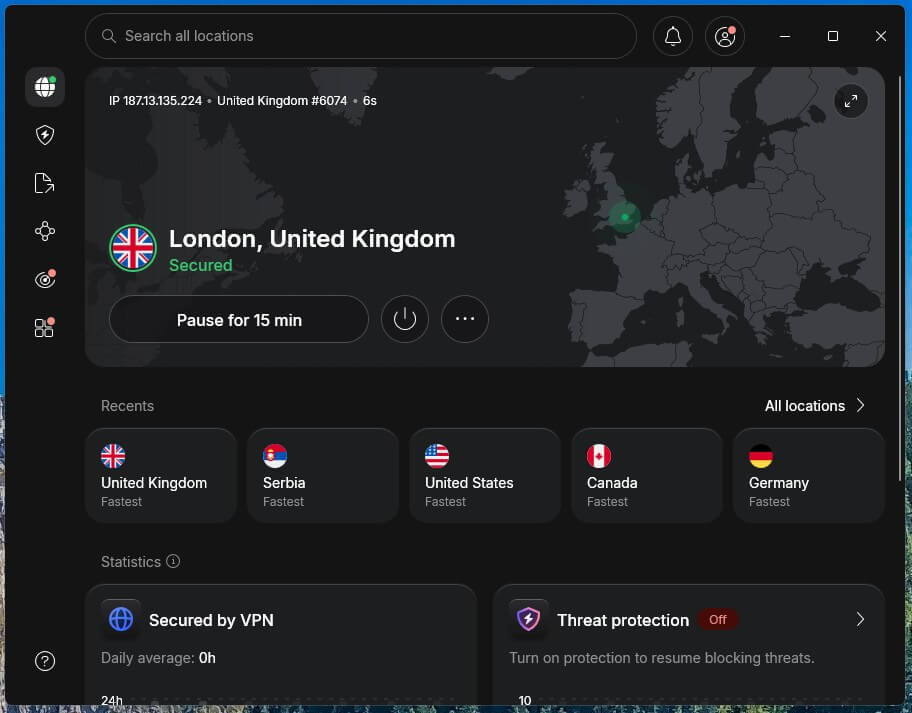
NordVPN is our first choice for Telegram on networks that block both the app and VPNs. Its NordWhisper protocol makes VPN traffic look like ordinary browsing, so filters that look for VPN connections don’t recognize it. It also tops our ranking of the best VPNs overall. Speed isn’t a concern either: NordVPN lost only 7.8% of its speed on average.
That means videos in channels download almost as fast as without one. For sensitive chats, Double VPN passes your traffic through two servers at almost no extra speed cost. The kill switch passed every test, and its app-level version can close Telegram itself if the VPN drops, so no message goes out over your normal connection.
It’s also our top pick for using a VPN in China, where Telegram has been blocked for years. There’s one catch for calls. With NordWhisper, ping jumped sharply while the connection was busy. A call can lag if a big file downloads at the same time, so pause large downloads during calls.
Update: NordVPN’s Complete plan now includes Call & message protection, which warns you about likely scam calls and texts from unknown numbers.
The app also takes some getting used to, but Quick Connect works from day one. The two-year Basic plan costs under $3.50 a month, and a 30-day money-back guarantee covers it.
2. Proton VPN: Best for Private Messaging and Chatting
Pros
- Stealth protocol on every plan
- Open-source apps
- Swiss privacy laws
- Secure Core servers
- NetShield ad and malware blocker
Cons
- No post-quantum encryption yet
- Slower Stealth on distant servers
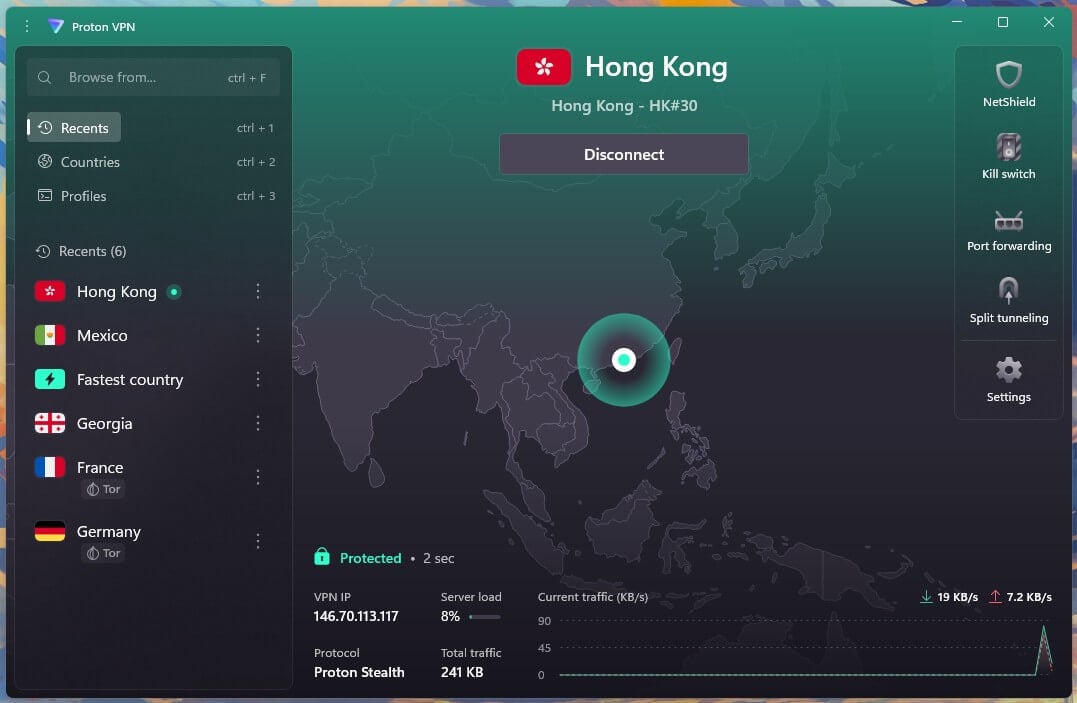
Proton VPN is the privacy pick for sensitive Telegram conversations. It’s based in Switzerland, which has strong privacy laws, and its apps are open source, so outside experts can inspect the code. Independent auditors have checked its no-logs policy several years in a row. Stealth, its obfuscation protocol, makes the VPN connection look like normal web traffic.
On our UK server, it was only 1.9% slower than a regular connection, so enabling it costs nothing you’d notice in a call or a chat. For extra protection, Secure Core passes your traffic through a hardened server in Switzerland, Iceland, or Sweden before connecting to the country you picked.
Proton VPN doesn’t offer post-quantum encryption yet, a newer type of encryption built to resist future, more powerful computers. If you want that protection now, NordVPN and ExpressVPN include it. On distant Hong Kong servers, Stealth was also the slowest obfuscated connection we tested.
It’s fine for messages and calls, but large files take longer, so choose a nearby server when you can. Calling apps face similar limits in the Gulf, and our guide to unblocking WhatsApp calls in the UAE explains how a VPN helps there.
3. ExpressVPN: Best for Unblocking Without Setup
Pros
- Automatic obfuscation
- Post-quantum protection
- Very quick connections
- Simple, clean apps
- Independently audited privacy
Cons
- Few advanced settings
- Turbo mode disables split tunneling
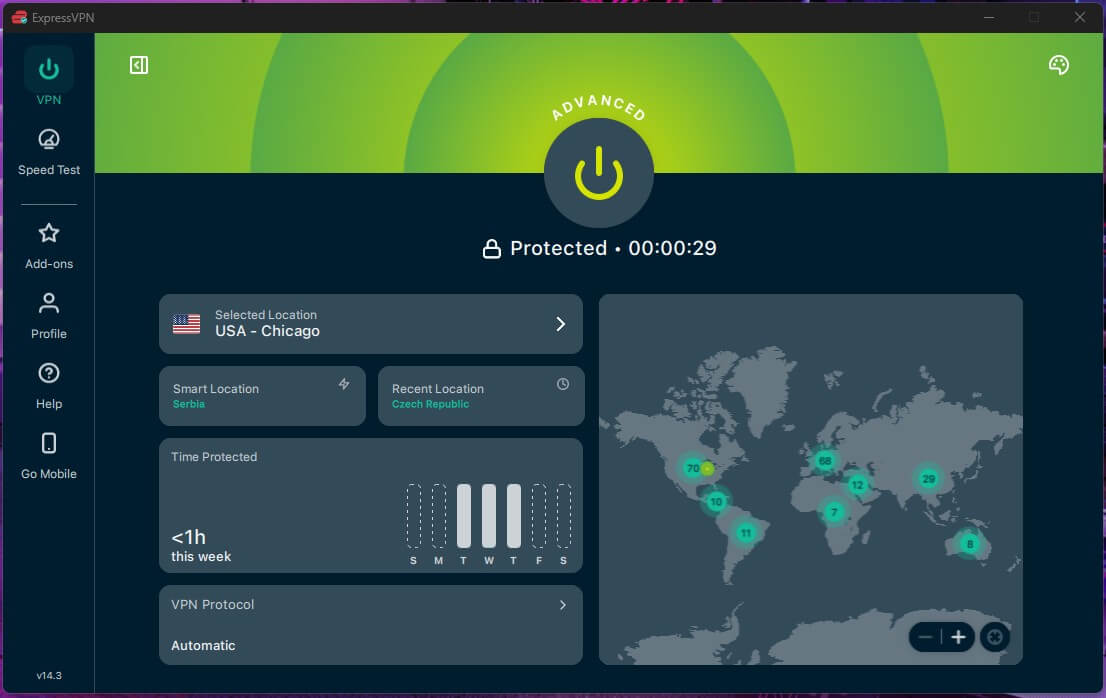
ExpressVPN is the easiest way to use Telegram on a restricted network, because there’s nothing to configure. Obfuscation applies to every server automatically, so you don’t have to pick a protocol or look for a special server. That makes it a good fit for using Telegram in China, where VPN traffic is filtered.
With obfuscation active on Hong Kong servers, it kept about 70% of our speed, the best result we saw there and plenty for calls and video. It connects almost instantly and ranks among the fastest VPNs we tested, so large files don’t keep you waiting. Its simplicity has a cost: there are few advanced settings to adjust.
Split tunneling, which sends only the apps you choose through the VPN, also stops working while Lightway Turbo is enabled. Keep Turbo disabled if you only want Telegram on the VPN, for example on school networks that block messaging apps.
Mobile users can use ExpressVPN for free for three days through the app trial. The trial requires a card, so cancel before it ends if you don’t keep it, and the 30-day money-back guarantee covers every plan.
4. Private Internet Access: Best Cheap VPN for Telegram
Pros
- Unlimited devices
- Court-proven no-logs policy
- Strong MACE ad blocker
- Shadowsocks proxy for blocked networks
- Low long-term price
Cons
- Kill switch leaked on restart
- Cluttered, dated apps
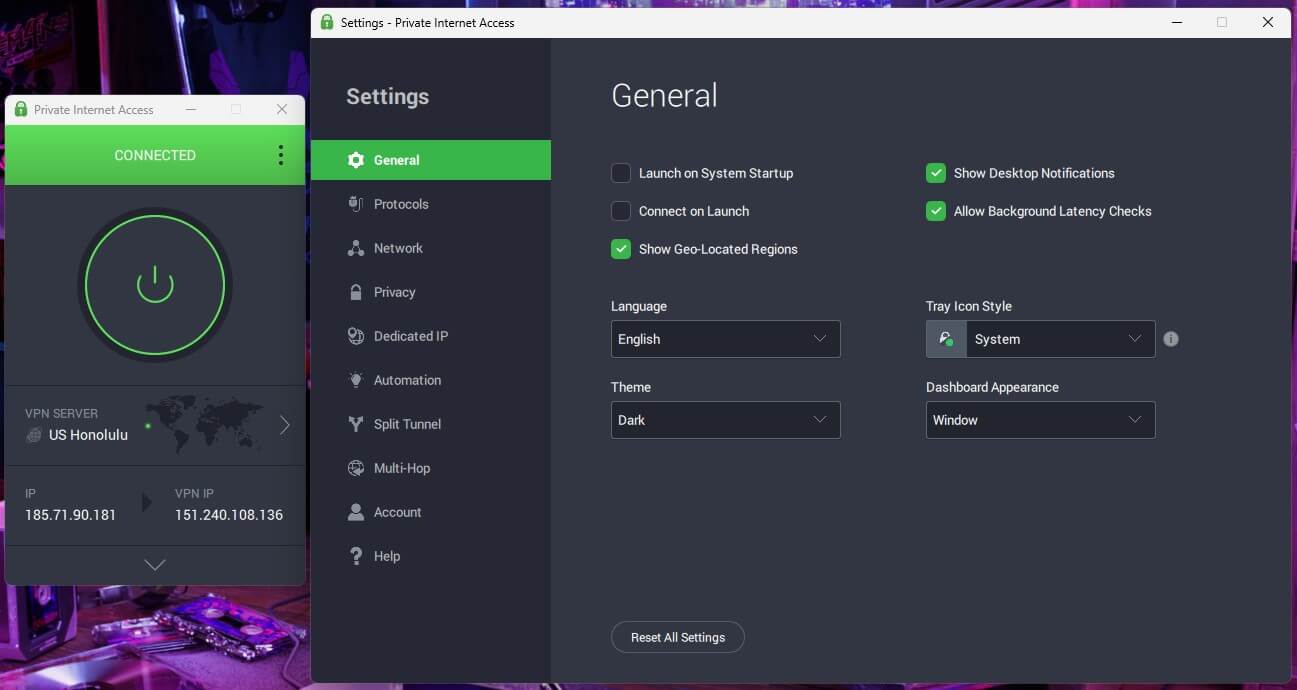
Private Internet Access costs around $2 a month on its long-term plan, and one subscription covers every device you own. So a whole family can use Telegram on phones, tablets, and laptops for the price of one. Its no-logs policy has also been tested in court: when US authorities asked for user data, PIA had none to hand over.
MACE, its built-in blocker, stopped 96% of the ads and trackers on a standard ad-blocking test, which helps when channels share links to ad-heavy or risky sites. For blocked networks, PIA disguises traffic with a Shadowsocks proxy, the same method that helps unblock WhatsApp in China.
Shadowsocks works only on OpenVPN, so switch protocols in Settings before enabling it. I’ll say the data leak with a kill switch enabled during a PC restart shocked me a little, though if you enable the Advanced option, this won’t happen. The apps also look cluttered and dated, although one click on the connect button is all most people use.
5. Surfshark: Best for Fast Nearby Servers
Pros
- Near-full speed on close servers
- NoBorders enabled by default
- CleanWeb ad blocking
- No device limit
- Post-quantum encryption
Cons
- Occasionally slow to connect
- Price rises on renewal
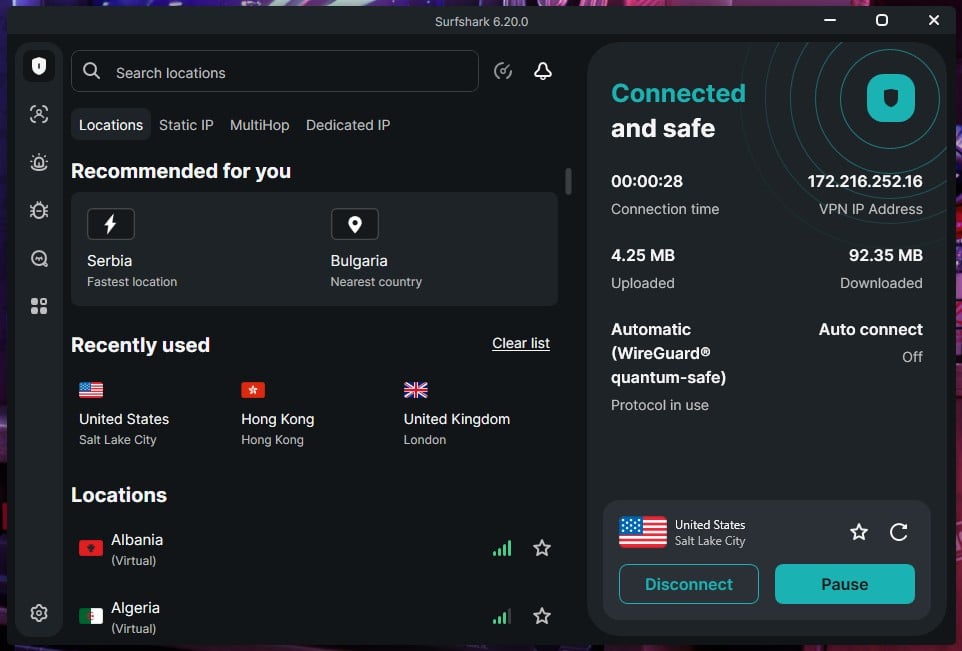
Surfshark was the quickest VPN we tested on nearby servers. On the UK server, it lost only 1.8% of its speed. Connect to a country close to you, and large Telegram videos and video calls behave as if the VPN were off. NoBorders mode is enabled by default, so on a restrictive network, Surfshark offers servers built to work there without any setup.
CleanWeb blocks ads and known malicious sites, and there’s no limit on how many devices you connect. Mac users can also use Dausos, a newer protocol designed for speed that our Surfshark review explains in detail. Connections occasionally took longer to start than on the other VPNs.
If one stalls, cancel it and choose a different server. The Starter plan costs about $2.50 a month on the two-year term. Renewal costs more, so the long plan keeps the low price longest, and a 30-day money-back guarantee applies anyway.
How to Unblock Telegram With a VPN
Once you’ve picked a VPN, setup takes a few minutes. A VPN sends your traffic through an encrypted server in another country. The network you’re on sees only a connection to that server, and Telegram sees the server’s IP address instead of yours.
- Subscribe to a VPN that works with Telegram, such as NordVPN.
- Install the app on the phone or computer where you use Telegram. If the country you’re visiting blocks VPN websites, install it before you travel.
- Connect to a nearby country where Telegram isn’t blocked. A shorter distance means lower ping, which keeps calls clear.
- Enable obfuscation if the network blocks VPNs: obfuscated servers or NordWhisper on NordVPN, Stealth on Proton VPN, and Shadowsocks on PIA. ExpressVPN and Surfshark apply it automatically.
- Open Telegram and sign in. If the app isn’t in your app store, download it from telegram.org.
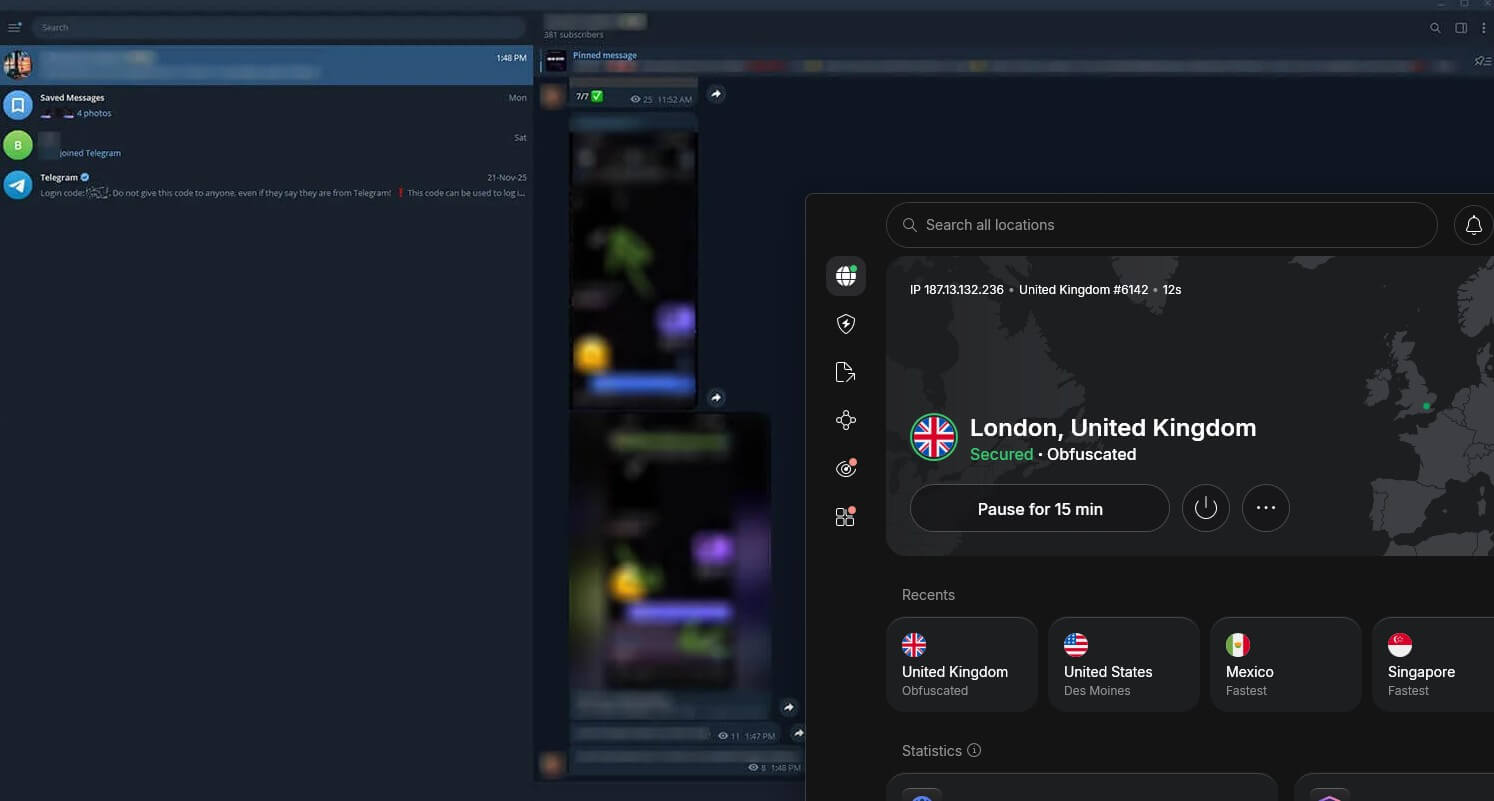
On a PC, the same VPN app covers Telegram Desktop. If you’d rather keep banking or local sites on your regular connection, split tunneling sends only the apps you pick, such as Telegram, through the VPN. If Telegram still won’t connect, try another server or protocol, then restart the app.
Telegram Proxy or VPN?
Telegram also has a built-in proxy setting, and it’s tempting because it requires no extra app. A proxy routes only Telegram through another server, using the SOCKS5 or MTProto method, and it can unblock the app on networks with simple filters.
However, proxies shared in channels are run by strangers; they don’t encrypt the rest of your connection, and they go offline without warning. A VPN encrypts everything your device sends, comes from a company with a no-logs policy, and includes obfuscation for stricter blocks.
A proxy is fine for a quick fix on hotel Wi-Fi, but for daily use in a country that blocks Telegram, a VPN is the safer choice.
Best Free VPNs for Telegram in 2026
Paid VPNs aren’t the only way to unblock Telegram. Messages use very little data, so a trustworthy free VPN covers everyday chats. These two come from companies that also sell a paid plan, so they don’t depend on selling your data. Both appear on our list of the best free VPNs.
Proton VPN Free: Best Free VPN for Telegram
Pros
- No data cap
- Stealth on the free plan
- Same no-logs policy as paid
- Simple apps
Cons
- No server choice
- One device at a time
- No streaming or torrenting
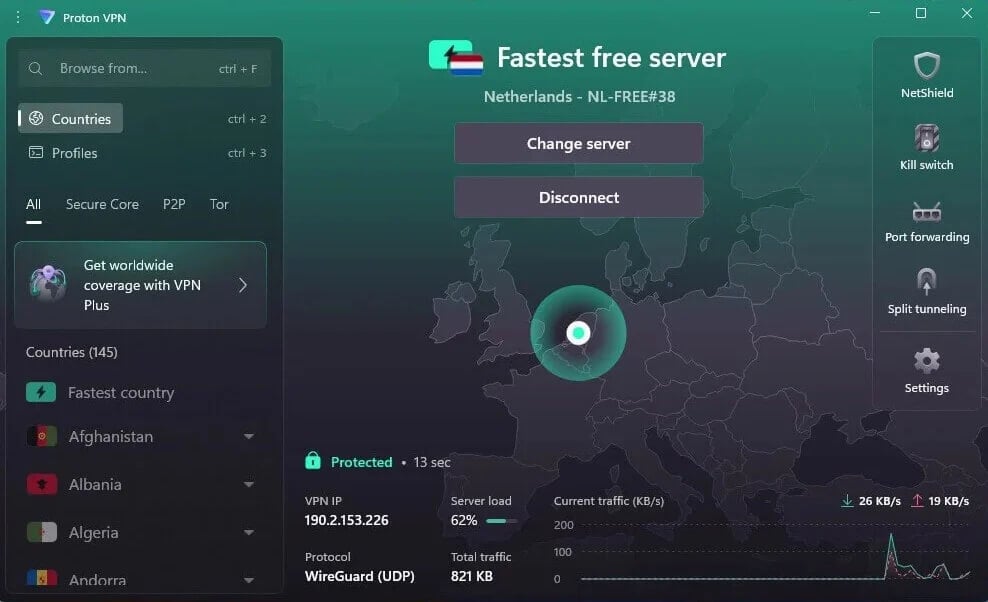
Proton VPN’s free plan has no data cap and includes Stealth, so it can unblock Telegram on many filtered networks for free. It lost 19.3% of its speed on the servers it assigned us, which is plenty for chats, voice notes, and calls.
The catch is control. The app picks one of ten countries for you, and after a few quick server switches, it makes you wait a long time before the next one. If your first server feels slow on calls, reconnect once, then stick with it.
One device at a time is the other limit, so your phone and laptop can’t use it together.
Hide.me: Free VPN With Server Choice
Pros
- Uncapped free data
- Choice of seven countries
- SoftEther for blocked networks
- No-logs policy
Cons
- Slow speeds
- One device only
- No streaming or P2P
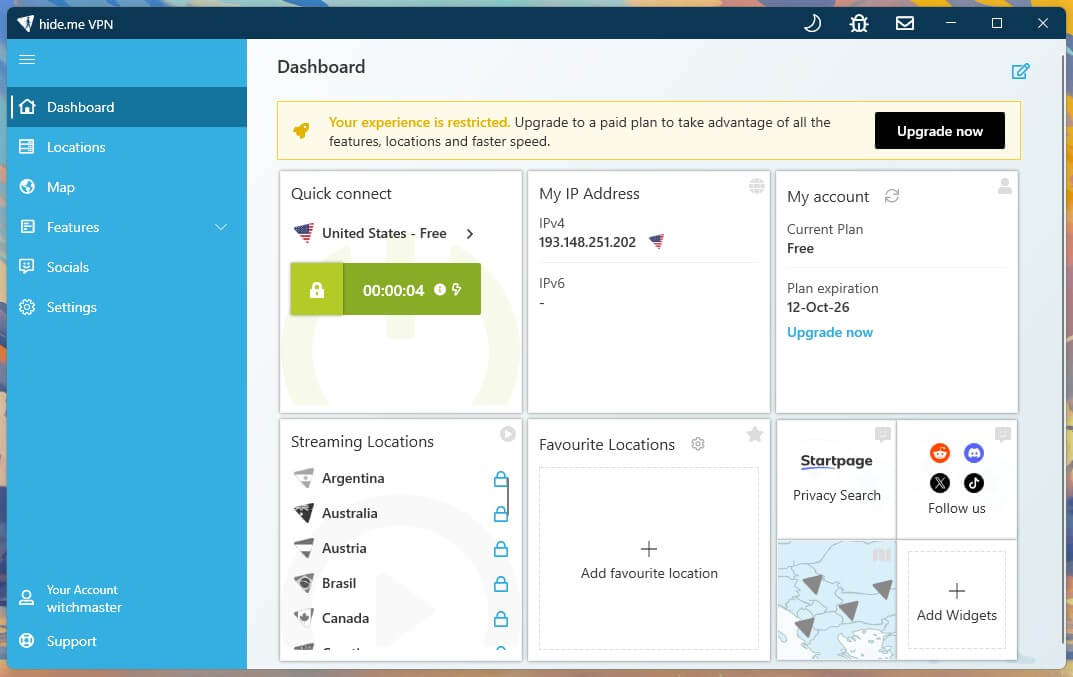
Hide.me’s free plan doesn’t cap your data either, and it lets you choose from seven countries, which helps when you want a server near the person you’re calling. SoftEther, one of its protocols, sends traffic the way secure websites do, so networks that block VPNs have a harder time spotting it.
Speed is the trade-off. Hide.me was among the slowest free VPNs we tested, fine for messages but slow for large videos in channels. It also covers only one device and blocks streaming and torrenting, so treat it as a messaging-only option.
Where Telegram Is Blocked
Network blocks at schools and hotels are the simple case. Government blocks are harder, and as of October 2026, these countries block or limit Telegram:
- China: blocked since 2015
- Iran: blocked since 2018
- Vietnam: ordered blocked in May 2025
- Nepal: blocked since July 2025
- Pakistan: restricted on and off during political events
- UAE: messaging works, but calls on most messaging apps are restricted
- India: blocked nationwide from June 16 to June 22, 2026, around a national medical exam
Restrictions change quickly, and some of these countries also limit VPNs, so check local rules before you travel. Whether the block comes from a government or a network, a VPN server in an unrestricted country unblocks it.
Is Telegram Private Without a VPN?
Even where Telegram isn’t blocked, a VPN adds privacy that the app doesn’t offer on its own. Regular chats and groups aren’t end-to-end encrypted, so copies are stored on Telegram’s servers. Only Secret Chats, which you start manually, and one-to-one calls have that protection, and every account is tied to a phone number.
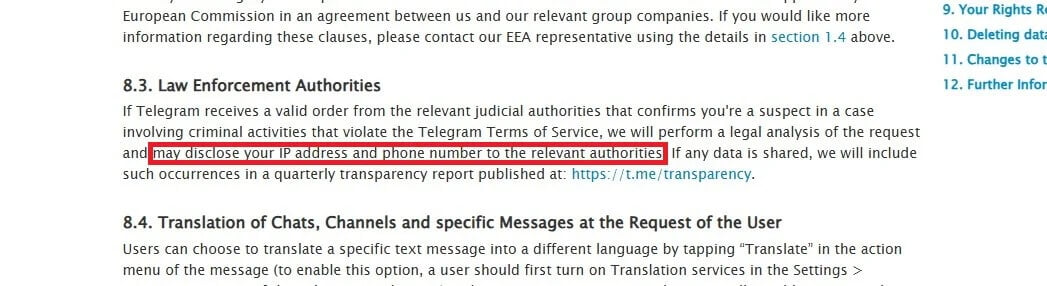
Since September 2024, Telegram’s privacy policy has said it may share a user’s IP address and phone number with authorities after a valid court order. A VPN can’t change what Telegram stores. Still, it hides your own IP address from Telegram and the network you’re on, and your ISP can’t see that you use Telegram.
That’s one of the main reasons to use a VPN with any messaging app, and for sensitive conversations, start a Secret Chat as well.
Are Free VPN Accounts on Telegram Channels Safe?
No. Many Telegram channels post free NordVPN, ExpressVPN, or Surfshark logins, but these usually come from leaked or stolen accounts. The owner can change the password at any time, and the VPN company can close the account.
You’d also share one login with strangers who can see its details. There are safer ways to try a premium VPN for free. Proton VPN’s free plan costs nothing, NordVPN offers a three-day trial on Android, and every paid VPN in our ranking comes with a 30-day money-back guarantee.
Verdict
Getting Telegram working again is simple once you know what’s blocking it. On school, office, or hotel Wi-Fi, a good VPN connected to a nearby server is enough. In countries that block both Telegram and VPN traffic, obfuscation keeps you connected. A kill switch helps there too, keeping your IP address hidden if the connection drops.
NordVPN covers both, with obfuscated servers, NordWhisper, and a kill switch you can link to Telegram itself. Proton VPN is the privacy-first alternative, and its free plan is the one we’d use if paying isn’t an option. Current discounts on both are on our VPN deals page.
One practical tip before you click off: install your VPN before you travel, because the countries that block Telegram often block VPN websites and app store pages too.
Frequently Asked Questions
Does Telegram work with a VPN?
Yes. Telegram works normally over a VPN and doesn’t ban accounts for using one. A VPN connected to a country where Telegram is available unblocks messages, channels, and calls.
Is it legal to use a VPN for Telegram?
Yes, in most countries. However, some governments that block Telegram, such as China and Iran, also restrict VPN use, so checking local laws before traveling is a good idea.
Does a VPN slow down Telegram calls?
Yes, slightly. A fast VPN such as NordVPN or Proton VPN keeps calls smooth, and a server in a nearby country where Telegram works keeps the delay low.
Which country should a VPN server be in for Telegram?
The nearest country where Telegram isn’t blocked is the best choice. A short distance keeps ping low for calls, while servers in China, Iran, or Vietnam should be avoided.
Can a VPN increase Telegram download speeds?
No, usually not. A VPN adds a small slowdown, but it can help when an ISP throttles Telegram, because the ISP can no longer see which app the traffic belongs to.
Can Telegram see a user’s IP address with a VPN?
No. With a VPN connected, Telegram sees the VPN server’s IP address instead of the user’s own. However, the phone number linked to the account still identifies the user.