School and campus networks block social media and a good deal besides. Course material behind a news paywall, a research archive, a games server, a streaming account you already pay for: all of it can end up behind the same filter. We measured five VPNs on a 190.36 Mbps connection. NordVPN gave the smallest drop at 7.8%, and Proton VPN was the most consistent against networks that inspect traffic, which is the pair we would put on a student laptop.
All five include obfuscation, the feature that decides whether a VPN works when a network examines traffic instead of simply blocking IP addresses.
Best VPN for School and College: Our Five Recommendations
- NordVPN – Best VPN for school WiFi, and the quickest we measured
- Proton VPN – Strongest privacy record, and Stealth for filtered networks
- ExpressVPN – Obfuscated by default, with nothing to configure
- Private Internet Access – Cheapest, and shareable across a dorm
- Surfshark – Rotating IP addresses and no device limit
School VPNs Compared
Speed loss is the three-location average from our own testing. The obfuscation column names each VPN’s version of the feature.
| Speed loss | Obfuscation | Devices | Free plan | Starting price | |
| NordVPN | 7.8% | NordWhisper | 10 | No | $3.49/mo |
| Proton VPN | 10.2% | Stealth | 10 | Yes, no data cap | $2.99/mo |
| ExpressVPN | 7.8% | Always on | 10 | No | $2.99/mo |
| Private Internet Access | 12.7% | Shadowsocks | Unlimited | No | $2.19/mo |
| Surfshark | 9.6% | NoBorders | Unlimited | No | $2.49/mo |
Best VPNs for School and College Students
Our baseline with no VPN connected measures 190.36 Mbps down and 10 ms ping, over Ethernet on a Windows 11 desktop. We connected every app to UK, US, and Japanese servers, then tried 14 streaming platforms with fresh cookies for each attempt. We also checked every app for IP, DNS, and WebRTC leaks across eight server locations, and none of them leaked.
1. NordVPN: Best VPN for School WiFi
- Quickest of the five
- NordWhisper protocol
- Thousands of IP addresses
- Malware file scanning
- Servers in 149 countries
- Post-quantum encryption
- Priciest of the five
- Confusing interface
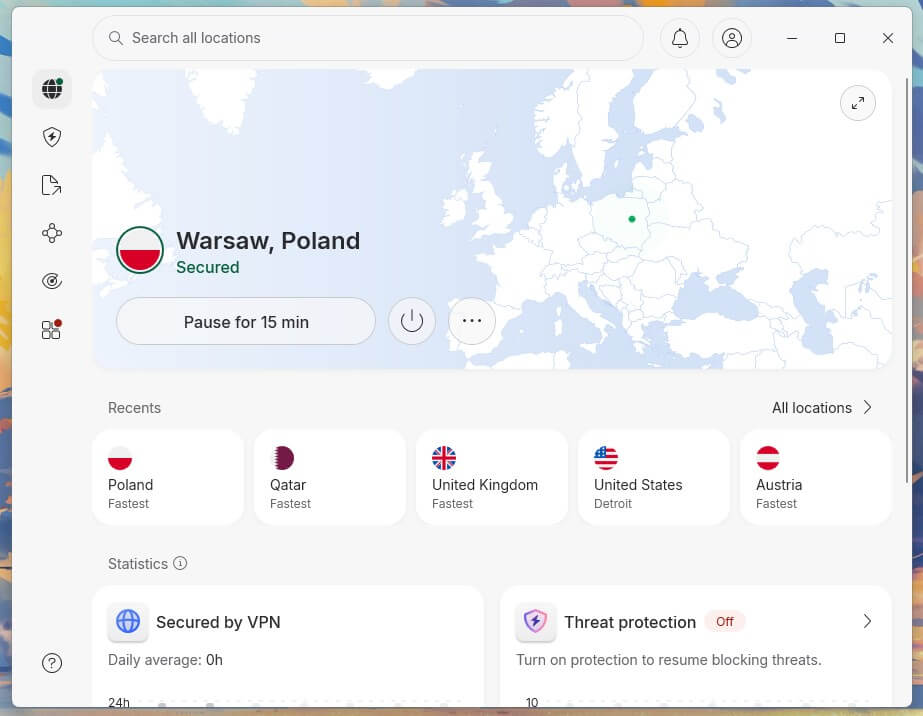
NordVPN’s three-location average came to 7.8%, the smallest drop, and it opened every one of the 14 streaming platforms we tried. Two things suit a filtered network. NordWhisper is built to disguise VPN traffic from deep packet inspection, and works alongside obfuscated servers. The other is scale: each location has dozens of servers, so one blocked IP address is not the end of it.
Threat Protection Pro also scans downloaded files for malware before they are saved, which none of the other four offer. Deloitte has audited the no-log policy six times, most recently in February 2026. The Basic plan is $3.49 a month on the 27-month term, covering 10 devices, with some of the quickest speeds we measured. Its 60 ms UK ping is the weak figure.
2. Proton VPN: Best School VPN for Privacy
- Secure Core multi-hop
- Stealth on free accounts
- Swiss company
- Open-source clients
- Five consecutive audits
- Full Linux app
- No Smart DNS
- No quantum-safe cipher
- Slow email support
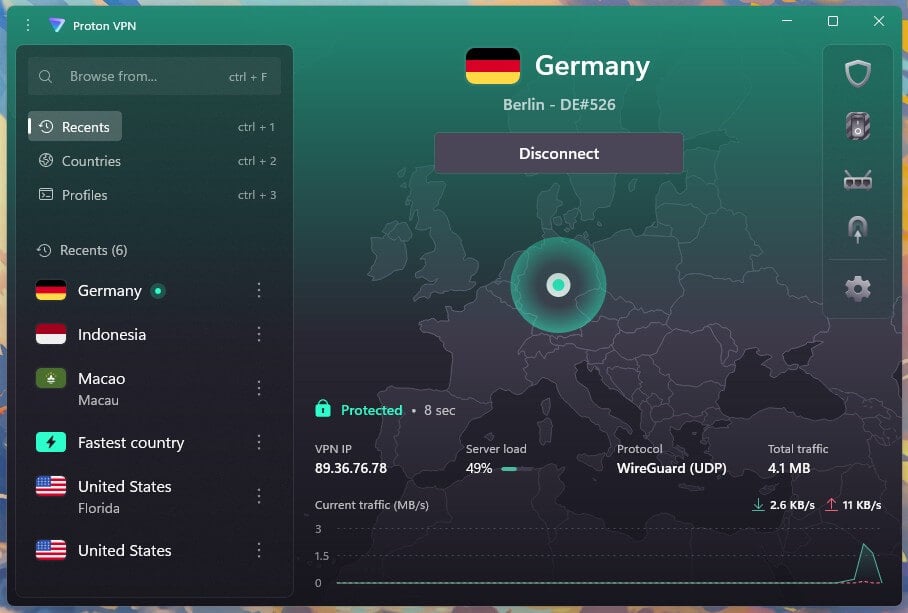
Proton VPN handled filtered networks more consistently than every rival except NordVPN, and Stealth explains it. The protocol disguises the connection as ordinary HTTPS, which defeats a school firewall running deep packet inspection. Stealth also appears on the free plan, though we recommend the paid one for daily use. The paid plan lost 10.2% speeds on average, with 178.89 Mbps on the UK server at 49 ms, and it opened 10 of the 14 streaming platforms.
Hulu, Disney+, Pluto TV and ITVX blocked it. The paid plan earns its place on privacy. The company is Swiss, outside every intelligence-sharing agreement; its apps are published on GitHub for inspection, and Securitum has audited the logging claims five years in a row. Tor over VPN and NetShield ad blocking come with it, and there is a proper Linux app for students on a Chromebook or Linux laptop. The paid tier costs $2.99 a month if you commit for two years.
3. ExpressVPN: Nothing to Configure
- Obfuscation always on
- As fast as NordVPN
- Simplest app to learn
- Diskless infrastructure
- Audited by KPMG
- No multi-hop option
- Little to configure
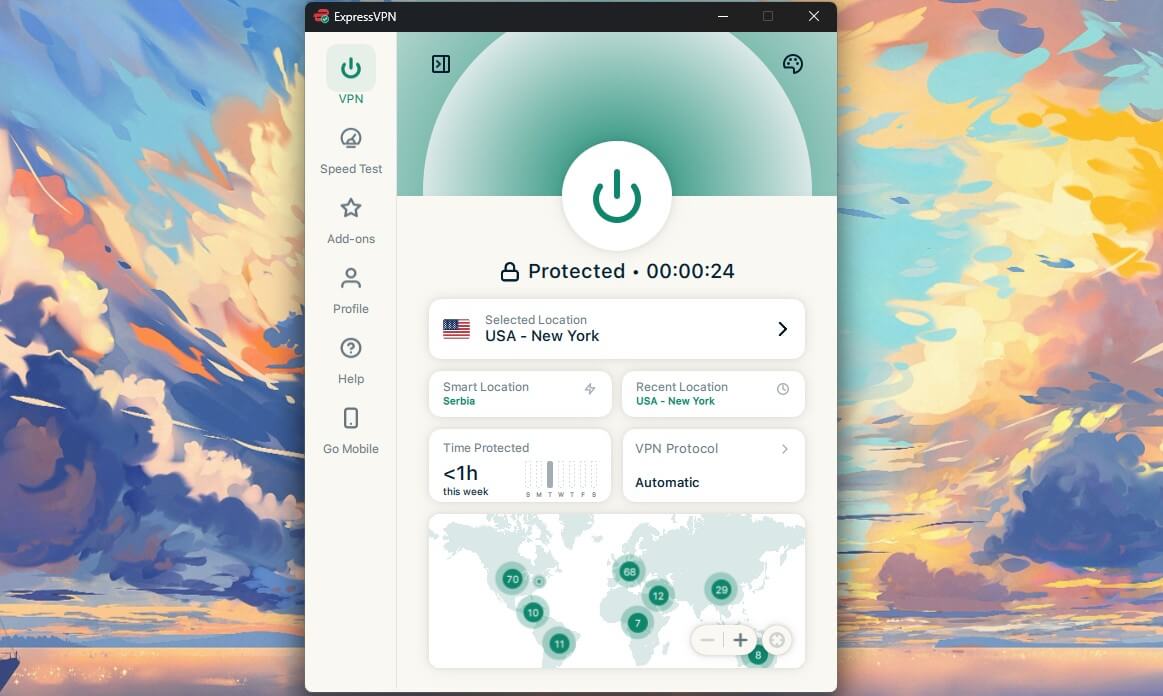
Every ExpressVPN connection is obfuscated automatically. There is no protocol list to work through and no switch to find, which on a school or campus network beats any individual feature. It matched NordVPN’s 7.8% average and took the hardest location, with 163.94 Mbps on the Japanese server. Its 44 ms UK ping was the lowest of the five. All 14 streaming platforms opened. Lightway Turbo handles the move between campus WiFi and mobile data without dropping the session.
This helps on a laptop that travels between buildings. ExpressVPN also introduced ExpressAI, a chatbot audited by Cure53 that stores nothing about the user, which is a reasonable thing for a student to have. An independent audit by KPMG covered the logging claims in 2025, and none of the servers use disk storage. ExpressVPN charges $2.99 a month over a 28-month term, and the renewal climbs to $99.95 a year.
4. Private Internet Access: Cheapest and Shareable
- No connection limit
- Cheapest of the five
- Shadowsocks proxy
- Court-tested no-log
- Adjustable encryption
- Slowest of the five
- Weak streaming record
- Untidy app
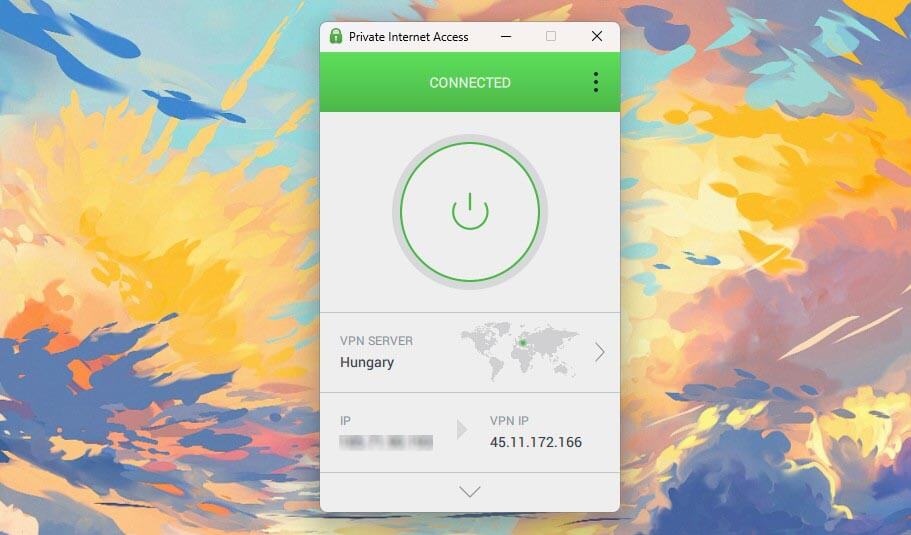
At $2.19 a month, PIA is the cheapest here, and it puts no cap on connections, so one subscription covers a laptop, a phone and a tablet. Read the terms before splitting it with half a corridor; the fair-use clause exists for a reason. At 12.7% averaged, it was the weakest of the five, and the Japanese server at 141.61 Mbps accounts for most of that. Support was the quickest we timed, with a human on chat within 20 seconds.
Shadowsocks handles networks that filter VPN traffic, and you can switch protocols and choose 128-bit or 256-bit encryption on OpenVPN, which is unusual at this price. Our PIA review covers the rest, including a no-log policy tested in court. Streaming is the trade-off. It opened 9 of the 14 platforms, the fewest of the five, and the app is cluttered compared to the others. For a student whose main use is coursework and a shared subscription, neither costs much.
5. Surfshark: Rotating Addresses, No Device Limit

- Rotating IP addresses
- NoBorders obfuscation
- Any number of devices
- Netflix and iPlayer unblocked
- Optional antivirus
- Connects slowly
- Renewal climbs
- Dutch base
Surfshark managed 186.96 Mbps on the UK server, only 1.8% down, and no VPN we tested recorded a quicker single-digit figure. Across the three locations, it came third at 9.6%, and it opened 13 of the 14 streaming platforms, losing ITVX only. IP Rotator suits this situation exactly. It changes the visible IP address on a timer without dropping the session, so an IP address that stops working is replaced automatically. NoBorders covers networks that filter VPN traffic.
Like PIA, it sets no device limit, so a subscription stretches across a household or a flat. Speed-wise, it improved sharply this year, and all servers now offer 10 Gbps capacity. The One plan adds antivirus for the same laptop. The Starter plan costs $2.49 a month and comes with a 30-day refund. Connecting takes longer than with the other four, and that grates on a machine you open between classes.
Best Free VPN for School: Three Worth Installing
- Proton VPN sets no data limit, which no other free tier here manages, and the company behind it has five consecutive no-log audits. Stealth obfuscation comes with the free account. It lost 19.3% across the two locations available to us, one device at a time, with the country assigned at random.
- PrivadoVPN is the quickest free tier we measured, at 9.5% across UK and US servers, close to paid territory. It caps data at 10 GB a month and includes Scramble obfuscation. The company is based in Iceland. It has no published security audit, which is why it ranks below Proton VPN here.
- Hide.me offers a free plan with SoftEther obfuscation and a UK server, and it is the slowest of the three at 30.5%. Its 10 GB monthly cap matches PrivadoVPN’s. Malaysia is the jurisdiction.
Warning: All three restrict you to one device and block P2P. Paid plans start at $2.19 a month, which removes every one of those limits.
Setting Up a VPN Before Term Starts
- Subscribe from home. Some campus networks block VPN websites, so buying and downloading before you arrive avoids the problem. NordVPN is our pick.
- Install on every device you own. Laptop, phone, tablet. Log in to all of them before you leave home.
- Turn on the kill switch. It stays off until enabled in most apps, and it stops traffic leaking if the connection drops mid-session.
- Pick a nearby server. Leave the protocol on automatic unless the connection fails, and choose a server close to you to keep the speed loss down.
- Check it worked. Confirm the sites you want load and that your IP address has changed before you rely on it.
When the VPN Won’t Connect
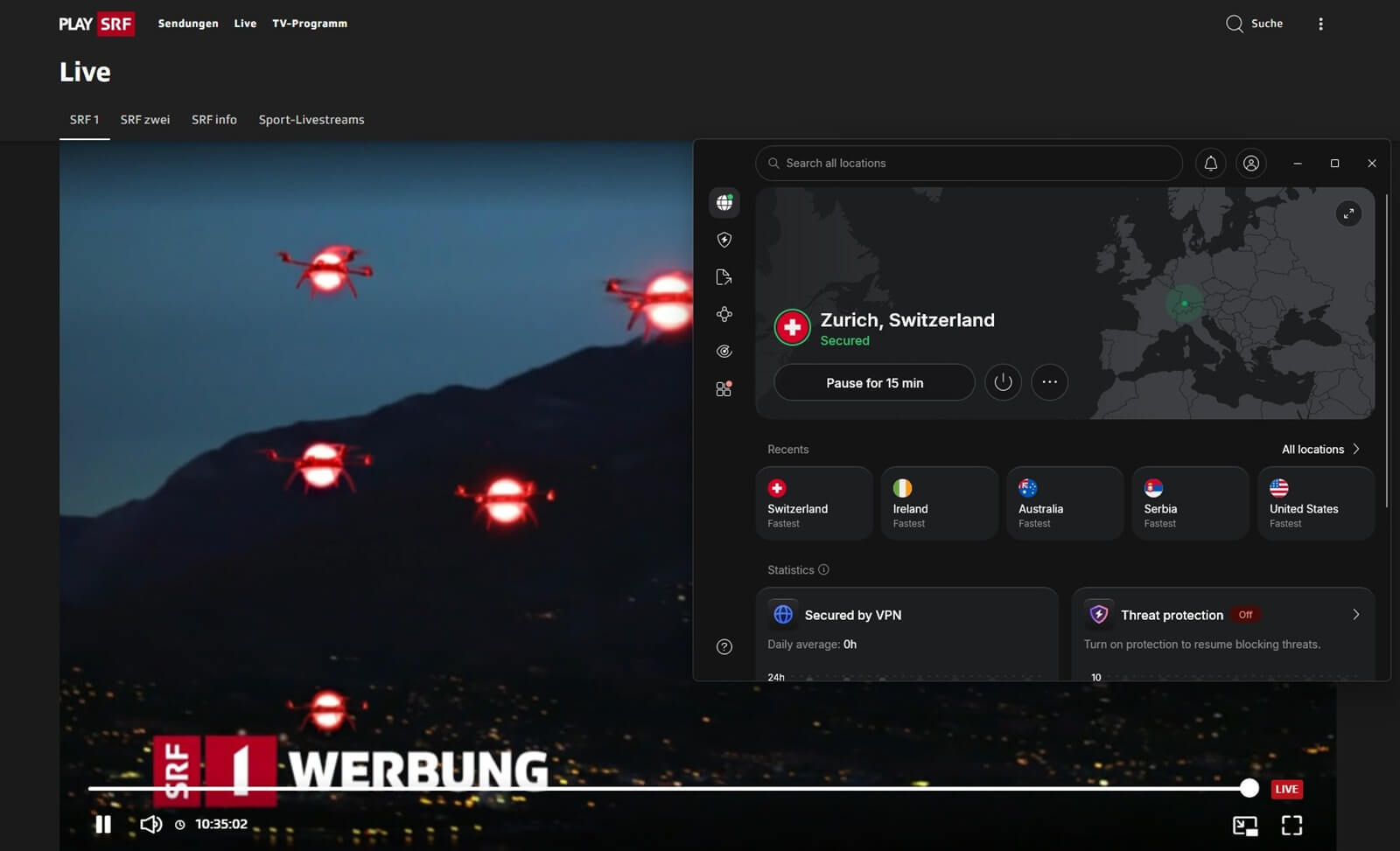
A VPN that connects at home can still fail against a school firewall. Work through these five easy solutions in the given order:
- Reconnect, or pick another server. Each location covers dozens of IP addresses, so reconnecting usually assigns a different one. Surfshark’s IP Rotator does this on a timer without any input.
- Change protocol. WireGuard is the quick default but relies on UDP traffic, which some networks drop. OpenVPN over TCP port 443 is slower and travels the same path as ordinary web traffic.
- Turn on obfuscation. Networks running deep packet inspection look at the shape of the traffic instead of its destination. NordWhisper, Stealth, NoBorders, and Shadowsocks each disguise it as regular HTTPS. ExpressVPN applies this without being asked.
- Check your own firewall. Security software on the laptop blocks VPN drivers often enough to be worth ruling out before blaming the network.
- Try a different VPN. Not every service handles filtered networks equally. NordVPN and Proton VPN were the most consistent for us on connections that inspect traffic.
Using a VPN on a School Computer
These recommendations assume a laptop, phone, or tablet you own. Installing a VPN on a school computer the institution owns is a different matter, and we would advise against it. Those devices frequently have monitoring software and keyloggers. A VPN encrypts traffic leaving the machine, and it does nothing about software already on it, so your VPN credentials and your keystrokes can still be captured.
Installing third-party software is also against the acceptable-use policy at most institutions, and the account you would be risking is your own. If a school computer is the only machine available, no VPN for school computer use solves the problem.
Best VPN for School: Conclusion
Install NordVPN. It lost the least speed of the five, opened every streaming platform we tried, and includes NordWhisper for networks that inspect traffic. Proton VPN is the second pick and the one to choose for privacy, with Swiss jurisdiction, open-source apps, and Stealth for networks that inspect traffic.
ExpressVPN suits a student who would prefer to configure nothing, since its obfuscation is always on. PIA is the cheapest and stretches across a whole flat. Surfshark rotates its addresses on a timer and sets no device limit either.
Frequently Asked Questions
What is the best VPN for school WiFi?
NordVPN. Its NordWhisper protocol disguises VPN traffic on networks that inspect it, each location covers dozens of IP addresses, and it loses less speed than any rival at this price.
Is there a free VPN that works at school?
Yes. Proton VPN's free plan includes Stealth obfuscation and sets no data cap, which no other free tier manages. It allows one device and assigns the server country automatically.
Can a school block a VPN?
Yes. Network administrators block VPN server addresses, close the ports VPN protocols use, or inspect traffic patterns. Obfuscation counters the third method by disguising the traffic as ordinary HTTPS.
Will the school see what I do on a VPN?
No. Encryption hides the content and destination of the traffic from the network. Administrators can still see that a VPN is connected, and school-owned devices may run separate monitoring software.
Is it legal to use a VPN at school?
Yes, in most countries, including the US, Canada, the UK, and across Europe. Legality and school policy are separate questions, and acceptable-use agreements commonly prohibit it anyway.