-

© Gizmodo
US Disclaimer: Gambling law differs by country, and in the United States it differs by state. This guide is for people in places where online gambling and sports betting are legal and licensed, and it covers protecting a legitimate account. It doesn’t explain how to register, deposit, or place a bet from a location where the operator or the law prohibits it. Most US states don’t offer legal online casino play, and offshore sites that accept US customers aren’t licensed in any US state.
Using a VPN to misrepresent your location breaks the terms of every licensed operator, and it can end in a closed account and a confiscated balance. It can also break state or national law. We’re not lawyers, and this isn’t legal advice. Check the rules that apply where you are. If gambling has stopped being fun, US residents can call 1-800-MY-RESET or 1-800-GAMBLER.
PrizePicks checks where you are before every lineup, and a running VPN is one of the fastest ways to fail that check. The app compares your IP address with your phone’s location, and when something doesn’t match a state where your pick type is offered, deposits and entries stop.
Players who keep a VPN on all day for privacy, with no plan to hide their location, run into this too. So does a VPN for PrizePicks make sense? It does, as long as it’s off when the app runs its location check.
PrizePicks VPN Rules and Our Top 3 for November 2026
PrizePicks doesn’t allow VPNs while you play, even in states where it’s legal. These VPNs make it easy to pause protection for PrizePicks and keep the rest of your device covered:
- NordVPN: Best overall. Its Pause button reconnects on its own after you submit a lineup.
- Proton VPN: Best for privacy. A Swiss VPN with a no-logs policy audited every year.
- ExpressVPN: Best for fast connections. It switches back on in a second or two.
VPNs for PrizePicks Players Compared
The blocking column shows the share of ad and tracker domains each VPN’s blocker stopped on d3ward’s ad-block test. Speed loss is the average drop in download speed across our UK, US, and Japanese servers.
| Split tunneling (apps) | Ad and tracker blocking | Average speed loss | Price | |
| NordVPN | Windows, Android | 76% (Complete plan) | 7.8% | About $3.50 a month |
| Proton VPN | Windows, Android, Mac (experimental) | 93% | 10.2% | About $3 a month |
| ExpressVPN | Windows, Android, Mac (websites only on iPhone) | 71% | 7.8% | About $3 a month |
Best VPN for PrizePicks Players: Our Top 3
We chose these three for the features that make PrizePicks’ VPN rule easy to follow: a pause timer, split tunneling, and strong protection for everything else on your device.
1. NordVPN: Best VPN for PrizePicks Players Overall
Pros
- Pause button on every major platform
- Split tunneling on Android and Windows
- Among the fastest VPNs in our tests
- Blocks phishing and malware sites
- Independently audited no-logs policy
Cons
- No split tunneling on iPhone or Mac
- Higher renewal price
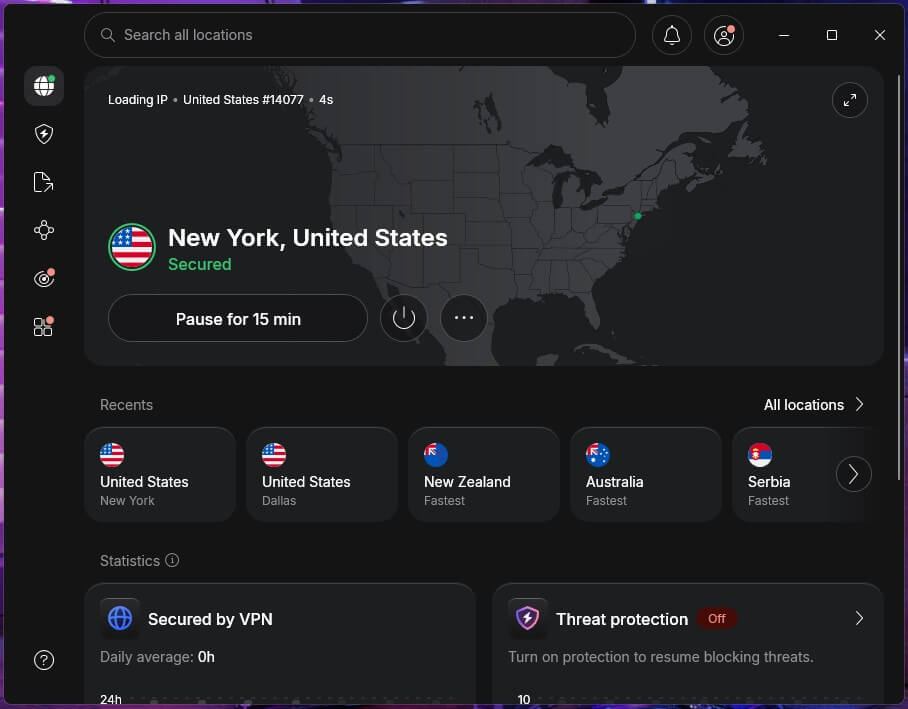
NordVPN makes PrizePicks’ rule the easiest to follow without leaving your phone unprotected for long. Its Pause button disconnects for anywhere from five minutes to an hour, then reconnects by itself. So you can submit a lineup and move on without remembering to switch the VPN back on.
The option is in the Windows, macOS, Android, and iPhone apps. On Android and Windows, you also get split tunneling, which lets chosen apps bypass the VPN. You can exclude PrizePicks while banking and email apps remain protected. However, PrizePicks may still notice a VPN running on the device, so if a lineup won’t submit, use Pause.
Split tunneling isn’t available on iPhone or Mac, which makes Pause the method there. As for speed, NordVPN tied for the fastest result in our tests, with a 7.8% average download loss you won’t notice while watching a game.
On the Complete plan, its next-gen antivirus also blocks known phishing and malware sites, which helps with links in texts and emails you didn’t expect. The two-year plan costs about $3.50 a month, and renewal costs more, so note when your first term ends.
2. Proton VPN: Best for Privacy
Pros
- No-logs policy audited every year
- Swiss privacy law
- Blocks ads, trackers, and malware
- Split tunneling on Windows, Android, and Mac
- Open-source apps
Cons
- Split tunneling turns off the kill switch on most devices
- Slower on distant servers
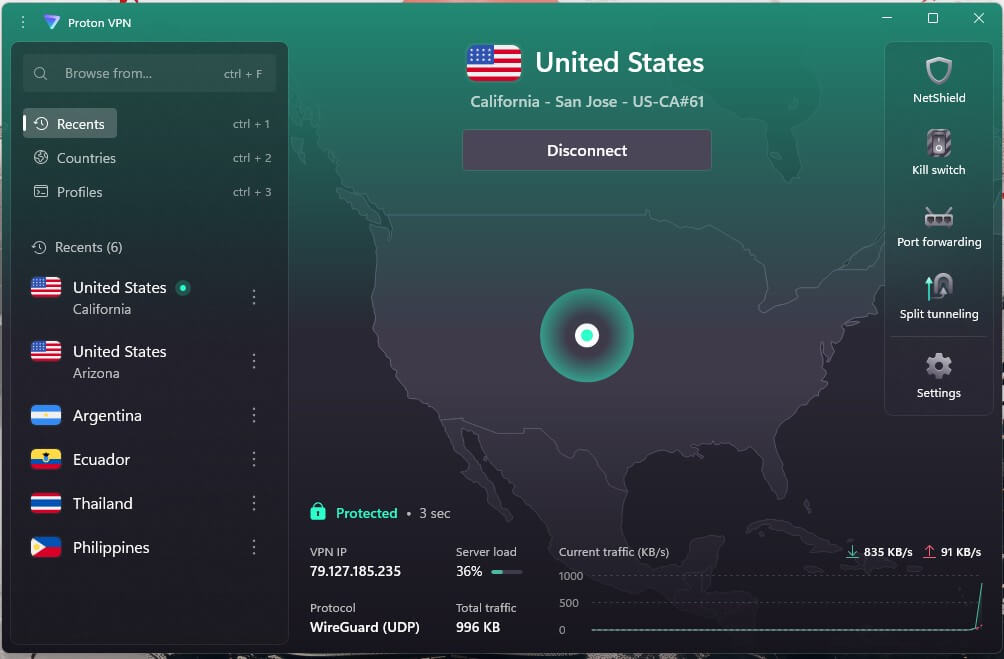
Proton VPN is the choice for PrizePicks players who want the strongest privacy record behind the VPN they use the rest of the day. It’s based in Switzerland, outside US data-sharing agreements, and an independent firm has audited its no-logs policy every year since 2022.
Its apps are also open source, so anyone can inspect the code. Split tunneling works on Windows, Android, and Mac, where it’s still an experimental feature. On most devices, however, Proton VPN can’t use split tunneling and the kill switch at the same time, and the kill switch is what cuts your internet if the VPN drops.
If you’d rather keep that protection, leave the kill switch on and disconnect before you open PrizePicks. On top of that, NetShield, Proton VPN’s ad and malware blocker, stopped 93% of test domains, the best score of the three.
Speed is a little behind, with a 10.2% average loss in our tests, which still covers live scores and highlights easily. The VPN Plus plan costs about $3 a month on the two-year term.
3. ExpressVPN: Best for Fast Connections
Pros
- Connects in one to two seconds
- Pause timer on iPhone
- Split tunneling on Windows, Android, and Mac
- Low speed loss on every server
- Servers wipe their data on every reboot
Cons
- Lightway Turbo disables split tunneling
- Ad blocker misses many trackers
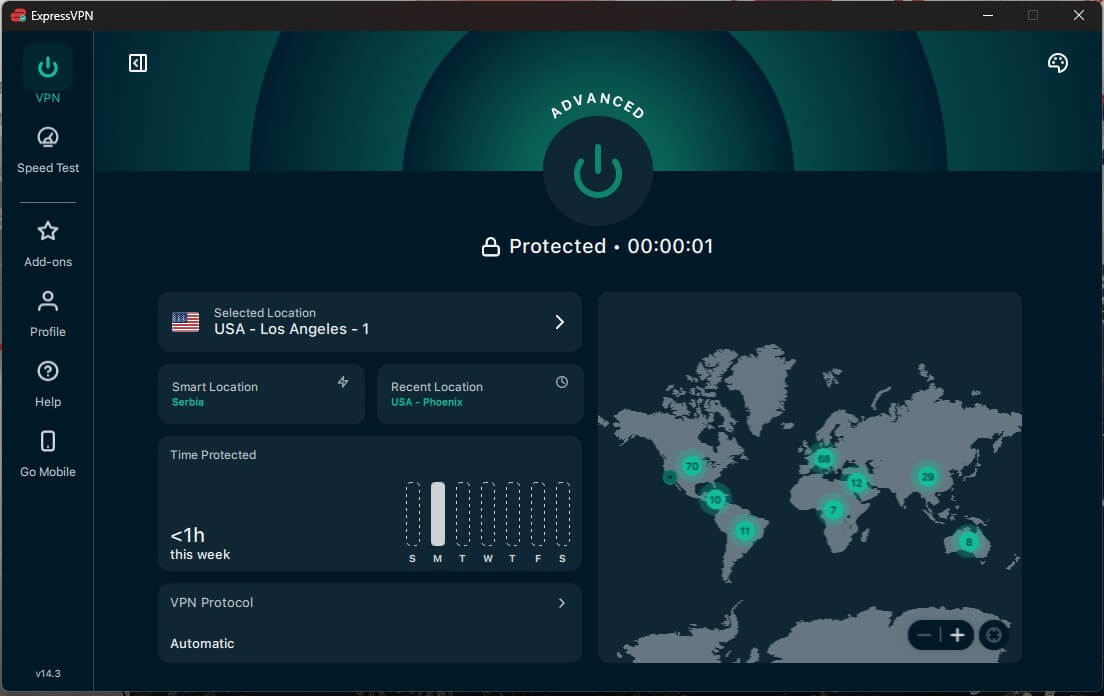
ExpressVPN connected faster than any other VPN in our tests, in one to two seconds. That helps when you switch it off for PrizePicks and back on several times a day. Its iPhone app also has a pause timer that reconnects by itself, and its Basic plan is also about $3 a month with a two-year subscription.
Split tunneling covers Windows, Android, and Mac. On Windows, however, one setting conflicts with it: Lightway Turbo, which increases speeds by sending data through several tunnels at once, greys out the split tunneling toggle. Turn Turbo off if you want to exclude PrizePicks.
On iPhone, split tunneling excludes only websites by IP address, so it can’t exclude the PrizePicks app. In our speed tests, its 7.8% average download loss tied NordVPN’s. Advanced Protection, its ad and tracker blocker, scored lowest of the three at 71%. For that reason, use it alongside a browser that blocks ads if trackers bother you.
Can You Use a VPN With PrizePicks?
No. PrizePicks prohibits VPNs and any other tool that changes your location, and the rule applies in the states where it operates too. If it detects one, your account can’t deposit, withdraw, or submit lineups until PrizePicks confirms the VPN is gone.
In the app, it checks your IP address against your phone’s GPS location, so a VPN server in another state creates a mismatch that it flags. That makes a VPN useless for accessing PrizePicks from a state or country where your pick type isn’t offered. Trying breaks its terms of use, can break state law, and puts any balance on the account at risk.
Licensed apps such as FanDuel use the same kind of location checks. Where a VPN does help is everywhere else on your phone: banking on public Wi-Fi, email, and browsing. Turn it off for the minutes you spend in PrizePicks, then switch it back on.
The same approach works for other licensed betting apps.
Why PrizePicks Says It’s Unavailable in Your Location
Players in a supported state see location errors too. The usual causes are:
- A VPN is connected, including one set to start automatically on Wi-Fi or when the device boots
- iCloud Private Relay is on, which PrizePicks names as a cause of VPN blocks on iPhone
- Location services are off, or the PrizePicks app doesn’t have location permission
- A proxy or browser extension changes your location
- Your pick type isn’t offered in the state you’re in
To fix it, pause or disconnect the VPN, turn off auto-connect for your home network, and switch off Private Relay in your iCloud settings. Then reopen PrizePicks so it runs a new location check. PrizePicks lifts the block once it confirms you’re not using a VPN.
Where Is PrizePicks Available?
PrizePicks offers different pick types in different states. Player Picks are its fantasy contests, while Team and Culture Picks are prediction markets from PrizePicks Predict. Its latest eligibility list looks like this, with a minimum age of 18 unless noted:
- Every pick type: Alabama (19+), Alaska, Arkansas, California, Florida, Georgia, Indiana, Kansas, Maine, Minnesota, Nebraska, North Carolina, North Dakota, Oklahoma, Oregon, Rhode Island, South Carolina, South Dakota, Texas, Vermont, Virginia (21+), West Virginia, Wisconsin, and Wyoming
- Player and Culture Picks, but not Team Picks: Colorado (19+), Delaware, Illinois (21+), Kentucky, Massachusetts (21+), Missouri, New Hampshire, New Mexico, Tennessee, and Washington, D.C.
- Team and Culture Picks, but not Player Picks: Hawaii, Idaho, Iowa, Louisiana, Mississippi, Montana, and New Jersey
- Culture Picks only: Connecticut, Maryland, Michigan, Ohio, and Pennsylvania
- Player Picks only: Arizona (21+), New York, and Utah
- Free contests only: Nevada
The list changes often, so check PrizePicks’ eligibility page before you deposit. Outside the US, PrizePicks has no paid contests: it left Canada in April 2026, and it doesn’t operate in Mexico, Australia, or Europe. Connecting through a US server from abroad breaks the same VPN rule.
Conclusion
PrizePicks and a VPN can share a phone, but not a session. The app blocks deposits and lineups whenever it detects a VPN, so the VPN’s job is everything around PrizePicks: your bank, your email, and public Wi-Fi.
NordVPN makes that routine the easiest, since its Pause button switches protection back on after you’ve made your picks. Proton VPN is the better match for anyone who puts privacy first. And if PrizePicks still blocks you with the VPN off, check iCloud Private Relay before you contact support.
Frequently Asked Questions
Can you use a VPN for PrizePicks?
No. PrizePicks prohibits VPNs and other location-changing tools, even in states where it operates, and blocks deposits, withdrawals, and lineup entries until it confirms that none is active.
Why does PrizePicks say I'm using a VPN when I'm not?
The usual cause on iPhone is iCloud Private Relay, which changes the IP address PrizePicks sees. A VPN set to auto-connect, a proxy, or a location-changing browser extension can trigger the same block.
Does PrizePicks work in Mexico?
No. PrizePicks offers paid contests only in the United States, and connecting through a VPN to appear in a US state breaks its terms and can freeze the account.
Can I use PrizePicks on my laptop?
Yes. PrizePicks has a website that works in a desktop browser, and it runs the same location checks as the app, so any VPN on the computer has to be disconnected first.
Is there a free VPN for PrizePicks?
No VPN, free or paid, is allowed while playing PrizePicks. For privacy on the same phone at other times, Proton VPN's free plan is a trustworthy option with no data limit.
Does PrizePicks work in Nevada?
Only partly. Nevada residents can join PrizePicks' free contests, but paid Player, Team, and Culture Picks aren't available anywhere in the state.