Sling TV works in the United States. Open it from another country, and the site returns a message declining to load, whether or not the account is paid up. A US server answers the IP address check. The billing check is separate: signing up requires a US payment method and a ZIP code. Sling has also improved at spotting VPN traffic. We tested US servers from 10 services against ESPN, Fox, CNN, and NFL Network on a laptop, a Fire TV Stick, and a Roku. Four of them worked.
Best VPNs for Sling TV in 2026
- NordVPN: Best overall. Servers in all 50 states, SmartPlay switched on by default, and Smart DNS for Roku.
- Proton VPN: Privacy pick, with Apple TV and Android TV apps and Swiss law behind the company.
- ExpressVPN: Quickest to connect, and 62 US locations to choose between.
- Private Internet Access: Cheapest, with no cap on simultaneous devices.
Sling TV VPNs Ranked and Compared
| VPN | US coverage | Roku and smart TVs | Devices | Starting price |
|---|---|---|---|---|
| NordVPN | All 50 states | Smart DNS or router | 10 | $3.49/month |
| Proton VPN | Major cities | Router only | 10 | $2.99/month |
| ExpressVPN | 62 locations | MediaStreamer or router | 10 | $2.99/month |
| Private Internet Access | All 50 states | Smart DNS or router | Unlimited | $2.19/month |
1. NordVPN: Best VPN for Sling TV Overall
Pros
- Every US state covered
- SmartPlay always on
- Smart DNS for Roku
- Dedicated IP option
- Onion Over VPN servers
- Built-in threat filter
Cons
- Renewal costs more
- Dedicated IP costs extra
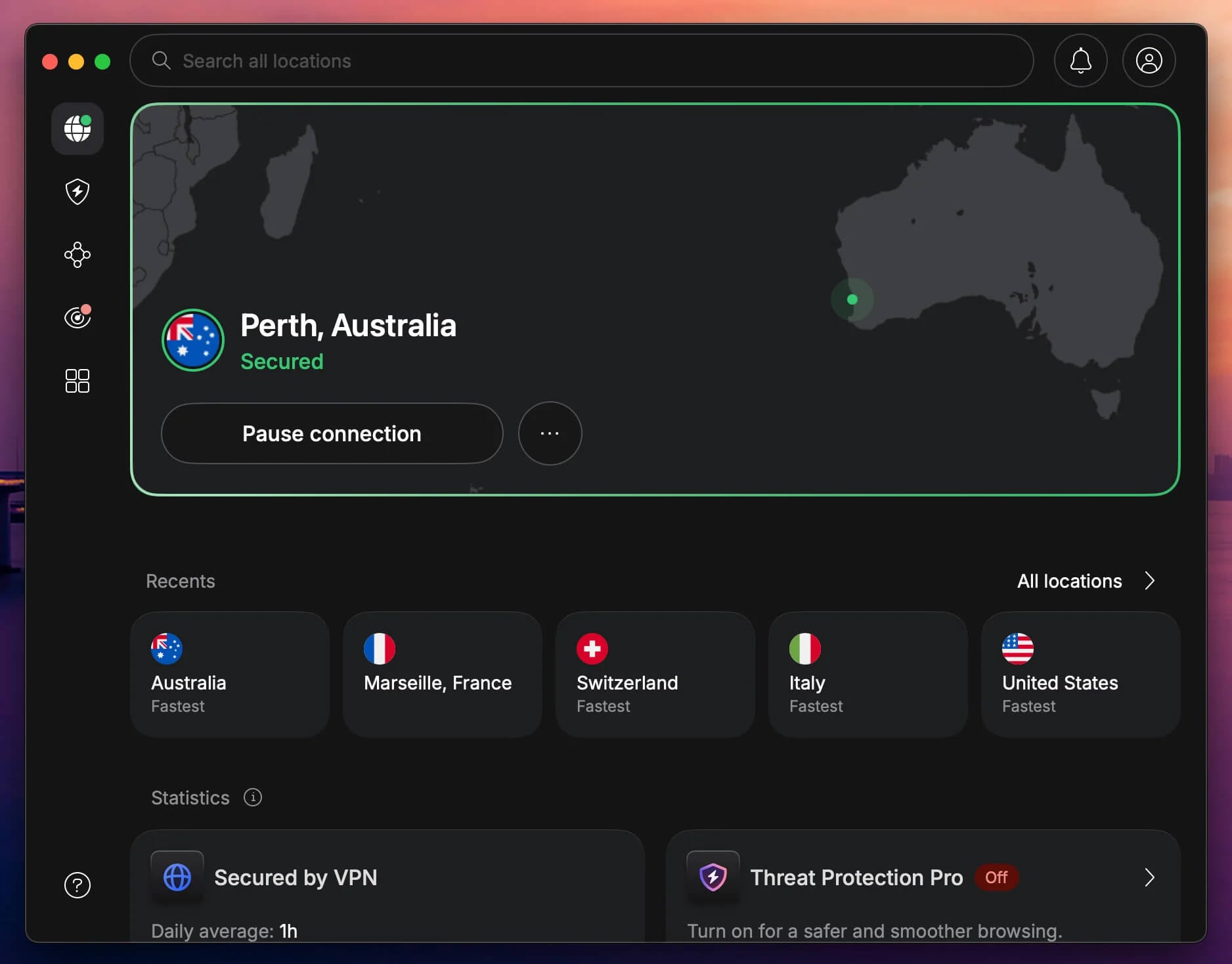
NordVPN loaded Sling TV on every US server we tried, and our streaming VPN rankings put it first. The April 2026 expansion put servers in all 50 states. Sling assigns local channels by ZIP code, and blackouts follow the same map. SmartPlay does the work. It pairs the tunnel with streaming DNS and needs no configuration, so a US server is the only choice to make.
Speed loss was measured at about 18% on NordLynx, which left 4K playback stable through a full NFL broadcast and an ESPN+ event. Clients exist for Windows, macOS, iOS, Android, Linux, and Fire TV, and Smart DNS extends coverage to Roku and consoles that won’t take a VPN client. Onion Over VPN servers layer Tor over the tunnel for dark web access.
A dedicated IP address is available as a paid extra, useful where Sling repeatedly flags shared addresses. Six independent audits have examined the no-logs policy, the last of them by Deloitte in December 2025, and the servers run from RAM with nothing written to disk. Pricing starts at $3.49/mo on the Basic plan for 10 devices, with 30 days to claim a refund.
2. Proton VPN: Best Sling TV VPN for Privacy
Pros
- Native TV apps
- Accelerator raises speed
- Deep US server pool
- Swiss data law
- Annual outside audits
Cons
- Smart DNS unavailable
- Fewer US cities
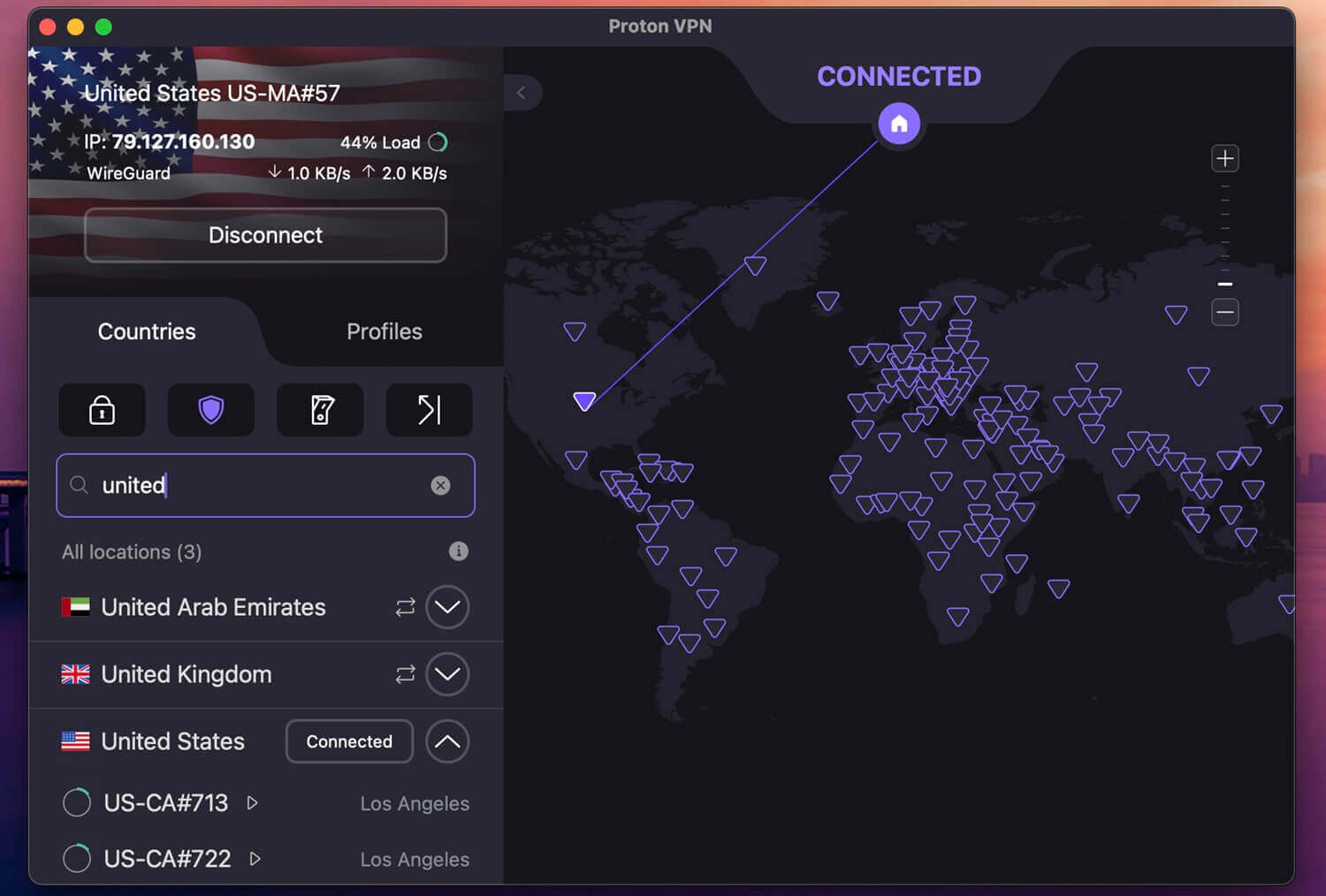
Proton VPN opened Sling TV on its US servers and kept playing through a long block of live sport. Its US pool is drawn from 20,000+ servers across 148 countries, deep enough that a flagged address is swapped instead of waited out. VPN Accelerator makes it viable at a distance. It rebuilds how the tunnel copes with congestion, and our download rates from Europe to the US East Coast rose with it enabled.
Playback stayed at 1080p throughout. Switzerland hosts the company, the clients are published in the open, and an August 2025 Securitum audit was the 4th on its no-logs policy. Proton VPN publishes Apple TV and Android TV apps, so those screens connect without touching the router. Roku and the smart TV platforms require a router setup because Smart DNS s missing. We covered it in our Proton VPN review.
3. ExpressVPN: Fastest Connections for Live Sports
Pros
- Dozens of US cities
- MediaStreamer for Roku
- Native Fire TV app
- Turbo mode on Windows
- Includes ExpressVPN Keys
Cons
- Higher monthly cost
- No multi-hop
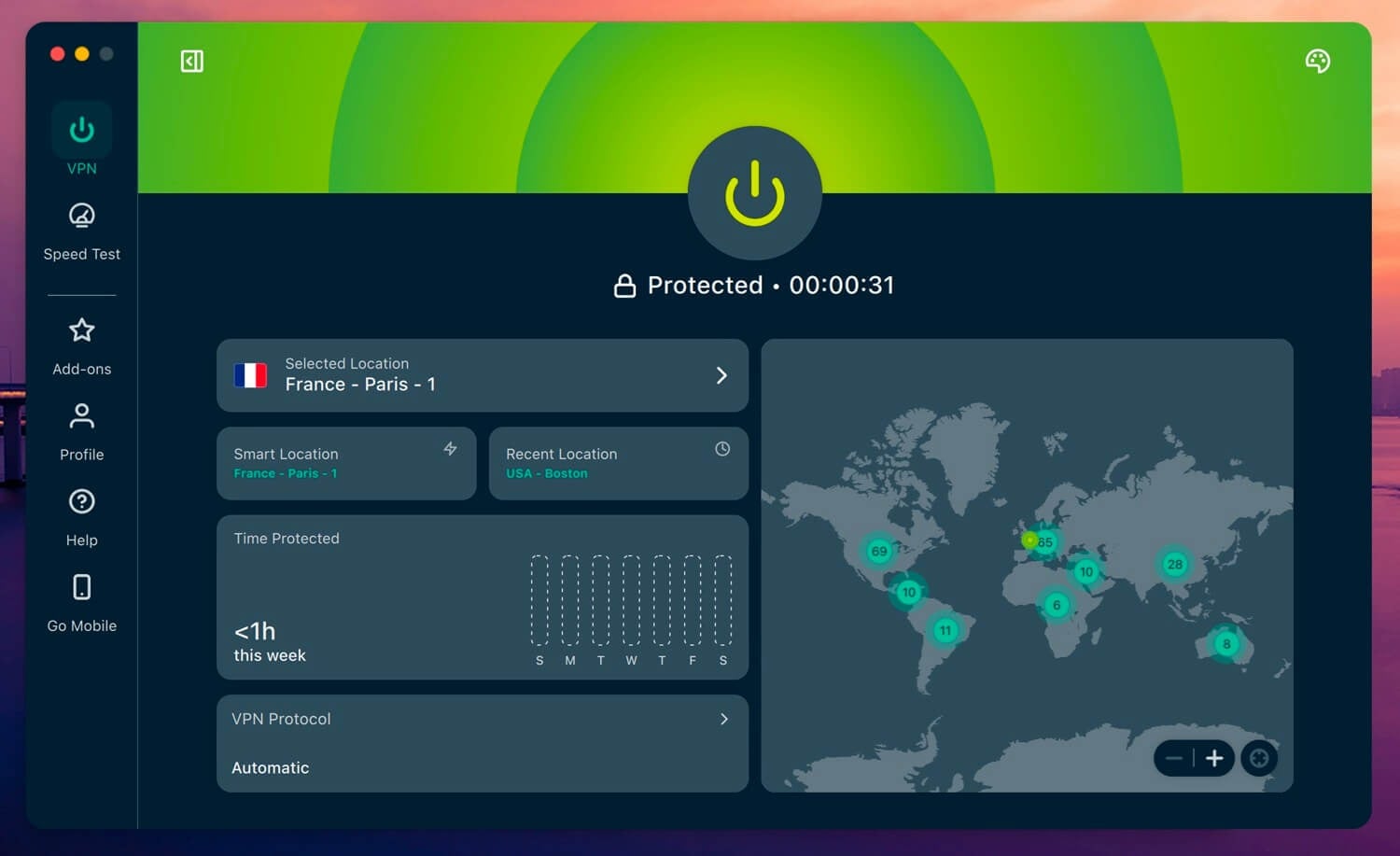
February 2026: ExpressVPN expanded from 24 US server locations to 62, one in every state, with multiple servers in Los Angeles and New Jersey. Sling’s local TV channels and blackout rules key off location, so the extra cities give more places to try. Lightway is the protocol, with post-quantum encryption, and Windows adds Lightway Turbo for a further speed increase. Connection times were the shortest.
MediaStreamer works on Roku and smart TVs with no router, and there’s a native Fire TV app. The subscription also includes ExpressVPN Keys for password storage. Beyond Sling, it also opens 9Now and the major Netflix regions. The clients are simple, with a connect button, a location list, and nothing else to set. Our ExpressVPN review breaks it down. The VPN starts at $2.99 per month for 28 months.
4. Private Internet Access: Best Cheap Sling TV VPN
Pros
- No connection limit
- US state-level servers
- MACE blocks ads
- Shadowsocks available
- Low yearly cost
Cons
- Based in the US
- Sluggish Windows client
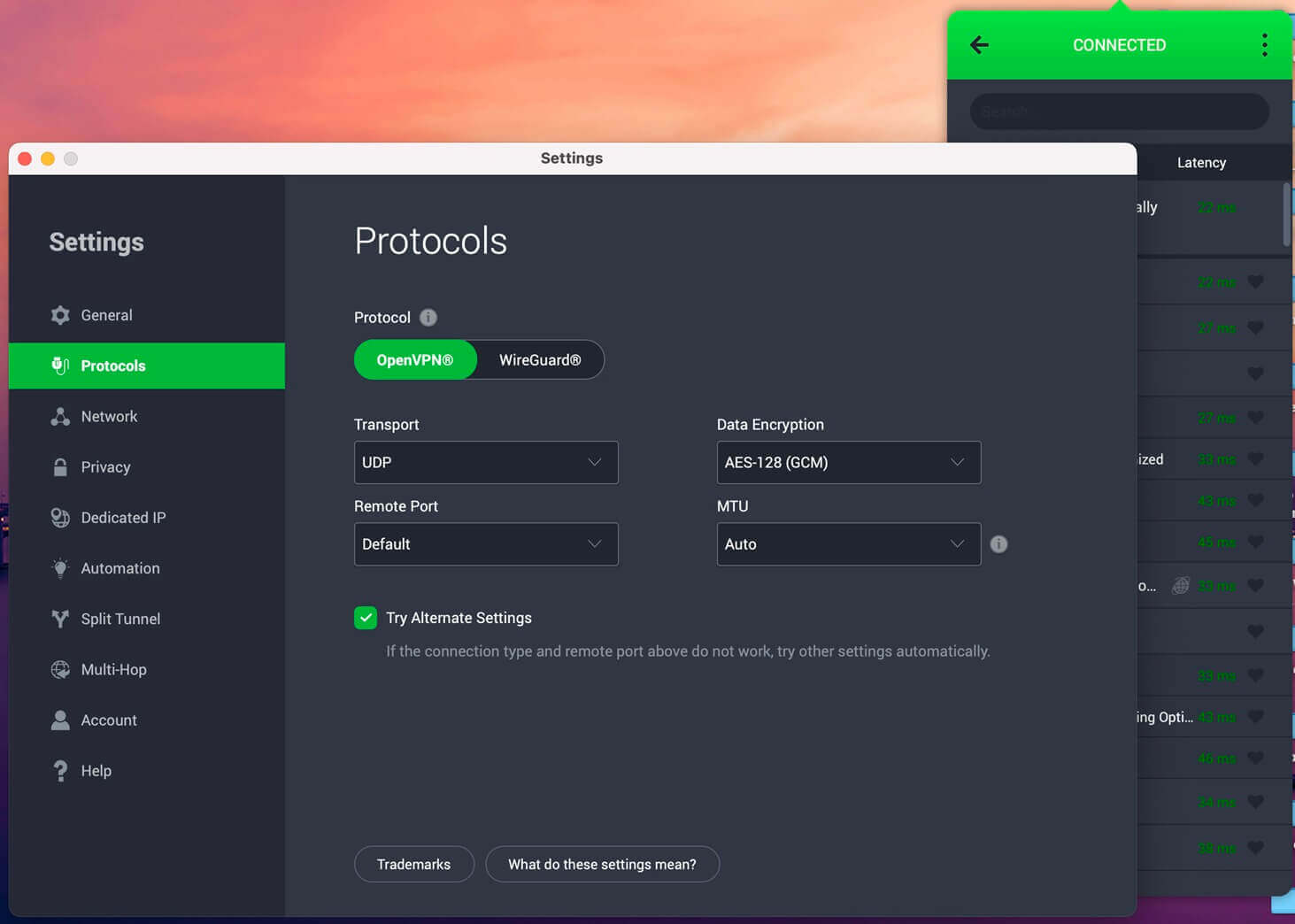
PIA covered all 50 states back in 2022 and still lists state-level servers. It opened Sling TV as readily as the pricier picks. Its streaming-optimized US entries loaded ESPN and Fox without a location error. Connections are unlimited, making it ideal for families. WireGuard is default, MACE filters ads and trackers, and Shadowsocks adds obfuscation for networks that block VPN traffic.
Multi-hop routes traffic through two servers. It’s also a solid choice for Formula 1 streams and for gaming. The Windows client felt sluggish next to the others, and evening speeds dropped further than the top picks managed. The 2-year plan is $2.19/mo, the cheapest VPN here, with a 30-day refund window.
How to Watch Sling TV Abroad
An existing Sling account makes this a 5-minute job. A new one is harder, because the payment step happens before the VPN matters.
- Pick a VPN with US servers: NordVPN opened Sling on every server we tested (we most often used New York).
- Install it and connect to a US server: pick a city near the ZIP code on the Sling account, since local channels follow it.
- Force-close the Sling app first: an open session keeps using the location it started with.
- Sign in at sling.com or in the app and start watching. ESPN, Fox, CNN, and NFL Network appear as they do at home.
- For a new account, a US payment method and ZIP code are required at signup. A VPN changes the connection, not the card.
Why Sling TV Is US-Only
Sling doesn’t own the programming it shows. ESPN, Fox, CNN, Bravo, and NFL Network are separate rights holders, and each licenses its channel for USA distribution alone. Sling checks the IP address when the app opens, then again at intervals while a stream runs. That message appears on any connection resolving outside the country. Neither a US billing address nor an active subscription changes it.
Blackouts are a second layer, and they apply to subscribers inside the US. Regional sports rights mean a game shown in one state can be withheld in another, keyed to the ZIP code on the account. Sling Freestream, the free ad-supported service with 600+ channels, is geo-locked on the same terms as the paid plans.
Sling TV Not Working With a VPN? Try This
- Switch to another US city: a fresh server means an address Sling hasn’t listed yet.
- Wipe stored site data: the cached location from the previous session outlives a new connection.
- Deny location permission on mobile: the apps check GPS too, and a country mismatch trips the block.
- Force IPv4: an IPv6 address escaping the tunnel gives away the country on some home connections.
- Use the VPN’s own DNS: a router overriding it sends Sling the real location.
Using a service other than ours is the likelier cause. VyprVPN, for instance, has too small a US footprint to keep IP addresses ahead of Sling’s list. Where a network blocks VPN traffic, turn on obfuscation.
Watching Sling TV on Roku, Fire TV and Smart TVs
Sling has apps for Roku, Fire TV, Apple TV, Android TV, Chromecast, and the LG and Samsung smart TV platforms, broader coverage than most US streaming services offer abroad. Fire TV and Android TV accept VPN apps directly, and all 4 picks publish one. Apple TV does, though Proton VPN is the only one of the 4 with an app for it. Roku, Chromecast, and the smart TV platforms don’t.
The VPN has to run further up the chain: on the router, through Smart DNS, or mirrored from a phone that’s already connected. Smart DNS is the quickest to set up and the least secure, since it redirects DNS queries without encrypting the traffic. NordVPN, ExpressVPN, and PIA include it. Proton VPN doesn’t, so its Apple TV and Android TV apps or a router install cover those screens.
Sling TV Plans and Prices in 2026
- Sling Select: $19.99 a month, roughly 15 channels including Fox News and NFL Network, 1 stream. Launched in late 2025 as the entry plan.
- Sling Orange: $45.99 a month, built around ESPN and the Disney networks, 1 stream.
- Sling Blue: from $45.99 a month, carrying Fox, MSNBC, Bravo, and local stations in some markets, 3 streams.
- Orange & Blue: from $60.99 a month for both lineups and 4 streams.
Sling recommends 25 Mbps for multiple devices and sets a 3 Mbps floor for a single stream, so the VPN has to leave headroom above that. All 4 picks we tested in October 2026 stayed well above it on US servers.
Conclusion
NordVPN is our pick for Sling TV. It opened the platform on every US server we tested, SmartPlay removes the setup step, servers in all 50 states line up with Sling’s ZIP-based channel map, and Smart DNS covers the Roku and smart TV apps. Proton VPN adds Swiss privacy and apps for Apple TV and Android TV.
ExpressVPN connects quickest and gives the widest choice of US cities. PIA is the cheapest of the 4 and puts no cap on connections. Free VPNs and web proxies are the wrong tools. Their US IPs are shared by thousands and appear on Sling’s block list within days. Every free plan we tried returned the location error.
Frequently Asked Questions
✈️ Can Sling TV be watched outside the US with a VPN?
Yes. A US server offers an American IP address, and Sling treats the session as domestic. If one server doesn't work, switch to another.
💳 Does Sling TV require a US payment method?
Yes. Signing up needs a US card or payment account and a valid ZIP code. A subscriber traveling abroad avoids this, since the account is established.
❌ Why does Sling TV say it is unavailable in my region?
The connection resolved outside the United States. Channel licenses cover American distribution alone, so Sling checks the IP address at launch and again during playback.
🆓 Can a free VPN unblock Sling TV?
No. Free VPNs concentrate thousands of users on a handful of US addresses, which Sling identifies and blocks. Paid VPNs rotate through far more addresses.
📺 Does Sling TV work on Roku and Fire TV abroad?
Yes, with the VPN elsewhere. Roku doesn't support VPNs, so the connection comes from the router or Smart DNS. Fire TV accepts a VPN app directly, so you can install it from the Amazon Appstore.