To cancel Surfshark and get a refund, sign in at surfshark.com, open Live chat from the My account menu, and ask for one. The chatbot links to a refund page or connects you to an agent, and an approved refund also turns off auto-renewal. In our test, an agent approved the refund after one question, and the money was back in PayPal the same day.
The money-back guarantee covers only the first 30 days after your first purchase. After that, turning off auto-renewal stops the next charge but doesn’t refund the current one. Subscriptions bought through the App Store are refunded by Apple instead.
Surfshark Refund in 4 Steps
- Sign in at surfshark.com and click My account in the top-right corner.
- Select Live chat and ask the chatbot for a refund.
- Submit the request on the refund page it links to, or ask for a live agent.
- Leave auto-renewal alone after an approved refund. Surfshark turns it off for you.
Surfshark Refund via Live Chat
Refunds start in live chat. Sign in at surfshark.com, open the My account menu, and select Live chat. The chat window opens straight away, and Sharkbot, Surfshark’s AI assistant, answers first. In our October test, we asked how to cancel and get a refund. Sharkbot replied with a link to a refund page in the account, which shows whether the purchase is eligible and lets you submit the request yourself.
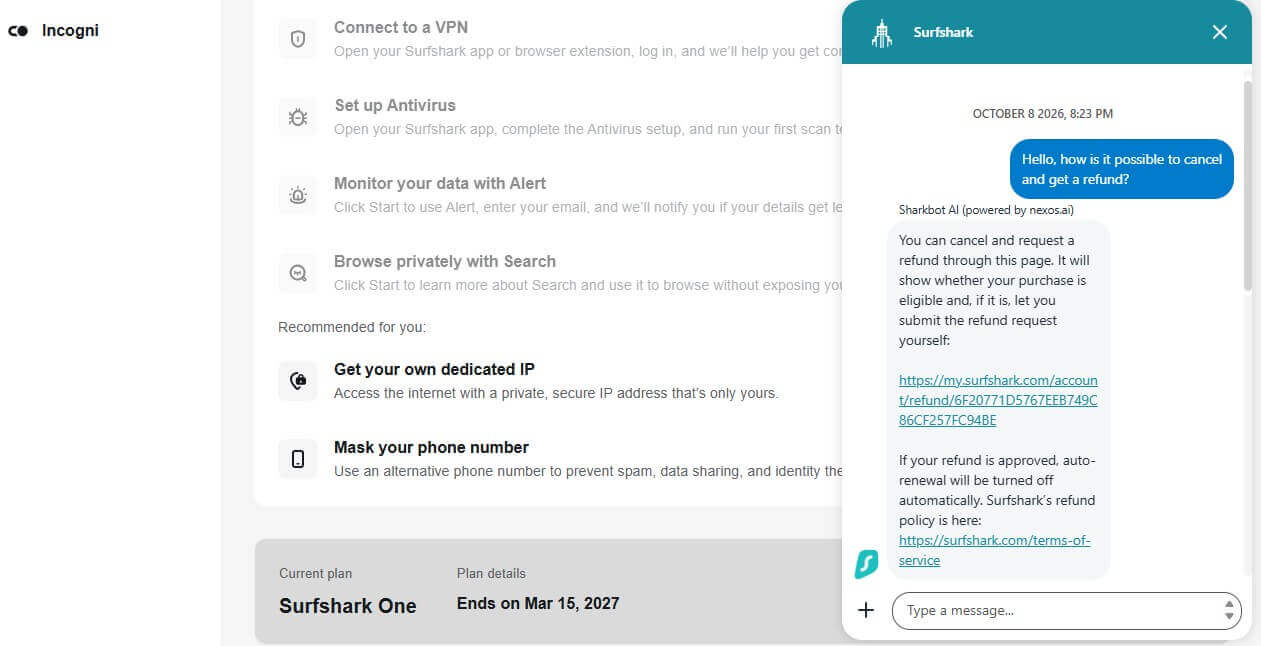
According to Sharkbot, auto-renewal stops automatically once a refund is approved, so there’s no separate cancellation step. We asked for a human agent instead. Sharkbot first asked us to describe the problem, then offered to connect us anyway. The agent approved the refund right away after one question about why we were canceling, and a short answer, “I no longer need the VPN,” was enough.
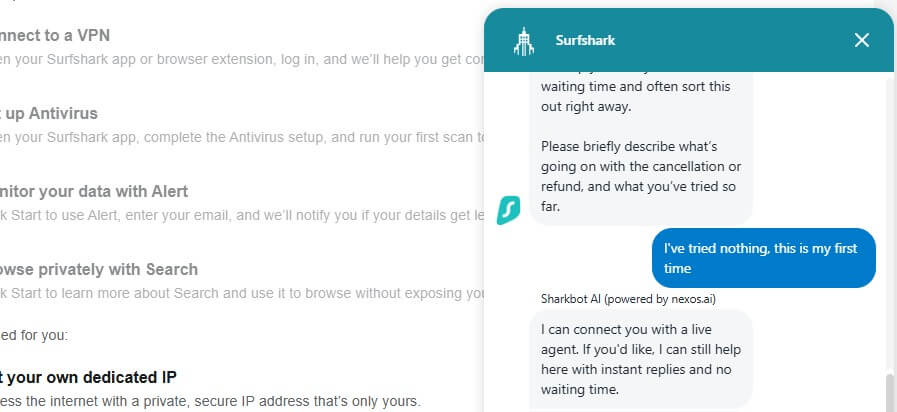
There was no offer of free months to stay. I had paid with PayPal, and the refund arrived the same day. Email works too. Send a message to [email protected] from the email address on your account and ask for a refund under the 30-day money-back guarantee.
How to Turn Off Surfshark Auto-Renewal
Turning off auto-renewal ends future payments only. Surfshark keeps working until the paid period ends, with no refund for the time left. On the website, the steps are short:
- Log in to your account and open the My account menu, where your email address appears.
- Select Subscription, then open the Payments tab.
- Under Subscription details, click Cancel renewal and confirm.
Subscriptions bought through an app store are canceled in that store, and the change doesn’t show in your Surfshark account:
- iPhone and iPad: open Settings, tap your name, then Subscriptions, select Surfshark, and tap Cancel Subscription.
- Android: open the Play Store, tap your profile picture, go to Payments & subscriptions, then Subscriptions, select Surfshark, and tap Cancel subscription.
- Amazon: manage the subscription from your Amazon account’s subscription settings.
If none of these work, Surfshark’s support team can turn off auto-renewal for you through live chat or by email.
Surfshark Refunds by Purchase Method
The refund comes from whoever billed you:
| Where you bought Surfshark | Who refunds it | How to request it |
| Surfshark website | Surfshark | Live chat or email within 30 days |
| Google Play | Google in the first 48 hours, then Surfshark | Google Play first, then Surfshark live chat |
| Apple App Store | Apple | reportaproblem.apple.com or Apple Support |
| Amazon Appstore | Amazon | Amazon customer support |
| Other resellers | The reseller | The reseller’s own refund process |
For an App Store purchase, sign in at reportaproblem.apple.com with your Apple ID, choose the option to request a refund, select the Surfshark subscription, and submit it. Surfshark can’t refund subscriptions billed by Apple.
What the 30-Day Money-Back Guarantee Covers
Surfshark refunds the full price within 30 days of your first purchase, on any subscription plan bought on its website or through Google Play. The guarantee is limited to one refund per service, and Surfshark can verify your account before issuing it. Renewals aren’t covered.
Say your two-year plan renewed last week: that charge isn’t refundable, even within the first month of the new term. Surfshark’s terms also exclude these purchases from refunds:
- Payments made with prepaid cards or gift cards
- The anonymous Dedicated IP option
- Alternative ID purchases, including the Alternative Number feature
- Free trials of 30 days or longer
- Subscriptions bought from resellers other than Google Play
Crypto payments are refunded in the same cryptocurrency, worth the original US dollar amount at the exchange rate on the day of the refund. Bundles work as one subscription: canceling Surfshark One ends every service in it, and you can’t keep only some of them.
After 30 days, Surfshark considers partial refunds only when the service was unavailable and you contacted support about it. Consumer laws in your country of residence still apply on top of these terms.
Best Alternatives to Surfshark
Our Surfshark review credits it with unlimited devices and a low price. If those weren’t enough, these three VPNs do better in other areas, and each has a 30-day money-back guarantee of its own. Households that relied on unlimited devices can compare limits in our guide to the best VPNs for multiple devices. Our full list of Surfshark alternatives has more choices.
1. NordVPN: Best for Security Features
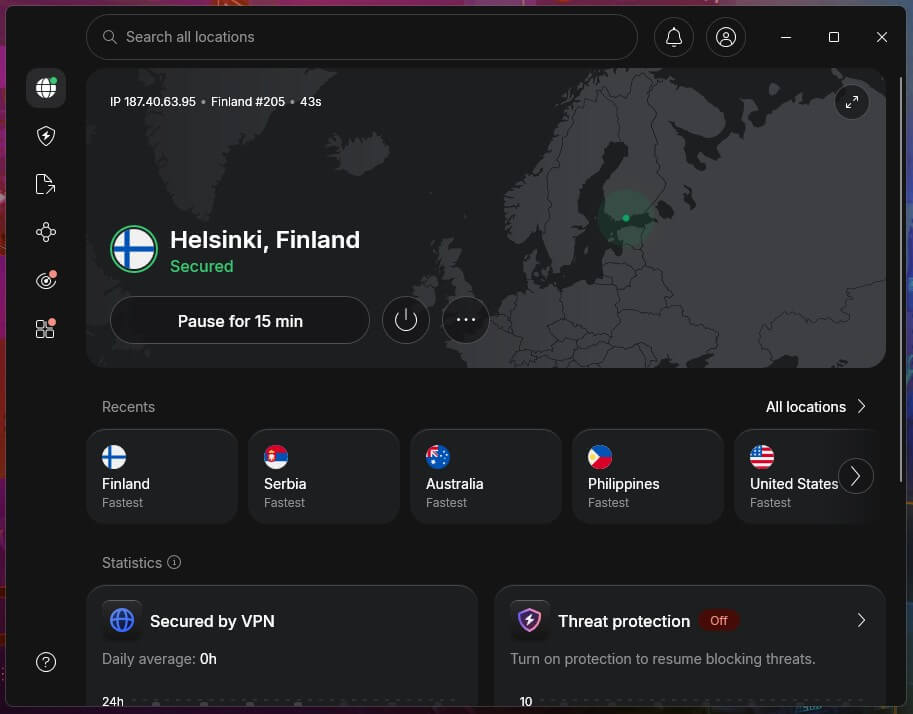
NordVPN’s Threat Protection Pro blocks malware, ads, and trackers, and its dedicated IP addresses are available in 32 countries. It also has obfuscated servers and the NordWhisper protocol for networks that block VPNs. One subscription covers 10 devices. Our Surfshark vs NordVPN comparison shows where each one comes out ahead.
2. Proton VPN: Best for Privacy
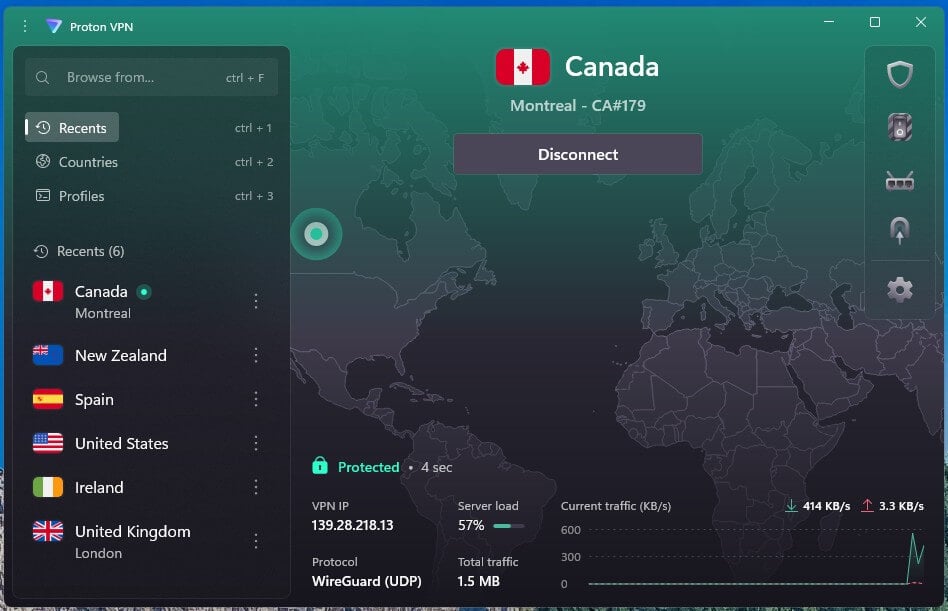
Proton VPN is based in Switzerland, publishes the source code of its apps, and offers Secure Core servers for extra privacy. If you’re leaving Surfshark to stop paying, its free plan has no data limit, and the VPN Plus plan adds streaming support and faster servers.
3. ExpressVPN: Best for Streaming
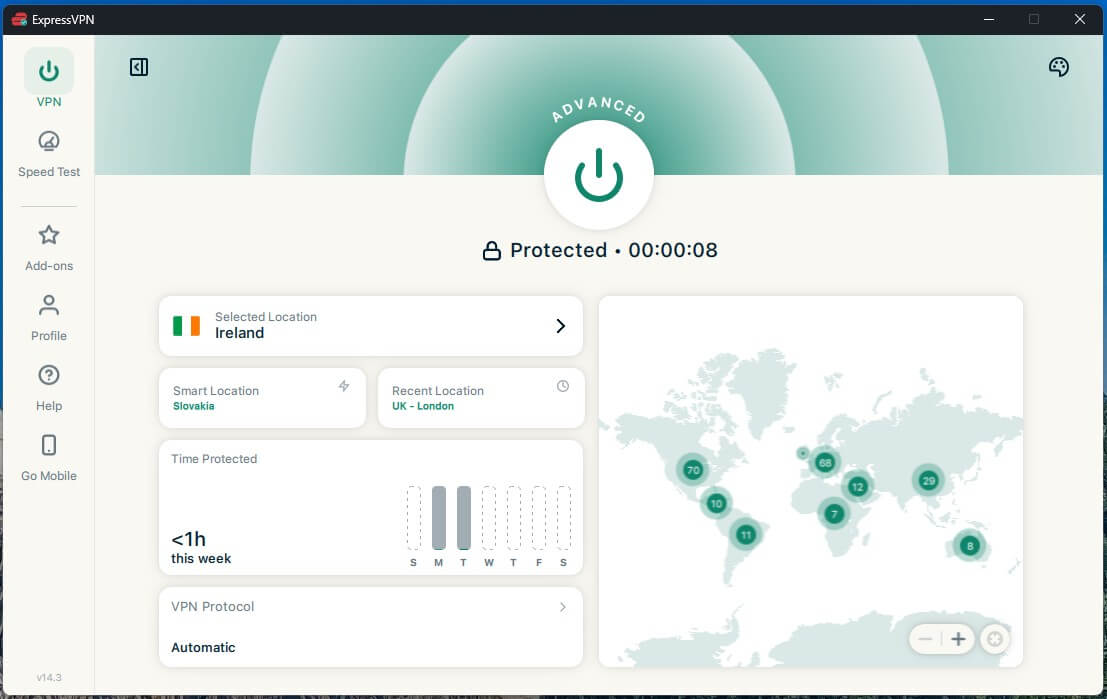
ExpressVPN unblocked all 14 streaming services in our tests, which puts it among our top VPNs for Netflix. Its apps are simple to use, and obfuscation is active on every server without any setup.
Conclusion
The right steps depend on where and when you bought Surfshark. Within 30 days of a website or Google Play purchase, one live chat request covers the refund and the cancellation. After 30 days, you can still turn off auto-renewal under Subscription and use the plan until its end date.
App Store and Amazon purchases go through those stores. If you’re canceling because you’re no longer sure you need a VPN, our explainer on what a VPN is covers what it protects and what it can’t do.
Frequently Asked Questions
Can I cancel Surfshark at any time?
Yes, auto-renewal can be turned off at any time in the Surfshark account or through support. Access continues until the current term expires, but refunds apply only to the first 30 days.
Does Surfshark have a 30-day money-back guarantee?
Yes, Surfshark's terms of service guarantee a full refund within 30 days of the first purchase. Each service qualifies for one refund, and renewals, gift card payments, and anonymous Dedicated IP are excluded.
How long does a Surfshark refund take?
Surfshark says approved refunds are usually processed within a few business days. The exact timing depends on the payment method and on the bank or payment service involved.
Can I get a Surfshark refund after 30 days?
No, the money-back guarantee ends 30 days after the first purchase. Later partial refunds are possible only when Surfshark was unusable and support was contacted about the problem.
Are Surfshark renewals refundable?
No, renewal charges aren't refundable. Surfshark's guarantee applies to the initial purchase of each service, and turning off auto-renewal before the renewal date avoids the next charge.
How do I get a refund for Surfshark bought on an iPhone?
Apple processes refunds for Surfshark subscriptions bought in the App Store. Requests go through reportaproblem.apple.com or Apple Support, and Surfshark can't process them itself.
Does Surfshark refund crypto payments?
Yes, Surfshark refunds crypto payments in the same cryptocurrency. The amount matches the original price in US dollars, converted at the rate that applies when the refund is issued.