TikTok is easy to forget about in Hong Kong until you open it. The app shows a network error even on fast Wi-Fi, the feed never appears, and the App Store search turns up nothing. For the city’s domestic workers from Indonesia and the Philippines, for students, and for visitors, it’s often one of the first surprises after arriving.
The cause isn’t a government ban. TikTok pulled out of the city by choice in 2020, and the app blocks local users through two separate checks. The fix takes one change to your phone plus a VPN, and the short version comes first.
Use TikTok in Hong Kong: Quick Setup
- Subscribe to NordVPN and install it on your phone.
- Remove the Hong Kong SIM card or deactivate it, then use Wi-Fi.
- Connect to Japan or any other server where TikTok works in the NordVPN app.
- Open TikTok and sign in. If the error remains, force-close the app and open it again.
Is TikTok Banned in Hong Kong?
No, the Hong Kong government hasn’t banned TikTok. The company withdrew on its own in July 2020, days after the national security law took effect. Its only explanation was that it had decided to stop operating “in light of recent events.”
Hong Kong was a small market for TikTok, and the app disappeared from Hong Kong’s App Store and Google Play within days. Nothing has changed since. TikTok hasn’t announced a return. In 2024, Hong Kong’s justice secretary also said the government had “absolutely no intention to ban any social media.”
Visit tiktok.com from a Hong Kong IP address today, and you’ll see TikTok’s company site, with no videos to watch:

Douyin, ByteDance’s app for mainland China, remains downloadable in Hong Kong. It’s a separate service with its own content under mainland rules, and TikTok accounts and followers don’t transfer to it.
How TikTok Detects Hong Kong Users
TikTok checks two things: your IP address and the country code of your SIM card. If either one points to Hong Kong, TikTok won’t load, even though the rest of your phone’s apps work normally. A VPN alone often fails with a Hong Kong SIM in the phone.
The VPN swaps your IP address for a foreign one, yet the SIM still reports Hong Kong. Dual-SIM phones require extra care. eSIM sellers report that a Hong Kong SIM left active in the second slot can still trigger the block.
Since 2022, every Hong Kong SIM, including prepaid ones, has required registration with an ID document. A local SIM bought at the airport is therefore a Hong Kong SIM like any other.
How to Use TikTok in Hong Kong With a VPN
Start with the phone itself. Take out the Hong Kong SIM, or disable its line in your settings, and join a Wi-Fi network. Then open your VPN and choose Japan. With a VPN, a few taps change your IP address to a Japanese one.
I tested NordVPN, Proton VPN, and ExpressVPN, and TikTok worked every time. Japan is also close enough to Hong Kong to keep ping low (you can use any other server that works normally). Once connected, launch TikTok and log in. If the network error persists, close TikTok completely and relaunch it. An existing account keeps most of its usual feed after the switch.
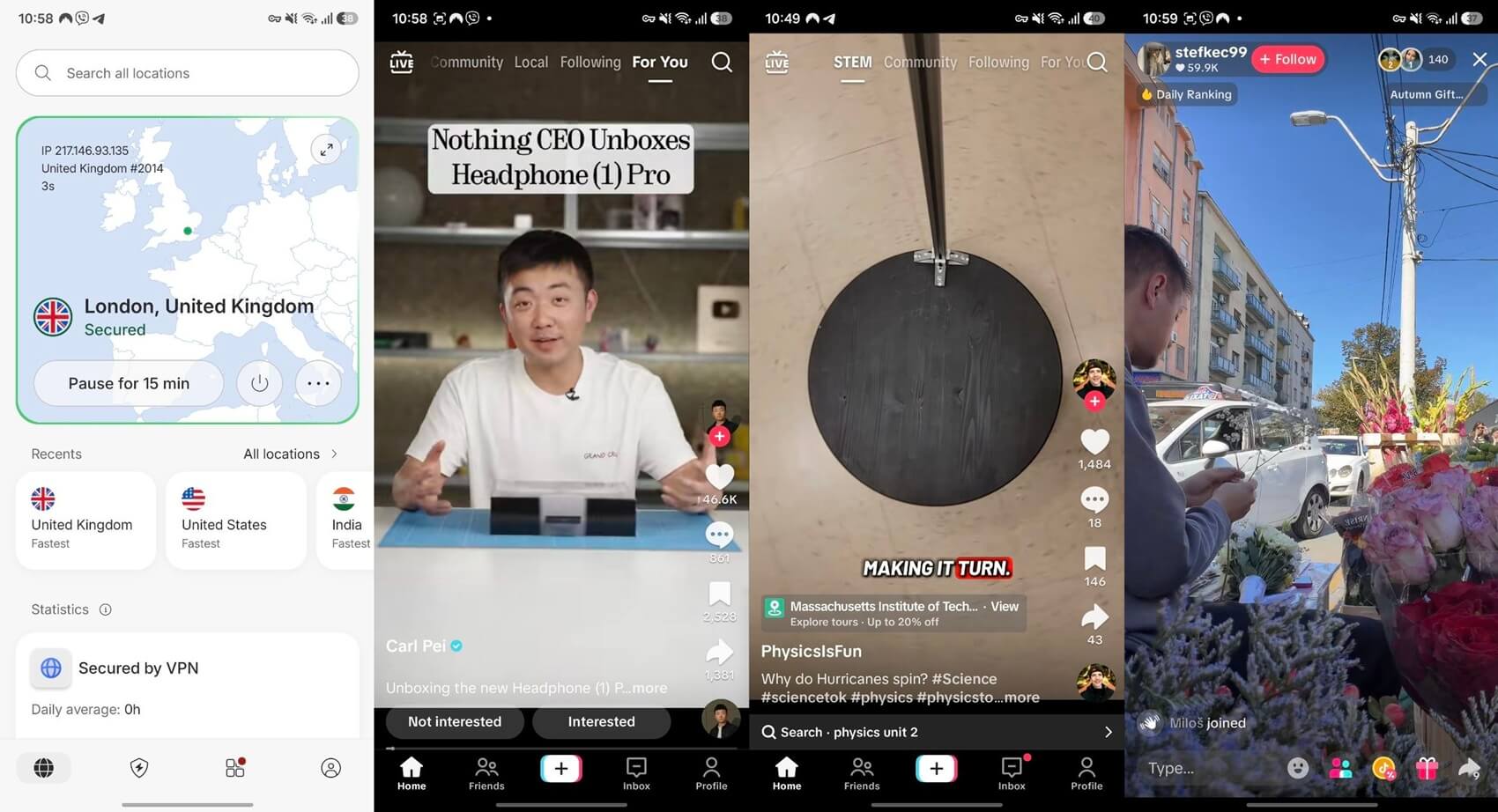
A new account created on a Japan server, however, is likely to see more Japanese creators at first. Viewers who want creators from home can choose Indonesia or the Philippines, where TikTok works normally. TikTok isn’t available in India or mainland China either, so skip servers there.
Android users can also leave WhatsApp and banking apps outside the VPN with split tunneling, while TikTok connects through Japan. The same setup helps with other services that don’t support Hong Kong.
OpenAI, for example, doesn’t offer ChatGPT in Hong Kong. For local streaming apps, switch back to a Hong Kong server.
Using TikTok in Hong Kong Without a VPN
Visitors roaming on a foreign SIM often don’t require a VPN. Roaming data usually returns through your home carrier, so TikTok sees your home country on both the SIM and the IP address. Travel eSIMs vary, though. Some send data through Hong Kong and assign a local IP, which TikTok blocks.
Others use a foreign IP and work normally. If TikTok shows the error on an eSIM, add a VPN. Residents don’t have that option. A Hong Kong SIM blocks TikTok on mobile data, so the VPN and Wi-Fi setup is the dependable method. Our guide to the best VPN for Hong Kong covers the local services that work best on Hong Kong servers.
How to Download TikTok in Hong Kong
TikTok isn’t available in the Hong Kong versions of the App Store or Google Play, and a VPN doesn’t change which store you see. Store access follows the country of your Apple or Google account.
- On an iPhone, switch your Apple Account to another country, or create a new Apple Account for that country. Apple requires you to spend any remaining balance and cancel active subscriptions first. You might also have to add a payment method from the new country.
- On Android, Google Play is stricter. It allows a country change only when you’re in that country, with a local payment method, and only once every 90 days.
TikTok has also offered an official Android installer on its own website. If you use one, download it only from tiktok.com. Third-party APK sites can host modified or outdated versions.
VPNs for TikTok in Hong Kong
NordVPN, Proton VPN, and ExpressVPN differ in what they add for TikTok users in Hong Kong. For a wider comparison, see our VPNs for TikTok rankings.
NordVPN: Best for Fast TikTok Uploads

Pros
- Large server network in Japan and Taiwan
- iPhone and Android kill switch
- Split tunneling on Android
Con
- Costs more at renewal
NordVPN uploaded my 1080p test clip to TikTok almost as quickly as my connection without a VPN, and TikTok Live played without stuttering. Its Japan servers kept more than enough speed for HD videos, too.
Hong Kong’s home networks don’t block VPNs, but some office and school networks do, and NordVPN’s obfuscated servers are built for them. NordVPN doesn’t offer a free plan, though its refund policy works much like a NordVPN free trial.
Proton VPN: Best for Keeping Your Activity Private
Pros
- Free plan with no data limit
- Always-on kill switch
- Servers in Tokyo and Osaka
Con
- Free plan can’t choose a country
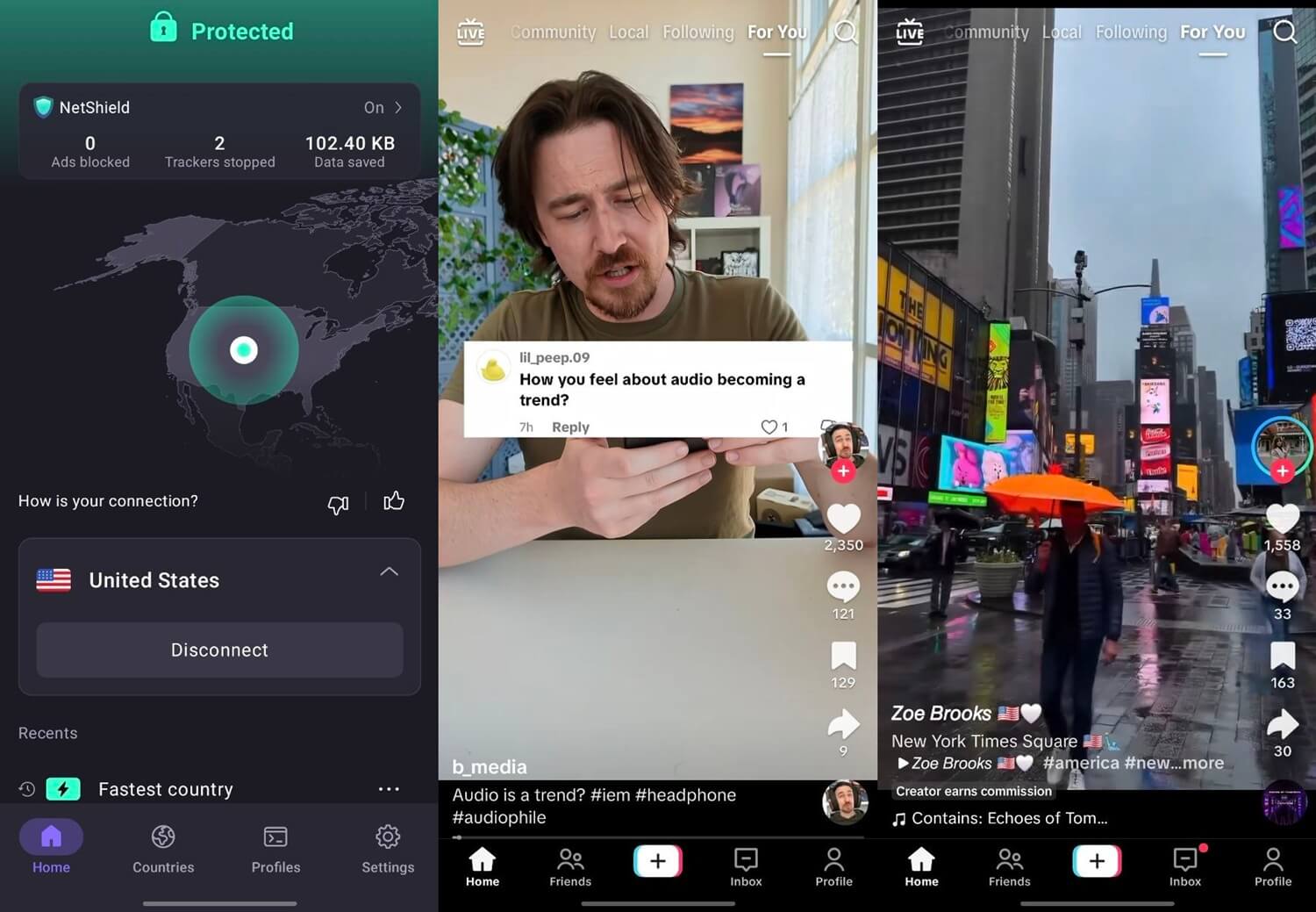
Proton VPN is the pick for TikTok users who put privacy first. The company operates from Switzerland, and independent auditors have checked its claim that it keeps no activity logs. Its apps are open source, so outside experts can check what they do with your data. More privacy-focused picks appear in our best VPNs ranking.
ExpressVPN: Best for Choice of Japanese Locations
Pros
- Several city locations in Japan
- Threat Manager blocks app trackers
- Lightway keeps mobile connections stable
Cons
- Fewer extras on the Basic plan
- No split tunneling in the iPhone app
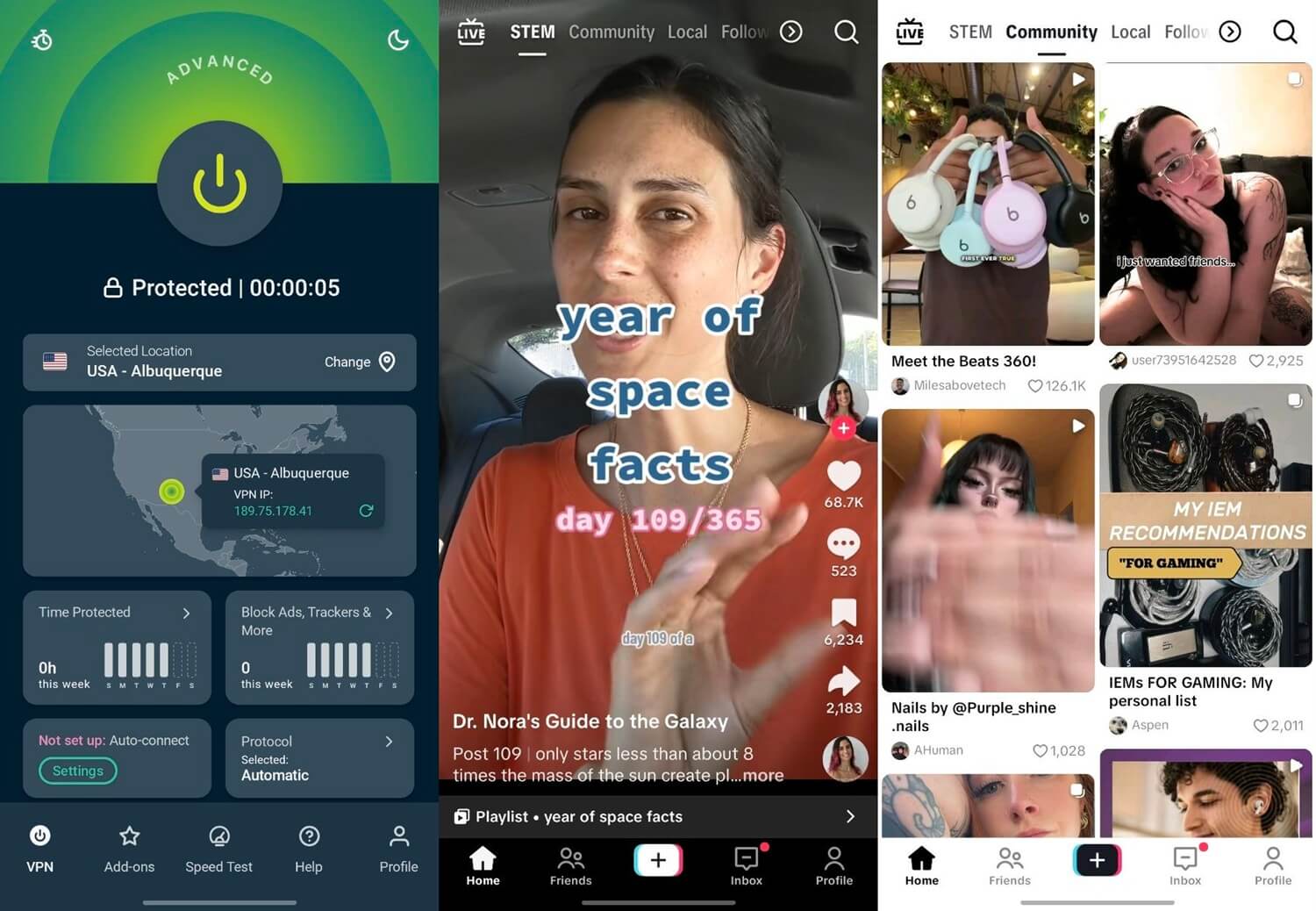
ExpressVPN lists Tokyo, Osaka, Shibuya, and Yokohama in its Japan menu. If one location is busy, you can switch without leaving the country. TikTok worked on its Japan server, and its apps connect quickly with no settings to change.
I just wish I could find more settings to play around with, like MultiHop, but for a regular user that just wants quick access to TikTok in Hong Kong, it’ll matter little.
Is It Legal to Use a VPN in Hong Kong?
Yes. No Hong Kong law prohibits VPNs, and the mainland’s internet controls don’t apply in the city. Using TikTok through a VPN breaks no Hong Kong law either. The app is missing because of the company’s own decision.
Hong Kong has its own limits, however. Under the national security law, police can order local internet providers to block specific websites. A handful of political sites have been blocked since 2021. Since 2024, the Article 23 ordinance has also made possessing “seditious” material an offense.
In 2025, police warned that downloading one mobile game could count. TikTok has never been treated that way. Apple has removed some VPN apps from its Hong Kong store since 2020, though the best-known ones remain available.
Final Thoughts
No law keeps TikTok out of Hong Kong, and two changes bring the app back: a VPN server abroad and a phone without an active Hong Kong SIM.
Japan is the simplest server choice, and NordVPN was the quickest for TikTok uploads in our tests. Keep the VPN connected each time you open TikTok, because the network error comes back on a Hong Kong connection.
Frequently Asked Questions
Is TikTok coming back to Hong Kong?
No, not so far. TikTok hasn't announced any plan to return, and the app remains absent from local app stores years after the company withdrew from the city.
Is Douyin available in Hong Kong?
Yes. Hong Kong's App Store lists Douyin, ByteDance's Chinese app. Full identity verification, however, requires a Chinese ID card, a Hong Kong or Macau travel permit, or a foreign permanent residence permit.
Can tourists use TikTok in Hong Kong?
Yes, usually. A foreign SIM card on roaming normally connects through the home carrier, so TikTok treats the phone as abroad. A local Hong Kong SIM, however, triggers the block.
Why does TikTok show a network error in Hong Kong?
The error appears when TikTok detects Hong Kong through the phone's SIM card or its IP address. A working connection makes no difference, because the app no longer serves Hong Kong.
Which VPN location works for TikTok in Hong Kong?
Japan is a reliable choice for TikTok from Hong Kong. Singapore, South Korea, Indonesia, and the Philippines also work, while Hong Kong, mainland China, and India servers don't.
Does TikTok work with a VPN and a Hong Kong SIM?
No, not reliably. TikTok also reads the SIM card's country code, so a Hong Kong SIM keeps the block in place until it's removed or its line is disabled.