
Bump, Scrublands, Yellowstone, and all 4 tennis Grand Slams sit behind one Australian login. The Stan streaming service sells to Australia only, so a fortnight in Bali or 3 years in London produces the same error page. The block reads your IP address, so an Australian one puts you back in.
That’s what a VPN provides, and it’s the same approach that gets Kayo Sports working from abroad. Below: the setup, the providers that manage it, and what Stan actually costs in 2026. But first, a recap.
How to Watch Stan Outside Australia: October 2026 Updated Tutorial
- Subscribe to a VPN with Australian servers. NordVPN is our first choice.
- Install the VPN app on your laptop, phone, or TV.
- Open the VPN and sign in to your account
- Connect to any Australian server.
- Open Stan and sign in. It should now work normally.
How to Watch Stan Overseas With a VPN
Stan checks the IP address behind every request. Only an Australian IP address passes. A VPN replaces that IP with one belonging to a server you pick, so choosing an Australian server makes Stan treat you as a local viewer. Nothing about your account changes, and Stan sees the same subscription it always did.
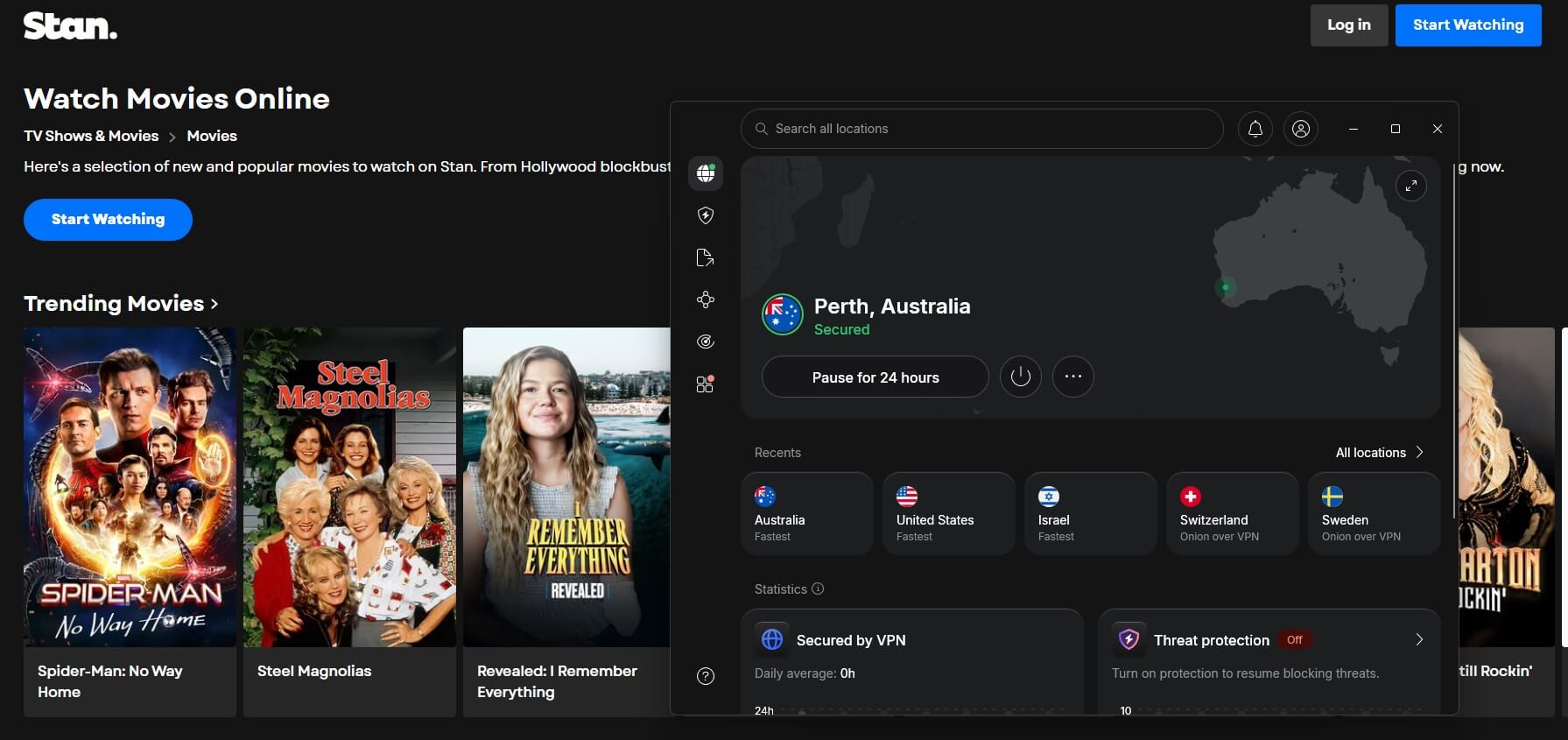
You need a VPN that operates Australian servers, its app on whichever screen you plan to watch on, and a connection to one of those servers. Once the app says Australia, open the site or the mobile app, and the catalog appears as it does at home. NordVPN heads our streaming rankings and suits this well.
Hundreds of Australian servers, no data cap, 10 devices, and apps for every platform Stan supports. The 30-day money-back guarantee covers a fortnight comfortably, so you subscribe before flying out and request the refund once you’re home.
Watch Stan Abroad With NordVPN
How to Watch Stan in the USA
American viewers make up the largest group of Stan users outside Australia, and the method doesn’t change. Connect to an Australian server, and Stan reads a local address. Distance is what differs. A VPN with fast Australian servers matters more from the US than from Singapore.
Live sport is where it shows, usually as a few seconds of buffering at kickoff. Catch-up episodes buffer ahead and absorb the delay.
Best VPNs to Unblock Stan Overseas
Australian servers are the entry requirement. Speed and unblocking decide the rest.
1. NordVPN: Best VPN for Stan Overall
Pros
- Hundreds of servers in Australia
- Opened Stan on the first try
- Smart DNS for televisions
- Double VPN for a second hop
Cons
- Higher renewal cost
- Capped at 10 connections
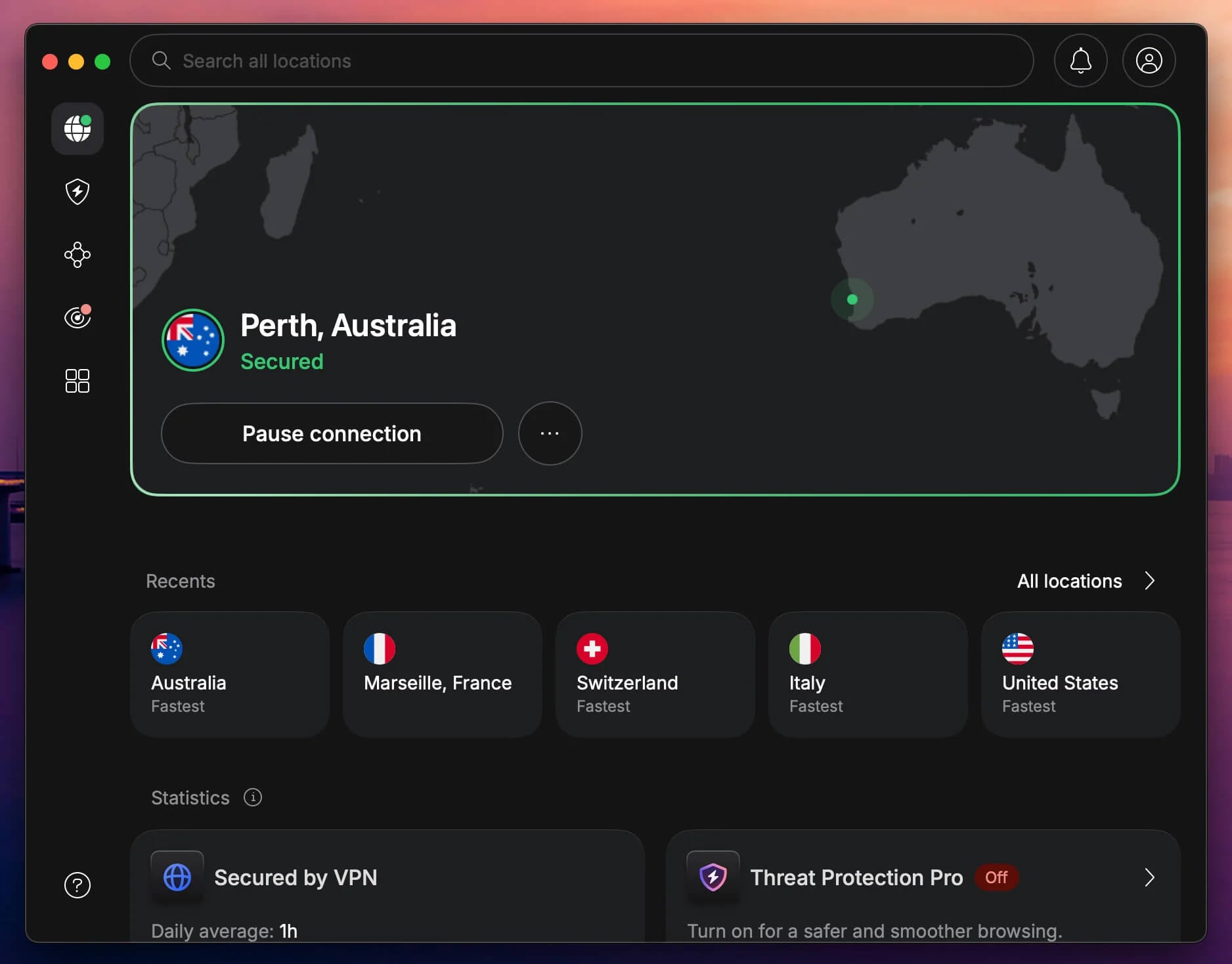
Stan runs in a browser and through its own iOS and Android apps, and NordVPN covers every platform. Its network spans 9,500+ servers in 149 countries, with hundreds inside Australia. Speed comes from 10 Gbps ports and NordLynx, and it took first place in our speed testing. Its browser extension adds WebRTC leak protection, and Smart DNS covers televisions through DNS settings.
Security consists of 256-bit encryption, a kill switch, RAM servers that wipe on reboot, and Double VPN for two encryption layers. One subscription covers 10 devices, support answers 24/7, and our full NordVPN review covers the rest.
2. Proton VPN: Most Secure VPN for Stan Sport
Pros
- Servers in 5 Australian cities
- Swiss company, code open to inspection
- Unlimited data on every plan
- Blocks trackers during playback
Cons
- Free plan excludes Australia
- Lacks Smart DNS support
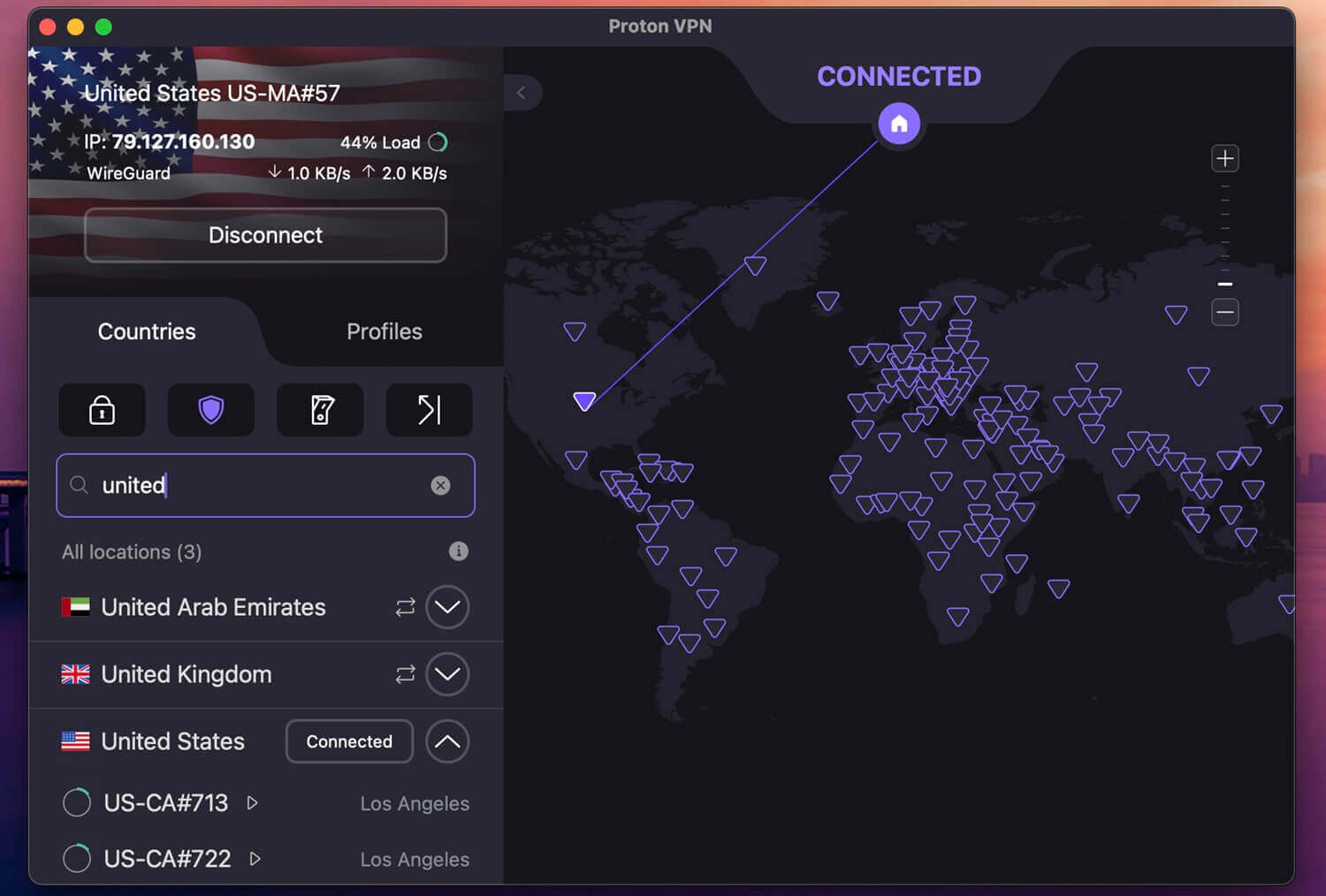
Proton VPN puts 281 servers in Australia, across Adelaide, Brisbane, Melbourne, Perth, and Sydney. Connecting near Stan’s infrastructure keeps latency down. Privacy is its other argument. Switzerland imposes no data retention on VPNs, the apps are open source and audited, and NetShield handles ads and trackers.
Australian servers require a paid plan, so the free tier is no help, and there’s no Smart DNS, which means an older TV needs a router setup. Paid plans cost $71.76 for 2 years, or $2.99 a month, making it the cheapest Stan VPN here.
3. ExpressVPN: Best Stan VPN for Speed
Pros
- Lightway holds steady on mobile
- MediaStreamer suits older sets
- Apps take seconds to learn
- Quantum-resistant encryption included
Cons
- $99.95 yearly renewal
- Few advanced settings
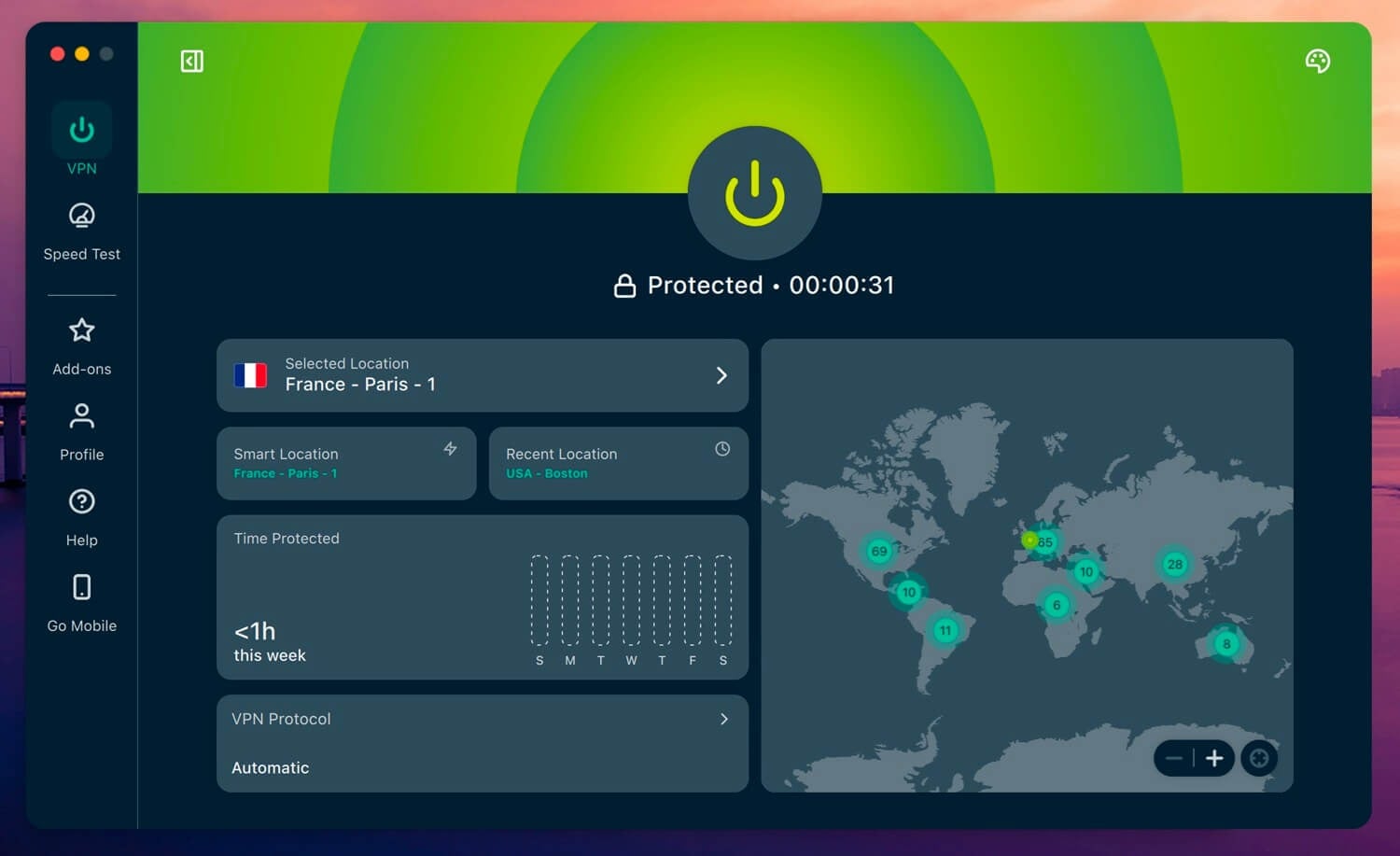
ExpressVPN spans 214 locations in 113 countries, Australia included, and its Australian servers stayed stable in testing. Lightway connects quickly and reconnects without dropping a stream, which helps on mobile data. Its apps are the simplest, and MediaStreamer covers hardware without VPN support.
Unblocking extends past Stan, since BBC iPlayer, Hulu, and Netflix work. Advanced Protection filters ads, and the no-logs policy has been audited repeatedly. The Basic tier covers 10 devices at $2.99 a month across 28 months, $83.72 in total, with a 30-day guarantee and a 3-day mobile trial.
How Much Is Stan? Plans and Prices
Stan sells 3 tiers plus a sports add-on.
- Basic with Ads, $9.99 a month: 1 screen, up to HD, ads during entertainment, no offline downloads
- Standard, $17.99 a month: 2 screens, up to HD, 2 offline downloads, no ads
- Premium, $23.99 a month: 4 screens, up to 4K, 5 offline downloads, no ads
- Stan Sport, $20 a month on top of any base plan
Subscriptions are month-to-month, so upgrading, downgrading, or canceling takes effect without a contract. Accounts billed through iTunes or Apple pay $10.49 for Basic with Ads instead of $9.99. Stan Sport adds rugby union, tennis Grand Slams, and UEFA competitions, with the same geo-block as the main platform.
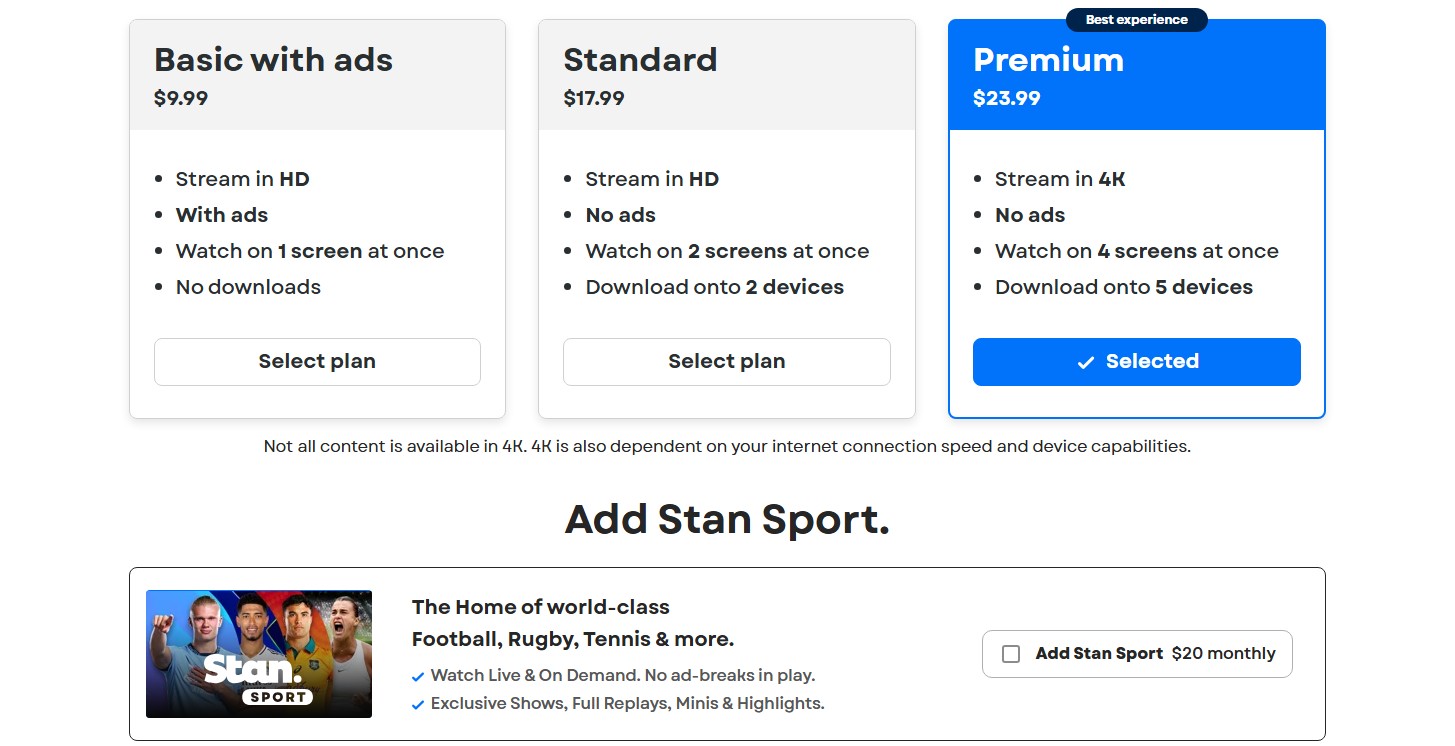
A Stan Sport VPN is the same VPN: one Australian server covers the add-on and the base plan. A Premium plan with Sport comes to $43.99 a month, which still undercuts most live TV bundles, and the US Open falls under the same add-on.
Does Stan Have a Free Trial?
No. Stan discontinued its 30-day free trial in 2024 and hasn’t reinstated it. Billing starts on day one for both the base plan and the Sport add-on. Introductory offers appear periodically, usually a reduced rate for the first month or two on the entry tier. Those come and go, so check the signup page for current terms.
Can I Watch Stan Overseas With a Free VPN?
Almost certainly not. Stan screens less aggressively than some platforms, and the obstacle is simpler: most free services have no Australian servers. TunnelBear offers Australia on its free plan and caps you at 2 GB a month. Hola VPN reaches the country and logs heavily, collecting activity and personal details.
Proton VPN’s free tier is the strongest available and still won’t help, because Australia is a paid-only location there. Speed finishes the argument. Free servers hold too many users for steady HD, and live sport magnifies every stutter. A cheap paid VPN costs a few dollars a month and refunds within 30 days.
Conclusion
Stan restricts by IP address, so watching from overseas comes down to holding an Australian one. NordVPN is our recommendation for Australian coverage, speed, and Smart DNS for TV. Proton VPN has more Australian servers and a stronger privacy record. ExpressVPN offers the simplest apps and MediaStreamer. Use an Australian IP address, sign in to Stan, and the catalog behaves as it does at home.
Watch Stan Anywhere with NordVPN
Frequently Asked Questions
✈️ Does Stan work overseas?
No. Stan checks every visitor's IP address and serves content only to Australian ones. An account created in Australia stops working the moment the holder travels, and a VPN with Australian servers restores access.
🆓 Does Stan have a free trial?
No. The 30-day trial ended in 2024 and has not returned. Billing starts immediately for new subscribers, though short introductory discounts on the entry tier appear from time to time.
🗽 Can I watch Stan in the US?
Yes, with an Australian IP address. American viewers hit the same block as everyone else, and a VPN server in Sydney or Melbourne solves it.
💰 How much does Stan cost?
Basic with Ads costs $9.99 a month, Standard $17.99, and Premium $23.99, in Australian dollars. Stan Sport adds $20 monthly on top of any tier.
🗺️ Can I watch Stan Sport overseas?
Yes, with an Australian IP address. The sports add-on has the same geo-restriction as the main service, so one VPN connection covers both.
⛔ Does Stan block VPNs?
Sometimes. Individual server addresses appear on blocklists as Stan identifies them. Switching to a different Australian server resolves it, which is why a provider with many local options performs better.