
Ever tried streaming The Press or Thunderbirds from the US, only to realize it’s nowhere to be found on your Netflix homepage? That’s not a glitch, that’s geo-blocking. Netflix tailors its library based on where you are, and if you’re in the US, you’re locked out of the UK catalog.
And it’s a massive catalog. As of 2026, UK Netflix offers over 6,200 titles, including exclusive British comedies, dramas, and BBC hits you won’t find stateside. That’s a serious amount of content sitting behind a digital fence.
But here’s the thing: you don’t need a UK postcode or a transatlantic flight to unlock it. All you need is a VPN, a tool that changes your virtual location with a tap and gets you streaming like a local from across the pond. In this guide, we’ll show you how to access UK Netflix from the United States safely and reliably, and break down the best VPNs that actually work.
Getting a UK IP Isn’t Enough: Here’s Why Netflix Still Blocks You
The reason you can’t access UK Netflix from the US comes down to one thing: your IP address. It tells Netflix where in the world you are, and the second it sees you’re in the US, it locks you out of the British content library.
So naturally, the fix sounds simple, just get a UK IP address, right?
And yes, changing your IP address to one in the UK is the first step. That’s what unlocks the regional content library. It’s the digital equivalent of saying, “Hey Netflix, I’m in London,” even if you’re actually in Los Angeles.

But here’s the thing, Netflix is really good at spotting fakes.
They maintain massive blocklists of known proxy servers, public VPN IPs, Smart DNS services, and browser-based workarounds. So even if you do manage to get a UK IP, chances are it’s already been flagged. And you’ll be greeted with that annoying “proxy or unblocker” message instead of the episode you were trying to stream.
That’s why most free tools, browser extensions, and sketchy VPNs don’t work. They give you a UK IP address, sure, but not one that works with Netflix.
Why a Premium VPN Is the Only Reliable Option
Getting a UK IP is just the beginning. To actually stream UK Netflix without hitting a wall, you need a VPN that can dodge Netflix’s detection systems, and that’s something only premium VPNs do well.
Free tools and browser add-ons might change your IP, but they usually get flagged fast. Premium VPNs, on the other hand, offer streaming-optimized servers, rotating IPs, and features like obfuscation to stay under the radar.
They’re also way faster. No buffering or stuttering: just smooth HD playback, even on longer sessions.
One great example is NordVPN. Its UK servers worked consistently in our tests, and with SmartPlay tech built in, it handled region blocks automatically with no tweaking needed.
If you’re serious about accessing UK Netflix from the USA, a premium VPN isn’t optional. It’s the only thing that keeps the stream flowing.
How to Get UK Netflix while in the United States: Tutorial
Ready to unlock the full UK Netflix library without leaving the couch? Here’s how to do it with NordVPN, the best Netflix VPN of 2026.
- Step 1: Sign up for NordVPN – Head to NordVPN’s website and choose a plan. The long-term ones give you the best value, and all plans come with a 30-day money-back guarantee.
- Step 2: Download and install the app – NordVPN works on Windows, macOS, iOS, Android, Fire Stick, and even routers. Install it on the device you want to stream from.
- Step 3: Login and connect to a UK server – Open the app, type “UK” in the search bar, and connect to one of the UK locations. This changes your IP address to the UK.
- Step 4: Open Netflix – Go to the Netflix website or launch the app. You should now see the UK Netflix catalog, including titles not available in the US.
- Step 5: Start streaming – Find the show you want, hit play, and enjoy. If anything doesn’t load properly, try clearing your browser cookies or switching to a different UK server.
That’s it. Once connected, you’re good to go, whether it’s catching up on Nelly and Nora, revisiting The McMafia, or diving into UK-only films you won’t find in the US library.
Of course, you can replicate this trick to access Netflix libraries from other regions as well.
Best VPN to Get UK Netflix in the US in 2026 – Detailed List
Plenty of the VPNs claim to work with geo-blocked content. But when you actually fire up the app and hit play, you’re greeted with buffering, proxy errors, or a UK server that might as well be a potato.
We’ve tested the ones that don’t just give you a UK IP, they consistently unlock Netflix UK, hold up under streaming pressure, and keep your speeds smooth enough for full-blown HD.
Let’s start with the one that does it all.



 9200 servers
 128 covered countries
 30 days money-back guarantee
 10 simultaneous connections
9.4 /10

20396 servers
148 covered countries
30 days money-back guarantee
10 simultaneous connections
9.2 /10

3000 servers
105 covered countries
30 days money-back guarantee
10 simultaneous connections
9.1 /10
1. NordVPN
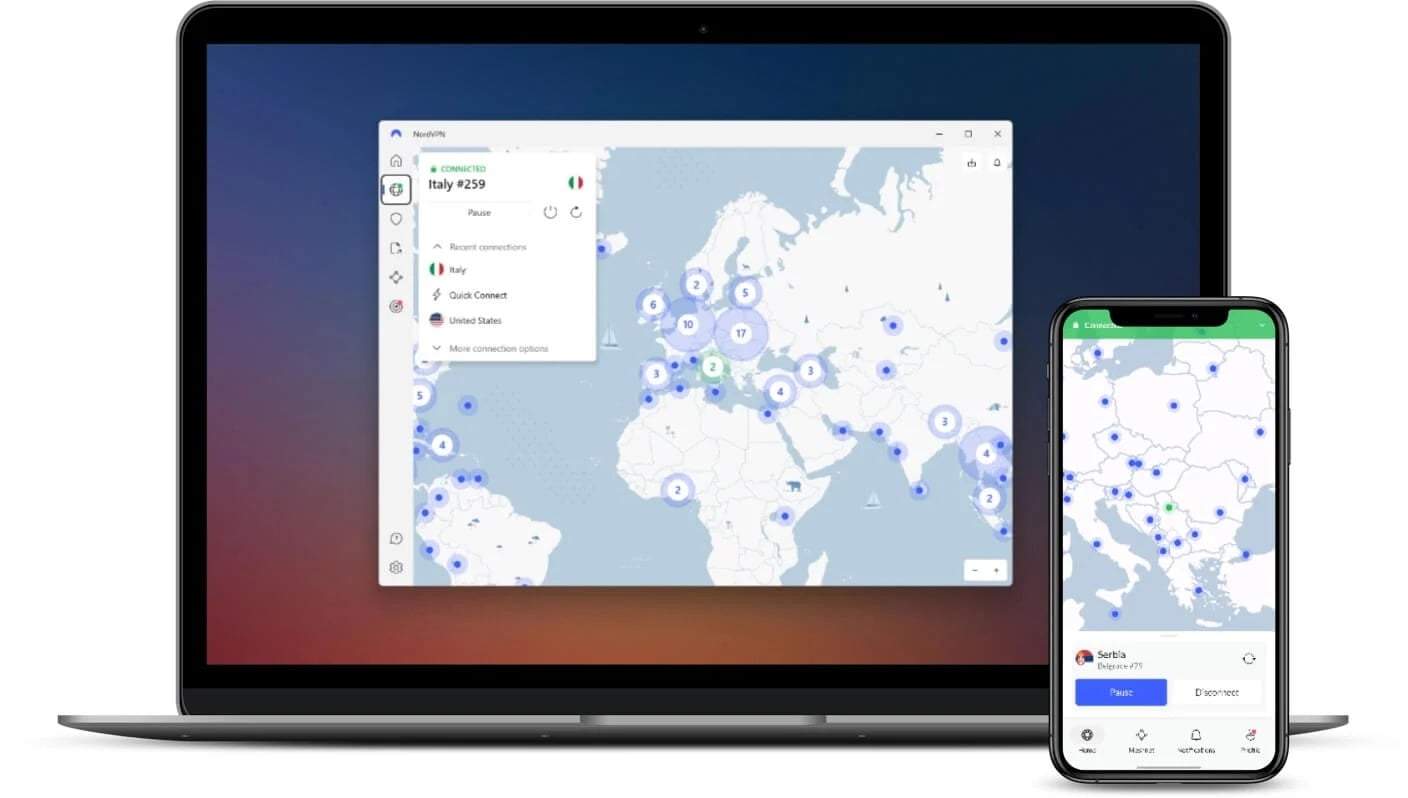
When it comes to unlocking the UK Netflix library from the US, NordVPN gets it right every time. It delivers a rare combo of speed, stealth, and consistency, which is exactly what you need when dealing with Netflix’s ever-evolving geo-blocks.
We tested multiple UK servers (London, Manchester, and Glasgow) and streamed UK-only content like School Daze from the US without a single hiccup. All you get is instant access to titles that aren’t even on the radar in the US catalog with no lag whatsoever.
NordVPN’s NordLynx protocol is where the real magic happens. It’s fast — like, 4K stream with zero buffering fast, and it connects almost instantly. Whether you’re watching on a laptop or a smart TV, the connection stays smooth from episode one to the season finale.
Plus, NordVPN’s SmartPlay tech works behind the scenes to bypass region blocks without you having to mess with settings or DNS toggles. You just hit “Connect,” and you’re in.
The app supports all major platforms, including Windows, macOS, Android, iOS, Fire Stick, and smart TVs. You can use it on up to 10 devices at the same time, and long-term plans start at just over $3/month, backed by a 30-day money-back guarantee.
Pros
- Dozens of UK servers
- Consistently unblocks Netflix UK
- Fast, stable performance
- Works on all major platforms
- Affordable prices
- 30-day money-back policy
Cons
- Interface can be a bit dense for beginners
2. ExpressVPN
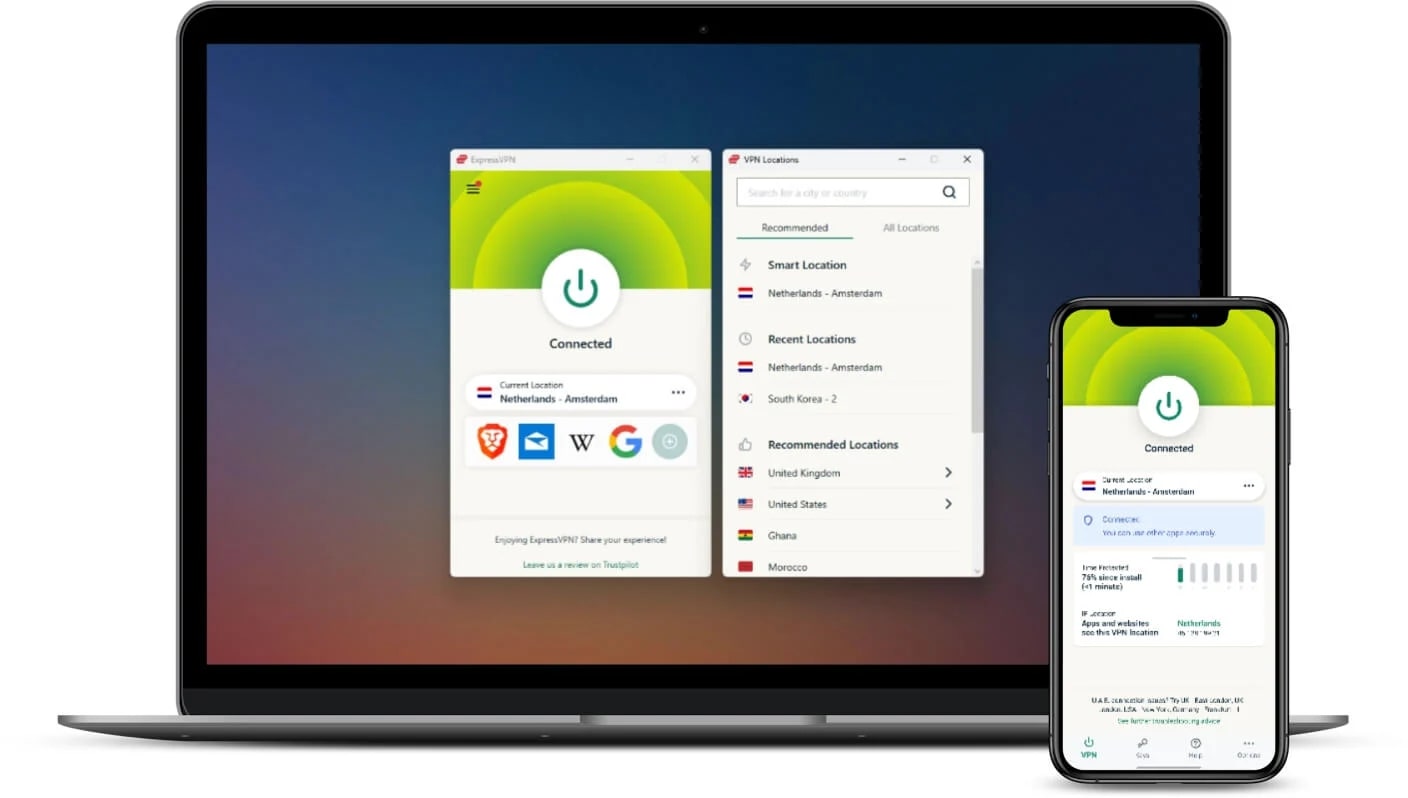
If speed and simplicity are what you’re after, ExpressVPN is a powerhouse. It’s one of the fastest VPNs we’ve tested for streaming UK Netflix from the US, and it delivers a truly plug-and-play experience, whether you’re watching on a laptop, phone, or smart TV.
We connected to UK servers in London and Docklands and instantly accessed British-only titles like WWII: Lost Films. Sure, having support for just 8 devices per account was a little tight, but the clean handoff from server to stream made it pleasant.
The real secret sauce is Lightway, ExpressVPN’s next-gen protocol built for speed and stability. Streams launched in under 2 seconds, even in HD and 4K. Server switching was equally smooth, and we didn’t have to babysit the connection once.
ExpressVPN also supports MediaStreamer, a Smart DNS tool that works on devices that don’t allow native VPN apps (game consoles). This is a game-changer if you want to watch UK Netflix on screens other than your laptop.
The apps are sleek and intuitive and available across all platforms: Windows, macOS, Android, iOS, Fire Stick, smart TVs, routers, and more. The long-term plans start at around $5/month, which is a bit pricey, but you still get a 30-day money-back guarantee.
Pros
- Great speeds
- Unblocks Netflix UK titles seamlessly
- Works on nearly every device via MediaStreamer
- Easy to set up, even for first-timers
- 30-day money-back guarantee
Cons
- More expensive than other VPNs
- Fewer customization options
3. Private Internet Access
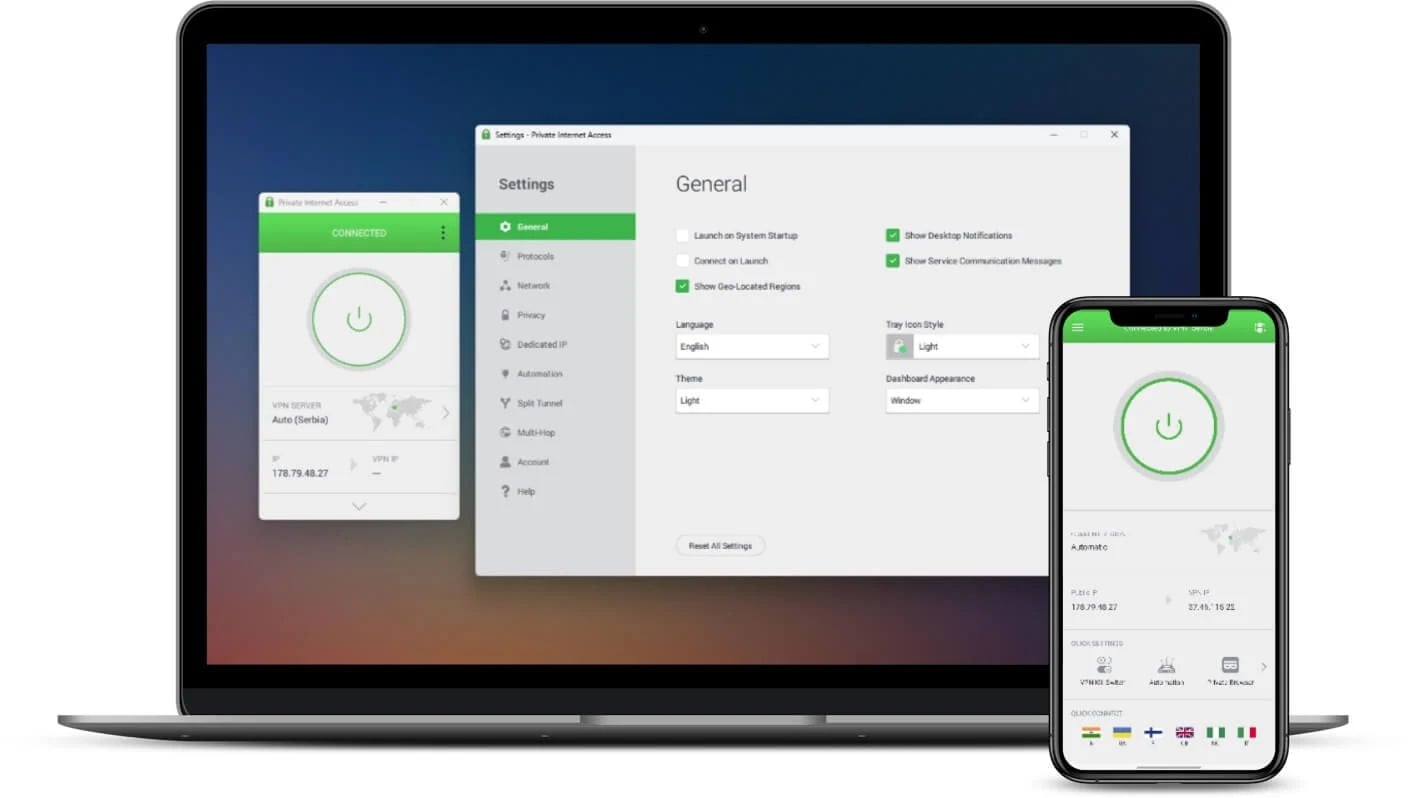
Private Internet Access (PIA) is the budget pick that doesn’t skimp on performance. While it doesn’t shout the loudest in the VPN space, it quietly delivers reliable access to UK Netflix, and it’s one of the cheapest premium options that still gets the job done.
During testing, we connected to PIA’s UK servers in Manchester and Southampton and streamed titles like Jarhead 2: Field of Fire, both unavailable on the US version of Netflix. There were no proxy errors or lag, just smooth, region-free playback with full HD support.
While Private Internet Access isn’t quite as fast as NordVPN or ExpressVPN, it still held up solidly with WireGuard enabled. Streams loaded in 3–4 seconds, and once they were running, they stayed stable. The app even lets you manually tweak encryption levels and protocols if you want to squeeze out more speed or tighten security.
Private Internet Access also has one of the largest server networks in the world, including multiple UK locations. That helps reduce crowding and keeps speeds consistent, even during peak hours.
It supports unlimited device connections under a single plan, which is ideal if you’ve got Netflix fans in the house watching multiple devices all at once. Long-term plans start at just over $2/month, and it’s backed by a 30-day money-back guarantee.
Buy at Private Internet Access
Pros
- Streams UK-only titles without issue
- Budget-friendly long-term pricing
- Unlimited device connections
- Highly customizable for advanced users
Cons
- Slightly slower than NordVPN
- Interface isn’t as user-friendly for newbies
Can You Use Free VPNs to Get UK Netflix in the US
Short answer? Not really.
While free VPNs can be useful for browsing or basic privacy, unblocking Netflix UK is a whole different game, and most free services just aren’t built to play it.
We tested a few popular free VPNs to see if any could crack the code. Proton VPN was our first stop. It’s one of the best free VPNs overall thanks to its unlimited data and strong privacy practices. But when it came to UK Netflix? Useless. The free version doesn’t offer any UK servers, so it couldn’t even fake a British IP.
Next, we gave PrivadoVPN a shot. It actually does include a free UK server, which is a big plus. We were able to connect and access the Netflix UK catalog, so props there. But once we hit play, things went downhill. Full-HD streaming suffered from frequent buffering, and connection speeds dropped hard during peak hours.
And that’s the real issue with free VPNs: even if they offer a UK server, they often can’t keep up with Netflix’s streaming demands. Bandwidth is limited, speeds are throttled, and servers are overloaded. So while you might technically get in, you’ll be staring at a spinning wheel more than a loading screen.
If you’re just curious to peek at the UK catalog, a free VPN like PrivadoVPN might work, but only briefly. But for actual binge-watching without frustration? A premium VPN is the only way to go.
Final Thoughts
If you’re in the US and craving that UK Netflix library, you’re not alone. From BBC dramas to hidden gem documentaries and UK-only titles, there’s a massive amount of content that’s simply off-limits due to your location.
And while switching to a UK IP is the key to unlocking it, that alone isn’t enough. Netflix is constantly updating its systems to detect and block VPNs, proxies, and Smart DNS services, which means only a handful of tools can reliably get you past the gate.
That’s why a premium VPN is the only real solution, and our top pick remains NordVPN. It blends speed, stealth, and consistency better than anything else we tested, and its SmartPlay tech makes accessing Netflix UK feel completely seamless.
FAQ
Here are the answers to the most common (and most useful) things people ask when trying to get Netflix UK in the US across the pond.
Will Netflix ban me for using a VPN to watch UK content?
Nope, Netflix doesn’t ban users from using a VPN. At worst, you’ll see a proxy error if the VPN IP address is blocked, but your account remains perfectly safe. Switch to a different server or use a VPN with obfuscated technology (like NordVPN), and you’re good to go.
Can I use a Smart DNS instead of a VPN?
Yes, but only if your Smart DNS is specifically designed for streaming and can consistently fool Netflix. Some premium VPNs (like NordVPN and ExpressVPN) bundle Smart DNS into their service, which is great for devices like consoles that don’t support VPN apps.
Why does Netflix show me the US library even after connecting to a UK VPN server?
It usually means your VPN is leaking location data, or Netflix has flagged the server IP. Clear your browser cookies, switch to incognito mode, and reconnect to a different UK server. A VPN with Smart DNS (like NordVPN’s SmartPlay) often fixes this behind the scenes.