
Without a VPN, Sling TV’s website returned a 403 error page to our European connection, and US network sites showed region messages. On US servers in our October tests, NordVPN, Proton VPN, and ExpressVPN unblocked NBC, PBS, ABC News Live, CBS News 24/7, and Sling. NordVPN was the fastest, at 179.88 Mbps on its New York server.
Part of American TV is already sold in Japan, and HBO Max joins Hulu Japan and Prime Video on October 1, 2026. Everything else, from Hulu’s US service to NBC’s live stream, stays region-locked in Japan.
Setup for US TV in Japan: 4 Steps (2026)
- Get NordVPN, the fastest VPN in our US tests, and install it on your laptop, phone, or TV.
- Connect to a US server. Any US city works, and West Coast locations are the nearest to Japan.
- Load the channel’s site in a private window, starting with NBC or PBS.
- Sign in to the streaming service. Paid US services such as Hulu require a US payment card to sign up.
How to Watch US Channels Live From Japan
Connect first, then load the site. US networks check the IP address, so a US connection brings up the live player in place of the region message. Use a private window for the first visit, because a site loaded earlier can keep your Japanese location in its cookies. Our results come from a Windows 11 PC on a 190.36 Mbps connection in Europe.
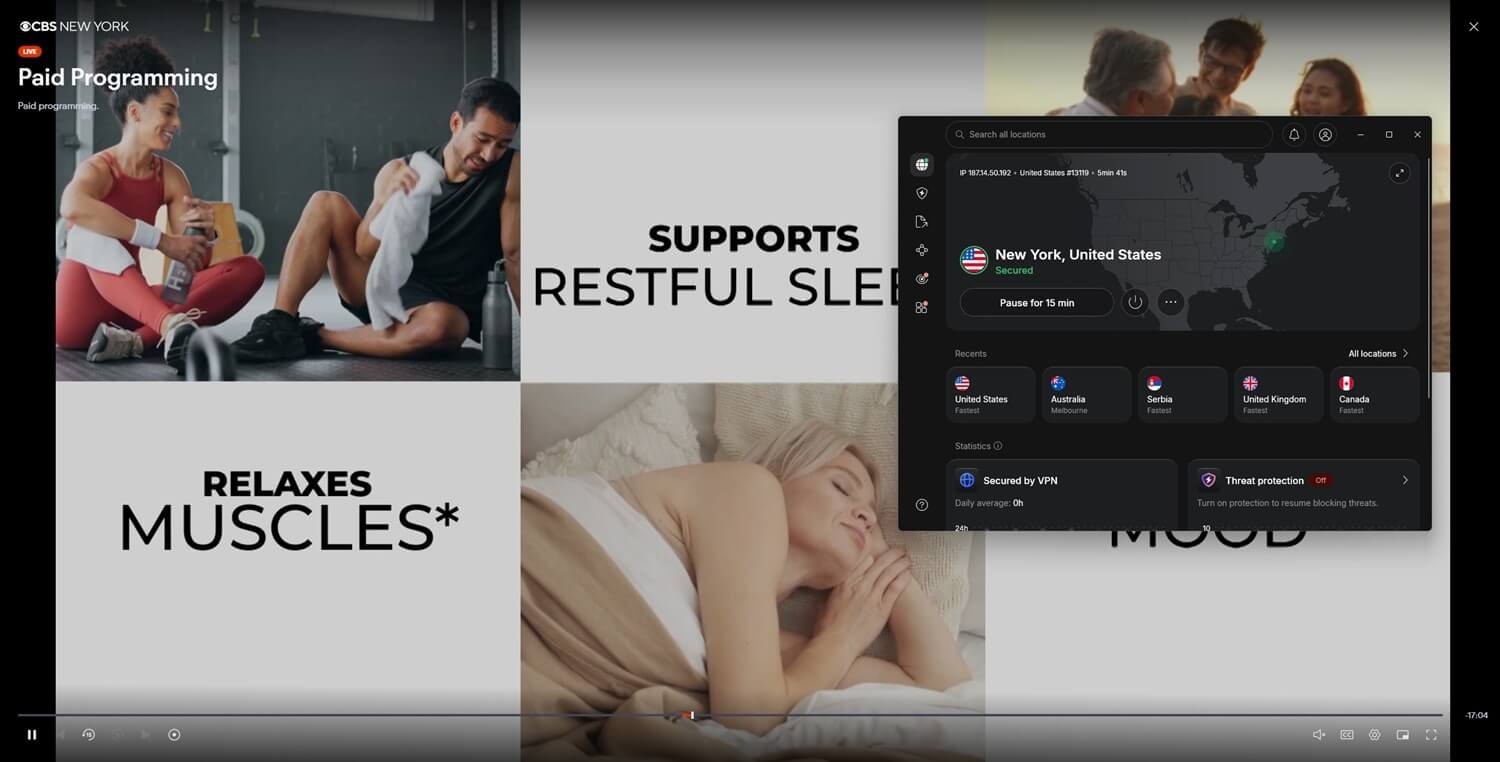
The same servers work from Tokyo or Osaka, and West Coast servers should show lower ping from Japan than the 173 to 194 ms we measured in Seattle from Europe.
US Channels and Streaming Services We Tested
| Streaming Service | Cost | What it requires | On a US server |
|---|---|---|---|
| NBC | Free | No account | Unblocked on the three VPNs |
| PBS | Free | No account | Unblocked on the three VPNs |
| ABC News Live | Free | No account | Unblocked on the three VPNs |
| CBS News 24/7 | Free | No account | Unblocked in Seattle; NordVPN only in New York |
| Fox | Three-day trial | Trial sign-up | Unblocked on the three VPNs |
| Sling Freestream | Free | No account | Unblocked |
| Peacock | Paid | US payment card | Unblocked on the three VPNs |
| HBO Max (US) | Paid | US subscription | Unblocked on the three VPNs |
| Hulu (US) | Paid | US payment card | Unblocked on NordVPN and ExpressVPN, blocked on Proton VPN |
| YouTube TV | Paid | US payment card | Sign-up page loaded |
The free streams cover US news and network shows without a subscription. ABC’s full live channel requires a US cable or satellite login, so only ABC News Live plays for free. For paid services, a subscription started while living in the US is the simplest way to keep watching.
Sling TV From Japan
Sling blocks connections from outside the US before any page loads. Over a US server, the three VPNs got past that block, and the sign-up flow listed six base plans:
- Essentials: under $20 a month, 13 channels including ESPN
- Select: under $30, 14 channels including ABC, Fox, and NBC
- Essentials & Select: under $45, 23 channels
- Orange: under $46, 32 channels, one stream
- Blue: under $55, 47 channels with ABC, Fox, and NBC
- Orange & Blue: under $70, 53 channels
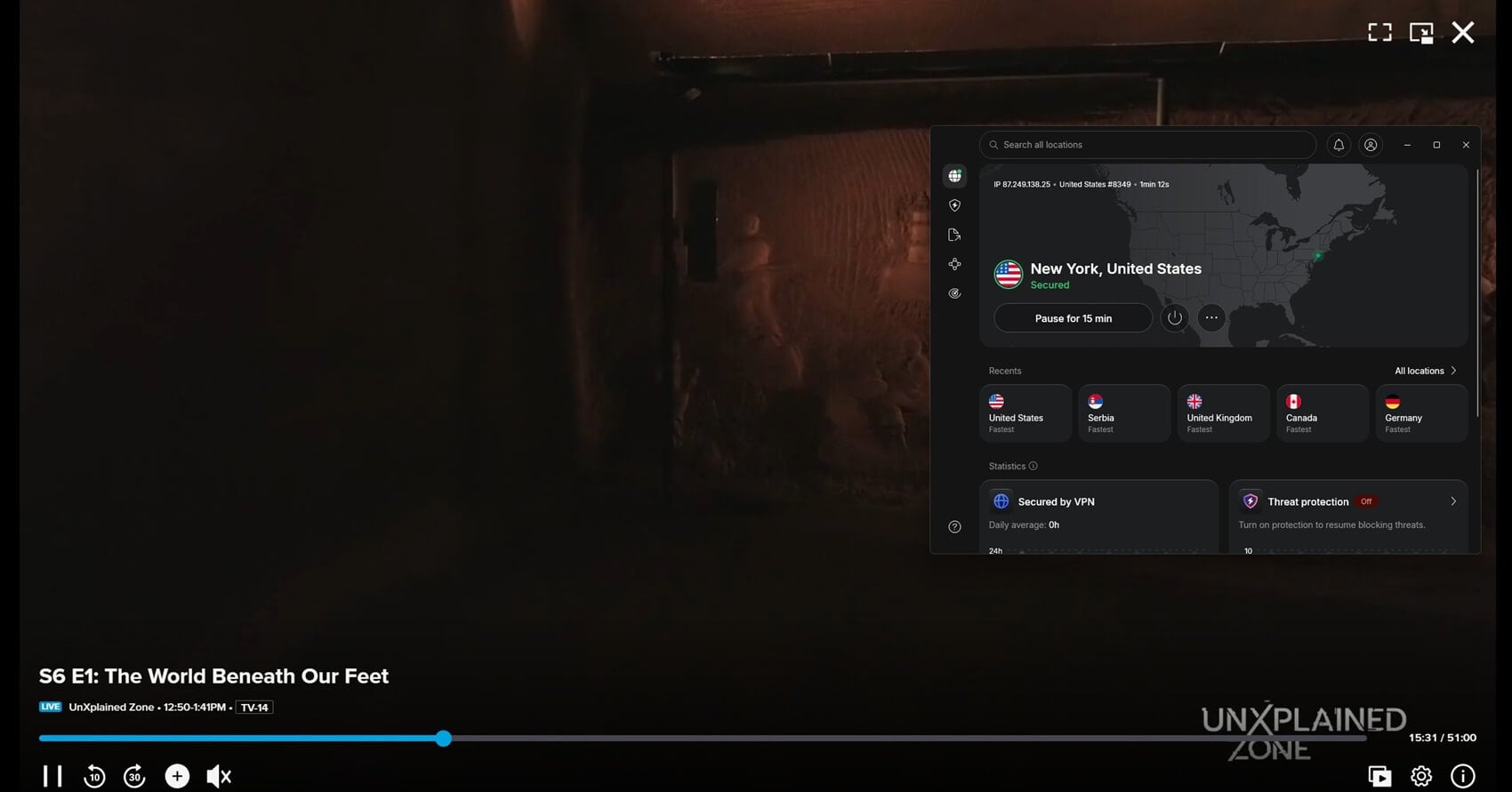
Sling Freestream costs nothing and requires no account. Its 600+ free channels played on a US server with no sign-in or payment. Our guide to accessing Sling TV covers its channels in more detail.
Unblock Sling in Japan With NordVPN
American Shows Already Streaming in Japan
Several US studios license their catalogs to Japanese services, and some of those deals change this year:
- HBO Max: from October 1, 2026, a hub within Hulu Japan at no extra cost and an add-on channel in Prime Video from ¥1,000 a month. It had been a U-Next exclusive since 2024, and Japan still has no standalone HBO Max app.
- Universal+: NBCUniversal’s service, with Universal films and series, launches exclusively on U-Next in October 2026.
- Paramount+: closed in Japan on March 31, 2026. Some CBS and Paramount+ series are licensed to U-Next, and the rest requires the US service and a US IP address.
- Hulu Japan: a separate service owned by Nippon TV, with its own catalog and subscriptions. A US Hulu account doesn’t work on it.
- Netflix and Prime Video: one Netflix account shows the catalog of whichever country the IP address comes from, so a US server switches it to the American library. Prime Video in Japan requires a separate amazon.co.jp account.
- Sports: Dodgers games air in Japan on NHK BS, SPOTV NOW, Prime Video, J SPORTS, and MLB.TV. ESPN’s own streaming service is limited to the US, and our guide to ESPN+ with a VPN covers it.
US Prime Time on Japan’s Clock
Japan doesn’t observe daylight saving time, so the difference shifts twice a year on the US side. Until November 1, 2026, Tokyo is 13 hours ahead of New York, and 14 hours after that date:
- 8 p.m. Eastern prime time: 9 a.m. the next day in Japan, then 10 a.m. from November 1
- 8 p.m. Pacific: noon the next day, then 1 p.m.
- 11:35 p.m. Eastern late-night shows: 12:35 p.m., then 1:35 p.m.
- 1 p.m. Eastern Sunday NFL games: 2 a.m. Monday, then 3 a.m.
CBS News 24/7 and ABC News Live stream around the clock, so US news plays at any hour in Japan.
US TV VPNs Compared
Seattle and New York download speeds from the same October round:
| VPN | Seattle download | New York download | US server locations | US Hulu |
|---|---|---|---|---|
| NordVPN | 167.17 Mbps | 179.88 Mbps | 55 cities | Unblocked |
| Proton VPN | 140.02 Mbps | 145.61 Mbps | 18 states and Washington, DC | Blocked |
| ExpressVPN | 137.99 Mbps | 163.66 Mbps | 63 locations | Unblocked |
Best VPNs to Watch US TV in Japan
- NordVPN: Best for speed, with the top New York and Seattle results and CBS News 24/7 unblocked on either coast.
- Proton VPN: Best for picking a server by US state, Washington and California included.
- ExpressVPN: Best for choosing a US city, with 63 locations in its app.
1. NordVPN: Best for Speed and CBS News
Pros
- Android TV app
- Smart DNS for TVs
- Location spoofing extension
- Dedicated US IP option
- NordLynx protocol
Cons
- Connection faults on Windows
- Costly renewal
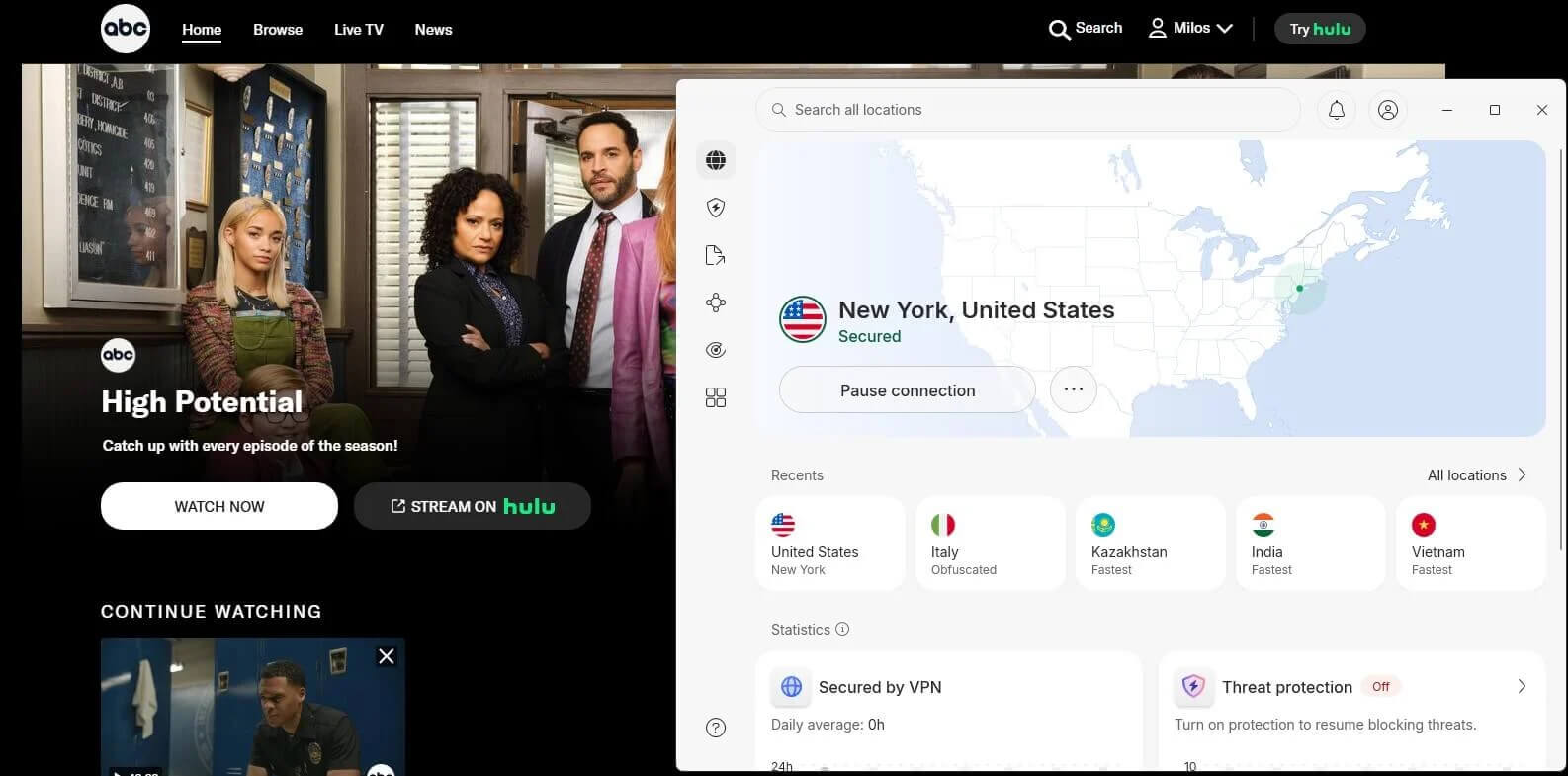
NordVPN recorded 179.88 Mbps in New York and 167.17 Mbps in Seattle, the top result in each city. CBS News 24/7 detected ExpressVPN and Proton VPN on New York servers but played on NordVPN’s. NordVPN also unblocked Hulu, Peacock, and HBO Max. Its app lists 55 US cities, and Japanese TVs with Google TV can install its Android TV app.
Windows was the problem on our test PC: with a second VPN installed and idle, NordVPN wouldn’t connect on some days until we restarted it and signed back in. Our Windows VPN rankings cover that platform in detail. The Basic plan starts at under $3.50 a month and renews at about $139 a year after the first 27 months.
2. Proton VPN: Best for State-by-State US Servers
Pros
- US servers listed by state
- Open-source apps
- Swiss jurisdiction
- Split tunneling
- Independently audited
Cons
- US Hulu blocked
- Slow Los Angeles server
- No Smart DNS
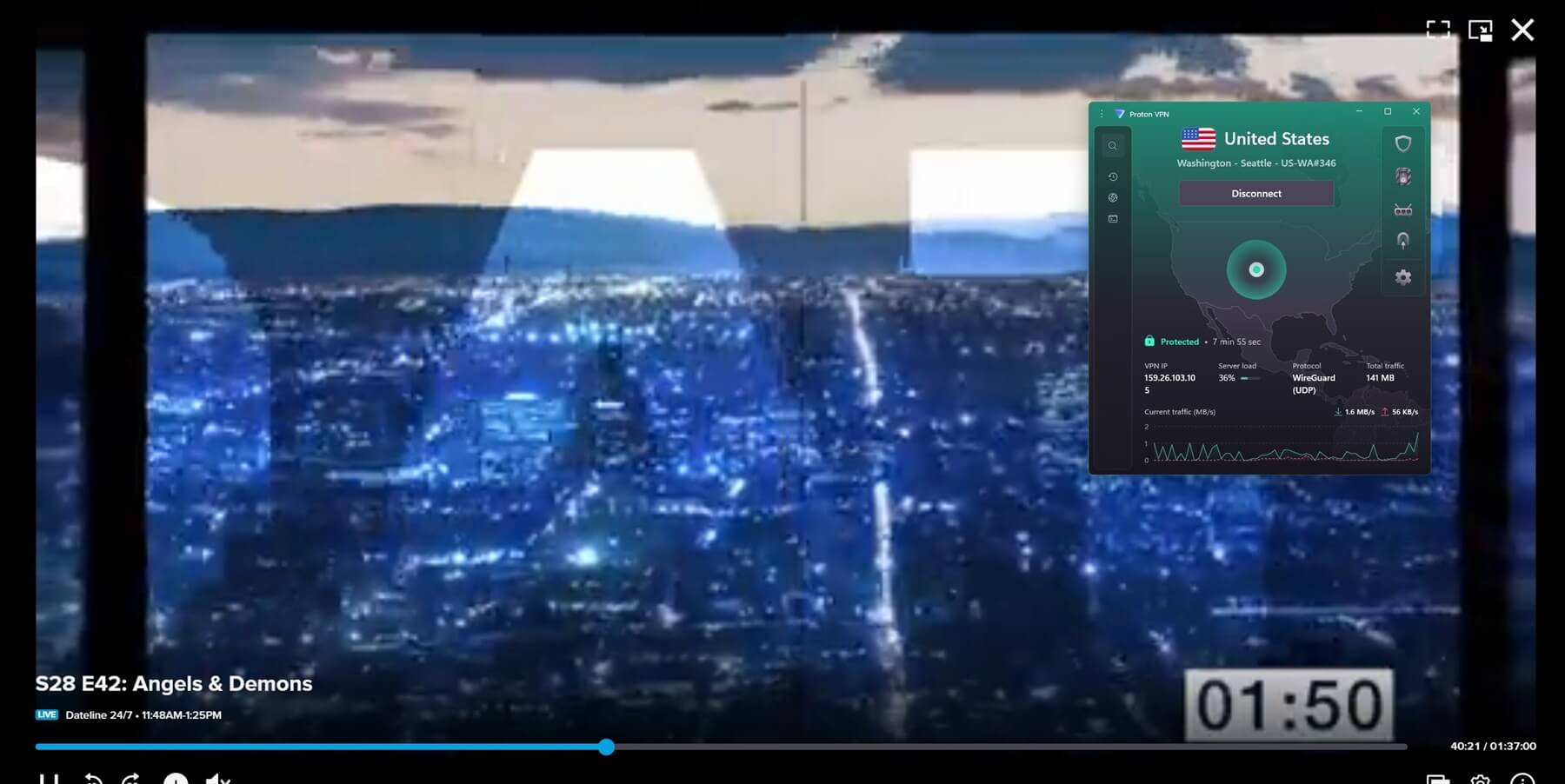
Proton VPN groups its US servers by state, 18 of them plus Washington, DC, with Washington and California covering the West Coast. Its New York server measured 145.61 Mbps, its Seattle server 140.02 Mbps, and Sling, Peacock, HBO Max, and the free networks played on it. It failed US Hulu and Pluto TV’s US channels, so a Hulu subscriber is better served by NordVPN or ExpressVPN.
Its Los Angeles server was slower, at 75.03 Mbps. Its kill switch passed our cable-pull and force-close tests on Windows 11, and it has no Smart DNS for Samsung and LG TVs or games consoles. Proton VPN charges about $3 a month for its first two years of VPN Plus, then about $84 a year.
3. ExpressVPN: Best for US City Choice
Pros
- Lightway protocol
- Location spoofing extension
- Password manager on Advanced
- Aircove router option
Cons
- CBS blocked on New York server
- Limited customization
- High renewal price
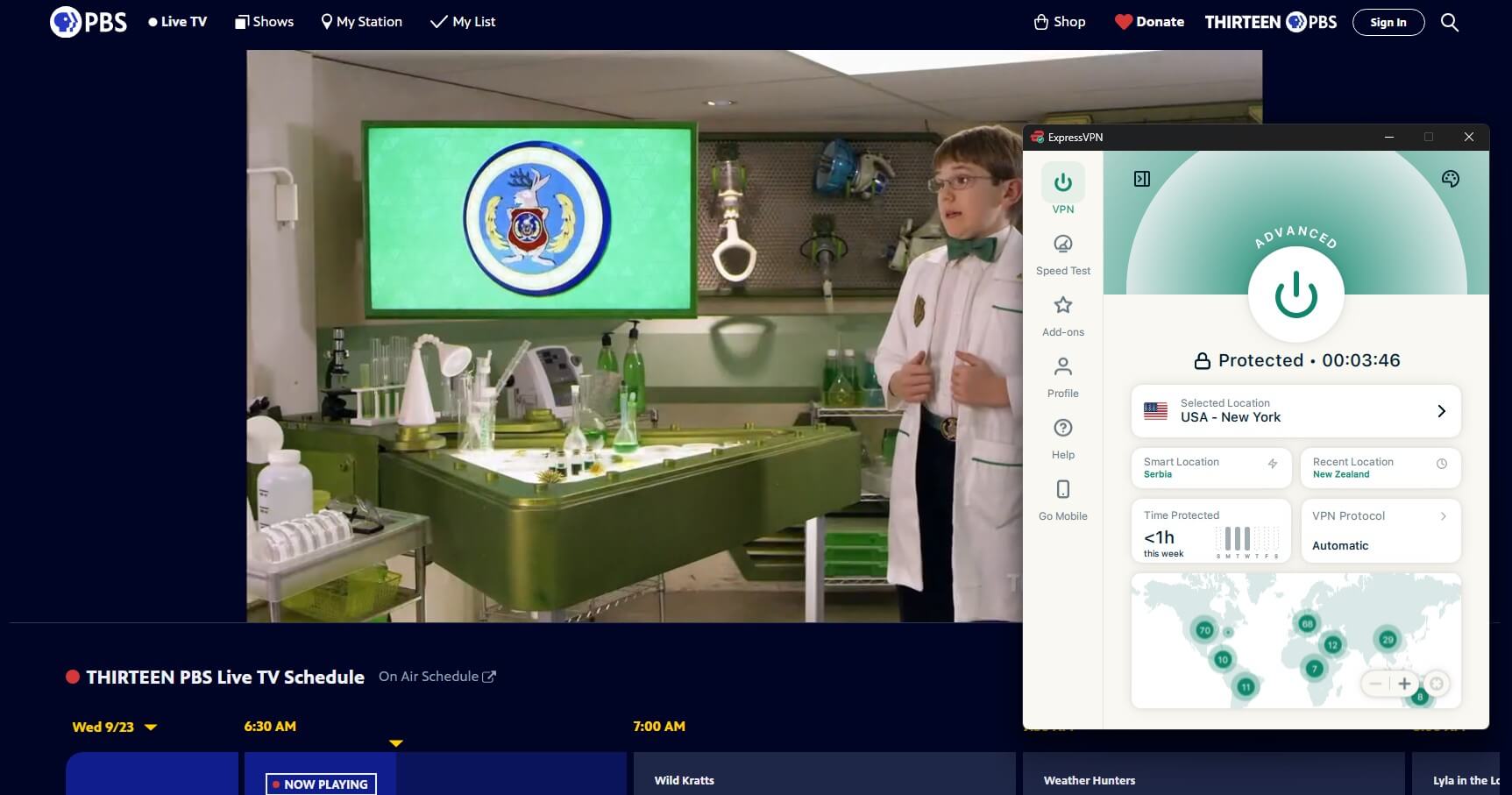
ExpressVPN lists 63 US locations, and its app took one to two seconds to connect in our tests. Its New York and Seattle servers came in at 163.66 and 137.99 Mbps, and it unblocked US Hulu, Peacock, and HBO Max alongside the free network streams. Its one failure was CBS News 24/7 on a New York server.
It has few advanced settings, and the Automatic protocol setting chooses the connection method itself. The Basic plan comes in under $3 a month for 28 months, renewing at about $100 a year.
Free VPNs With US Servers
Windscribe and PrivadoVPN’s free plans played ABC and CBS on US servers when we tried them. They cap data at 10 GB a month, which covers news clips and little more. Our free VPN rankings compare their limits.
If a US Channel Won’t Load in Japan
- Try another US city. A detection can be specific to one server: Proton VPN and ExpressVPN failed CBS News 24/7 in New York, then unblocked it on their Seattle servers.
- Clear the site’s cookies. Cookies saved before you connected can still report a Japanese location.
- Use a US app store account. US-only apps such as Sling and Peacock don’t appear in Japan’s App Store or Google Play, so the browser is the fallback.
- Cover TVs without VPN app support. Set up NordVPN’s Smart DNS on the TV, or install ExpressVPN on a compatible router so every device at home connects through the US server.
Conclusion
Most live American TV costs nothing once you’re connected to a US server: the free network streams and Sling Freestream played with no subscription. Paid services are harder, because signing up required an American card. HBO Max is the exception from October 1, sold in Japan through Hulu Japan and Prime Video. NordVPN led on speed in Seattle and New York and unblocked every US service we tried.
Proton VPN lets you choose a US state, and Hulu was the only paid service that blocked it. ExpressVPN has the longest list of US locations. For privacy and Japanese sites, our guide to the best VPNs for Japan covers local servers, and our rankings of VPNs with US servers go further.
FAQs
How do I watch US TV in Japan?
Install NordVPN or Proton VPN, connect to a US server in any city, then load the network's site or streaming app and log in with the account for that service.
Can I watch live American TV in Japan?
Yes, with a US IP address. Free live streams such as NBC and CBS News 24/7 play in Japan, though US evening broadcasts air on Japanese mornings because of the time difference.
Does Sling TV work in Japan?
No, Sling TV blocks IP addresses outside the US. Over a US server, its paid plans become available, and its free Freestream channels play with no account.
Can I use my US Hulu account in Japan?
Yes, but only over a US server. Hulu Japan is a separate Nippon TV service, so a US Hulu account requires a VPN, and NordVPN and ExpressVPN unblock US Hulu.
Where can I watch American shows in Japan?
Netflix, Prime Video, Disney+, U-Next, and Hulu Japan offer American shows in their Japanese catalogs. US-only services such as Peacock and Sling work only over a US IP address.