
Tor hides where your traffic goes. It doesn’t hide that you’re using Tor, and the first relay in the chain sees the IP you connected from. A VPN closes both, so the standard setup is a VPN first and Tor second. We tested 30+ services against that setup: whether the kill switch cuts traffic on a forced disconnect, whether DNS requests escape the tunnel, and how much speed is left once onion routing is added on top.
Best VPN for Dark Web and Tor in November 2026
- NordVPN: Best dark web VPN overall
- Proton VPN: Best for verifiable privacy
- ExpressVPN: Fastest VPN through Tor
- Private Internet Access: Deepest settings menu
- Surfshark: Cheapest darknet VPN
Deep Web or Dark Web? They Aren’t the Same Thing
- The deep web is everything a search engine doesn’t index. Your online banking, your email inbox, a hospital patient portal, every page behind a login or a paywall. It’s most of the internet by volume, and you use it daily without thinking about it.
- The dark web is a small corner of that, open only to software built for it. Tor is the common one, and its sites use .onion addresses that resolve nowhere else. I2P and Freenet work on the same principle.
Every dark web page is part of the deep web. Almost no deep web page is part of the dark web. A VPN helps with both, though for different reasons: privacy from your ISP on one, and protection against Tor’s structural weaknesses on the other.
Best VPN for Dark Web: 5 Tested Services
Only two of these run dedicated onion servers: NordVPN and Proton VPN. The rest work with the Tor Browser, which is the configuration most people should use, for reasons covered further down.
| NordVPN | Proton VPN | ExpressVPN | PIA VPN | Surfshark | |
| Onion servers | Onion Over VPN | Tor over VPN | Tor Browser only | Tor Browser only | Tor Browser only |
| Multi-hop | Double VPN | Secure Core | None | MultiHop | Dynamic MultiHop |
| No-logs audits | 6, PwC and Deloitte | Securitum, annual | KPMG 2025, Cure53 | Deloitte, court-tested | Deloitte and Cure53 |
| Server type | RAM only | Full-disk encryption | RAM only | RAM only | RAM only |
| Jurisdiction | Panama | Switzerland | British Virgin Islands | United States | Netherlands |
| Devices | 10 | 10 | 10 on Basic | Unlimited | Unlimited |
| Price | $3.49/mo | $2.99/mo | $2.99/mo | $2.19/mo | $2.49/mo |
1. NordVPN: Best VPN for Dark Web Overall
Pros
- Onion over VPN servers
- Double VPN chaining
- Two-form kill switch
- Dark Web Monitor
- Quantum-resistant NordLynx
- 6 no-logs engagements
Cons
- Second term costs more
- Complex app for beginners
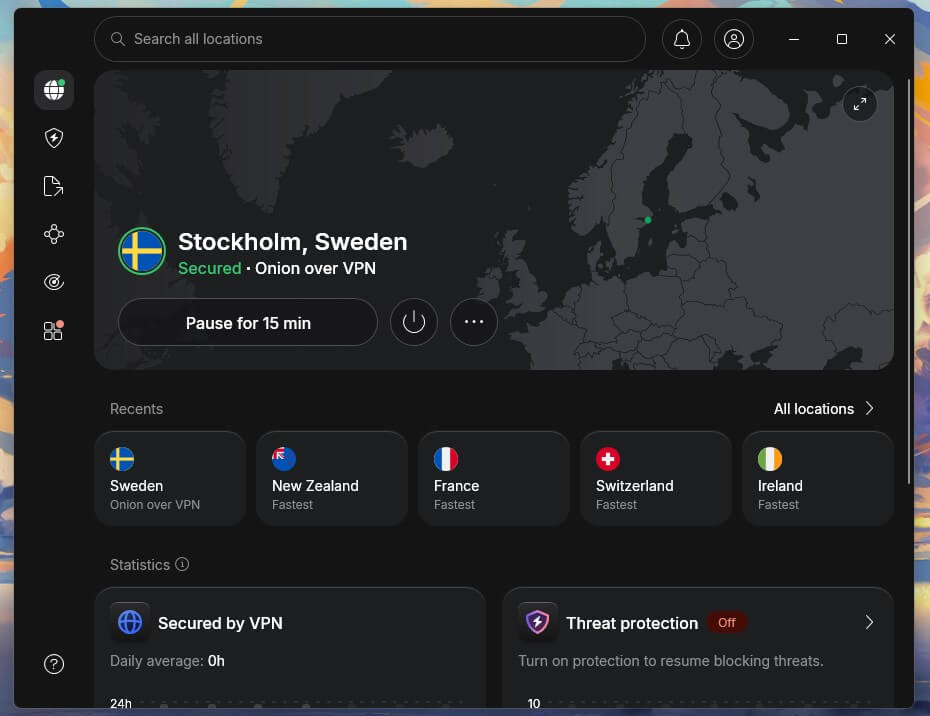
NordVPN is the only pick with servers that hand your traffic to the Tor network for you. Connect to an Onion Over VPN server and .onion addresses open in an ordinary browser, with no Tor Browser installed. Double VPN chains two servers before the traffic leaves NordVPN’s network. With the Tor Browser, that’s five hops between you and the site you’re opening. The kill switch comes in two forms.
System-wide or per app, and both cut traffic on a forced disconnect in our testing. NordLynx uses quantum-resistant key exchange, so traffic captured today stays closed to a quantum attack later. Threat Protection Pro blocks malicious domains. Panama imposes no retention law, the servers keep nothing on disk, and 6 separate firms have verified the no-logs claim. That makes it the most secure VPN here.
The 2-year Basic plan is $3.49 monthly with a 30-day refund window.
2. Proton VPN: Best for Verifiable Privacy
Pros
- Tor over VPN servers
- Proton-owned entry nodes
- Permanent kill switch
- Yearly Securitum audits
- Swiss legal footing
- Free tier included
Cons
- Secure Core slows things
- Free tier lacks onion
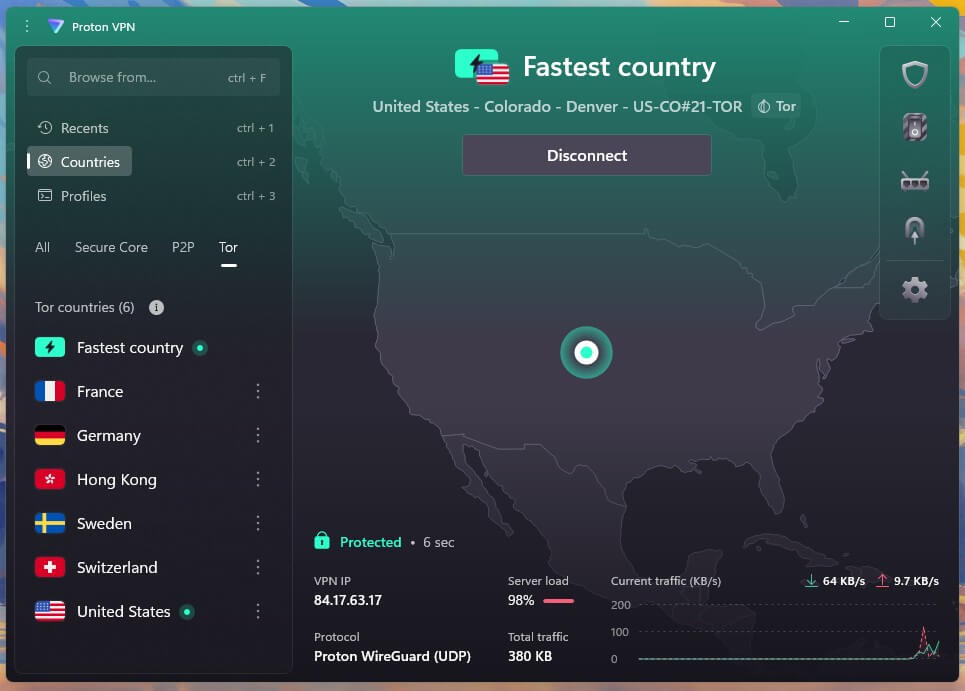
Proton VPN offers Tor over VPN servers, marked with an onion icon in the app. Where it pulls ahead is on what you can check for yourself. Secure Core is multi-hop, and the entry hardware in Switzerland, Iceland, and Sweden belongs to Proton instead of a rented datacenter. That distinction counts here more than anywhere: one fewer company between you and your traffic.
The clients are open source, and Securitum audits them yearly, with the fuller record in our no-log VPN comparison. The permanent kill switch allows no internet unless the VPN is up, which removes the risk of browsing unprotected. Servers use full-disk encryption, and Proton says a compromised disk would give up no logs. Our Proton VPN review goes deeper on the Swiss side.
A 2-year plan is $2.99 monthly, with a 30-day guarantee.
3. ExpressVPN: Fastest Through Tor
Pros
- Network Lock kill switch
- TrustedServer is diskless
- Seizure-tested in Turkey
- Lightway keeps overhead low
- ML-KEM key exchange
Cons
- No onion servers
- Multi-hop unavailable
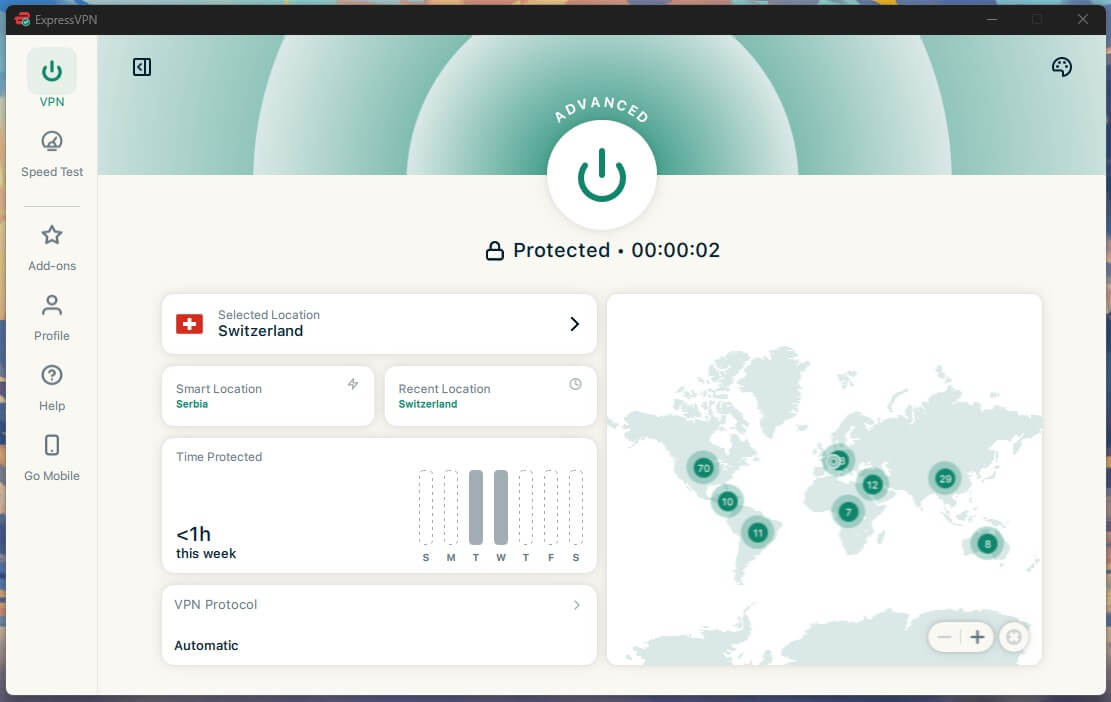
Tor is slow before a VPN is added, so the speed a service gives back counts double here. Lightway costs less than any protocol we measured, which makes ExpressVPN the least painful of the five to browse .onion sites through. There are no dedicated onion servers, so this is the plain configuration: connect, then open the Tor Browser. That’s the setup we’d recommend to most people regardless.
Network Lock cuts all traffic every time we force-quit the app, which a kill switch has to do on this kind of connection. TrustedServer keeps nothing on disk, a design that was proven in Turkey in 2017 when investigators seized a server and found no user data on it. The British Virgin Islands ask for no data retention. Our ExpressVPN review has the rest, and Basic is $2.99/mo on the 28-month term.
4. Private Internet Access: Deepest Settings Menu
Pros
- Firewall-grade kill switch
- Inspectable client code
- SOCKS5 proxy included
- Shadowsocks for blocked networks
- Devices uncapped
Cons
- Tor Browser required
- Five Eyes member state
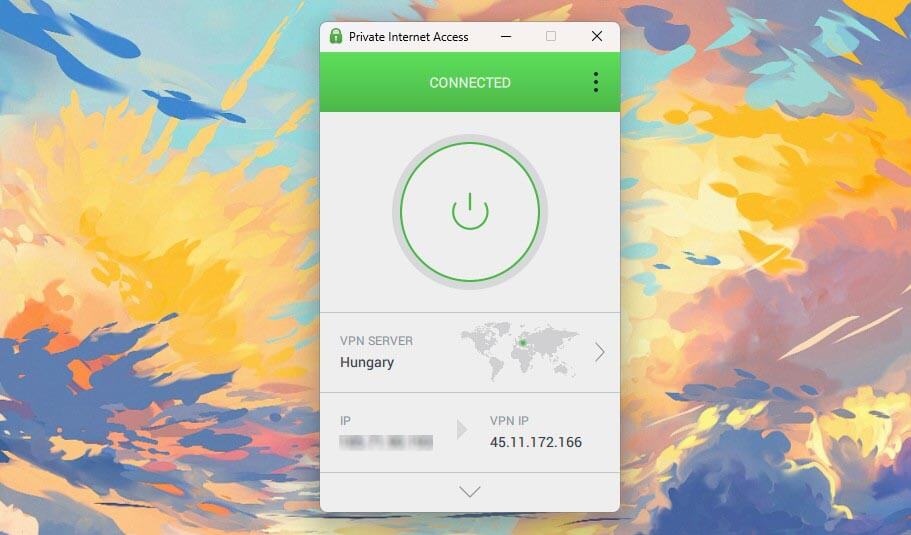
The kill switch earns PIA its place. Its advanced mode behaves as a system firewall and blocks every non-VPN packet, which beats an app-level switch when a brief leak is the risk in question. There are no onion servers here. What you get instead is a SOCKS5 proxy you can point the Tor Browser at, plus MultiHop chaining and Shadowsocks for networks that block VPN traffic, which also makes it a workable option in Saudi Arabia and similar places.
The apps are open source. A US base brings the Five Eyes objection with it, answered by subpoenas that came back empty because nothing was stored. Encryption strength is adjustable, which recovers a few milliseconds when Tor’s own delay is already hurting. Our PIA review covers the rest. Long plans work at $2.19 monthly.
5. Surfshark: Best Value for Tor
Pros
- Dynamic MultiHop pairs
- Camouflage Mode
- 10-minute IP rotation
- Diskless infrastructure
- Cheapest of the 5
Cons
- Onion servers absent
- 14 Eyes jurisdiction
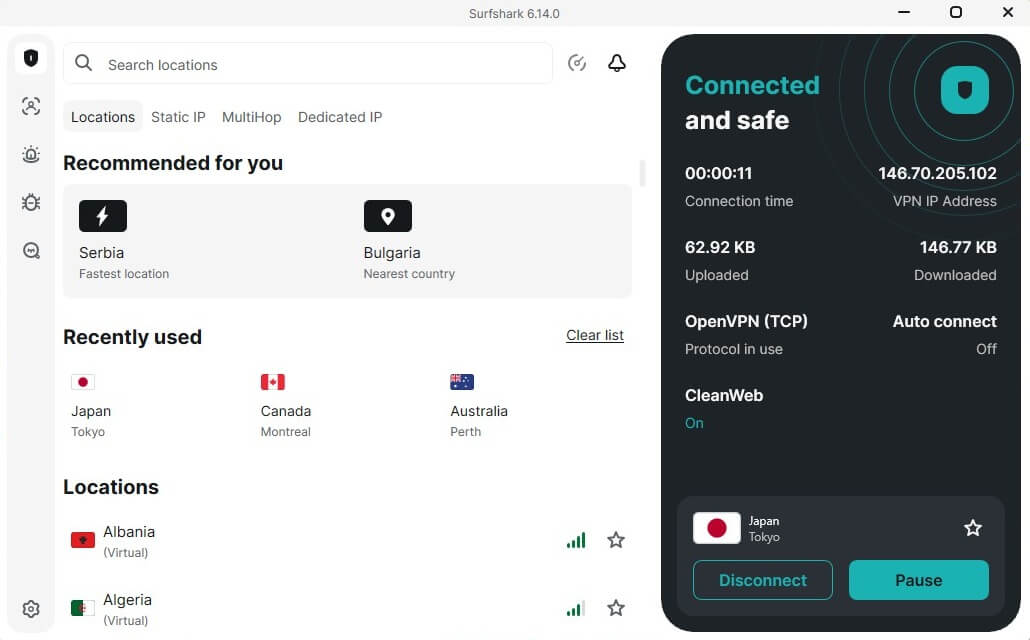
Surfshark offers Dynamic MultiHop that lets you pick both ends of a 2-server chain instead of accepting a preset pair, so you can enter through one country and exit through another. Camouflage Mode disguises the connection as ordinary HTTPS, for networks that block VPN traffic and places where using one draws attention. Rotating IP issues a fresh exit IP address every 10 minutes, and the connection stays up.
It has no onion servers, so the Tor Browser does that part. Servers are diskless, and Deloitte and Cure53 have audited the no-logs policy. The Netherlands is the weak spot, since it belongs to the 14 Eyes arrangement, though Dutch law asks nothing of a VPN service. Starter is priced at $2.49 monthly over a 27-month term, with devices uncapped. There’s more in our onion over VPN explainer.
Why Tor Alone Isn’t Enough
Tor bounces your traffic through relays run by volunteers, encrypting it at each hop. The design is sound, and three weak points remain that a VPN covers.
- The entry relay sees your IP address. It can’t see where you’re going, though it knows where you came from. Connect to a VPN first, and that relay sees the VPN server instead.
- Your ISP sees that you use Tor. It can’t read the traffic, and in some countries the connection alone attracts attention. A VPN tunnel hides it.
- Exit relays decrypt what leaves the network. Traffic sent without HTTPS is readable at that point by whoever operates the relay.
A VPN fixes none of the human problems. It doesn’t undo an account login, a reused password, or a file with your name in the metadata. Most people identified on the dark web gave themselves away while the protocol worked as designed.
How to Set Up a VPN With Tor
Connect the VPN first, then launch Tor. That order hides your IP address from the entry relay and hides Tor from your internet company. The reverse does neither. Install the VPN on the device you’ll browse from. Tor works on Windows, macOS, Linux, and Android, so the VPN belongs on the same machine.
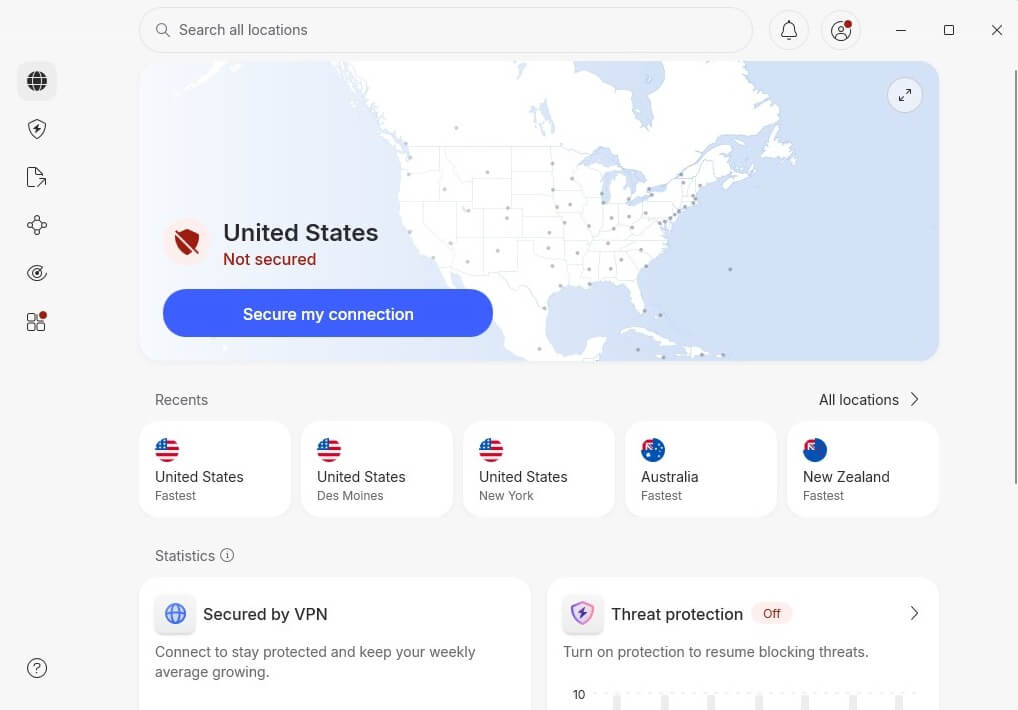
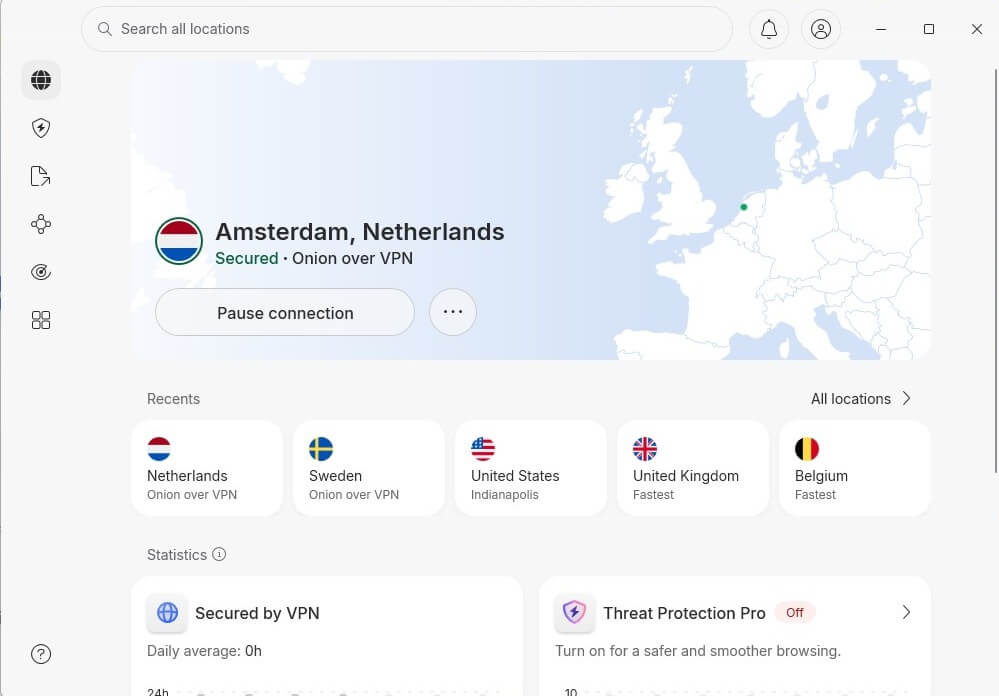
Open the app and connect. With NordVPN, choose All Locations, then Onion Over VPN, then either a location or the fastest server. With Proton VPN, look for the servers marked with an onion icon.
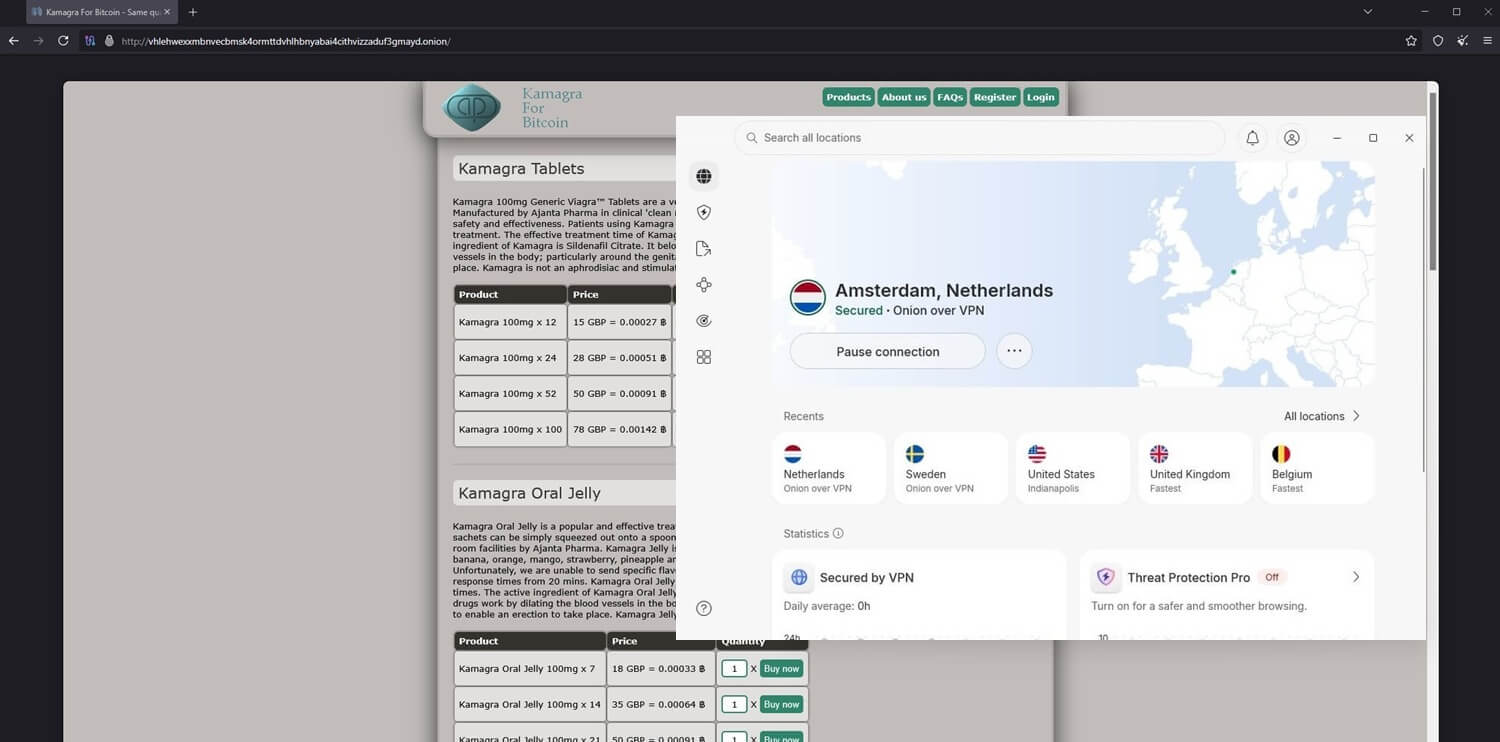
Then open the Tor Browser and go. Our full walkthrough for the dark web covers the browser side.
Checks Worth Doing Before You Start
The setup above takes 5 minutes. These checks take another 5, and they separate a working configuration from one that only looks right.
Test the Kill Switch
A kill switch that fails during an onion session exposes your IP address to the site you were opening. Test it before you trust it:
- Connect and confirm your IP address changed.
- Start a continuous ping to any external server.
- Force-quit the VPN app instead of disconnecting cleanly.
- Watch the ping. It should stop dead.
- Reconnect and confirm the ping resumes.
If traffic continued while the app was down, the switch isn’t doing its job. Try the system-level option where it exists, and treat a service without a working kill switch as unusable for this.
Check for DNS Leaks
A DNS leak reveals which addresses you asked for, even when the traffic is encrypted. Load ipleak.net or dnsleaktest.com with the VPN connected. Seeing your internet company’s DNS servers listed means requests are escaping the tunnel. Disabling IPv6 fixes it in most cases.
Onion Servers Cost You Fingerprinting Protection
The Tor Browser is built so every user looks identical: same window size, font, and header. That uniformity is a large part of what protects you. Open .onion sites through an Onion Over VPN server in your normal browser, and you lose it all.
Your fonts, screen size, extensions, and settings make a fingerprint that identifies you across sessions no matter how many hops the traffic took. Use the onion servers for convenience when the stakes are low. Where anonymity counts, connect the VPN and open the Tor Browser.
Pick the Right Protocol
WireGuard and its variants cost the least in speed, and Tor has already taken its share. OpenVPN is slower and more compatible, and it’s the fallback where WireGuard has trouble. Obfuscated protocols such as NordWhisper and Camouflage Mode handle networks that block VPN traffic altogether.
Best Free VPN for Dark Web: 2 That Work
Free plans are the wrong tool for sensitive work, and two of them are usable for casual browsing, but rarely anything more.
Proton VPN Free: Most Secure Free VPN
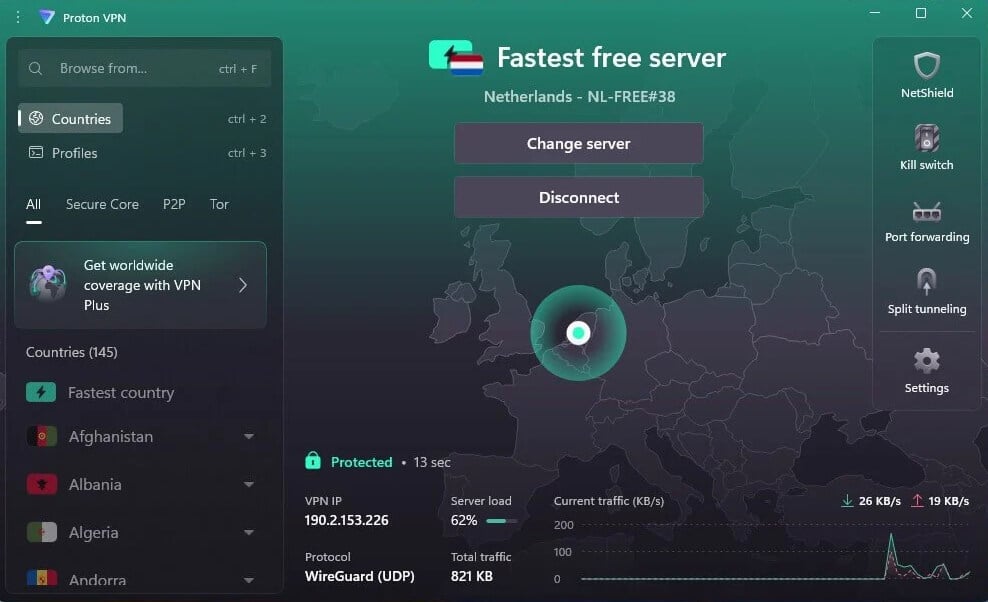
No data cap applies, and the free plan is covered by the same no-logs policy the paid tiers use. Encryption, the kill switch, and leak protection are all present. The Tor over VPN servers are paid-only, so the free plan means connecting to an ordinary server and opening the Tor Browser yourself. You can’t choose a country, P2P is blocked, and 1 device is covered.
Hide.me Free: Secure and Without Data Cap
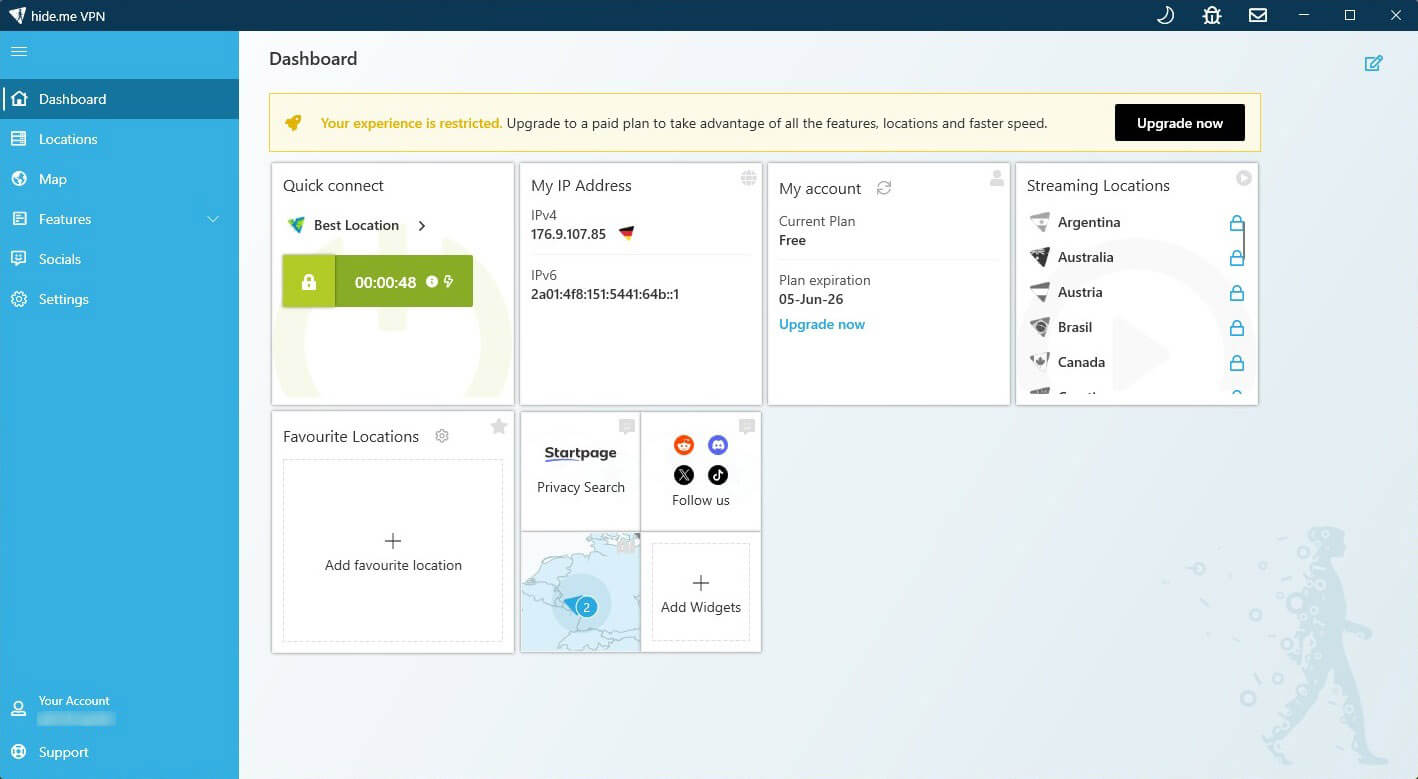
Hide.me lets free users pick from 8 locations, which Proton VPN’s free plan doesn’t, and sets no data limit. It offers WireGuard, OpenVPN, and SoftEther, and it leaked neither our IP address nor DNS requests in testing. Speeds were inconsistent, torrenting is blocked, and there’s no ad filtering. It rarely opens BBC iPlayer on the free plan. Like Proton VPN’s free tier, it covers 1 device.
Conclusion
NordVPN heads the list because it does the most for this specific job: onion servers when you want them, Double VPN when you want more hops, a kill switch in two forms, and the longest audit record. Proton VPN is the pick if you’d sooner verify than trust. Open code, Swiss law, and hardware the company owns. ExpressVPN costs the least in speed, which counts when Tor has already taken its share.
PIA gives you a firewall-grade kill switch and the most settings. Surfshark is the cheapest and gives up surprisingly little. Whichever you choose, get the configuration right. VPN first, Tor Browser second, kill switch tested, DNS checked. And keep the warning above in mind: none of this delivers anonymity, and changing your apparent location is a long way from disappearing.
Frequently Asked Questions
👨⚖️ Is it illegal to use a VPN for the dark web?
No. VPNs and Tor are legal in most countries, and opening .onion sites is legal. What's illegal offline stays illegal online, and the tools change nothing.
🧅 Should the VPN connect before or after Tor?
Before. Connecting the VPN first hides your IP from the Tor entry relay and hides Tor use from your ISP. Launching Tor first achieves neither of those.
📡 Can an ISP see Tor use through a VPN?
No. It sees an encrypted connection to a VPN server and nothing else. It's the main reason to pair the two in countries where Tor use draws attention.
🌐 Do onion servers replace the Tor Browser?
Technically yes, at a cost. The Tor Browser makes every user look alike, and a normal browser doesn't, so onion servers trade fingerprinting protection for convenience.
🛡️ Are free VPNs safe for dark web access?
No, in most cases, they're not. Most lack audited no-logs policies, diskless servers, and dependable kill switches, and several fund themselves by logging activity. Proton VPN's free tier is the exception worth considering.