Discord has over 200 million monthly users, but despite its worldwide popularity, you may still face issues accessing it. Using the best Discord VPN solves many issues associated with this messaging app. By many issues, we refer to geo-blocks and ISP throttling that can erode your in-app experience.
With a trusted Discord VPN, you can sidestep all blocks and get the best speeds for chatting, video, and audio calling in the highest quality. We tested the best VPN for Discord in real-world conditions, and out of 20, we decided on only 5. They’re reliable, safe, secure, fast, and available on all devices.
Discord VPN: 5 Best VPN for Discord to Unblock It Anywhere in 2026
- NordVPN – Best VPN for Discord overall
- ExpressVPN – Best Discord VPN for HD video and audio calls
- Private Internet Access – Best Discord VPN for security
- Surfshark – Best cheap VPN for Discord
- Proton VPN – Best for privacy on Discord and VoIP services
Best VPN for Discord 2026: Review and Comparison
We tested the best Discord VPN options on a variety of networks and conditions to see which ones can unblock it and provide a decent experience. These 5 are the most reliable, bypassing all blocks and even Discord’s anti-proxy systems:
| NordVPN | ExpressVPN | PIA VPN | Surfshark | Proton VPN | |
| Servers | 9,400+ servers in 137 countries | 3,000+ servers in 105 countries | 30,000+ servers in 91 countries | 4,500+ servers in 100 countries | 20,000+ servers in 148 countries |
| Obfuscation method | Obfuscated servers | Stealth on all servers | MultiHop + Shadowsocks | Camouflage Mode | Stealth |
| Fastest VPN protocol | NordLynx | Lightway Turbo | WireGuard | WireGuard and Dausos | WireGuard |
| Supported systems | Windows, macOS, Android, iOS, Linux | Windows, macOS, Android, iOS, Linux | Windows, macOS, Android, iOS, Linux | Windows, macOS, Android, iOS, Linux | Windows, macOS, Android, iOS, Linux |
| Simultaneous connections | 10 | 10-14 | Unlimited | Unlimited | 10 |
| Starting price | $3.49/mo | $2.49/mo | $1.33-$2.19/mo | $2.49/mo | $2.99/mo |
| Free plan | No ❌ | No ❌ | No ❌ | No ❌ | Yes ✅️ |
| Refunds | 30 days | 30 days | 30 days | 30 days | 30 days |
1. NordVPN: Best VPN for Discord 2026
Pros
- Works with all devices
- Traffic obfuscation
- Fast for HQ discord calls
- It blocks malware and ads
- Audited for no logging
- Post-quantum encryption
Cons
- Higher renewal prices
- Confusing UI on desktop
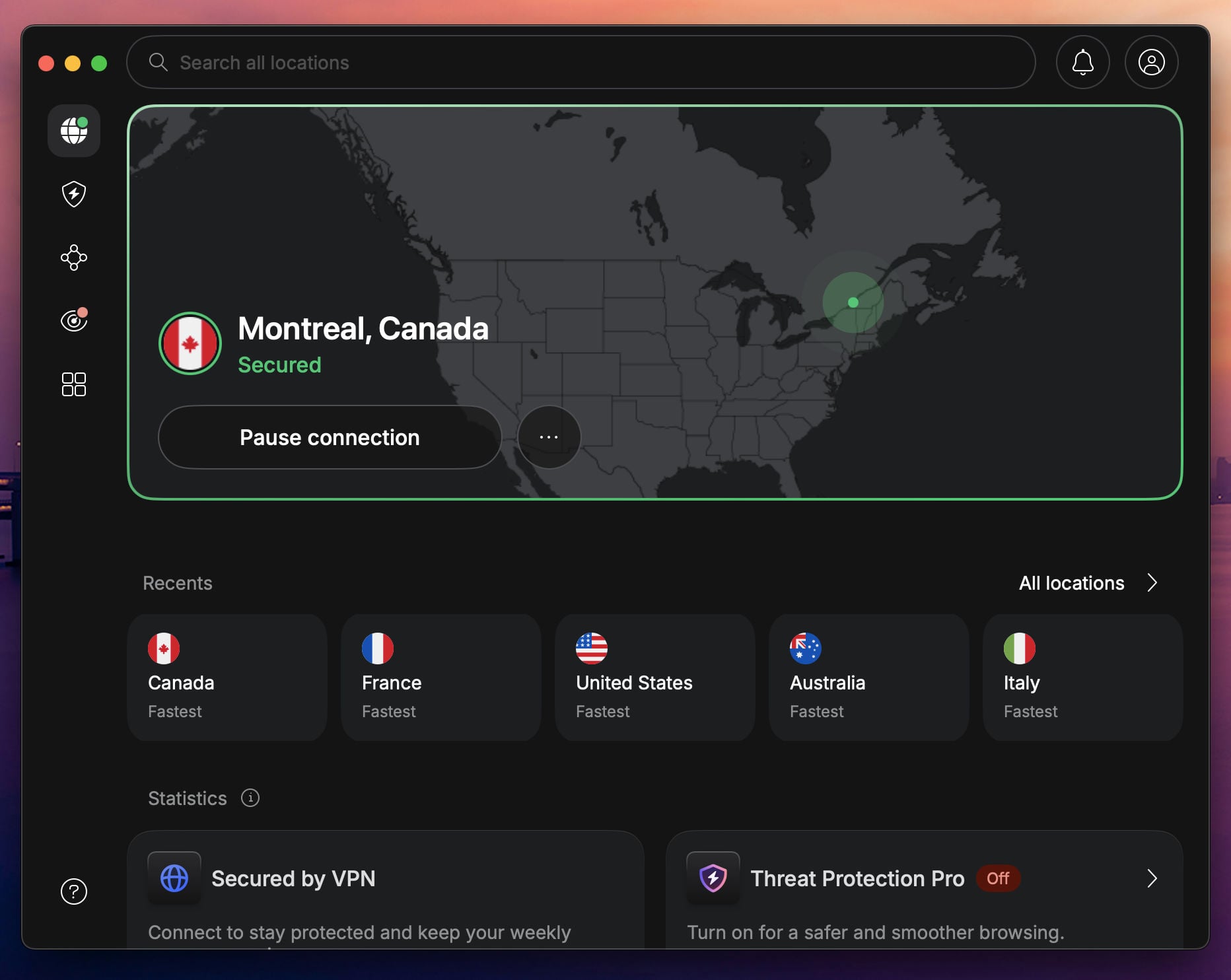
We tested our #1 VPN for Discord, NordVPN, across three restricted networks: a university dorm, a co-working space, and a hotel Wi-Fi setup that usually blocks all VoIP apps. In every case, we connected to NordVPN’s obfuscated servers, fired up Discord, and got instant, full access. Thanks to a contact based in the country, we could also confirm that NordVPN can help you access Discord in China.
With 9,400+ servers in 137 countries, including multiple high-speed options across the US, UK, and Europe, it’s easy to pick a nearby low-ping server and enjoy high speeds. We used Discord voice chat with NordLynx and kept the ping under 60 ms, enough for gaming and calls. Threat Protection Pro blocked trackers and malicious links on public Discord servers where sketchy links may pop up.
NordVPN is based in Panama, so it’s outside all major data-sharing alliances, runs on RAM-only servers, and has passed multiple independent no-logs audits (Deloitte in February 2026). Your chats, calls, and browsing stay private, even from the VPN itself. Plans start at just $3.49/month if you commit long-term.
However, there’s a 30-day money-back guarantee plus a 3-day free trial for Android users to test the VPN risk-free. Before you do, you may also read our full NordVPN review to learn more about the best VPN for Discord.
2. ExpressVPN: Discord VPN Built for Speed

Pros
- Very fast speeds
- Low latency for gaming
- RAM-based servers
- User-friendly apps
- Free password manager
Cons
- Light on advanced features
- Higher prices on renewal
ExpressVPN nails the sweet spot between speed, reliability, and simplicity. During our tests, it unblocked Discord on restricted networks, airport Wi-Fi, and workplace firewalls. You can also count on ExpressVPN to use Discord freely in Turkey and China, and enjoy HD videos and calls without a hitch. In our tests, the ping hovered around 50 ms to 65 ms, due to Lightway Turbo, its in-house protocol.
ExpressVPN is user-friendly and connects with a single click. This means you can unlock Discord in seconds. ExpressVPN runs only on RAM servers and has a no-log policy audited by KPMG in mid-2025 and before. This trusted Discord VPN also has an ad blocker and tracker protection. Obfuscation is enabled by default on all servers, so censorship and network filtering shouldn’t bother you.
ExpressVPN is fast even for gaming, and it works with many streaming services for more versatility. You get up to 14 simultaneous connections, and the Basic biennial plan with four free months starts at $2.49 per month. Our article with ExpressVPN coupon codes lets you make even grander savings if you’re interested.
3. Private Internet Access: Most Secure VPN for Discord
Pros
- Unlimited devices
- Huge server pool
- Tracker protection
- Customizable protocols
- Very affordable
Cons
- Slower on distant servers
- Slightly confusing UI
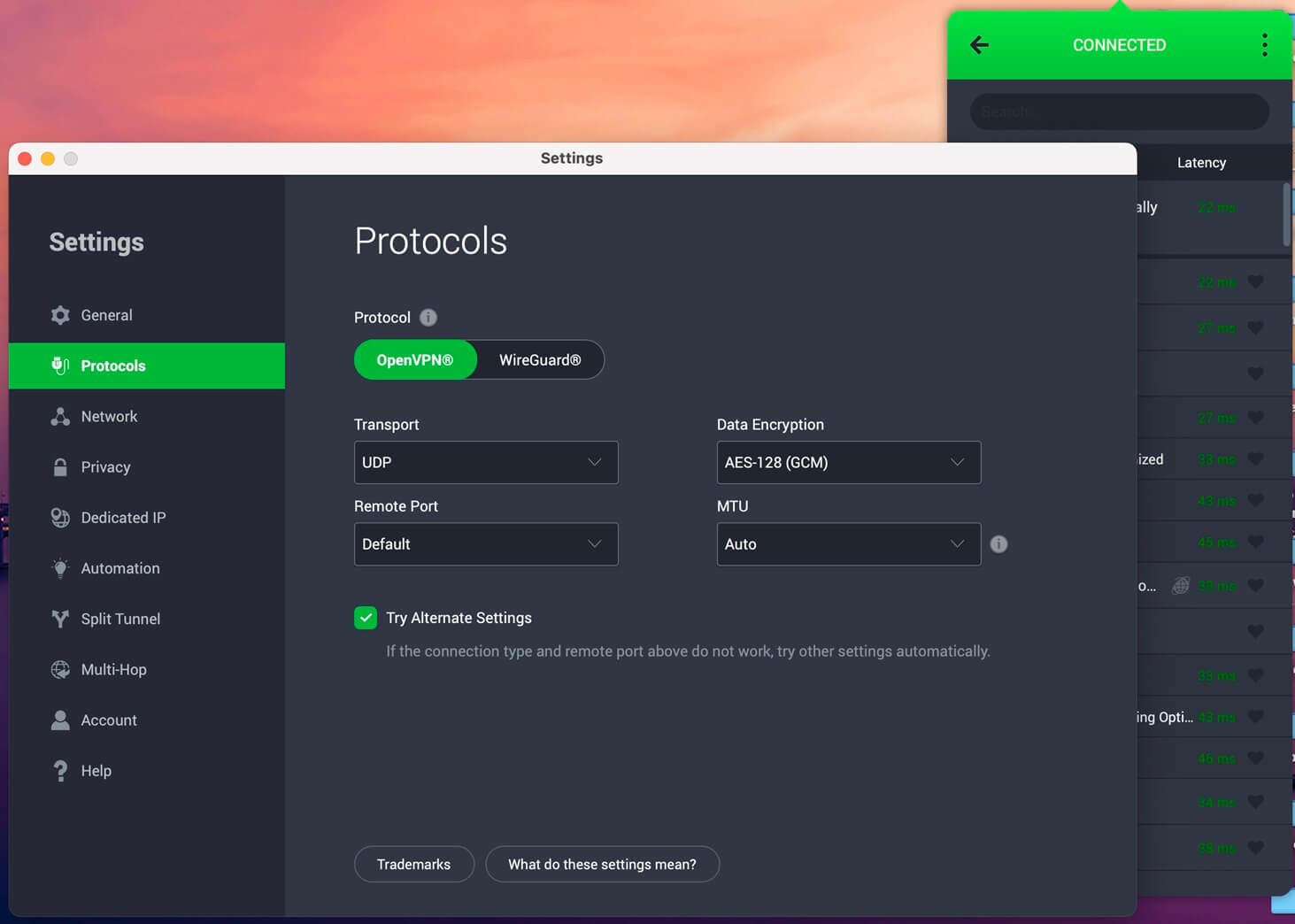
Private Internet Access is a robust Discord VPN with extensive customization and security. We tested PIA VPN across different setups: on a gaming PC, a MacBook, and a Steam Deck. The VPN unblocked Discord on restricted networks, and with WireGuard, voice chat was crisp, with ping rarely crossing 70ms. The US East and London servers gave us the best balance between latency and connection stability, even during peak hours (after 8 pm on Friday and during weekends).
PIA’s advanced split tunneling stood out. We routed only Discord through the VPN. This kept gaming latency ultra-low while ensuring Discord stayed accessible, even on locked-down Wi-Fi. Private Internet Access also comes with an ad and tracker blocker (MACE), which worked well in keeping Discord’s browser links clean from shady redirects. The kill switch is aggressive; if your VPN connection drops, your IP stays completely hidden. The VPN is super customizable.
You can adjust encryption levels, choose between protocols (OpenVPN and WireGuard), and switch ports to bypass stubborn firewalls. It’s not the most beginner-friendly, but for experienced users, it’s gold. PIA offers unlimited device connections, which makes it solid for households or friend groups sharing a subscription.
Plans start at around $1.33 to $2.19 per month on long-term deals, and like others, it comes with a 30-day money-back guarantee. Test one of the best VPNs for Discord risk-free and get a sizeable discount below.
Try Private Internet Access Now
4. Surfshark: Best VPN for Discord on a Budget
Pros
- Unlimited devices
- Cheapest Discord VPN ($1.99/mo)
- Antivirus protection
- Optimized for streaming
Cons
- Rare connection slowdowns
- Pricier 1-month plans
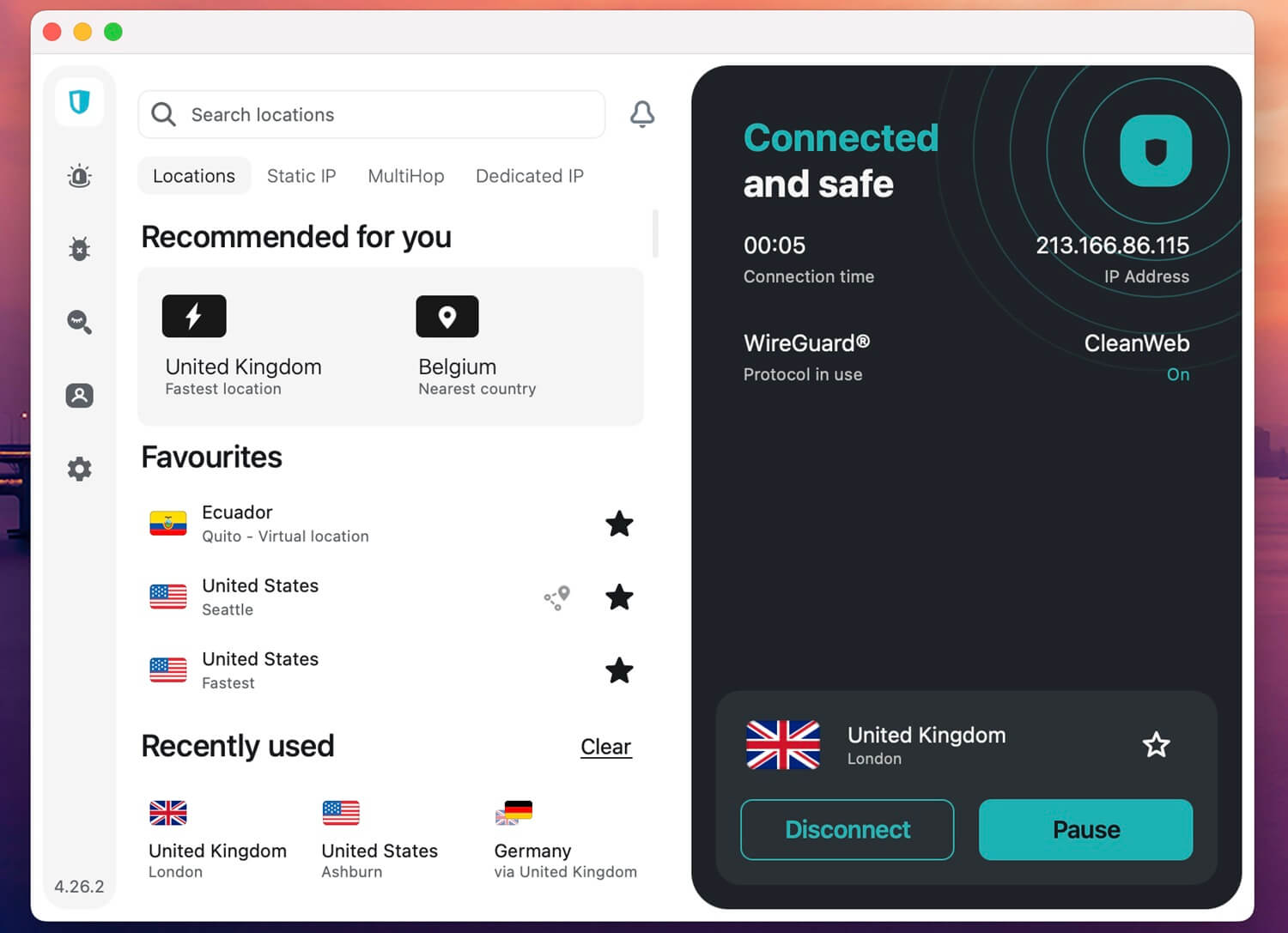
Surfshark is perfect if you’re sharing a VPN subscription with a Discord server crew. It’s affordable and fast, especially if you’re trying to access Discord on restrictive networks. We tested Surfshark on multiple devices. Voice calls came through loud and clear, even when streaming and gaming at the same time. Surfshark’s Camouflage Mode (its version of obfuscation) was the genuine MVP.
It hid our VPN use, helping us sneak through networks that usually block all VPN traffic. With WireGuard, Surfshark offered low-latency performance and quick server switching, two things that matter for Discord. Another useful feature was CleanWeb, Surfshark’s ad and malware blocker. It filtered shady links floating around public Discord servers and helped pages load faster. We also used its Web Content Blocker to filter out adult sites and those we didn’t wish to see.
Surfshark also has servers in 100+ countries, including locations in the USA, the UK, and Germany, that work smoothly with Discord voice and video. You get unlimited device connections, which only Private Internet Access offers on this list. Surfshark starts at only $2.49 per month, so it’s the cheapest VPN for Discord (one of, at least). If you change your mind, you have a 30-day refund policy.
Still struggling to choose between Surfshark and NordVPN? If you’re unsure which VPN for Discord to get, check our side-by-side comparison between NordVPN and Surfshark and make an informed decision.
5. Proton VPN: Best Privacy-Friendly Discord VPN
Pros
- No data limit on the free plan
- Strong encryption and security
- Audited no-log policy
Cons
- Average performer
- No SmartDNS
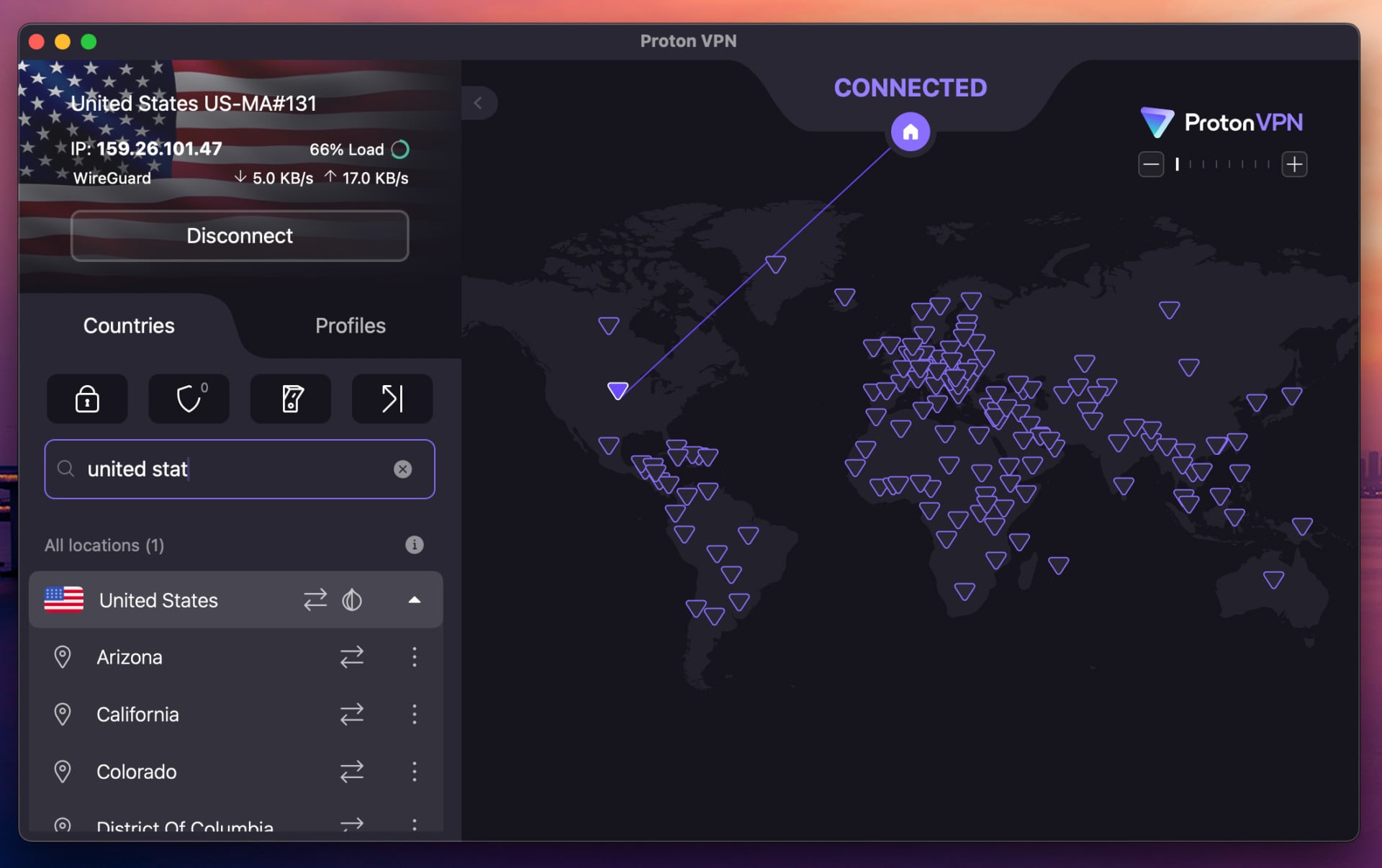
If you’re on a budget and need a secure way to access Discord, Proton VPN is the best truly free VPN we tested, especially because it has no data caps. The free tier has 10 locations, solid security, a no-log policy, and apps for all devices. It works well, but isn’t very fast, so expect occasional choppy calls. We’d pick the premium Discord VPN with 20,000+ servers in 148 countries, faster speed, and better security. Secure Core routes traffic through two servers and encrypts it twice.
NetShield protects against ads, trackers, and malicious sites. We tested all its features with success. Proton VPN’s Accelerator sped up our connections and resulted in a latency of under 77 ms; ideal for chatting and gaming. The Swiss VPN is also a privacy powerhouse. It has a no-log policy with multiple audits. Instead of RAM-only, it uses HDD servers, but with full-disk encryption to prevent data leaks.
Proton VPN may be the best free VPN for Discord, but it’s also the best premium VPN for Discord for privacy, security, and calling. Pick the biennial plan, save over 60%, and get it for $3 per month. Frequent discounts drop the price lower, though the default price is already low for a VPN this good.
Why You Can’t Access Discord (And How VPN Helps)
Discord gets blocked more often than you’d think. Schools and workplaces love to lock it down to minimize distractions. Some public Wi-Fi networks restrict it to save bandwidth. In a few countries (China, Iran, Turkey, UAE), Discord is banned for its VoIP features and open communication. Most networks block Discord by filtering its ports (mainly 443 and 80) or by blacklisting its IP ranges.
Because Discord uses encrypted HTTPS and WebSocket connections, network administrators block it rather than parse the traffic. Even if Discord isn’t blocked where you are, your ISP might be logging your activity. In the same fashion, your ISP can throttle your speeds to a screeching halt, making all video and audio calls sluggish. That’s where a VPN comes in.
It encrypts your traffic, masks what you’re doing, and routes your connection through a secure server elsewhere, one that doesn’t have those blocks. We tested this ourselves. On a university network that blocked Discord, using NordVPN’s obfuscated servers unlocked full access in seconds, so no config tweaks, no packet loss, and voice chat worked like a charm.
In short? If Discord’s blocked, it’s not the app’s fault; it’s your network. The best way around it is to use a VPN for Discord that’s fast, secure, and actually built to handle restrictions. Our list included plenty.
How to Unblock Discord With a VPN
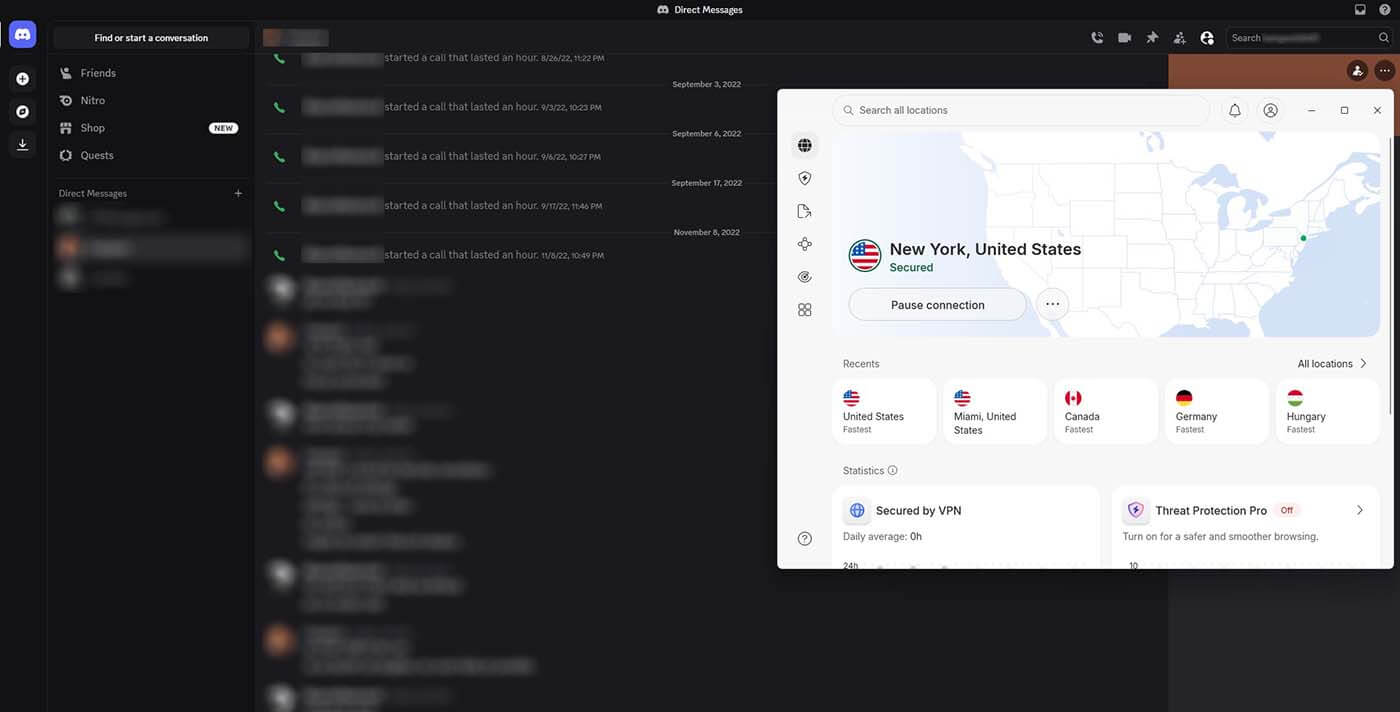
The #1 reason to use a VPN for Discord is to bypass heavy restrictions and access it. But even outside that, you may want to shield your privacy and prevent DDoS. A good Discord VPN is also a great VPN for gaming, so here’s how to use it for Discord to unblock and access it anywhere:
- Subscribe to a VPN. Pick the best VPN for Discord, like NordVPN.
- Download and install the VPN on your device.
- Open the VPN and sign in with your credentials.
- Connect to a server. If needed, enable obfuscation or use an obfuscated server if you use NordVPN. Also, enable a kill switch for more privacy.
- Download or use Discord through your browser. Now, you can chat freely and enjoy smooth video and voice calling uninterrupted.
How We Picked the Best VPN for Discord
Not all VPNs play nice when it comes to unblocking Discord. Some get flagged, some slow your connection to a crawl, and others don’t even get past the login screen. So, we rolled up our sleeves and tested many across multiple networks to see which ones actually delivered. Here’s what mattered most:
Unblocking Discord on Restricted Networks
Discord is often blocked on school, office, and public Wi-Fi. So the first test was simple: could the VPN unblock Discord on these networks? NordVPN and ExpressVPN aced this with obfuscated servers that hid VPN traffic, so no CAPTCHA, no connection issues, only Discord working like it’s supposed to.
Voice Chat Performance (Ping, Lag, and Dropouts)
Messaging is one thing, but if your voice chat cuts out mid-raid or lags in a group call, that’s a no-go. We measured latency using Discord’s built-in ping monitor and real-time testing. VPNs like Surfshark and Private Internet Access kept voice quality clear and ping under 70ms on most nearby servers.
Privacy and Encryption
Discord doesn’t encrypt calls end-to-end, so your VPN better pick up the slack. We looked for AES-256 encryption, a strict no-logs policy, DNS leak protection, and kill switches. Proton VPN, even on its free plan, didn’t compromise here; your chats stay locked down. The same goes for our other top picks.
Ease of Use and Cross-Platform Support
Chatting on your gaming rig, phone, or tablet, you just need the VPN to work. We tested each on Windows, macOS, Android, and iOS to make sure the app UI was intuitive and didn’t take a PhD in networking to set up. If you’re interested, check out our guide to the best VPNs for Windows, or our comparison of VPN apps for Android; both lists have some of the top Discord VPN options for unfettered access.
Price vs. Performance
We factored in the cost of a VPN. While ExpressVPN isn’t the cheapest, it brings features and streaming-ready performance. Meanwhile, Proton VPN offered a strong free plan that we’d actually recommend, something rare in the free VPN world. Either way, our top VPNs won’t cost over $3.49 per month.
Best Discord VPN 2026: Conclusion
If you’re dealing with blocked Discord access or want to keep your chats private and your voice calls lag-free, the best VPN for Discord is vital. From school networks that throttle every app to countries where VoIP services are restricted, a good VPN puts the control back in your hands. After testing 20, NordVPN stood out as the most complete. It unblocks Discord instantly, keeps your connection fast and stable, and adds privacy protection without making you jump through setup hoops.
A solid VPN doesn’t just let you access Discord; it makes the experience smoother, safer, and more reliable. To help you choose wisely, we’ve published a comparison between Surfshark, NordVPN, and ExpressVPN, some of our favorite VPNs in 2026. If you’re not stuck between these three, consider Private Internet Access or Proton VPN, both safe and trusted VPN for Discord in 2026.
FAQ About the Best VPN for Discord
💵 Can I get Discord Nitro cheaper with a VPN?
Yes, with a VPN, you can connect to a region where Discord Nitro is priced lower. For example, some countries offer significantly cheaper monthly rates. Just make sure to follow Discord’s Terms of Service and don’t use false billing info, or you risk getting your subscription revoked.
☪️ How to bypass Discord ban in Turkey?
Use a VPN with obfuscation and connect to the closest VPN location where Discord works. NordVPN is the best VPN for Turkey, offering nearby obfuscated servers, fast speeds, and stable connections for Discord calling and chatting.
🤖 Can I run a Discord bot while using a VPN?
Yes, but it depends on how you're hosting it. If you’re running the bot locally with a VPN active, make sure the port or webhook it uses isn’t blocked by the VPN provider. For cloud-hosted bots (like those on Heroku or AWS), a VPN doesn’t matter unless you're connecting to manage it.
⛔ Does Discord detect and block VPNs?
Yes, sometimes, especially if you're using a free VPN or one with overused IP addresses. Rely on VPNs with clean, frequently refreshed IPs like NordVPN or ExpressVPN. These services worked across all our test servers without any Discord login issues or CAPTCHA overload.
✅ ISP blocking Discord; how to unblock it?
If your ISP blocks Discord, the best way to access it is with a VPN. Subscribe to the best VPN for Discord (NordVPN) and connect to a server in another country. Now, you can download and use Discord or enjoy it through the web app.
🆓 What is the best free VPN for Discord?
The best free VPN for Discord is Proton VPN. It offers a free plan with unlimited data, ideal for accessing Discord anywhere and using it limitlessly. However, it blocks P2P traffic and doesn't let you choose the server, making premium VPNs better.