
This season, MLB.TV moved under ESPN, and most clubs started selling streams that finally lift local blackouts for their own fans. Yankees, Red Sox, and Cubs fans who live near the ballpark didn’t get that option. For them, a full-season subscription still shows a blackout notice for every home-team game.
Meanwhile, national games on FOX, Netflix, or Peacock are blacked out for every subscriber. That’s why fans look for a VPN for MLB.TV. A VPN replaces your IP address with one from its server, and MLB.TV reads your location from that IP address in a web browser.
The phone app is a different story, because it checks your GPS, and MLB’s terms threaten to cancel any subscription used to get around a blackout. So what can a VPN realistically do for a baseball fan? With the right setup, you’ll know before Opening Day which games you can actually watch.
Best MLB.TV VPNs Ranked
- NordVPN: Best overall, fastest on US servers in our tests
- Proton VPN: Best for privacy-first fans, with TV apps and a lower price
- ExpressVPN: Best for choice of US cities
- Surfshark: Best for streaming beyond baseball
- Private Internet Access: Best for choosing a specific US state
MLB.TV VPNs Compared
For MLB.TV, you’ll want a fast server in a US city outside your team’s home territory. For that reason, the table shows each VPN’s US coverage next to its speed on US servers.
| NordVPN | Proton VPN | ExpressVPN | Surfshark | PIA VPN | |
| US server locations | 55 cities | 18 states and DC | 63 locations | 25 locations | All 50 states |
| Obfuscation | Obfuscated servers | Stealth | Automatic | Camouflage Mode | Shadowsocks proxy |
| Speed loss on US servers | 4.7% | 8.8% | 7.0% | 10.5% | 7.7% |
| Smart DNS | Yes | No | Yes (MediaStreamer) | No | Yes |
| Compatibility | Windows, macOS, iOS, Android, Smart TV | Windows, macOS, iOS, Android, Smart TV | Windows, macOS, iOS, Android, Smart TV | Windows, macOS, iOS, Android, Smart TV | Windows, macOS, iOS, Android, Smart TV |
| Devices | 10 | 10 | 10-14 | Unlimited | Unlimited |
| Starting price | About $3.50/mo | About $3/mo | About $3/mo | About $2.50/mo | Around $2/mo |
| Free trial | 3 days (Android) | No | 3 days (Android) | 7 days (Android) | 7 days (Android and iOS) |
Best VPNs for MLB.TV in 2026
We picked these five from the 30+ VPNs we’ve tested. The deciding factors were speed on US servers, results on 14 streaming services, and how well each one works on the TVs and streaming boxes where most people watch baseball.
Some well-known names didn’t make it: IPVanish, for example, lost far more speed on distant servers than any of these five.
1. NordVPN: Best VPN for MLB.TV Overall
Pros
- Fast on US servers
- Unblocked Netflix, Prime Video, and HBO Max
- Smart DNS for TVs and consoles
- Apple TV and Fire TV apps
- Independently audited no-logs policy
Cons
- Occasional detection on some streaming services
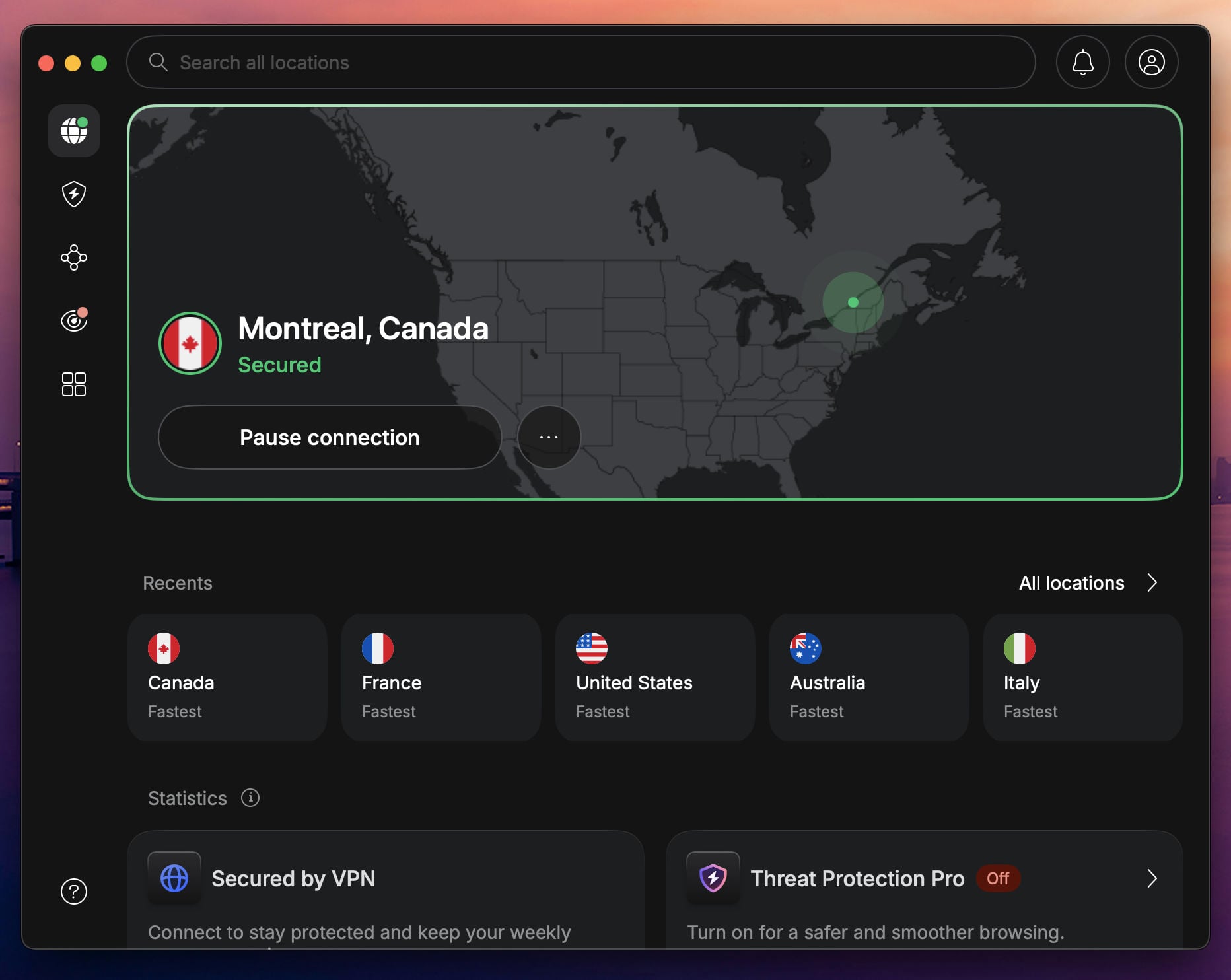
NordVPN was the fastest VPN on our US servers, with a 4.7% speed loss, and it unblocked all 14 streaming services we tested. Most of that speed comes from NordLynx, NordVPN’s protocol built on WireGuard. For baseball, it means a full HD stream with room to spare, even on a busy evening.
On top of that, its 55 US cities make it easy to choose a server far from your team’s home territory. Beyond computers, it covers the devices where baseball usually ends up. NordVPN has apps for Apple TV and Fire TV, and its Smart DNS feature changes the location a Roku, PlayStation, Xbox, or smart TV reports without installing an app.
On those devices, the MLB app doesn’t check GPS the way your phone does, so the reported location is the one MLB.TV sees. If you watch on Apple TV, see which VPNs work best on tvOS. As for its weak spot, Prime Video and Pluto TV occasionally detected it during our tests.
When that happens, disconnect and choose another server in the same city. Finally, a two-year Basic subscription comes to about $3.50 a month, with a 30-day money-back guarantee and a three-day trial on Android.
2. Proton VPN: Best for Private Streaming on a Budget
Pros
- Swiss privacy laws and audited no-logs policy
- Apps for Apple TV, Fire TV, and Android TV
- Unlimited data
- Blocks ads and trackers during streams
Cons
- No Smart DNS for Roku or consoles
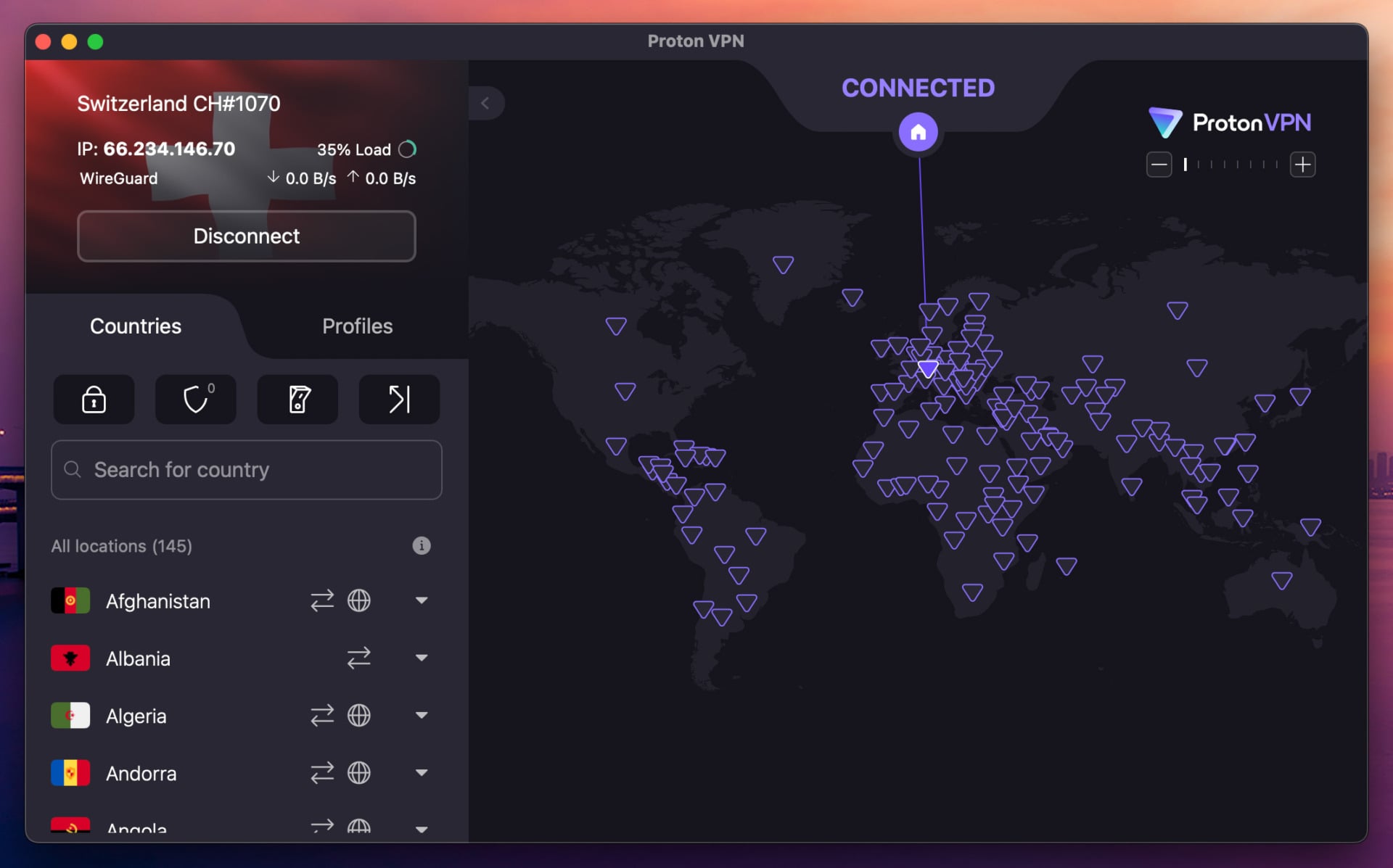
Proton VPN suits fans who want privacy first. Swiss law governs the company, and outside auditors review its no-logs policy annually, so there’s no viewing history tied to your account. On our US server, it lost 8.8% of our speed, which still leaves plenty for HD baseball on a typical home connection.
As for price, it’s cheaper than NordVPN, at about $3 a month on the two-year VPN Plus plan. That price includes apps for Apple TV, Fire TV, and Android TV, plus NetShield, which blocks ads and trackers while you browse game recaps. Also, its US servers are listed by state, which makes it simple to choose one outside your team’s region.
The drawback is device support beyond those apps. Proton VPN has no Smart DNS, so it can’t help a Roku, PlayStation, Xbox, or most Samsung and LG TVs directly. In those cases, install it on your router or share the connection from a computer.
It also unblocks fewer of our 14 streaming services than NordVPN, so fans who use the same VPN for Prime Video or Hulu should keep that in mind.
3. ExpressVPN: Most US Locations for Baseball Fans
Pros
- Widest list of US locations
- Unblocked Netflix, Hulu, and Peacock
- Connects in a second or two
- MediaStreamer for TVs without VPN apps
- Easy apps for beginners
Cons
- Settings are hard to find in the redesigned app
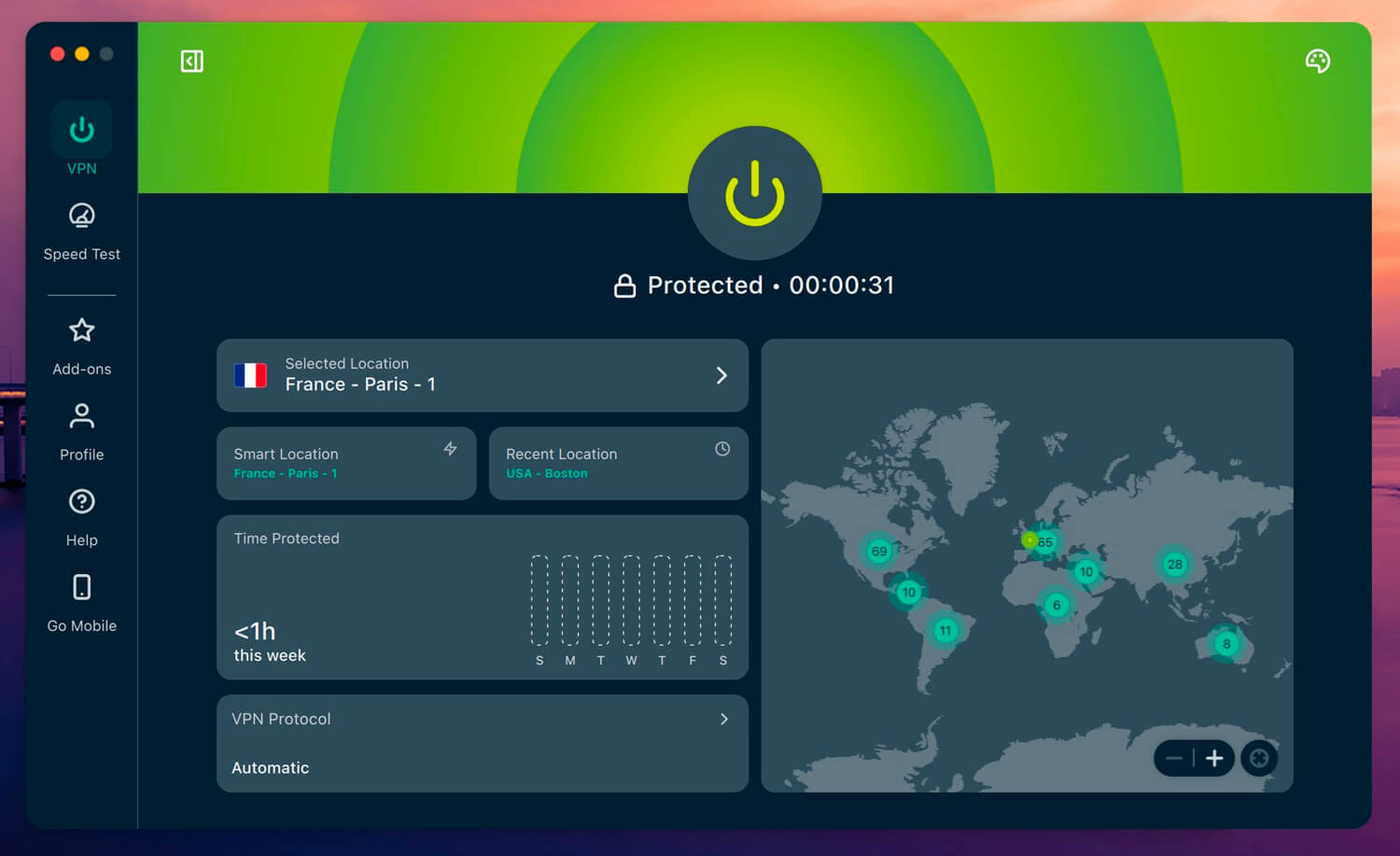
ExpressVPN has 63 US locations, the most of the five, and that helps a baseball fan more than it might seem. If one city’s servers are busy, or a city is too close to a blacked-out market, there’s always another option nearby.
It also unblocked all 14 streaming services in our tests and lost 7.0% of our speed on US servers. Beyond that, it connected faster than any other VPN in our tests, often within two seconds, so switching cities between innings is painless. Lightway, ExpressVPN’s own protocol, is behind those quick connections.
For TVs and consoles without VPN apps, MediaStreamer, its Smart DNS feature, works the same way as NordVPN’s. One annoyance is the app itself. After a 2026 redesign, there’s no Settings menu, and options like the kill switch and protocol choice now sit under Profile.
Once you know where to look, it’s simple, although the new layout confused us at first. As for price, two years of the Basic plan work out to about $3 a month, and it’s one of our top VPNs for the United States.
4. Surfshark: Best for Fans Who Stream More Than MLB.TV
Pros
- Unblocked Prime Video, HBO Max, and Hulu
- Unlimited devices
- Blocks ads and malware
- Apps for Apple TV and Fire TV
Cons
- No Smart DNS anymore
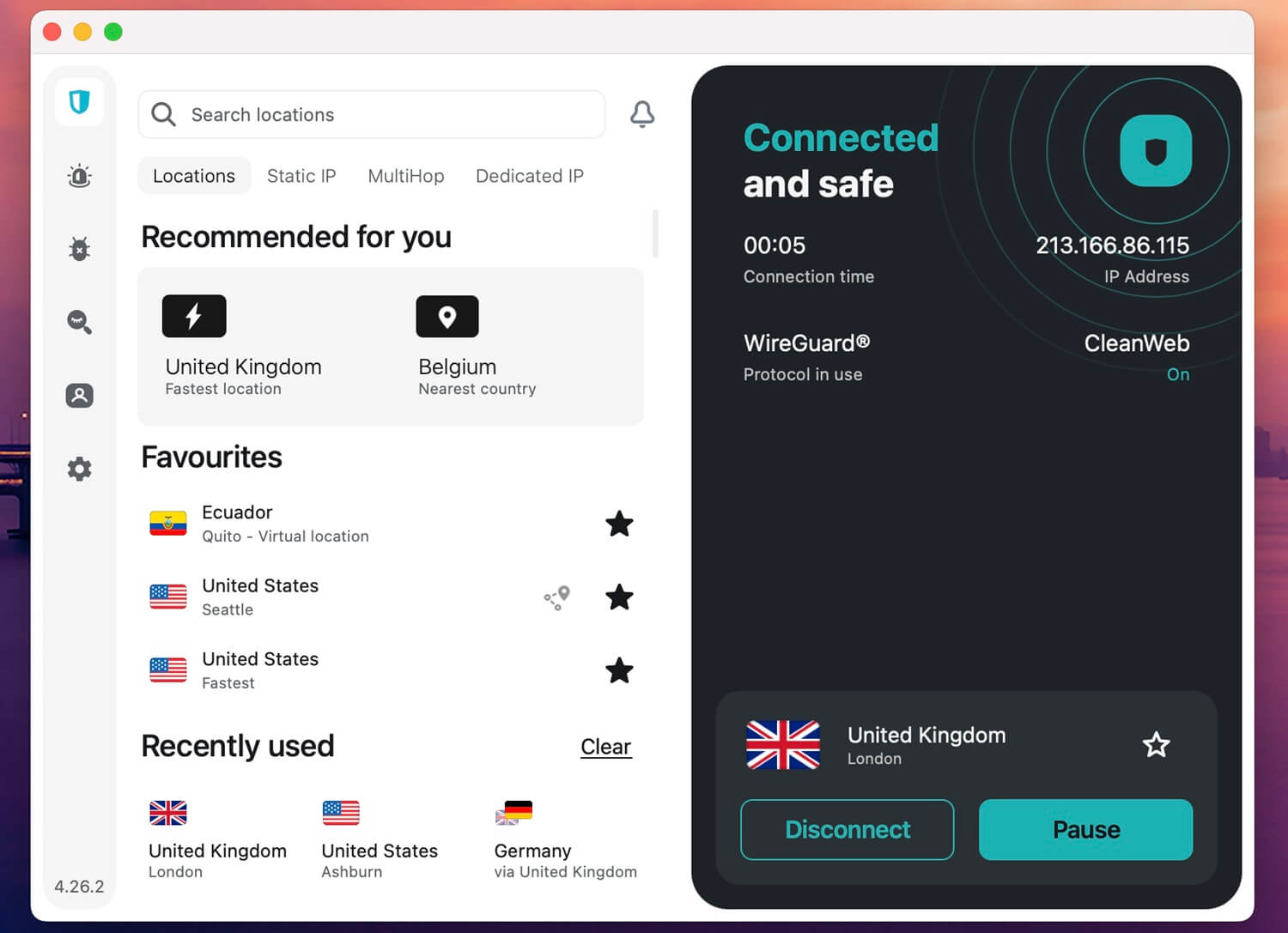
Surfshark unblocked 13 of the 14 streaming services we tested, more than Proton VPN or PIA. What’s more, it didn’t require a browser extension for any of them. So if your baseball nights share a subscription with Prime Video, HBO Max, or Hulu, it covers almost everything.
Speed on US servers was the slowest of the five, with a 10.5% loss, but HD streams still worked smoothly. On price, it’s affordable at about $2.50 a month on a two-year plan, with no limit on devices. In addition, CleanWeb blocks ads and malware sites, useful on the ad-heavy pages fans end up on when searching for a game.
The Surfshark One plan adds breach alerts, one of our favorite identity theft protection tools. However, Surfshark has dropped Smart DNS. On a Roku, PlayStation, or older smart TV, you’ll have to install it on your router or share the VPN connection from a Windows PC.
Apple TV and Fire TV owners can use its native apps instead, and our Surfshark review explains each of its plans.
5. Private Internet Access: Best for State-by-State Server Choice
Pros
- Servers in every US state
- Low long-term price
- Smart DNS included
- Unlimited devices
- Strong ad and tracker blocking
Cons
- Couldn’t unblock Prime Video, HBO Max, or Hulu
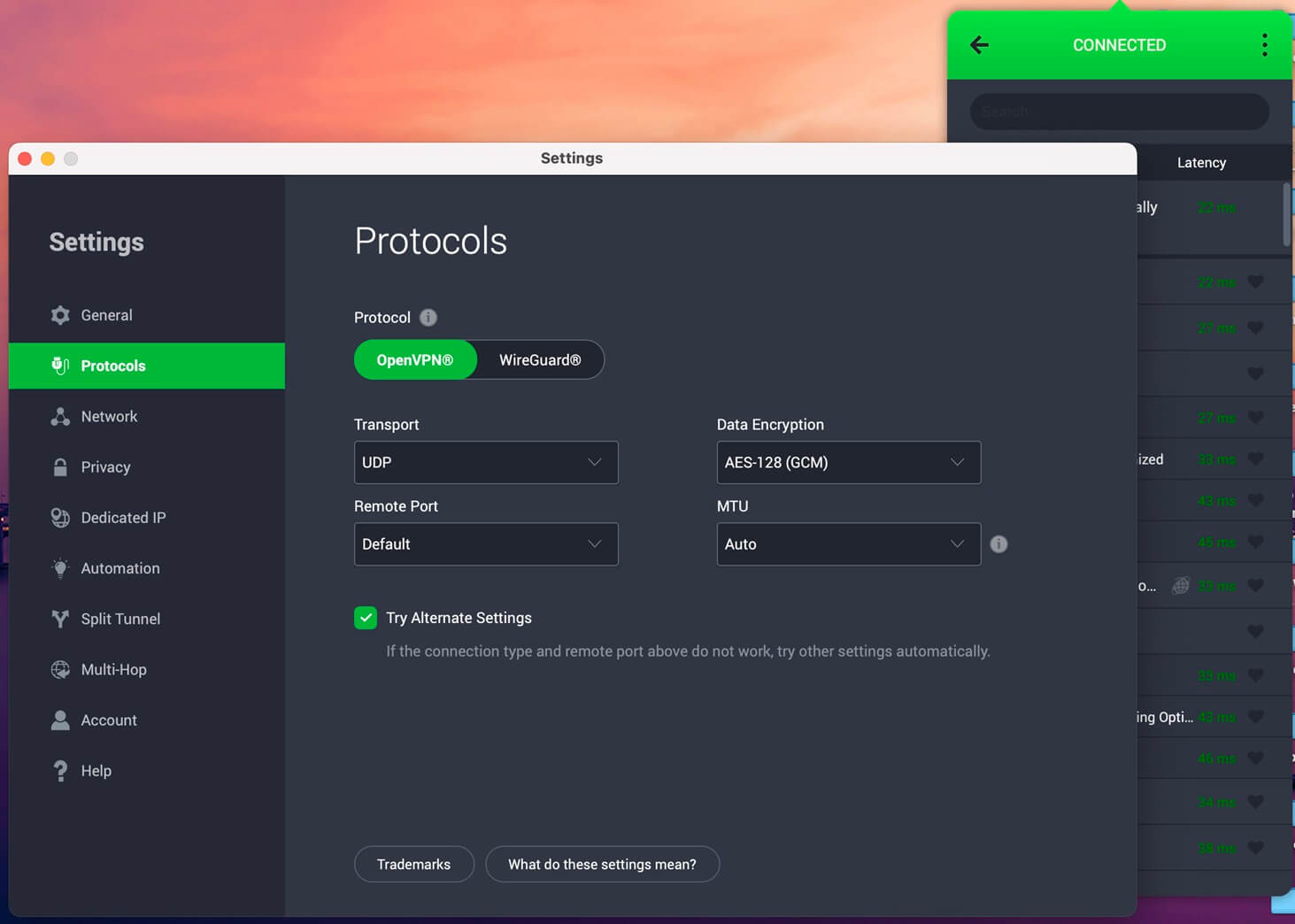
Private Internet Access has servers in all 50 US states, and that’s useful for MLB.TV in a specific way. Blackout territories follow team markets, so you can choose a state that’s clearly outside every nearby club’s region. Its speed loss on US servers was 7.7%, enough for HD baseball.
Even better, it’s the cheapest VPN of the five, at around $2 a month on its long-term plan. You don’t have to apply a coupon code on PIA’s website to get that rate. Beyond price, it includes Smart DNS for TVs and consoles and allows unlimited devices.
Its MACE blocker removed more ads and trackers than any other blocker we tested. On the other hand, it unblocked only 9 of our 14 streaming services, failing on Prime Video, HBO Max, and Hulu. For baseball alone, that may not matter.
If the same VPN has to handle your movie nights too, NordVPN or Surfshark is the better choice. For a closer look, compare PIA VPN and NordVPN side by side.
Try Private Internet Access Risk-Free
How MLB.TV Blackouts Work in 2026
MLB.TV blacks out a live game when you’re in the home television territory of either team. That’s because a local TV network or the club itself has the rights there. The same system limits other leagues and may stop you from watching out-of-market NFL games live.
Blacked-out games aren’t lost for good, however. They appear in the MLB.TV archive about 90 minutes after the final out. MLB checks your location in two ways:
- In a web browser and on most TV apps, it reads your IP address.
- On phones and tablets, the MLB app uses your device’s GPS, and MLB’s support pages say it can fail to verify you on a VPN or hotspot.
Billing ZIP codes don’t decide blackouts; your viewing location does, and MLB’s game availability locator shows which teams are blacked out for any ZIP code. National games follow a separate rule.
Games on FOX, FS1, TBS, ESPN, Apple TV, Netflix, and NBC or Peacock are unavailable on MLB.TV Everywhere, so changing your US city doesn’t help with those.
In the US, postseason games also require a pay-TV login. Outside the US and Canada, MLB.TV streams the postseason live without one, and international subscribers generally don’t face local blackouts, apart from Blue Jays games in Canada.
What a VPN Can and Can’t Do for MLB.TV
A VPN routes your connection through a server in another location, so MLB.TV in a browser sees the server’s IP address instead of yours. Connect to a server in a city outside the blackout zone, and the website reads you as being there.
On a phone, the GPS check still applies, so the VPN alone usually isn’t enough. Before you try it, know the rules. MLB’s terms of use say that getting around a blackout can lead to immediate termination of your subscription, a $100 charge, and possible legal action.
We found no reports of MLB enforcing the fee. Even so, MLB support tells users to disconnect VPNs when a blackout looks wrong, so it clearly watches for them. Still, some uses don’t involve blackouts. Since MLB.TV moved to ESPN, many fans buy it through the ESPN app, and ESPN’s streaming service doesn’t work outside the US.
A US server lets a traveling subscriber sign in as usual, and the same applies to a club’s own in-market stream or Peacock. A VPN also encrypts your connection on stadium, hotel, or airport Wi-Fi, where you might check scores between innings.
Setting Up a VPN for MLB.TV on Each Device
The method depends on where you watch. Each device checks location a little differently, so the steps change as well:
- Computer: Install the VPN, connect to a US server outside the home territory, clear your browser’s cookies, and open MLB.TV in the browser.
- Apple TV and Fire TV: NordVPN, Proton VPN, ExpressVPN, Surfshark, and PIA have native apps. Connect first, then open the MLB app.
- Roku, PlayStation, Xbox, and Samsung or LG TVs: These don’t support VPN apps. Use Smart DNS from NordVPN, ExpressVPN, or PIA, or install the VPN on your router.
- Phones and tablets: The MLB app checks GPS, so a VPN changes only your IP address. Use the phone for out-of-market games or the ESPN app abroad.
If MLB.TV still shows a location error, disconnect, choose another city, clear cookies again, and reload. In practice, a different server in the same city often works when the first one doesn’t.
MLB TV Blackout Workaround Options Without a VPN
For many fans, the cheapest fix in 2026 doesn’t involve a VPN. MLB now sells in-market streams for most clubs, and alternatives exist for the rest.
Your Team’s In-Market Stream
MLB produces local broadcasts for 14 clubs and sells streams that lift the local blackout anywhere in the team’s home territory. Several other clubs, such as the Dodgers, Mets, Phillies, and Braves, sell their own streams too.
If your team is on that list, this is the official answer, and it costs less than a cable bundle. The Yankees, Red Sox, and Cubs are the main clubs without one.
Cable and Live TV Streaming Services
Some teams’ regional sports networks (RSNs) still have the rights. In that case, cable or a live TV service carrying that network, such as Fubo or DirecTV Stream, shows the games legally.
The downside is cost, since you pay for a bundle of channels to watch a few games a week. Coverage varies by region, and national blackouts still apply.
Smart DNS Services
Some fans use Smart DNS tools instead of a full VPN, especially on TVs. Smart DNS changes the location a streaming app sees but doesn’t encrypt your traffic, so your ISP can still see and slow down your connection. It works best as part of a VPN subscription, which covers both.
Unofficial Streaming Sites
Finally, free sports streaming sites are the option to skip. They’re full of pop-up ads, trackers, and malware, and the streams usually lag a few pitches behind and cut out at the worst moment. They also have no archive, while MLB.TV keeps every game available to watch later, blacked-out ones included.
Final Thoughts
For most fans in 2026, a VPN isn’t the answer to a blackout. If your club sells an in-market stream, that’s the legal fix, and it doesn’t put your MLB.TV account at risk. A VPN is worth paying for in narrower cases.
You follow a club with no local stream, you watch in a browser or on a TV instead of the phone app, or you travel abroad with a US subscription. For those fans, we’d choose NordVPN, and our NordVPN vs ExpressVPN comparison helps if you’re torn between the two.
In any of those cases, don’t wait for Opening Day to find out whether your setup works. MLB.TV streams hundreds of spring training games, so set up the VPN and the TV app in February, when a server or device problem costs you only an exhibition game.
If baseball is only part of what you stream, our main VPN rankings cover the wider picture.
Best MLB TV VPN: Frequently Asked Questions
Does MLB.TV block VPNs?
Yes, sometimes. MLB reads IP addresses in browsers and GPS in its mobile app, and its support pages tell subscribers to disconnect VPNs whenever their location can't be verified.
Are MLB.TV blackouts based on a billing address?
No. MLB.TV blackouts follow the viewer's current location, which comes from the IP address on computers and TVs and from GPS on phones. The billing ZIP code plays no part.
Can MLB cancel a subscription for using a VPN?
Yes. MLB's terms allow it to terminate a subscription and charge a fee when someone gets around a blackout restriction, although no enforcement against VPN users has been reported publicly.
Can you watch MLB.TV outside the US?
Yes. MLB.TV sells international subscriptions, and outside the US and Canada most games stream without local blackouts. Games held by national partners such as FOX or Netflix remain unavailable everywhere.
Do MLB.TV blackouts apply to the postseason?
Yes, in the US. Postseason games on MLB.TV require a pay-TV login there, while international subscribers outside Canada can stream them live without one through the regular MLB.TV app.
Can you use a free VPN for MLB.TV?
Not reliably. Free VPNs limit data or server choice, and Proton VPN's free plan assigns servers automatically. Paid VPNs such as NordVPN and Proton VPN Plus handle HD baseball far better.