Private Internet Access has been the VPN for years for people who like a settings menu. Unlimited devices, open-source apps, 26,000+ servers, and an annual renewal of $56.94 that no competitor gets near. Its streaming performance has improved sharply since the versions that earned it a bad name, so the old complaint about blocked Netflix catalogs no longer holds.
Nothing about the service is broken. Subscribers still leave. PIA is a US company inside the 5 Eyes arrangement; it has no post-quantum encryption, its most recent independent no-logs audit is several years old, and there’s no free tier or trial to fall back on before you commit. Its desktop client also asks more of you than any rival’s does, which suits only power users.
The five VPNs below each fix a different piece of that. Our full PIA assessment covers what you’d be giving up in exchange.
Why Look for an Alternative to PIA VPN?
Five reasons come up repeatedly, and only some will apply to you:
- Jurisdiction. PIA answers to US law. That has never produced usable data in court, since the company has repeatedly turned up with nothing to hand over, but a Panama or Switzerland address removes the question before it gets asked.
- No post-quantum encryption. Traffic captured today can be stored and decrypted later, once quantum hardware exists to do it. NordVPN, ExpressVPN, and Surfshark all defend against that scenario. PIA doesn’t.
- Audit cadence. One Deloitte audit plus several court cases is a strong record. NordVPN has been through six Deloitte audits, the most recent in February 2026, and Proton VPN publishes annual results alongside open-source app code.
- The interface. PIA’s desktop client is a tower of toggles. Most of them are useful. Almost none are labeled for someone who wants a UK IP address before a football match starts.
- No way in for free. PIA sells a 30-day refund and nothing else. Proton VPN runs an unlimited free plan, and Surfshark and CyberGhost both offer trials, which matters when you’re testing whether a provider handles the geo-blocks you actually hit.
Compare the Best Private Internet Access Alternatives
| Best For | Starting Price | Jurisdiction | Servers | Devices | |
| NordVPN | Speed and security tools | $3.49/mo | Panama | 9,500+ in 149 countries | 10 |
| Proton VPN | Privacy and a free plan | $2.99/mo | Switzerland | 20,000+ in 148 countries | 10 |
| ExpressVPN | Streaming and simple apps | $2.99/mo | British Virgin Islands | 113 countries, 214 locations | 10 to 14 |
| Surfshark | Unlimited devices | $2.49/mo | Netherlands | 4,500+ in 100 countries | Unlimited |
| CyberGhost | Beginners and long refunds | $2.19/mo | Romania | 12,000+ in 100 countries | 7 |
Best Alternatives to Private Internet Access: Detailed List
Each pick below beats PIA at something specific. None of them beat it on renewal price, so that stays PIA’s argument throughout.
1. NordVPN: Best Overall
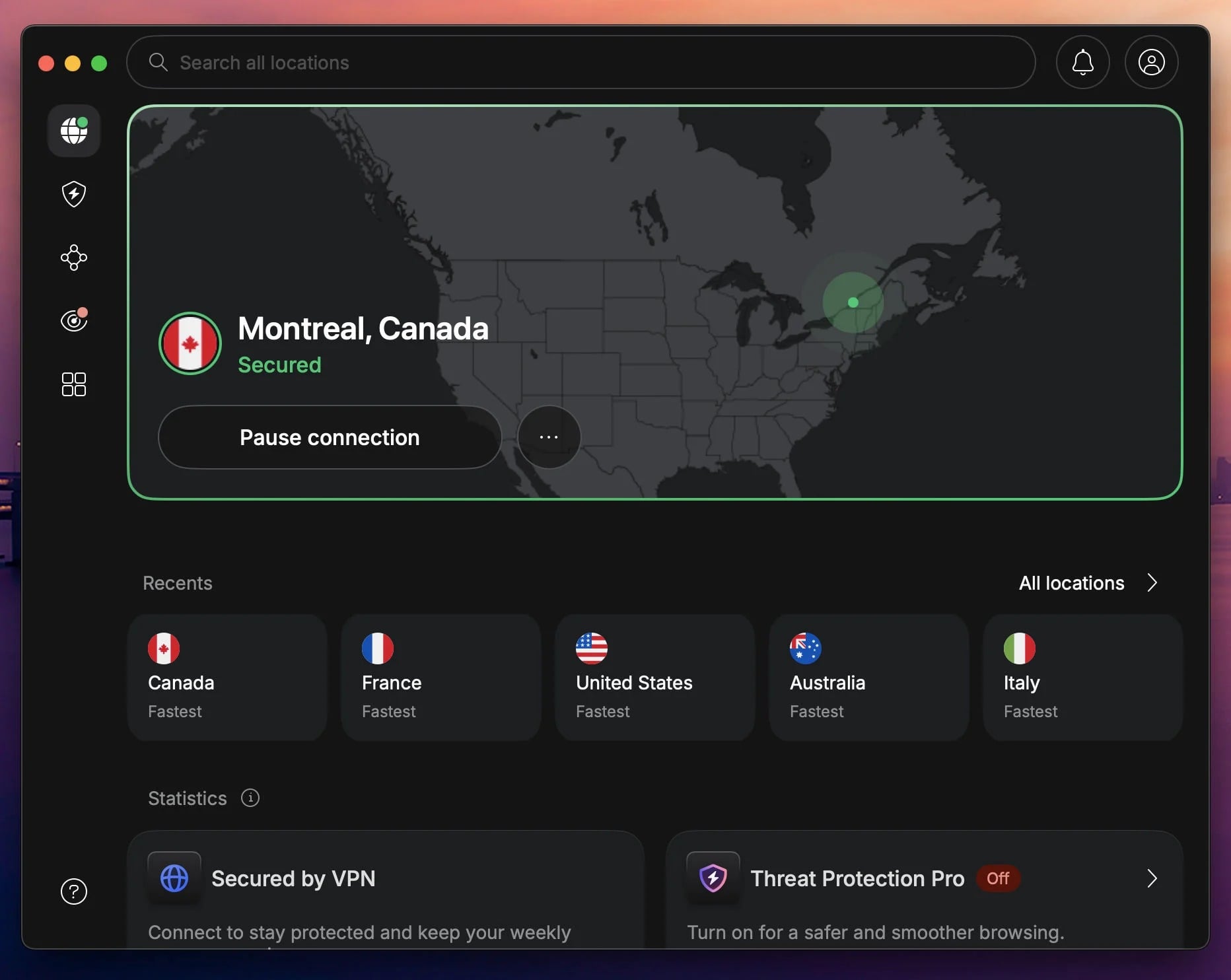
NordVPN was the fastest provider in our testing, and it closes every PIA’s weak point at once. Panama jurisdiction removes the 5 Eyes question, six Deloitte no-logs audits answer the audit-cadence complaint, and the most recent of those arrived in February 2026 instead of years ago. Post-quantum encryption is available as a NordLynx toggle, so traffic recorded now stays protected against decryption later.
The network has 149 countries across 9,500+ servers, 58 more countries than PIA despite a much smaller server count. NordLynx held 90 to 95% of our base connection even in long-distance locations, and Netflix, Hulu, and BBC iPlayer all opened on the first attempt. Threat Protection Pro is the feature PIA’s MACE never grew into: it blocks trackers, malicious domains, and ads outside the tunnel.
It also scans downloads for malware, and keeps working while the VPN is disconnected. NordWhisper handles networks that block VPN traffic, though it can’t be combined with P2P, so torrenting and that protocol don’t mix. The trade-off is device count and price. NordVPN allows 10 connections, compared to PIA’s unlimited
It opens at $3.49/mo on the 27-month Basic plan, and renews at $139.08 a year, roughly $82 more than PIA charges annually.
Pros
- Fastest speeds in our tests
- 6 Deloitte audits through 2026
- Panama, outside all intelligence alliances
- Threat Protection Pro scans downloads
- 149 countries covered
Cons
- 10 devices, not unlimited
- Renews at $139.08 a year
2. Proton VPN: Best for Privacy + Free Plan
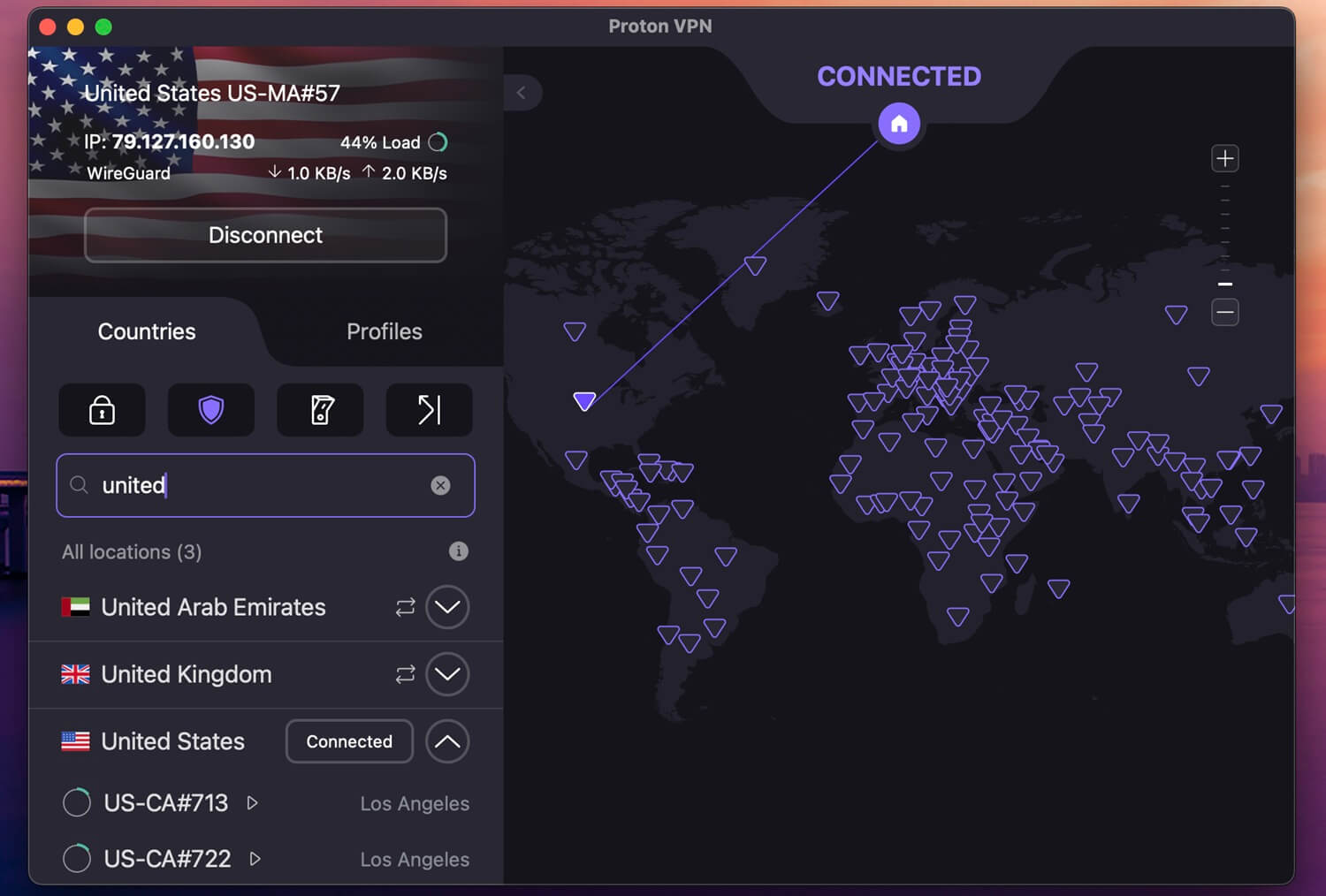
Proton VPN is the pick for anyone leaving PIA over jurisdiction and transparency. Swiss law imposes no mandatory data retention, every client is open source and inspectable, and the no-logs policy gets audited annually with the results published. Its network passed PIA’s in-country coverage some time ago, with 20,000+ servers in 148 countries, and Secure Core adds a layer that PIA’s Multi-Hop doesn’t match.
It sends traffic through hardened servers in Switzerland, Iceland, or Sweden before it exits. The free plan is the part PIA has no answer to. Unlimited data, 10 countries, one device at a time, the same no-logs policy as the paid tiers, and no advertising. The app assigns your server instead of letting you pick one, which keeps it useful as a safety net and a proper test drive at the same time.
That’s more than most free VPNs manage, and it costs nothing to find out whether the speeds suit you. Paid plans start at $2.99/mo on the two-year term, billed $71.76, undercutting NordVPN by roughly $22 across the same period. Proton VPN has no post-quantum option yet, and its servers use full-disk encryption instead of running RAM-only, so the hardware story is weaker than PIA’s.
Pros
- Free plan with unlimited data
- Swiss jurisdiction, no retention laws
- Open-source apps, audited annually
- Secure Core beats PIA’s Multi-Hop
- 148 countries, 20,000+ servers
Cons
- No post-quantum encryption
- Servers write to disk
3. ExpressVPN: Best for Streaming and Simplicity
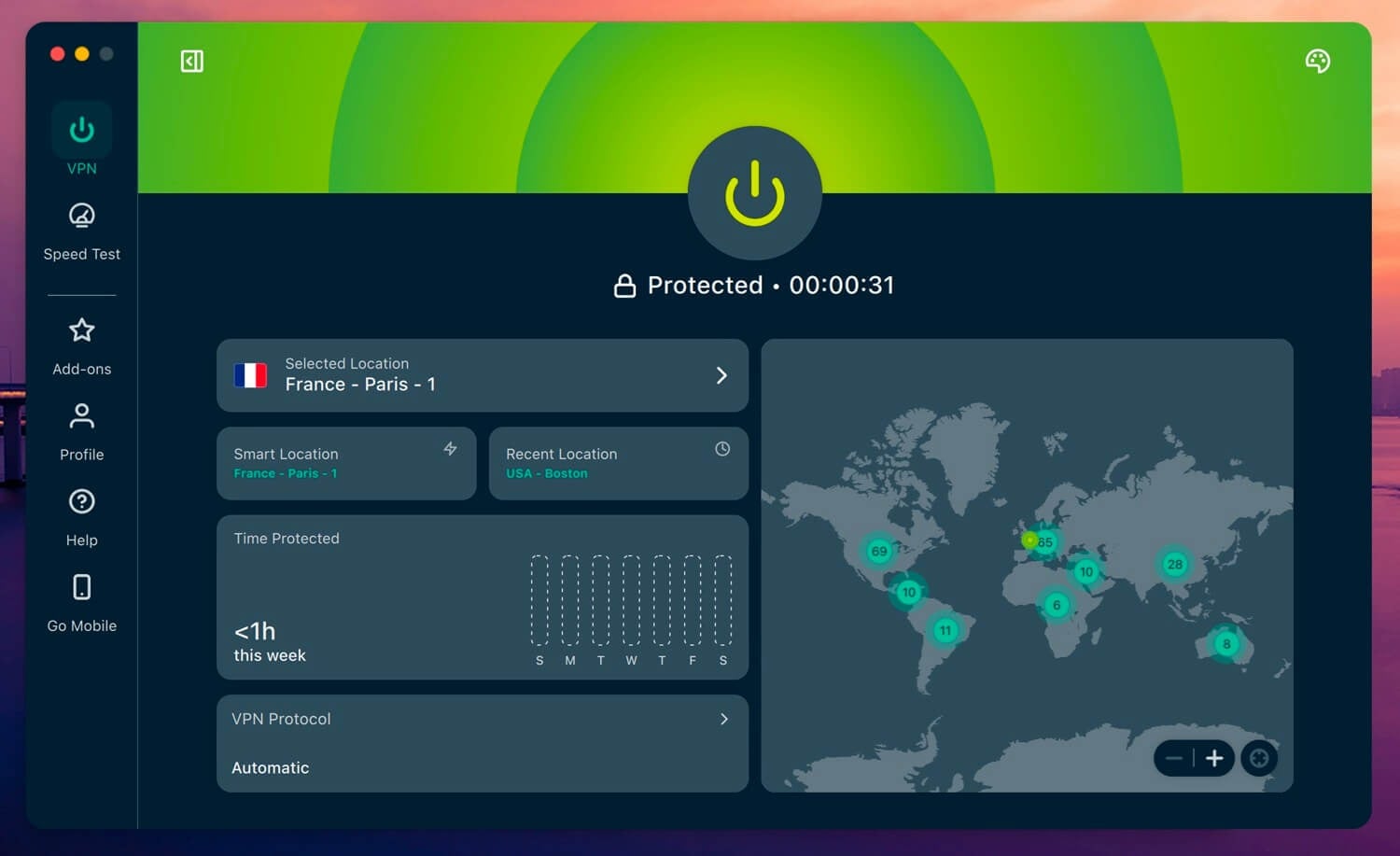
If PIA’s interface is what brought you here, this is the swap to make. ExpressVPN’s app is a connect button, a location list, and a settings tab, and it looks the same on Windows, macOS, Android, iOS, and the Apple TV client. Our head-to-head between the two providers goes through the remaining differences in detail. Streaming is the other common reason for switching.
ExpressVPN opened 15+ Netflix catalogs during testing, along with Sky Sports, ESPN+, and Hulu from outside the US. Its browser extension spoofs location independently of the tunnel, which defeats the mismatch checks that stop most VPNs on the harder platforms. The security stack underneath is deep too: Lightway runs faster than WireGuard on the same connection, and post-quantum encryption is on.
TrustedServer keeps the entire RAM-only fleet from writing anything to disk. British Virgin Islands jurisdiction has been tested for real, when Turkish investigators seized a server and recovered nothing usable. Basic costs $2.99/mo on the 28-month plan, billed at $83.72, then $99.95/year at renewal. Device coverage climbs from 10 to 14 across the three tiers, which still falls short of PIA’s unlimited connections.
Pros
- Simplest app on this list
- 15+ Netflix catalogs unblocked
- Lightway plus post-quantum encryption
- No-logs claim tested in court
- Works on routers and consoles
Cons
- Renews at $99.95 a year
- 10 devices on the entry tier
4. Surfshark: Best for Unlimited Devices
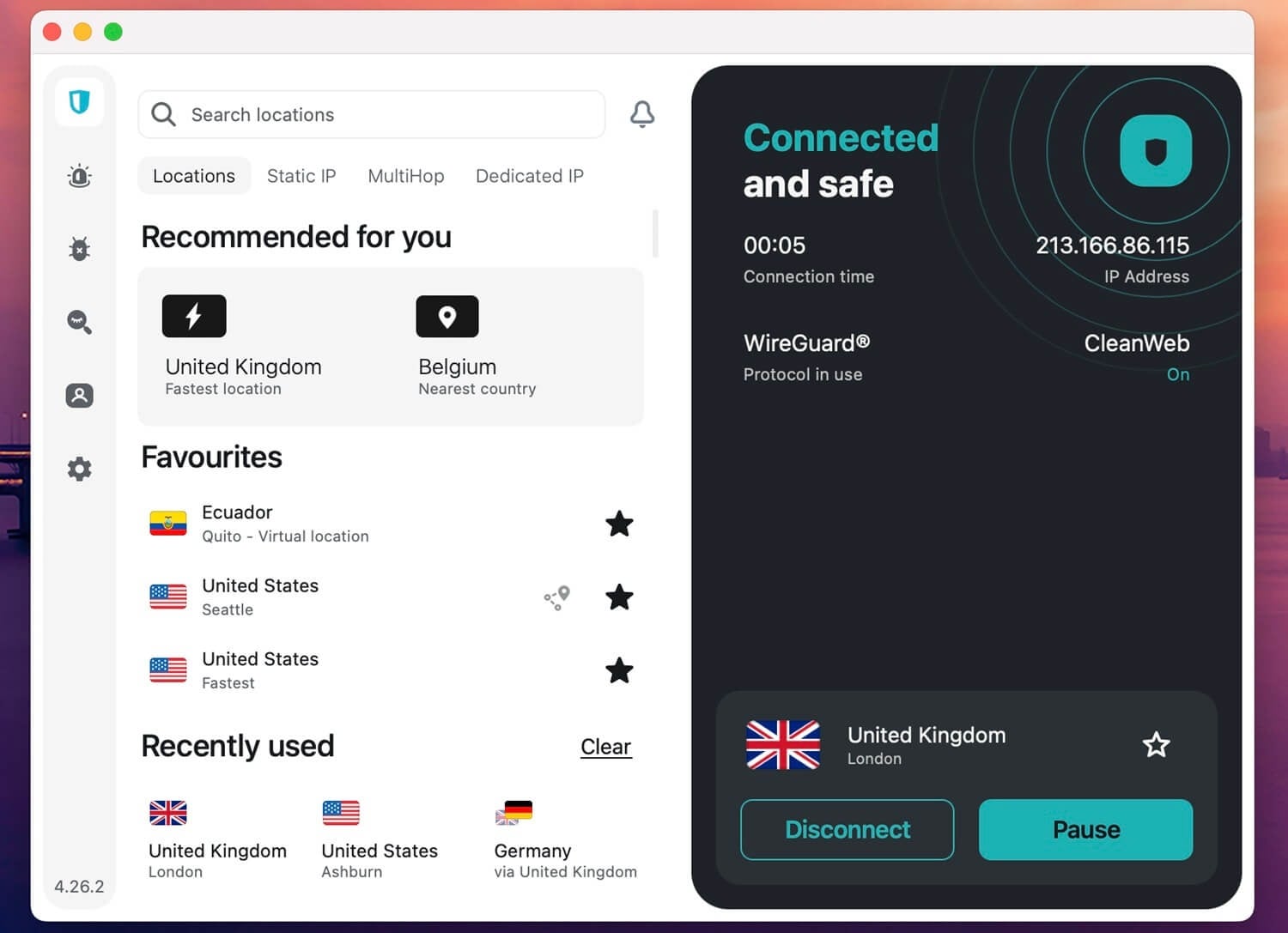
Surfshark matches PIA’s headline feature and improves on almost everything surrounding it. Unlimited simultaneous connections stay, and the mobile apps are far ahead of PIA’s stripped-down phone clients. A 7-day free trial on every tier means you can check that before paying anything. Dausos is the interesting piece of engineering here. It’s Surfshark’s own protocol, currently macOS-only.
It provides a dedicated tunnel instead of a shared one, encrypted with AEGIS-256X2 and fully post-quantum resilient. Cure53 audited it, and Surfshark claims up to 30% faster throughput than standard protocols. On the blocking side, CleanWeb handles ads, trackers, and malware, while the separate Web Content Blocker filters entire categories including adult sites, gambling, and social media.
Camouflage Mode hides VPN usage on networks that look for it, and NoBorders covers heavily filtered countries. Pricing starts at $2.49/mo on the 27-month Starter plan, billed at $67.23. The network is the smallest here at 4,500+ servers in 100 countries, and speeds fluctuated more in distant locations than NordVPN’s did during the same test window.
Pros
- Unlimited devices, same as PIA
- 7-day free trial on all tiers
- Dausos protocol is post-quantum resilient
- Blocks entire site categories
- Strongest mobile apps here
Cons
- Smallest server network listed
- Dausos is macOS-only
5. CyberGhost: Best Cheap Private Internet Access Alternative
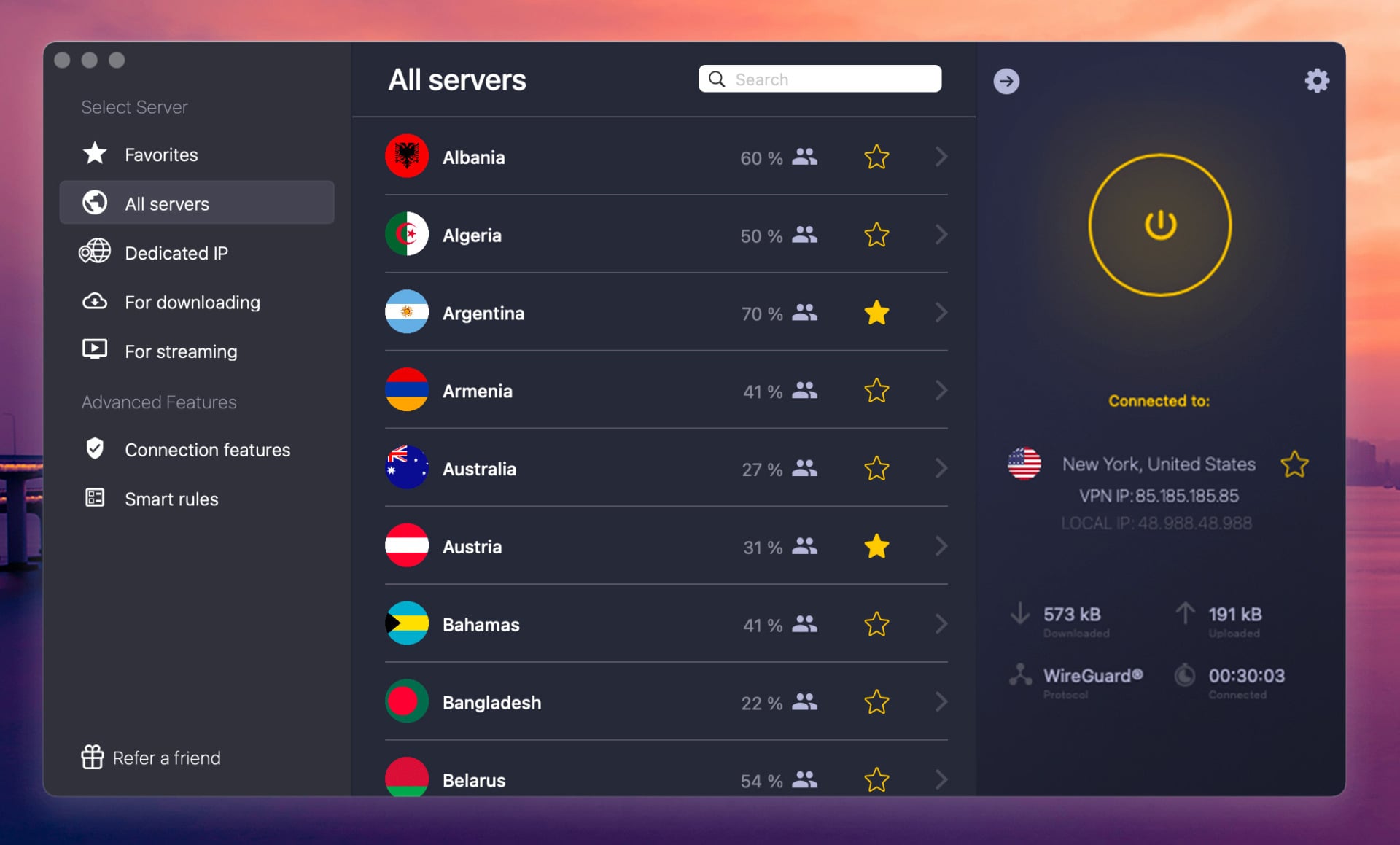
CyberGhost takes the opposite approach to PIA’s settings menu. Instead of asking you to configure a connection, it labels servers by the job they do: one list for Netflix US, another for BBC iPlayer, others for gaming and torrenting. Pick the label, connect. The network covers 12,000+ servers across 100 countries, and the NoSpy locations are worth knowing about.
Those servers are housed in a Romanian data center CyberGhost owns and staffs itself, with no third-party technicians touching the hardware. Romanian jurisdiction falls outside the 5 Eyes, 9 Eyes, and 14 Eyes arrangements, and quarterly transparency reports plus a Deloitte audit back the no-logs claim. On price, it matches PIA’s entry rate at $2.19/mo on the two-year plan.
It beats every provider here on the refund window, at 45 days on long-term plans, plus a 24-hour desktop trial and a 7-day mobile trial that needs no card details. Two limits stand out. Concurrent connections stop at 7, the lowest number her, and there’s no post-quantum encryption.
Pros
- 45-day refund on long plans
- Servers labeled by streaming platform
- NoSpy servers owned and staffed in-house
- Romanian jurisdiction, no retention laws
- Free trial without card details
Cons
- Only 7 simultaneous connections
- No post-quantum encryption
Private Internet Access Alternatives: Methodology
The best Private Internet Access alternatives went through the same checks, and here’s what I prioritized: the 5 most important aspects.
- Speed. Three tests a day across three consecutive days, on UK, US, and Japanese servers, using each provider’s fastest available protocol.
- Apps. Installed and used on Windows, macOS, Android, and iOS, with attention to how much setup a first-time user has to do before connecting.
- Streaming. Netflix, BBC iPlayer, Hulu, and Prime Video checked from at least three countries each. We retested these in October 2026, and PIA opens all four without trouble.
- Privacy. Each published policy is read against what the apps transmit, with weight given to audit recency and the jurisdiction the company answers to.
- Value. Introductory prices compared over matching terms, then renewal rates compared separately, since the two rarely tell the same story.
Providers built specifically around streaming and those designed for phone-first use get separate treatment elsewhere on the site.
Summary of the Best Private Internet Access Alternatives
Private Internet Access is still a competent VPN, and its $56.94 annual renewal is the cheapest in the category by a distance. If the price is what keeps you there, staying is a defensible call. Everyone else has better options now. NordVPN is the strongest upgrade overall: fastest in our tests, six Deloitte audits deep, 149 countries, post-quantum encryption, and Threat Protection Pro doing work MACE never did.
Proton VPN is the answer if Swiss jurisdiction and open-source code matter more than speed, and its free plan costs nothing. Pick by device count if that’s your constraint, since Surfshark is the only alternative that keeps PIA’s unlimited connections. NordVPN’s 30-day money-back guarantee makes the first step reversible.
FAQ About PIA VPN Alternatives
⛔ Does canceling a PIA subscription stop the auto-renewal?
No. Deleting the app and letting a subscription lapse are separate actions. Auto-renewal has to be switched off inside the PIA account dashboard, or the card gets charged on the anniversary date.
🔄 Can a PIA subscription be refunded mid-term?
Only inside the 30-day window. After that, cancellation stops future billing, but the current term runs to its end date. Several alternatives shorten the risk of a second mistake: CyberGhost allows 45 days on long plans, and both Surfshark and NordVPN offer trials alongside their guarantees.
♾️ Which alternative keeps unlimited device connections?
Surfshark. It's the only VPN without a per-account device cap, which makes it the closest structural match to PIA. NordVPN, Proton VPN, and ExpressVPN stop at 10, and CyberGhost stops at 7. Router installations count as one connection on all five, so a household can extend coverage that way.
🍿 Do any of these alternatives unblock Netflix as reliably as PIA?
Yes, and several do better. ExpressVPN reached 15+ regional catalogs in testing, and NordVPN opened every platform we tried. Regional Netflix access depends far more on how quickly a provider rotates flagged IP addresses than on the raw size of its server fleet.