Unblock FaceTime in Qatar the same way residents have for years: with a VPN. Nothing else restores calling there. FaceTime audio and video do not go through on Qatari networks, and while texting and iMessage are fine, the moment you tap the call button, the connection dies. Qatar restricts VoIP calling across the board, also why Teams (formerly Skype) calls never worked in Qatar.
Connect to a server abroad, and FaceTime behaves as if you were calling from that country. The same trick covers WhatsApp calls, Viber, and every other calling app Qatar filters. Below: the short version, why the block exists, a setup walkthrough, and the three VPNs we’d trust with a video call in 2026.
Unblock FaceTime in Qatar: Quick VPN Guide Updated for 2026
- Subscribe to a VPN. We recommend NordVPN.
- Install the VPN through the Apple App Store.
- Open the installed VPN and sign in to your account.
- Connect to a server outside Qatar.
- Use FaceTime in Qatar and chat/call normally.
Does FaceTime Work in Qatar? Is It Blocked?
FaceTime calling does not work in Qatar in 2026. Local carriers, Ooredoo and Vodafone Qatar, restrict VoIP calls on mobile data and Wi-Fi. The app opens, contacts load, and calls fail. Text-based features keep working, which is why the block confuses so many visitors. Two motives sit behind it. The first is surveillance. Encrypted calling apps like FaceTime keep conversations out of reach
Qatar monitors its internet space, much like the UAE, and unlike Saudi Arabia, which dropped its VoIP restrictions back in 2017 and now blocks nothing in this category. The second motive is money. Ooredoo and Vodafone sell international calling minutes, and free app-to-app calls compete directly with that revenue. The same filtering hits WhatsApp calls, Viber, Telegram calls, and Messenger.
A VPN handles FaceTime in the UAE under near-identical conditions, so the fix travels well across the Gulf. Here’s how it works precisely.
How Can a VPN Unblock FaceTime in Qatar?
Qatari carriers block VoIP by recognizing the traffic and refusing to pass it. A VPN wraps your connection in encryption and routes it through a server abroad, so the carrier sees scrambled data heading to a foreign IP. Nothing left to recognize, nothing to refuse. Your calls exit from a country with no VoIP filtering, and FaceTime connects. We recommend NordVPN after testing it against Qatar-style VoIP filtering.
It has 9,500+ servers in 149 countries with no bandwidth caps, so video calls hold their quality. If you only need it for a short stay, the 30-day money-back guarantee means you can request a refund after the trip.
✅ Using FaceTime in Qatar: Tutorial for October 2026
New to VPNs? Here’s how to use one, and here’s the routine for this job:
- Subscribe to NordVPN. This link drops the Basic plan to $3.49/mo, a 69% saving on the 2-year term. A monthly plan also exists for shorter needs.
- Install the app from the App Store. Our VPN for iPhone guide covers the iOS specifics for first-timers.
- Sign in with the credentials (email and password).
- Pick a server in a country where FaceTime operates: the US, the UK, and most of Europe qualify. Skip Gulf neighbors with their own VoIP rules.
- Approve the VPN configuration prompt on your iPhone or iPad the first time you connect. No need to do it every time.
- Open FaceTime and call. Video and audio should run without restriction.
Unblock FaceTime in Qatar With NordVPN
Can a Free VPN Unblock FaceTime in Qatar?
Yes, sometimes, with patience. Free VPNs trail paid ones in bandwidth, speed, servers, and privacy, and video calling punishes every one of those weaknesses. A capped or throttled connection turns a FaceTime call into a slideshow, which is why most residents pay for a VPN in Qatar.
The exception worth naming is Proton VPN’s free tier: no data cap, though you get one device, reduced speeds, and a random server across 10 countries. Fine for an occasional call. For daily calls, the paid picks below make more sense.
FaceTime VPN for Qatar: Top 3 VPNs That Work Now
A laggy video call defeats the point. These three kept calls stable in our testing, offering a few good extras on top. Here’s the list:
1. NordVPN: Best FaceTime VPN in Qatar Overall
Pros
- Fastest VPN in our tests
- Obfuscated servers
- Bypasses network filtering
- Audited no-logs policy
Cons
- Higher renewal price
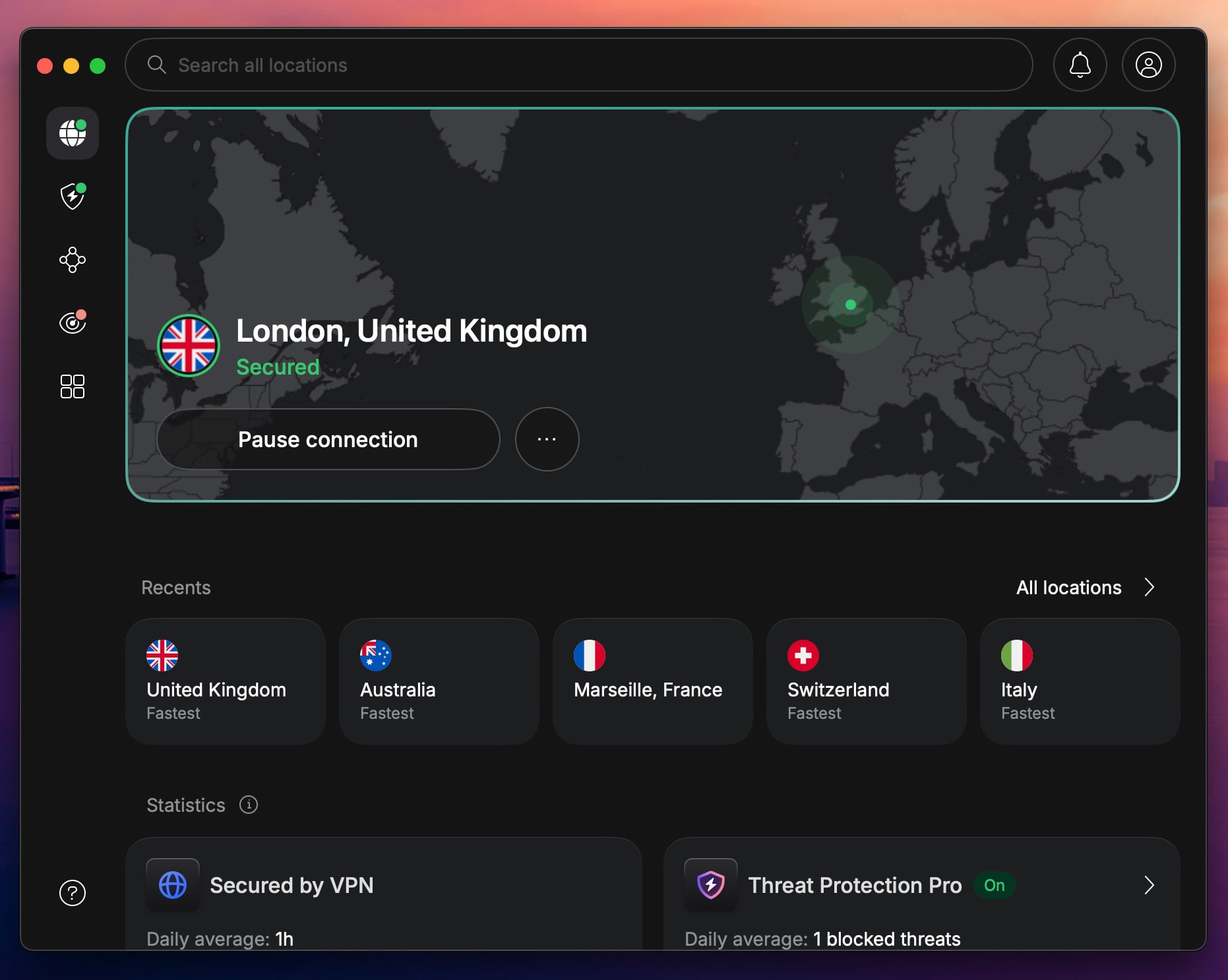
NordVPN is the strongest all-round option for Qatar residents. Its network spans 9,500+ servers in 149 countries, bandwidth is unmetered, and the NordLynx protocol keeps video sharp on distant servers. Calls we placed through US and UK exits stayed smooth. Privacy holds up under scrutiny.
NordVPN pairs 256-bit encryption with Double VPN routing, and its no-logs policy passed a Deloitte audit in February 2026, the 6th independent confirmation. The whole fleet runs on RAM-only servers, so nothing survives a reboot. Its obfuscated servers are the reason it also handles WhatsApp calling in the UAE.
The Basic plan starts at $3.49/mo on the 2-year term (with higher renewal prices after the initial term), backed by a 30-day money-back guarantee.
2. Proton VPN: Secure FaceTime VPN to Use in Qatar
Pros
- Secure Core servers
- Ad-blocking (NetShield)
- 10 simultaneous devices
- Tor over VPN connections
Cons
- No SmartDNS
- Free plan blocks P2P
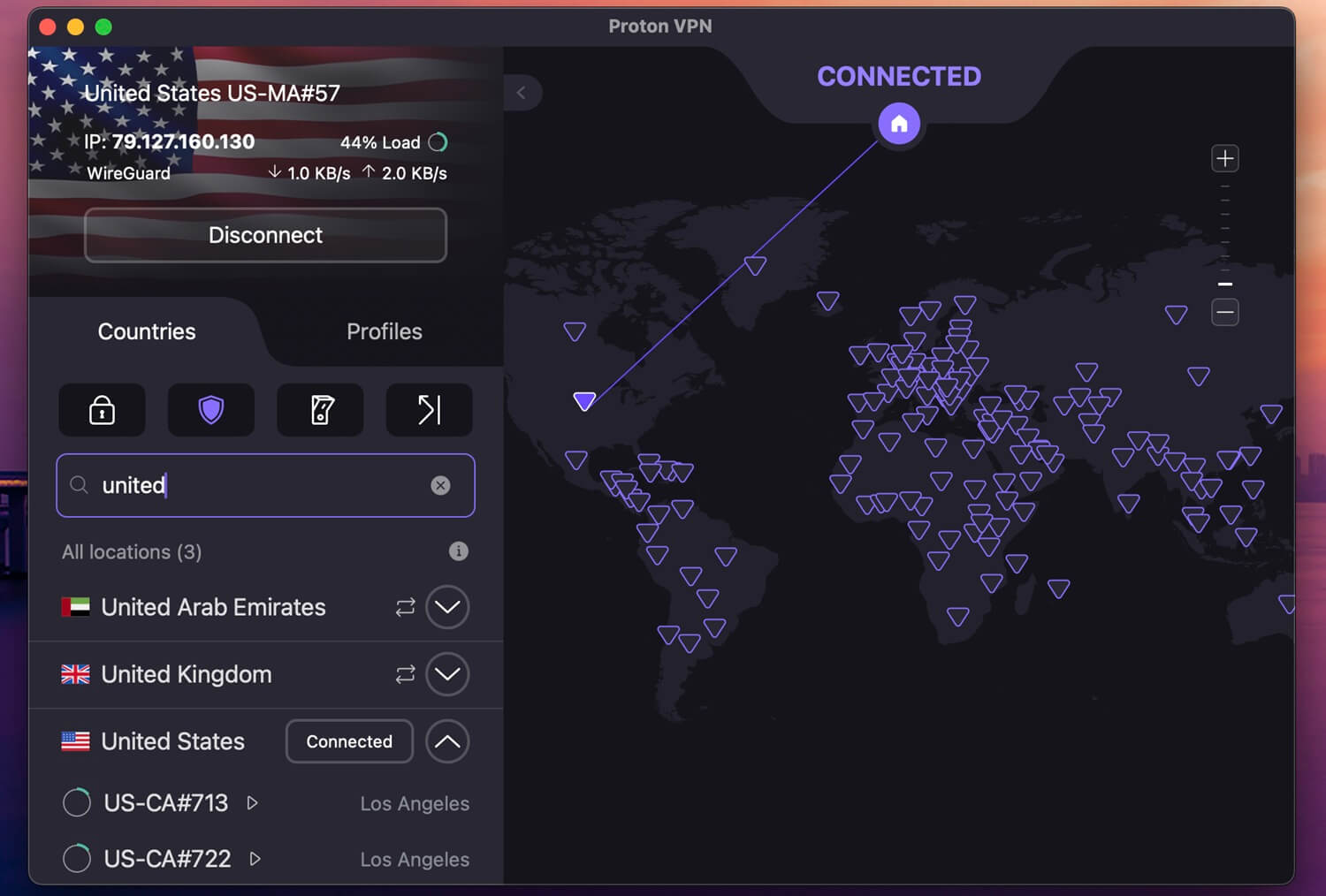
Proton VPN earns the second spot on reach and transparency. Since April 2026, it covers 148 countries through 20,000 servers, the widest country footprint with NordVPN, which gives you more exit options than most VPNs. The privacy case is unusual in a good way. Proton is based in Geneva, outside the 5/9/14 Eyes alliances, and publishes its apps as open source.
It has been audited by Mozilla and Securitum. It also supports Tor over VPN, one of only two leading providers to do so. Its Stealth protocol is built to slip past VoIP-style filtering on iOS and macOS. You get 10 simultaneous connections, and the 2-year Plus plan costs $2.99/mo with a 30-day money-back guarantee. There’s also a free tier we covered if you want to test the waters
3. ExpressVPN: Fast and User-Friendly VPN

Pros
- Beginner-friendly VPN
- RAM-based servers
- Fast and stable speeds
- Strong leak protection
Cons
- No malware protection
- Higher cost on renewal
ExpressVPN suits beginners best to unblock FaceTime in Qatar. Its apps connect in one tap, and the Lightway protocol delivers speeds close to NordVPN’s on the same routes. The network covers 113 countries, bandwidth is unmetered, and iPhone and iPad support is polished. Security includes 256-bit encryption, a kill switch, IP and DNS leak protection, and Perfect Forward Secrecy.
Its TrustedServer RAM-only infrastructure and privacy policy passed a KPMG audit in February 2025. Ad and tracker blocking plus parental controls round out the package. Pricing is lower than the page you may remember: our ExpressVPN coupon brings the Basic plan to $3.19/mo on the 2-year term with 4 months added, a 78% saving. Of course, you get a 30-day guarantee.
FaceTime Still Not Working? Possible Fixes
A few fixes, in the order we’d try them:
- Change the server country. Some exit IPs get flagged over time. Jumping from one US server to a UK or German one usually clears it.
- Force-quit FaceTime and reopen it. The app can cache a failed connection state. Reconnect the VPN first, then relaunch.
- Swap networks. If Wi-Fi fails, test mobile data with the VPN active, or the reverse. Carrier-level filtering differs between the two.
- Turn on the kill switch. If your VPN drops mid-call, the call drops with it and FaceTime may refuse to redial until you reconnect. The kill switch makes the failure obvious instead of confusing.
- Ask support. NordVPN’s live chat can name servers that currently pass VoIP traffic from Qatar.
Summary
Qatar’s VoIP block is policy, not a glitch, and there’s no sign of it loosening. A VPN remains the working answer: connect abroad, call normally, done. NordVPN is the pick we’d install first, with Proton VPN as the privacy-focused alternative and ExpressVPN as the easiest for first-timers.
All three refund within 30 days, so a short trip effectively costs you the subscription only if you decide to keep it. Set the app up before you land, and your first call home can happen from the airport.
Frequently Asked Questions
🚧 Does FaceTime work in Qatar now?
Yes, it works, but you can only text. FaceTime calling is blocked in Qatar right now, and the only workaround is a VPN that changes your IP address.
⛔ Why is FaceTime banned in Qatar?
Two reasons. Qatar monitors online communication, and encrypted calls sit outside that reach, so VoIP gets filtered. The block also protects Ooredoo and Vodafone Qatar, whose paid international minutes compete with free app-to-app calling.
⚖️ Is it legal to use a FaceTime VPN in Qatar?
VPNs are legal in Qatar, and using VoIP apps is restricted but not criminalized. There are no publicly reported cases of anyone being fined or prosecuted for making FaceTime calls through a VPN there. Laws can change, so check the current rules if your stay is long-term.