You follow a telenovela on Las Estrellas, a Liga MX match, or the news from home, and then you travel or move abroad. The channel that played every night now shows a message saying it isn’t available in your region.
Broadcasters license their programs for Mexico only, and streaming sites read your location from the IP address your connection shows.
A VPN changes that IP address, and that’s all it takes to watch Mexican TV channels abroad. Here’s how to set it up in a few minutes.
How to Access Mexican TV Live Abroad
- Subscribe to NordVPN, which has servers in Mexico and keeps live streams smooth in HD.
- Install the app on your phone, computer, or TV.
- Sign in with your NordVPN account.
- Connect to a server in Mexico from the server list.
- Open your channel, such as Las Estrellas, Azteca Uno, Azteca 7, or Canal 5, and watch as you would in Mexico. TV Azteca En Vivo and ViX work the same way.
Why You Need a VPN to Watch Mexican TV Abroad
Mexican broadcasters license their shows for viewers in Mexico, so outside the country the channels load a region message or nothing at all. The fix is using a VPN, which replaces your IP address with one from a server in Mexico. The channels then treat you as a local viewer.
The VPN also encrypts your traffic, which keeps hotel and airport Wi-Fi from exposing what you open. If you’re traveling in Mexico itself, the best VPNs to use in Mexico cover that case.
How to Watch Mexican TV Abroad: Full Tutorial
The steps below use NordVPN, and other VPNs work the same way: install the app, connect to Mexico, and open the channel.
Sign Up for NordVPN and Install the App
Go to the NordVPN website, choose a plan, and create an account. Then install the app. It’s available for Windows, macOS, Android, iOS, and other platforms, including smart TVs and routers.
Log In and Connect to a Mexican Server
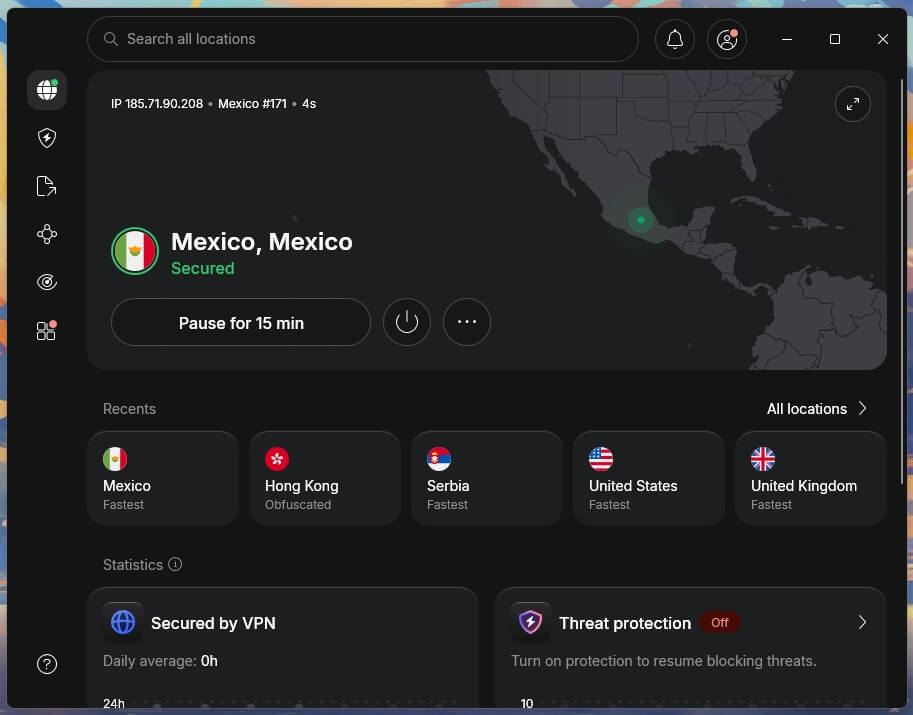
Open the NordVPN app and sign in with your account. Search for Mexico in the server list and select a Mexican server. The connection is ready within seconds, and websites now see a Mexican IP address.
Watch Mexican TV Channels Live Outside Mexico
With the VPN connected, open the channel’s website or app. Las Estrellas, Canal 5, and Claro Video load as they do in Mexico, whether you’re abroad for a vacation, for work, or for good.
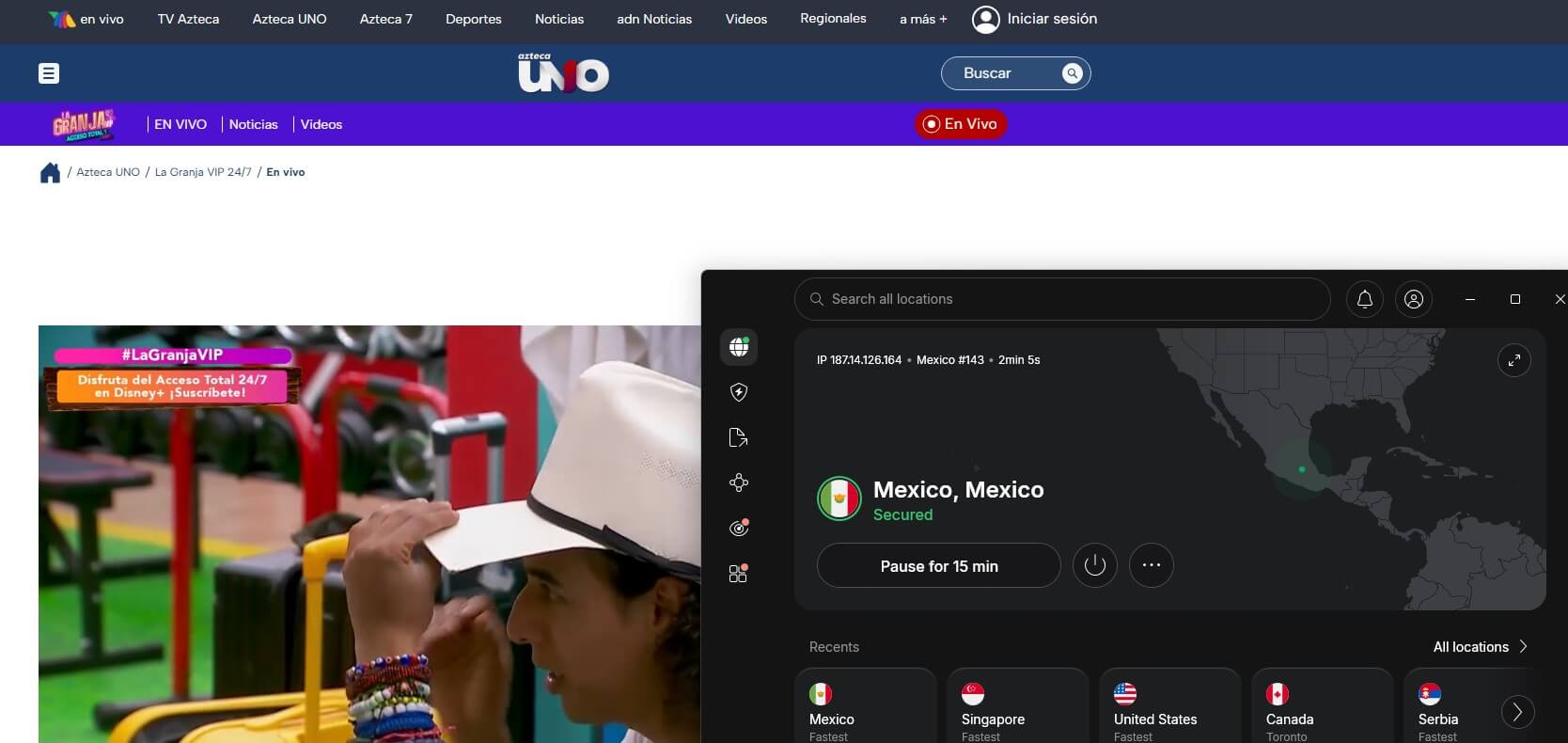
If a channel still shows a region message, clear the browser’s cookies and reload the page. Switching to another Mexican server also helps.
Best VPN to Access Mexican TV Channels Abroad
NordVPN, Proton VPN, and ExpressVPN unblocked Mexican channels in our tests, including TV Azteca En Vivo and ViX. They differ mainly in extras and price, so the details below show which one fits your setup.
1. NordVPN: Best VPN Overall
Pros
- Fast Mexican servers
- Built for streaming
- Unlimited bandwidth
- Rock-solid security
- Affordable 2-year plans
Con
- Complex interface
NordVPN has servers in more than 150 countries, Mexico included, so a Mexican IP address is a few clicks away. During testing, we streamed live sports on ESPN Deportes and telenovelas on Las Estrellas without buffering, even during peak hours.
NordVPN uses NordLynx, its version of the WireGuard protocol (the set of rules that moves data through the VPN), and had a 7.8% speed loss on average in our tests, a drop you won’t notice in HD. The app has a lot of settings, so it can look busy at first.
Mexican channels only require the server list or the search bar, and the extra tools can wait. NordVPN also covers the reverse trip: watching US TV channels while in Mexico. Besides Mexican TV, the same server list works for other countries, including Australian TV channels from outside Australia.
On a two-year plan, NordVPN costs around $3 per month, and the 30-day money-back guarantee leaves time to confirm your favorite channels load before you commit.
2. Proton VPN: Best for Privacy on Public Wi-Fi
Pros
- Independently audited no-logs policy
- Secure Core servers
- Open-source apps
- NetShield ad and malware blocker
- Large server network
Con
- No Smart DNS
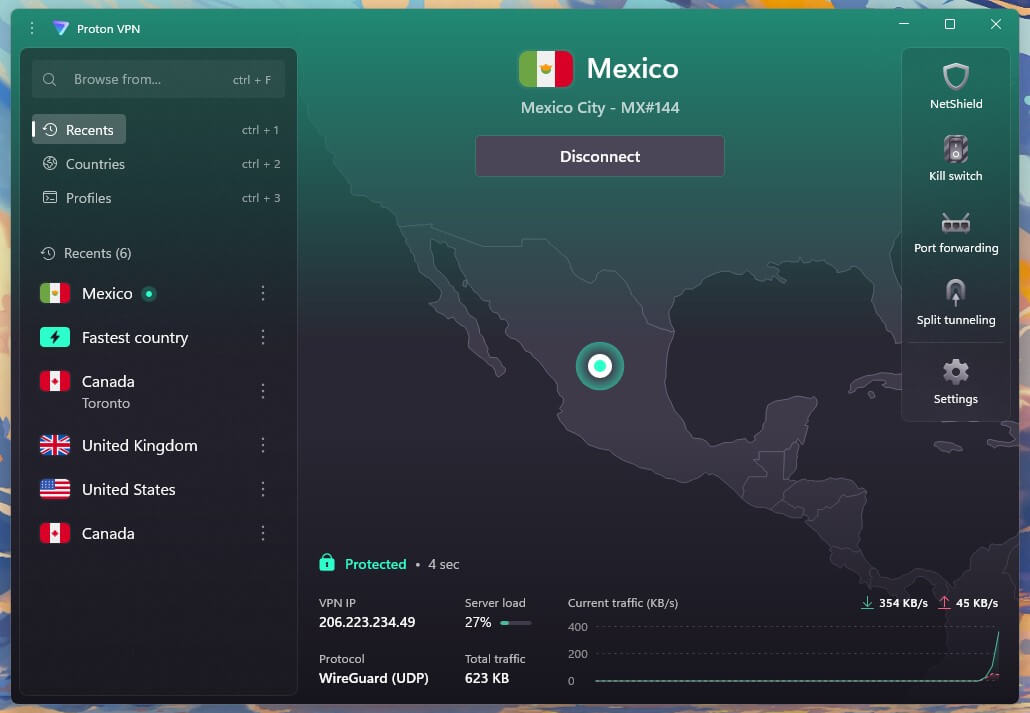
Proton VPN has servers in 149 countries, Mexico included, and its apps run on phones, computers, and TVs. Its privacy record is the main draw: the no-logs policy is independently audited, and the apps are open source, so outside experts can check the code.
Secure Core sends your traffic through two Proton servers instead of one, which adds protection on hotel and café Wi-Fi in a new country. NetShield blocks ads, trackers, and malware, which cuts the pop-ups on news and streaming sites.
Proton VPN has no Smart DNS, so a game console or a smart TV without a VPN app needs a router setup or a connection shared from a computer. A two-year plan costs around $3 per month, and the 30-day money-back guarantee covers new subscriptions.
3. ExpressVPN: Fastest VPN for Mexican TV Abroad
Pros
- Fast for HD streaming
- Easy-to-use apps
- Sizeable server network
- Tracker blocker
- Works on streaming devices
Cons
- Few extra tools
- Higher cost on renewal
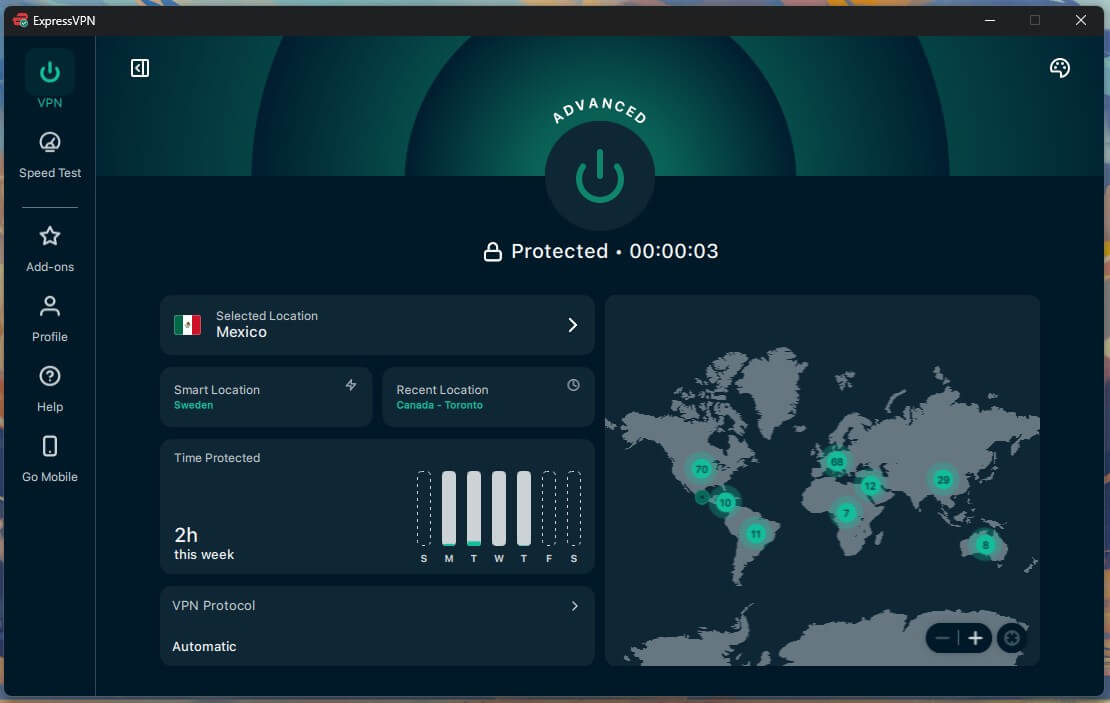
ExpressVPN has servers in 113 countries, Mexico included, and connects with a single click. During testing, we watched Televisa shows and live events on ESPN without buffering. Its Lightway protocol, ExpressVPN’s own connection method, is built for fast, steady streams, which is enough for HD live TV.
The app includes fewer extra tools than some rivals, and that keeps it simple: pick Mexico, connect, and open the channel. On a game console, ExpressVPN’s MediaStreamer, a Smart DNS tool, changes the apparent location without an app, and ExpressVPN is also one of the best VPNs for PlayStation.
ExpressVPN costs around $3 per month on its longest plan and costs more once that term renews, so compare prices before extending. The 30-day money-back guarantee covers new subscriptions, and 24/7 live chat support is easily available if a channel won’t load.
Which Mexican TV Channel Should You Watch?
A Mexican IP address gives access to live channels and streaming services that are blocked for viewers abroad. These are the best-known ones:
- Las Estrellas: Televisa’s flagship channel, known for telenovelas, talk shows, and entertainment programs.
- Azteca Uno: a leading channel for Mexican news, sports coverage, live events, and reality shows such as “Exatlón.”
- Canal 5: the channel for animated series, kids’ shows, and movies, popular with younger viewers and families.
- Claro Video: one of Mexico’s major streaming platforms, with exclusive Mexican series and films and a large international library.
- TV Azteca En Vivo: TV Azteca’s live streaming service, with Azteca Uno, Azteca 7, and ADN Noticias.
- ViX: Televisa’s streaming service, with live channels and on-demand Mexican shows.
- Netflix Mexico: the local catalog, with shows, movies, and documentaries that other countries don’t get.
These services check the viewer’s location, so the latest episode of La Rosa de Guadalupe on Las Estrellas or Fútbol Picante on ESPN Mexico won’t work abroad. A VPN that changes your IP address to a Mexican one passes that check.
Conclusion
Mexican TV works abroad once your connection shows a Mexican IP address. A VPN with servers in Mexico does that in a few clicks: install the app, connect, and open the channel’s website or app. If a channel still shows a region message, clear the browser’s cookies or switch to another Mexican server.
NordVPN, Proton VPN, and ExpressVPN are proven to work, and NordVPN is the one we’d go with for live sports and telenovelas. Free VPNs usually cap data or limit server choice, and live TV uses a lot of data.
A proxy changes the IP address but doesn’t encrypt your traffic, which, again, brings us to a VPN as the only truly effective workaround.
Frequently Asked Questions
Can Mexican TV be watched outside Mexico?
Yes, with a VPN. Mexican channels check the viewer's IP address, so a server in Mexico makes them load in the US, Canada, or elsewhere as at home.
Is using a VPN legal for watching Mexican TV abroad?
Yes, VPNs are legal in Mexico, the US, Canada, and most other countries. Streaming services may still limit location changes in their terms of service.
Do free VPNs work for Mexican TV?
No, free VPNs usually fall short for Mexican TV. Data caps run out quickly on live streams, and many free plans limit server choice or have no Mexican servers.
Why does a Mexican channel still show a region message with a VPN connected?
Services block some VPN IP addresses and remember the old location. Clearing the browser's cookies, reloading the page, or connecting to a different Mexican server usually fixes it.
Does a VPN slow down Mexican TV streams?
Yes, slightly. The fastest VPNs lose too little speed to affect HD live TV, and a Mexican server closer to the viewer's location keeps the loss smaller.