By the end of a working week, Claude has seen more of your life than most coworkers. There’s the contract you asked it to tighten, the code you pasted in, and the message you weren’t sure how to word. Keeping that traffic away from an office network or a hotel router is a reasonable instinct.
Then, in October 2026, the question got harder. Anthropic began suspending accounts it saw connecting through VPNs from places where Claude isn’t offered, including paid subscriptions people had used for months.
So is a VPN now a risk for every Claude user? Not if one condition is met, and it has nothing to do with which VPN you buy.
Top 5 VPNs for Claude in 2026
- NordVPN: Best Overall. Lets you use Claude through your own computer at home while you travel.
- Proton VPN: Best for Privacy. Swiss-based, with open-source apps and extra privacy servers.
- ExpressVPN: Best for Claude Code. Claude Code can check and change the VPN connection for you.
- Private Internet Access: Best Budget VPN. The lowest price of the five, with a dedicated IP add-on.
- Surfshark: Best for Blocking Trackers. Its blocker works on every plan, and static IP servers cost nothing extra.
What Anthropic Allows When You Use a VPN
Anthropic’s rules don’t name VPNs. Instead, they cover where you are. Its Supported Regions Policy treats any use while you’re physically in an unsupported country or region as unsupported, and that applies to visitors from supported countries too.
A VPN changes the IP address Claude sees, but your eligibility follows your physical location. Using Claude with a VPN is within the rules when you:
- Want privacy on public or shared Wi-Fi in a supported country, connected to a server in that country.
- Move between supported countries, for example on a trip from the US to Japan.
- Use a school network or office network that blocks claude.ai, as long as the school or employer allows it.
- Run Claude Code through a company VPN or proxy.
It’s outside the rules when you:
- Are physically in an unsupported location, such as mainland China, Hong Kong, Macau, Iran, or North Korea.
- Work for a company headquartered in an unsupported region, or majority-owned from one, even while you’re in a supported country.
Signing up has its own check. Creating an account requires a phone number from a supported country that can receive texts, and Claude won’t accept VoIP or Google Voice numbers. A VPN changes none of that.
Claude VPNs Compared
We tested Claude on the five VPNs in two ways. First, on a server in the country we were in, Claude worked normally on every VPN. When I signed out and back in, none of them showed a CAPTCHA either. Then we connected to a German server to see how each one did on a foreign IP address.
| VPN | Claude on a German server | Average speed loss | Fixed IP option | Countries |
|---|---|---|---|---|
| NordVPN | Worked, no check | 7.8% | Dedicated IP add-on | 152 |
| Proton VPN | Worked, no check | 10.2% | Business plans only | 149 |
| ExpressVPN | One-click Cloudflare check | 7.8% | Dedicated IP add-on, included on Express Pro | 113 |
| Private Internet Access | Worked, no check | 12.7% | Dedicated IP add-on | 113 |
| Surfshark | One-click Cloudflare check | 9.6% | Free static IP servers, dedicated IP add-on | 100 |
The VPNs We Recommend for Claude
1. NordVPN: Best Overall VPN for Claude
Pros
- Sends your traffic through your own home computer
- Kill switch that closes chosen apps
- Fast on nearby and distant servers
- Dedicated IP option
- Independently audited no-logs policy
Cons
- Dedicated IP costs extra
- Higher renewal price
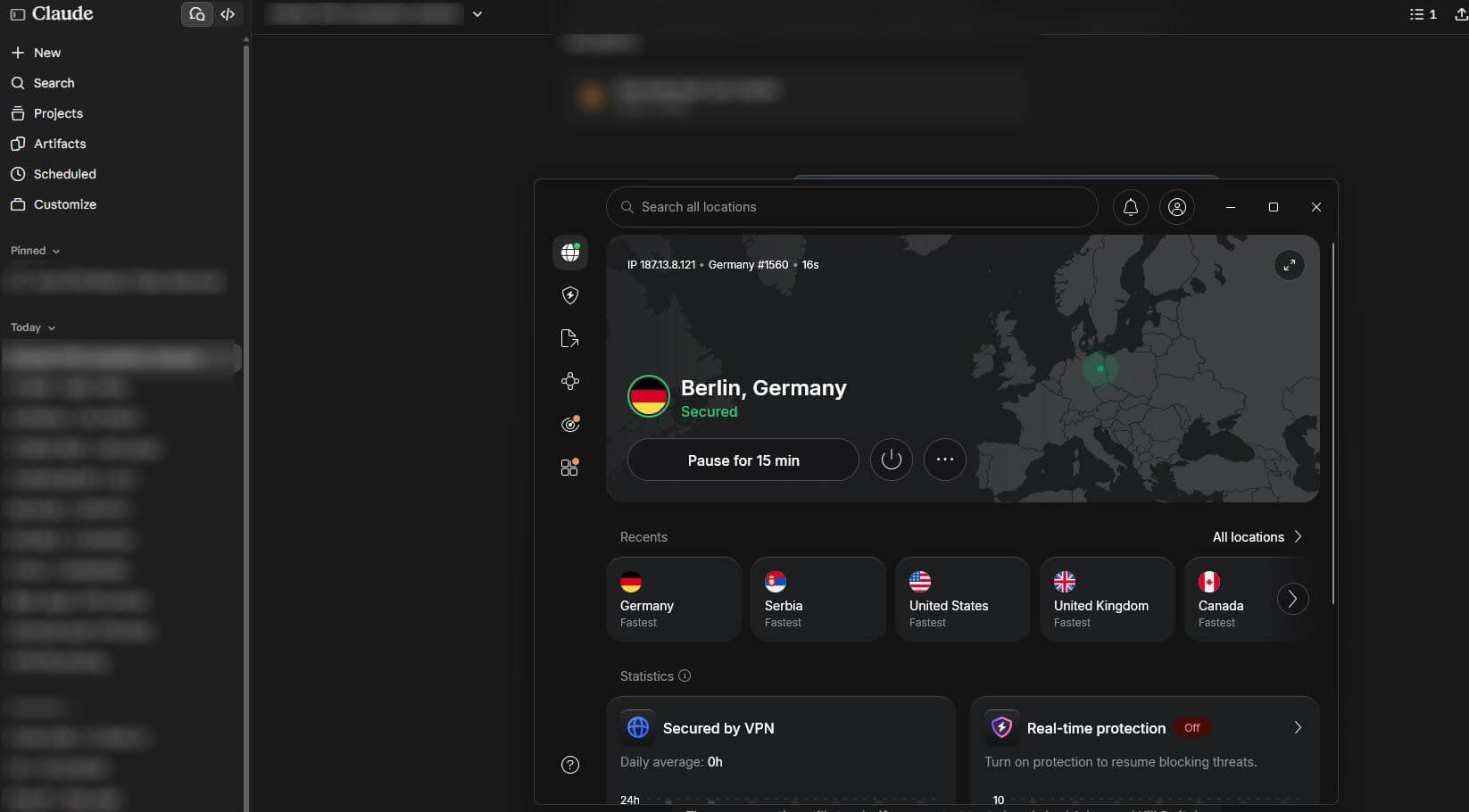
NordVPN takes first place because of a tool built for Claude users who travel. Meshnet, included with every NordVPN account, lets your laptop or phone send its traffic through your own computer at home. As a result, Claude sees your home IP address, the one your account already knows, instead of a shared server in another city.
The computer at home has to run Windows, Linux, or the macOS app from NordVPN’s website. Use it only between supported countries. A home IP address doesn’t change where you physically are. On regular servers, NordVPN tied ExpressVPN for the smallest speed loss in our tests, 7.8%, so long replies come through without pauses.
Its kill switch also works at the app level. You name the apps it should close if the VPN drops, such as the Claude desktop app. So a conversation never continues on your real IP address halfway through. For an IP address nobody else uses, NordVPN sells a dedicated IP in dozens of countries.
It costs extra on top of the subscription, and most people can do without it. A regular server in your own country is the simpler first step.
2. Proton VPN: Best for Private Claude Sessions
Pros
- Based in Switzerland
- Open-source apps anyone can inspect
- Extra privacy servers in Switzerland, Iceland, and Sweden
- Disguises VPN traffic on networks that block VPNs
- Blocks ads and trackers
Cons
- No dedicated IP on personal plans
- No post-quantum encryption
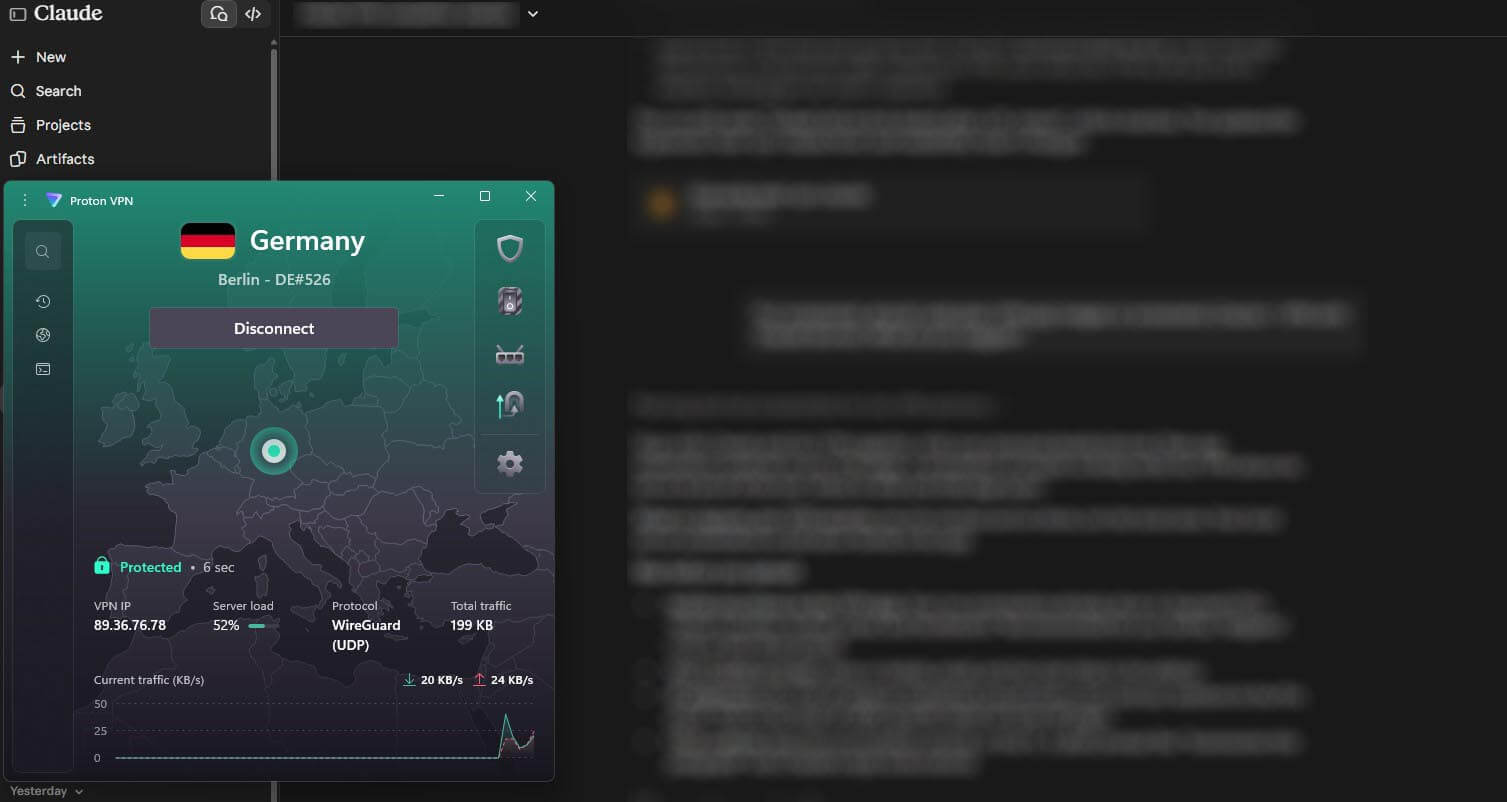
Proton VPN is built for Claude users who want as few parties as possible to see their connection. The company is based in Switzerland, its apps are open-source, and independent audits have confirmed its no-logs policy. Secure Core goes a big step further.
It passes your connection through a server in Switzerland, Iceland, or Sweden before it leaves for Claude. That means a compromised server elsewhere can’t link the session to your real IP address. If privacy is the reason you want a VPN with Claude, we’d choose Proton VPN. It also helps on school and office networks that block VPNs.
Its Stealth protocol makes the VPN connection look like ordinary web traffic, and it’s available on every plan. In our speed tests, Proton VPN lost 10.2% on average, which made no visible difference to how quickly Claude’s replies appeared. However, Proton VPN doesn’t sell dedicated IP addresses to individuals, only to businesses.
If a shared server keeps showing you security checks, switching servers is the only fix. In practice, it never came to that: Claude worked without a single check on its servers in our own country and in Germany.
3. ExpressVPN: Best for Claude Code
Pros
- Lets Claude Code control the VPN
- Easy-to-use apps
- Dedicated IP on its top plan
- Split tunneling for chosen apps
- Automatic obfuscation
Cons
- Security check on its German server
- Turbo mode disables split tunneling
- Little to customize
ExpressVPN is the only VPN of the five with a direct link to Claude Code. Its MCP server, a local connector built on Anthropic’s Model Context Protocol, lets Claude Code read the VPN’s status and change servers when you ask in plain words, such as “Am I connected?” or “Connect to a UK server.”
You enable it with a toggle in the desktop app on Windows, macOS, or Linux. It comes with the one-year and two-year plans, but not the monthly one, and it’s still in beta. For Claude itself, keep to one country while you work. Frequent location changes are among the reported triggers for account checks.
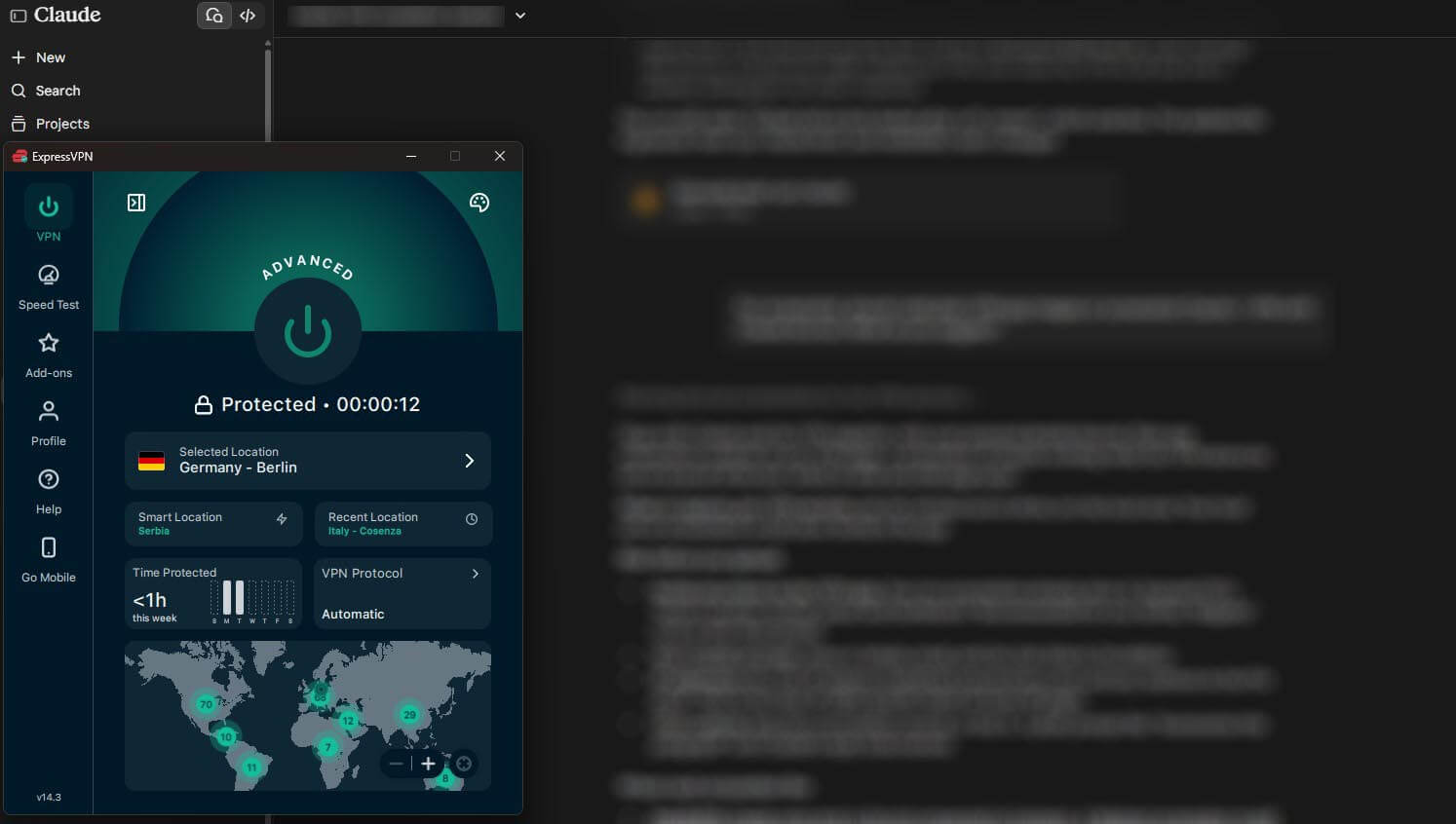
On the German server, ExpressVPN was one of two VPNs where claude.ai showed a one-click Cloudflare security check before loading. One tick of the checkbox was enough. Its local server showed no check, and Lightway, ExpressVPN’s own protocol, connected in a second or two on every server.
Split tunneling, which lets you choose the apps that use the VPN, is available too. On Windows, however, Lightway Turbo greys it out, so disable Turbo first if you rely on split tunneling. A dedicated IP is an add-on on the Basic and Advanced plans and comes included with Express Pro.
4. Private Internet Access: Best Budget VPN for Claude
Pros
- Low long-term price
- Affordable dedicated IP add-on
- Split tunneling by app or IP address
- Strong ad and tracker blocker
- Large server network
Cons
- Dated, cluttered desktop app
- Default kill switch leaked after a PC restart
- Slower on distant servers
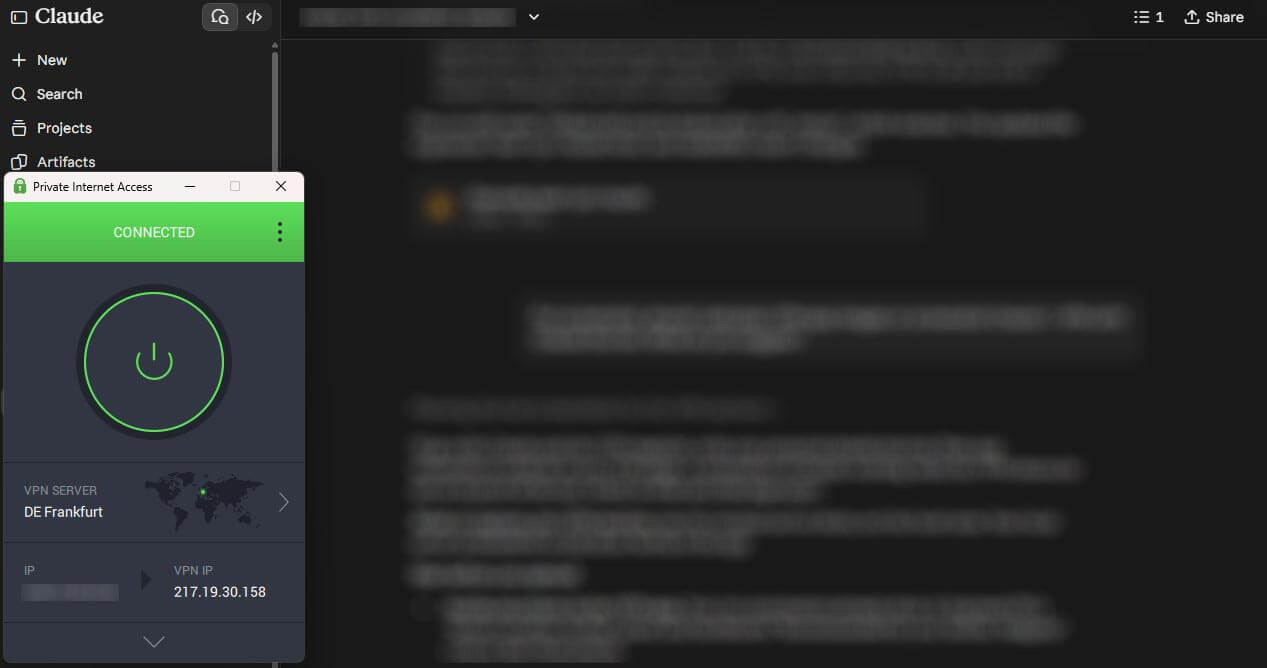
PIA costs about $2 a month on its long plan, which makes it the cheapest way to have an IP address that’s yours alone. Its dedicated IP add-on covers dozens of locations for a small monthly fee. With one, Claude, Google, and Cloudflare see the same clean IP address at every sign-in instead of one shared with many other users.
Its split tunneling is also more detailed than most. It can exclude specific IP addresses and apps. Speed was the weakest of the five, with a 12.7% average loss. Even so, Claude’s text replies don’t require much bandwidth, so it made little difference in daily use. The desktop app looks dated, and its settings take some hunting.
I was also surprised that its kill switch let my traffic out when I restarted my PC, which I didn’t expect from a VPN that puts security first. The fix is Advanced Kill Switch, under Settings. It blocks any traffic outside the VPN, even when the VPN is off, and with it enabled, nothing got out when I restarted.
5. Surfshark: Best for Blocking Trackers
Pros
- Blocks ads, trackers, and malicious links
- Static IP servers at no extra cost
- Dedicated IP add-on
- Post-quantum encryption by default
- Unlimited devices on one plan
Cons
- Cloudflare check on its German server
- Rotating IP can disrupt sign-ins
- Occasionally slow to connect
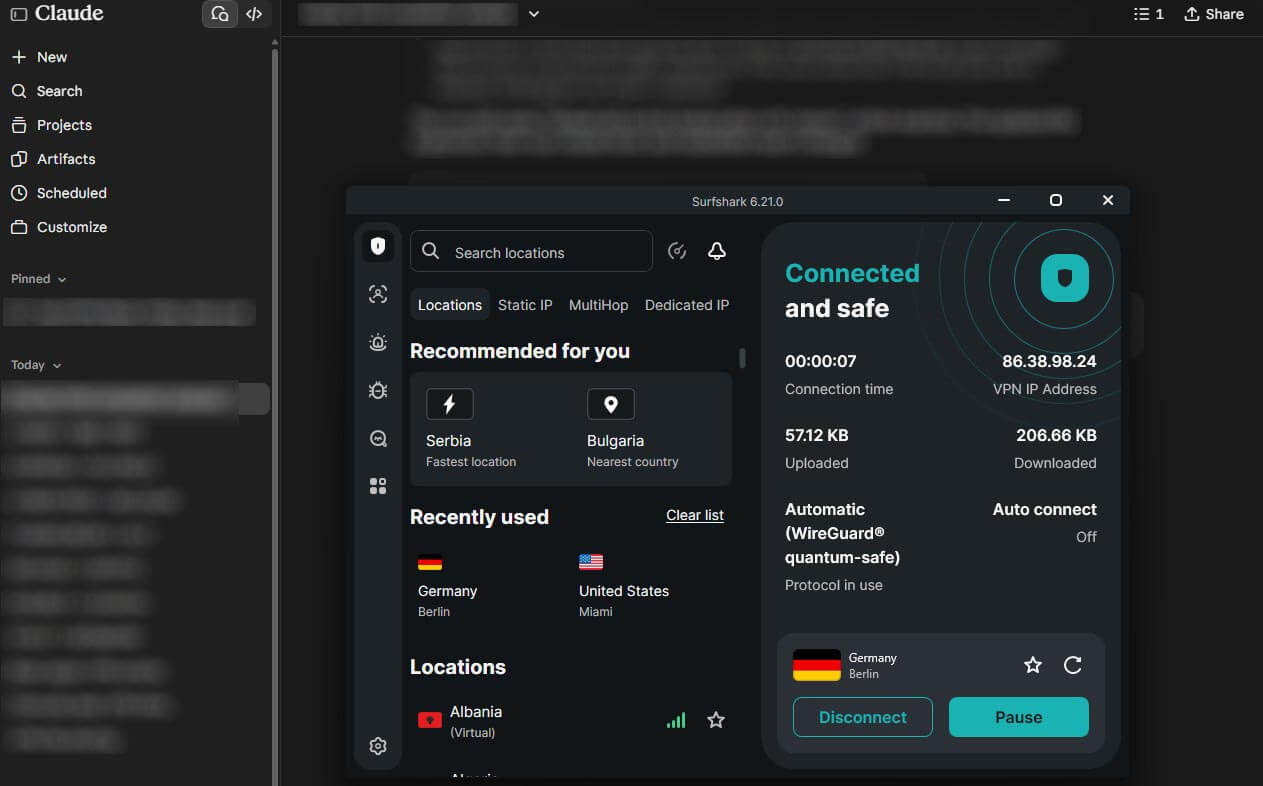
Surfshark keeps the browsing around your Claude work cleaner. CleanWeb, its blocker, removes ads, trackers, and known malicious links, and it’s included on every plan. Its Static IP servers, available in a handful of countries, also connect you to the same IP address every time at no extra cost.
Other users share that IP address, but the consistency helps if Google or Cloudflare keeps asking you to verify yourself. On the German server, Surfshark showed the same one-click Cloudflare check as ExpressVPN, and its local server showed none. Its speed loss was close to NordVPN’s, and a few connections took longer than usual to start.
I suggest waiting a moment before you cancel a slow connection. One setting works against you with Claude. Rotating IP changes your IP address every five minutes, and Surfshark warns that some sites may not work properly with a frequently changing IP address. Keep it disabled while you use Claude.
Why Claude Suspended VPN Users in October 2026
In early October 2026, Claude users in Hong Kong began receiving emails about suspicious signals on their accounts, followed by suspensions. Many had used Claude through a VPN for months, some on paid Pro or Max plans, and users reported that their appeals were rejected. Users in other unsupported countries reported the same that week.
A later wave then hit people whose ID check showed a passport from an unsupported country, including some who lived in supported ones. Anthropic hasn’t explained how it identifies these accounts. Still, affected users and the press point to the same signals:
- Shared VPN servers in data centers, which many people connect through at once
- An IP address in one country while the phone number or payment card comes from another
- Frequent changes of country, sometimes several in one day
None of these signals apply to a VPN user in the country they’re in. Your phone number, card, and IP address point to the same place.
So connect to a server in your own country, stay in that country through a session, and leave the VPN connected until you’ve finished. That way, Claude never sees your location change in the middle of a conversation.
Using a VPN With Claude Code, the Desktop App, and the API
The Claude desktop and mobile apps use your device’s whole connection, and so does Claude Code in a terminal. A VPN browser extension covers only the browser, so those apps would keep using your real IP address. For that reason, install the full VPN app on every device where you use Claude.
Claude Code works through a VPN with no extra setup. On company networks that send traffic through a proxy, it reads the standard HTTPS_PROXY setting. Anthropic’s network documentation also lists the domains IT teams have to allow, such as claude.ai and api.anthropic.com.
It doesn’t support SOCKS proxies, however, so a VPN’s SOCKS5 proxy won’t work with it. Split tunneling helps when Claude and your work tools require different connections. For example, Claude can use the VPN while an internal tool that accepts only your office IP address connects directly.
As for the API, developer accounts follow the same Supported Regions Policy as the apps, so a VPN doesn’t change who can sign up for one.
Claude Not Working With a VPN? Fixes for Common Errors
- A region error: the VPN server is in a location Claude doesn’t serve. Connect to a server in the country you’re in, then reload the page.
- A Cloudflare security check: many people share the same VPN server, so claude.ai sometimes asks you to confirm you’re human. Tick the box. If it keeps coming back, choose another server in the same country or use a dedicated IP.
- A CAPTCHA on Google sign-in: this check comes from Google’s sign-in page on shared servers. Complete it, or connect to a server in your own country, where no CAPTCHA appeared in our tests.
- A sign-in code or link that doesn’t work: open the email link on the same device and VPN server you requested it from. Changing servers in between makes the session look different.
- Replies that stall: long answers stream for a while, and a busy or distant server can interrupt them. Connect to a server closer to you.
- A suspended account: a VPN can’t reverse a suspension. Appeal through Anthropic’s support form instead. Opening a replacement account after a ban can break Anthropic’s terms.
What a VPN Hides From Anthropic
A VPN hides your home IP address and rough location from Anthropic. It also hides the fact that you use Claude from your Wi-Fi owner, school, employer, or internet provider. Your account is another matter.
Anthropic still knows your email, phone number, and payment details, and it receives every prompt and file you send. For the chats themselves, the setting that counts is in your Claude account. Under Settings, then Privacy, the Help improve Claude toggle decides whether your conversations can train future models.
With it enabled, Anthropic can keep them for up to five years. With it disabled, the retention period is 30 days. The same rule covers the Free, Pro, and Max plans.
Summary
The October suspensions hit people who used a VPN to appear somewhere they weren’t. Anthropic’s rules have always followed where you physically are, so a VPN at home, or on a trip between supported countries, keeps you within them.
That leaves the choice of VPN to your priorities. For most people, NordVPN is our first choice, and travelers get the most out of it. Proton VPN comes a close second for people who put privacy first.
FAQ
Can you use Claude with a VPN?
Yes. Claude works with a VPN in any country Anthropic supports, as long as the server is also in a supported location. A VPN can’t make an unsupported country eligible.
Does Claude ban accounts that use a VPN?
No, not for the VPN alone. Anthropic suspends accounts it links to unsupported regions, which is how Hong Kong VPN users lost theirs. A VPN in a supported country breaks no rules.
Which countries is Claude not available in?
Claude isn’t offered in China, including Hong Kong and Macau, or in Iran, North Korea, Cuba, Syria, and several other countries. Anthropic’s supported countries page lists every location where it’s available.
Can you use a free VPN with Claude?
Yes, with limits. Proton VPN’s free plan works with Claude but chooses the server itself, which can place the connection in another country. Crowded free servers also trigger security checks more often.
Is it legal to use a VPN with Claude?
Yes, in most countries, including the US and every EU country. Anthropic’s terms don’t ban VPNs either, but using one from an unsupported region breaks them and can lead to suspension.
Can you use Claude while traveling abroad?
Yes, if the destination is a supported country, where Claude works with or without a VPN. In an unsupported country, Anthropic treats any use as unsupported, even on an account created at home.