
US Disclaimer: Gambling law differs by country, and in the United States it differs by state. This guide is for people in places where online gambling and sports betting are legal and licensed, and it covers protecting a legitimate account. It doesn’t explain how to register, deposit, or place a bet from a location where the operator or the law prohibits it. Most US states don’t offer legal online casino play, and offshore sites that accept US customers aren’t licensed in any US state.
Using a VPN to misrepresent your location breaks the terms of every licensed operator, and it can end in a closed account and a confiscated balance. It can also break state or national law. We’re not lawyers, and this isn’t legal advice. Check the rules that apply where you are. If gambling has stopped being fun, US residents can call 1-800-MY-RESET or 1-800-GAMBLER.
Polymarket lets people trade on the outcome of events, from elections to sports and interest rates, using a crypto wallet and dollar-pegged USDC. Because the money is in a wallet tied to your login, the account is a tempting target.
Many traders also check prices on hotel, airport, or café Wi-Fi. A VPN encrypts that connection, which makes it an obvious add-on. The catch is that Polymarket checks where every connection comes from, and it restricts dozens of countries.
So can the two work together without putting the account at risk? Here’s the answer.
Which VPN Works Best With a Polymarket Account?
Polymarket’s terms prohibit using a VPN to get around its restrictions. Connect to a server in the eligible country you’re in, or keep Polymarket outside the VPN. With that rule in place, these five protect the account best:
- NordVPN: Best for account protection on public Wi-Fi, with alerts when your login details leak
- Proton VPN: Best for audited, open-source privacy, with an ad blocker on every paid plan
- ExpressVPN: Best for excluding Polymarket by website, so only one browser tab skips the VPN
- Surfshark: Best for keeping your real email address off sign-up forms
- Private Internet Access: Best for blocking malicious ads, at the lowest price of the five
Can You Use Polymarket With a VPN?
Yes, but only from a country where Polymarket is available, with a server in that same country. VPNs themselves are legal in most countries. However, Polymarket reads your IP address to decide what you can do, and its terms prohibit a VPN or any similar tool used to get around its restrictions.
Wallets that break that rule can be placed in close-only mode, and Polymarket can end access to its trading tools. Close-only mode lets you close or sell existing positions, but you can’t open new ones. It’s the same status Polymarket applies to whole countries, so a VPN server in a restricted country puts your account in the same position.
Since June 2026, Polymarket has also blocked IP addresses it links to VPN services, according to reporting by The Information, and it has asked some active traders for ID. In practice, a server in your own country can still be flagged if its IP address belongs to a known VPN range.
The simplest approach is to disconnect the VPN before a trading session. Split tunneling is the other fix: it routes polymarket.com or your browser around the VPN while other apps keep their encryption.
Common Reasons for a Polymarket Restriction Notice
The notice can appear in an eligible country too, usually for one of these reasons:
- A VPN is connected to a server in a restricted country, or to an IP address that Polymarket links to VPN services
- A VPN app reconnected on its own, for example through auto-connect on public Wi-Fi
- You’re traveling in a restricted country, since eligibility follows where you physically are
- The country changed its status, which happened in several places during 2026
Disconnect the VPN, or exclude Polymarket from it, and reload the page. If the notice remains while you’re in an eligible country, contact Polymarket’s support team, which reviews access blocked by mistake.
Where Polymarket Is Restricted
Polymarket publishes its own geoblocking list, and it changes often. As of November 2026, it splits restrictions into three levels:
- Fully blocked: Iran, Syria, Cuba, North Korea, and the Crimea, Donetsk, and Luhansk regions of Ukraine
- Close-only on the website and API: Australia, Belarus, Belgium, Brazil, Burundi, Central African Republic, DR Congo, Ethiopia, France, Germany, Iraq, Italy, Lebanon, Libya, Myanmar, New Zealand, Nicaragua, Poland, Russia, Singapore, Slovakia, Somalia, South Sudan, Sudan, Taiwan, Thailand, the UK, the US, US Minor Outlying Islands, Venezuela, Yemen, and Zimbabwe
- Close-only on the website: Ireland, Japan, Malta (sports markets), the Netherlands, and South Korea
Canada is open except for Ontario, British Columbia, Alberta, and Quebec, which are close-only. National authorities add their own blocks on top of that list. Portugal and Hungary ordered Polymarket blocked in January 2026.
In July 2026, the Czech Republic added it to its list of unauthorized gambling sites and ordered internet providers to block it.
Polymarket.com vs Polymarket US
Polymarket now runs two separate products.
- Polymarket.com is the global, wallet-based exchange, and its terms block trading from the United States.
- Polymarket US is a separate, federally regulated exchange for Americans, built on QCEX, a licensed derivatives exchange that Polymarket bought in 2025.
Federal regulators approved that US option in late 2025, and Polymarket US opened by waitlist in December 2025. It requires full identity checks and trades through regulated brokers. State rules still apply, though.
Nevada regulators took action against it in January 2026, and Minnesota passed a ban on prediction markets in May 2026, while lawsuits continue in other states.
For Americans, the legal option is Polymarket US, if your state allows it, and a VPN changes none of that. Kalshi is another federally regulated prediction market in the US, with its own state-by-state picture.
Is Polymarket Blocked in Brazil?
Yes. Brazil’s National Monetary Council (CMN) banned derivatives tied to political, sports, and entertainment events from May 4, 2026, under Resolution 5,298. Brazil’s finance ministry treats these platforms as betting.
Earlier, on April 24, 2026, Anatel ordered internet providers to block Polymarket and 26 other domains. Polymarket’s own list now shows Brazil as close-only. Existing positions can be closed, but new trades from Brazil aren’t allowed.
Of course, using a VPN to trade from Brazil breaks Polymarket’s terms and the CMN rules.
What a VPN Protects on a Polymarket Account
In an eligible country, a VPN protects the connection around your account. Other people on the same café or hotel network can see unencrypted traffic, and crypto accounts are a constant target for phishing pages that copy genuine login screens.
A VPN with malicious-site blocking stops many of those pages from loading, and a kill switch stops traffic from leaving unencrypted if the VPN connection drops. A VPN doesn’t hide your trading activity, however. Polymarket settles trades on a public blockchain, and a single wallet address links them together.
Wallet safety depends on other habits: never share a recovery phrase, enable two-factor authentication where Polymarket offers it, and check the web address before signing a transaction. The same habits apply to exchange accounts, as our guide to using a VPN with Binance explains.
Polymarket VPNs Compared
NordVPN, Proton VPN, ExpressVPN, Surfshark, and Private Internet Access encrypt public Wi-Fi traffic and offer split tunneling to keep Polymarket outside the VPN. The table shows where their split tunneling works, next to three of our own test results:
| VPN | Where split tunneling works | Kill switch after a PC restart | Ads and trackers blocked (our test) | Average speed loss |
| NordVPN | Apps on Windows, Android, and Android TV | Passed | 76% | 7.8% |
| Proton VPN | Apps and IP addresses on Windows and Android; apps on Mac (experimental) | Passed with the advanced kill switch | 93% | 10.2% |
| ExpressVPN | Apps and websites on Windows and Mac; apps on Android | Passed in strict mode | 71% | 7.8% |
| Surfshark | Apps and websites on Windows and Android | Passed in strict mode | 79% | 9.6% |
| Private Internet Access | Apps on Windows, Android, and Linux | Leaked traffic | 96% | 12.7% |
Speed losses are averages across UK, US, and Japanese servers, and none is large enough to slow a trading page. More rankings are in our list of the best VPNs we’ve tested.
1. NordVPN: Best for Account Protection on Public Wi-Fi
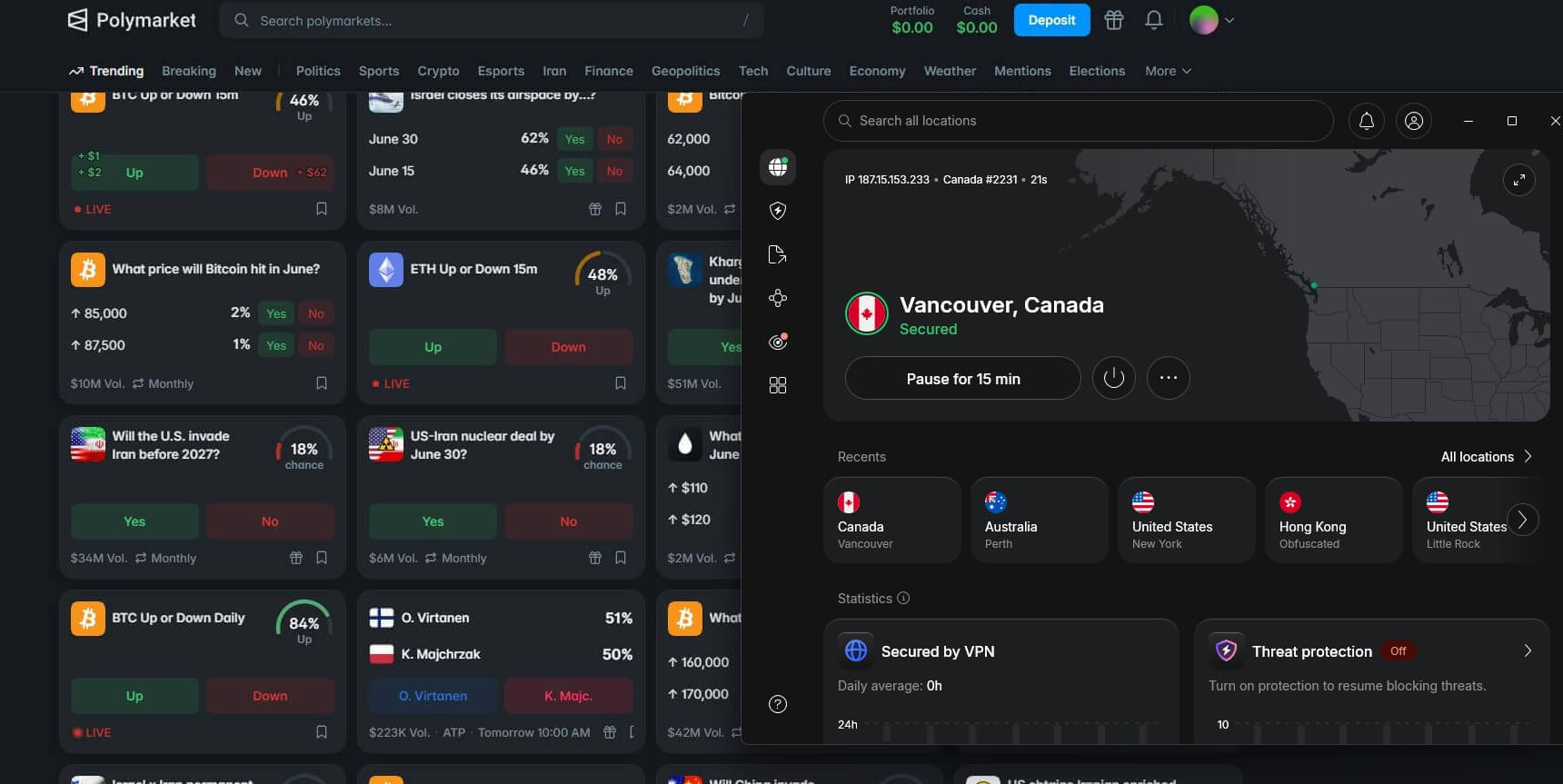
Pros
- Dark Web Monitor flags leaked logins
- Phishing protection with the Complete plan
- App-based split tunneling
- Independent no-log audits
- Crypto payments accepted
Con
- No split tunneling on iPhone
NordVPN’s Dark Web Monitor watches breach dumps for your email address and sends an alert when it appears. That’s your cue to change the password before it’s tested against your Polymarket login or a crypto exchange.
Subscribers on the Complete plan also get next-gen antivirus, which stops known phishing sites, including fake Polymarket and wallet login pages. Speed isn’t a concern either: NordVPN lost only 7.8% of our speed on average, so prices refresh without a noticeable delay.
Split tunneling works by app on Windows and Android, so a browser used for Polymarket can connect directly while the rest of your traffic remains protected. The Basic plan is about $3.50 a month on a 27-month subscription, and our NordVPN review explains what the Complete and Prime plans add.
2. Proton VPN: Best for Audited, Open-Source Privacy

Pros
- NetShield blocks ads and trackers
- Swiss privacy jurisdiction
- Open-source apps on every platform
- Split tunneling by app or IP address
Con
- Split tunneling still experimental on Mac
Proton VPN’s built-in blocker, NetShield, filtered out 93% of the ads and trackers in our ad-blocking check. That cuts out much of the tracking on crypto news sites and market blogs, along with fake promotions that lead to copycat login pages.
Swiss privacy law covers the company, the source code of every app is public, and an independent firm checks its no-log policy annually. On Windows and Android, split tunneling can exclude a single app or a specific IP address, which keeps Polymarket on your regular connection with little effort.
The Plus plan is a little under $3 a month when paid for two years. For more on Secure Core and the audits, see our Proton VPN review.
3. ExpressVPN: Best for Excluding Polymarket by Website
Pros
- Split tunneling by app or website
- Malicious-site blocking on every plan
- RAM-only servers
- Same app design on every platform
Cons
- Split tunneling unavailable with Lightway Turbo
- Higher price after the first term
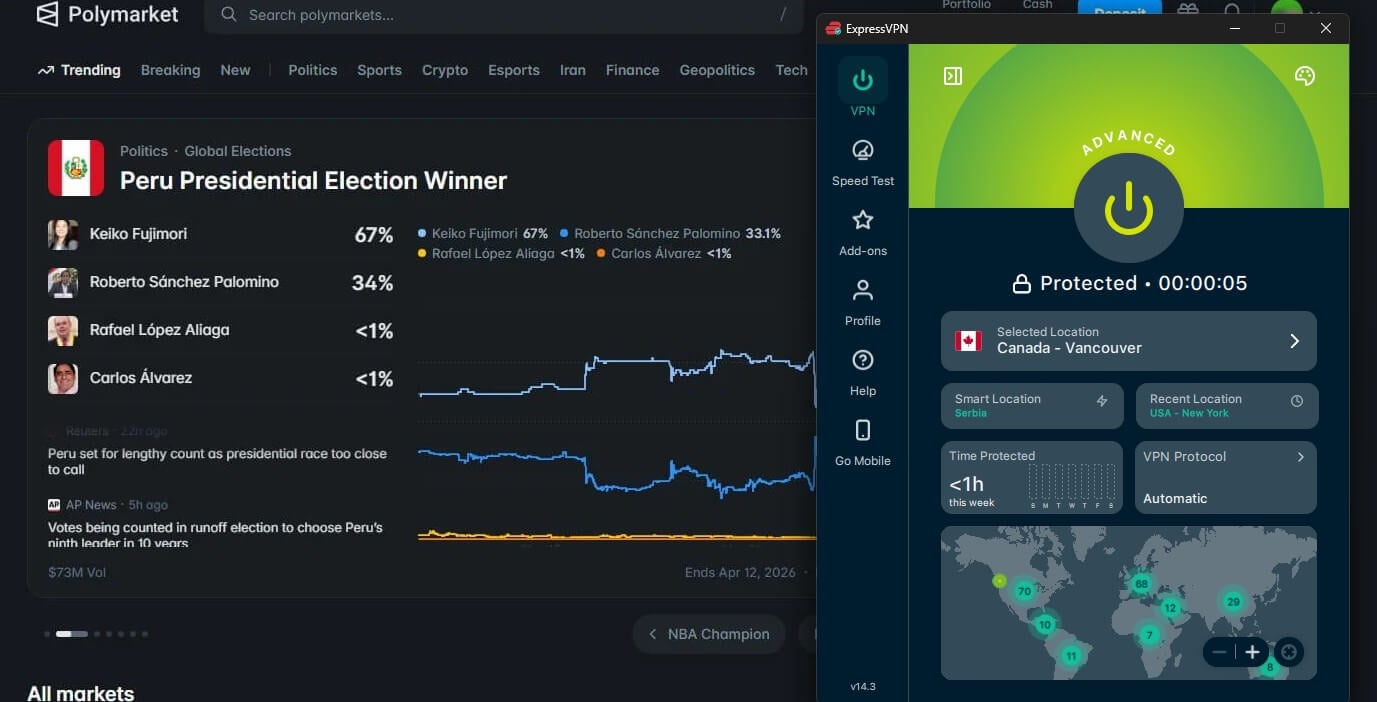
On Windows and Mac, ExpressVPN can exclude individual websites, not just apps. That means polymarket.com connects directly in your browser while every other tab, including your wallet’s site, remains encrypted.
Its Advanced Protection, the ad and tracker blocker on higher plans, blocked 71% in our test. Malicious-site blocking comes with every plan, and no data persists on its servers, which run without hard drives. The apps look and work the same on every platform, which makes setup quick on a new device.
ExpressVPN starts at about $3 a month on its longest, 2-year Basic plan, with a 30-day money-back guarantee.
4. Surfshark: Best for Masked Sign-Ups

Pros
- Masked email addresses on every plan
- Web Content Blocker for gambling sites
- Unlimited devices
- CleanWeb ad blocker
Cons
- Connections occasionally slow to start
- Higher renewal price
Surfshark’s Alternative ID creates a masked email address you can use when signing up for trading sites and newsletters. If one of those sites leaks its database, attackers get the masked address instead of the one linked to your wallet and bank. Its CleanWeb blocker stopped 79% of the ads and trackers on our test page.
Surfshark also has a Web Content Blocker that can block gambling sites, a practical safeguard on a shared or family device. The Starter plan comes in at around $2.50 a month over 27 months, and one plan covers every device in a household. Before paying, you can use the Surfshark free trial on Android or iOS.
5. Private Internet Access: Best for Blocking Malicious Ads

Pros
- MACE blocker with excellent results
- No-log policy proven in court
- Open-source apps
- Unlimited devices
Cons
- Kill switch leaked during a PC restart
- Cluttered desktop app
- Slower on long-distance servers
Private Internet Access, or PIA, has the strongest ad blocker of these five. Its MACE feature blocked 96% of ads and trackers in our test, which removes most of the malicious ads that lead to fake wallet pages.
PIA’s no-log policy has also been tested in US courts, where requests for user data produced nothing, and its apps are open-source. On Windows, Android, and Linux, split tunneling keeps a chosen app outside the VPN.
PIA costs around $2 a month on its longest plan, the lowest price of these five, and it allows unlimited devices. Mobile users can start with the seven-day PIA trial on Android or iOS before committing.
Free VPNs and Polymarket
A Polymarket account is tied to money, and many free VPNs make money from their users through ads or by selling browsing data. Most free plans also skip split tunneling. The reputable exceptions have a different problem.
Proton VPN’s free plan, for example, assigns a server from a short list of countries with no way to choose. Several of those countries are close-only on Polymarket. Connecting through one could put your account in the same position.
In my experience, the free plan is better kept for browsing, with Polymarket excluded.
Verdict
Polymarket decides what you can do from the IP address it sees. Its terms also treat a VPN used to get around a restriction as grounds for close-only mode. So the workable setup is the honest one: in a country where Polymarket is available, either disconnect the VPN during a session or exclude Polymarket with split tunneling.
Away from the trading screen, a VPN still protects the connection your wallet depends on, from café Wi-Fi to phishing pages. We recommend NordVPN for its leaked-login alerts and phishing blocking.
On the other hand, Proton VPN is the stronger choice if blocking trackers comes first. Before any trip, check Polymarket’s restricted list for the country you’re heading to. It changed several times in 2026, and an account can go close-only as soon as you arrive.
Polymarket VPN FAQ
Does Polymarket detect VPNs?
Yes, in many cases. Polymarket checks the IP address behind every connection, blocks addresses linked to VPN services, and has started asking some active traders for identity checks.
What does close-only mode mean on Polymarket?
It’s a restricted status: a wallet can exit positions it already has but can’t place new trades. Polymarket applies it to restricted countries and to wallets that break its VPN rules.
Can Polymarket freeze a wallet for using a VPN?
No, not under its published terms. Polymarket can place a wallet in close-only mode and end its access to trading tools, but the terms don’t describe seizing the funds.
Does a VPN hide Polymarket trades?
No. Polymarket trades settle onchain, and blockchain records are public, so a wallet’s trading history can be traced from its address. Encryption covers the internet connection only.
What is the best VPN location for Polymarket?
The best location is a server in the trader’s own country, as long as Polymarket is available there. A server in another country breaks Polymarket’s terms and can trigger close-only mode.
Is Polymarket available in Canada?
Yes, in most provinces. Ontario, British Columbia, Alberta, and Quebec are close-only, so the global Polymarket site only allows traders in those four provinces to exit existing trades.
Can Americans use Polymarket?
Yes, through Polymarket US, which is federally regulated, verifies each customer’s identity, and isn’t available in every state. Trading on the global Polymarket site is blocked for the United States.