Disclaimer: This page is written for Binance users in countries where the exchange operates. Binance’s terms prohibit using its services from restricted jurisdictions, and its identity checks tie every account to a country of residence. Gizmodo doesn’t encourage breaking an exchange’s terms or local laws. Our interest is protecting the logins, funds, and personal data of legitimate users.
Binance has to have a separate license in almost every country it serves, so the exchange you see depends on where your account is registered. Americans use Binance.US, a separate company with fewer coins. Residents of the European Union can now only withdraw what they already own, and in sanctioned countries, there’s no Binance for anyone.
That’s where a VPN comes up. Open Binance on hotel Wi-Fi, and your password, two-factor code, and order details pass through a network shared with every other guest, and some hotel, office, and school networks block crypto exchanges. A VPN encrypts that session and gets Binance past those blocks.
It can’t change the country on your Binance account: the exchange verifies your ID and home address, and its terms prohibit using it from a restricted country. So where does a VPN get you onto Binance, and where does it put your account at risk?
Which VPN Is Best for Binance?
- NordVPN: Best overall, with Double VPN and a dedicated IP option for consistent logins
- Proton VPN: Best for privacy, with Swiss jurisdiction and Secure Core servers
- ExpressVPN: Best for beginners, with simple apps and very quick connections
- Private Internet Access: Best for blocking malicious sites, through its MACE filter
- Surfshark: Best value, with the CleanWeb blocker and unlimited devices
Binance VPNs Compared
Speed and ping decide how quickly orders go through, while obfuscation and a dedicated IP decide how the VPN behaves on strict networks and at login. These are the results that matter for trading.
| VPN | Average speed loss | Average ping | Obfuscation | Dedicated IP |
|---|---|---|---|---|
| NordVPN | 7.8% (NordLynx) | 130 ms | Obfuscated servers | Yes, 32 countries |
| Proton VPN | 10.2% (WireGuard) | 133 ms | Stealth protocol | Business plans only |
| ExpressVPN | 7.8% (Lightway) | 131 ms | Automatic, every server | Add-on (included on Pro) |
| Private Internet Access | 12.7% (WireGuard) | 156 ms | Shadowsocks (OpenVPN only) | Yes, 26 locations |
| Surfshark | 9.6% (WireGuard) | 145 ms | Camouflage Mode | Yes, 15 countries |
Can a VPN Unblock Binance?
Yes, when the network is what blocks it. Many offices, schools, and hotels filter crypto exchanges, and some countries block exchange websites through local internet providers. A VPN connects you to one of its servers outside that network, so Binance loads as it does at home, and the network sees only encrypted traffic.
It also helps on the road. If your account is registered in a country where Binance operates, connecting to a server back home gives you the login location Binance knows. A dedicated IP address, one that only you use, goes further and keeps your login identical in every hotel, which means fewer verification emails and security checks during a trip.
How to Access Binance With a VPN
Setting it up takes a few minutes:
- Subscribe to a VPN with a kill switch. We recommend NordVPN, which also offers dedicated IP addresses.
- Install the app and enable the kill switch on every device you trade from, including your phone, since the Binance app sends the same login data.
- Connect to a server in the country where your account is registered. Stay on that country between sessions, because switching countries can trigger Binance’s security checks.
- Open Binance and sign in with two-factor authentication. If the first login asks for extra verification, confirm it by email or authenticator code.
Why Use a VPN for Binance?
Public Wi-Fi isn’t the only exposure. At home, your ISP can see every site you visit, including when and how often you open an exchange. A VPN hides that activity, and it can stop an ISP from slowing down certain kinds of traffic, which helps when an order has to go through quickly.

A VPN also replaces your real IP address with one from its server, which keeps your location away from sites and trackers. Crypto owners benefit most, because scammers target people they know own coins.
Most of the VPNs below also block malicious domains, a second filter for when a Telegram group or a fake support message sends you a lookalike Binance link.
Where Binance Is Restricted, and What a VPN Can’t Change
Binance uses geo-blocking, limiting access by location, and its availability shifts with local regulation. The main restrictions right now are:
- United States: Binance.com doesn’t accept American users. US residents use Binance.US, a separate exchange with fewer coins, and it isn’t available in every state.
- European Union: Since July 1, 2026, Binance has stopped new deposits, trades, and sign-ups for EU residents after missing its MiCA license, the EU’s new crypto authorization. Withdrawals remain open.
- Canada and the Netherlands: Binance withdrew from these markets after regulatory disputes.
- Sanctioned regions: Iran, North Korea, Cuba, and the Russian-occupied areas of Ukraine are blocked.
A VPN can make it look as though you’re connecting from another country, but it doesn’t change the residence on your account. Binance verifies a government ID and, in many cases, proof of address, and its terms prohibit using the exchange from a restricted country.
Accounts caught doing so can be limited to withdrawals or closed, a risk no VPN removes. Using a VPN is legal in the US and the EU, but the exchange’s own rules still apply to your account.
The Best VPNs for Binance in 2026
With the account question settled, the VPN’s job is speed, a reliable kill switch, and tools that protect your login. These five did best in our tests.
1. NordVPN: Best Overall VPN for Binance
Pros
- Double VPN with little speed cost
- Kill switch passed a PC restart test
- Next-gen antivirus blocks phishing domains
- Dedicated IP option for travel logins
- Accepts crypto payments
Cons
- Dedicated IP is an extra charge
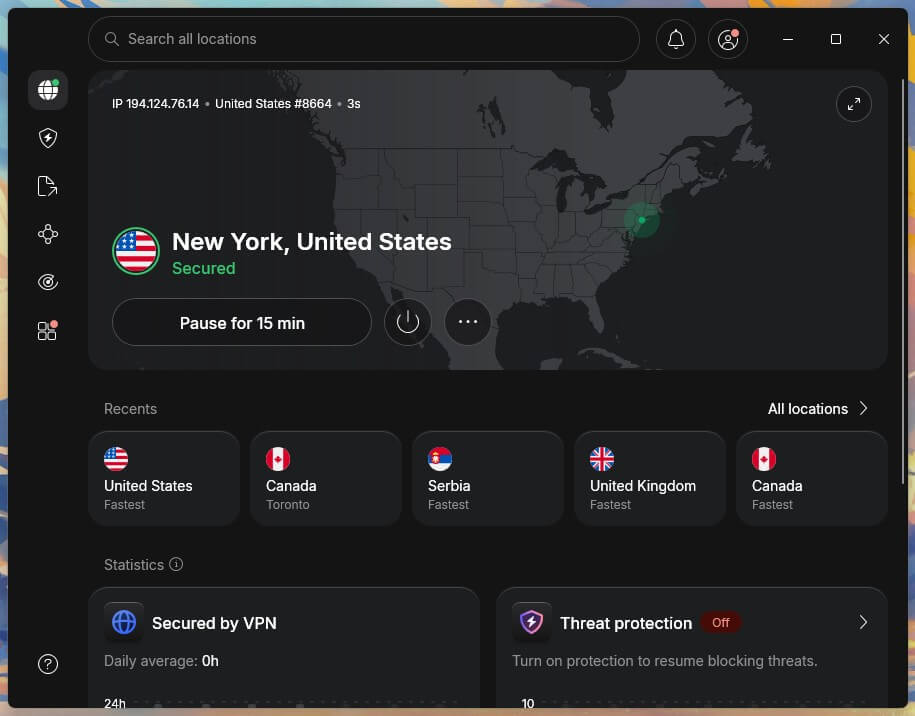
NordVPN’s Double VPN sends your connection through two servers and encrypts it twice. On our UK server, it caused a 2.9% speed loss, too small to notice, so you can leave it on for logins and withdrawals. That’s a big part of why it’s our top choice among VPNs for crypto trading.
Its kill switch, which cuts your internet if the VPN drops, passed every test we ran, including a full PC restart. Next-gen antivirus blocks malware and known phishing domains, which helps when a fake “Binance support” link arrives in your inbox.
The two-year Basic plan costs about $3.50 a month, and a dedicated IP is an extra charge on top. That add-on is only worth paying for if Binance keeps asking you to verify new logins while you travel; otherwise, the standard servers are enough.
2. Proton VPN: Best for Privacy-Focused Traders
Pros
- Secure Core servers
- Swiss privacy laws
- Independently audited no-logs policy
- Open-source apps
- Accepts Bitcoin
Cons
- No dedicated IP on personal plans
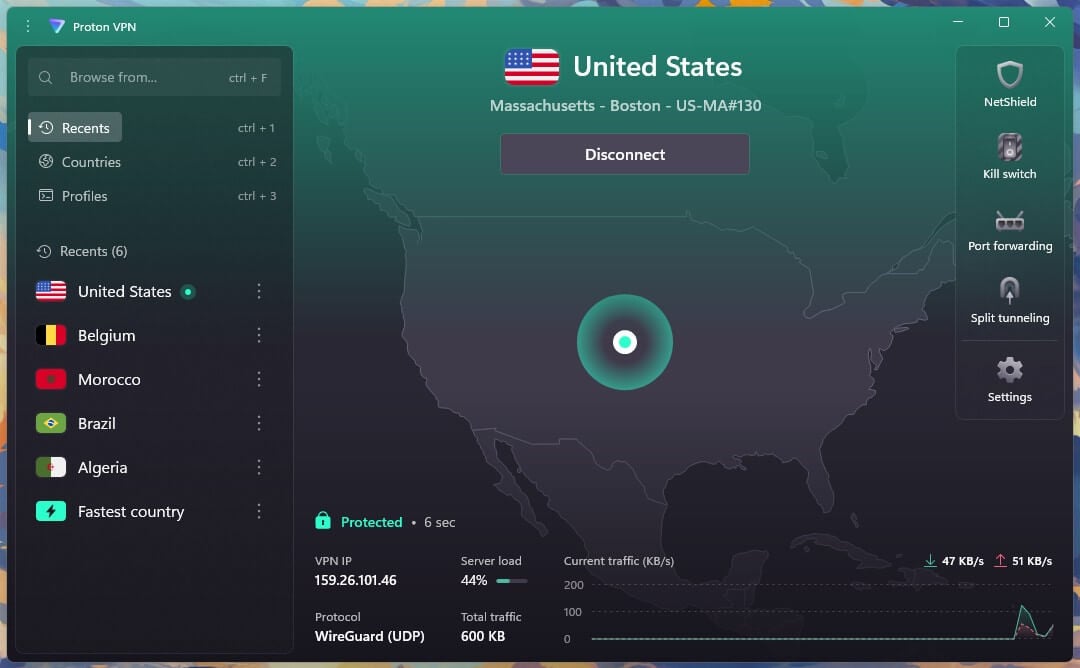
Proton VPN is built around privacy, and Secure Core shows it: your traffic passes through hardened servers in privacy-friendly countries before it leaves for its destination. On our US server, Secure Core caused a 12.1% speed loss compared to a direct connection, a fair price for withdrawals and account changes.
The company is based in Switzerland, its apps are open source, and its no-logs policy has been independently audited. NetShield blocks ads, trackers, and malware domains, and the two-year VPN Plus plan costs under $3 a month, payable in Bitcoin for traders who’d rather not use a card.
The drawback for traders is that personal plans don’t include a dedicated IP, so your IP address changes between sessions. Choose one server in your account’s country and reconnect to it each time, and your logins stay consistent.
3. ExpressVPN: Best for Beginners on Binance
Pros
- Very quick connections
- Obfuscation on every server
- Simple apps for first-time users
- Advanced Protection blocks malicious sites
- Accepts Bitcoin
Cons
- No Double VPN or MultiHop option
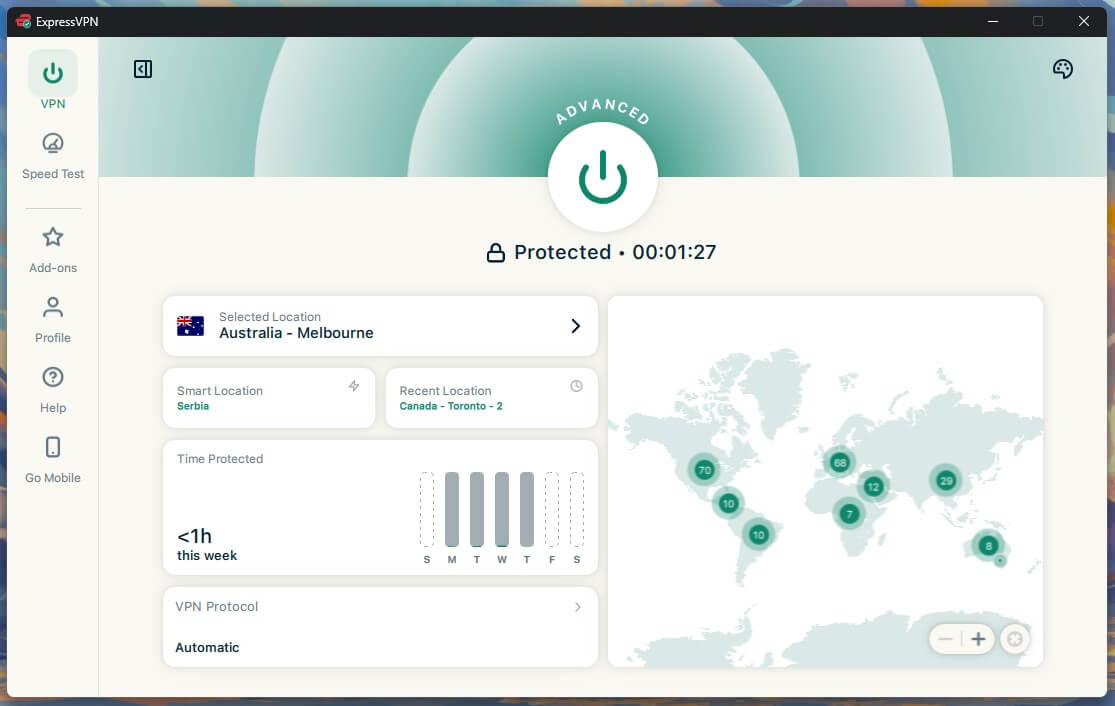
ExpressVPN suits traders who want to install a VPN and connect within seconds. It tied NordVPN for speed with a 7.8% average speed loss, and it connected faster than any other VPN we tested, so getting back online after your laptop wakes up is close to instant.
Every server uses obfuscation, which hides VPN use from networks that try to block it, and the app sets the protocol for you, as our ExpressVPN review explains. Advanced Protection blocks trackers and malicious sites on the Advanced and Pro plans, and the two-year Basic plan costs about $3 a month for 10 devices.
ExpressVPN still can’t send your traffic through two servers at once. If you want that second layer of encryption for withdrawals, NordVPN’s Double VPN adds it at almost no speed cost.
4. Private Internet Access: Best for Blocking Malicious Sites
Pros
- MACE blocks malicious domains
- No-logs policy proven in court
- Open-source apps
- Unlimited devices
- Low long-term price
Cons
- Default kill switch leaks on restart
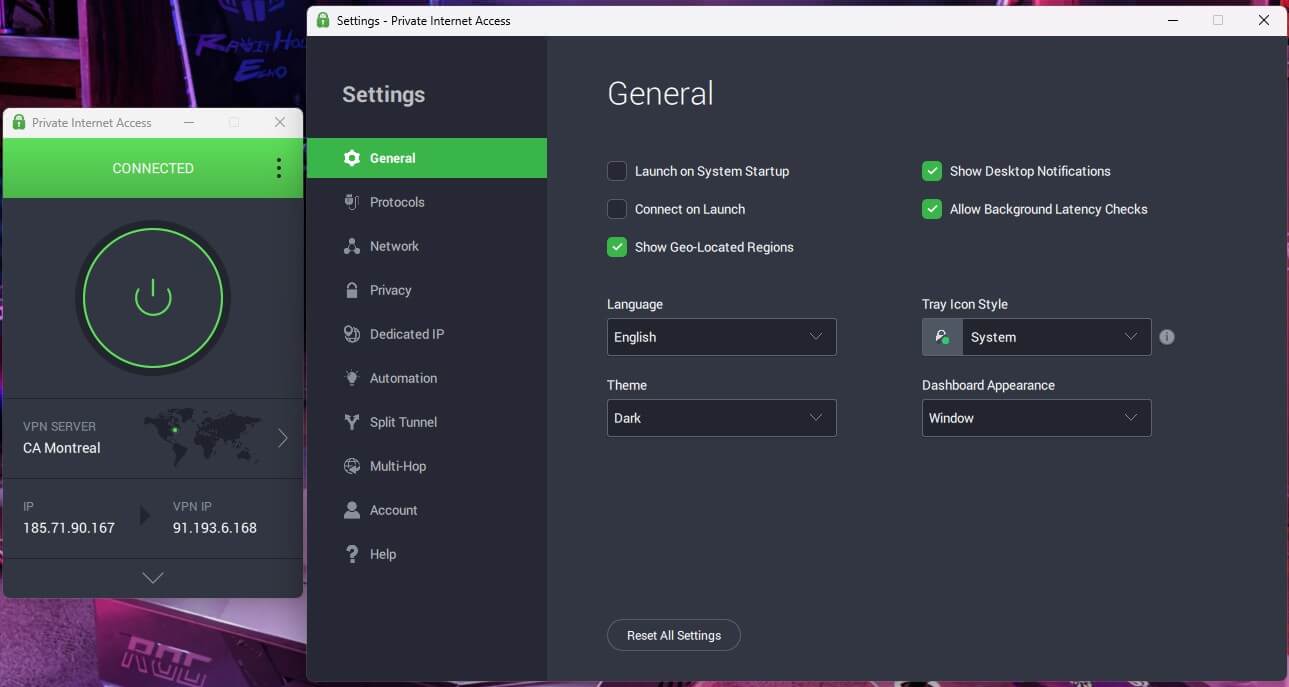
- Cluttered desktop app
Private Internet Access (PIA) has the strongest blocker of the five. Its MACE filter stopped 96% of the ads, trackers, and malicious domains on our test page, which cuts the odds of opening a fake exchange site from a bad link.
PIA’s no-logs policy has been tested in court, where the company had no user data to hand over, and its apps are open source. It allows unlimited devices, and at around $2 a month on the two-year plan, it’s one of the cheapest VPNs we’ve tested.
One setting deserves attention before you trade. PIA’s default kill switch let traffic out when we restarted our PC. Enable the Advanced Kill Switch in Settings, which passed the same test and made PIA VPN a better option for overall privacy.
Buy at Private Internet Access
5. Surfshark: Best Value for Active Traders
Pros
- CleanWeb ad and malware blocker
- Unlimited devices
- Camouflage Mode on strict networks
- Dedicated IP option
- Accepts crypto payments
Cons
- Occasionally slow to connect
Surfshark is the best value of the five. It had a 9.6% average speed loss, close to the top three and well within what live trading requires, and its UK server was the fastest result in our tests. CleanWeb blocks ads, trackers, and malicious links, useful when you follow token links from Telegram groups.
Camouflage Mode hides VPN use on restrictive networks, and MultiHop sends traffic through two servers for extra privacy. The two-year Starter plan costs about $2.50 a month with unlimited devices, and Surfshark accepts crypto.
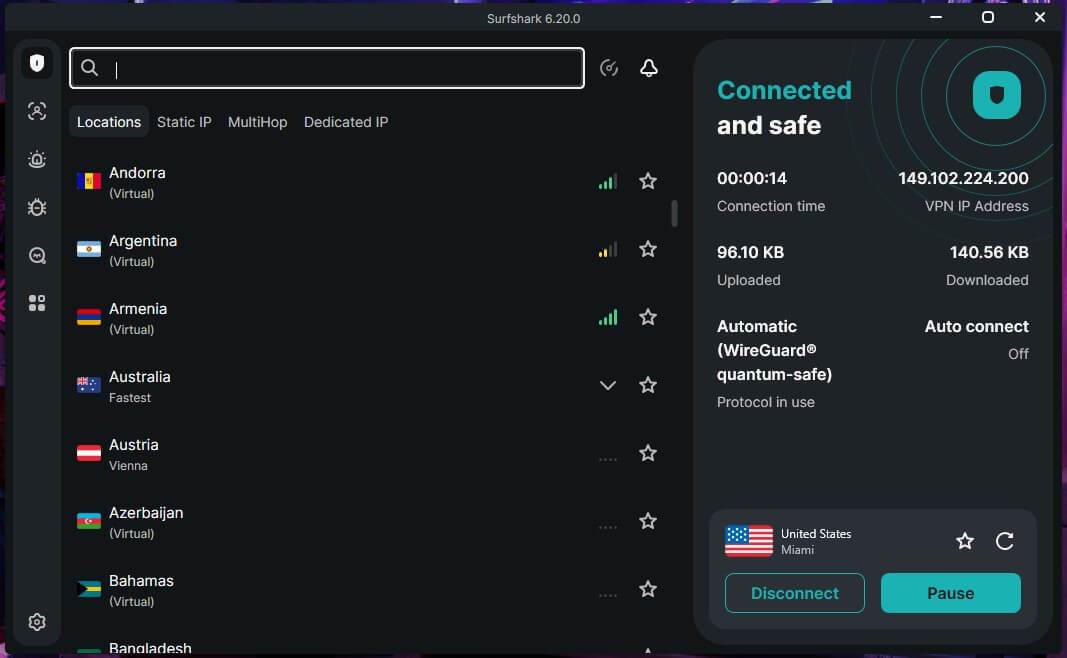
Surfshark sometimes takes several seconds to connect. Enable auto-connect so the VPN is ready before you open Binance, and you won’t notice the wait.
Can You Use a Free VPN With Binance?
We wouldn’t. Most free VPNs pay for themselves with ads or user data, and an exchange account is the last place you want that. Proton VPN’s free plan is the exception, with no ads, no data cap, and the same audited no-logs policy as the paid one, and it’s the best free VPN we’ve tested on Android as well.
However, free accounts are assigned a server at random, and after a few switches, the app makes you wait 45 minutes. A Binance login that jumps between countries can trigger security checks, so the paid plan is the better fit for trading.
Verdict
If you live where Binance doesn’t operate, no VPN makes your account safe to use, and trying can leave your funds stuck in withdrawal-only mode. For everyone else, a VPN gets Binance past blocked networks and keeps your trades away from public Wi-Fi, your ISP, and phishing sites.
NordVPN is the one we’d look into first. Double VPN costs almost nothing in speed, its kill switch passed every test, and a dedicated IP keeps your travel logins consistent. Before your next trade, enable the kill switch and 2FA. They protect the connection and the account.
FAQs
Is it legal to use a VPN with Binance?
Yes, in most countries, including the US and the EU. Binance's terms still prohibit using the exchange from a restricted country, so a VPN can't make a restricted account compliant.
Can Binance detect a VPN?
Yes, in many cases. Exchanges can recognize IP addresses that belong to VPN servers, and Binance flags logins from countries that don't match the account, which can trigger extra verification.
Can you use Binance while traveling?
Yes, in countries where Binance operates. Restricted countries remain off-limits under Binance's terms, with or without a VPN, and frequent changes of login country can trigger security checks.
Can you use Binance in the US?
No, not Binance.com. US residents use Binance.US, a separate exchange with fewer coins and products, and it isn't available in every state.
What happens if Binance flags your account's location?
Binance can restrict the account to withdrawals, pause trading, or close it. Recovering access usually requires identity verification, and accounts tied to sanctioned countries face stricter action.