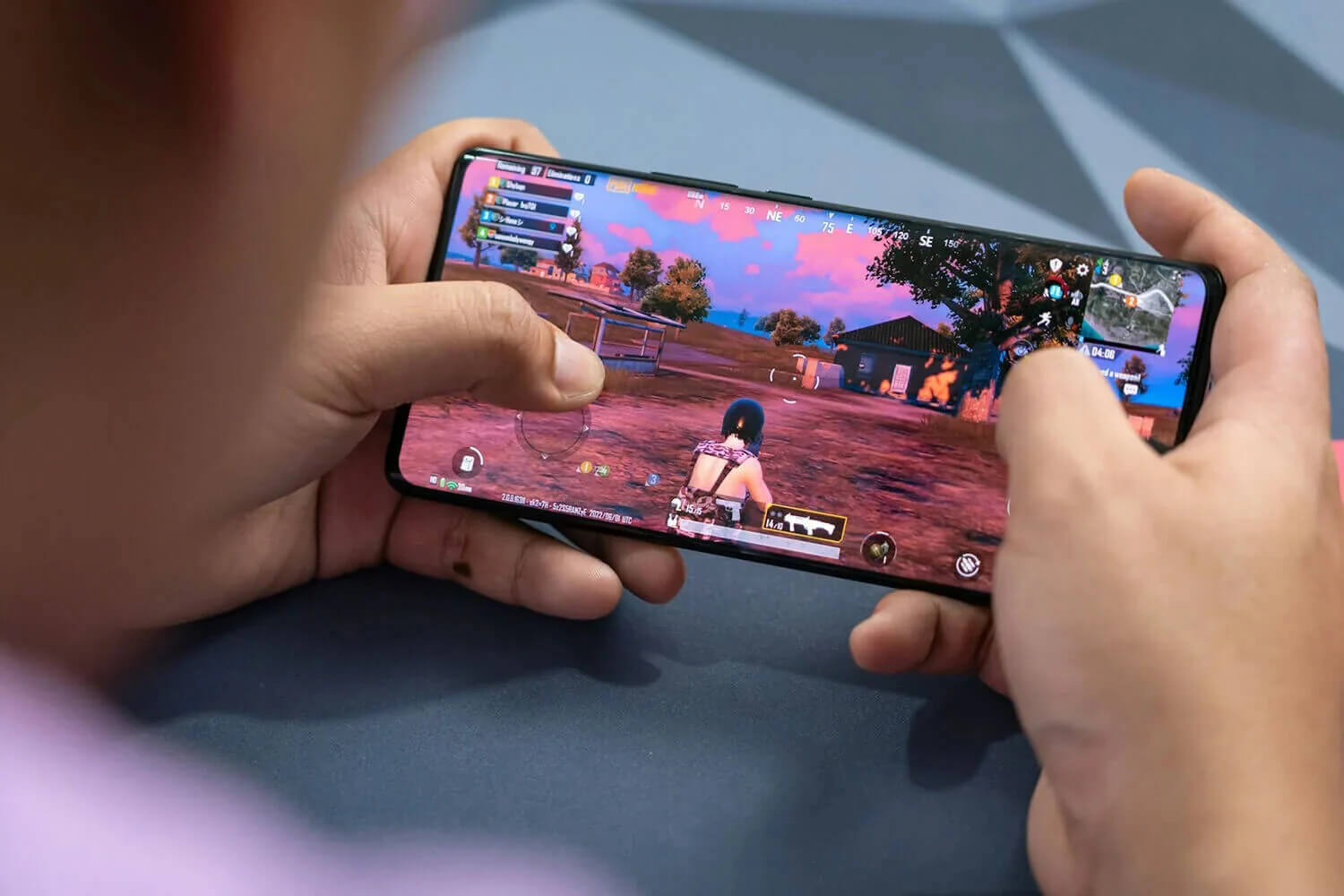
The best VPN for PUBG Mobile won’t turn a laggy connection into the 20 ms ping some app store listings promise. A VPN can’t move your phone any closer to the game’s servers, so on a healthy connection, it adds a few milliseconds of delay instead of removing them.
Its value is everywhere else. Your ISP sees encrypted data instead of game traffic it can slow down on a busy evening, a rival who wants to knock you offline finds the VPN server’s IP address instead of yours, and you can join friends, events, and regional shops tied to another country.
How much ping each VPN adds, and how close its servers are to the game’s regions, decides which ones belong on your phone.
Which VPN Should You Use for PUBG Mobile?
- NordVPN: Best overall, with the lowest average ping in our tests
- Proton VPN: Best for privacy, with a Swiss base and Stealth for networks that block VPNs
- ExpressVPN: Best for long sessions, with no measurable extra battery drain
- Private Internet Access: Best on a budget, with no device limit
- Surfshark: Best for trying before you pay, with a week-long mobile trial
PUBG Mobile VPNs Compared
In a shooter, ping and battery decide how a VPN feels during a match, so the table puts them beside phone speeds.
| VPN | Gaming protocol | Added ping, nearby server | Ping, distant server (Japan) | Speed loss on iPhone | Battery used in 20 min (no VPN: 3%) |
| NordVPN | NordLynx | +31 ms | 215 ms | 13.6% | 5% |
| Proton VPN | WireGuard | +35 ms | 218 ms | 17.5% | 4% |
| ExpressVPN | Lightway | +32 ms | 223 ms | 16.2% | 3% |
| Private Internet Access | WireGuard | +38 ms | 270 ms | 24.2% | 5% |
| Surfshark | WireGuard | +41 ms | 241 ms | 21.4% | 5% |
Top PUBG Mobile VPNs Reviewed
1. NordVPN: Best VPN for PUBG Mobile Overall
Pros
- Lowest average ping in our tests
- NordLynx on every platform
- Servers near every PUBG Mobile region
- Hides your IP address from other players
- Next-gen antivirus on the Complete plan
- Free trial on Android
Cons
- Higher renewal price
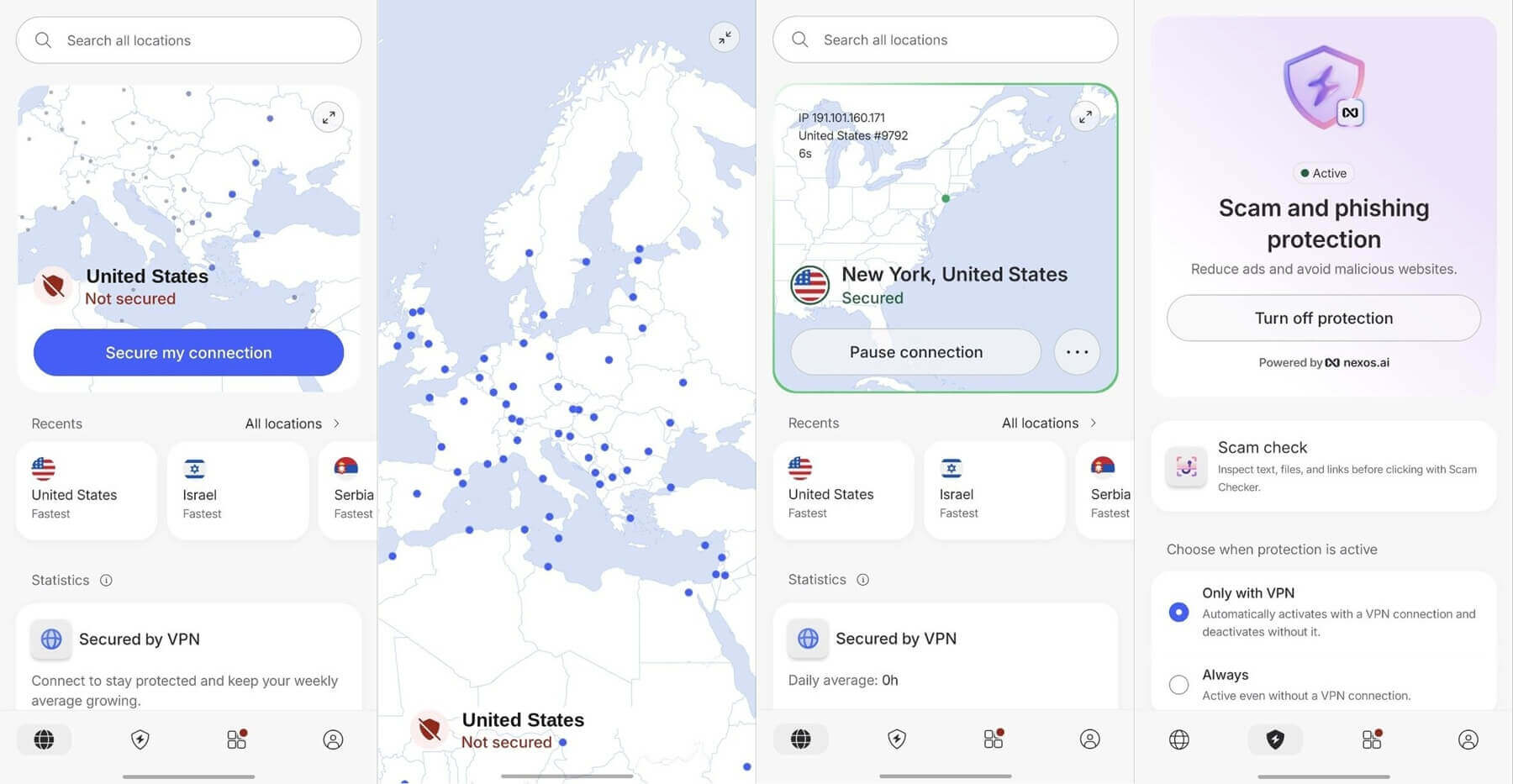
NordVPN added the least ping on average in our tests, and the difference showed most on long connections: 215 ms to a Japanese server, enough for casual matches on Asian servers from far away, though too slow for ranked fights.
Close to home, it matched ExpressVPN, and it also leads our best VPN for gaming ranking. NordLynx, NordVPN’s WireGuard-based protocol, is selected on Automatic, so there’s nothing to tune before a match.
Other players only see the VPN server’s IP address, so a DDoS attack, a flood of traffic meant to knock you offline, hits NordVPN’s servers instead of your router. The same apps put it first on our list of VPNs for mobile devices.
NordVPN’s Basic plan costs roughly $3.50 monthly with a two-year subscription, and a three-day Google Play trial lets Android users test it first. Renewal costs several times the first-term rate, so compare NordVPN’s current deals before the term ends.
2. Proton VPN: Best for Privacy-Minded Players
Pros
- Stealth protocol on every plan
- Audited no-logs policy
- VPN Accelerator for congested networks
- NetShield blocks ads and trackers
- Open-source apps
- Free plan with no data cap
Cons
- Free plan chooses your server
- No post-quantum encryption yet
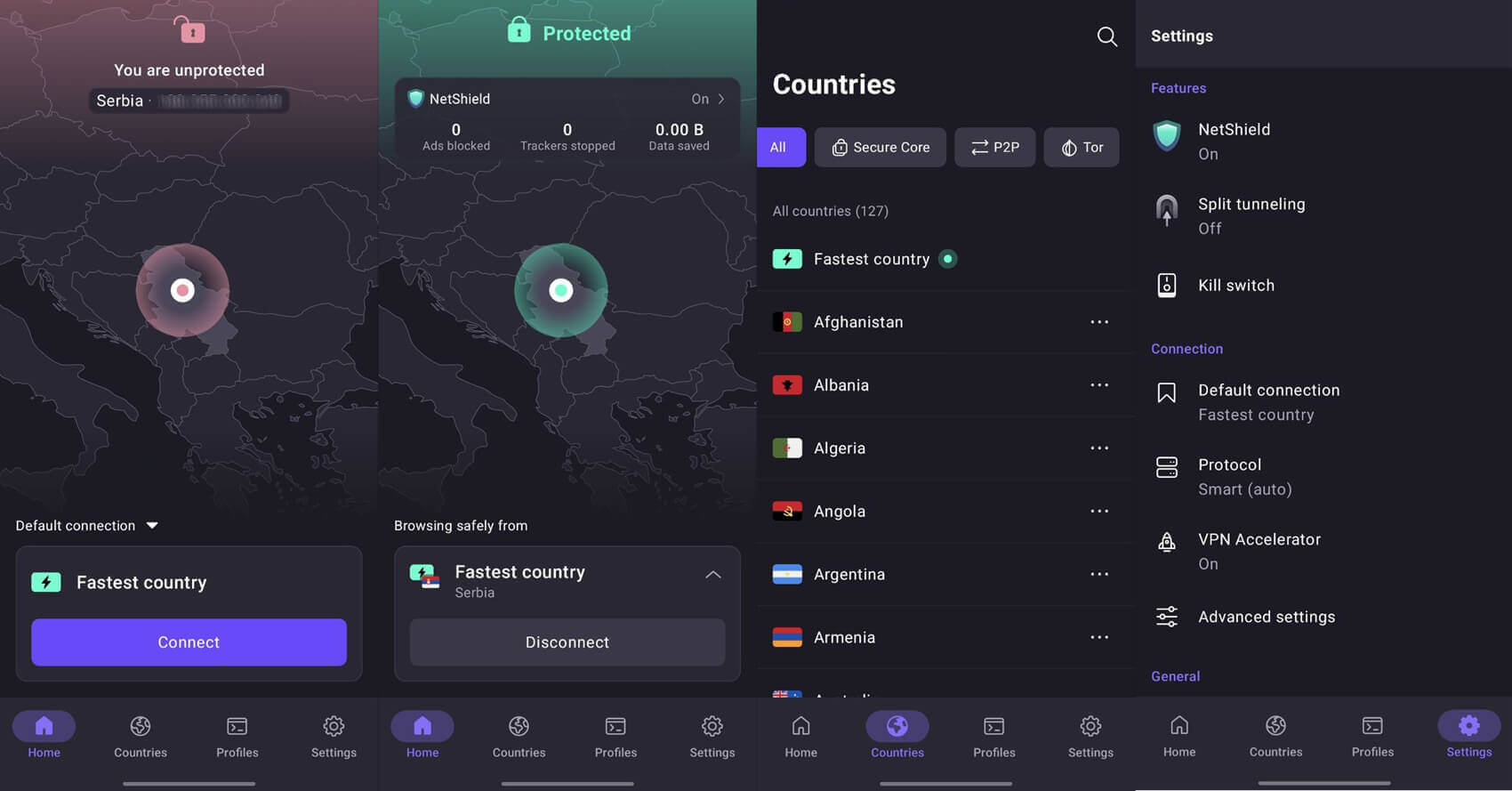
Proton VPN’s paid plan was close behind NordVPN on distant servers, with 218 ms to Japan, and only a few milliseconds slower near home. VPN Accelerator, its tool for keeping speeds up on long or crowded connections, made a clear difference in our speed tests.
Privacy is where Proton VPN stands out. Proton AG is based in Switzerland and publishes its app code, and independent auditors have confirmed its no-logs policy year after year. Stealth disguises the VPN connection as ordinary web traffic.
That means you can still connect on campus or office Wi-Fi that blocks VPNs. The free plan for gaming sets no data limit, yet the app assigns your server, often far from the game’s regions. Use it to test the app, then move to VPN Plus at $3 monthly on the two-year plan, which lets you choose any location.
3. ExpressVPN: Best for Battery Life on Mobile
Pros
- No measurable extra battery use
- Lightway connects almost instantly
- Simple one-tap apps
- Automatic obfuscation
- Free trial on iOS and Android
Cons
- Few advanced settings
- Higher cost on renewal
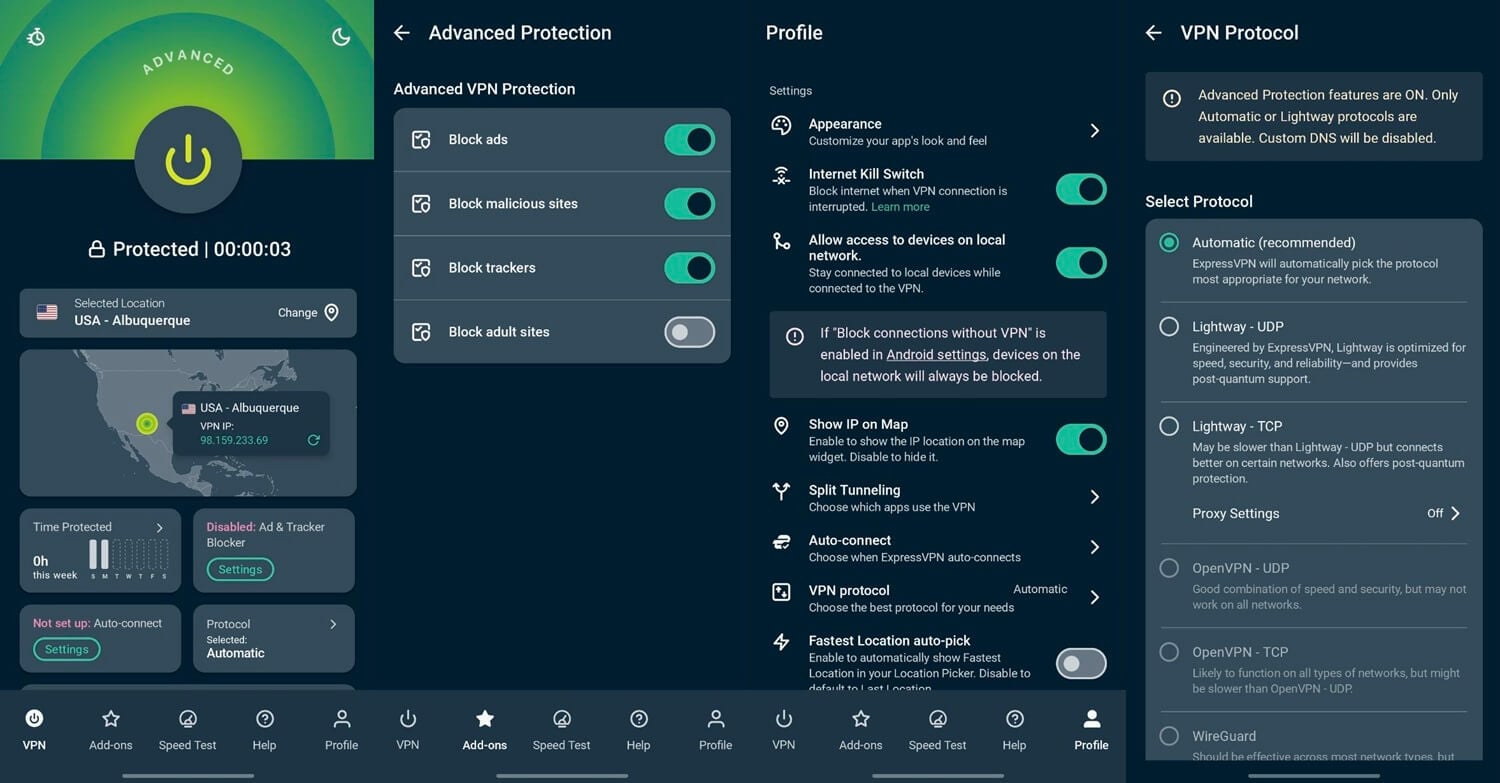
ExpressVPN used no more battery than the phone did without a VPN during our 20-minute video test. Over an evening of back-to-back matches, that’s charge you keep for the final circle. Lightway, its own protocol, connects in a second or two, and close to home, its ping was within a millisecond of NordVPN’s.
The app disguises VPN traffic automatically on networks that block VPNs, with no setting to find. ExpressVPN and NordVPN differ mostly in extras, such as NordVPN’s antivirus and Meshnet.
Beyond protocols, split tunneling, and a kill switch, there’s little to adjust, so if a server feels slow, connect to another nearby location instead of searching the menus for a fix. ExpressVPN’s Basic plan averages under $3 per month across a two-year term.
4. Private Internet Access: Best Cheap VPN for PUBG Mobile
Pros
- Unlimited devices
- Adjustable encryption strength
- Shadowsocks obfuscation
- MACE blocks ads and malicious sites
- Free trial on iOS and Android
Cons
- Higher ping on distant servers
- Cluttered app layout
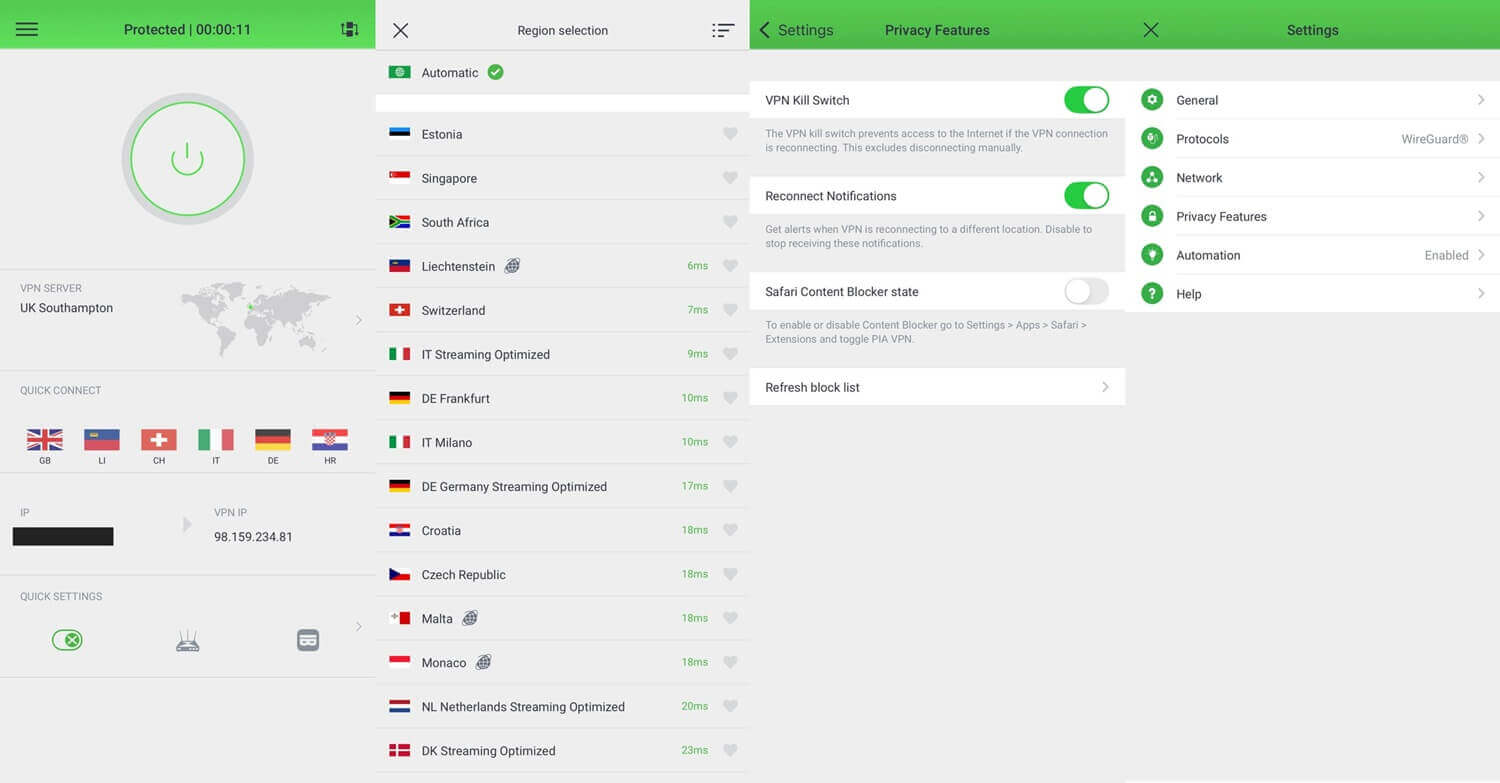
PIA is the cheapest VPN in this ranking, around $2 a month on its longest plan, and covers every phone and console in the house. You can also lower its encryption from 256-bit to 128-bit AES, a shorter key that’s still secure and asks less of an older phone.
Shadowsocks, PIA’s proxy for hiding VPN traffic, connects you on networks that filter VPNs, but it works only on OpenVPN, so switch protocols before you enable it. MACE stops ads, tracking scripts, and known malware domains, and PIA’s no-logs record has been tested in court.
Distance is its weak point. PIA’s 270 ms ping to Japan was the highest of the five, so for ranked play, connect to the server closest to your game region. Our cheap VPN roundup compares it with other low-cost VPNs.
Try Private Internet Access Now
5. Surfshark: PUBG Mobile VPN With a Week-Long Trial

Pros
- Seven-day trial on mobile
- Bypasser split tunneling
- CleanWeb ad blocker
- Strong streaming results
- No device limit
Cons
- Most added ping near home
- Occasional delays when connecting
Surfshark’s seven-day trial on Android and iOS lets you play a week of matches before you pay. Near home, it added the most delay of the five, about 41 ms. Ranked players may notice it in close-range fights, while in casual modes and events it’s hardly a factor.
Bypasser, Surfshark’s split tunneling, sends only PUBG Mobile through the VPN while Discord and your browser use the normal connection. CleanWeb blocks ads and trackers, the same subscription covers your PC and console, and it was among the strongest VPNs in our streaming tests.
A connection sometimes takes a few extra seconds to start compared to other VPNs on my list, so give it a moment before you tap again. Surfshark’s two-year Starter plan comes to around $2.50 per month, and our three-way comparison shows how it stacks up against NordVPN and ExpressVPN.
What a VPN Changes in PUBG Mobile
A VPN works on the connection, not the phone, so it helps with some kinds of lag and does nothing for others:
- ISP throttling: some ISPs slow gaming traffic at busy hours. Encrypted traffic can’t be identified as a game, so it can’t be singled out.
- Poor routing: when an ISP sends game data the long way round, a nearby VPN server can send it on a more direct path. This is the one case where ping can drop.
- Attacks from other players: an opponent who finds your IP address and floods it with traffic hits the VPN server instead.
- Regions and friends: a server in another country lets you join events, squads, and matchmaking tied to that region.
A VPN doesn’t fix frame drops. If the picture stutters while the ping indicator in the lobby looks steady, the phone itself is the bottleneck. Lower the graphics settings, close background apps, or let the phone cool down.
Best VPN Server for PUBG Mobile in India
India blocked PUBG Mobile in 2020, along with 117 other apps, and Battlegrounds Mobile India (BGMI) is now the version Krafton publishes for Indian players. BGMI doesn’t require a VPN, so for most players in India, it’s the simplest option.
Players who still want the global version go around a government block when they use a VPN for it, and they do so at their own risk. An Indian server won’t help, because the block applies to Indian IP addresses.
Instead, connect to a nearby country where the game is available, such as Singapore, and choose the Asia region in the game. VPNs themselves are legal in India.
Choosing a Server and Region in PUBG Mobile
PUBG Mobile groups its servers by region: Asia, Europe, North America, South America, the Middle East, and KRJP for Korea and Japan. The VPN server you choose should match the job:
- Ranked play: connect to a VPN server in your own country, or the closest one, and choose the game region nearest to you.
- Events and squads abroad: connect to the country in question before you launch the game, then choose its region.
- In-game purchases: UC is billed through Google Play or the App Store in your account’s country, so a VPN doesn’t change what you pay.
Connect the VPN first, then launch PUBG Mobile, and keep the same server until the session ends. A server change mid-match shows the game a new IP address, which it treats as a dropped connection. The game also limits how often you can change your account region, so read the cooldown notice before you confirm a move.
How We Ranked VPNs for PUBG Mobile
Ping carried the most weight. We tested it on nearby and distant servers in a single session, so the figures compare fairly. None of the five leaked our IP address or DNS requests. All five also rank in our guide to the best VPNs for Android.
Speed came from an iPhone, since phones lose more speed to a VPN than computers do, and every VPN used its fastest protocol. Battery drain came from a 20-minute video with each VPN’s extra protections disabled, the closest match to a long gaming session.
The same phone results shaped our list of top VPNs for iPhone.
Verdict
Ping decided this ranking, and NordVPN added the smallest delay in this ranking, near home and on distant servers. That makes it our first choice for ranked play, especially if you queue on Asian servers from far away.
ExpressVPN came close on ping and barely touched the battery, so it’s the better fit for long sessions on a phone that’s already low. Skip the VPN if your ping is already low and steady and your ISP leaves game traffic alone.
It would add a little delay and fix nothing. For everyone else, one habit avoids most disconnections: connect first, then launch PUBG Mobile, and keep the same server until you’re done.
Frequently Asked Questions
Does a VPN lower ping in PUBG Mobile?
Usually not. A VPN adds distance to the connection, so ping rises slightly. It lowers ping only when an ISP routes game traffic poorly or slows it down, which encryption helps prevent.
Is it safe to use a VPN with PUBG Mobile?
Yes, with a reputable VPN. Bans in PUBG Mobile target cheating tools and modified game files. Frequent server changes can trigger account checks, so connect before launching the game and keep one server.
Can you play PUBG Mobile in India with a VPN?
Yes, but the global version is blocked by the Indian government. Battlegrounds Mobile India, Krafton's Indian version, works without a VPN and is the officially available option for players there.
Is there a free VPN for PUBG Mobile?
Yes. Proton VPN's free plan has no data cap, but it chooses the server automatically, which often means a location far from the game's regions and a noticeably higher ping.
Does the VPN server change crate rewards in PUBG Mobile?
No. PUBG Mobile lists drop rates on each crate, and nothing official links those odds to a player's server or IP address. Regional events and shop offers do differ by location.