Have you been trying to figure out how to watch blackout NHL games on ESPN Select? NHL fans have been battling blackouts for a long time, but without success. The problem is, you pay for the ESPN Select subscription regularly, yet you still hit the NHL blackout and miss out on the most important games. With the right tool, i.e., a VPN, you can bypass NHL blackouts and never miss a power play again. Here’s how.
How to Bypass NHL Blackout and Watch Restricted Games: Quick Tutorial
- Get a trusted VPN for streaming and good US server coverage. I suggest NordVPN at 75% off and 3 free months. It’s fast, offers unlimited data, and is fully refundable within the first 30 days.
- Set up the VPN on the device you’ll use for NHL streaming and bypassing NHL blackouts. The VPN supports all major devices.
- Open the VPN and sign in to your account.
- Connect to a VPN location outside the blackout zone. NordVPN offers 55 US VPN locations in all states, so you have plenty.
- Go to ESPN Select or NHL.TV, log in, and watch blackout NHL games from the comfort of your home sofa.
Blackouts on ESPN Select and NHL.TV Explained
Why are NHL games blacked out on ESPN Select and NHL.TV? Here is the short version: money and broadcast rights. NHL blackouts happen because regional sports networks (RSNs) like Bally Sports or MSG Networks own exclusive rights to air local games in specific markets. So even if you’re paying for ESPN Select or NHL.TV, they’re legally required to block access to those games if you’re physically located in the team’s local viewing area.
For example, if you’re in Chicago and want to watch a Blackhawks game on ESPN Select, you might get hit with a blackout, even though you’re a paying subscriber. Why? NBC Sports Chicago holds the local broadcast rights. It gets even more frustrating during national coverage. Some games are blacked out not just locally but across entire regions when aired on national networks like TNT or ABC.
So what determines whether you see the game or a blackout screen? Your IP address, that little digital breadcrumb that tells streaming services where you are. That’s where VPNs come in. Spoof your location, and suddenly, you’re watching from anywhere but your actual city. As you’ll now see, it’s very simple.
Methods to Bypass NHL Blackouts (That Actually Work)
NHL blackouts are frustrating, especially when you’re paying for ESPN+ or NHL.TV and still can’t watch your local team. But blackouts are based on your IP address, not your fandom. So all you need to do is change your location digitally, and there are a few ways to do it. Let’s break down the best methods for October 2026, how they work, and what you should avoid.
1. Use a VPN (Best Method: Try NordVPN)
Using a VPN is by far the most reliable, secure, and user-friendly way to bypass NHL blackouts. A VPN masks your IP address and routes your traffic through a server in a different location. So if you’re blacked out in Boston, you can connect to a server in Seattle and watch the game like a local on the West Coast.
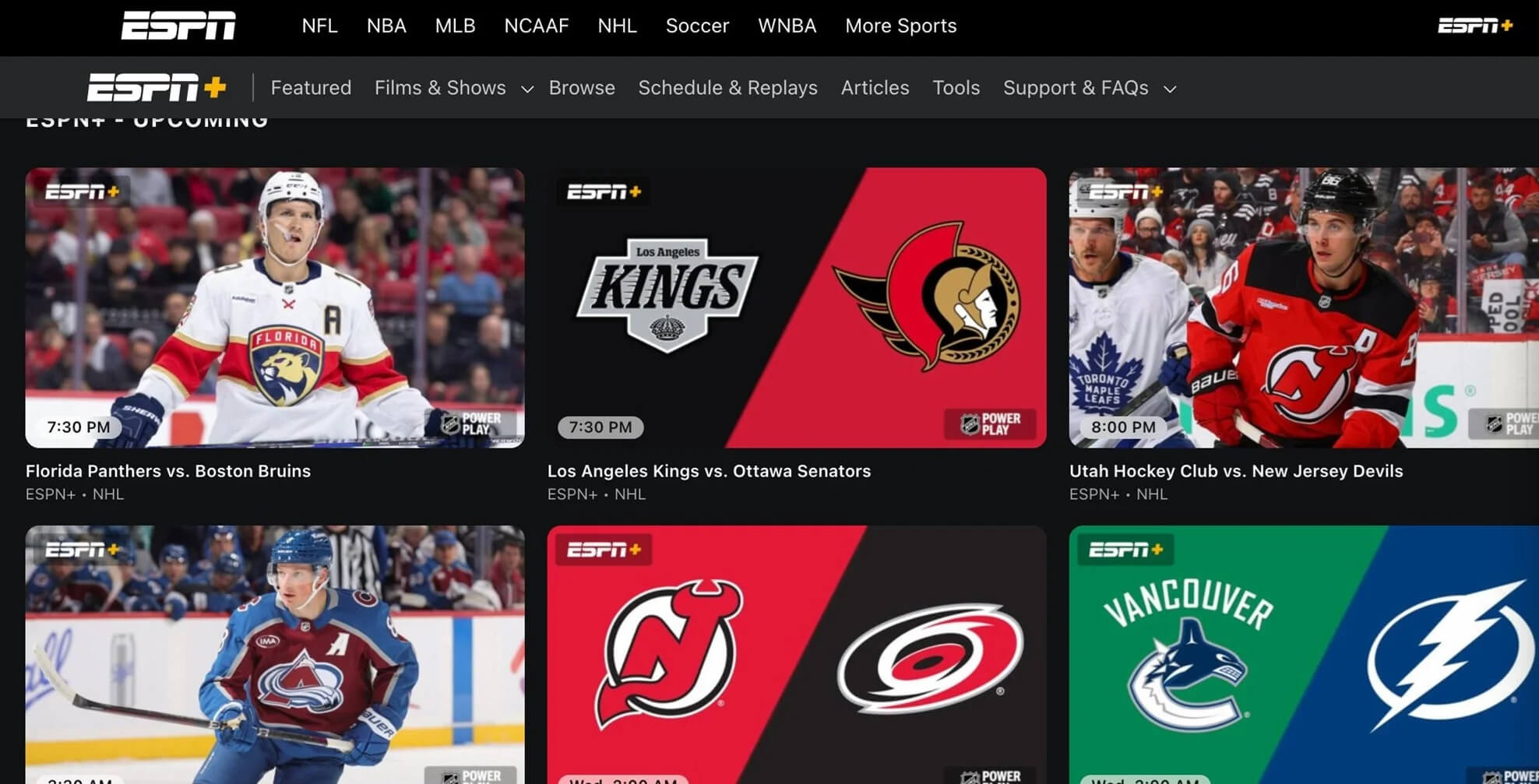
We tested multiple VPNs for this exact use case, and NordVPN came out on top, thanks to its fast US servers, strong unblocking capabilities, and seamless streaming on ESPN Select and NHL.TV.
How to Bypass NHL Blackouts with a VPN:
- Sign up for NordVPN and install the app on your device.
- Open the app and connect to a server outside your blackout zone. For example, if you’re blacked out in Chicago, choose a server in Denver or Los Angeles.
- Clear your browser cookies or use Incognito/Private Mode to prevent location leaks.
- Head to ESPN+ or NHL.TV, login, and stream the game with zero restrictions.
We tried this on a blackout-locked Bruins game using a server in California (NordVPN is the best VPN with servers in California), and it worked flawlessly: no proxy errors, no lag, no buffering. The quality held strong in 1080p, and we even tested it on mobile, desktop, and Fire TV.
Why NordVPN Works So Well:
- SmartPlay technology combines VPN encryption with Smart DNS to get around tough geo-blocks.
- The NordLynx protocol for fast, smooth playback, even during live games and peak internet hours with congested servers.
- Includes obfuscated servers, which hide the fact you’re using a VPN (great for blackout zones with VPN-detection).
You can find more information in our complete review of NordVPN’s service.
2. Use Smart DNS (Good Backup Option)
Smart DNS is another way to spoof your location, especially on a smart TV or gaming console that doesn’t support VPN apps. Unlike a VPN, Smart DNS doesn’t encrypt your data. Instead, it reroutes only specific traffic (like streaming) through a proxy server to fool location detection systems. It’s faster, but it doesn’t give you privacy. NordVPN (via MediaStreamer), ExpressVPN, and PIA VPN include Smart DNS.
Here’s how it works:
- Sign up for a VPN provider that includes Smart DNS.
- Register your IP with their DNS tool.
- Enter the provided DNS addresses in your device’s network settings.
- Access NHL.TV or ESPN+ as if you’re in an unblocked region.
We tested NordVPN’s SmartDNS on a Samsung smart TV to bypass regional restrictions. While the setup was simple and took under 5 minutes, SmartDNS didn’t reliably unblock NHL.TV blackouts during our test.
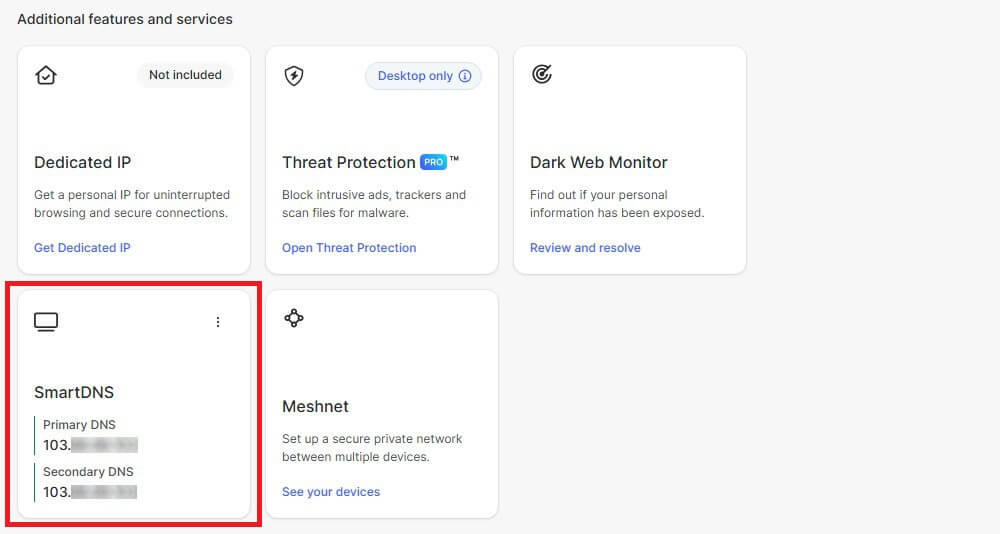
For full access to blackout games on NHL.TV or ESPN+, we had much better results using NordVPN’s native VPN app on devices like Fire TV Stick, where we could switch to an out-of-market server and stream in HD without interruption.
A small caveat: Smart DNS doesn’t protect your privacy. If you’re on public Wi-Fi or want to stay anonymous while streaming, a VPN is way better.
3. Relocate Physically (Yeah, Good Luck With That)
This one’s technically a “method”, but unless you enjoy road-tripping out of state every game night, relocating isn’t exactly practical. NHL blackouts are region-specific, often tied to zip codes or broadcasting rights. So if you’re within your team’s “local viewing region,” the blackout applies, regardless of how far you are from the arena. You could move…or you could open an app and click a server.
4. Free Streams and Piracy (Tempting, But Risky)
You might find Reddit threads or sketchy sites offering “free NHL streams.” They may seem like an easy way out, but they’re often riddled with pop-ups, malware, and low-quality video. Plus, they’re illegal, and the last thing you want is a legal notice or a compromised device because you didn’t want to pay for a VPN. With NordVPN’s 30-day money-back guarantee, there’s no reason to go the risky route. Try it for the month, stream the games you want, and get a refund if you’re not happy.
Best VPNs to Watch NHL Blackout Games in 2026
When you’re paying for ESPN+ or NHL.TV, nothing is more frustrating than hitting a blackout wall right before puck drop. A reliable VPN doesn’t just bypass those restrictions, it makes sure you never miss a power play, overtime goal, or playoff push, no matter where you are. We tested several VPNs during the regular season, playoffs, and even preseason games.
Some failed to get around the blackout filters, while others tanked in speed or triggered proxy errors. Three VPNs stood out for their speed, stability, and streaming quality on ESPN Select and NHL.TV. Let’s break down the best options for 2026.
1. NordVPN: Best VPN for Bypassing NHL Blackout
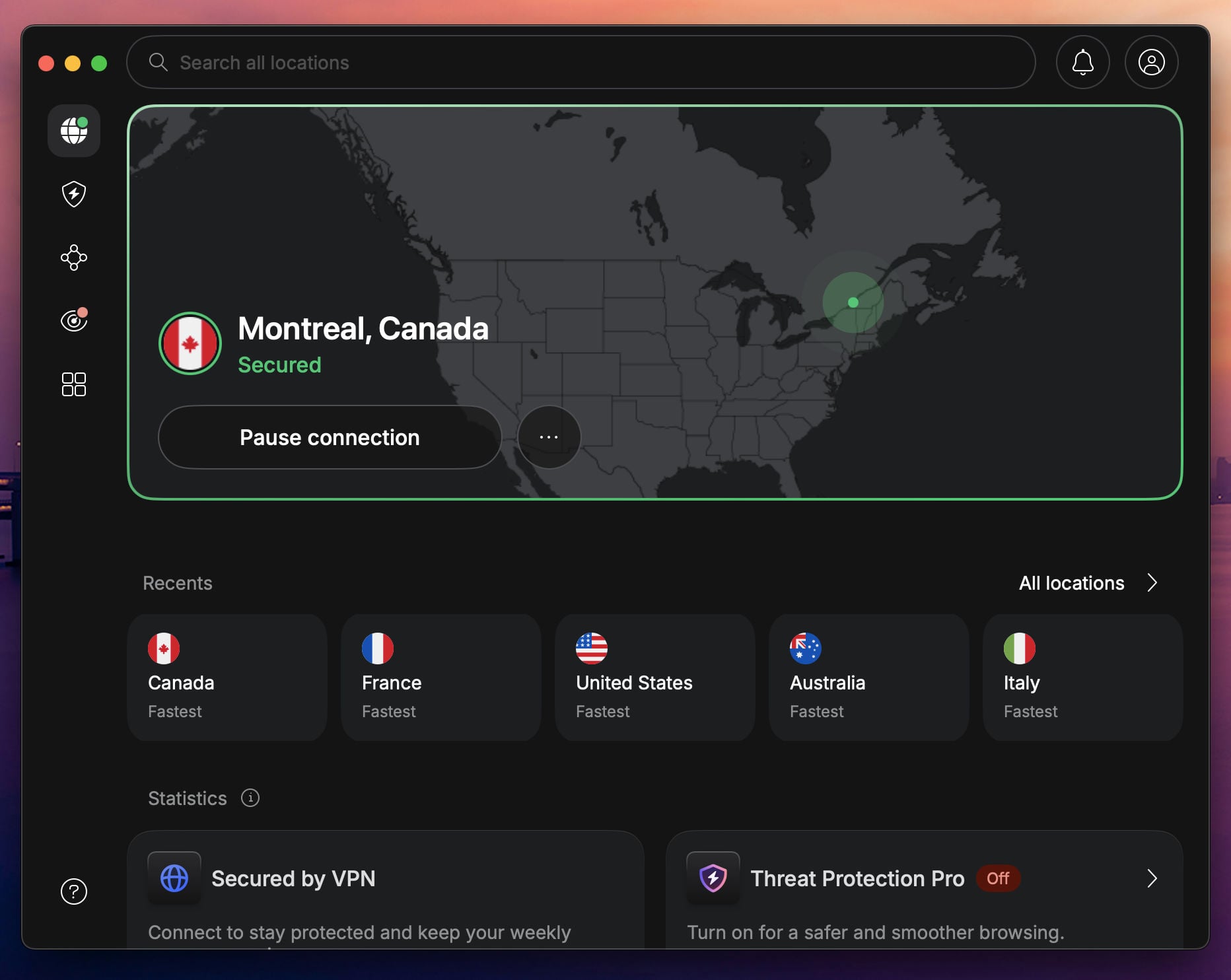
If you’re trying to catch every NHL game without dealing with frustrating blackout messages, NordVPN is the one to beat. With 9,400+ servers in 137 countries and a particularly strong presence in the US and Canada, we found it to be one of the most consistent VPNs for streaming ESPN Select and NHL.TV.
Pros
- SmartPlay technology enhances streaming
- Fast speeds for Ultra HD
- Obfuscated servers
- Over 55 US VPN locations
- Diverse security features
Con
- Higher prices (but totally worth it)
Streaming NHL Games
We tested NordVPN across multiple ESPN+ blackouts and regional NHL.TV restrictions, and it cleared them all. Whether we connected through New York, Dallas, or Toronto, streams loaded instantly. There were zero proxy errors, and game replays were just as smooth. It also worked great with Sling TV, Hulu + Live TV, and even Fubo when we tried other sports channels.
Speed and Performance
NordLynx, NordVPN’s custom protocol, kept things speedy during testing. On a standard home connection, we saw steady performance, even on transatlantic servers. That’s more than enough to stream live games in 4K without a stutter. We ran simultaneous streams on ESPN+ and YouTube TV, and both held up without hiccups.
Server Availability
In the US alone, NordVPN offers servers in 55 cities, so you can always find a region that’s not blacked out. This variety made it easy to hop around and test which locations worked best for specific games. We also used Canadian servers to catch some exclusive coverage not available stateside. Getting a Canadian IP address has never been easier; all it took was a click.
Ease of Use
Setting up NordVPN on our Fire TV Stick took less than three minutes. The app interface was clean, and switching between servers mid-stream was seamless. We also tried SmartDNS for testing, but the native app proved to be far more effective for NHL content, especially when paired with NordLynx.
Pricing
At just around $3.49/month for long-term plans, NordVPN is a great value, especially with all the built-in security and streaming tools. You get a 30-day money-back guarantee and a 3-day free trial on Android, making it risk-free for sports fans looking to bypass blackouts without missing a single faceoff.
2. Proton VPN: Budget VPN for Watching NHL Blackout Games
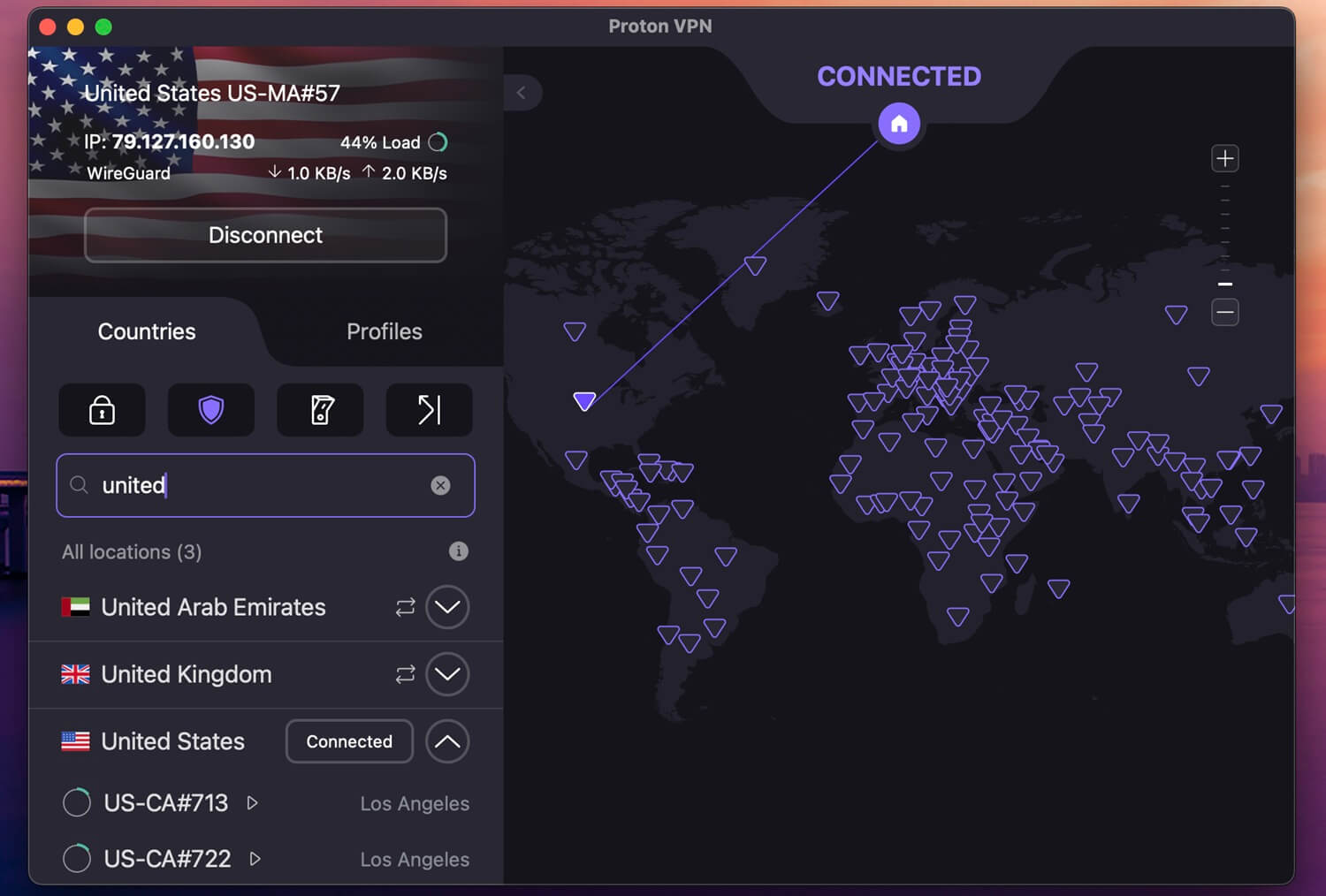
If you’re looking to bypass NHL blackouts without spending big, Proton VPN hits that sweet spot between price and performance. It’s not just an affordable VPN; it actually delivers where it counts, especially for fans streaming regional games on ESPN Select and NHL.TV.
Pros
- Fast and stable speeds
- Over 6,000 US servers
- VPN Accelerator
- Streaming-optimized profiles
- Superb privacy features
Cons
- No SmartDNS
- Complex app UI
Streaming Performance
We tested Proton VPN across multiple US locations to access blackout games on ESPN+, and it didn’t disappoint. It handled the geo-restrictions smoothly, and we were able to catch up on regional matchups without getting blocked. While it took seconds longer to connect than NordVPN or ExpressVPN, once we were in, the stream stayed stable and in HD.
Server Network
Proton VPN offers one of the largest server fleets in the industry, with 20,000 servers in 148 countries. In the USA alone, it offers 6,000+ servers in 22 cities. Whether we needed to appear in New York or California to unblock a specific game, we always found a server nearby that worked.
Speed & Reliability
Speeds with Proton VPN were solid, retaining about 85% of our base connection during NHL game tests. It’s not as fast as NordVPN or ExpressVPN, but it was still fast enough for buffer-free streams. And thanks to WireGuard support, it kept performance steady even over longer connections.
Pricing
Here’s where Proton VPN shines. Plans start at just over $2.00/month when billed long-term, making it one of the most affordable premium VPNs. It also offers a 30-day money-back guarantee, so you can try it without risk, and there’s a completely FREE plan with no data limit.
3. ExpressVPN: Fast and Secure VPN for NHL Streaming

If speed is what you’re after, ExpressVPN takes the lead. It’s the fastest VPN we tested while watching blackout NHL games on ESPN+ and NHL.TV. With consistently high streaming quality and a rock-solid connection, this one’s ideal for those who want to watch games live without a single stutter.
Pros
- SmartDNS is included
- Fast Lightway protocol
- Wide US server network
- Affordable Basic plan
Cons
- Higher price on renewal
- Not many features for the price
Streaming Experience
During our hands-on tests, ExpressVPN unblocked both ESPN+ and NHL.TV on the first try. There were no geo-errors, no lag, and not even a hiccup when switching servers. It’s not really a surprise for us, as we ranked ExpressVPN pretty high in our list of the best VPNs for ESPN Select.
We watched multiple games, including out-of-market matchups and regional blackouts, all in HD with zero buffering. Its MediaStreamer (Smart DNS) also came in clutch on devices that don’t support VPNs, like Smart TVs and consoles.
Server Network
ExpressVPN runs over 3,000 servers across 105 countries, with plenty of optimized locations in the US and Canada, both critical for NHL coverage. The US servers, in particular, helped us switch regions quickly to bypass local blackouts and catch key games without delay.
Speed
ExpressVPN uses the upgraded Lightway Turbo protocol, which showed the best performance out of all the VPNs we tested. It retained 94% of our base internet speed on average, even on long-distance connections. That’s perfect for live streaming in full HD, and even 4K when supported.
Pricing
ExpressVPN is on the pricier side when renewing, but the initial price is only $2.49/month on long-term plans. But the performance, ease of use, and streaming consistency make it a solid investment if hockey nights are a big deal in your household. It also comes with a 30-day money-back guarantee and a 3-day trial on mobile, so there’s no risk in trying it out.
Conclusion
Blackouts shouldn’t keep you from watching your favorite NHL teams, and with the right VPN, they won’t. Whether you’re trying to catch the Rangers on ESPN+ or stream a local game on NHL.TV while traveling, an adequate VPN helps you bypass location-based restrictions without breaking a sweat. We’ve tested 15, and NordVPN stood out as the best overall pick. It’s fast, consistent, and has the tools to unblock blacked-out NHL games reliably.
At the end of the day, a VPN isn’t just about bypassing restrictions; it’s also about securing your connection, especially on public networks or while traveling. A good VPN to bypass NHL blackouts keeps you covered from the first period to overtime, all for just a few dollars a month; a small investment.
Frequently Asked Questions
🏒 How to watch blackout NHL Games on ESPN+?
With a VPN and a connection to a location outside of the blackout region. It's the only way to actually bypass NHL blackout issues without traveling to another city or state. ESPN+ (now ESPN Select) detects your IP address and its location. But by swapping it with a VPN, you can easily bypass blackouts.
🥅 What is the best VPN for NHL streaming?
It's NordVPN, thanks to servers in 55 cities in the USA, unlimited speeds and data, and apps for all devices. NordVPN also reliably unblocks streaming services, and it's a good VPN to stream all sports globally, not just blackout NHL games, and not just in the United States.
⚫ How to watch all NHL games without blackout?
With a VPN. To bypass NHL blackouts, you need an IP address outside of the regions that are blacked out. If you don't want to travel to another region, which can cost hundreds of dollars and waste time, use a VPN and change your online location digitally for effortless NHL streaming without blackouts.