
FOX Sports, FOX Nation, and FOX News are unavailable in the UK. While all these channels are locked to the USA, there’s a way to watch FOX in the UK and access all of its sub-channels. In most cases, people rely on VPNs, which change their IP location to the USA, making them appear there. But not all VPN work with FOX due to its aggressive detection algorithms. This guide explains how to watch FOX in the UK and which VPNs to use. I retested 15 of them this October to make sure they really work.
How to Watch FOX One in UK 2026: Unblock and Access All Content
- Get a VPN that unblocks FOX One in the UK. I recommend NordVPN with over 3,400 servers in the USA, optimized for speed and streaming, with a 30-day money-back guarantee on all plans.
- Set up the VPN on your device.
- Open the VPN and log in.
- Connect to a server in the USA to get a US IP address.
- Go to FOX One, sign up for an account, and start watching.
Why FOX Blocks International Access
If you’ve seen the dreaded geoblock message on any streaming service, it’s not a bug; it’s a business decision. Like most US broadcasters, FOX operates under licensing agreements that limit where their content can legally be shown. Networks don’t own all the rights to every show or event they air. They license programs, live sports, and even news segments to different distributors across the globe.
That means the same NFL game you see on FOX in the US might be exclusive to Sky Sports in the UK. So to stay compliant (and avoid million-dollar lawsuits), FOX blocks its streams outside the US. That includes FOX One, FOX Sports, and FOX Nation. These blocks are enforced through your IP address, which reveals your location the moment you hit the site or app. If you don’t have a US IP, you’re cut off.
How to Watch FOX in UK: Unblock FOX One in 2026
With a VPN, you can unblock FOX Sports in the UK or enjoy FOX Nation without blocks. We’ll start with the VPN itself: NordVPN. Subscribe to it, and then install it on your device. After that, open the app and log in with your account credentials. This all takes about 5 minutes to complete and is very easy.
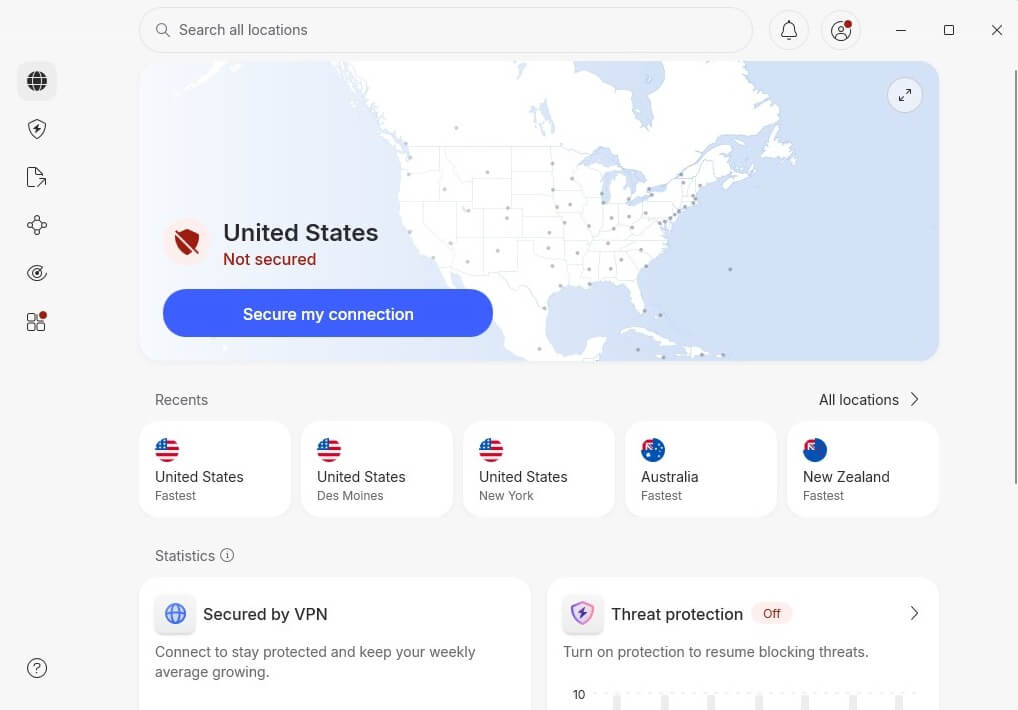
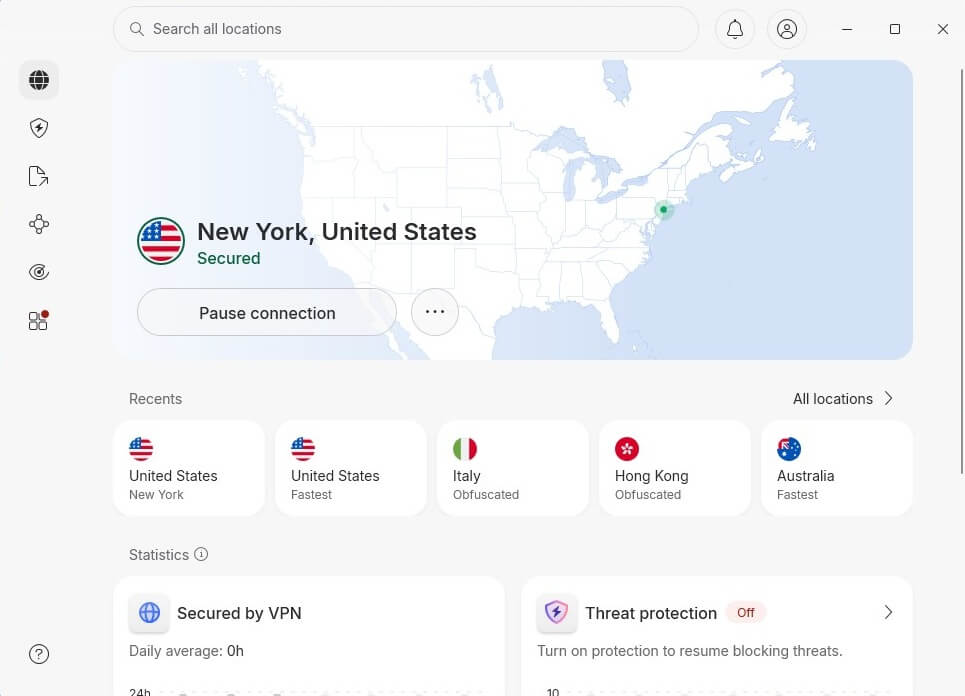
To access FOX One in the UK, you need a US IP address. Go to All Locations in NordVPN and find the United States. Simply click on it once to connect to the fastest US server. For me, it was New York, and I recommend this server because it works well for unblocking FOX in the UK in 2026.
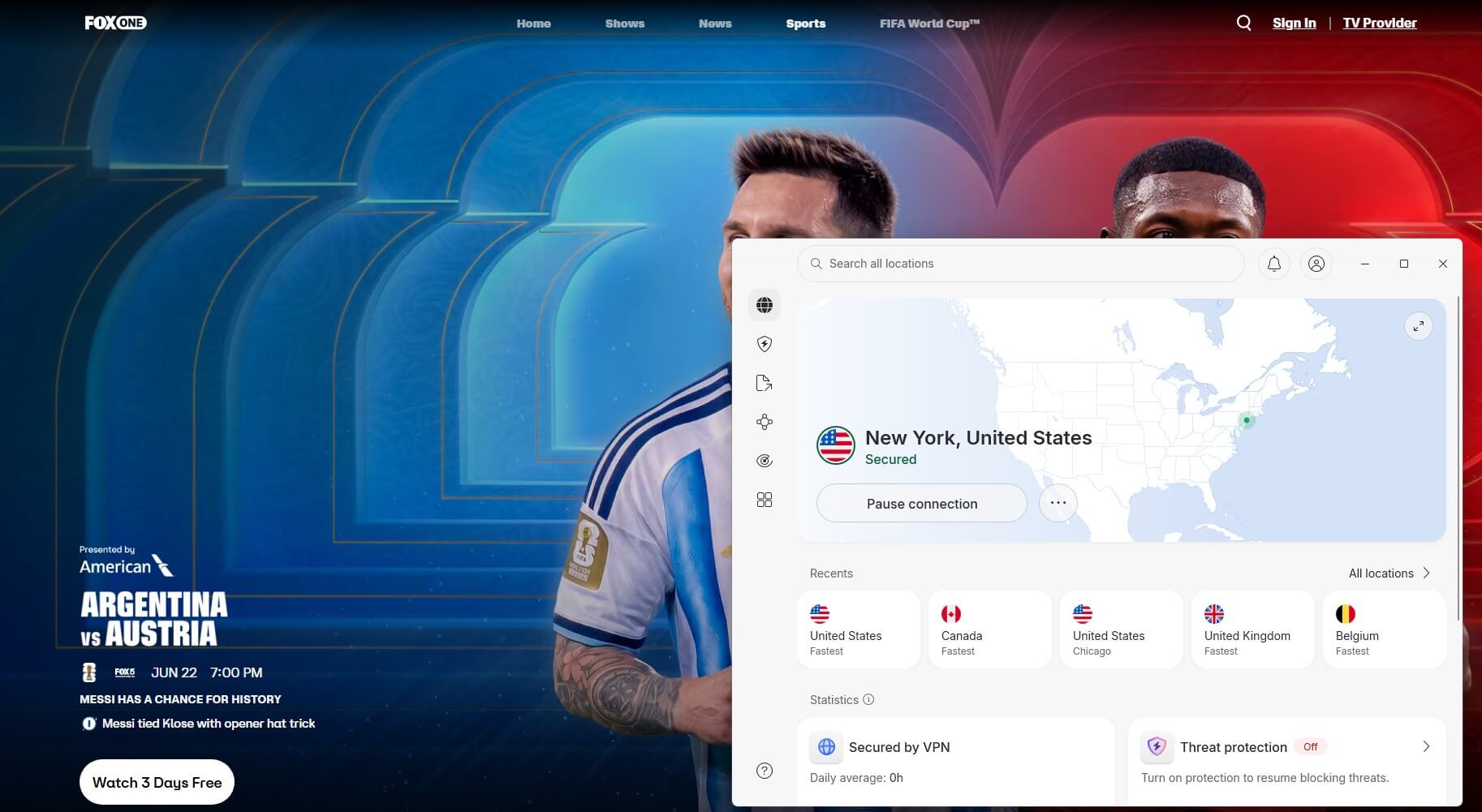
Now go to FOX and sign in to your account or sign up for a new one. You can not watch all the movies, series, and sports. FOX also offers a 3-day trial if you just want to try it out, but you have to provide a credit card. Also, to subscribe to FOX One in the UK, you must have a US credit card or PayPal. Keep this in mind if you’re a non-American, as FOX doesn’t support gift card purchases in October 2026.
Other Methods to Watch FOX in UK: Why a VPN Works Best
There are a few ways to stream FOX from the UK, some sketchier than others, and most with serious strings attached. Here’s what we found while testing each, and why a solid US VPN like NordVPN remains the most reliable.
Free Streaming Sites (Don’t Even)
Sure, if you dig deep enough into Reddit or streaming forums, you’ll find links to unofficial streams of FOX shows or sports events. But here’s the deal: most are riddled with pop-ups, trackers, and malware. Many also get taken down mid-stream, and let’s not even talk about the video quality.
Verdict: Not secure, not legal, not worth it.
UK Streamers With Some FOX Content
There’s no legitimate UK service like Sky, Virgin, or Freeview that includes FOX programming straight out of the box. You won’t find FOX Now, FOX News, or FOX Sports in any standard UK subscription package. To access FOX content, you’ll need both a US media subscription and a VPN to unlock it.
Verdict: Less FOX content, and the account setup is messy.
Smart DNS Services (Limited Fix)
Smart DNS can trick streaming sites into thinking you’re in the US without encrypting your traffic. It’s faster than a VPN in some cases, but less secure, and not all services support FOX reliably. Plus, you often need to manually configure it on each device, which is irritating and gets old quickly.
Verdict: Works for some apps, but not foolproof, and no encryption is a big downside.
VPN Service: The Most Secure, Straightforward Option
A premium VPN masks your IP, encrypts your data, and routes traffic through a US server. It makes it appear like you’re streaming from, say, New York or San Francisco, even if you’re in London. And when it comes to FOX apps like FOX Now, FOX Sports, or FOX News, a VPN is the only consistent way to get full access in HD. We tested multiple VPNs to access FOX channels in the UK, and NordVPN came out on top.
It runs massive infrastructure in the US, with over 3,400 servers across the country. It’s risk-free for 30 days, so you can watch FOX One in the UK without committing. As tempting as it may be, avoid even free VPNs with US servers. After testing most of them, we found that they all get detected and blocked by FOX. On top of that, they can’t guarantee fast speeds, so your streaming experience will suffer.
Best VPN to Watch FOX in the UK: Comparison
The hard truth is, most VPNs out there aren’t built for streaming, and definitely not for FOX. Some get you stuck on error screens, others throttle your speeds down, and a few just don’t work with FOX at all. We tested over a dozen VPNs specifically to access FOX One, FOX Nation, and FOX Sports in the UK. The ones below aren’t just fast and secure; they unlock the FOX apps without troubleshooting.
1. NordVPN: Best VPN for FOX Sports and FOX One in the UK
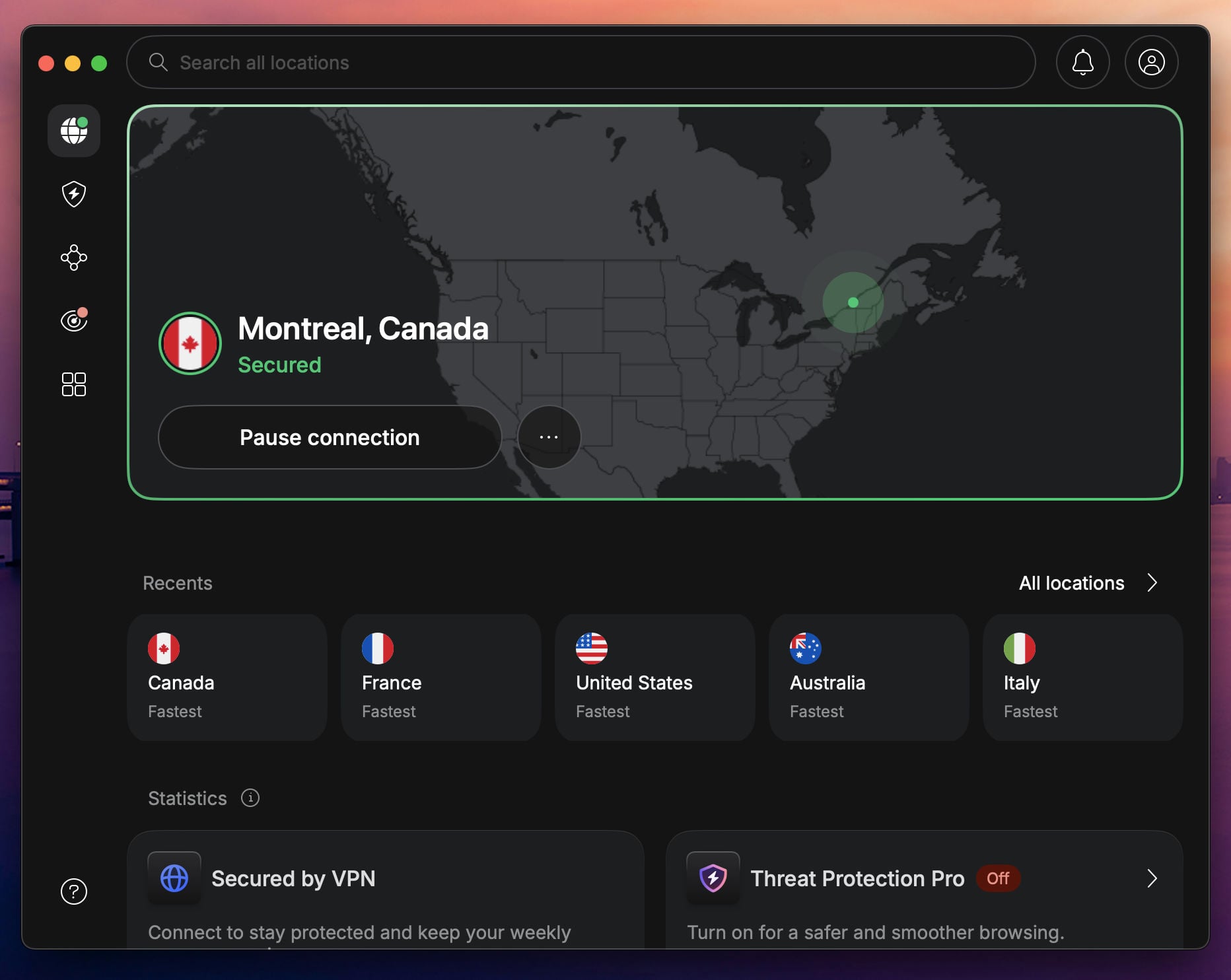
We tried over a dozen VPNs with FOX apps in the UK, and NordVPN stood out as the one that just worked with fast servers, no manual DNS tweaking, and instant access to every FOX platform we threw at it.
Pros
- SmartPlay technology
- Large US server network
- Fast for smooth 4K streams
- Apps for all major platforms
- Obfuscated servers
Con
- Higher renewal price
Flawless Access to FOX’s Entire Lineup: Whether we were streaming FOX One, FOX News Live, or sports via FOX Sports, NordVPN gave us uninterrupted, HD playback from the get-go. Without any proxy errors or weird logouts, it was smooth streaming through US servers in New York, Miami, and Atlanta.
That’s thanks to SmartPlay, NordVPN’s streaming enhancer. It automatically bypasses geo-blocks without you having to fiddle with settings or switch protocols. Just hit connect, open the FOX app or site, and stream away.
More US Servers Mean Fewer Headaches: Unlike smaller VPNs that overload a handful of US servers, NordVPN gives you 3,400+ in the States alone. That meant we never had to compete for bandwidth. Even during Sunday NFL games and weekday FOX Prime streaming hours, it stayed stable.
Cross-Device Streaming? No Problem: We tested it on everything (Android, iPhone, Smart TV, and desktop. It’s the best VPN for Windows PC. The FOX apps worked across the board. The NordVPN app is clean, fast, and doesn’t force us to re-authenticate constantly like some other services.
Price: Starts at just around $3.49/month with long-term plans. You get a 30-day money-back guarantee that makes it the most practical “free” way to stream FOX abroad without gambling on a weak free VPN. Follow these steps to enjoy a free, no-commitment trial of NordVPN.
2. ExpressVPN: Fast VPN for Streaming FOX in the UK
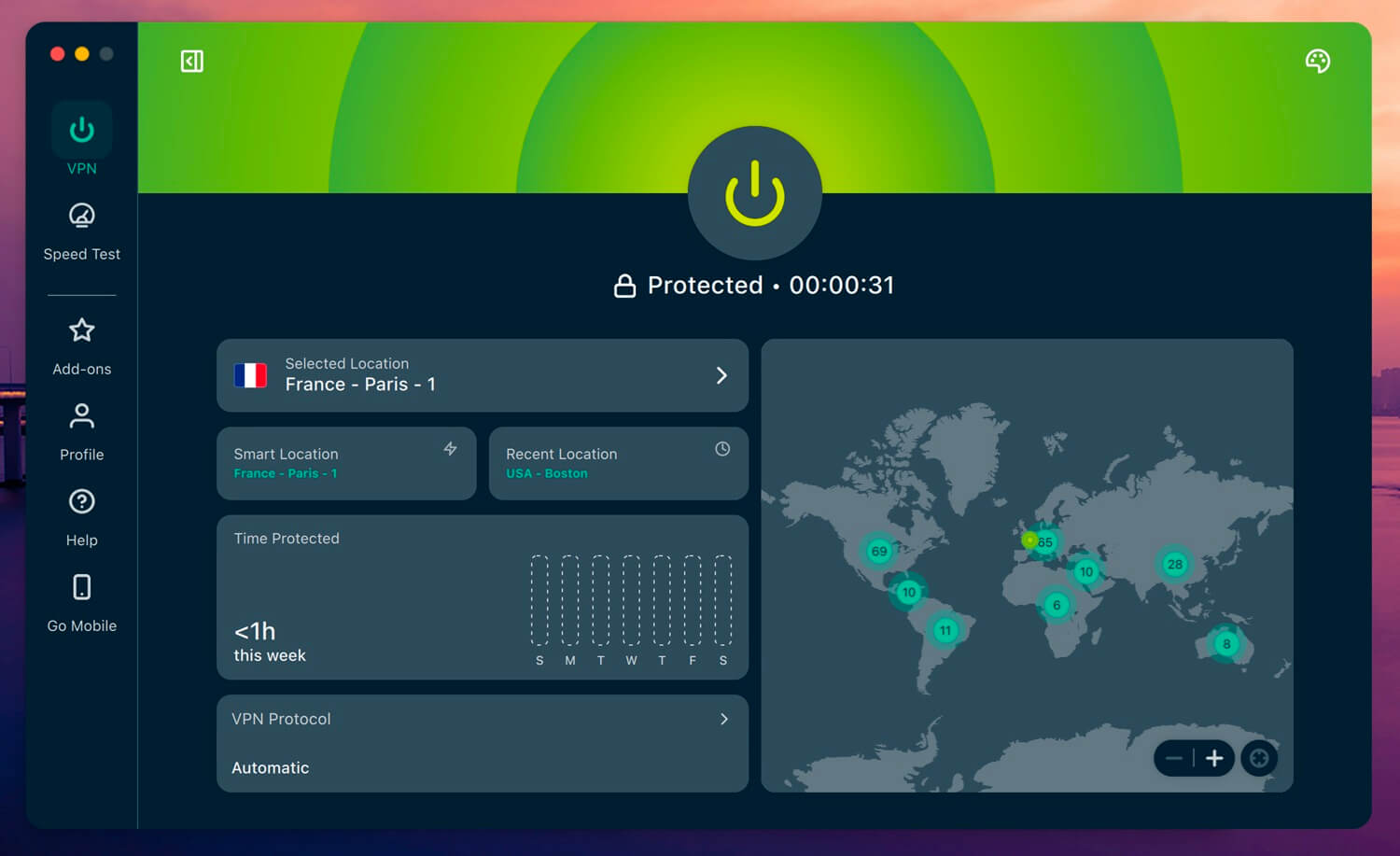
If you want speed and stability while watching FOX Sports, FOX One, or FOX Nation in the UK, ExpressVPN delivers, and does it with zero drama. In our tests, it launched FOX streams faster than most and maintained high video quality without hiccups, even during primetime and busy internet hours.
Pros
- Beginner-friendly apps
- Fast speeds, low latency
- Works on Smart TV
- Blocks trackers and ads
Con
- Lacks some advanced features
Reliable US Server Network Built for Streaming: ExpressVPN has high-speed servers in over 62+ US cities, including Los Angeles, Dallas, New York, and Washington DC, which worked with FOX’s suite of apps. Whether we used the browser VPN or iOS and Android apps, geo-blocks were gone instantly.
Lightway Protocol Means Consistently Low Ping: We switched over to ExpressVPN’s Lightway protocol during testing. FOX Sports streams didn’t stutter, even during live NBA playoff coverage. That lower latency makes a real difference in live broadcasts, where even a few seconds can ruin the vibe.
Apps That Work Everywhere: From smart TVs to mobile devices to Apple TV (with a top-rated VPN app specifically for Apple TV), ExpressVPN’s app support is superb. There was no need for SmartDNS. We installed the native Apple TV app in seconds and had FOX News streaming live in under a minute. It’s one of the easiest setups we’ve tested on a streaming box.
Price: At just $3.19/month for the long-term plans, you’re paying for pure reliability and ease. The 30-day money-back guarantee still applies, and we got a full refund in under 5 minutes when we tested it.
3. Private Internet Access: Cheap VPN for FOX Sports in the UK
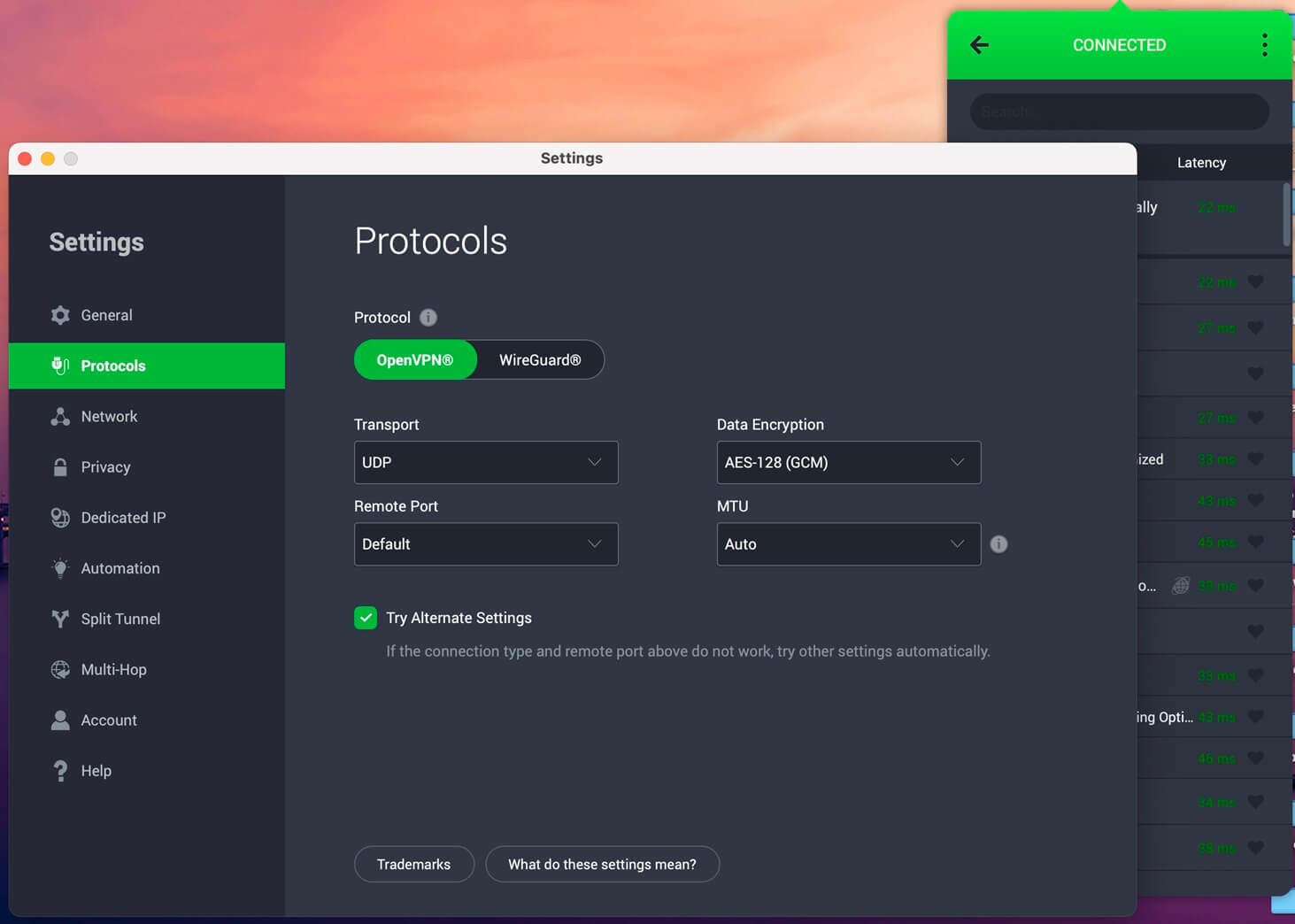
If you’re after a wallet-friendly VPN that doesn’t cut corners, check PIA VPN out. It’s the only good VPN that offers servers in all 50 US states, a huge win for watching FOX in UK and streaming everything you want.
Pros
- Affordable VPN for FOX
- Unlimited devices
- Servers in all states
- WireGuard (stable speeds)
Cons
- Dated interface
- Occasional slowdowns
Try Private Internet Access Now
Access Every Local FOX Affiliate: Private Internet Access VPN’s massive US footprint means you’re not limited to New York or Los Angeles. Want to stream your local FOX Sports affiliate or catch a regional FOX broadcast? PIA has a server in your state, giving you access to local news, sports, and regional programming you won’t find elsewhere. That makes it one of the best VPNs for states like Nevada, for example.
Streaming-Ready Speeds and No Data Caps: Despite being a budget pick, PIA held its own in testing. FOX One and FOX Sports loaded quickly, and streams ran cleanly at 1080p with no buffering. We ran Private Internet Access on both Android TV and macOS with WireGuard, and even under moderate throttling conditions, it never dipped below 85% of our base speed.
Customizable App, But With a Learning Curve: PIA gives you a ton of control, from encryption levels to custom DNS and port forwarding. But beginners might find the settings overwhelming. The best part is that you can just pick a US server, hit connect, and stream FOX within seconds. It works out of the box, even if you don’t touch the extras.
Price: Easily one of the most affordable VPNs at just $2.2/month on long-term plans. You also get a 30-day money-back guarantee, so it’s risk-free.
Conclusion
FOX might lock its doors to international viewers, but that doesn’t mean you’re stuck on the outside. With the right VPN, you can stream FOX Sports in the UK or unblock FOX One for full access to all of this channel’s diverse content. I tested 15 VPNs for this purpose, but NordVPN stood out as the top performer. With its vast US server network, it unblocks US TV channels and is fast for FHD to UHD streaming.
Frequently Asked Questions
🗺️ How to access FOX Nation in UK?
You can't access FOX Nation in the UK unless you use a VPN. FOX Nation is blocked for all viewers except those in the USA. Get NordVPN, connect to a US Server, and sign up for a subscription. It's the only way to make FOX Nation streaming work in the UK, provided you have a US payment method.
🏀 How to watch FOX Sports in UK?
You need a VPN to watch FOX Sports in the UK. Like other FOX channels, it works in the USA and is blocked in the United Kingdom. With a VPN, like NordVPN, you can unblock it and access its content anywhere. It's also how you can watch fuboTV and other US-based sports-streaming platforms.
📰 Is FOX News banned in the UK?
No, it's not, but it doesn't broadcast in the UK due to licensing agreements and persistent geo-restrictions. You can stream FOX News in the UK with a VPN, which connects you to a US server and changes your online location.