
The Roku Channel is free for American viewers. Ads pay for it, and in return it streams tens of thousands of movies and shows plus hundreds of live channels. It doesn’t even require a Roku player. The limit is licensing. Roku doesn’t own most of what it streams, and the studios license the full catalog for the US only.
So once you travel or move abroad, the same account suddenly shows a fraction of the library or a region error. Unblocking The Roku Channel requires a US IP address. How you get one depends on whether you’re watching on a phone, a laptop, or an actual Roku player.
Unblock The Roku Channel in Four Steps
- Subscribe to NordVPN or another VPN with US servers, such as Proton VPN or ExpressVPN.
- Install the VPN app on your phone, computer, or router.
- Connect to a server in the US. Any American city works for The Roku Channel.
- Open The Roku Channel, sign in with a free Roku account, and choose something to watch.
Where The Roku Channel Works, and Why It’s Blocked Abroad
Open The Roku Channel from the wrong country, and you’ll see this:

Strictly speaking, the service isn’t US-only anymore. Smaller versions are available in Canada, the UK, and Mexico, each with its own catalog.
However, the full library, the live channel guide, and every premium subscription remain limited to the United States, because the rights holders decide where each title can be shown. The Roku Channel reads your location from your IP address.
As a result, your Roku account doesn’t help abroad, while a US IP address brings the American version back. Your account, your password, and your watch history remain the same. Only the country the service detects changes.
How to Unblock The Roku Channel Abroad
We don’t condone accessing geo-restricted content with a VPN. The Roku Channel is region-locked because of licensing, and bypassing that lock breaks Roku’s terms of use. This guide explains the method viewers abroad use.
On a phone, a tablet, or a computer, the method takes a few minutes. First, subscribe to a VPN with servers in the US. NordVPN is a popular choice for American servers, with locations in 55 US cities. Then install its app, sign in, and connect to any US server.
After that, open therokuchannel.roku.com in your browser or start The Roku Channel app, and sign in or create a free account.
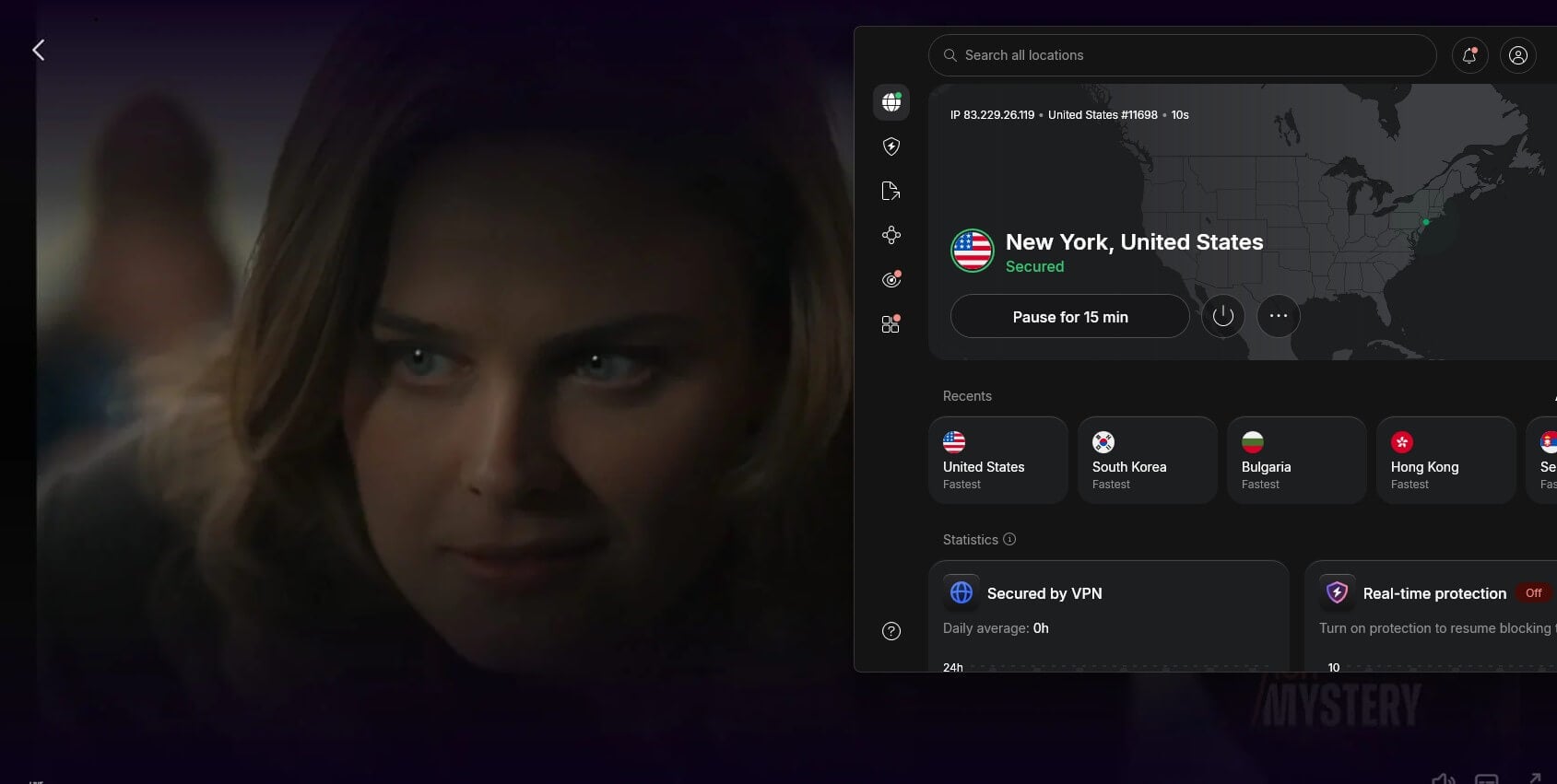
The service now treats you as a US viewer. If it still shows a region error, the site has stored your old location in its cookies. Clear them or use a private window, then reload the page.
On a Roku Player or Roku TV
On Roku devices, the setup is harder. Roku OS doesn’t support VPN apps, and it has no setting for custom DNS servers either. So the VPN goes one step upstream, between the Roku and the internet. There are three ways to do it:
- On the router: install the VPN on a compatible router and connect it to a US server, so the Roku and every other device at home use it.
- Through a laptop hotspot: share a Windows laptop’s VPN connection over Wi-Fi, and connect the Roku to that hotspot.
- With Smart DNS: NordVPN’s SmartDNS and ExpressVPN’s MediaStreamer change the location streaming services detect. On a Roku, they’re set on the router, and they don’t encrypt traffic.
Also, a Roku registered outside the US follows that country’s Channel Store. Its version of The Roku Channel may not match the American one.
In that case, the browser or mobile app on a VPN is the simpler way to watch. Our guide to the best VPNs for Roku covers each setup in detail.
VPNs That Work With The Roku Channel
A server in the US is the only technical requirement, so most reputable VPNs work. These three combine wide US coverage with apps that make the switch simple.
1. NordVPN: Best VPN for The Roku Channel
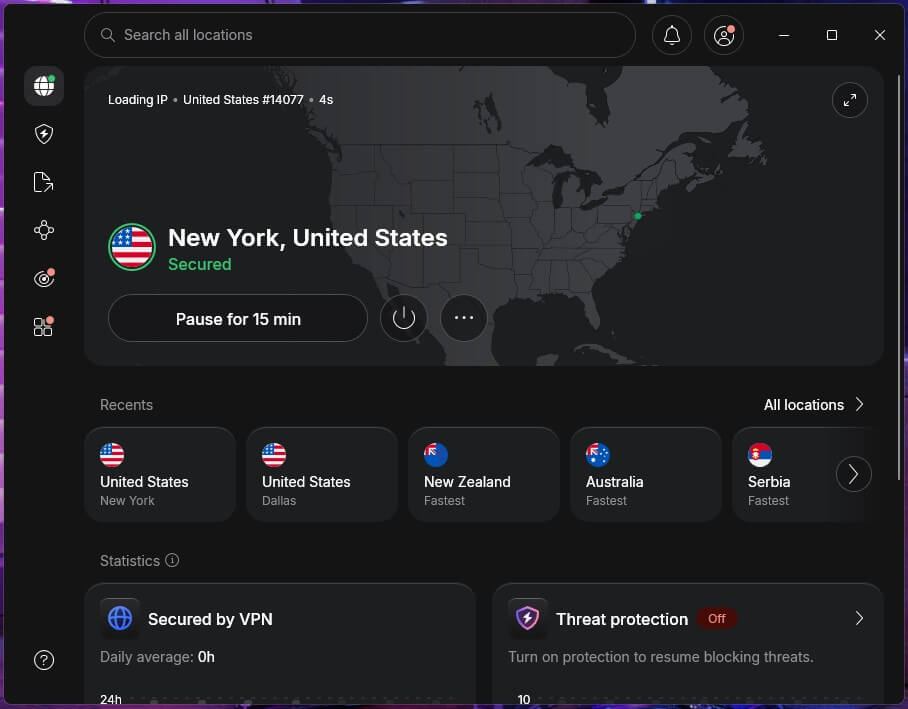
NordVPN has servers in 55 American cities covering every state, so finding a working US IP address takes one click, and switching to another one takes another. Its US servers were also the fastest in our speed tests, with a 4.7% speed loss. For Roku players, SmartDNS adds a router option that doesn’t require a full VPN setup.
On top of that, its no-logs policy has been independently audited several times. NordVPN’s Basic plan comes to about $3.50 a month if you pay for two years, and it covers 10 devices.
2. Proton VPN: Best for Privacy While Streaming
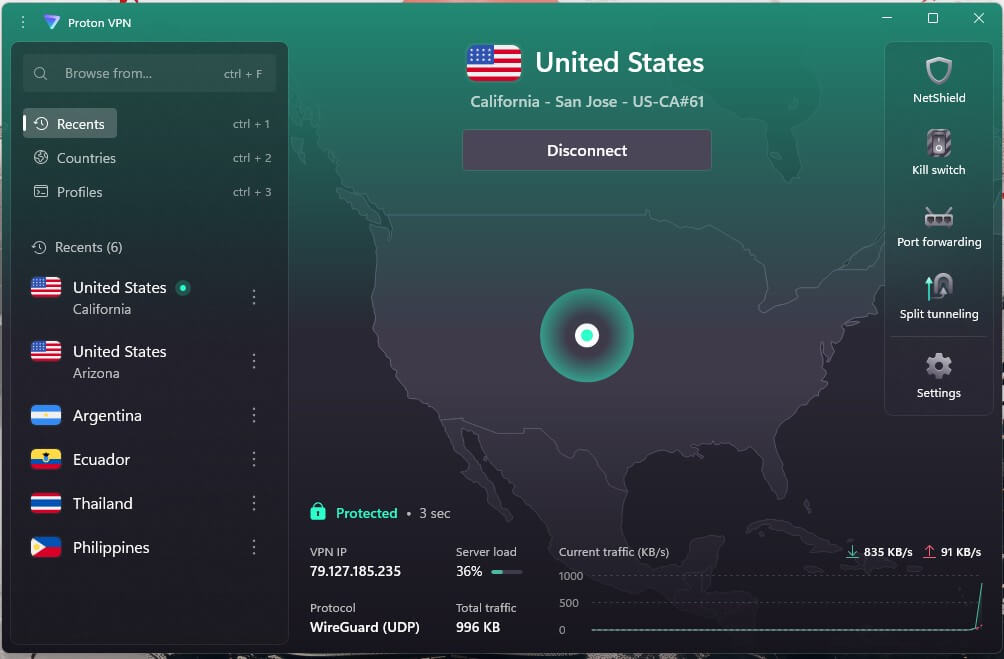
Proton VPN lists its American servers by state, with 18 states plus Washington, DC. Every server on the VPN Plus plan supports streaming, so there’s no special category to find. On its US servers, it recorded an 8.8% speed loss, enough for HD and 4K streams.
Proton VPN has no Smart DNS, however, so a Roku player requires a router install or a shared connection from a computer. VPN Plus is about $3 a month on Proton VPN’s two-year plan, and a 30-day money-back guarantee comes with it.
3. ExpressVPN: Best for Simple Apps
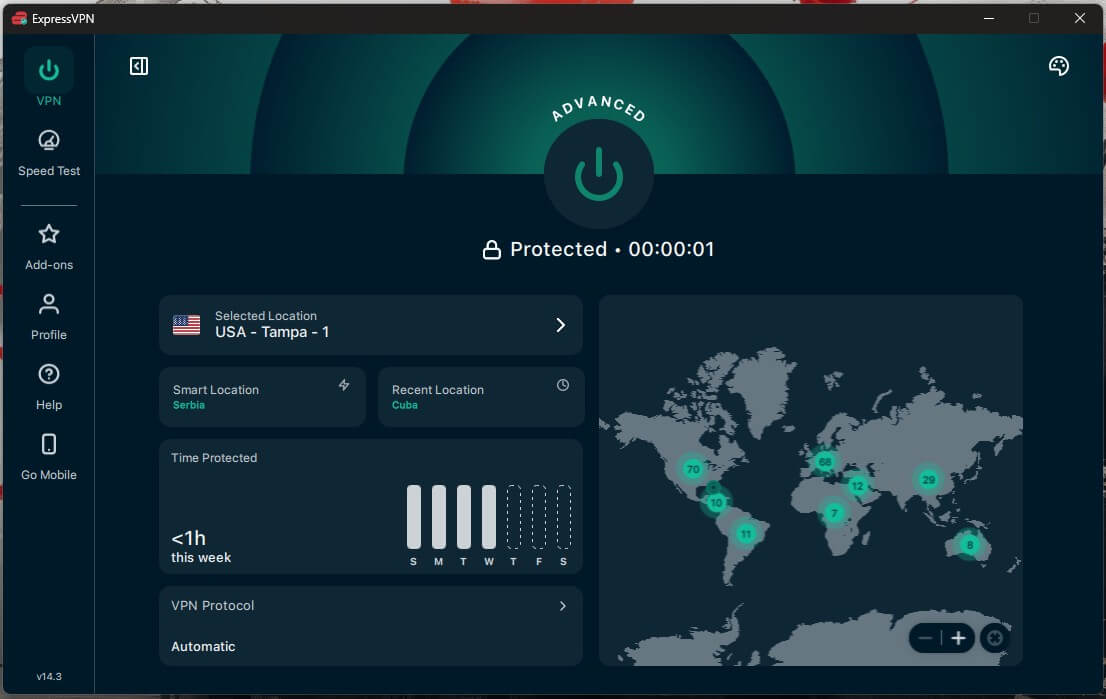
ExpressVPN has 63 US server locations, and its apps connect in a second or two, which keeps the setup simple for beginners. Its MediaStreamer feature, a Smart DNS service, covers Roku players through the router.
In our speed tests, it lost 7% of its speed on US servers. ExpressVPN’s Basic plan starts at about $3 a month over two years and covers 10 devices.
Is The Roku Channel Free Abroad? Sign-Up and Premium Subscriptions
Yes, the main service is free, the same as Pluto TV, which you can watch abroad with the same method. Both are ad-supported, so creating an account only requires an email address and a password.
The Roku Channel also sells Premium Subscriptions, which are paid services billed through your Roku account. The main ones are:
- Paramount+ Essential: about $9 a month, with ads, CBS shows, 24/7 news, and NFL games on CBS.
- Paramount+ Premium: about $14 a month, with no ads, on-demand, the Showtime library, your local CBS station, and 4K where available.
- FOX One: about $20 a month, with FOX News, FOX Sports, and FOX entertainment shows.
- Others: Discovery+, MGM+, Starz, AMC+, Shudder, Acorn TV, and ViX Premium.
These subscriptions require a US payment method, such as a US credit card or a PayPal account linked to one. A VPN changes your location, but it can’t change your card’s country. Without one, you’re limited to the free service, which is still where most of the value is.
What to Watch on The Roku Channel in 2026
Once you’re connected, the American catalog becomes available: tens of thousands of free movies and shows, a live TV guide with hundreds of channels, and Roku Originals produced for the service. The movie selection changes every month.

Sports are a growing part of the catalog. The Roku Sports Channel has carried free events such as MLB’s Sunday Leadoff games, along with sports talk shows, and the live guide adds dedicated channels for leagues and sports news.
The Roku Channel has also been a place to watch Miss Universe live in the US.
Can a Free VPN Unblock The Roku Channel?
Sometimes, but free plans limit streaming quickly. Proton VPN’s free plan assigns you a server, so there’s no guarantee it’ll be in the US. Windscribe and PrivadoVPN let free users choose a US server, but they cap data at 10 GB a month.
In our experience, that’s only about five hours of HD video. For that reason, a paid VPN is the more practical choice, as it is for streaming sports with a VPN. NordVPN’s 30-day money-back guarantee also covers a short trip, as long as you request the refund in time.
Conclusion
Unblocking The Roku Channel abroad takes only a US IP address. Connect to an American server, open the website or app, and sign in with your free Roku account. The full catalog and the live guide then load as they do in the US.
Most trouble comes from Roku hardware. If your Roku player won’t cooperate, try watching in a browser or on your phone first, then move the VPN to your router once you know the method works. NordVPN covers every option, from its apps to SmartDNS.
Frequently Asked Questions
Is The Roku Channel available outside the US?
Yes, partly. Canada, the UK, and Mexico have their own versions with smaller catalogs. Elsewhere, The Roku Channel shows a region error, and the full American library and premium subscriptions are US-only.
Is it legal to watch The Roku Channel with a VPN?
Yes, using a VPN is legal in most countries. However, bypassing The Roku Channel's region lock goes against Roku's rules, and the usual consequence is a blocked stream.
Do you need a Roku device to watch The Roku Channel?
No. The Roku Channel works in web browsers, in the Roku mobile app on iPhone and Android, and on Fire TV, Google TV, and Samsung TVs, with a free Roku account.
Why does The Roku Channel still show an error with a VPN on?
The site often stores the previous location in cookies or detects a server it has blocked. Clearing cookies, opening a private window, or connecting to another US server usually fixes the error.
Can you buy Roku Channel premium subscriptions from abroad?
Only with a US payment method. Premium Subscriptions such as Paramount+ are billed through a Roku account, which accepts American cards and US PayPal accounts.