Roku OS supports no VPN app and won’t let you change DNS on the device. Everything happens upstream, on the router or on a computer sharing its connection, and that’s true of every service sold as a Roku VPN. A second limit catches people out after they’ve paid. A VPN changes the library inside apps already installed on your Roku, so Netflix serves a different catalog and BBC iPlayer starts working.
It cannot add a channel your account’s region doesn’t stock. Roku ties the Channel Store to the country the account was created in. A VPN from another country won’t unlock a foreign channel. NordVPN is the best VPN for Roku because SmartPlay removes the setup step the others leave you with. We tested it and 4 rival streaming VPNs on a Roku Ultra across all 4 methods.
Best VPN for Roku in October 2026
- NordVPN: SmartPlay works with no setup
- Proton VPN: largest network, streaming on every server
- ExpressVPN: MediaStreamer plus its own routers
- Private Internet Access: cheapest with Smart DNS
- Surfshark: unlimited devices, router only
What a VPN Changes on Roku, and What It Doesn’t
A VPN changes what plays inside an app you already have. Netflix, Prime Video, Disney+ and BBC iPlayer all read the IP address your Roku connects from. Point it at the UK and ITVX opens alongside iPlayer; point it at the US and Netflix serves the American catalog. This is the case for most people, and it works.
A VPN doesn’t change your Channel Store. Roku decides which channels you can install from the country your account was created in. Your connection point makes no difference. A UK account browsing through a US server still sees the UK store, with no Hulu and no Peacock in it.
Adding a channel from another region means creating a second Roku account while connected to that country, then factory resetting the device to link it. Roku’s terms also forbid accessing content from other regions.
Best VPN for Roku Compared
| NordVPN | Proton VPN | ExpressVPN | PIA VPN | Surfshark | |
| Smart DNS | Yes, SmartPlay | No | Yes, MediaStreamer | Yes | Discontinued |
| Pre-flashed routers | Yes | Vilfo | Aircove | Yes | No |
| Setup methods | All 4 | 3 of 4 | All 4 | All 4 | 3 of 4 |
| Servers | 9,500+ in 149 countries | 20,000+ in 148 | 3,000+ in 113 | 26,000+ in 91 | 4,500+ in 100 |
| Download: 190 Mbps base | 182.47 Mbps | 181.11 Mbps | 177.92 Mbps | 169.38 Mbps | 174.05 Mbps |
| Devices | 10 | 10 | 10 to 14 | Unlimited | Unlimited |
| Cost of a term | $94.23 / 27 months | $71.76 / 2 years | $83.72 / 28 months | $56.94 / 26 months | $67.23 / 27 months |
All 5 stayed within 11% of a 190.36 Mbps baseline, tested on a computer with the protocol left on Automatic. NordVPN gave up the least at 182.47 Mbps and PIA the most at 169.38 Mbps, a spread of 13 Mbps across the whole list. Those numbers come from a computer, and a Roku setup behaves differently.
On a Roku setup, the router does the encryption, and its processor sets a lower ceiling than any figure here. 4K requires 15 to 25 Mbps depending on the service, so all 5 clear it with room to spare even after the router takes its cut.
Four Ways to Get a VPN Onto a Roku
Smart DNS, With no VPN Involved
Smart DNS reroutes the location lookup and leaves the rest of your traffic alone. It costs no speed and requires no router firmware. It also encrypts nothing, so treat it as an unblocking tool. The Roku itself won’t accept DNS addresses, so they go into the router. Sign in to the router’s admin screen, find DNS entries, and replace them with two addresses from your VPN account dashboard.
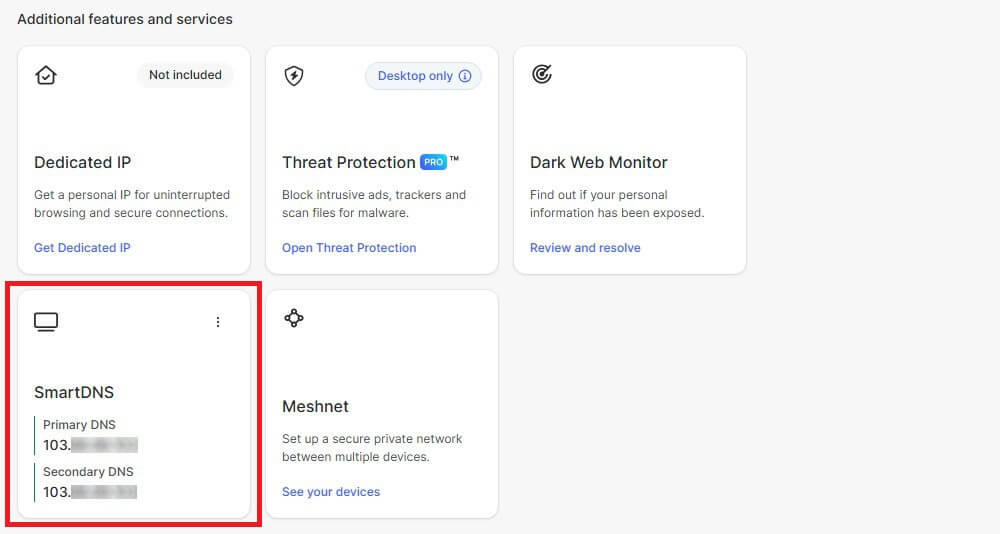
Most services want your home IP address registered first, which is a form on their site. On our Roku Ultra this was the quickest method by a distance. NordVPN’s SmartPlay applies the same idea automatically once the VPN connects. Our explainer on Smart DNS covers the mechanism.
VPN on the Router
This covers the Roku and everything else on the network, with encryption. The catch is that most routers supplied by an ISP won’t run a VPN client. Open the router at 192.168.1.1 or 192.168.0.1 and find its VPN Client screen. Upload the config file from your VPN account. If there’s no such section, the router requires third-party firmware such as DD-WRT or Tomato, and flashing can leave the hardware unusable.
Our router VPN guide covers which hardware takes it. Buying a router with the VPN preloaded avoids that. NordVPN and PIA both partner with sellers who ship them, and ExpressVPN sells Aircove.
Shared Connection From a Computer
Windows and macOS can broadcast a hotspot that a Roku joins like any other network. Nothing gets flashed and nothing is at risk. On Windows: connect the VPN, open Settings, Network & internet, Mobile hotspot and switch it on. Under Advanced network settings, open the properties of the VPN’s network adapter.
On the Sharing tab, allow other users to connect through it and pick the hotspot connection underneath. On the Roku, go to Settings, Network, Set up connection, Wireless, and join the hotspot. The computer has to stay awake and connected the whole time, which suits a hotel room while traveling more than a living room.
Casting From a Phone
An Android phone connected to a VPN can mirror its screen to the Roku, taking the VPN’s location. Picture quality depends on the phone and the wifi, so treat it as a fallback, though it alone works without router access.
Best VPN for Roku: 5 Tested and Analyzed
1. NordVPN: SmartPlay Requires No Setup
Pros
- SmartPlay on every plan
- Separate Smart DNS addresses
- Pre-flashed routers sold
- 9,500+ servers
- All 50 US states
Cons
- Second term costs more
- Busy interface
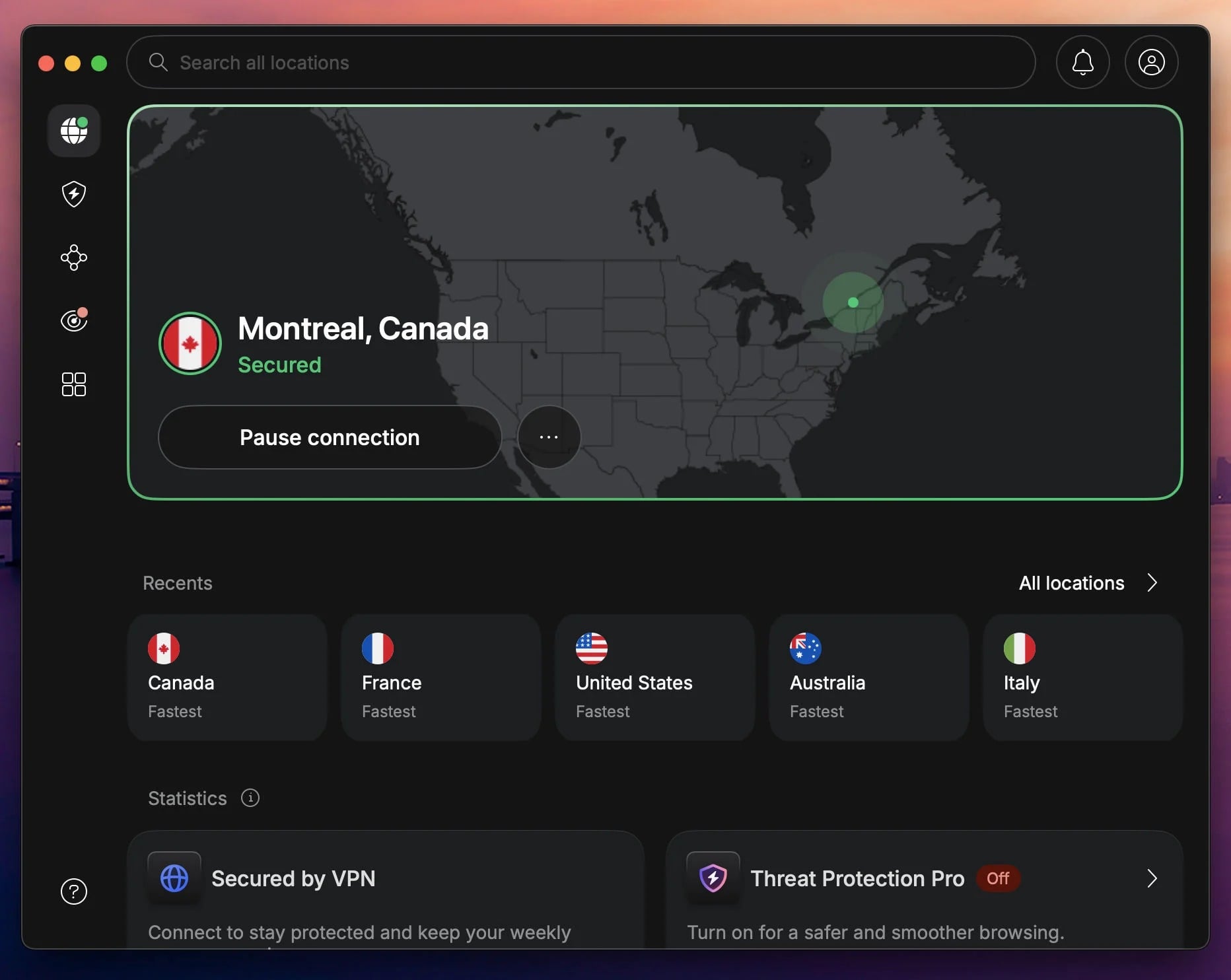
SmartPlay is why it leads. It’s a DNS layer built into every NordVPN connection, so once the router is connected, the streaming lookups get handled without a separate Smart DNS setup. Nothing to register, nothing to configure, and it applied on our Roku Ultra with no steps beyond connecting. Separate Smart DNS addresses are available too, for unblocking without the encryption.
Between those and the pre-flashed routers NordVPN partners on, it’s the only service here comfortable with all four methods. The network is 9,500+ servers in 149 countries with US coverage in every state, useful when a streaming platform blocks one address. Threat Protection Pro filters ads and malicious domains for every device behind the router, and it was steady on YouTube TV and US channels abroad.
Six separate audits stand behind the no-logs policy. Basic is $3.49 a month, $94.23 over 27 months, fully refundable within 30 days.
2. Proton VPN: Largest Network for Roku Streaming
Pros
- 20,000+ servers
- Streaming across the network
- VPN Accelerator
- Open-source clients
- Free-plan router configs
Cons
- No Smart DNS
- Free tier blocks streaming
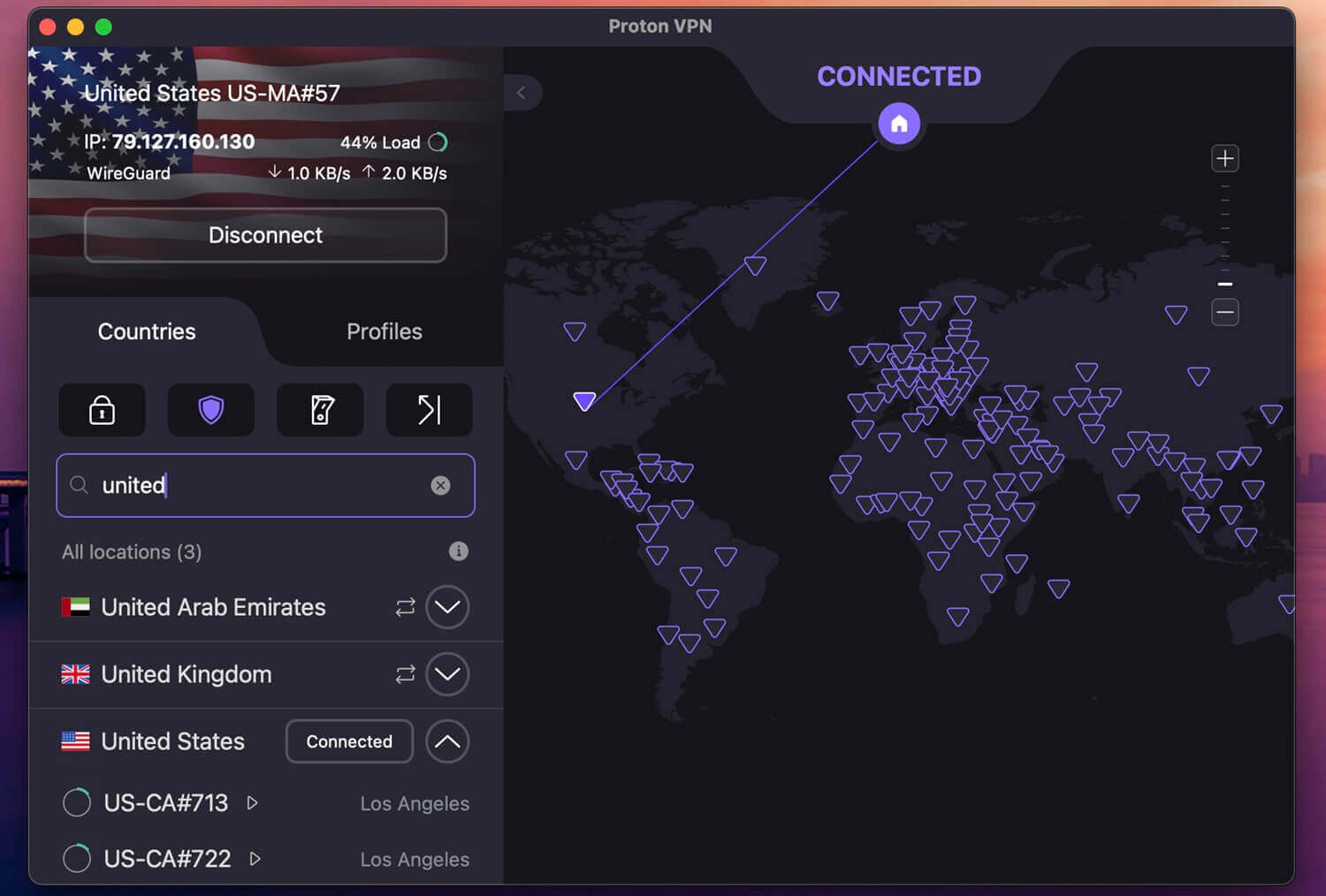
Plus buys the biggest network here, 20,000+ servers across 148 countries, and streaming works on all of them. Pick a country, and it plays, with no special server category to find. VPN Accelerator recovers speed on long connections, the demand a US feed watched from Europe places on a router. Smart DNS is the gap, and Proton VPN doesn’t have it. That leaves the router or a shared connection from a PC.
Every client is published for inspection, with a Securitum audit each year. Plus costs $2.99 monthly on the 2-year term. The free plan is worth a line for a different reason. It’s the only one publishing router configuration files at no cost, and the router counts as one connection regardless of how many devices use it. Streaming access stays paid, so a free setup protects the household without opening Netflix or iPlayer.
3. ExpressVPN: MediaStreamer and Its Own Routers
Pros
- MediaStreamer Smart DNS
- Aircove sold directly
- Browser-based router app
- Obfuscation always applied
Cons
- Priciest of the 5
- Aircove costs extra
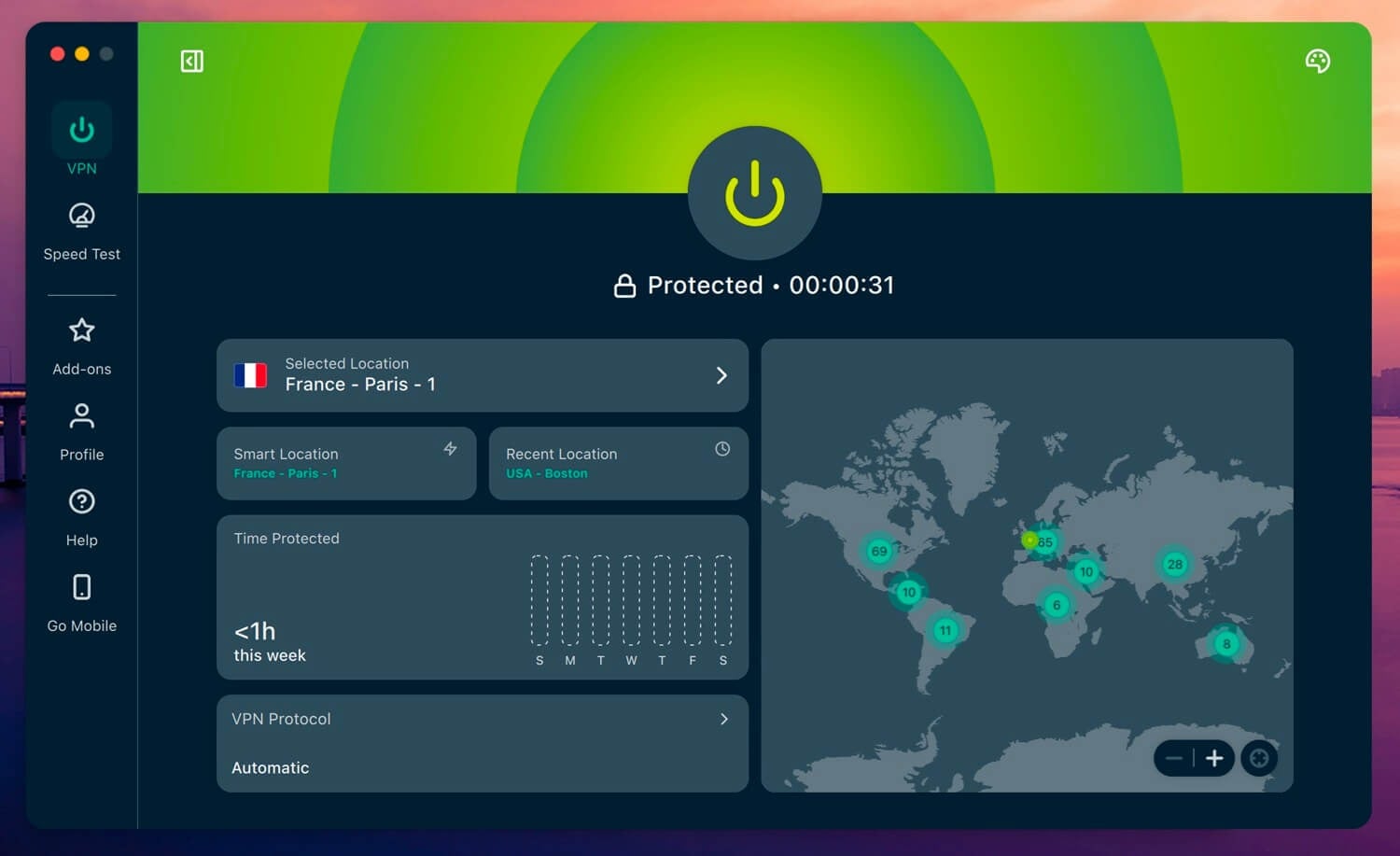
MediaStreamer is ExpressVPN’s Smart DNS, included with every subscription and set up by registering your home IP address and pasting two addresses into the router. It handled our Roku Ultra in a couple of minutes. Aircove is the second option, and no rival sells its own hardware. It’s a Wi-Fi 6 router with ExpressVPN preloaded and a browser dashboard.
Device groups let the Roku use one country while a laptop uses another. That solves the awkward part of router VPNs, where the whole house moves at once. The network covers 214 locations across 113 countries, obfuscation applies to every connection with nothing to switch on, and KPMG signed off the logging policy in 2025. Basic comes to $83.72 for the 28-month term.
4. Private Internet Access: Cheapest With Smart DNS
Pros
- Smart DNS included
- Unlimited connections
- Adjustable encryption
- 26,000+ servers
Cons
- Dated desktop interface
- Speeds vary by server
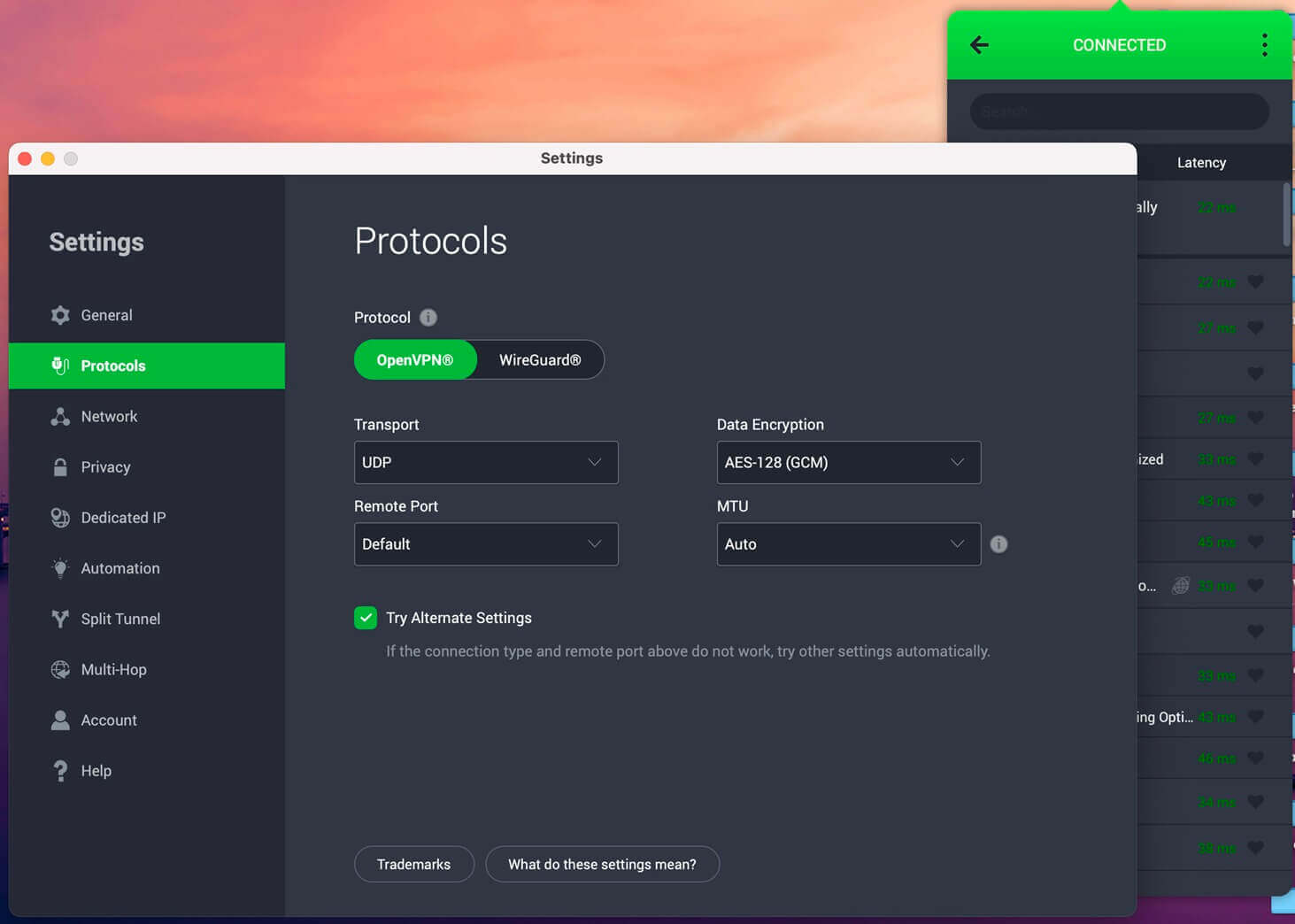
PIA costs the least of the services with Smart DNS, at $2.19 a month, $56.94 over the term, and appears on our cheapest VPN list too. That combination is unusual: the cheap options normally drop Smart DNS first. Encryption strength is adjustable between AES-256 and AES-128, which recovers speed a router loses to encryption. That makes a difference on a Roku streaming 4K through a mid-range router.
The network spans 26,000+ servers in 91 countries with dedicated streaming locations. There’s no ceiling on simultaneous devices, so a household can cover every screen alongside the router. The desktop app looks its age, and speeds vary more than the others, which shows on distant servers more than nearby ones. Deloitte has audited the no-logs policy.
5. Surfshark: Unlimited Devices, Router Only
Pros
- No device ceiling
- 30+ Netflix catalogs
- CleanWeb filtering
- Cheapest with unlimited devices
Cons
- Smart DNS discontinued
- Slow to connect
Surfshark opens over 30 Netflix catalogs, more than any rival, and it puts no limit on connected devices. For a household with a Roku plus phones, tablets and a console, one subscription covers all of it. The Roku-specific problem is Smart DNS. Surfshark discontinued the feature, which removes the quickest way onto the device and leaves the router or a shared computer connection.
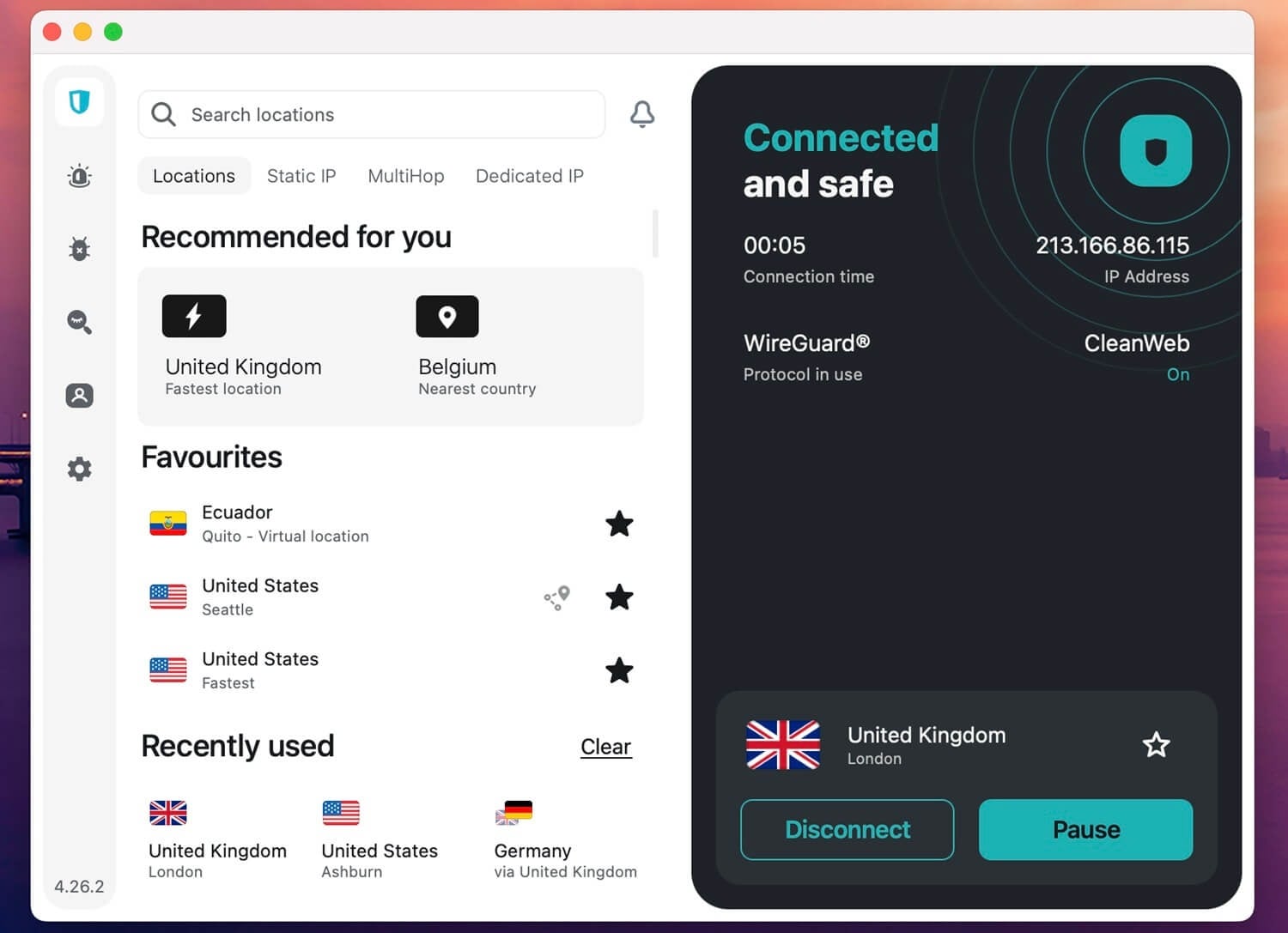
If your router won’t take a VPN client, that’s a reason to pick something else. Where it does work, it works well. 4,500+ servers in 100 countries, CleanWeb filtering ads and malicious domains network-wide, and Camouflage Mode for networks that filter VPN traffic. We also used it to watch SBS outside Australia. A 27-month Starter term totals $67.23, near $2.49 monthly.
Roku Not Working With a VPN? 5 Fixes
- A missing channel and a blocked one differ. An app that won’t install is a Channel Store problem, and no VPN setting changes it
- Restart the Roku after connecting. It caches the network state at boot, so a VPN switched on afterwards often requires a restart before apps notice
- Check the router is actually routing. Load an IP checker on a phone joined to the same network. If it shows your own country, the router isn’t passing traffic through the tunnel
- Switch server city. Streaming platforms blocklist individual addresses, so a second city in the same country usually works
- Try Smart DNS instead. Where a VPN connection keeps dropping on an older router, Smart DNS puts far less load on the hardware
Can a Free VPN Work on Roku?
Rarely, for a reason specific to this device. Free plans almost never publish the router configuration files a Roku setup depends on, and none offer Smart DNS. Free VPNs that do allow router configs, Proton VPN’s free tier among them, reserve streaming access for paying subscribers. The connection is protected and Netflix still shows the local catalog. Finally, there’s the annoying data cap. An hour of 1080p costs about 3 GB, so a 10 GB monthly plan covers 3 films.
VPNs to Avoid on Roku
- Hola has no servers of its own, borrowing bandwidth from whoever else is connected, and it once assembled those devices into a botnet for denial-of-service attacks. A router install isn’t possible either.
- Betternet came out of a 2016 CSIRO study with 14 trackers and 13 malware detections in its app, and its terms permit handing data to third parties.
Was the Roku Breach a Reason to Use a VPN?
No. Roku had two security incidents in 2024, affecting 15,000 accounts and then 576,000. Both were credential stuffing, where attackers reuse passwords stolen from unrelated breaches. Roku confirmed its own systems weren’t compromised, and its fix was rolling out 2-factor authentication.
A VPN does nothing against that. Reused passwords are the vulnerability, and a password manager with 2FA is the answer. The case for a VPN on Roku rests on access and on privacy from your ISP, which is why most people run one.
Best VPN for Roku: Verdict
NordVPN is the pick. SmartPlay means the streaming side works once the router is connected, with no Smart DNS registration. Separate DNS addresses are there for unblocking without the tunnel. Proton VPN brings the largest network, with streaming enabled on every paid server and a free plan that covers a router without streaming. ExpressVPN sells Aircove ready to go.
PIA costs the least of the services that keep Smart DNS. Surfshark covers unlimited devices, with the router as its only practical method. Before any of that, check whether the channel you want is in your account’s store. A VPN fixes the library inside apps you have, and it won’t put a new channel in front of you.
Frequently Asked Questions
📥 How do I put a VPN on a Roku?
Through the router, a computer sharing its connection, Smart DNS, or casting from a phone. Roku OS installs no VPN app and blocks DNS changes on the device, so every method works upstream of it.
🔓 Does a VPN unlock new Roku channels?
No. Roku assigns the store at account creation and never re-checks it, so a US connection on a UK account still shows UK channels. Only a fresh account changes it.
✅ Which VPN works best with Roku?
NordVPN. SmartPlay handles streaming lookups on every connection, so no separate Smart DNS registration applies, and it also sells pre-flashed routers for those avoiding manual setup.
🔧 Can Smart DNS replace a VPN on Roku?
Yes, for unblocking alone. The trade is privacy: nothing is encrypted, so an ISP sees every request. Speed is the upside, since no processor has encryption work to do.
🆓 Is a free VPN any good for Roku?
No. Every free plan withholds at least one thing a Roku setup requires, whether that's the configuration files, the streaming access, or enough data to finish a film.
⏳ Does a VPN slow Roku streaming?
Yes, somewhat. The router does the encryption with its own processor, and an older model can cap a connection well under 4K requirements. Smart DNS sidesteps the cost by leaving traffic unencrypted.