
A free VPN looks like the easy answer to a blocked school network, until the free plan meets the network. School WiFi filters often block VPN connections as well as the sites themselves. Meanwhile, most free plans cap your data, allow one device, or choose your server for you.
So a free VPN only helps at school if it can unblock websites on a filtered network and still has data left on Thursday. Five VPNs passed that test, and two of them sell paid plans you can use for free for a month.
Our Top 5 Free VPNs for School
- NordVPN: Best for a Risk-Free Month, free for a month through its money-back guarantee
- Proton VPN: Best Unlimited Free Plan, and obfuscation included at no cost
- Windscribe: Best for Multiple Devices, with no limit on connections
- PrivadoVPN: Fastest Free Plan, close to a paid VPN in our tests
- Hide.me: Best Free Plan With Server Choice, with no data cap
Free School VPNs Compared
Speed loss is the average across UK and US servers for the free plans, and across UK, US, and Japanese servers for NordVPN, which has no free plan. Proton VPN’s free plan assigned us Dutch and US servers, and it blocks manual server selection.
| Free option | Monthly data | Devices | Traffic disguise | Speed loss | |
| NordVPN | 30-day money-back guarantee | Unlimited | 10 | Obfuscated servers | 7.8% |
| Proton VPN | Free plan | Unlimited | 1 | Stealth | 19.3% |
| Windscribe | Free plan | 10 GB with a confirmed email | Unlimited | Stealth and WStunnel | 10.0% |
| PrivadoVPN | Free plan | 10 GB | 1 | Scramble | 9.5% |
| Hide.me | Free plan | Unlimited | 1 | SoftEther (Windows only) | 30.5% |
Best Free VPNs for School WiFi
We tested free plans and money-back offers on speed, data, and traffic disguise. The last one decides whether a VPN connects on a filtered network. These five made the cut.
1. NordVPN: Best Risk-Free VPN for School
Pros
- Free for a month through the refund
- Disguises VPN traffic on filtered networks
- No data limit
- 10 devices on one plan
- Independently audited no-logs policy
Con
- Not free after 30 days
NordVPN isn’t a free VPN, but its 30-day money-back guarantee lets you use the full service for a month and claim a refund if you change your mind. On Android, there’s also a 3-day free trial. It requires a payment card, so cancel before the trial ends if you don’t want to pay.
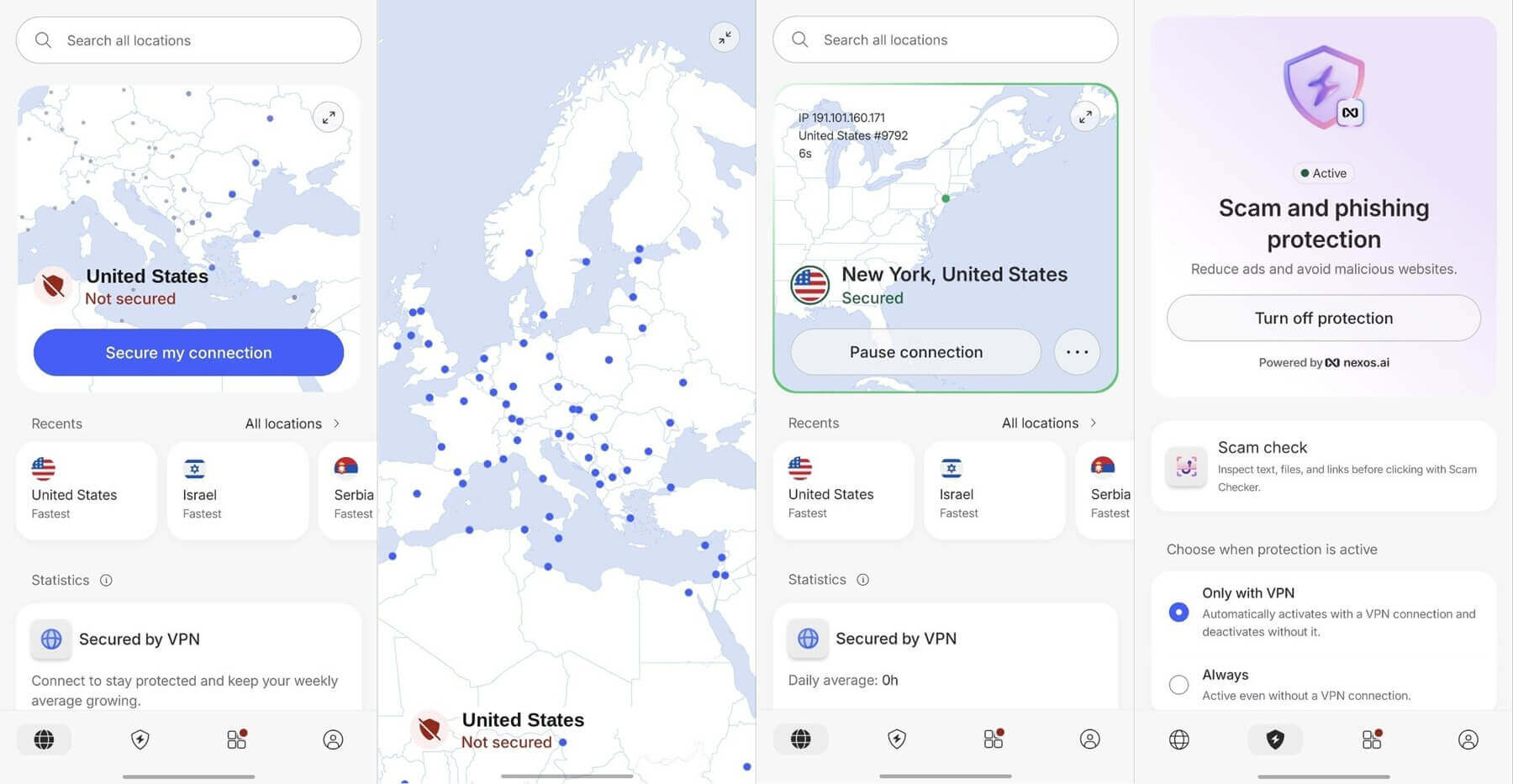
On school WiFi, the obfuscated servers do the important work. They use NordWhisper, NordVPN’s protocol for disguising VPN traffic. A filter that inspects traffic sees ordinary browsing instead of a VPN connection. Open the Obfuscated Servers category in the app and connect, with nothing else to configure.
Unlike most free plans, it doesn’t block streaming. It unblocked Netflix and BBC iPlayer abroad in our tests. The time limit is the downside. After 30 days, you either pay or move to a free plan such as Proton VPN’s.
Keeping it is cheaper than it looks, since a NordVPN coupon brings the Basic plan under $3.50 a month on the two-year plan.
2. Proton VPN: Best Free Plan With Unlimited Data
Pros
- No data limit on the free plan
- Free obfuscation with Stealth
- Guest mode without an account
- Audited no-logs policy
Cons
- Free plan chooses your server
- One device on the free plan
Proton VPN works two ways at school. The paid VPN Plus plan, which our Proton VPN vs NordVPN comparison sets against NordVPN, costs about $3 a month on a two-year plan. Its 30-day money-back guarantee refunds the full amount. Then there’s the free plan, which never expires and has no data cap.
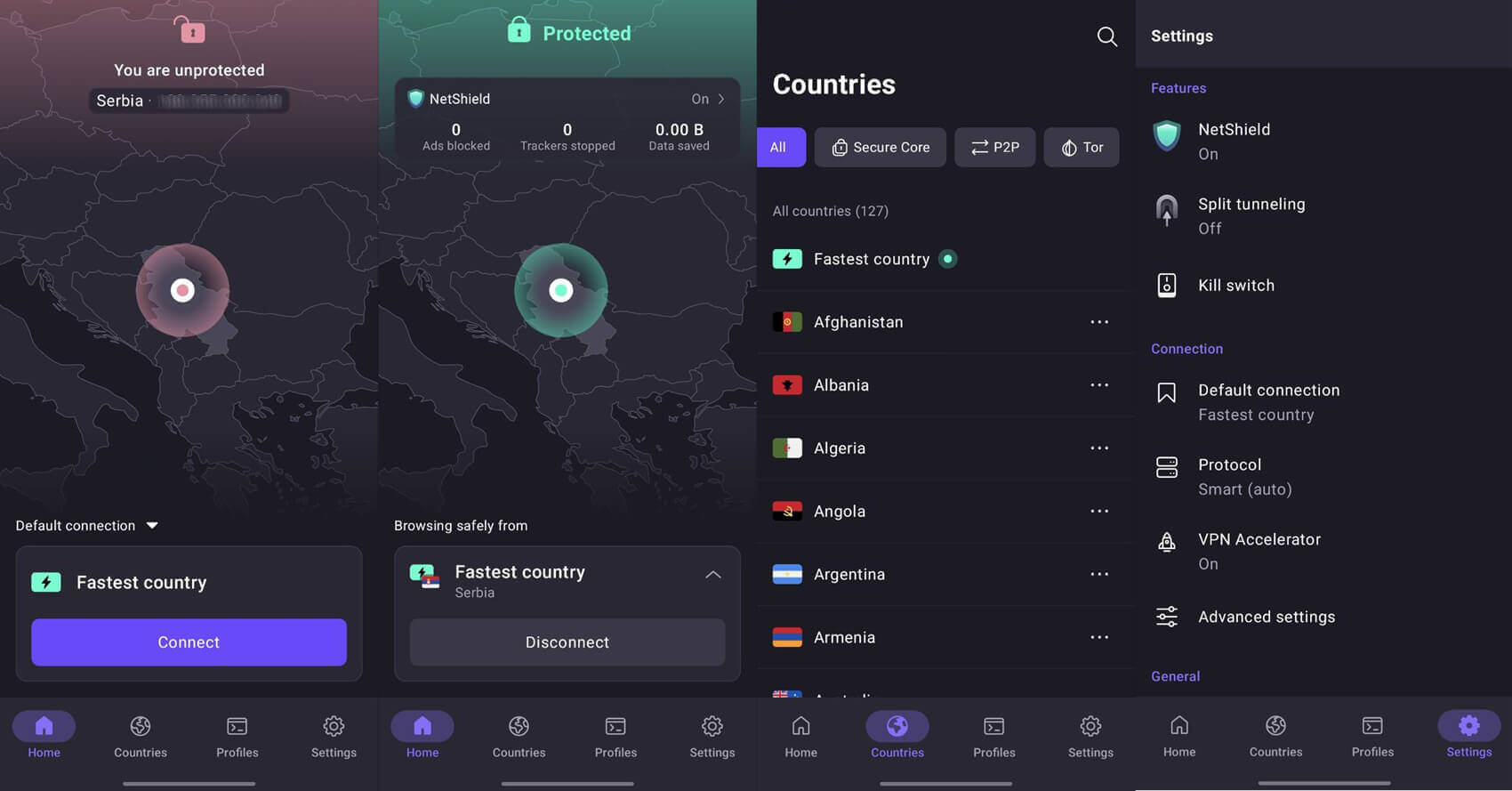
Among the free plans we tested, only Hide.me matched that. For school networks, the useful part is Stealth, Proton VPN’s obfuscation protocol, which comes with the free plan too. Choose Stealth in the app’s protocol settings, and the school filter sees the connection as regular encrypted web traffic.
It also works on phones, and Guest mode lets you connect without creating an account. Still, the free plan has clear limits. It connects you to one of ten countries at random. On top of that, switching servers several times in a row locks you out for 45 minutes.
It also couldn’t unblock Netflix in our tests. So use the free plan for research and browsing, and keep a paid plan in mind for streaming during breaks.
3. Windscribe: Best Free VPN for Several Devices
Pros
- No limit on connected devices
- Stealth and WStunnel on the free plan
- Unblocked Netflix and BBC iPlayer for free
- Independently audited apps and servers
Cons
- Cluttered settings for beginners
- Disconnects when the data runs out
Windscribe is the free VPN to install if you want a laptop, phone, and tablet protected at once, because its free plan sets no device limit. We connected five devices at once without a problem. Its limit is data: 2 GB a month, rising to 10 GB once you confirm an email address. When it runs out, the VPN disconnects until the next month.
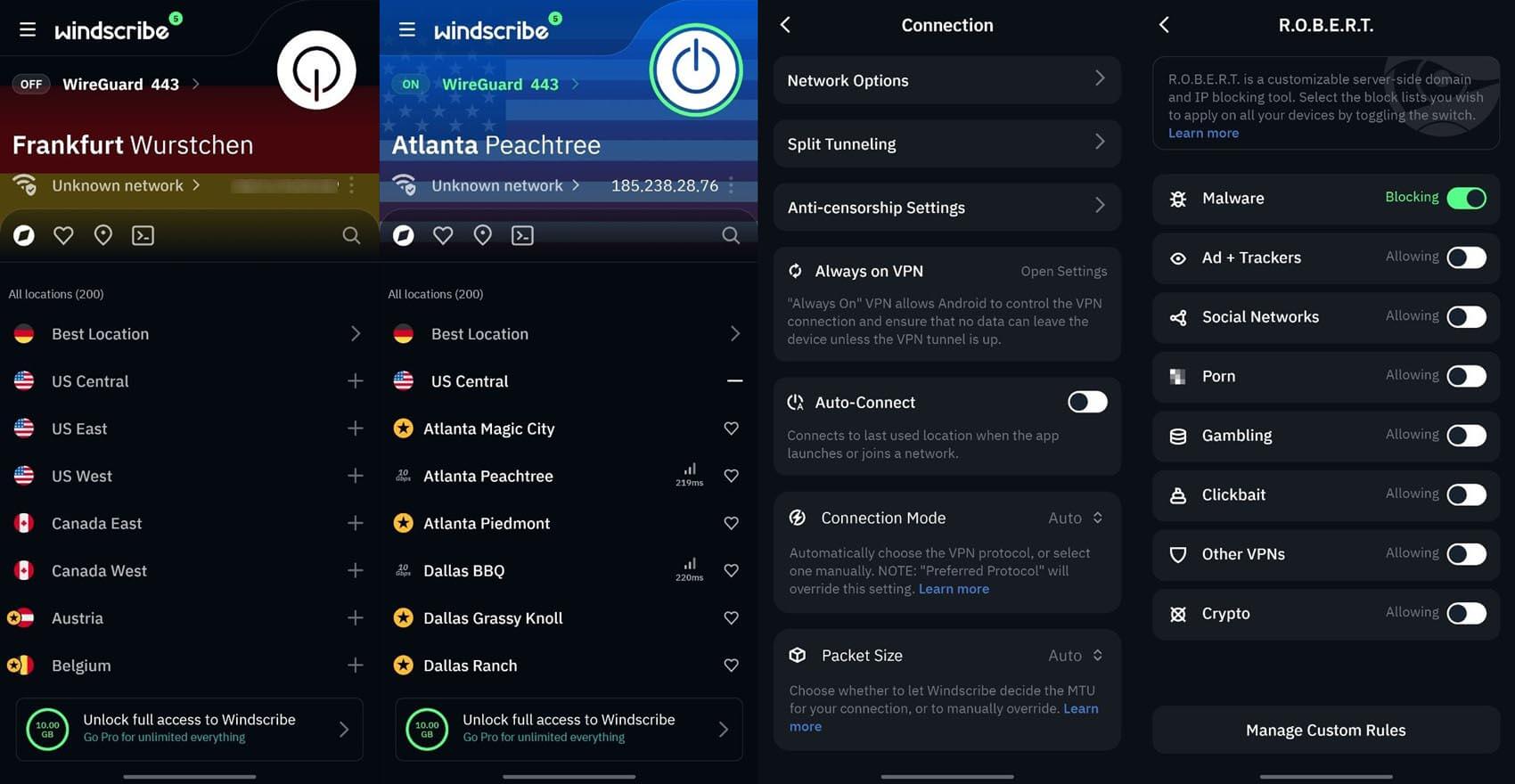
For filtered networks, set the Connection Mode to Manual in the app, then choose Stealth or WStunnel. The two protocols wrap the VPN connection so it looks like ordinary web traffic, and neither costs extra. Speed was another strong point: it lost 10.0% on UK and US servers, about what paid VPNs lose.
Windscribe also unblocked Netflix US and BBC iPlayer on its free servers. However, 10 GB of HD video lasted us about five hours, so streaming eats the month quickly. On the downside, the settings menu is cluttered, so leave everything on the defaults and change only the connection mode.
4. PrivadoVPN: Best for Speed on a Free Plan
Pros
- Fastest free plan we tested
- Keeps working at low speed after the cap
- Scramble disguises VPN traffic
- Unblocked Netflix US for free
Cons
- Allowance must be renewed by hand
- One device at a time
PrivadoVPN’s free plan lost only 9.5% of our speed on UK and US servers, the smallest loss of any free plan we tested. It unblocked BBC iPlayer and Netflix US as well, with almost no stuttering, so a video during lunch is realistic. You choose among 13 free locations in 10 countries. On a school network, Scramble is the setting to know.
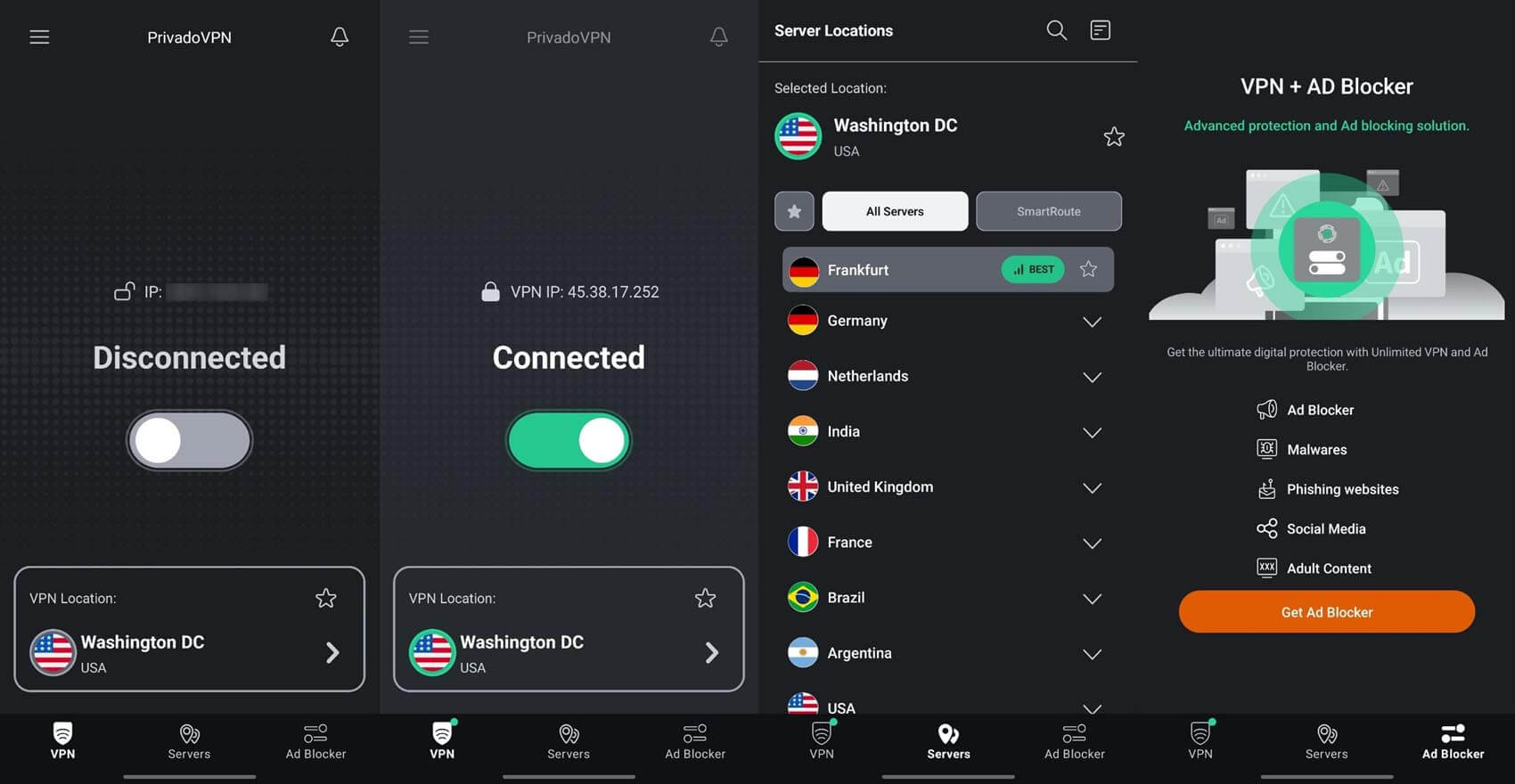
It’s a toggle on the OpenVPN protocol that disguises the connection. On a phone, Protocol Inspection Bypass does the same on WireGuard. PrivadoVPN suggests using it only when WireGuard won’t connect, so try the default first. The free plan includes 10 GB a month.
Once that’s used, PrivadoVPN slows you to 1 Mbps instead of disconnecting, which still covers email and documents. The catch is renewal: the allowance doesn’t reset by itself, so you have to renew it in the app each month. As our PrivadoVPN review explains, the paid plan removes the cap and the one-device limit.
5. Hide.me: Best for Choosing a Free Server
Pros
- No data limit
- Choice of seven free locations
- SoftEther connection on Windows
- Simple app
Cons
- Slowest free plan we tested
- No streaming or torrenting
- One device at a time
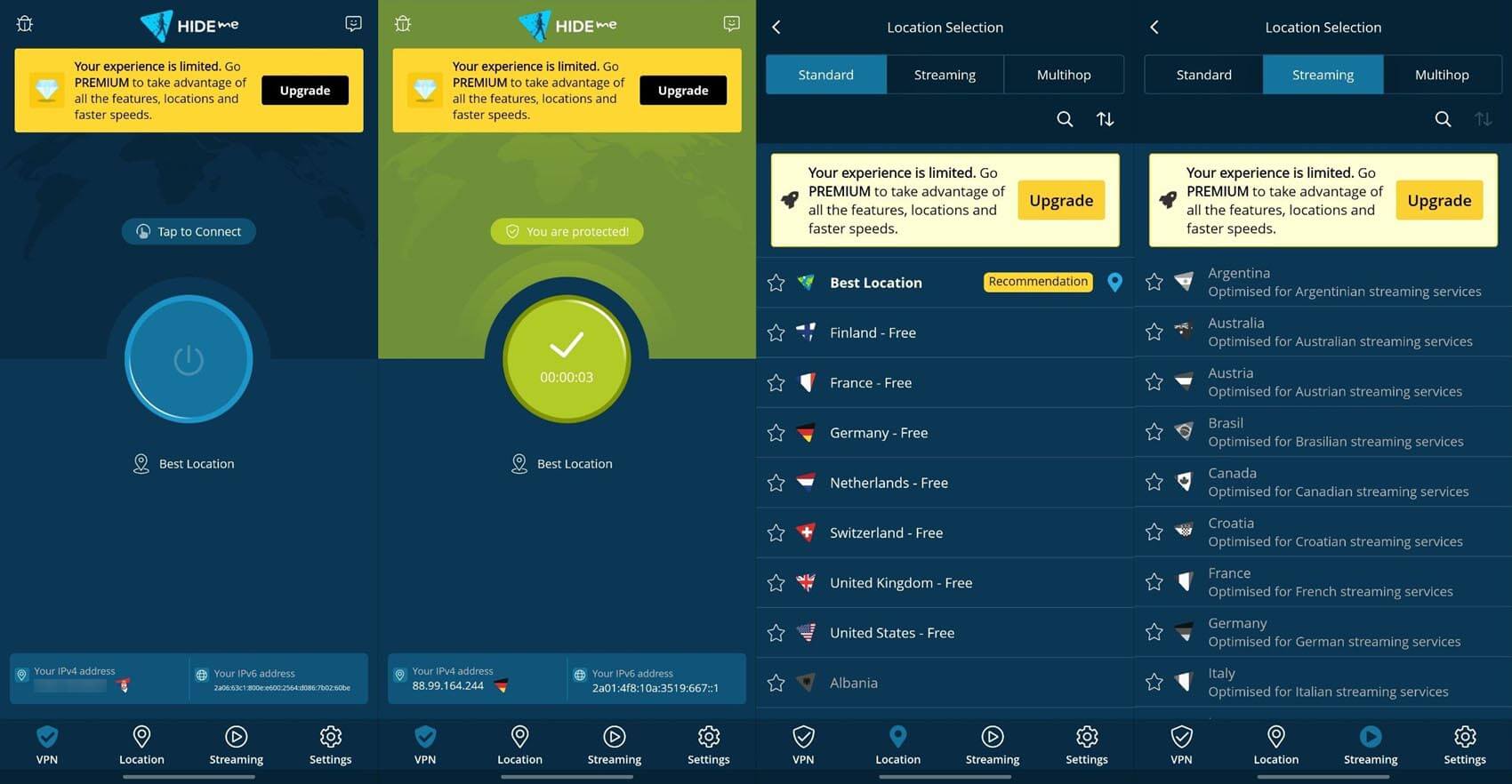
Hide.me pairs an uncapped free plan with something Proton VPN’s free plan doesn’t offer: a choice of server. Its seven free locations cover the US, the UK, Germany, France, the Netherlands, Switzerland, and Finland. So you can connect to a nearby server and keep it for the whole school day.
On Windows, its SoftEther protocol sends VPN traffic over the same kind of SSL connection websites use. That helps on networks that block VPNs. The phone apps don’t include SoftEther, though, so Hide.me works better on a school laptop than on a phone. Speed is the trade-off.
The free plan lost 30.5% of our speed, more than any other free plan in our tests. It doesn’t unblock streaming services either. In addition, it blocks torrent transfers, unlike the free VPNs that allow P2P. Use it for research and reading, and keep PrivadoVPN for video.
Free VPN Limits During a School Week
Data caps decide how long a free plan lasts. Proton VPN and Hide.me set none, while Windscribe and PrivadoVPN stop at 10 GB a month. In our tests, 10 GB covered about five hours of HD video. A capped plan lasts the month only if you use it mainly for browsing and coursework.
Devices are the second limit. Apart from Windscribe, every free plan here allows one connection at a time. So if you use a free VPN on your iPhone, you have to sign out there before connecting your laptop.
Installation is the third. Some school networks block VPN websites and app store downloads. Install the VPN and sign in at home before you need it at school. On a personal Chromebook, the Android versions of these VPNs install from Google Play.
For a Linux laptop, Proton VPN, Windscribe, and Hide.me offer free apps, while the best VPNs for Linux add paid options. Finally, keep VPNs off devices the school owns. A school laptop or managed Chromebook usually blocks app installs and may have monitoring software. Installing a VPN on it can also break the school’s rules.
The best VPNs for school belong on laptops and phones you own.
Paid vs Free VPN for School: Which One Is Better?
For research, reading, and messaging, a good free plan is enough. However, a paid VPN outperforms a free one once you add video, several devices, or a network that blocks VPNs aggressively. The table sums up the usual differences:
| Free VPNs | Paid VPNs | |
| Data | Often limited | Unlimited |
| Locations | Usually fewer than 15 | Up to 150+ |
| Simultaneous Connections | Usually one | Multiple (up to unlimited) |
| Streaming Support | Rare | Yes |
| Torrenting | Often blocked | Allowed |
| Speed | Average | Very fast |
| Ad-Blocking | Rare | Yes |
| Security | Basic | Advanced |
| No-Logs Policy | Depends on the VPN | Audited at the major VPNs |
If a free plan keeps running short, a budget-friendly VPN removes those limits for a few dollars a month. Most also come with a 30-day money-back guarantee.
Conclusion
A free VPN for school has two jobs: getting past the filter and lasting the week. Proton VPN’s free plan does that best for most students, and for coursework and browsing, it’s all most of them need.
Video is where free plans fall short, since a capped allowance runs out after a few evenings of streaming. If you want school WiFi to behave like your WiFi at home, NordVPN is the one we’d pay for once the free month ends.
Frequently Asked Questions
What is the best free VPN for school?
Proton VPN's free plan is the strongest choice for most students. It has no data cap, includes Stealth obfuscation for filtered networks, and never expires, although it assigns the server automatically.
Is there an unblocked VPN for school?
Yes, as long as it disguises VPN traffic. Proton VPN, Windscribe, and PrivadoVPN offer obfuscation on their free plans, and installing the VPN at home avoids school blocks on VPN websites.
Can I use a free VPN on a school Chromebook?
Only on a Chromebook the student owns. Personal Chromebooks run the Android versions of free VPNs from Google Play, while school-managed ones usually block installs, and policies often forbid VPNs.
Can a free VPN unblock Netflix at school?
Yes, some can. Windscribe's and PrivadoVPN's free plans unblock Netflix US, but their monthly data caps run out quickly with video. Proton VPN's and Hide.me's free plans don't unblock Netflix.
Is a free VPN safe to use at school?
Yes, if it comes from a reputable company with a clear no-logs policy, such as Proton VPN or Windscribe. Unknown free VPNs often log browsing data or show intrusive ads to make money.